

Bionicle Heroes brings to life the most powerful and exciting LEGO characters ever seen in one game, in an action-packed world of adventure and discovery. Take control of a young hero as he steps out of the real world and into the strange and dangerous universe of Bionicle. Only by mastering the powers and special abilities of the greatest Bionicle heroes will he be able to overcome the many challenges ahead.
Support Summary
Game Information
Screenshots Comparison
Solutions & Issues
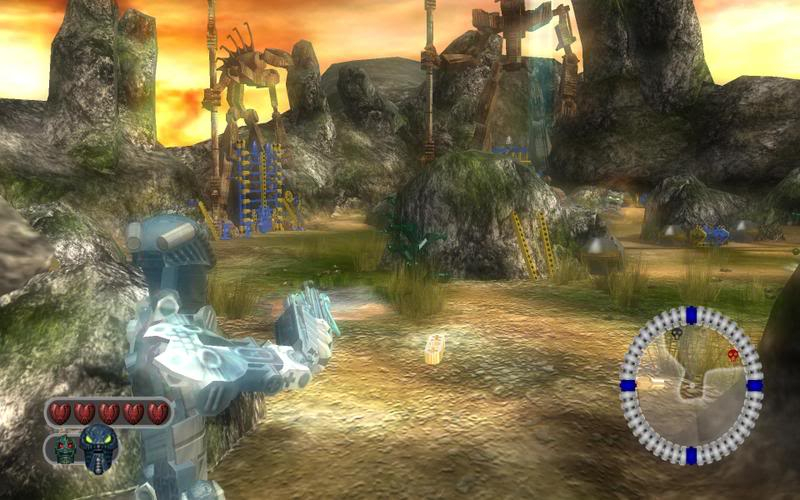
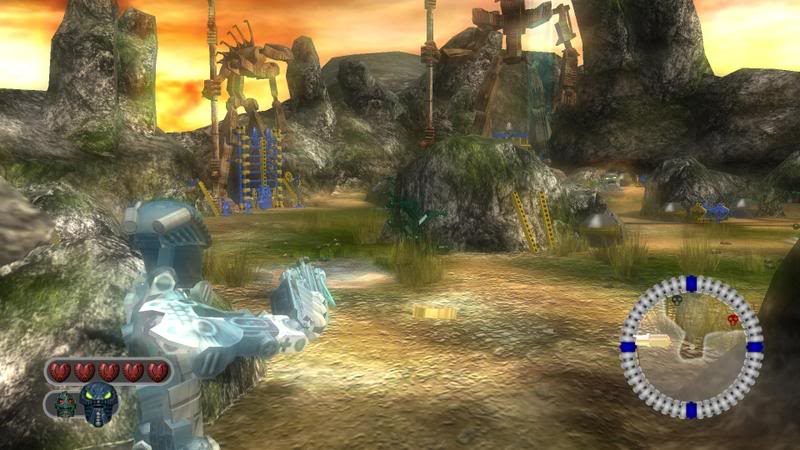
Native support for 4:3 and 16:9 aspect ratios (all others stretch), but the menu only lists 4:3 resolutions.
To run the game in arbitrary resolutions, open the file nuconfig.txt, located in the directory to which you installed the game (if you have already run the game before this, open c:\Documents and Settings\(The Username you are logged in under)\Local Settings\Application Data\EIDOS\BIONICLE Heroes\nuconfig.txt instead).
Change NU_PCRESW to the desired horizontal resolution, NU_PCRESH to the desired vertical resolution, and set NU_PCWIDESCREEN to 1.
(example for 1920x1080)
NU_PCRESW 1920
NU_PCRESH 1080
...
NU_PCWIDESCREEN 1
Vert-/Hor+ (same as Lego Star Wars 2 and Lego Indiana Jones, which isn't surprising, as this game was made by the same dev house)
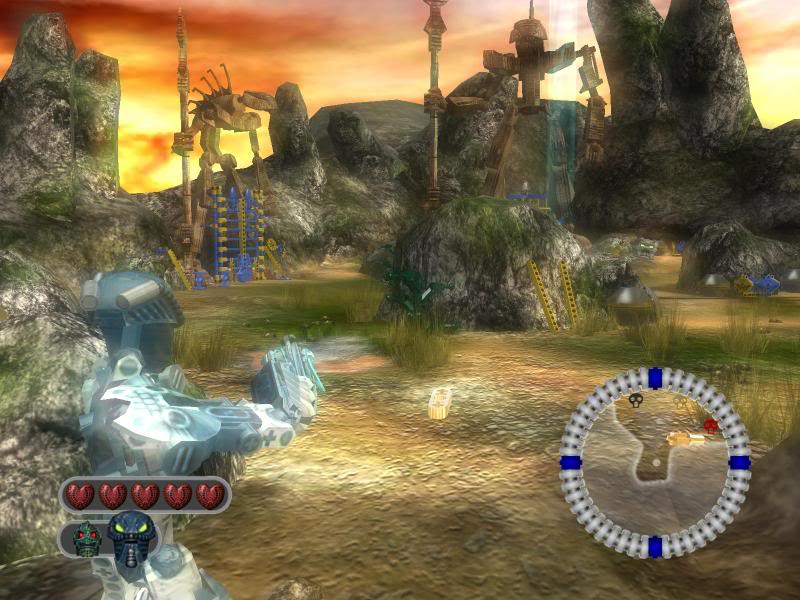
Gameplay Screenshots


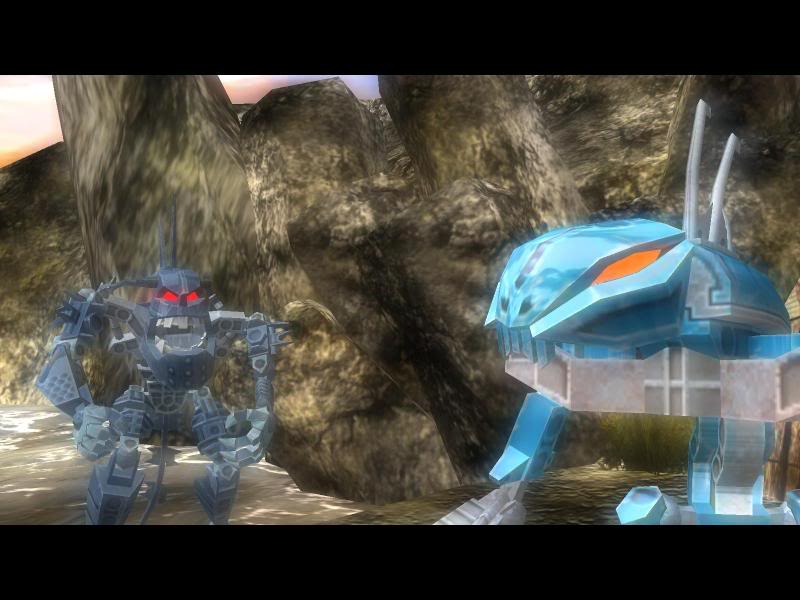
In-Game (Rendered) Cutscenes

FMV Cutscenes
Additional Screenshots