


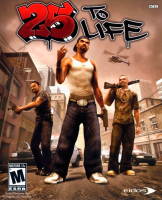



Third person shooter in which you play as many characters on different quests and on different sides of the law.
Support Summary
Game Information
Game Status:Released
Release Date:
Tested Version:Retail 1.0
Play Styles:
Setting:Crime
Genre:Third-Person Shooter
Developer:
Screenshots Comparison
Solutions & Issues
Widescreen Solution & Issues:
Native Hor+ Use TTLLauncher.exe to change Resolution.
Optional higher FOV:
Go to --> 25.to.Life\data\var\shootercam.var
Change FOV 65 to FOV 85 (see Additional Screenshots)
Ultra/Super-Wide Specific Solution & Issues:
Same Solution as in Widescreen.
Eyefinity / Surround Specific Solution & Issues:
Same Solution as in Widescreen.
4K UHD Specific Solution & Issues:
Same Solution as in Widescreen.
Gameplay Screenshots
4:3 Screenshot

16:10 Screenshot

16:9 Screenshot

21:9 Screenshot

32:9 Screenshot

Eyefinity / Surround Screenshot

In-Game (Rendered) Cutscenes
4:3 Cutscene

16:10 Cutscene

16:9 Cutscene

21:9 Cutscene

Eyefinity / Surround Cutscene

FMV Cutscenes
4:3 FMV Cutscene

16:10 FMV Cutscene

16:9 FMV Cutscene
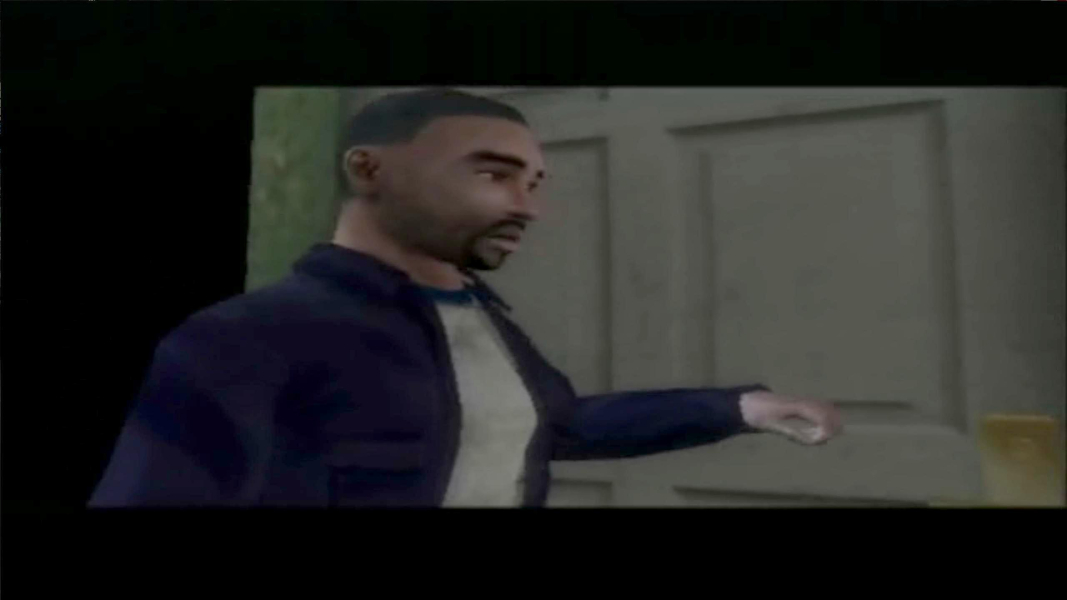
21:9 FMV Cutscene

Eyefinity / Surround FMV Cutscene

Menu Screenshots
4:3 Menu

16:10 Menu

16:9 Menu
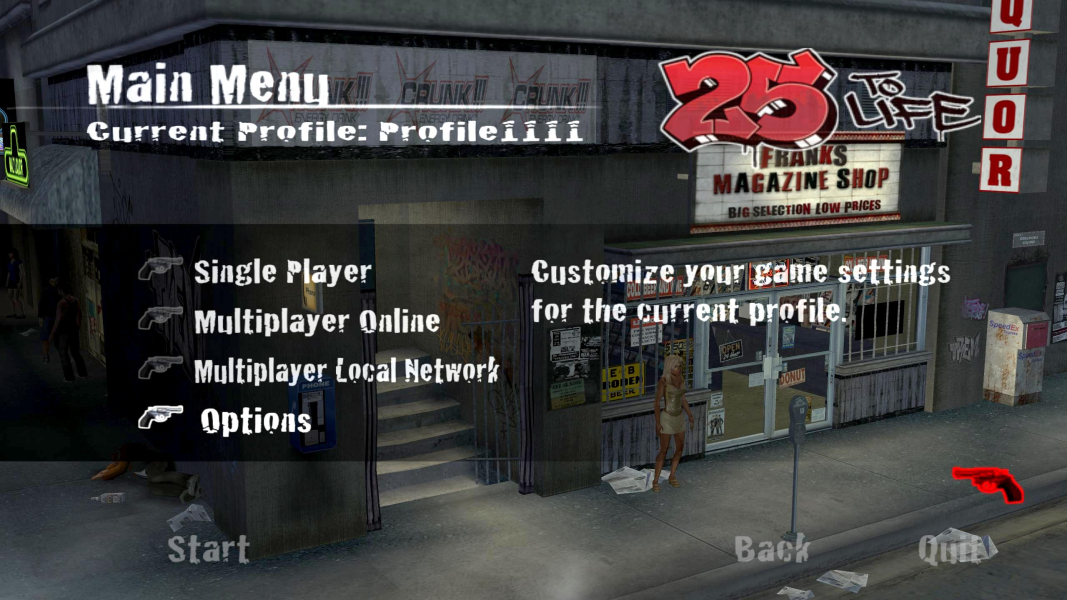
21:9 Menu
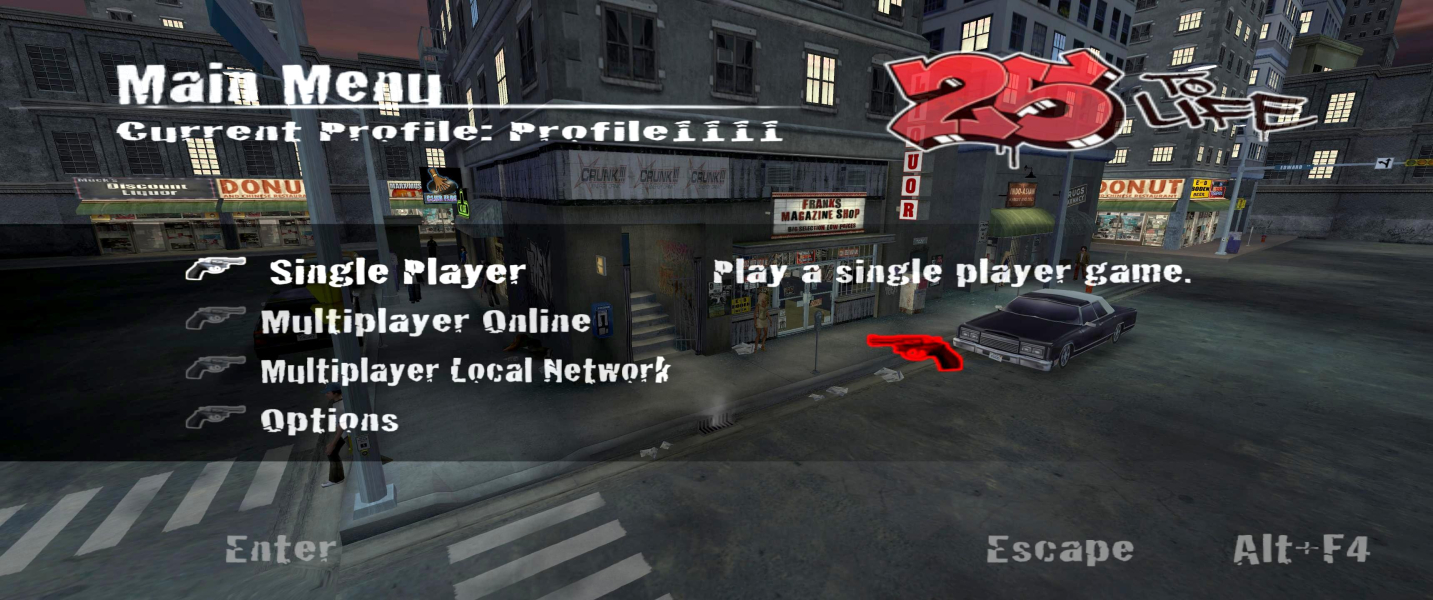
Eyefinity / Surround Menu

4K UHD Screenshots
4K Gameplay Screenshot
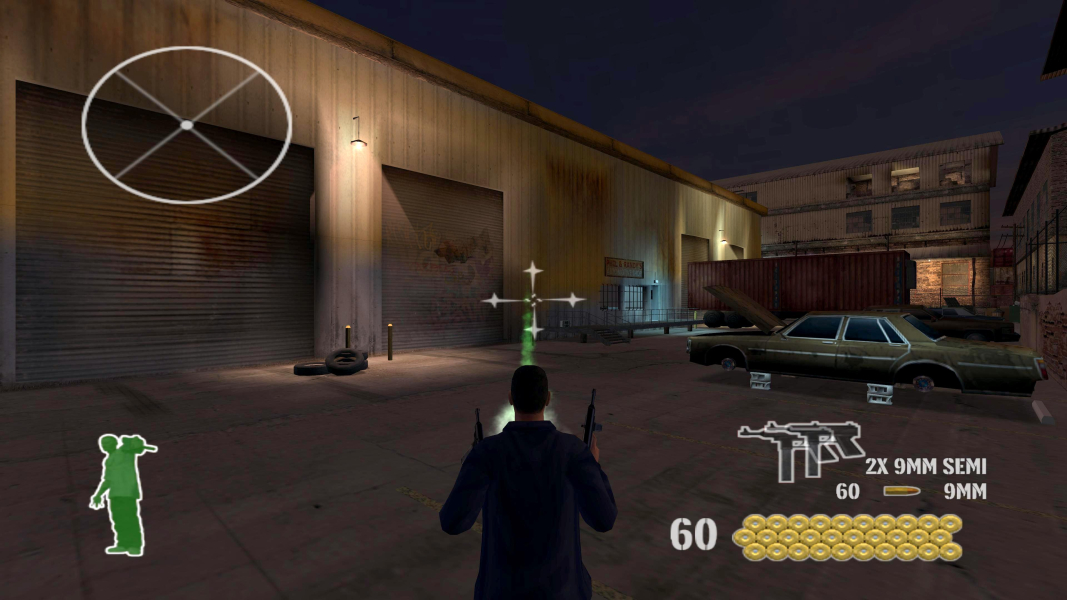
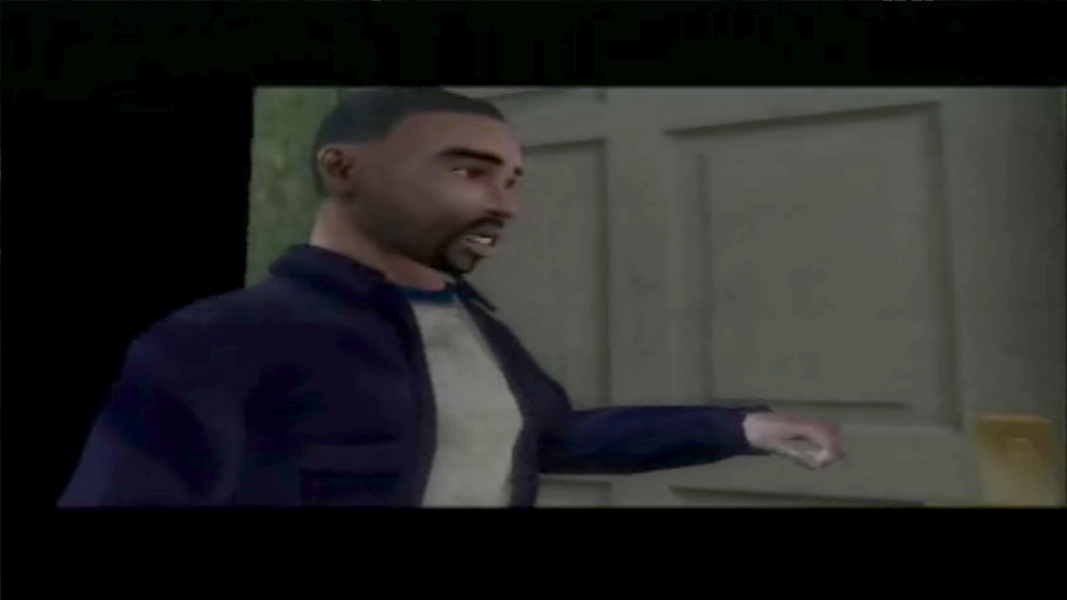
4K In-Game Cutscene

4K FMV Cutscene
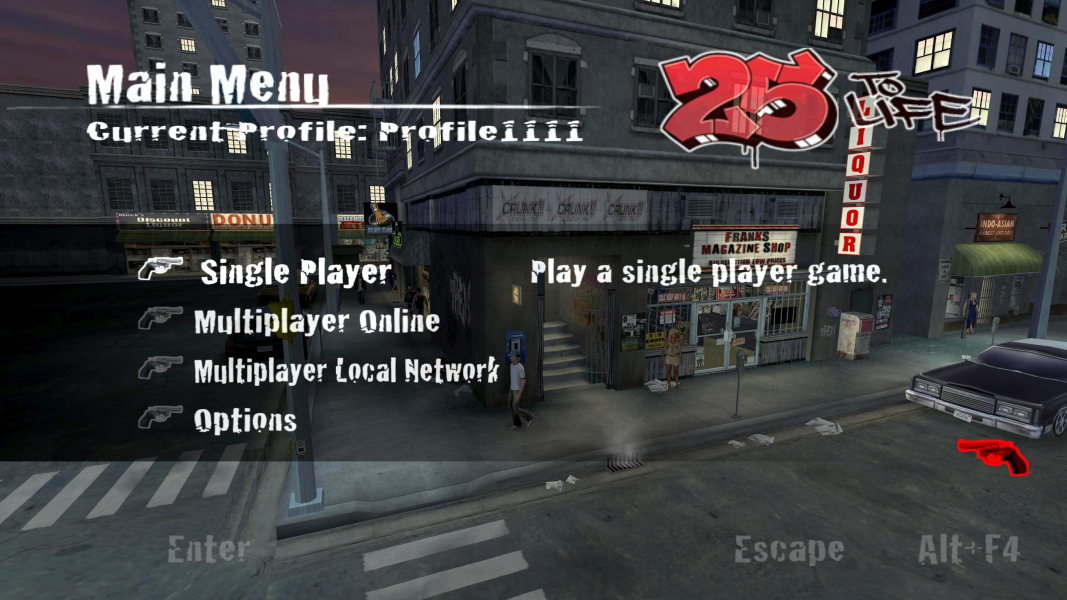
4K Menu Screenshot
Additional Screenshots

FOV 65 (original)
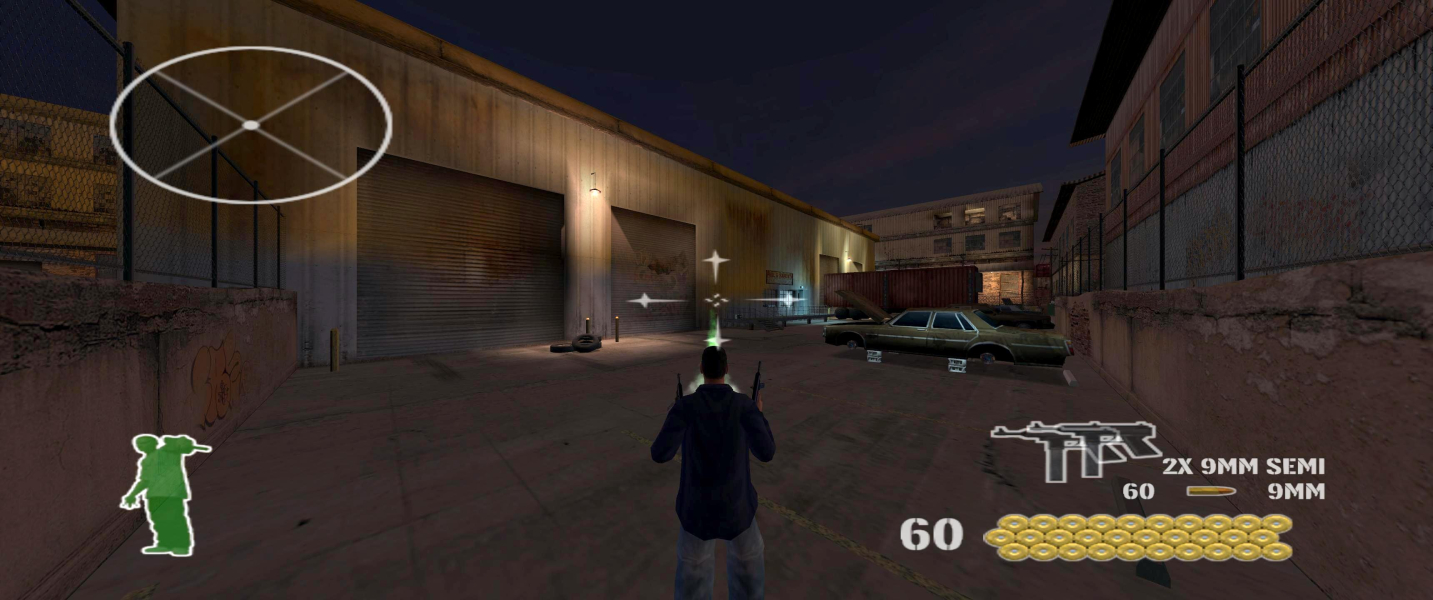
FOV 85


