

Alien Dominion is an arcadey space shooter from defunct Black Fire Games
Support Summary
Game Information
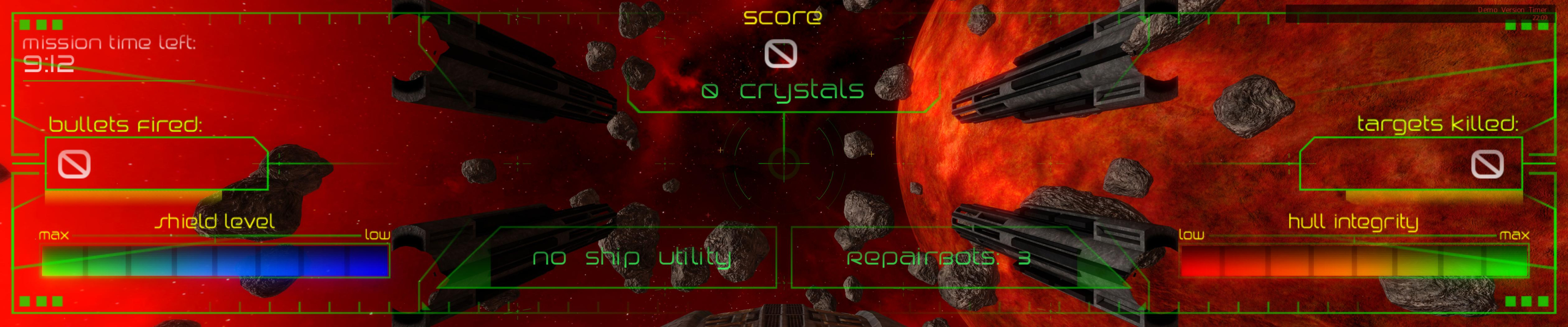
Screenshots Comparison
Solutions & Issues
Simply select your resolution from the Settings menu and restart the game.
Alternatively you can edit <gameDir>\AD\bin\Release\ogre.cfg
Surround is broken.
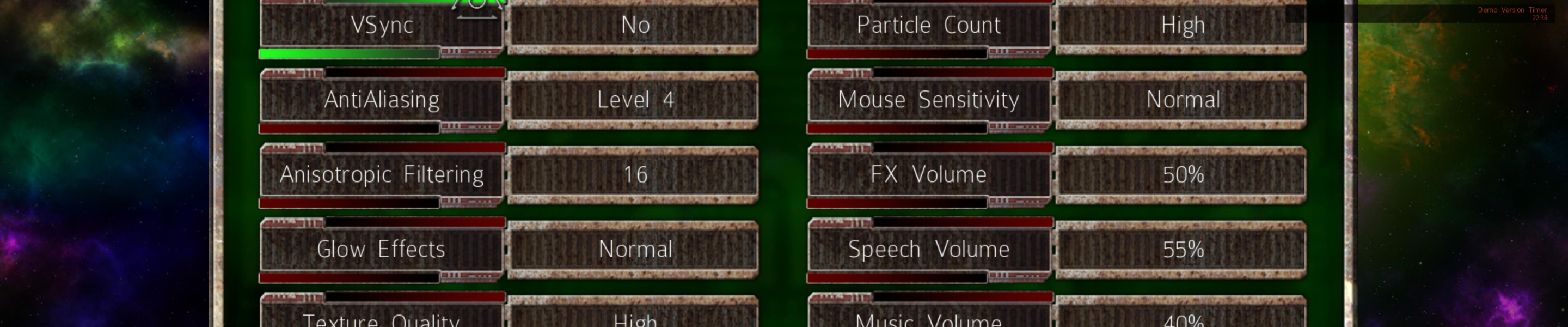
All menus are "Vert-". The top and bottom are cut off and since you can only navigate with the mouse, a number of buttons are hopelessely out of reach.
See the "menu" screenshots below.
Although it is still possible to start a new game, you can't reach level 2 because of this: the Continue button is invisible, the mouse cursor can't go beyond the screen borders, so you can't even try to click blind. And apparently you can't select your level or save your game at any point.
The UI may or may not be fixable by modding OceanDemoLayout.xml in <gameDir>\AD\data\gui\gui.zip
Anyway, if you want to give Mission 1 a whirl, first run the game at any "regular", single-screen resolution and disable the Tutorial (or you will be stuck at the tutorial screen). Then select your multi-monitor res.
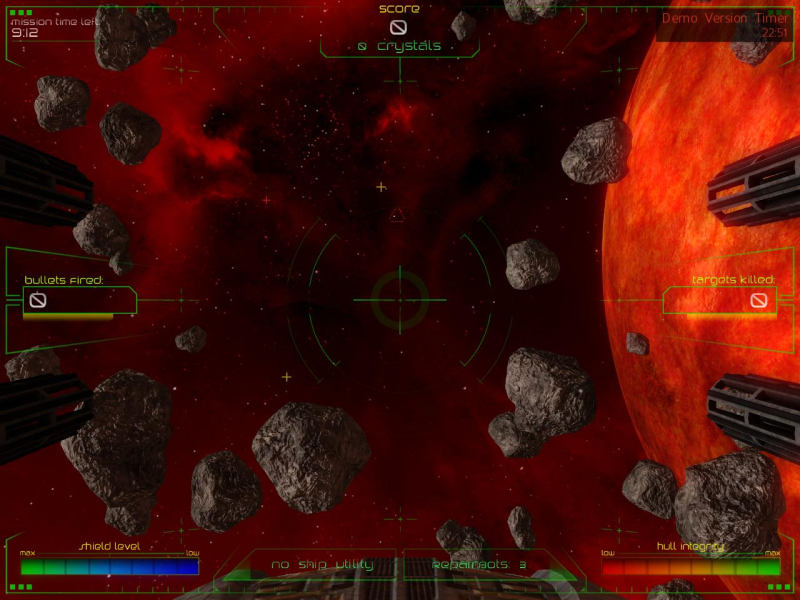
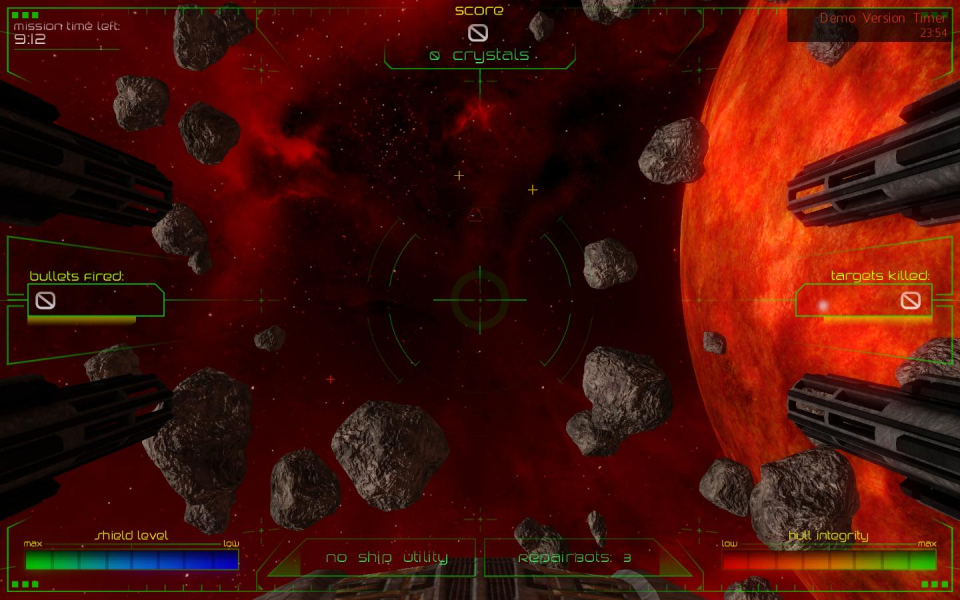
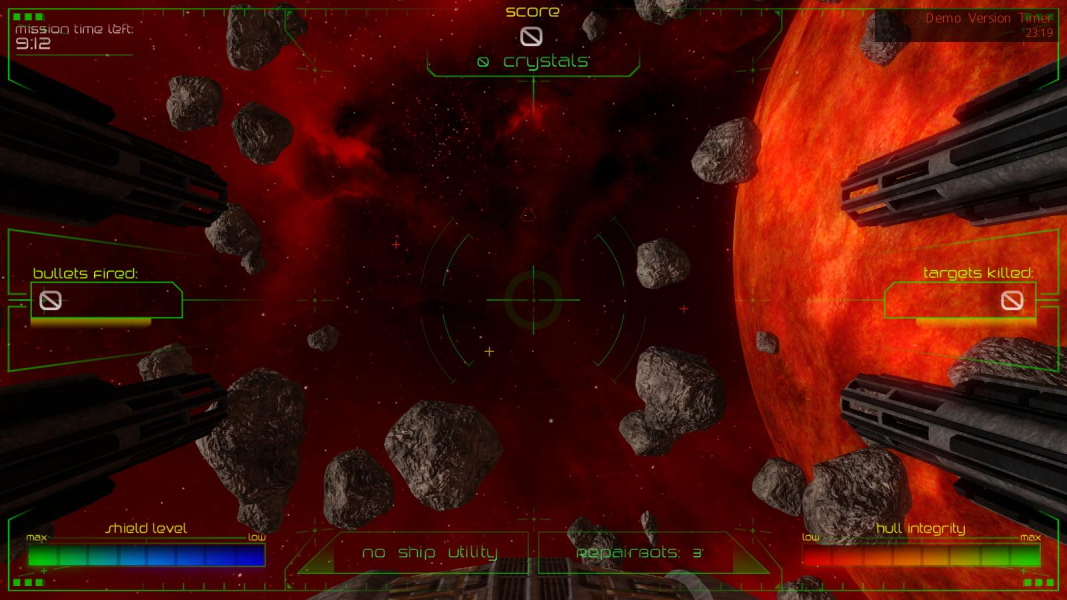
Gameplay Screenshots


Menu Screenshots