


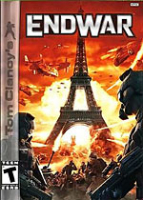


Tom Clancy's EndWar: a UE3-based "console RTS" ported to the PC in February 2009.
Support Summary
Game Information
Game Status:Released
Release Date:
Setting:
Genre:Real-Time Tactical
Developer:Ubisoft
Store Links:
Screenshots Comparison
Solutions & Issues
Widescreen Solution & Issues:
Select your resolution under Settings\Display, then exit and restart the game.
1280x768, 2560x1600 and Surround resolutions require manual input:
C:\Program Files\Ubisoft\Tom Clancy's EndWar\OfGame\Config\PCOfEngine.ini
[WinDrv.WindowsClient]
StartupResolutionX=
StartupResolutionY=
Vert- with a slight horizontal squish in non-16:9 widescreen.
Gameplay Screenshots
4:3 Screenshot

16:10 Screenshot

16:9 Screenshot

21:9 Screenshot

32:9 Screenshot

Eyefinity / Surround Screenshot


