


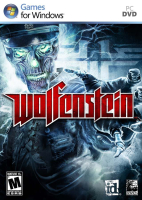


Wolfenstein is yet another "fantasy WW2" shooter pitting you against mad science, hubris-ridden nazis. You won't be forced to play through a series of levels back-to-back, as the streets of the town-hub are free to explore before you take on any unlocked mission or replay completed ones. Besides guns and explosives you will rely on the occult powers of The Veil, a distorted reality in which you can slow down time, block bullets and discover secret passages. Top that with lots of grisly dismemberment, intel searching and german accent, and it starts to feel a lot like 'Prey meets F.E.A.R.' with a touch of NecroVisioN and a drop of No One Lives Forever 2. How lovely is that ?
Support Summary
Screenshots Comparison
Solutions & Issues
Native for 16:10 and 16:9. Simply select your desired resolution from the in-game Video options menu.
For Hor+ 15:9, use the following values in
(XP) C:\Documents and Settings\\Local Settings\Application Data\id Software\WolfSP\base\wolf.cfg
(Vista/7) C:\Documents and Settings\Application Data\Local\id Software\WolfSP\base\wolf.cfg
seta r_initialAspectRatio "1.67"
seta r_letterBoxedHeight "768"
seta r_letterBoxedWidth "1280"
seta r_customHeight "768"
seta r_customWidth "1280"
seta r_fullscreen "1"
seta r_displayRefresh "60"
seta r_mode "-1"
SINGLEPLAYER : edit + 3rd party
1) In Notepad, open wolf.cfg that can be found in
(XP) C:\Documents and Settings\\Local Settings\Application Data\id Software\WolfSP\base\
(Vista/7) C:\Documents and Settings\Application Data\Local\id Software\WolfSP\base\
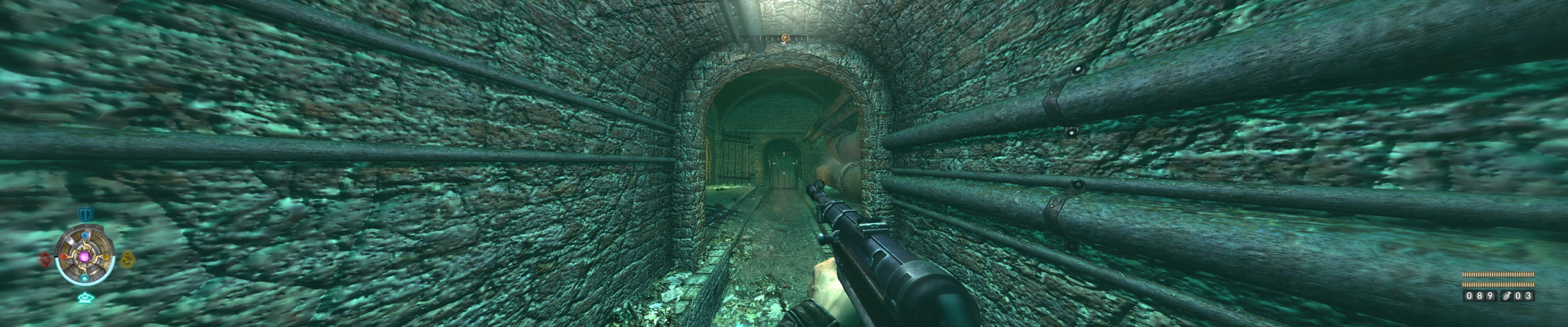
For 5040x1050@57Hz, use these values :
seta r_initialAspectRatio "4.8"
seta r_letterBoxedHeight "1050"
seta r_letterBoxedWidth "5040"
seta r_customHeight "1050"
seta r_customWidth "5040"
seta r_fullscreen "1"
seta r_displayRefresh "57"
seta r_mode "-1"
2) Download and run dopefish's Widescreen Fixer v1.65+
Select Wolfenstein v1.11 [SP]
Select your desired aspect ratio (3x 16:10)
Launch the game, then press ; to apply.
MULTIPLAYER : Method similar to ETQW, no 3rd party app required.
For 5040x1050@57Hz, save the following settings into a new autoexec.cfg file in My Documents\id Software\WolfMP\base
set r_customAspectRatioV "10"
set r_customAspectRatioH "48"
seta r_aspectRatio "-1"
set r_customHeight "1050"
set r_customWidth "5040"
set r_mode "-1"
set r_displayRefresh "57"
Launch Wolf MP, you're all set.
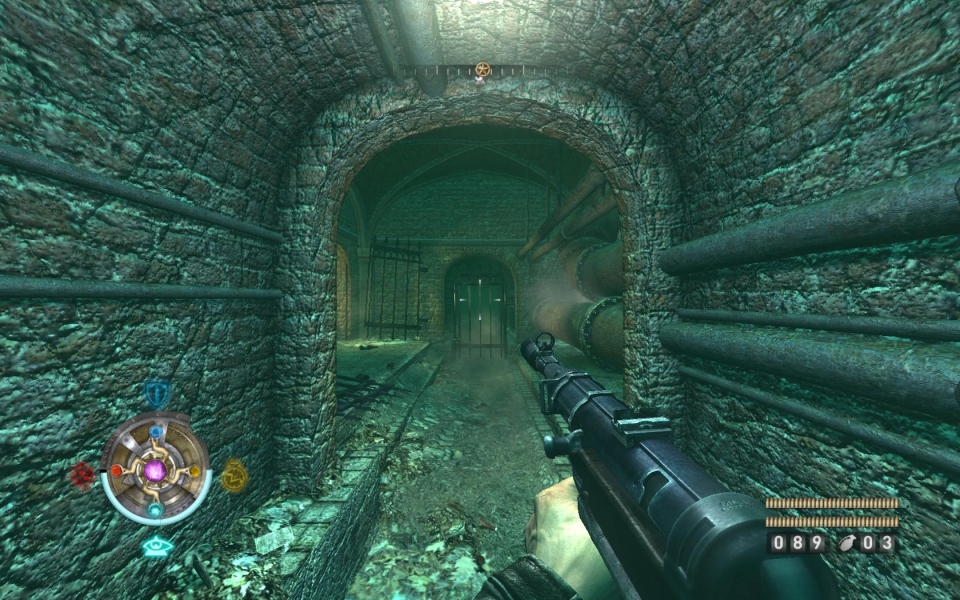
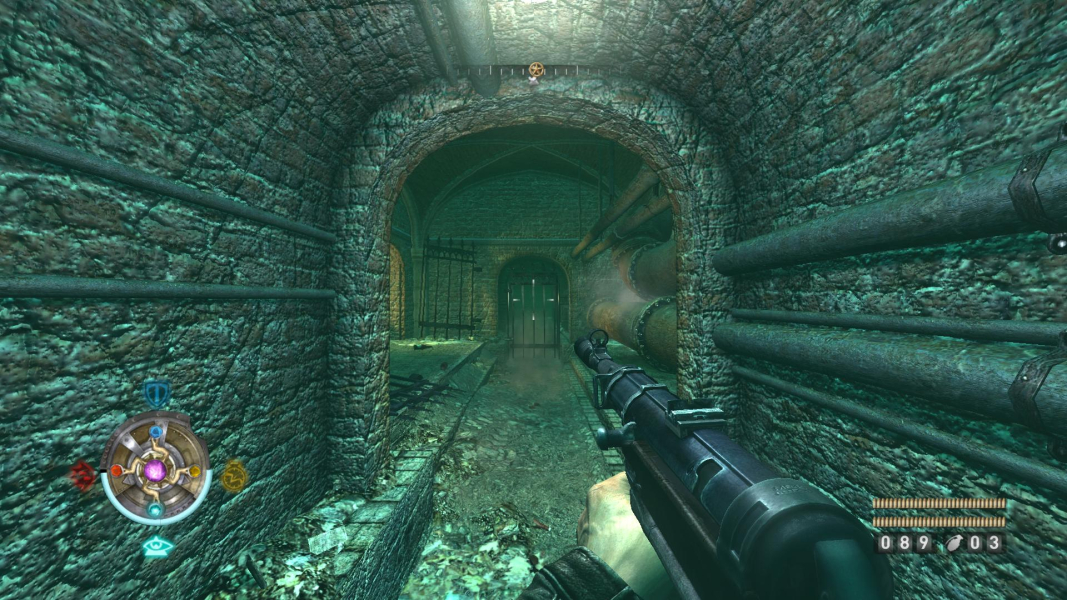
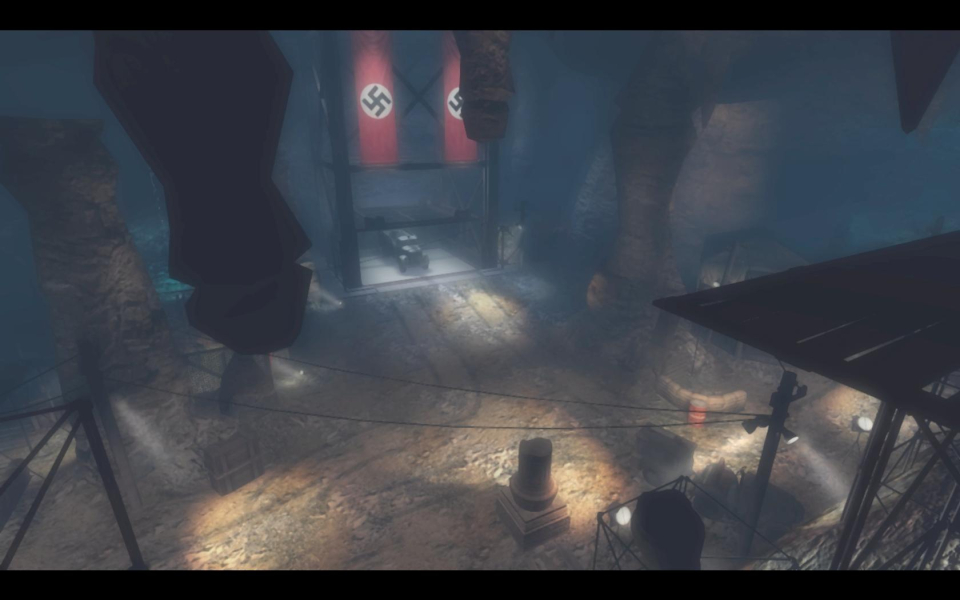
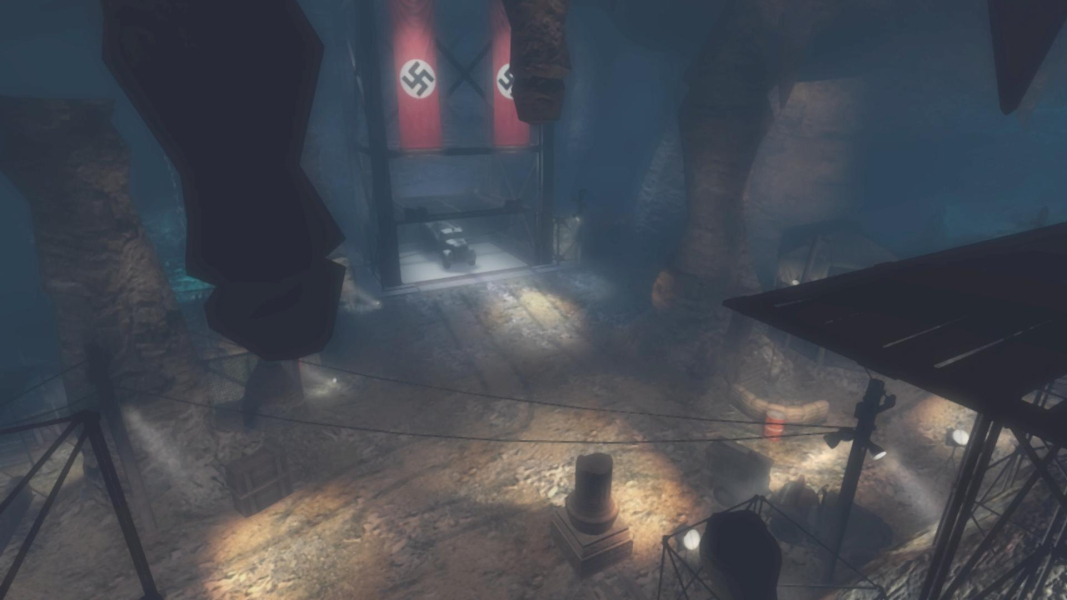
Gameplay Screenshots



FMV Cutscenes


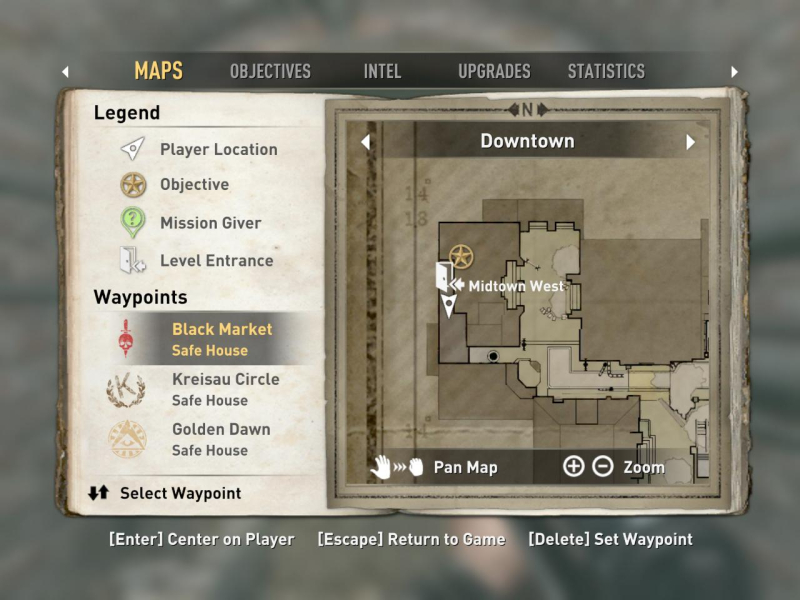
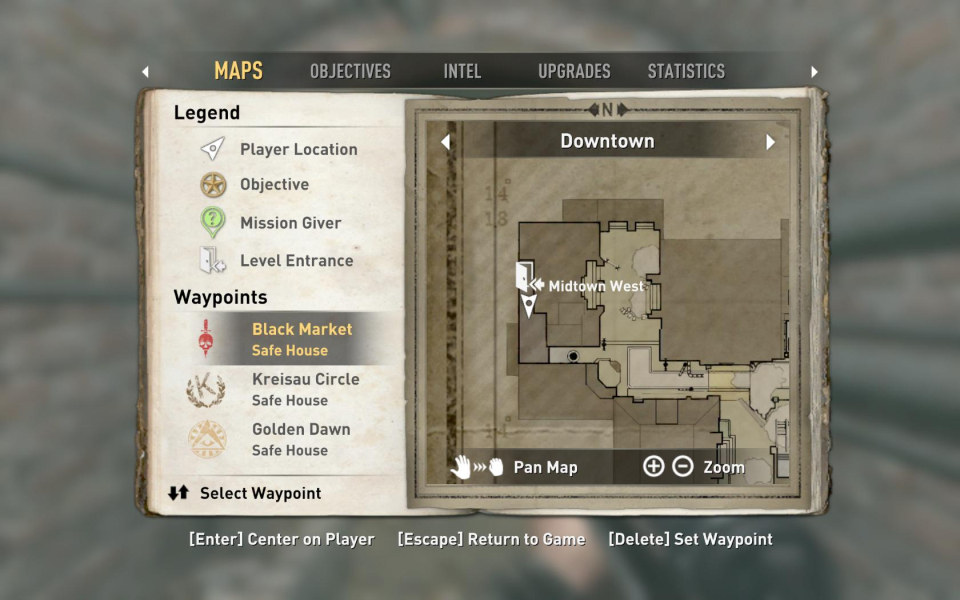
Menu Screenshots
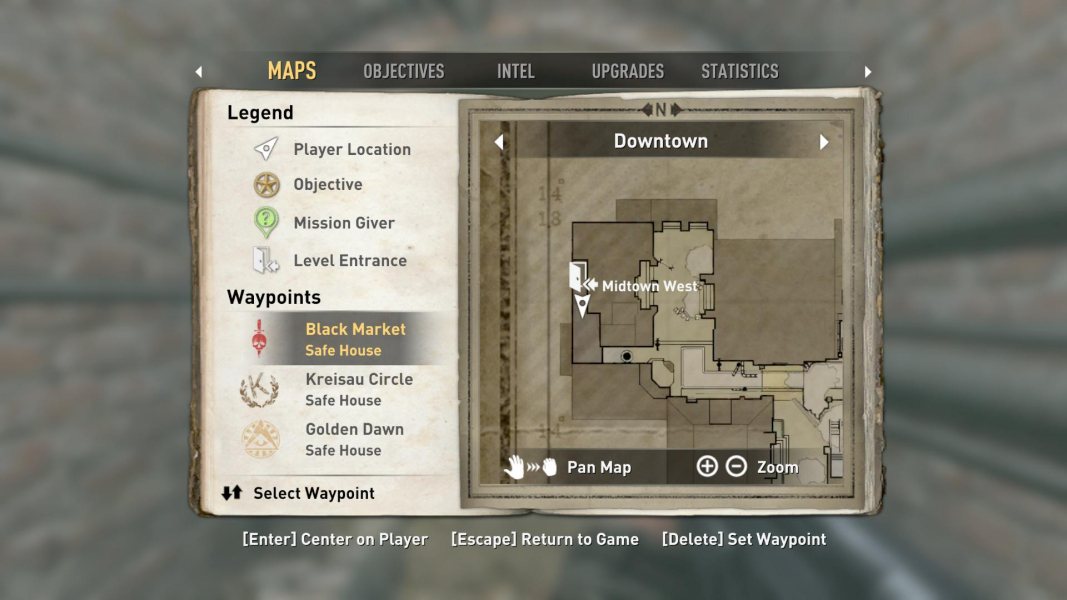

Additional Screenshots


