


Bioware's attempt at a party-based RPG like the good old days.
The box says, "partial nudity" so it has to be a quality product.
Enjoy, adventure, pillage, murder, do what you do best.
Support Summary
Game Information
Screenshots Comparison
Solutions & Issues
The main menu is Vert - in widescreen resolutions. The menu options scale properly in widescreen resolutions.
The loading screen is Hor + up to 16:9 widescreen resolutions and Vert - in widescreen resolutions wider than 16:9. The text scales properly in widescreen resolutions.
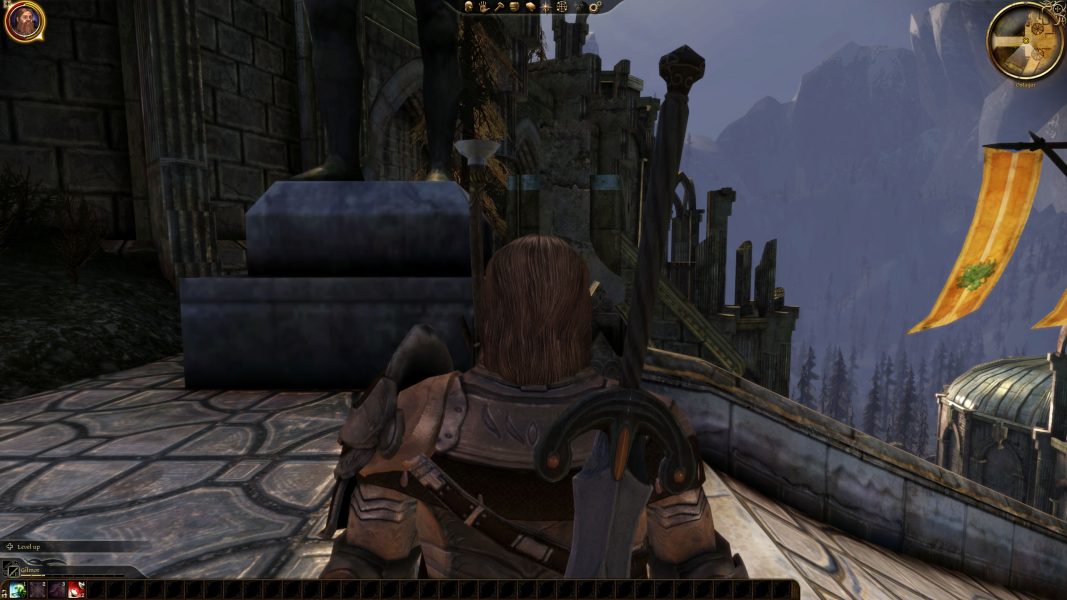
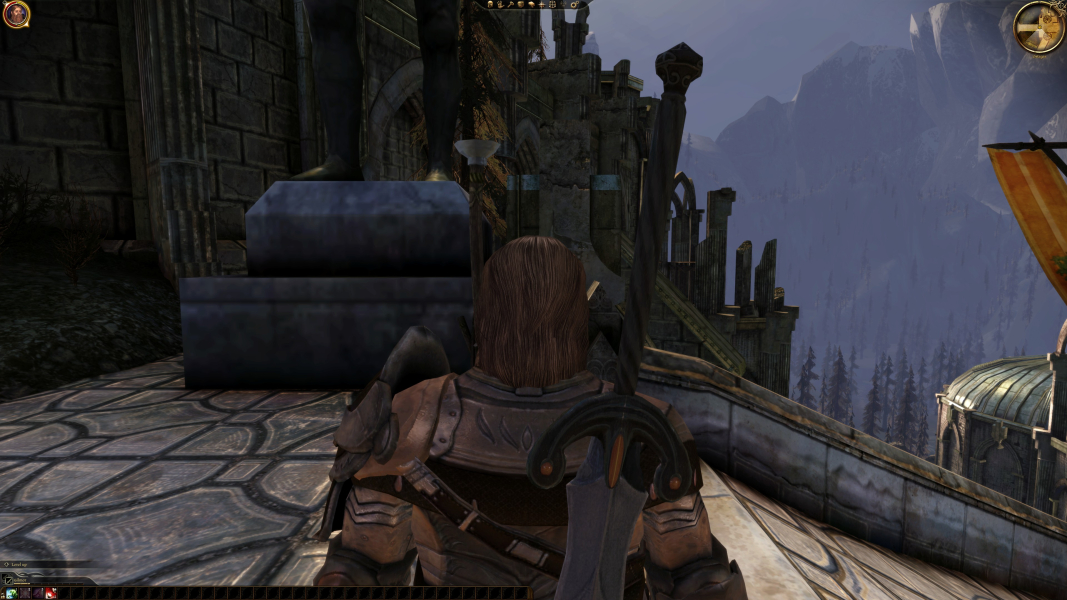
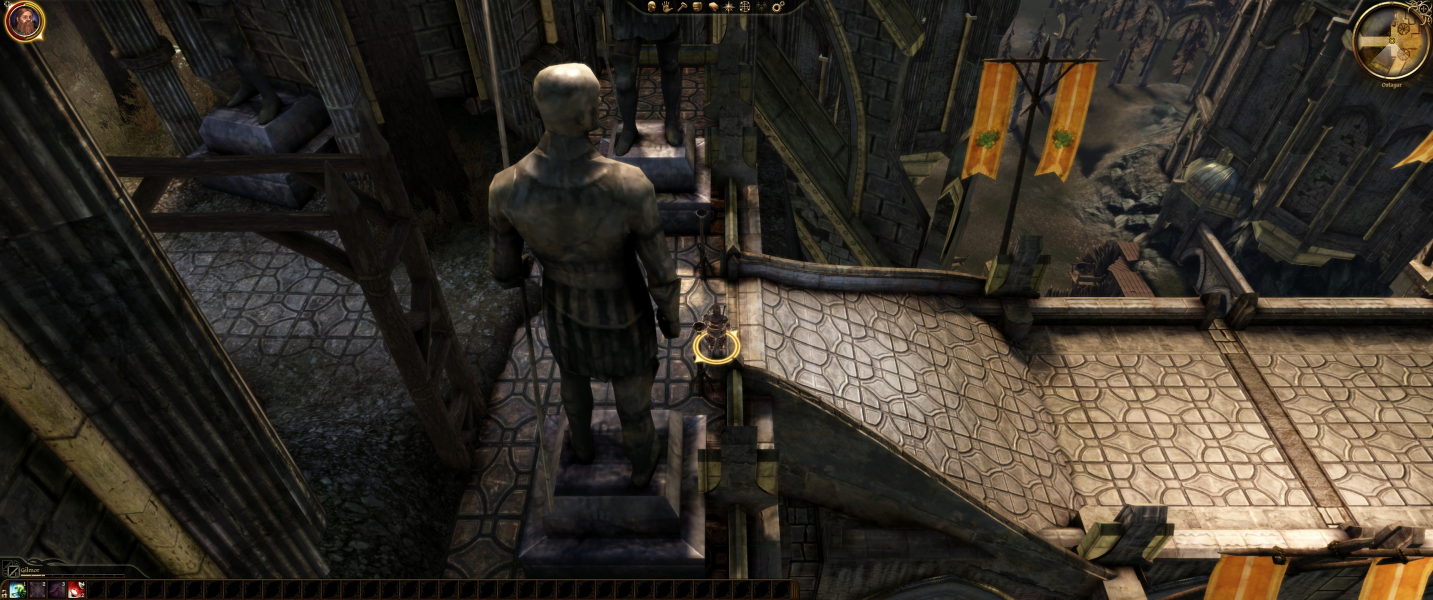
The HUD and all two-dimensional objects do not stretch in widescreen resolutions. The HUD and all two-dimensional objects will not scale past 1280x960.
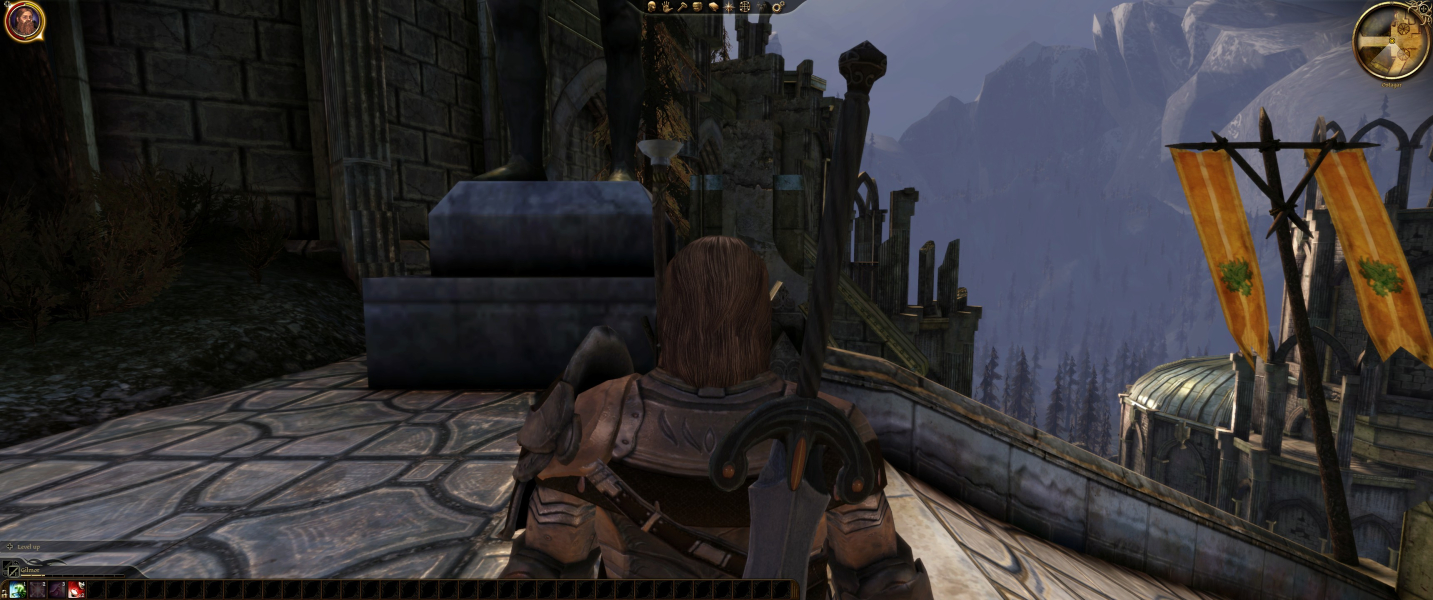
Support for 21:9 is native. The only issue are with the HUD. The bottom "quick bar" is stuck on the left corner. These issues are fixed with Widescreen Fixer.
Support for Eyefinity and Surround is native. The only issue are with the HUD. The upper left and right elements span to the left and right screens. The bottom "quick bar" is stuck on the left screen. These issues are fixed with Widescreen Fixer.
If you need to manually add resolutions wider than 16:9. Go to "Documents and Settings\*User Name*\My Documents\BioWare\Dragon Age\Settings" and open "DragonAge.ini" with a text editor.
Support for 4k is native. Overall the HUD is and 2D elements are very tiny. This may not be an issue for the top menu and other elements, but the "book" and map can be hard to read. Also, the bottom "quick bar" is stuck on the left corner. This may be fixable with Widescreen Fixer, but is untested.
Gameplay Screenshots




In-Game (Rendered) Cutscenes
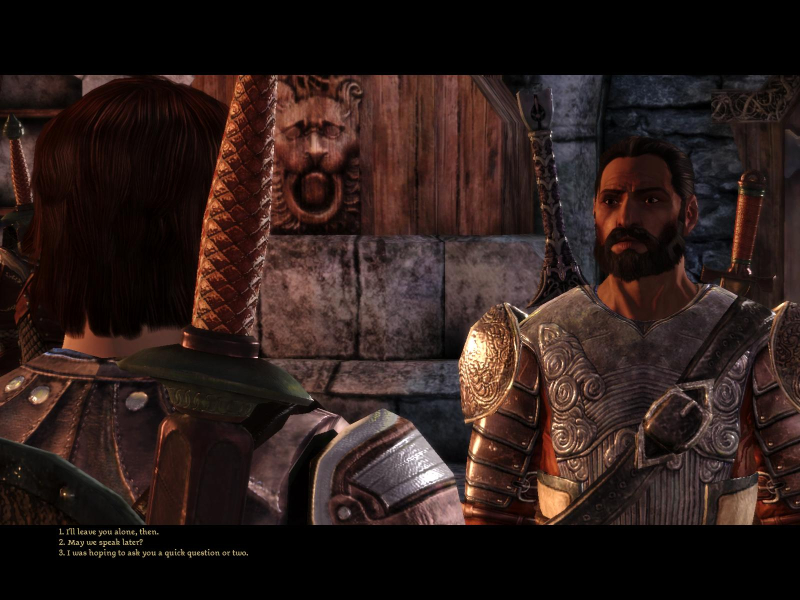
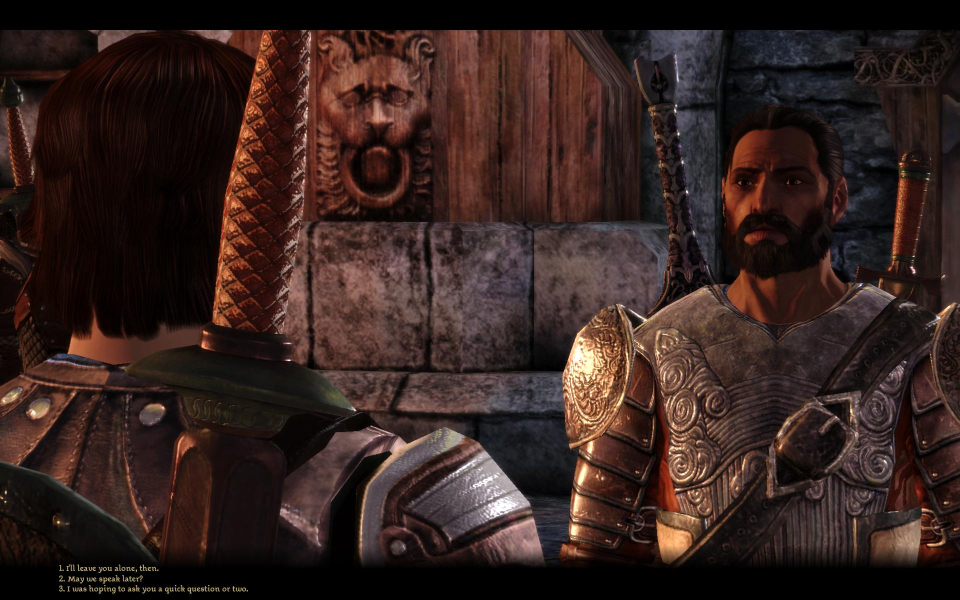
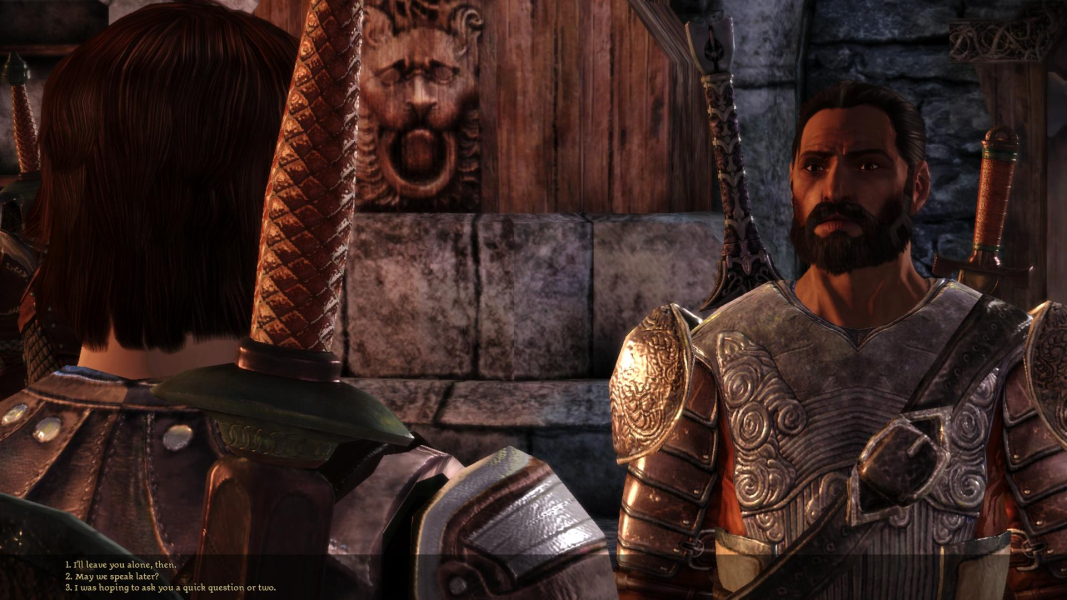

FMV Cutscenes
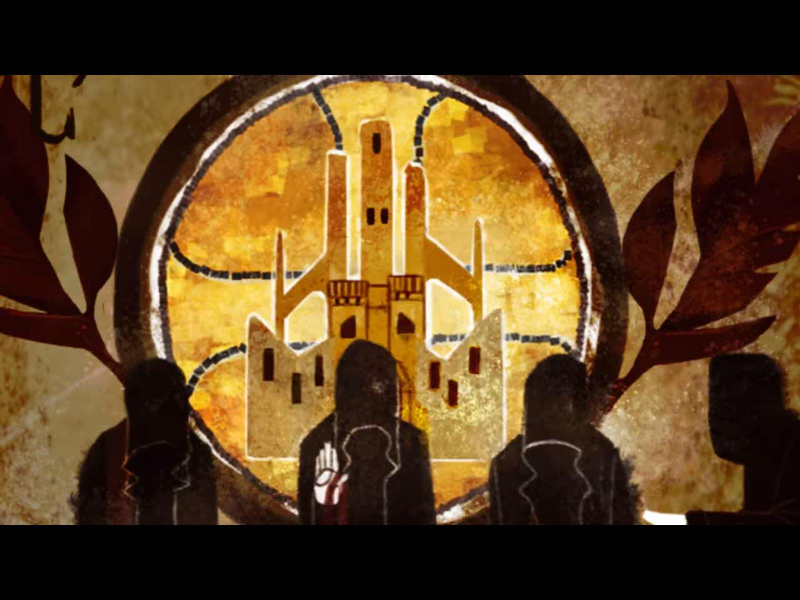



Menu Screenshots


4K UHD Screenshots
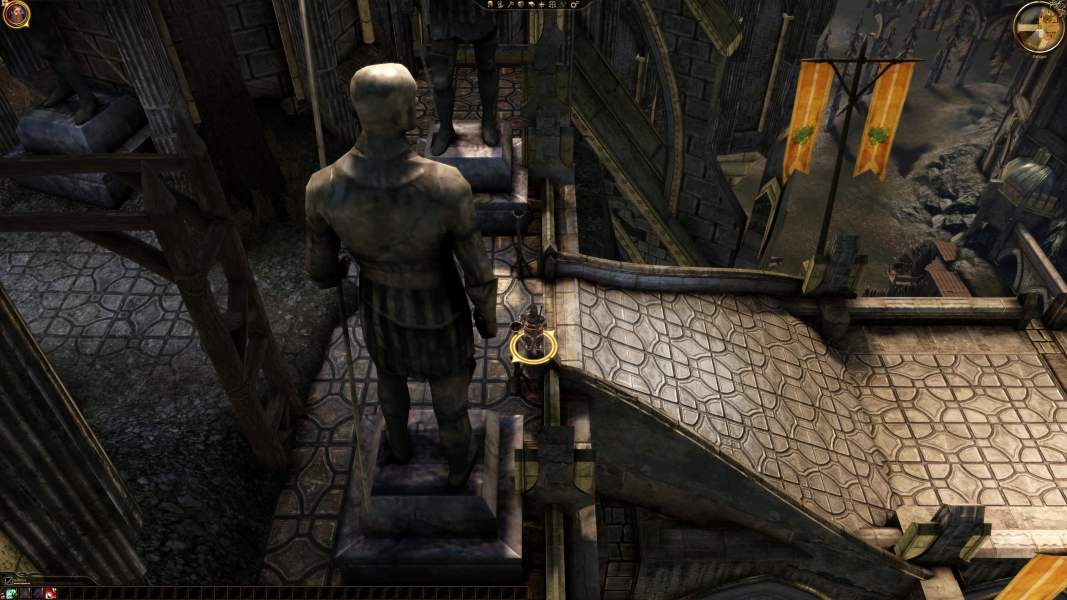

Additional Screenshots