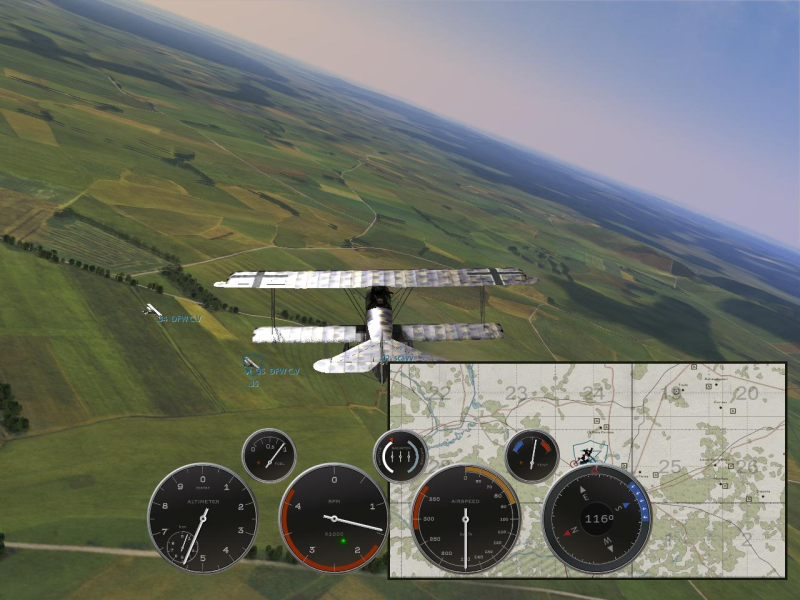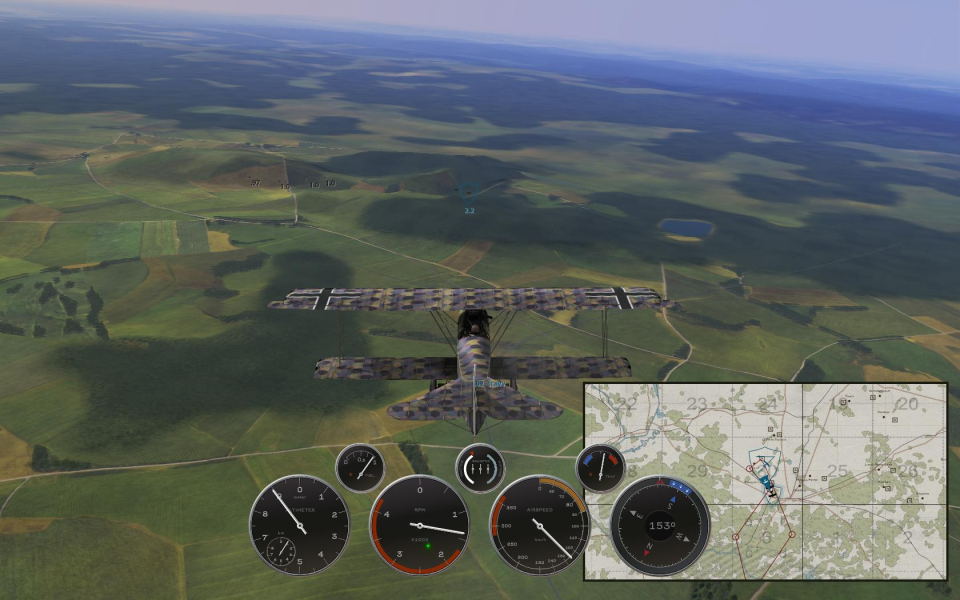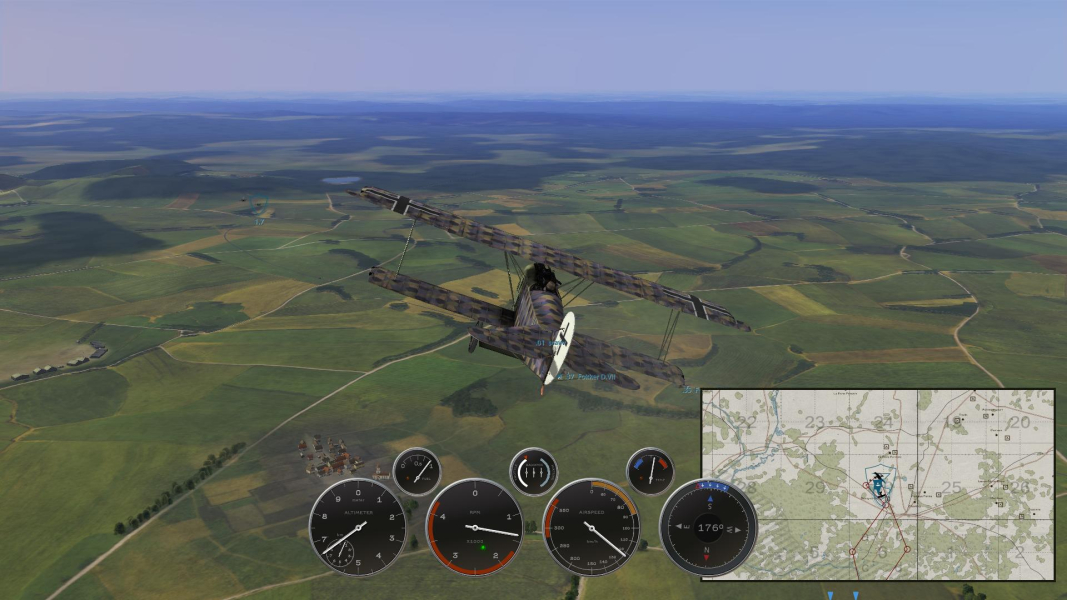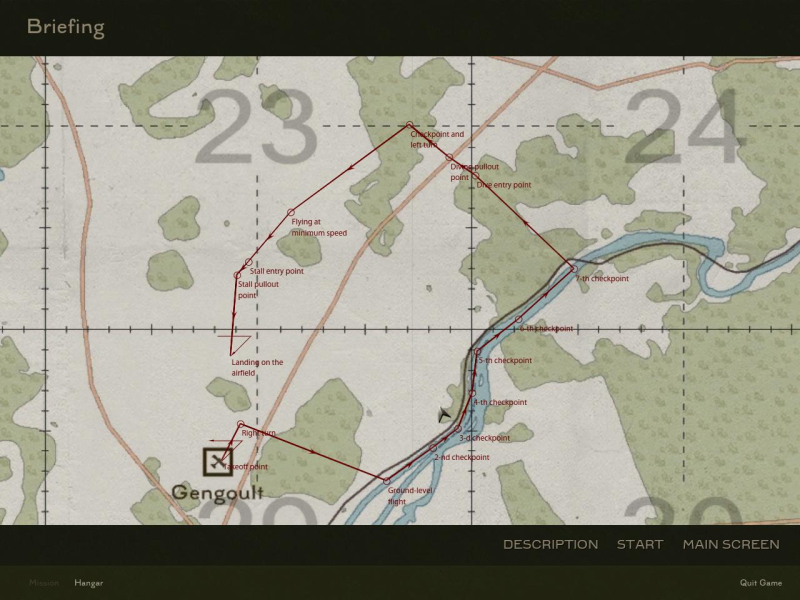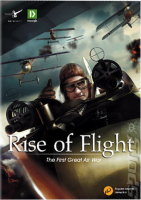


Rise of Flight is a flight simulator depicting aerial warfare over the Western Front during the First World War. The time line of Rise of Flight currently covers the years from 1916-1918. The included game map covers over 120,000 km² of the Western Front.
Some well-known flyable aircraft are included in the base game (Albatros D.Va, Fokker D.VII, Nieuport 28.C1, SPAD 13.C1), with additional add-on aircraft from 1916 to 1918 available for purchase online.
Each plane and the simulation of its respective engine and weapons is modeled in great detail. Furthermore, the game renders damage to the aircraft resulting from airframe stress, battle damage, fire, and collisions.
Rise of Flight was created by the Moscow-based game developer Neoqb and is based on the 'Digital Nature' game engine. Rise of Flight's years of development by the team at Neoqb created a combat flight simulation that makes good use of modern hardware, including head tracking devices such as TrackIR.
Support Summary
Game Information
Screenshots Comparison
Solutions & Issues
Native.
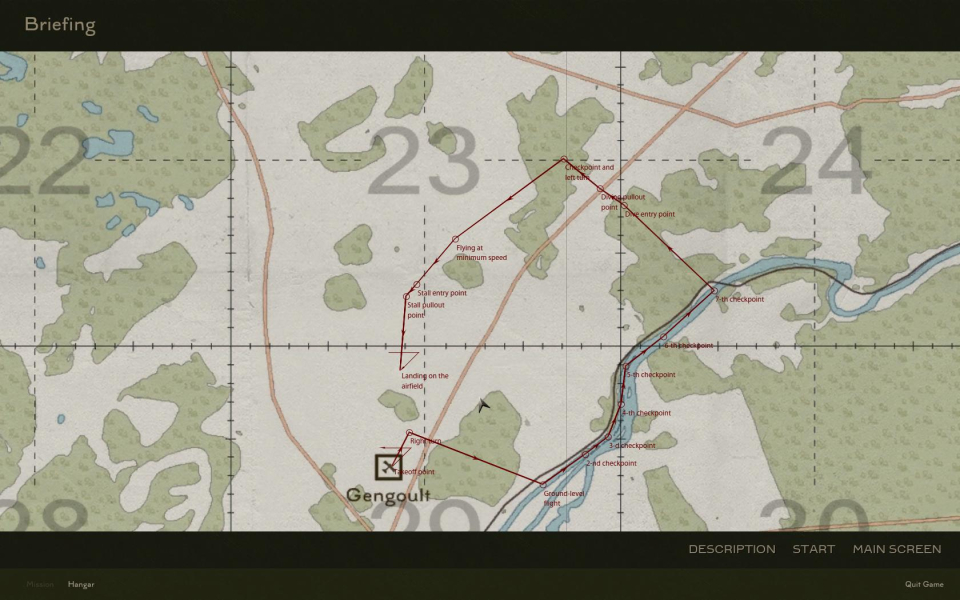
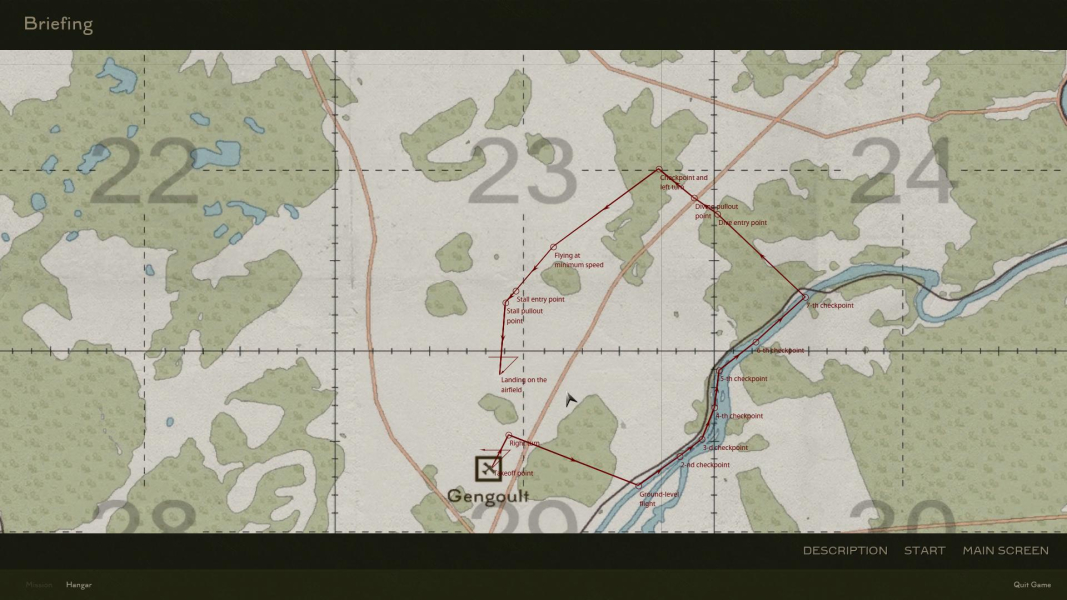
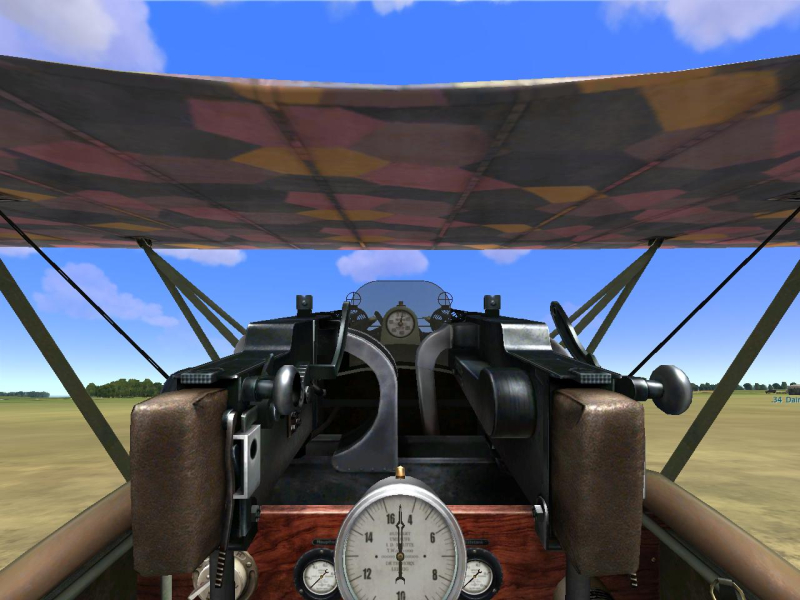
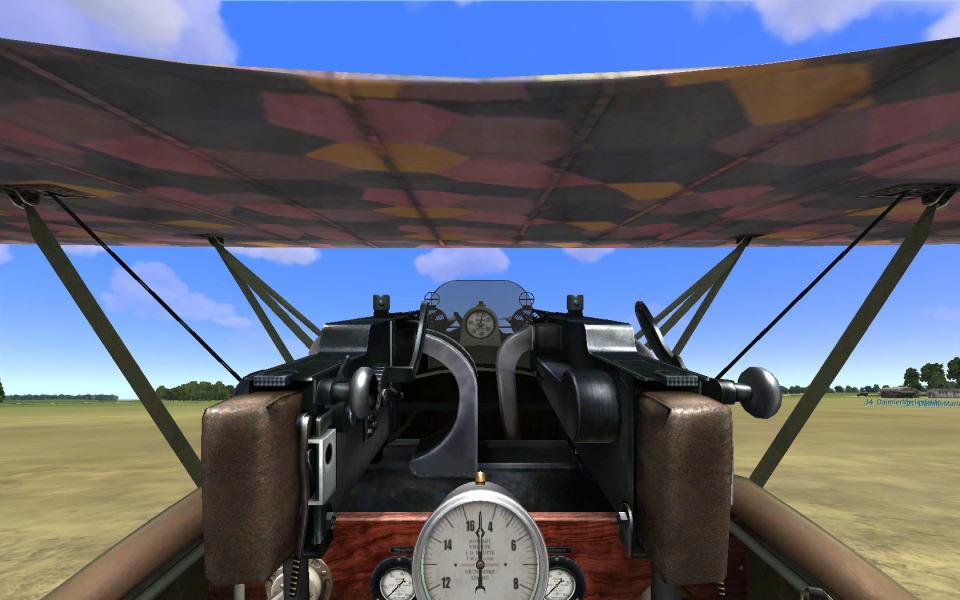
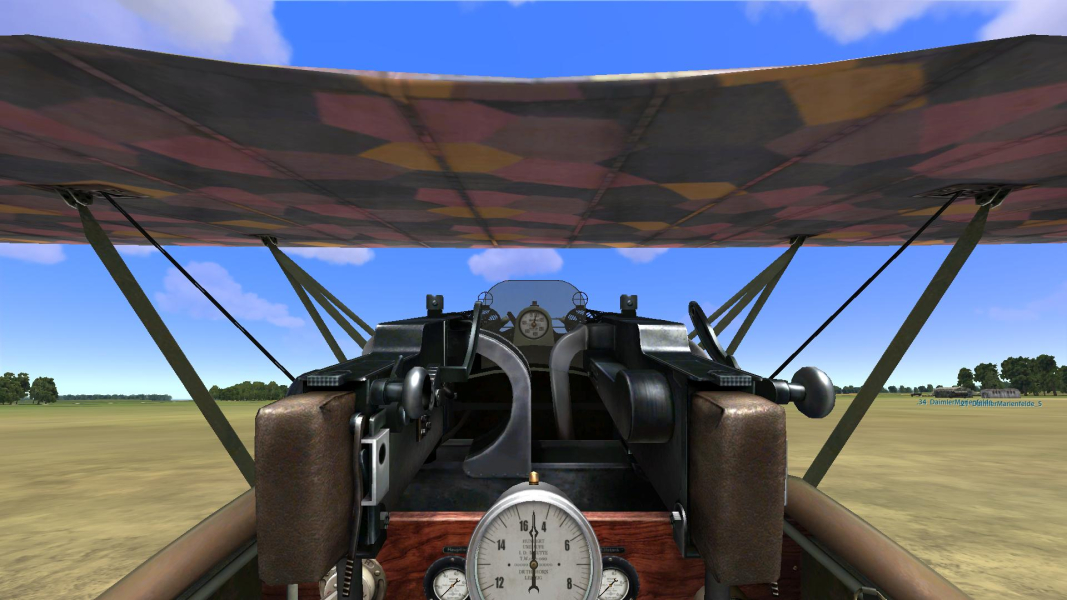
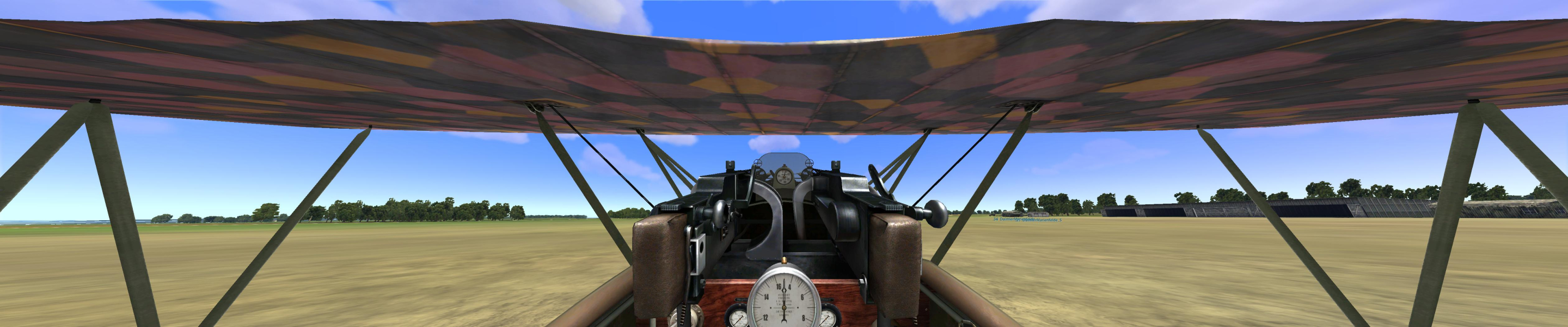
Sort of Hor+ gameplay. Although the game is Vert- strictly speaking, you can zoom in/out to adjust the FOV to your liking, thus resulting in vastly Hor+ gameplay. Max zoomed-in views and some camera viewpoints are just Vert- though.
16:10, 16:9 and Surround ARs are natively supported with vastly Hor+ gameplay.
15:9 (1280x768) is unsupported because the game requires a display height of 900+ pixels.
The game could not be run at 1280x720, 1280x768, 1280x800, 1360x768. Rise of Flight requires a display resolution of at least 1280x900 (i.e "min width 1280, min height 900"). So you can't even play at 1024x768. Manually editing C:\Program Files\Rise of Flight\data\startup.cfg doesn't help, as "forbidden" res's are not applied upon game launch.
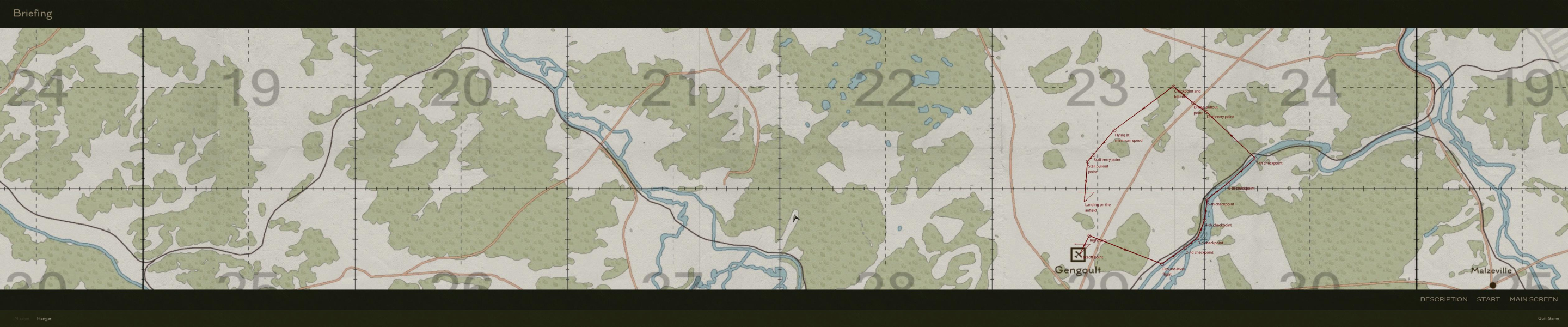
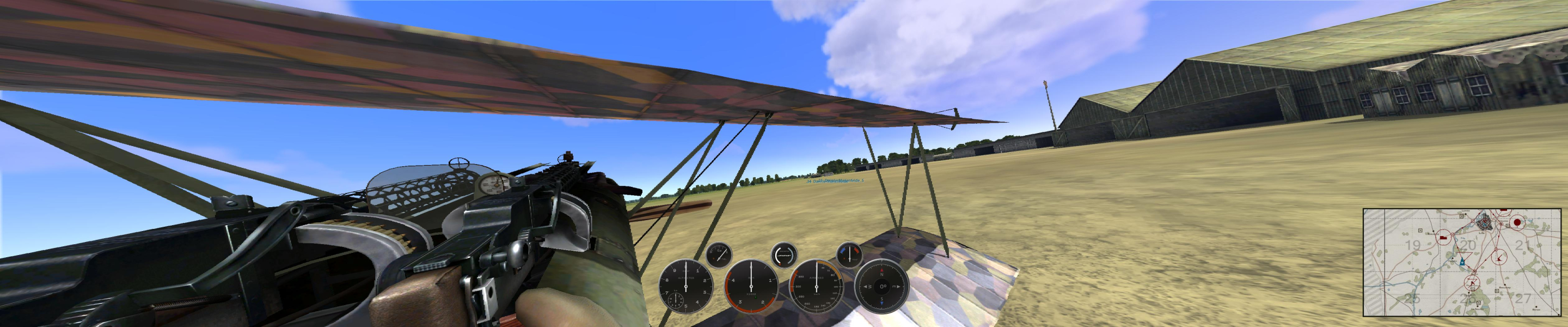
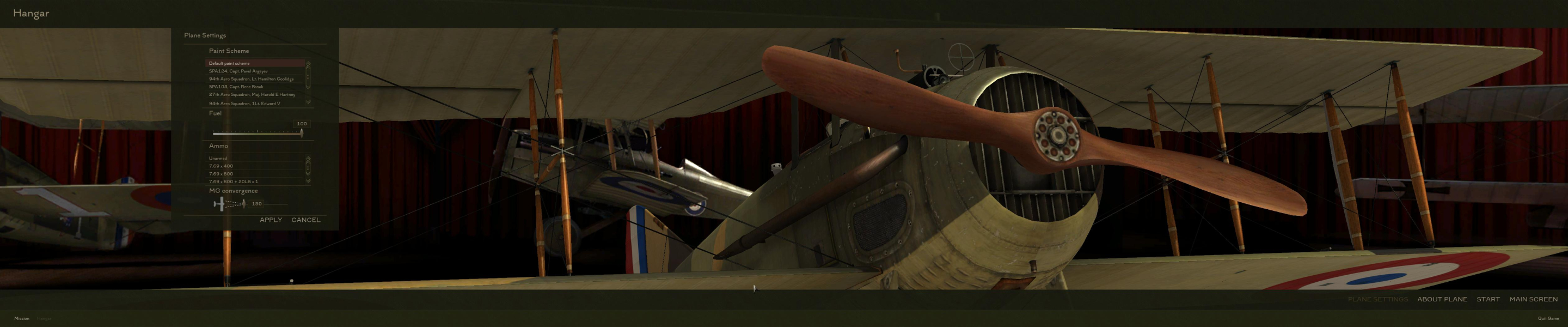
Native, Hor+ gameplay. 3840x800 and 'faux' TripleHead are unsupported, because of the height again.
In surround resolutions, if any Post Effect is enabled in the launcher app, all in-flight 3D will be rendered at a very low resolution. (Yes, even the 'Old Cinema' cut scene filter alone causes this.) So for the best graphical quality in multi-monitor resolutions, make sure Post Effects are disabled.
HUD : scales correctly
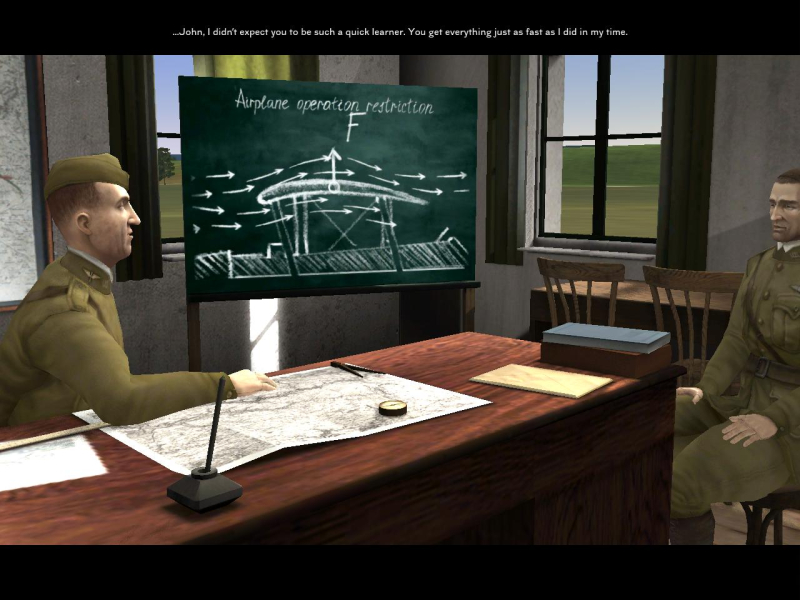
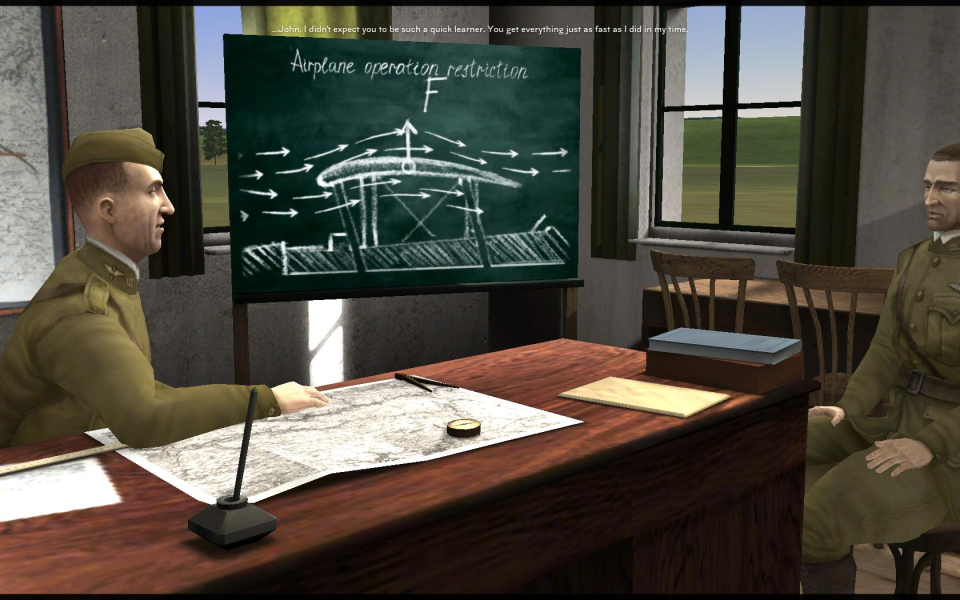
Real-time rendered cut scenes : Vert-
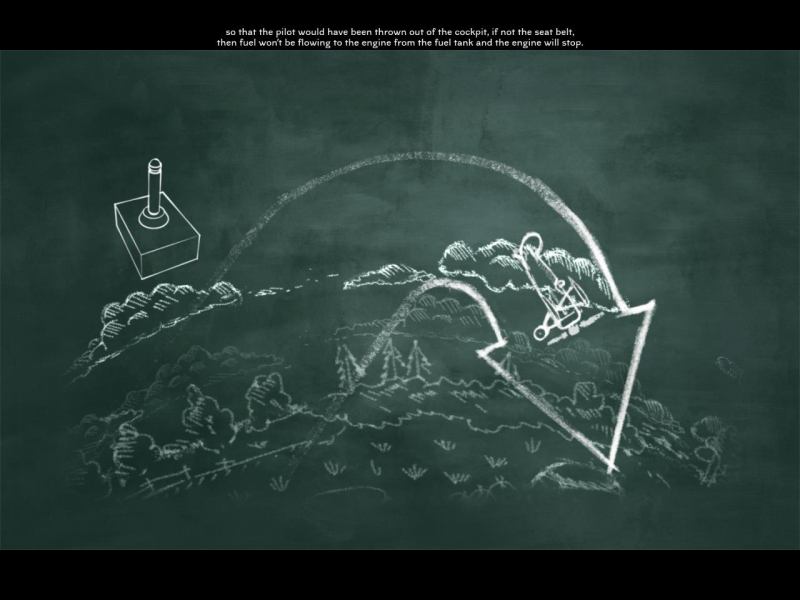
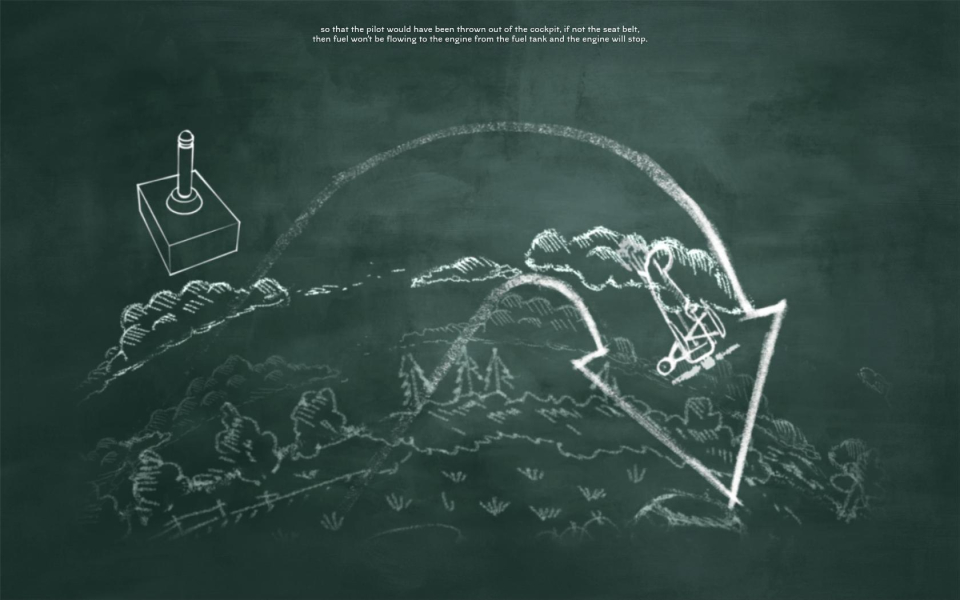
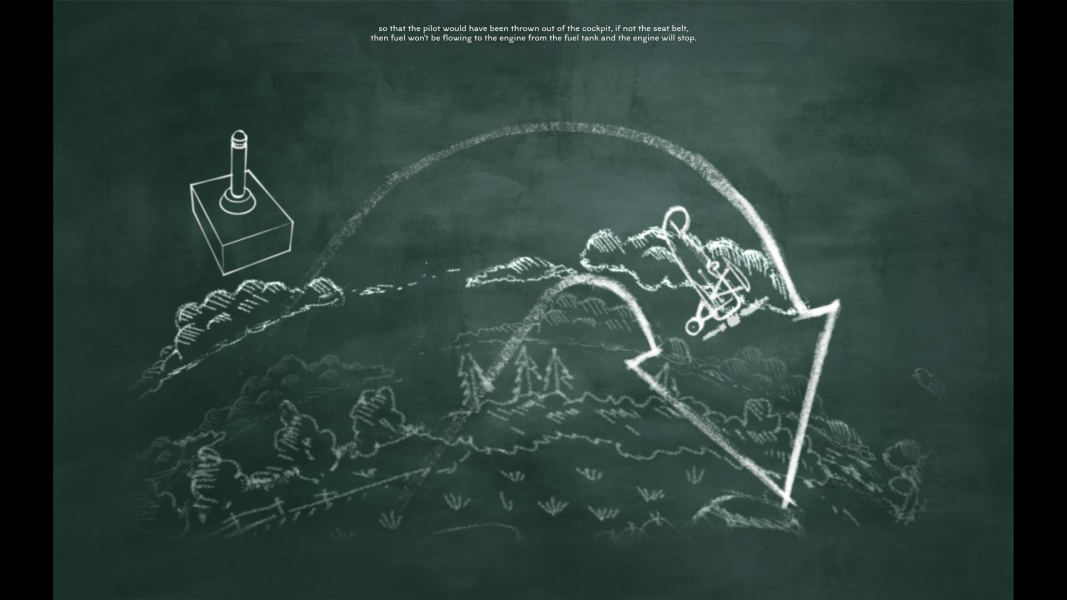
Chalkboard sequences : pillarboxed
Gameplay Screenshots


In-Game (Rendered) Cutscenes


FMV Cutscenes

Menu Screenshots

Additional Screenshots