

Red Faction: Guerrilla is an open-world third-person action video game developed by Volition, Inc. and published by THQ. The game is the third installment in the Red Faction series.
The player takes the role of Alec Mason as he assists the Red Faction to disrupt and overthrow the oppressive Earth Defense Force (EDF) on Mars. This is presented to the player in a third person perspective, a departure from the series' previous two games which were first person shooters. Developer Volition changed the camera perspective to help the player see and appreciate the surroundings as they are destroyed.
Support Summary
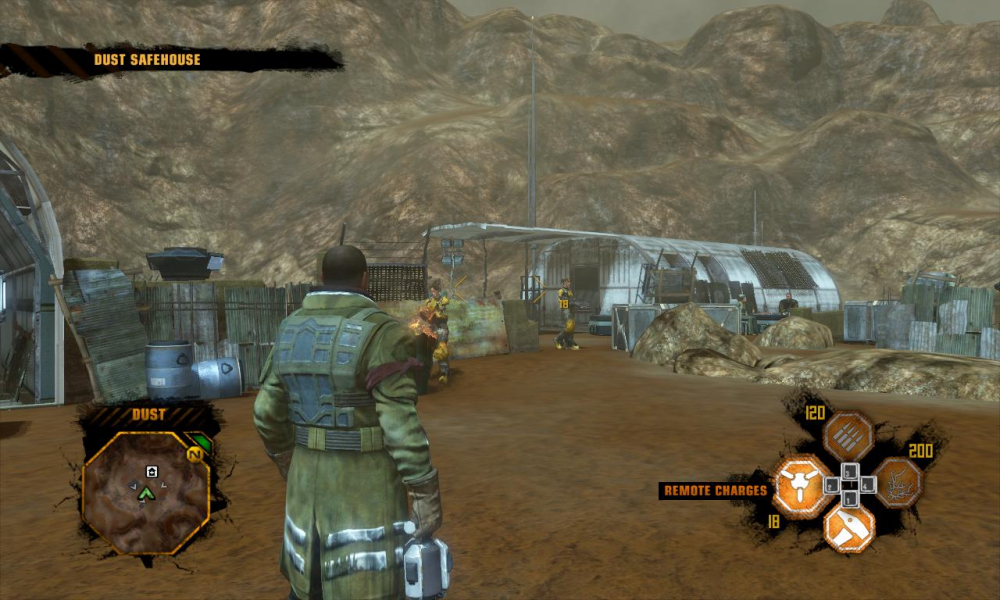
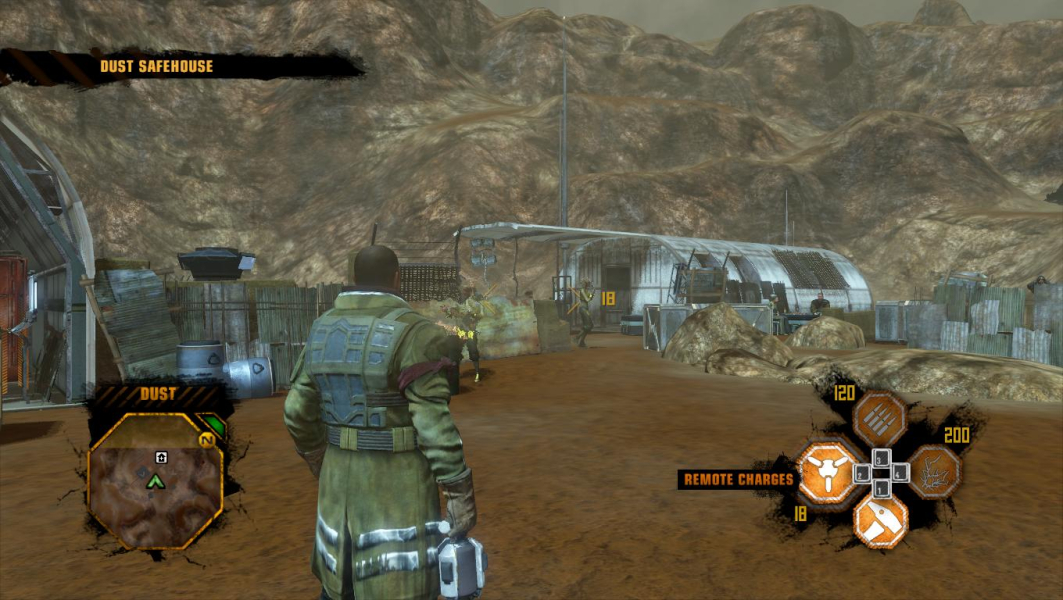
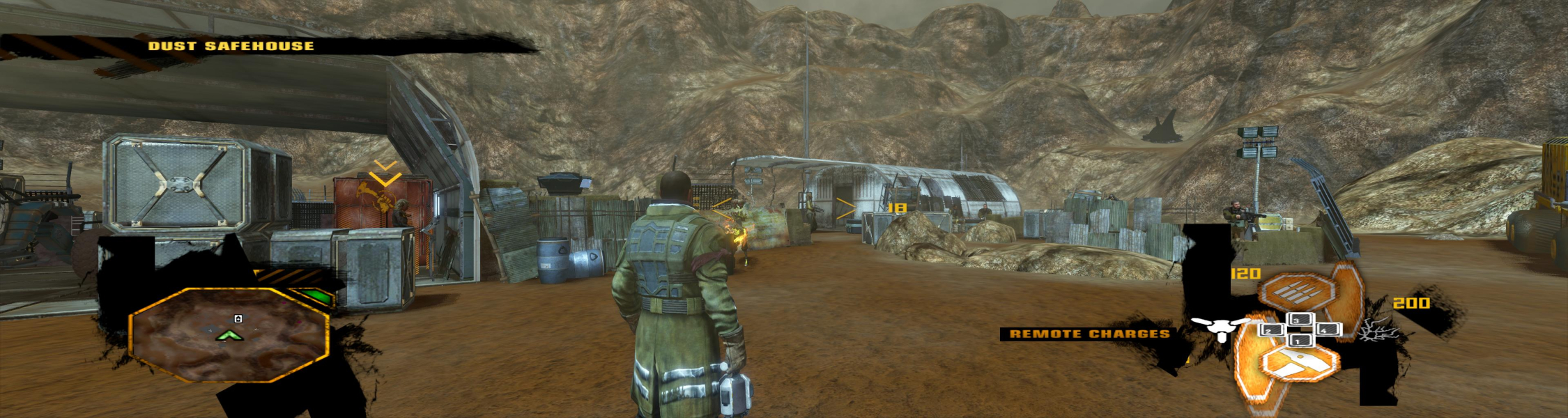
Screenshots Comparison
Solutions & Issues
Native for 16:10 and 16:9 resolutions. Simply select and apply your desired resolution from the options menu.
For 15:9 (1280x768) and other "unusual" resolutions, you'll have to delete My Documents\My Games\Red Faction Guerrilla\Options. The game will then run at your desktop resolution, with default options.
If you're happy with the default advanced graphic details, you're all set, the game will always start at this res.
If you change any graphical option however, the Options folder will resurrect and your resolution will be lost. You'll have to delete My Documents\My Games\Red Faction Guerrilla\Options and re-adjust graphic details in-game everytime you play.
Alternatively, you can hex edit My Documents\My Games\Red Faction Guerrilla\Options\rfg_display_options.rfgs_pc
Offset : value
0x00000001 : display width
0x00000005 : display height
0x00000019 : windowed on/off
Finally for those not too familiar with hex editing and unhappy with the default graphic options, here are custom options files for 1280x768, 3840x800, 3840x1024 and 5040x1050 with max details and 4x AA (instructions included) :
http://wsgfmedia.com/uploads/thales100/RFG_custom_res.zip
You must use the same trick as for 15:9, i.e delete My Documents\My Games\Red Faction Guerrilla\Options to force the game to use your surround desktop res.
Likewise, you're doomed to use default advanced options from there, OR delete the folder and readjust in-game options every single time.
You can also use the custom files for 3840x800, 3840x1024 or 5040x1050, see WS solution above.
Also, config file for 6042x1200 and config file for 5960x1200 .
Gameplay : Hor+
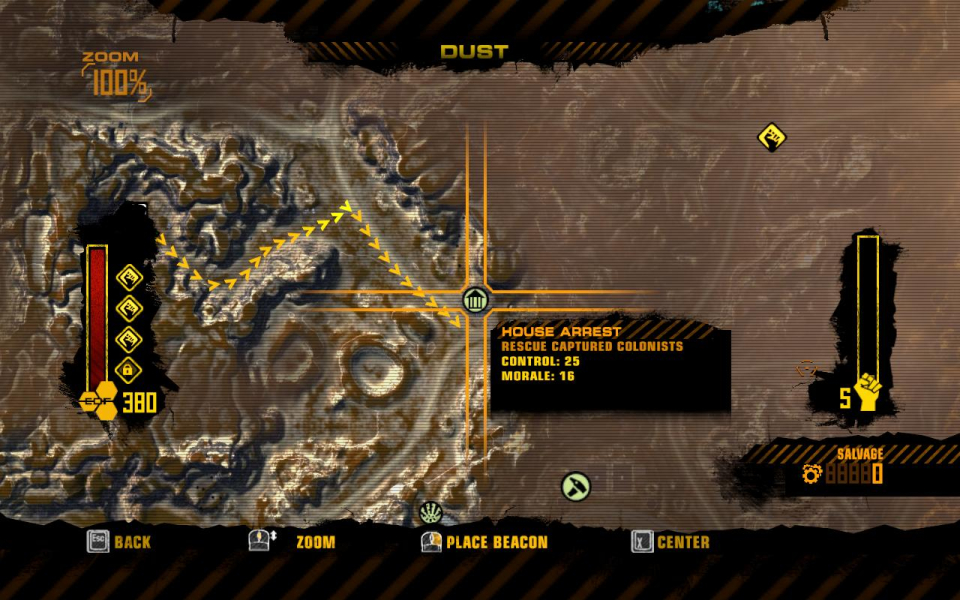
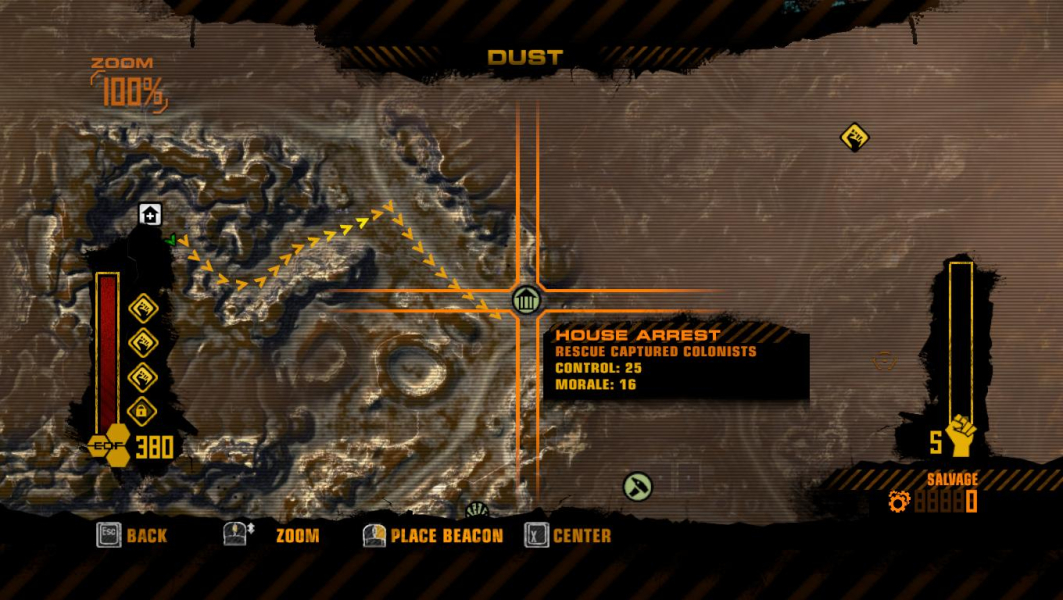
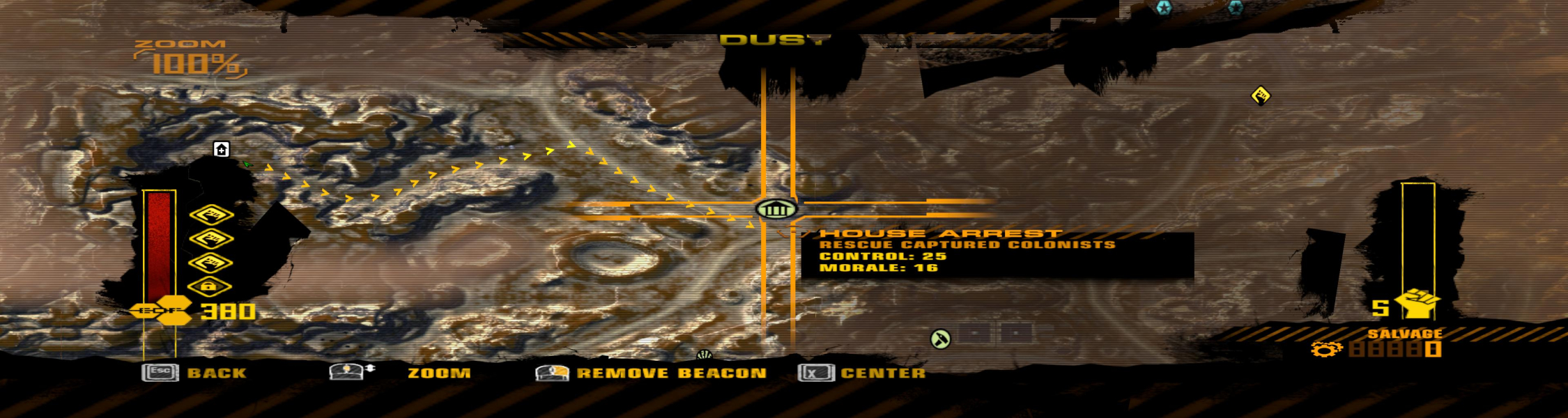
HUD : stretched and partially broken.
Intro FMV : Vert-
Real-time lectures : Hor+
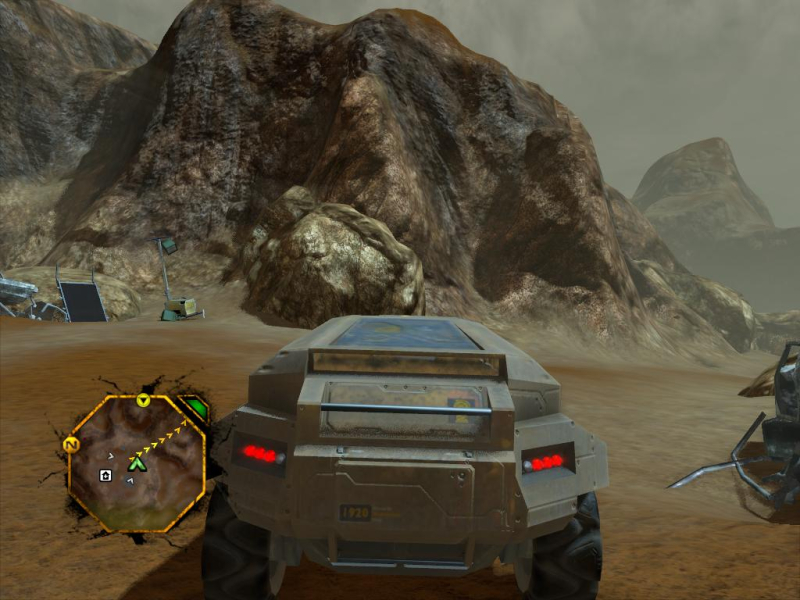
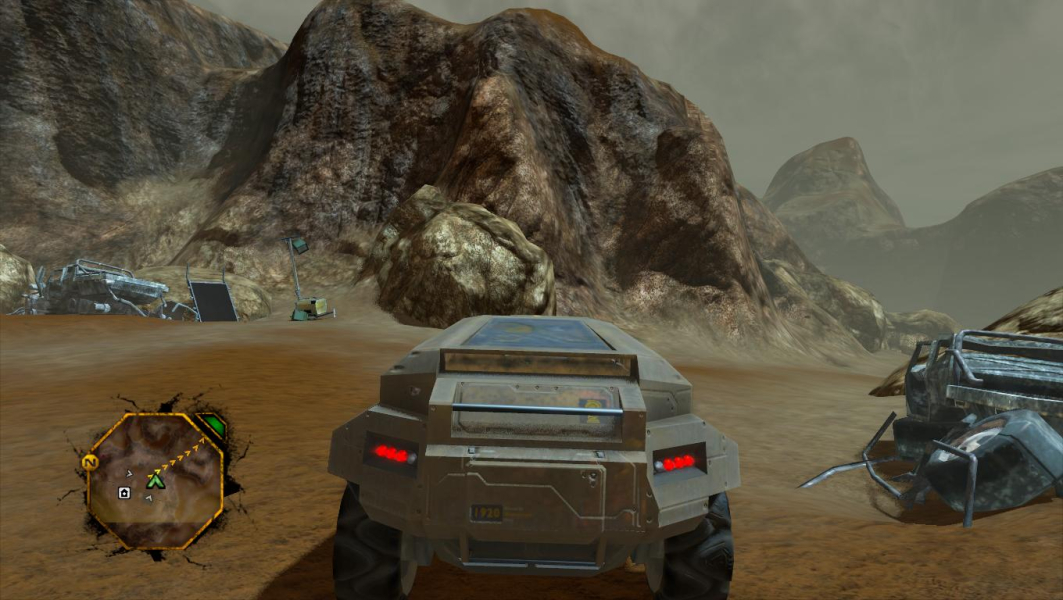
Gameplay Screenshots
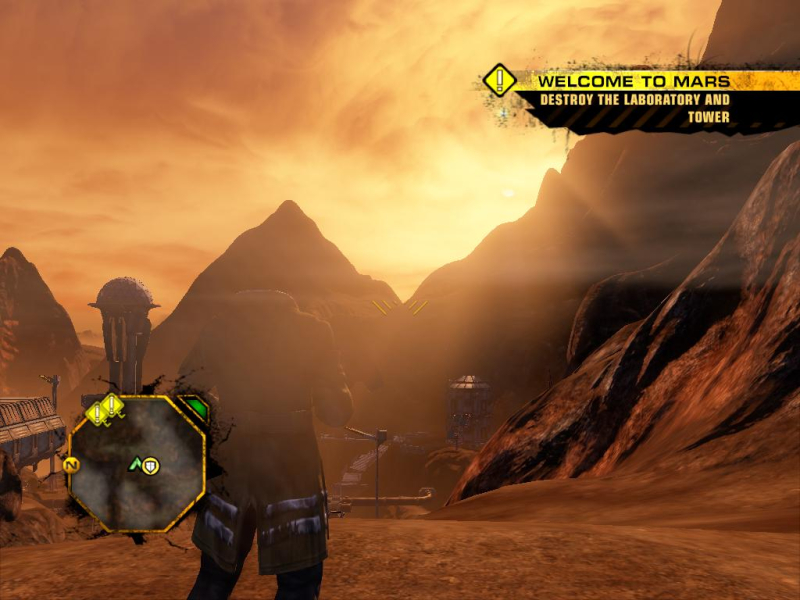
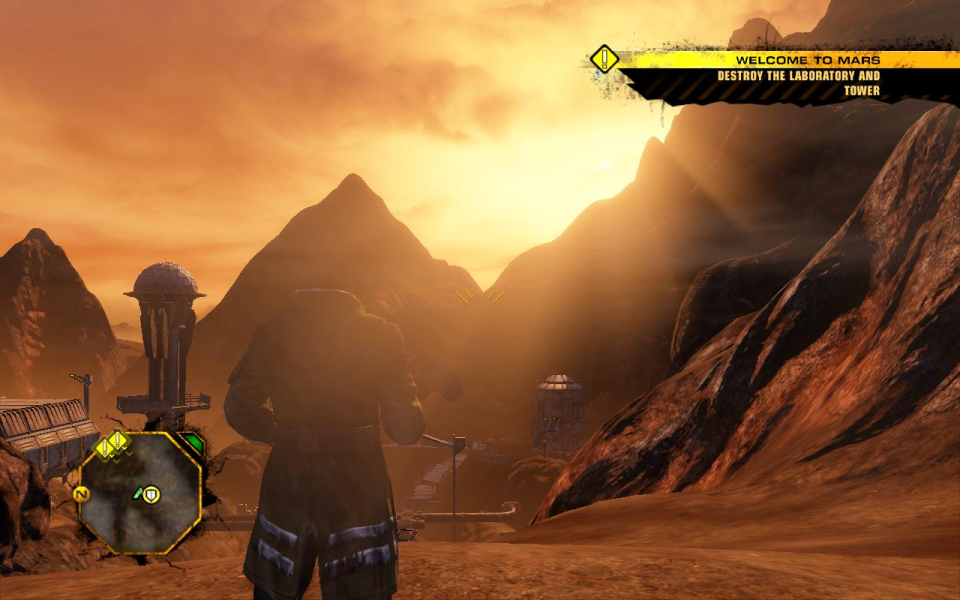
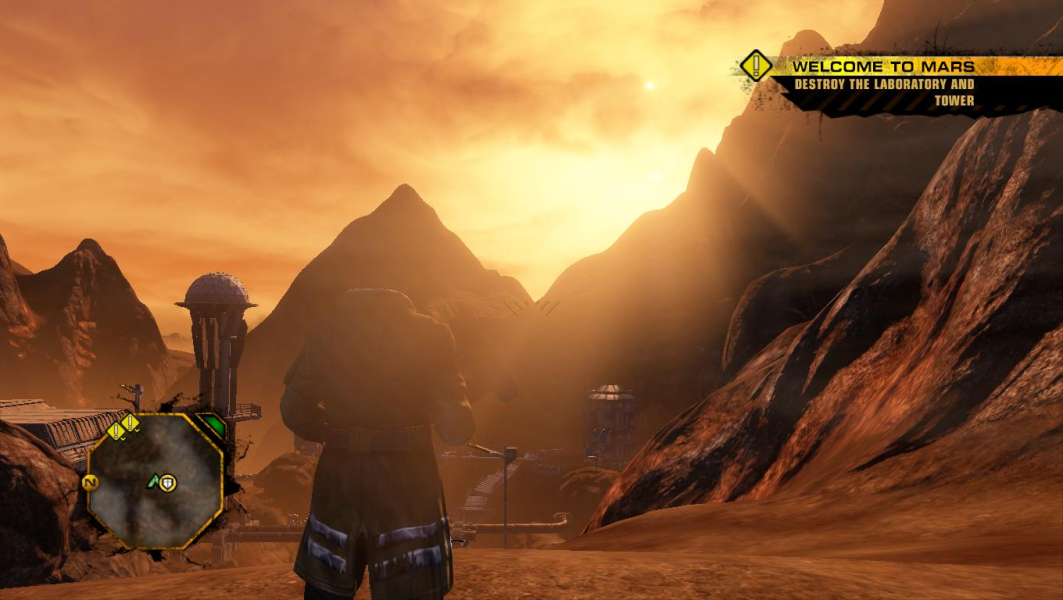


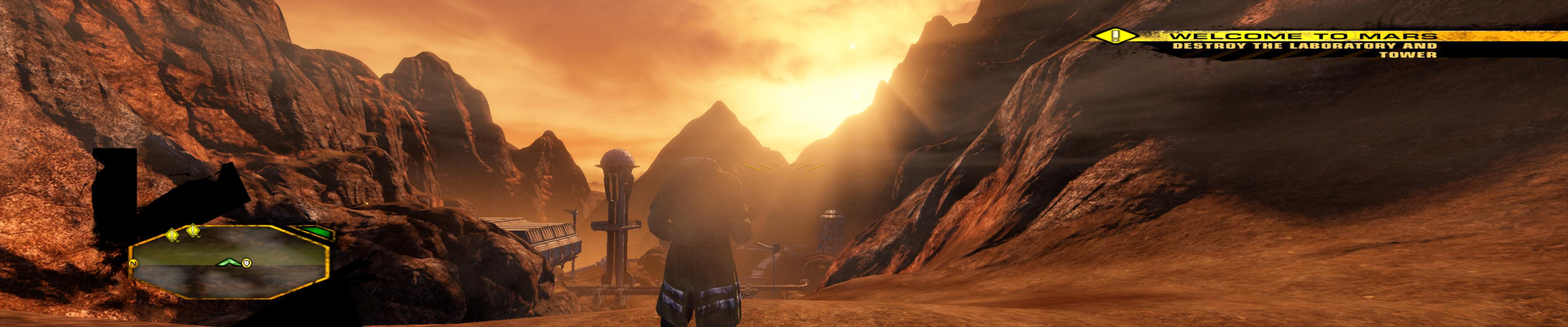
In-Game (Rendered) Cutscenes
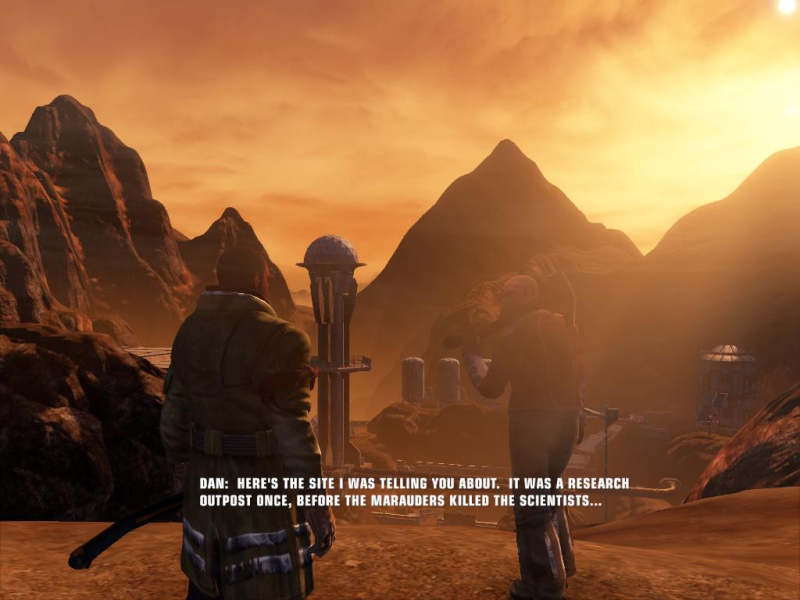

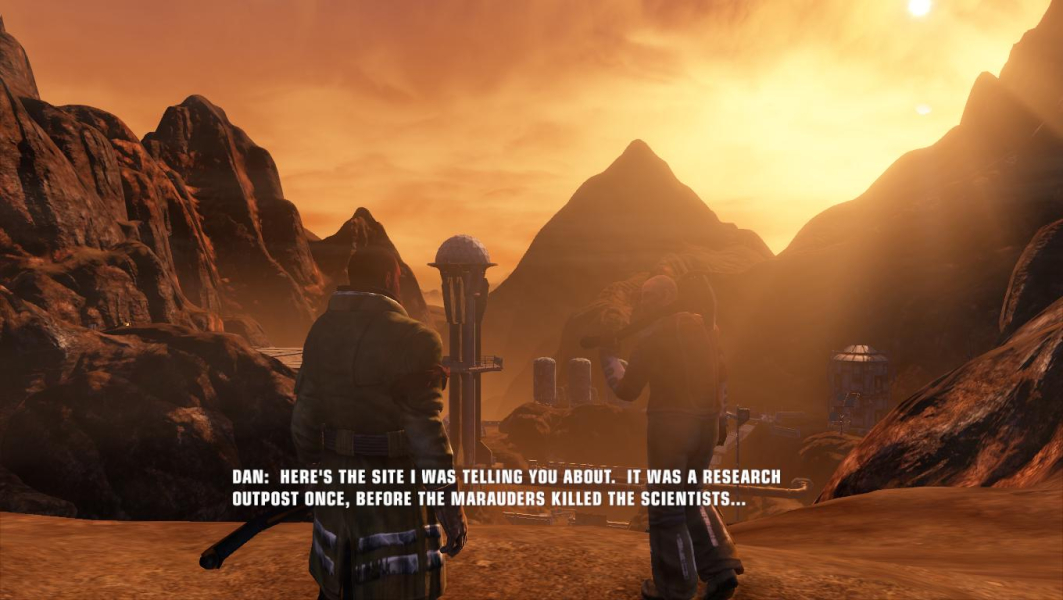
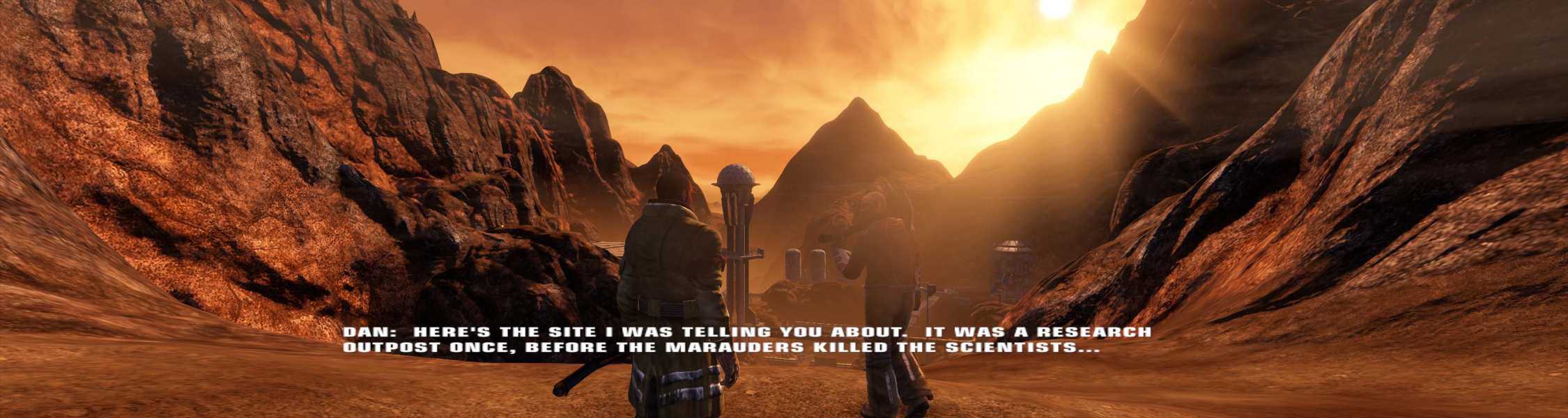
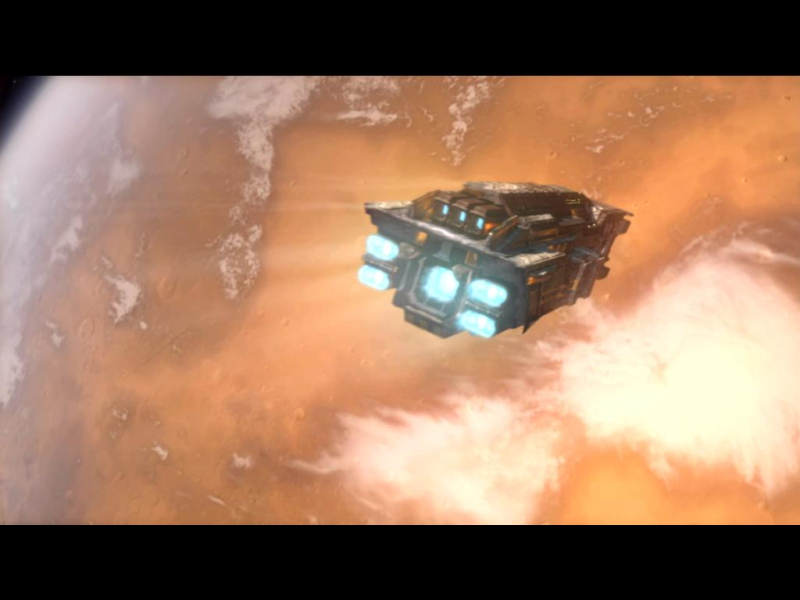
FMV Cutscenes
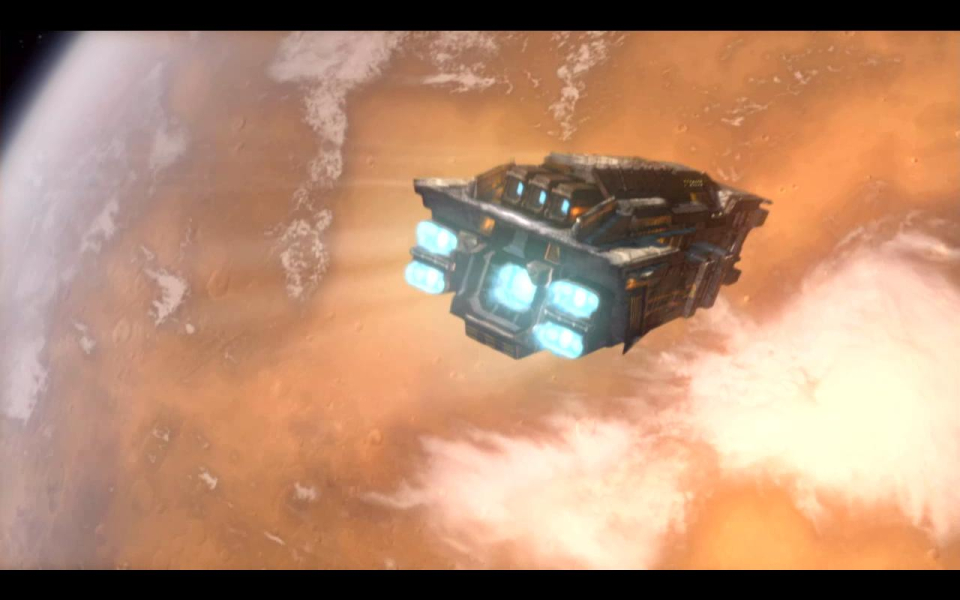
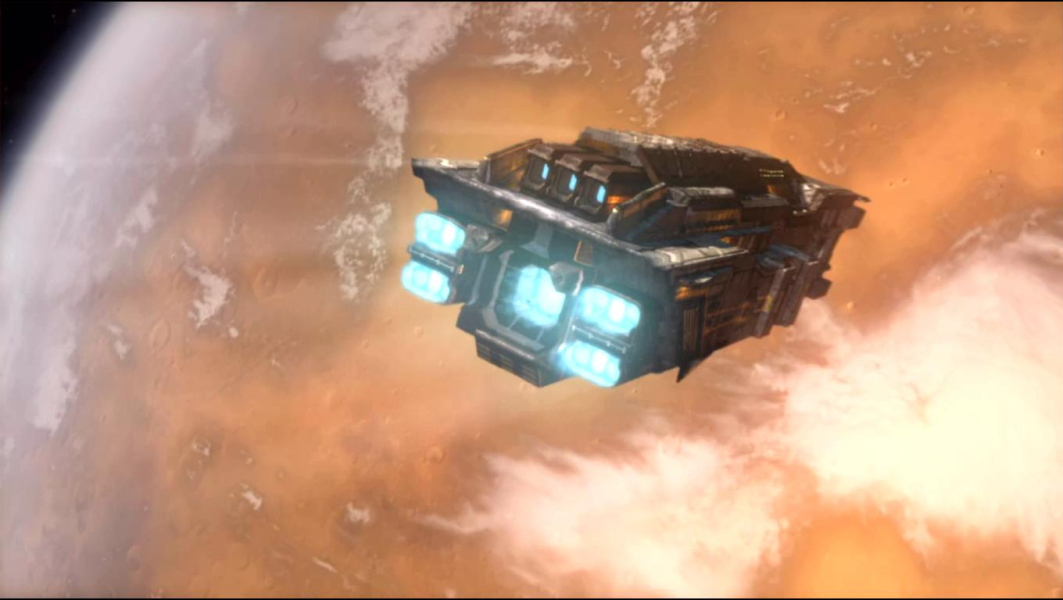
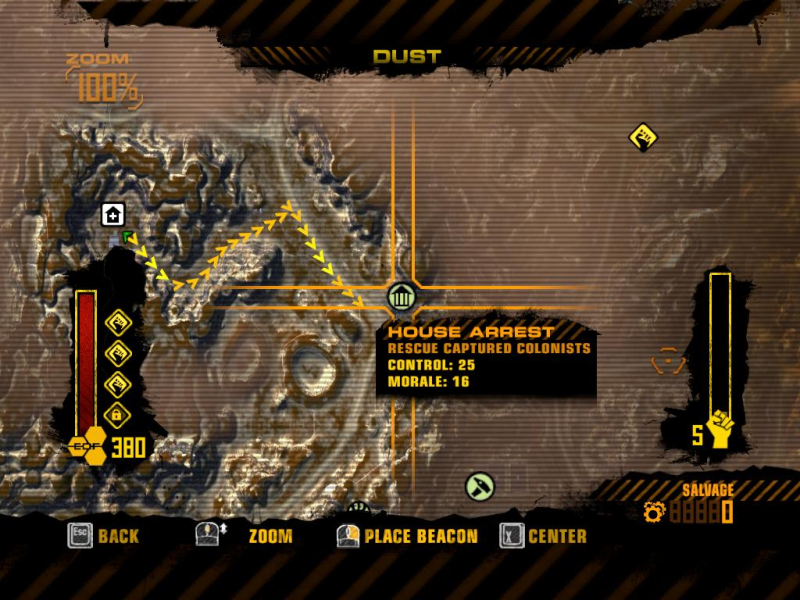
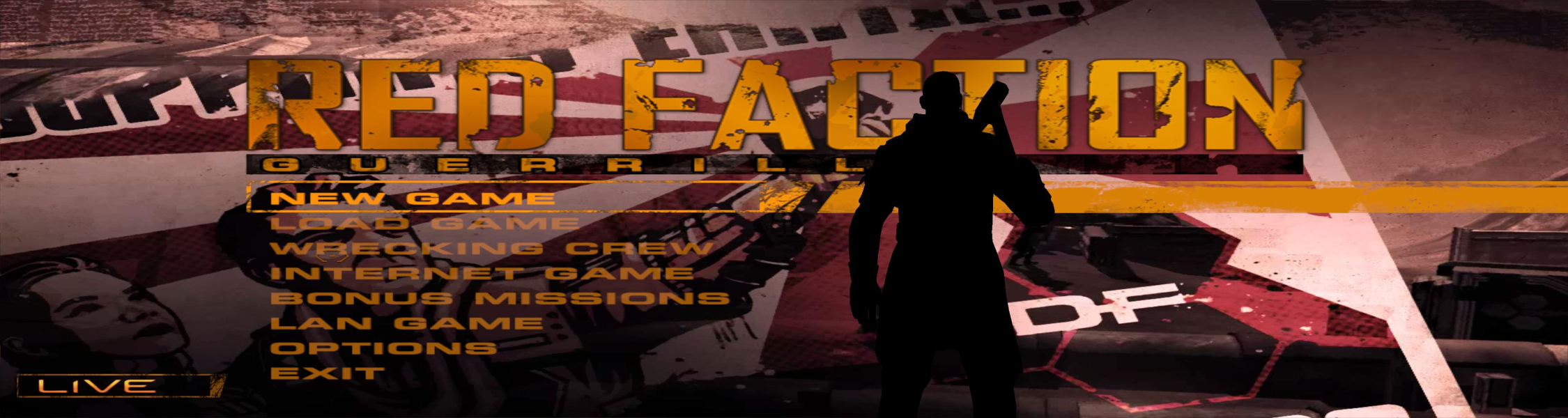
Menu Screenshots


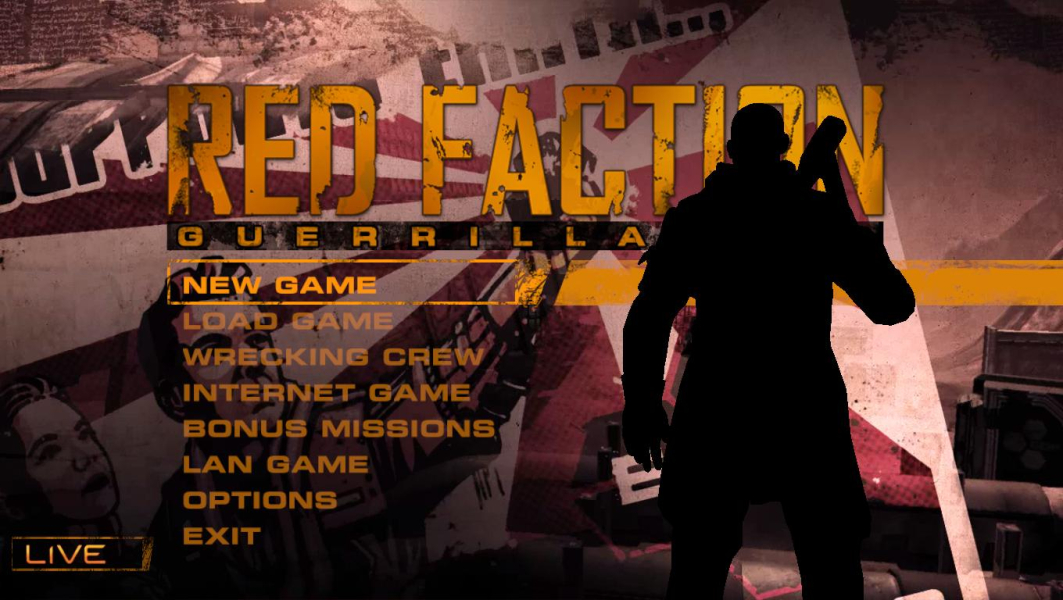
Additional Screenshots