

Diablo II is an RPG from Blizzard, sequel to classic smash hit Diablo. You play as one of seven classes, and must complete a series of quests, culminating in the destruction of Diablo, the lord of terror, his brothers, and a couple thousand demonic minions along the way.
Support Summary
Widescreen | Ultra/Super‑Wide | Multi-Monitor | 4K Ultra HD | |
Support | ||||
Method | ||||
HUD | ||||
Cutscenes | ||||
FMVs |
Game Information
Screenshots Comparison
Solutions & Issues
Do NOT attempt to play Battle.Net this way. You risk a ban!
This hack requires you to be running Diablo 2: Lord of Destruction (not classic!) on patch 1.12 which can be found here directly from Blizzard.
Connecting to Battle.net will update your client to 1.13 which is incompatible with D2MultiRes at this time.
Download a mod, D2MultiRes.
Extract it to your game directory, and launch using D2MultiResGame.exe. Once you start a game, there will be a new "resolution" option in the video options menu. Select it, and resolutions above 800x600 will be available.
The readme warns that you may get bad graphics glitches in Direct3D mode. I did, myself. Refer to additional screenshots. But when I switched to DirectDraw 2D mode, it worked just fine. You can set this by running D2VidTst.exe. Sadly, DirectDraw 2D disables parallax scrolling and other visual effects.
=====
Lacking Direct3D mode is a pretty big one. But everything else seems fine.
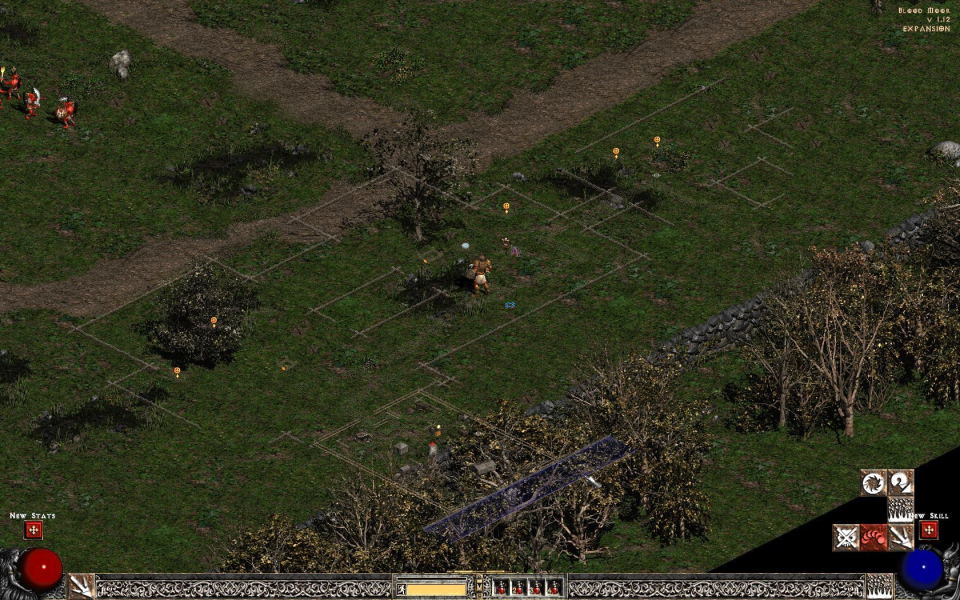
Side-screens like inventory retain their original size, but take up half the screen with a tiled background (they originally took up half a 640x480 screen without needing any tiled background).
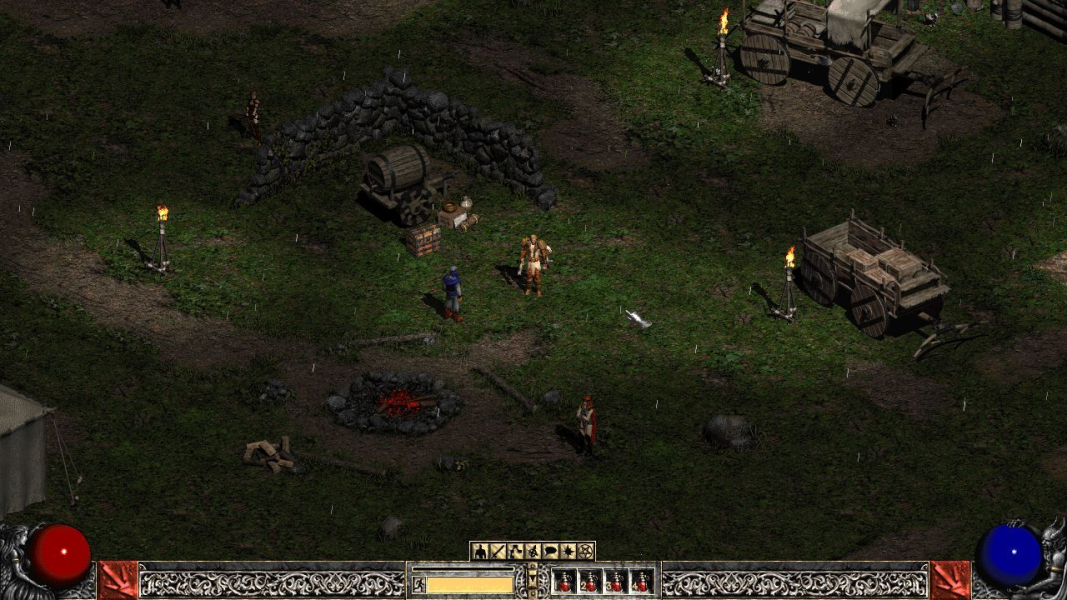
The HUD keeps its original size, with the life/mana spheres anchored to the corners, and the stamina and potions anchored to the bottom-center. And the map is pixel based.
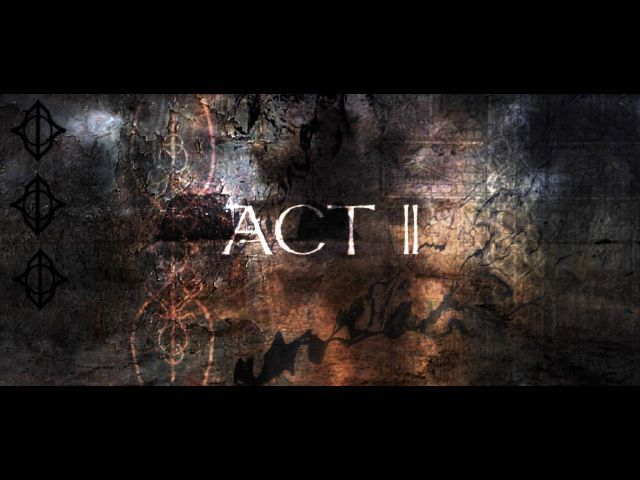
FMVs run at 640x480, but are hard-letterboxed to a theatrical 2.20:1. This means windowboxing on wide monitors.
Gameplay Screenshots




FMV Cutscenes
Additional Screenshots