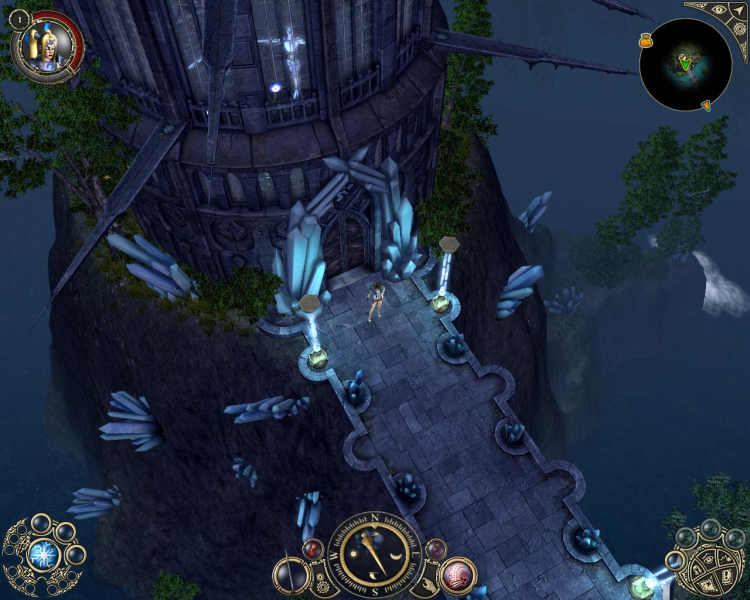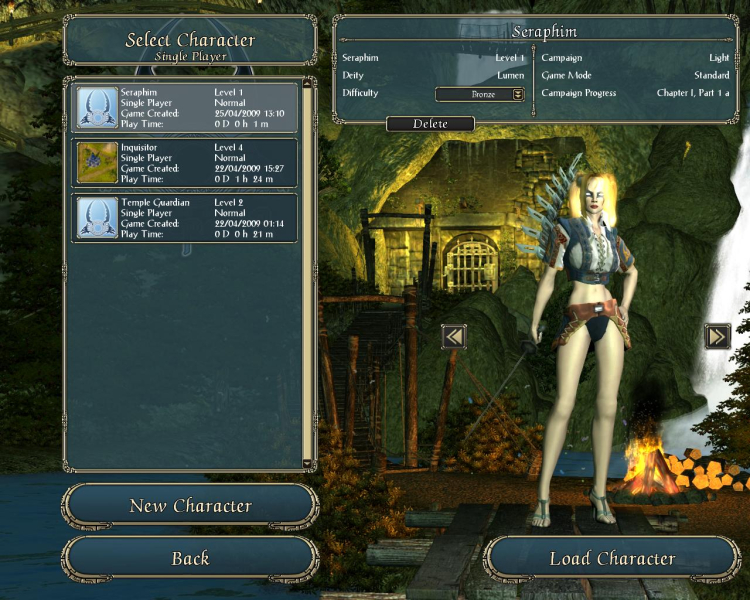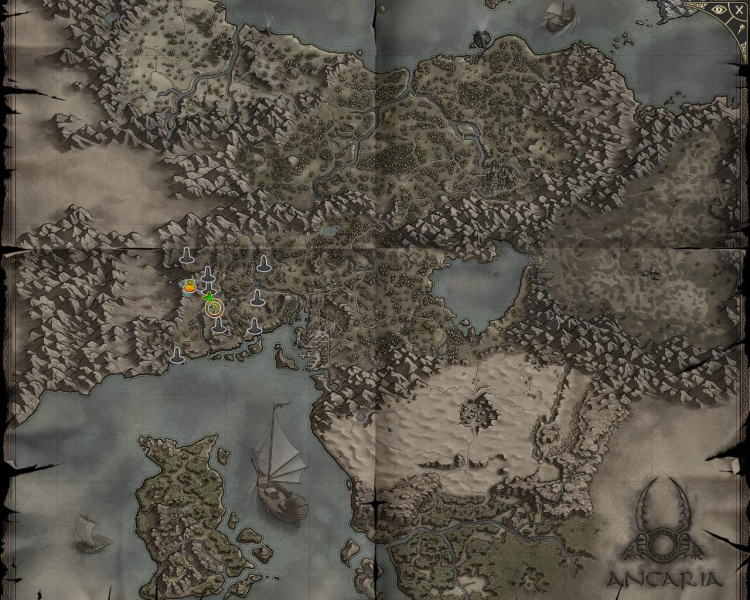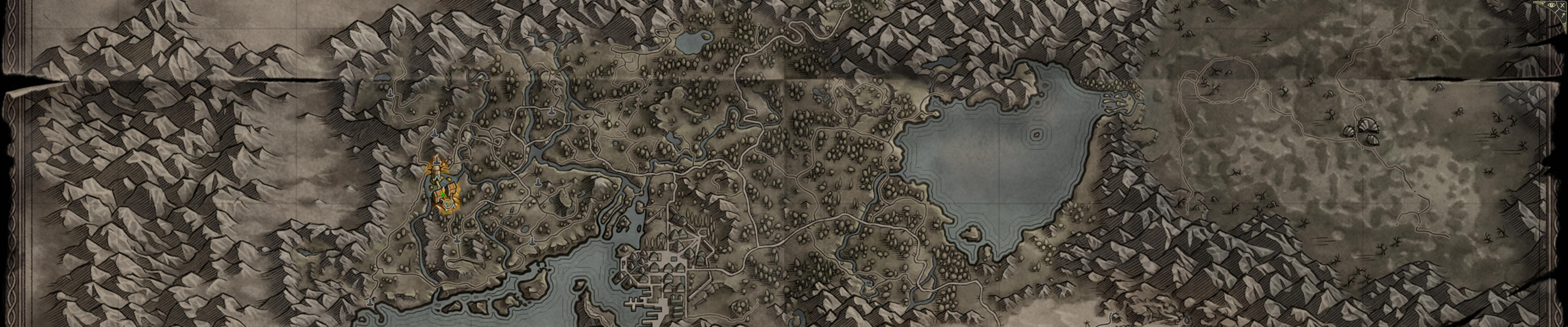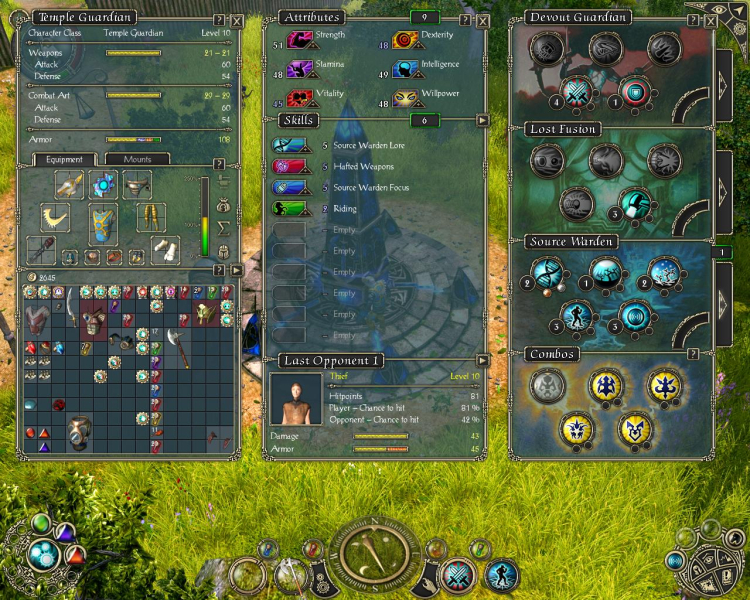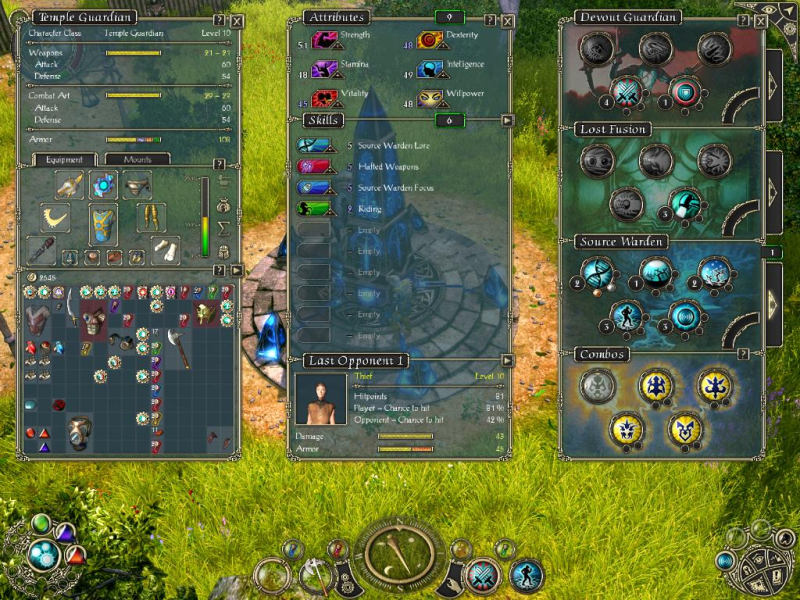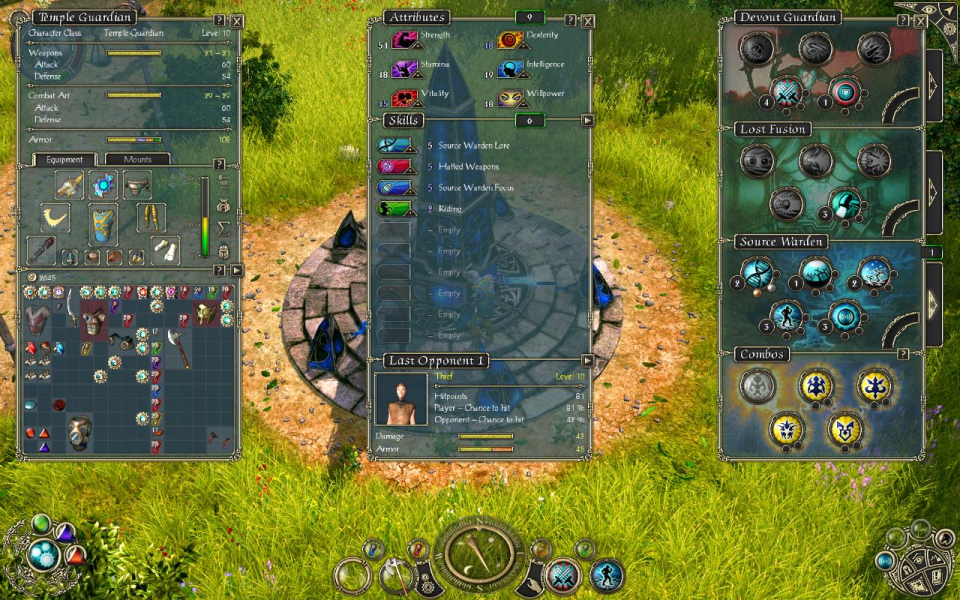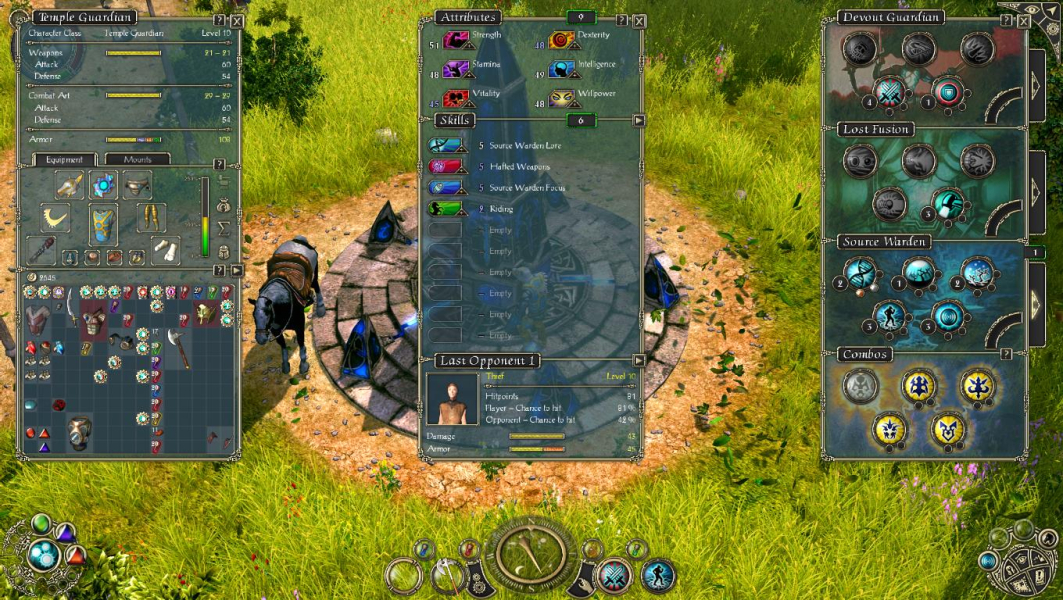


Sacred 2: Fallen Angel is an action role-playing game. It is the second full game in the Sacred video game series. It is a prequel which takes place 2,000 years before the events of Sacred. Like its predecessor, the game takes place in a fantasy setting. A new game engine means that the game is rendered in perspective correct 3D, whilst retaining the viewpoint found in older isometric games. Video game designer Bob Bates has been involved in its production, the game also includes a video sequence with the power metal band Blind Guardian, who also made a theme song for the game.
Support Summary
Game Information
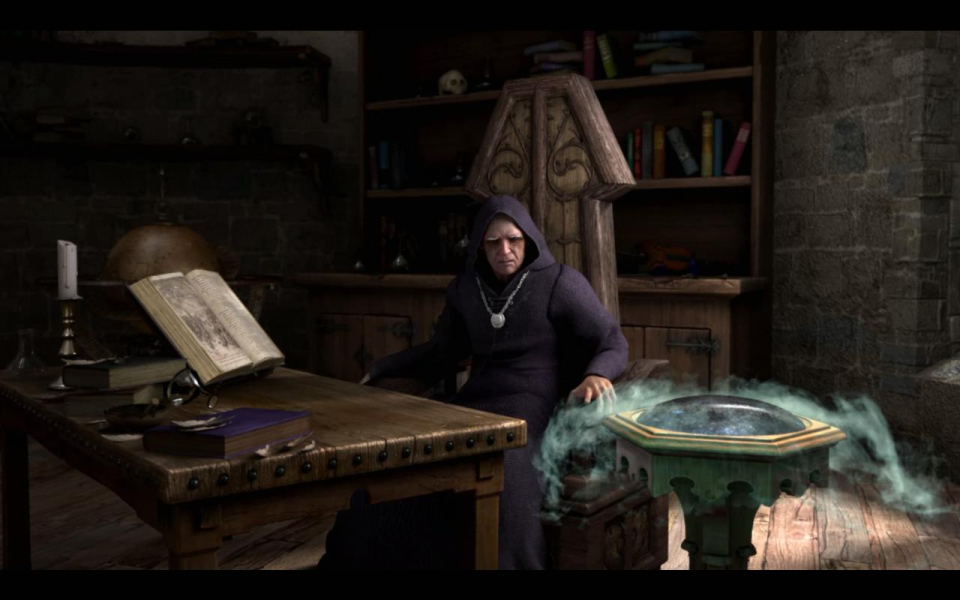
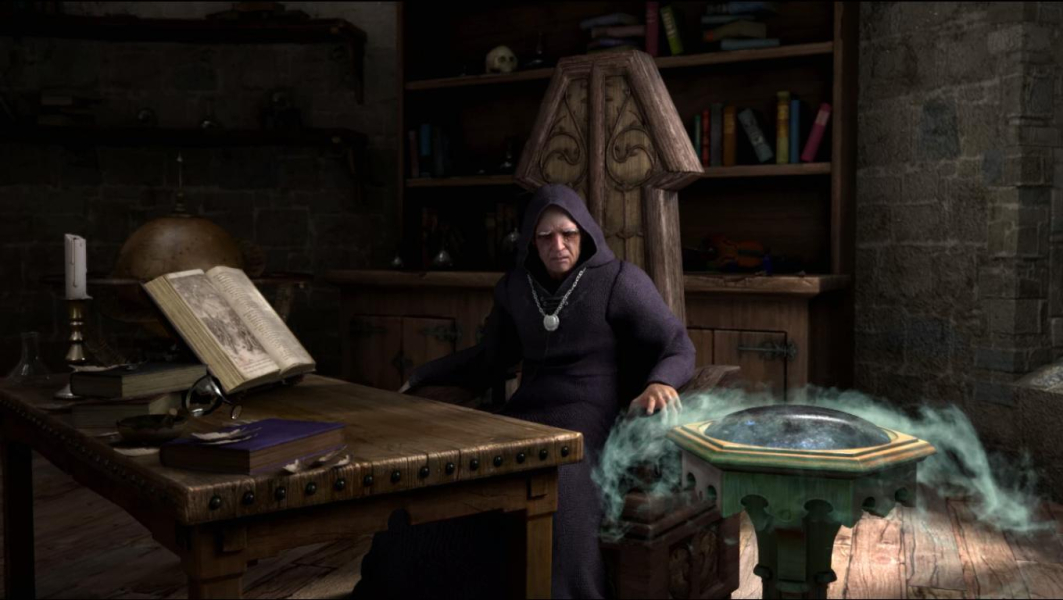
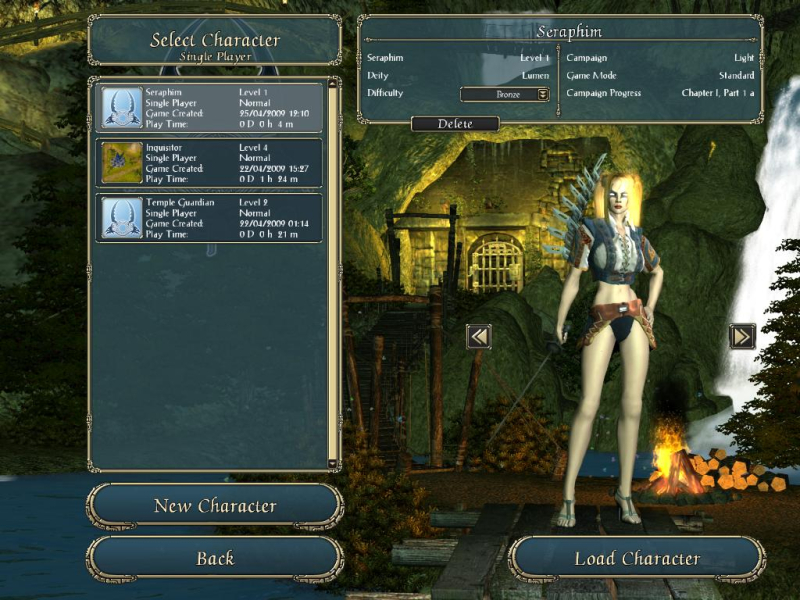
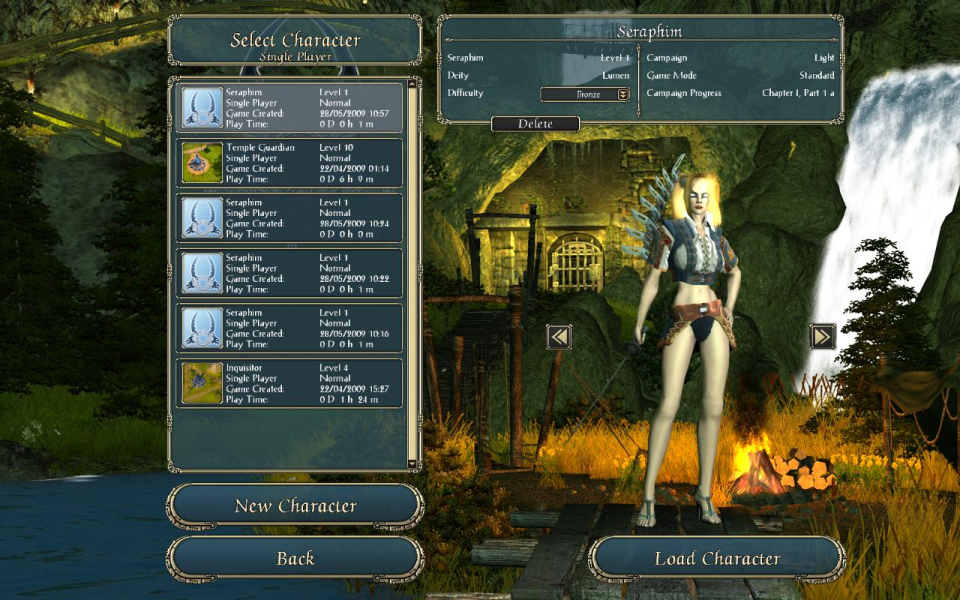
Screenshots Comparison
Solutions & Issues
You can use the multi mon solution, posted below, just changing the values
for 16/10 resolutions:
camera.cam1_trackdist_max = 1088
camera.cam2_trackdist_max = 1088
camera.dng1_trackdist_max = 909
camera.dng2_trackdist_max = 909
for 16/9 resolutions:
camera.cam1_trackdist_max = 1209
camera.cam2_trackdist_max = 1209
camera.dng1_trackdist_max = 1010
camera.dng2_trackdist_max = 1010
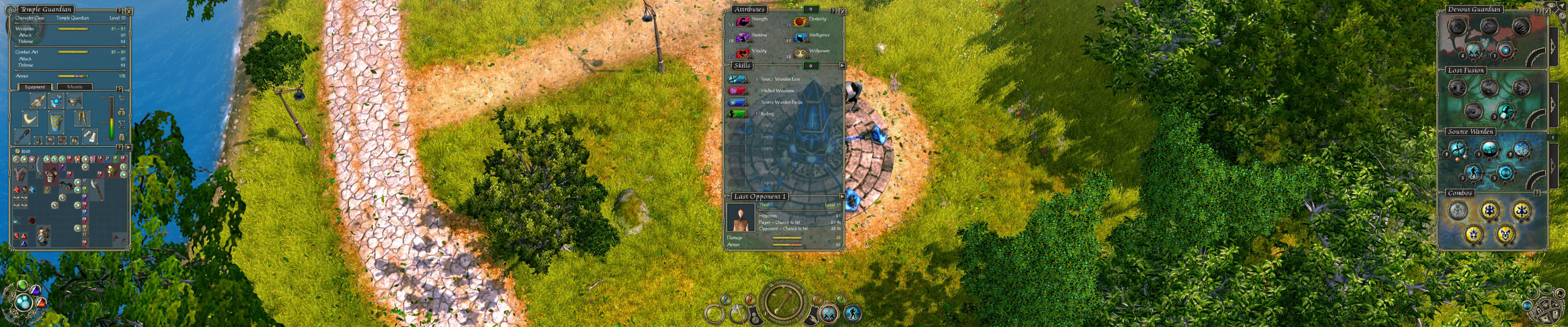
By default the game's vertminusness makes it practically unplayable in surround / eyefinity.
There's no easy way to alter the FOV, however increasing the camera's max height will get you pretty close to Hor+ gameplay.
Big thanks to Fudgemaker17 for sharing his findings !
(XP) C:\Documents and Settings\\Local Settings\Application Data\Ascaron Entertainment\Sacred 2
(Vista) C:\Users\\AppData\Local\Ascaron Entertainment\Sacred 2
There should be an options.txt in here. Do not edit it but create a new optionsCustom.txt file and copy/paste this into it :
camera.cam1_trackdist_max = 2000
camera.cam2_trackdist_max = 2000
camera.dng1_trackdist_max = 2000
camera.dng2_trackdist_max = 2000
This will alter the height of the Fixed (1) and Free (2) cams, in exteriors (cam*) and in dungeons (dng*). Crude but effective. Feel free to fine-tune.
- I couldn't find a way to adjust the fog display distance or texture mipmaps.
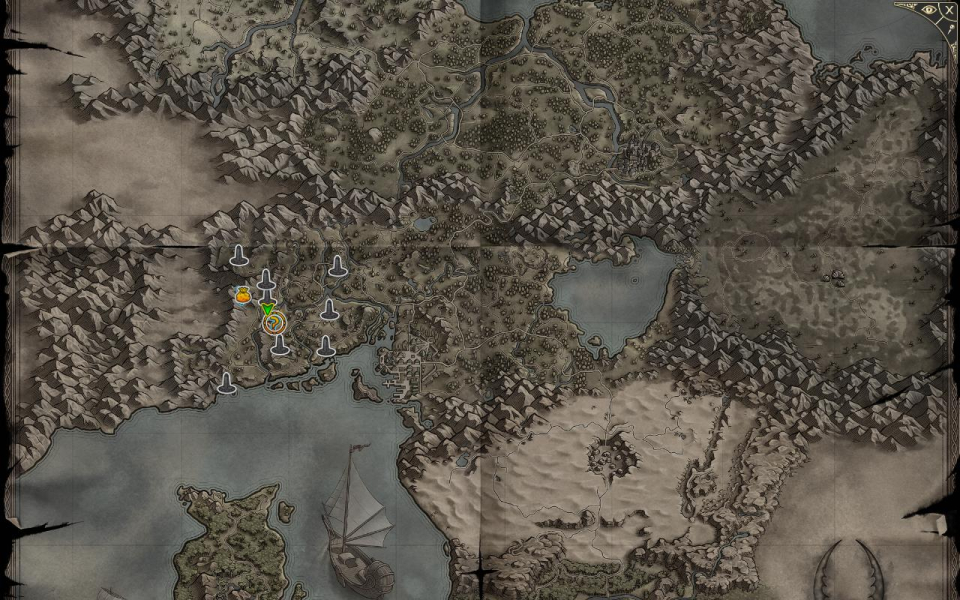
- Minimap/fullscreen map panels (to adjust map settings) are offscreen in surround / eyefinity.
- 4x AA causes all 3D to be displayed as solid black in 4320x900 and 5040x1050 on my system; gotta use 2x AA instead. (I'm using SLI'ed 1024 MB grapics cards, maybe one of those fancy 2 GB cards would achieve 4x AA in WTH ?) .
Gameplay Screenshots



In-Game (Rendered) Cutscenes

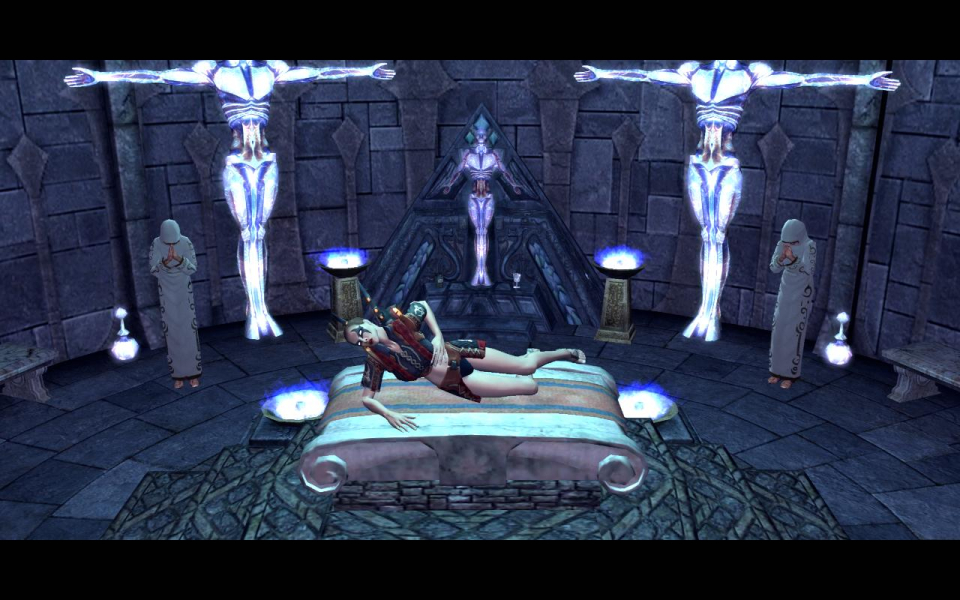
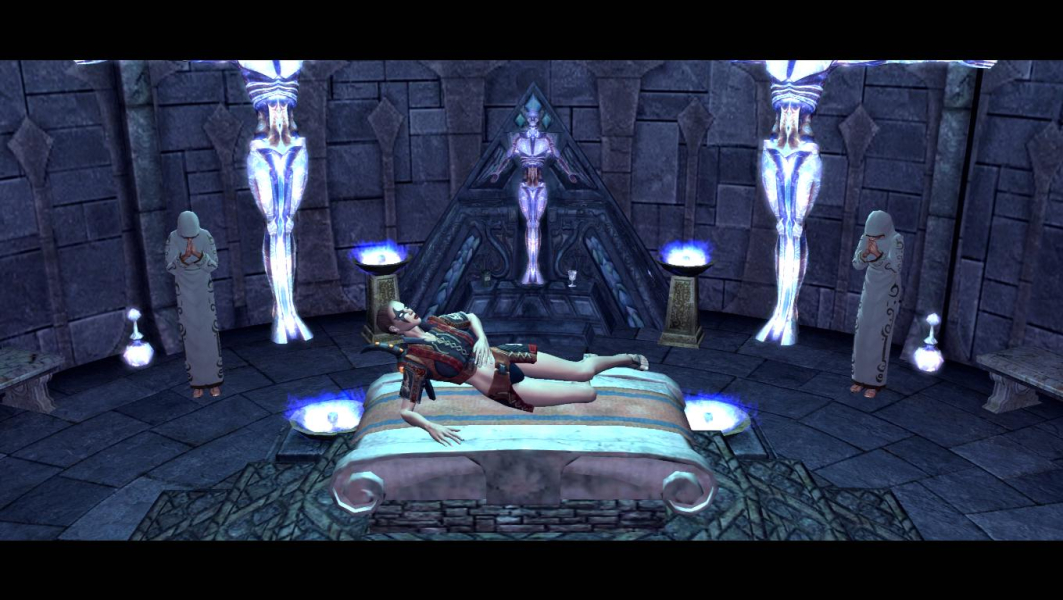
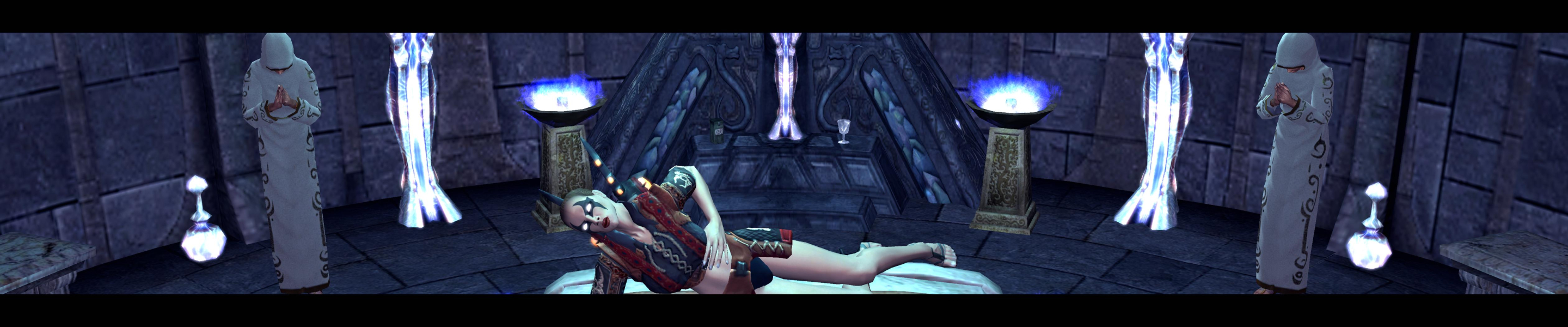
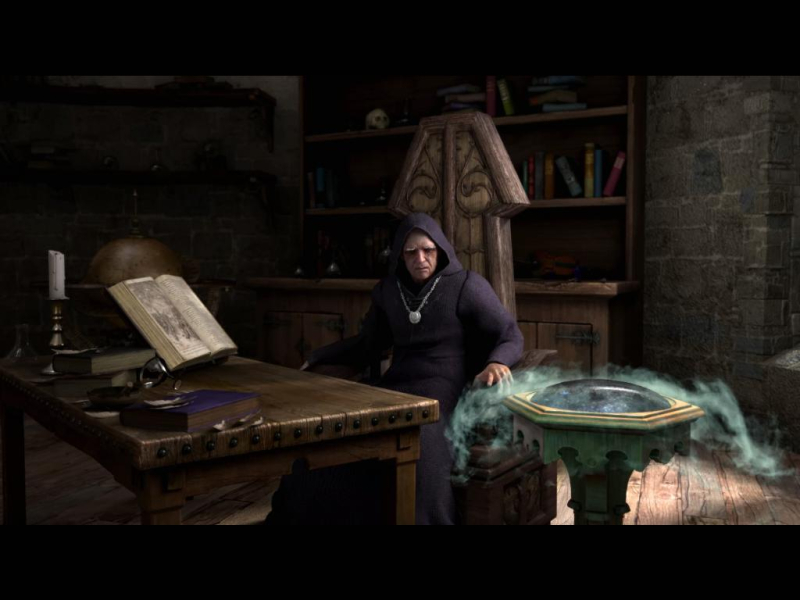
FMV Cutscenes

Menu Screenshots
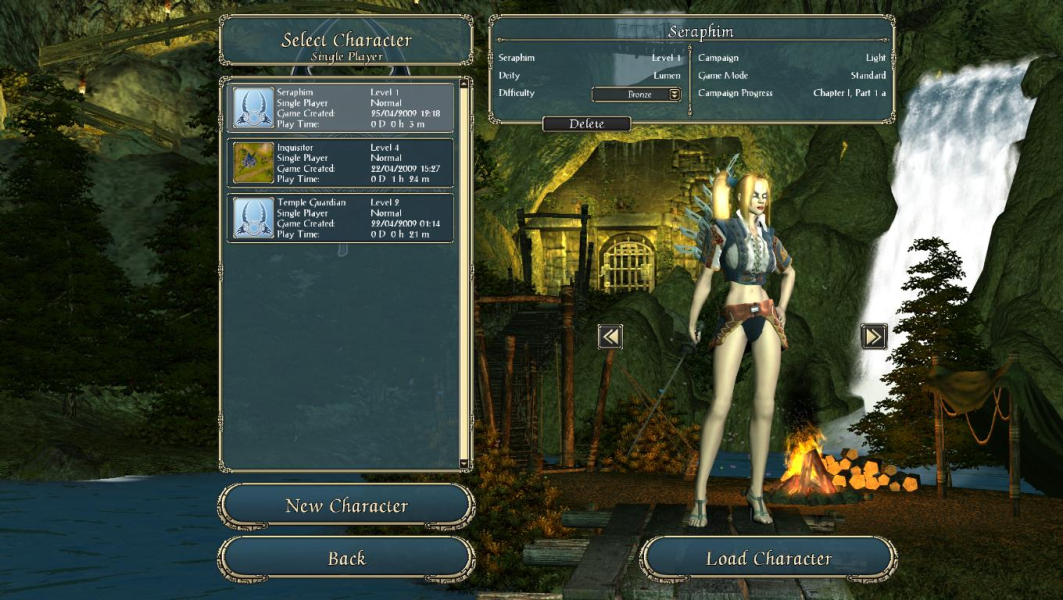
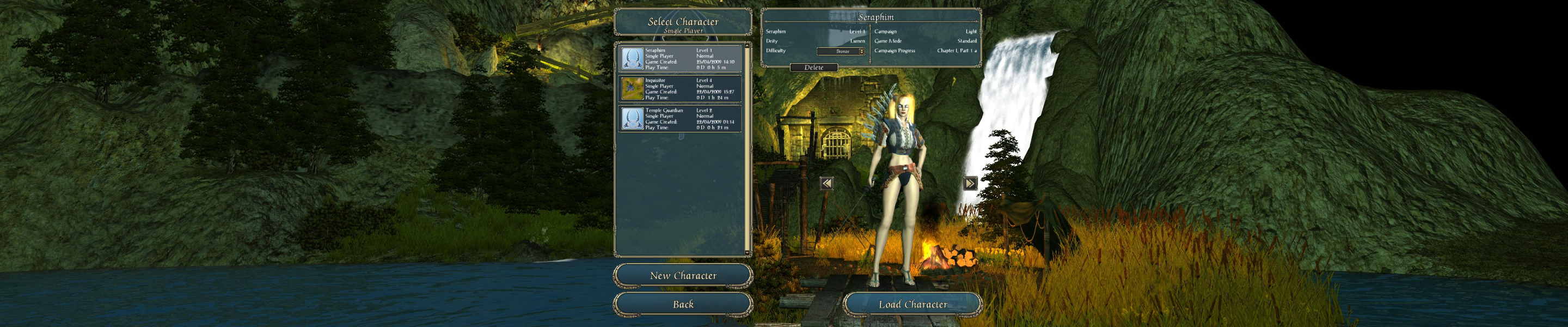
Additional Screenshots