


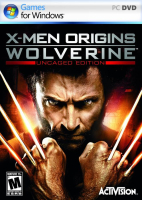



X-Men Origins: Wolverine is a 2009 action-adventure game loosely based on the film of the same name.
Support Summary
Game Information
Screenshots Comparison
Solutions & Issues
Native HOR+ max Res. is 1920x1080
Resolution change via INI edit: Go to --> ...\Documents\Wolverine\WGame\Config\WEngine.ini and edit:
ResX=2560
ResY=1440
UserSelectedResolution=True
Because the higher you go, the more blurred textures you get. To fix this, you need to increase the value in this line:
PoolSize=120 --> 240 and it works OK, even with 3840x2160.
---------------------------------------------------------------
Optional FOV:
FOV INI edit: Go to --> ...\Documents\Wolverine\WGame\Config\WInput.ini and add under:
[Engine.PlayerInput]
Bindings=(Name="F1",Command="FOV 85",Control=False,Shift=False,Alt=False)
Now in game hit F1
Same Solution like in Widescreen.
Same Solution like in Widescreen.
Same Solution like in Widescreen.
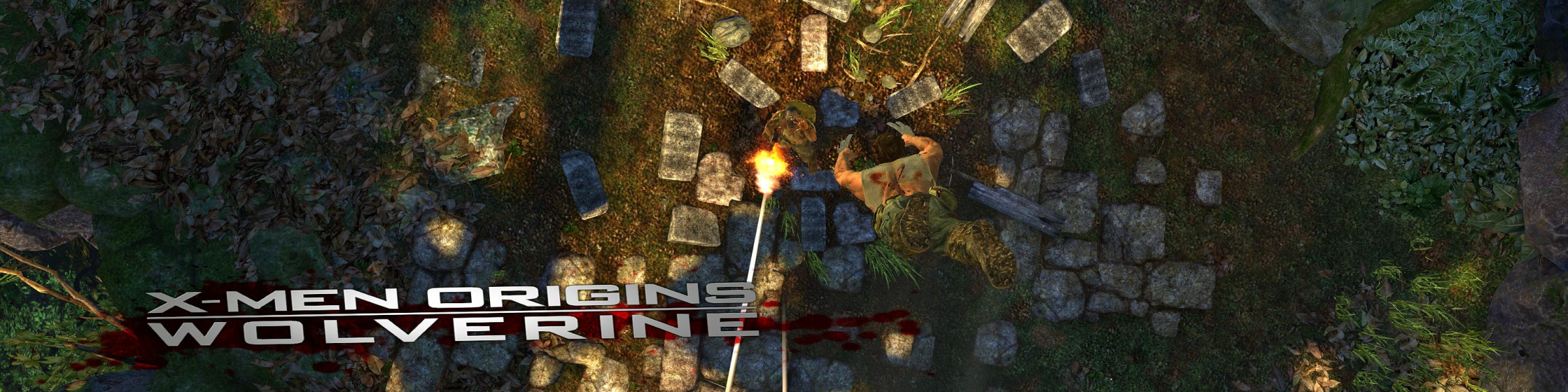
Gameplay Screenshots


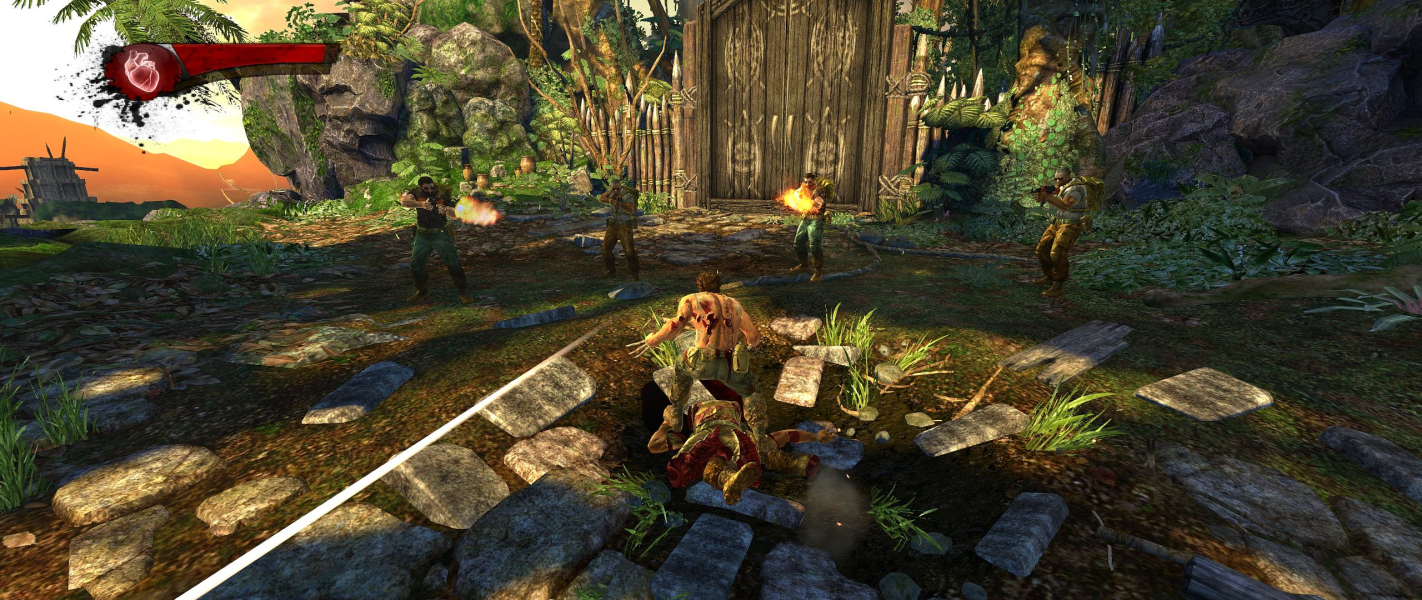


In-Game (Rendered) Cutscenes
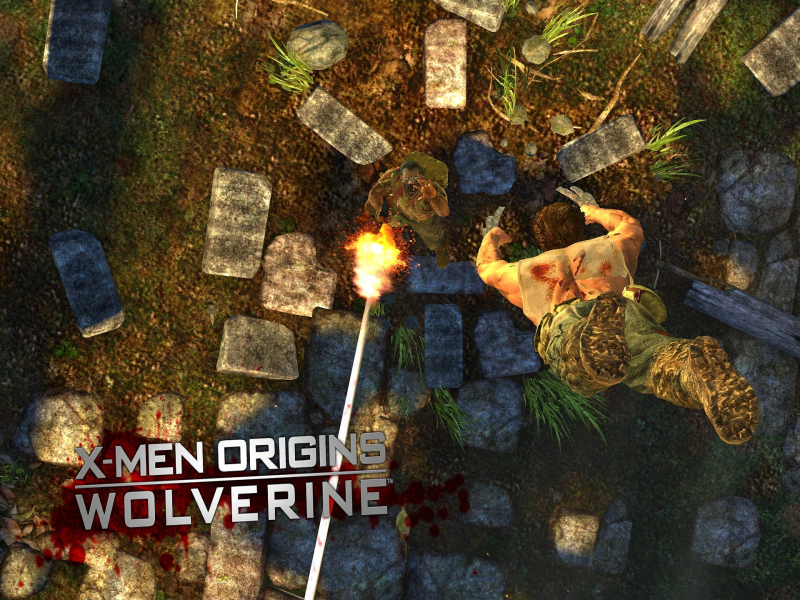


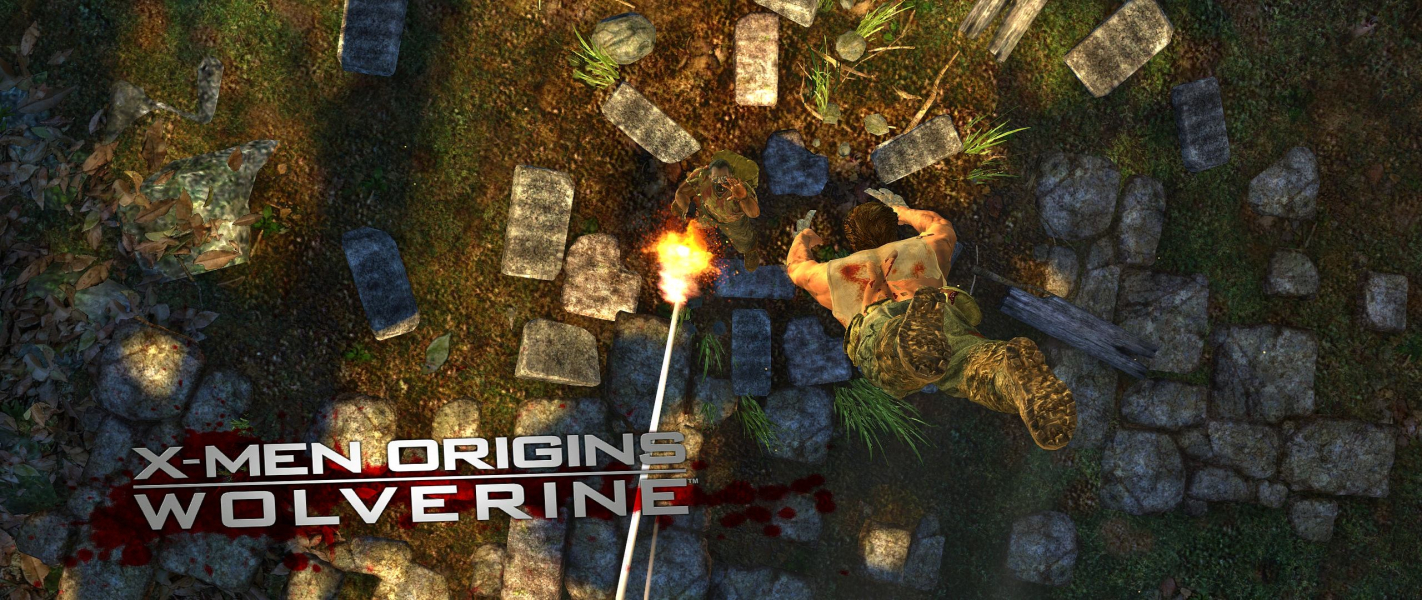
FMV Cutscenes
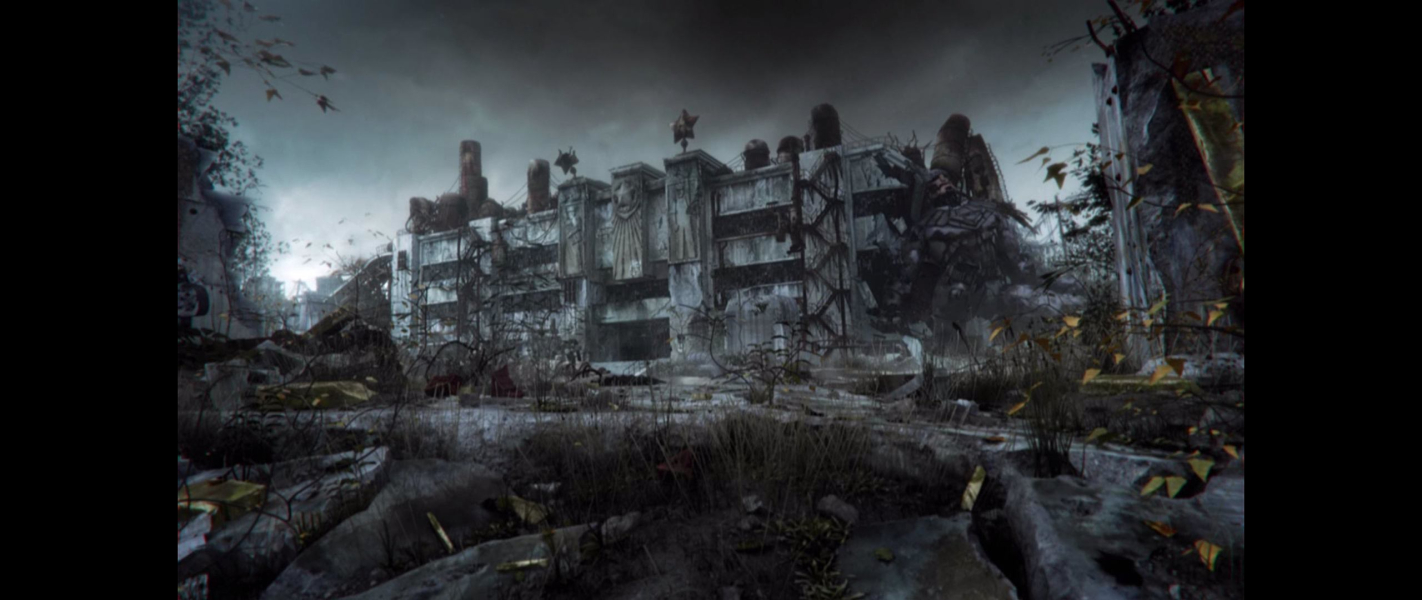

Menu Screenshots


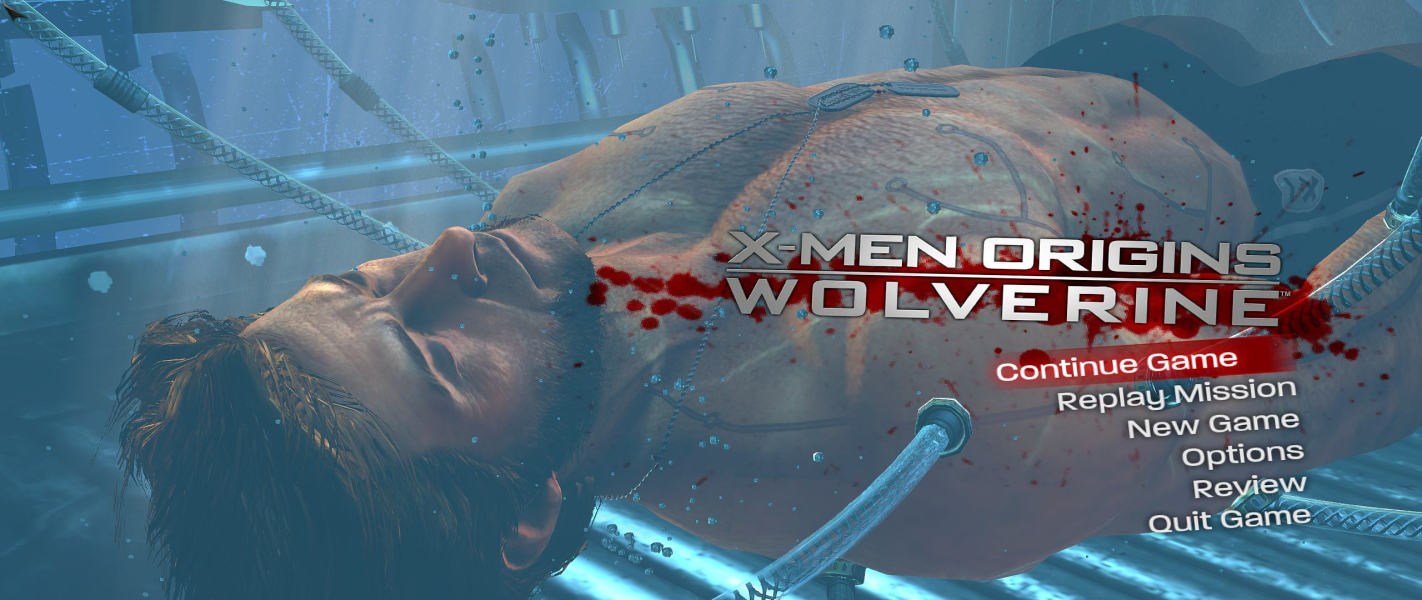

Additional Screenshots


