




Far Cry 2 is a mission-based, open-ended FPS set in a fictional african country on the verge of civil war. The story is not even remotely connected to the original Far Cry, so this game is more like a Boiling Point fan's dream come true. Who needs Trigens when angry mercs are everywhere ?
Support Summary
Screenshots Comparison
Solutions & Issues
Originally the game was Vert-. Patch 1.2 added official support for widescreen & surround displays.
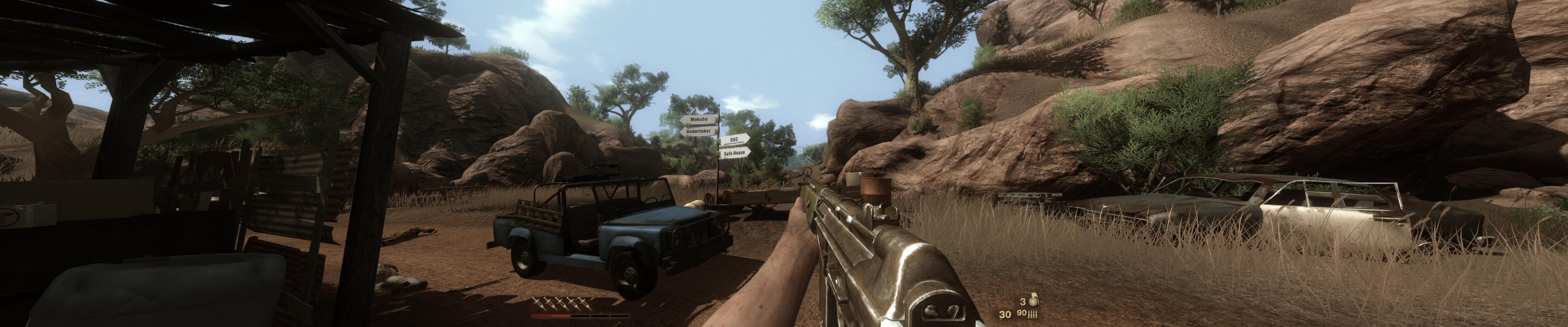
Native support. Set your desktop to the same aspect ratio as your desired in-game resolution before you launch the game. In the game's display options, select your resolution and check the Widescreen box for a correct FOV. 'Faux' TripleHead and custom resolutions are also supported, in DX9 only though (nothing unusual, but I wonder why DX10 doesn't like 'faux' TH).
The menu interface (log) is Hor+, except in 15:9 and 16:9 (stretched 16:10). Ooooow. The final cut scene is the only 'cinematic' one (no mouselook) and it is Hor+.
Native, Hor+, no HUD stretch + centered HUD.
No 5040x1050 in DX10 with TH2G DE, nothing unusual again.
A note on bezel corrected resolutions and HUD stretch:
Leapo wrote:
If your desktop resolution is 5040x1050 before you start the game, it centers everything correctly.
If your desktop resolution is bezel corrected (5292x1050 in my case) before you start the game, it stretches everything.
The game itself can be set to 5292x1050 and still center everything, but your desktop resolution has to be 5040x1050.
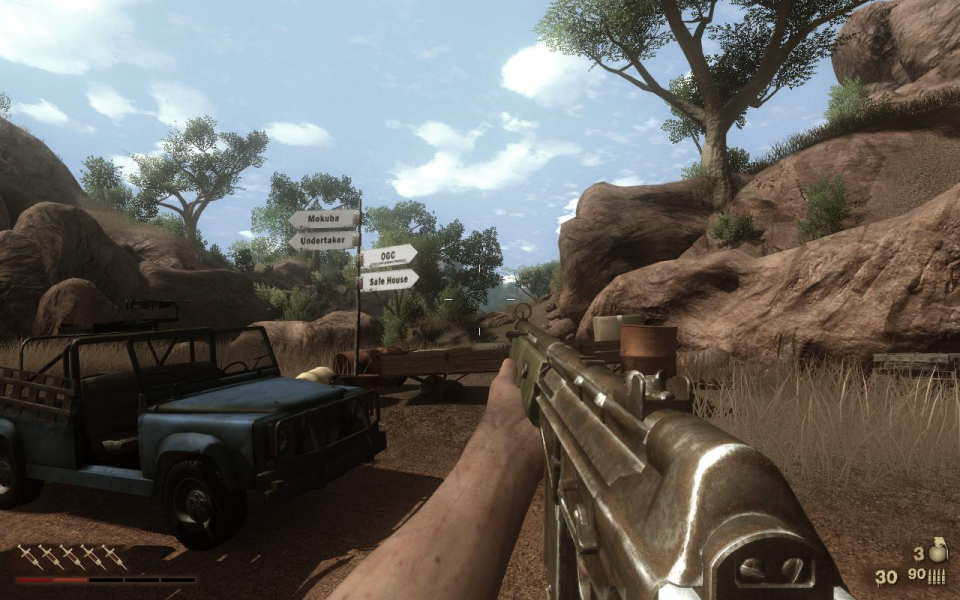
Gameplay Screenshots



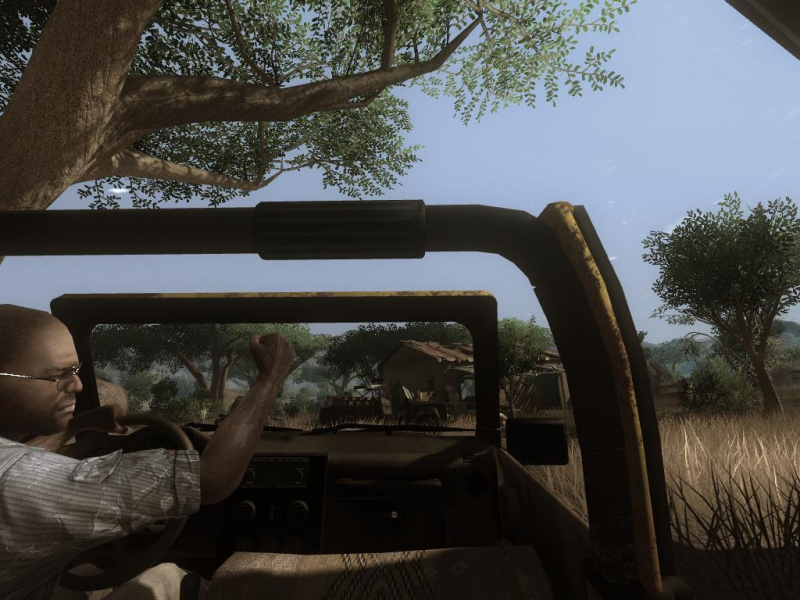
In-Game (Rendered) Cutscenes
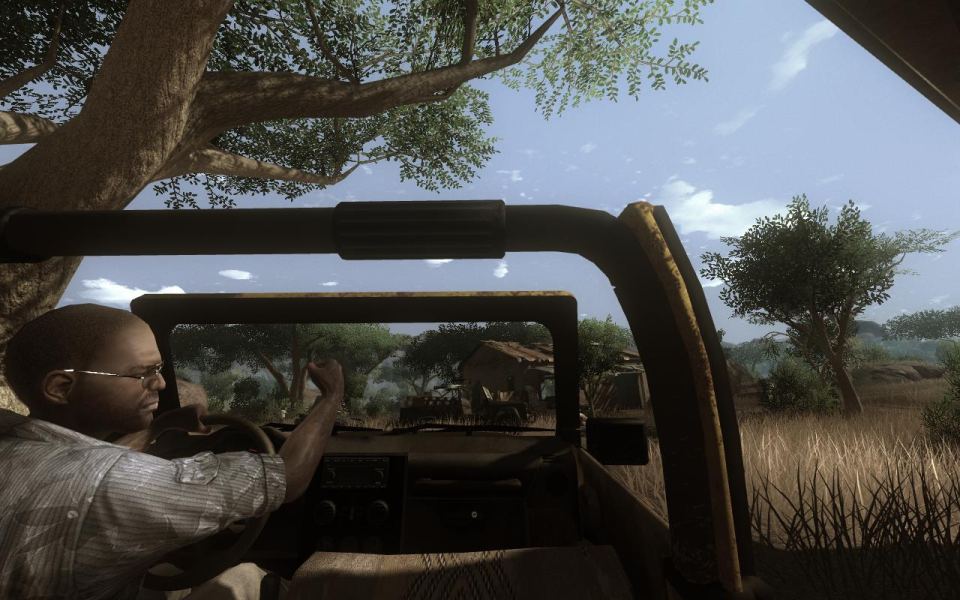
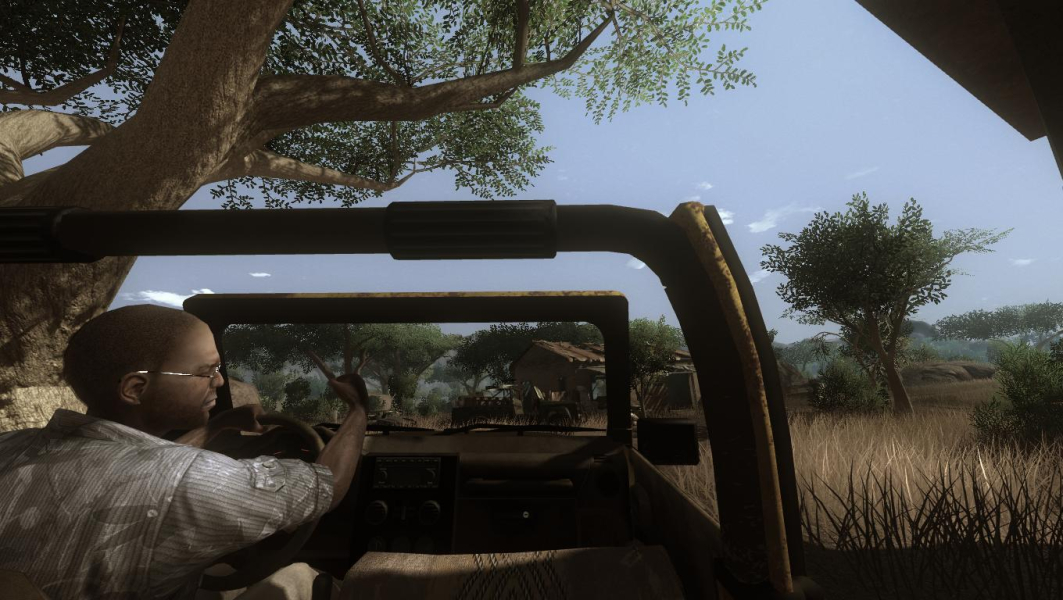
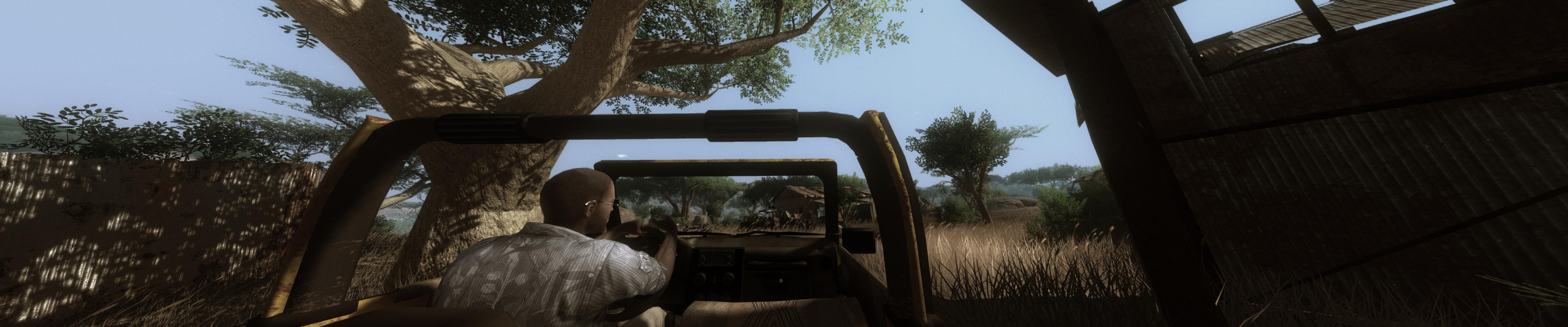
FMV Cutscenes
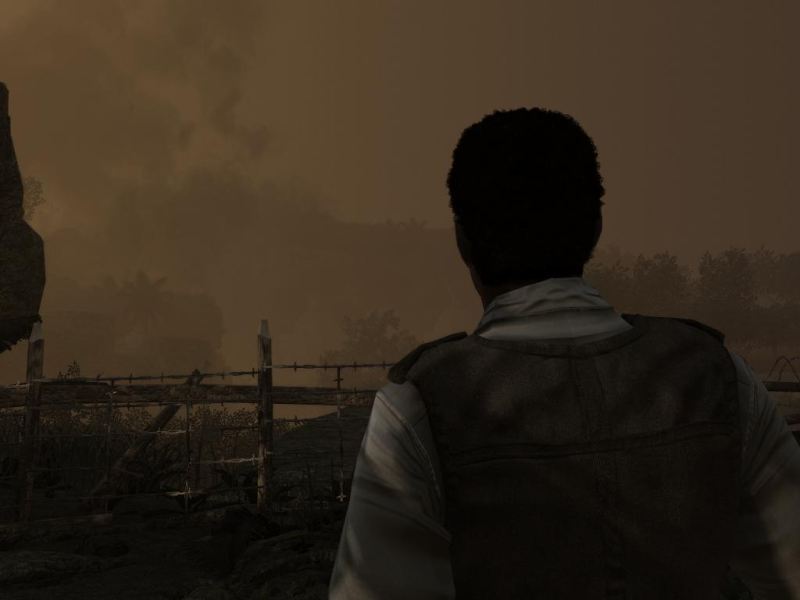


Menu Screenshots


Additional Screenshots


