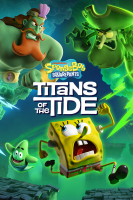
SpongeBob SquarePants: Titans of the Tide

Prepare to be scared! A clash between the Flying Dutchman and King Neptune has unleashed ghostly mayhem all over Bikini Bottom. Switch seamlessly between SpongeBob and Patrick, combine their unique skills and save Bikini Bottom from total ghostification!

Support Summary

Widescreen
Ultra/Super‑Wide
Multi-Monitor
4K Ultra HD
Support
Method
HUD
Cutscenes
FMVs

Game Information

Game Status:Released
Release Date:
Tested Version:v1.2.0.1 (803730)
Play Styles:Single-Player
Setting:Cartoon
Developer:Purple Lamp

Screenshots Comparison

4:3 Screenshot
A monitor with a question mark on it. The text above it reads "There is currently no image uploaded for this field." There is a semi-transparent WSGF logo in the background, while the main background is white. The image aspect ratio is 4:3.
16:10 Screenshot
A monitor with a question mark on it. The text above it reads "There is currently no image uploaded for this field." There is a semi-transparent WSGF logo in the background, while the main background is white. The image aspect ratio is 16:10.
16:9 Screenshot
A monitor with a question mark on it. The text above it reads "There is currently no image uploaded for this field." There is a semi-transparent WSGF logo in the background, while the main background is white. The image aspect ratio is 16:9.
21:9 Screenshot
A monitor with a question mark on it. The text above it reads "There is currently no image uploaded for this field." There is a semi-transparent WSGF logo in the background, while the main background is white. The image aspect ratio is 21:9.
32:9 Screenshot
Eyefinity / Surround Screenshot

A monitor with a question mark on it. The text above it reads "There is currently no image uploaded for this field." There is a semi-transparent WSGF logo in the background, while the main background is white. The image aspect ratio is 48:9.
Solutions & Issues
Ultra/Super-Wide Specific Solution & Issues:

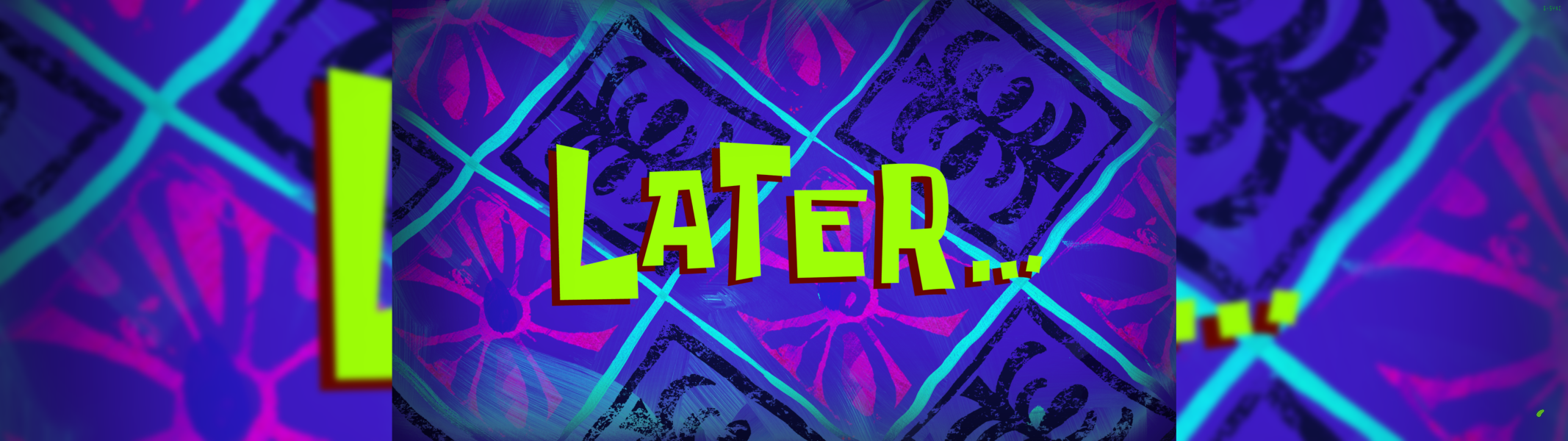
I am personally having issues with the cutscenes stuttering as it changes aspect ratios. I'm convinced it's due to me not lowering my settings as far as it would take to fix it.

4:3 Screenshot
A monitor with a question mark on it. The text above it reads "There is currently no image uploaded for this field." There is a semi-transparent WSGF logo in the background, while the main background is white. The image aspect ratio is 4:3.
16:10 Screenshot
A monitor with a question mark on it. The text above it reads "There is currently no image uploaded for this field." There is a semi-transparent WSGF logo in the background, while the main background is white. The image aspect ratio is 16:10.
16:9 Screenshot
A monitor with a question mark on it. The text above it reads "There is currently no image uploaded for this field." There is a semi-transparent WSGF logo in the background, while the main background is white. The image aspect ratio is 16:9.
21:9 Screenshot
A monitor with a question mark on it. The text above it reads "There is currently no image uploaded for this field." There is a semi-transparent WSGF logo in the background, while the main background is white. The image aspect ratio is 21:9.
32:9 Screenshot
Eyefinity / Surround Screenshot
A monitor with a question mark on it. The text above it reads "There is currently no image uploaded for this field." There is a semi-transparent WSGF logo in the background, while the main background is white. The image aspect ratio is 48:9.
32:9 Cutscene
32:9 FMV Cutscene
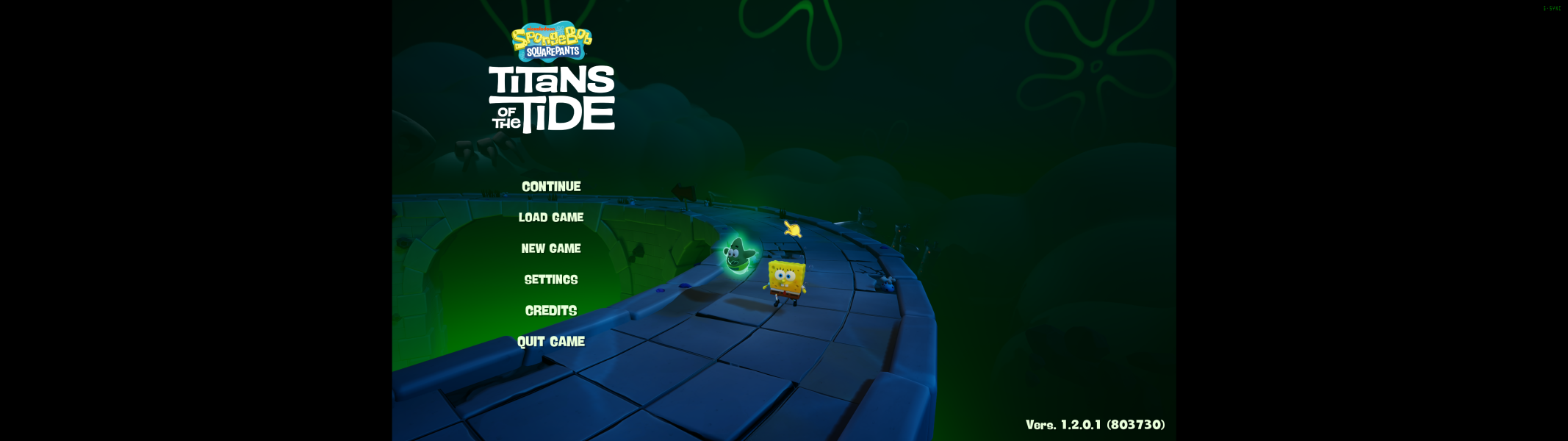
32:9 Menu
Main Menu is Letterboxed; All other menus are 32:9 compatible.
32:9 Loading Screen
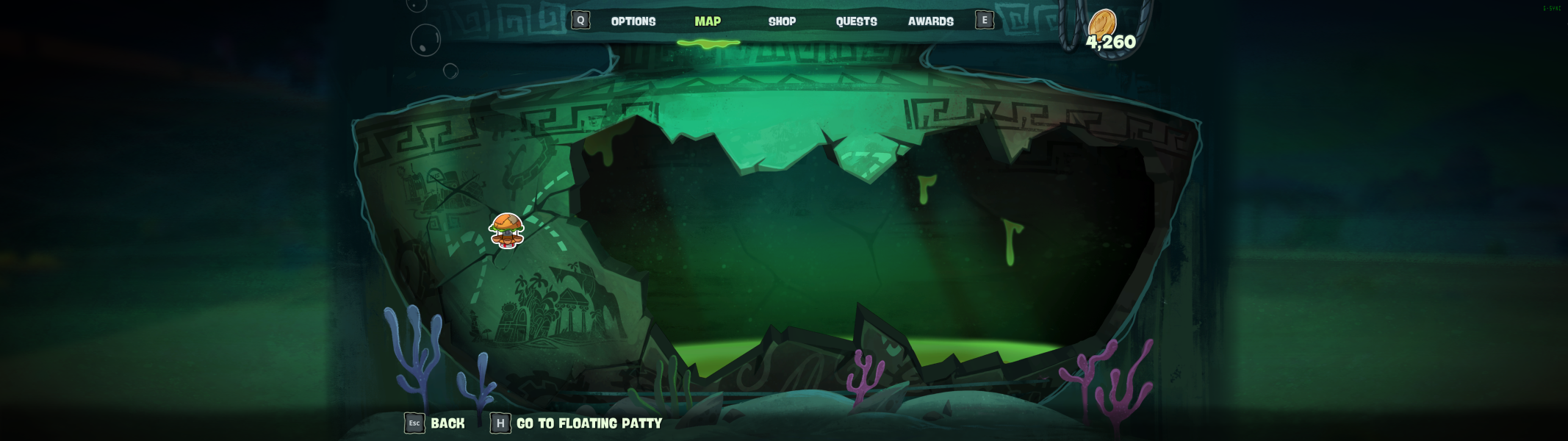
32:9 In-Game Menu
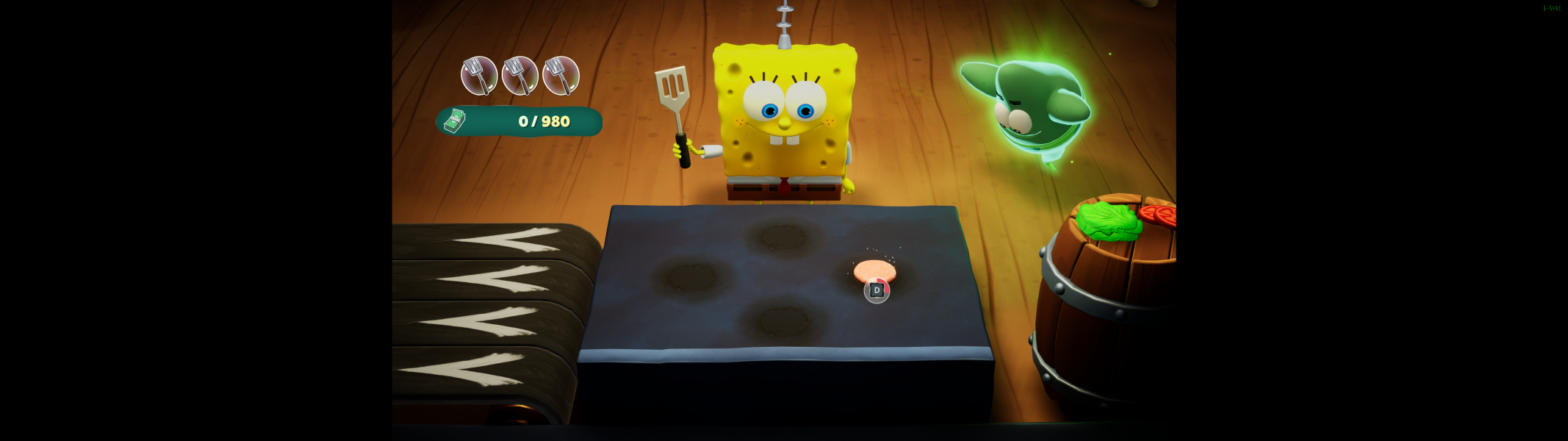
32:9 Krabby Patty Minigame
Ultra/Super-Wide (21:9/32:9) Resolutions:5120x1440