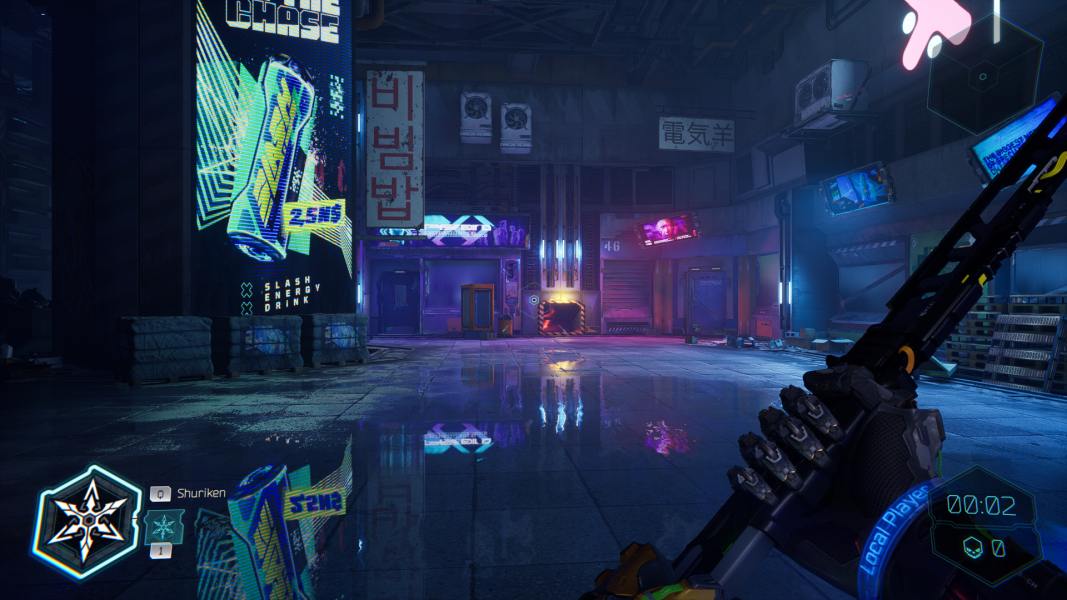


Ghostrunner 2 is the sequel to Ghostrunner, a single-player hack-and-slash game set in a cyberpunk world. Similar to its predecessor, Ghostrunner 2 expects the player to be in motion and promptly react to threats, navigate obstacles, and perform actions to unlock the path forward. The sequel not only features a new story and levels, but also builds on the original mechanics by introducing new abilities and motorcycle rides.
The game was developed by One More Level and published by 505 Games on October 26, 2023 (after two days of early access for the owners of Brutal Edition) on Steam, Epic Games Store, and GOG.com.
Support Summary
Game Information
Screenshots Comparison
Solutions & Issues
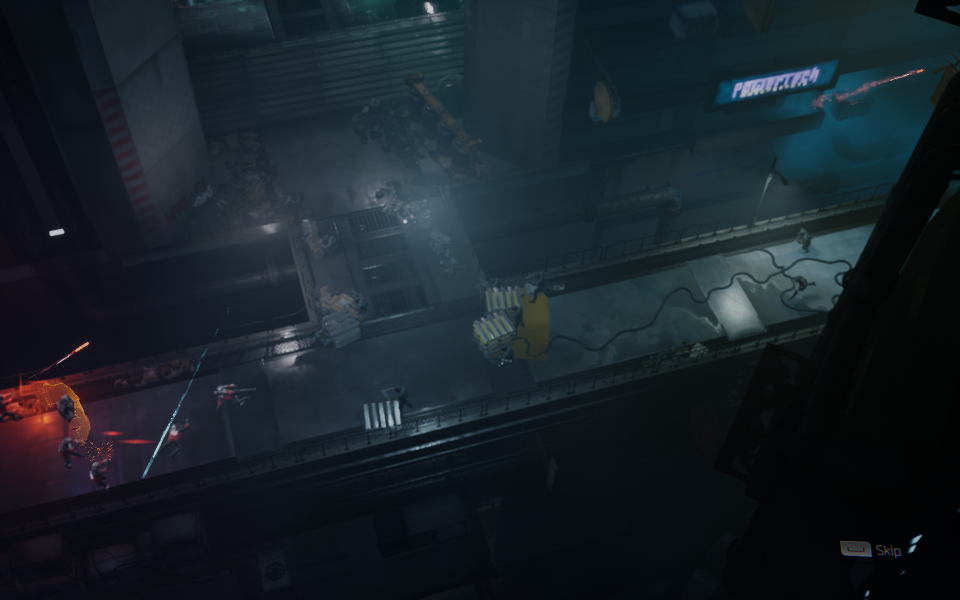
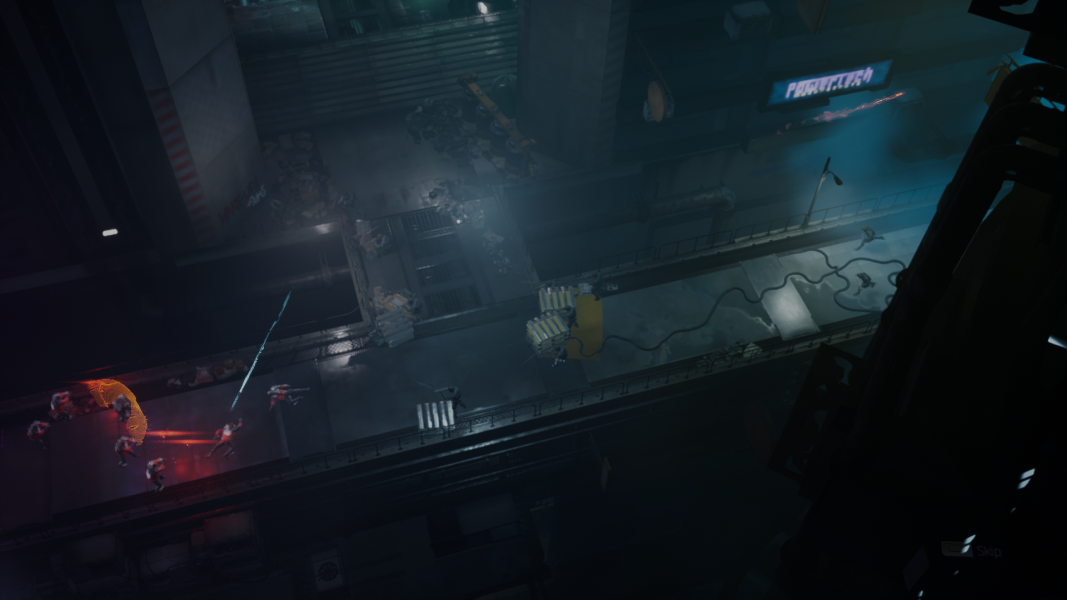
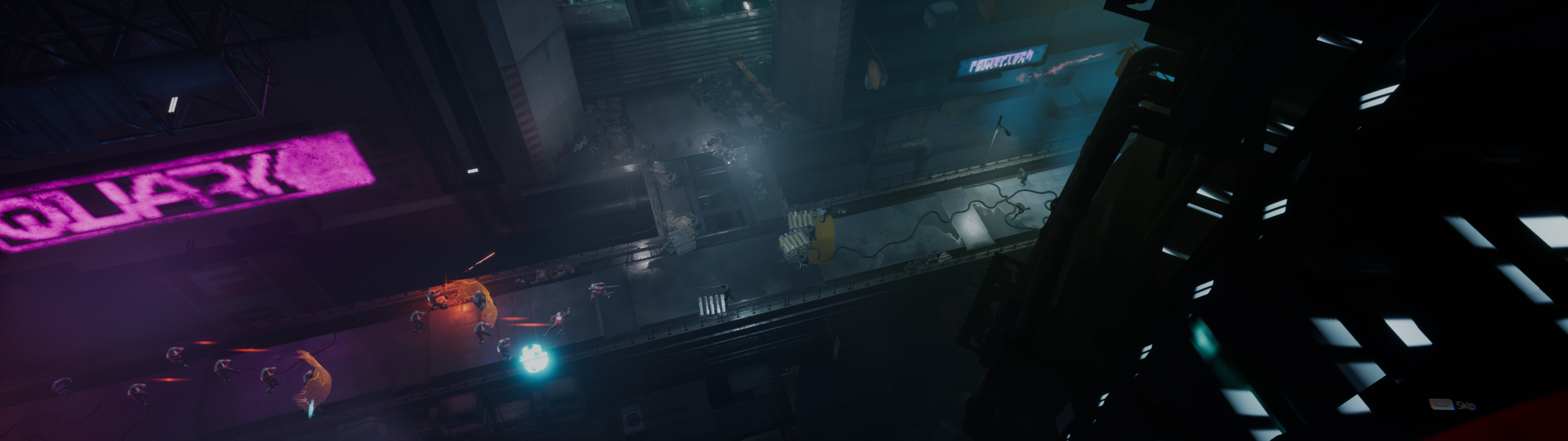
The game contains four FMVs, including the recap of the original game, running for 5 minutes total. The view of these scenes is horizontally reduced at 16:10, but the source MP4 files are found in the game folder in Ghostrunner2\Content\Movies\ and can be watched independently.
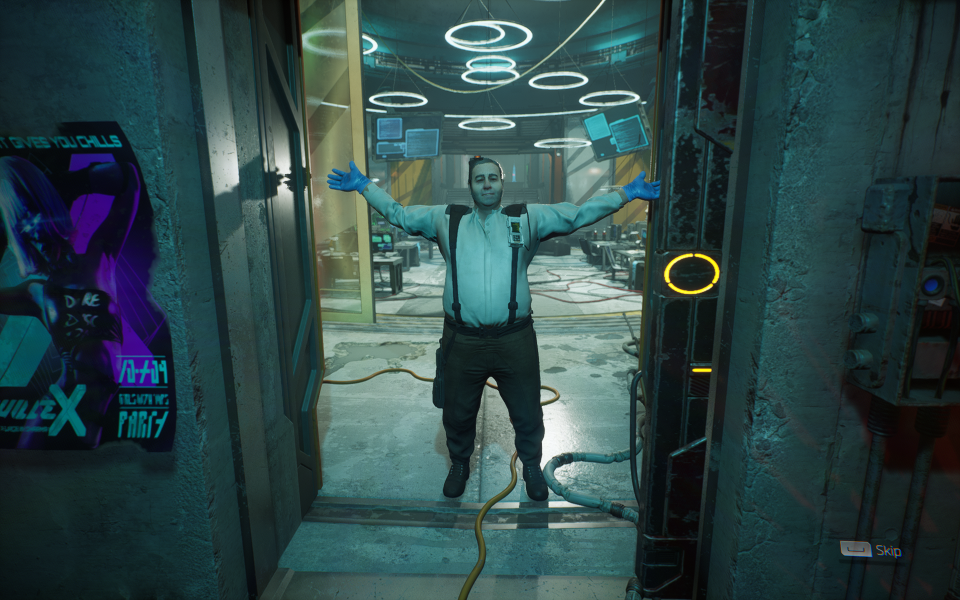
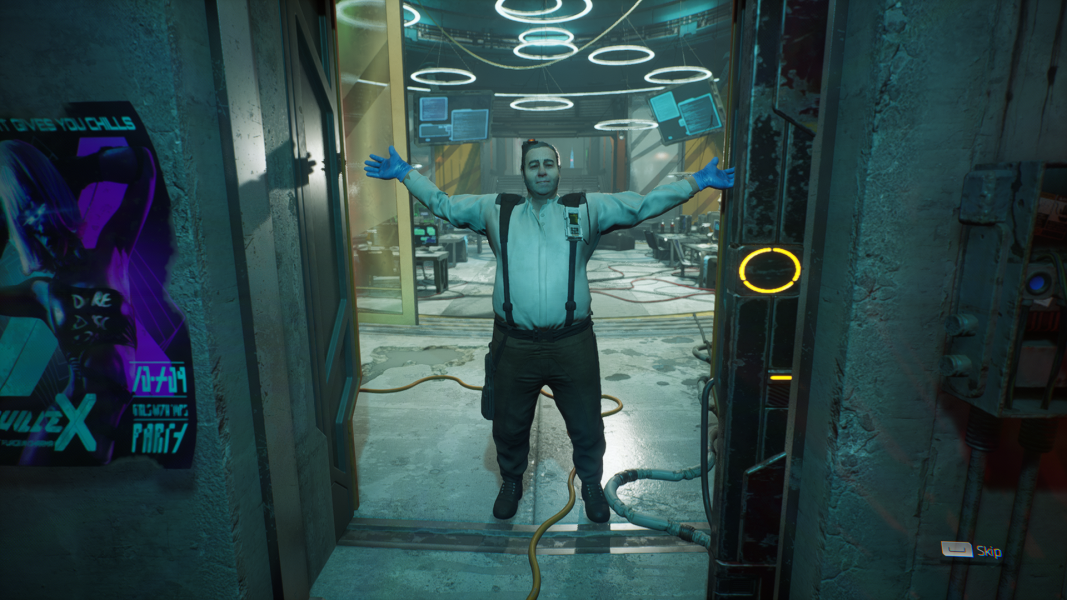
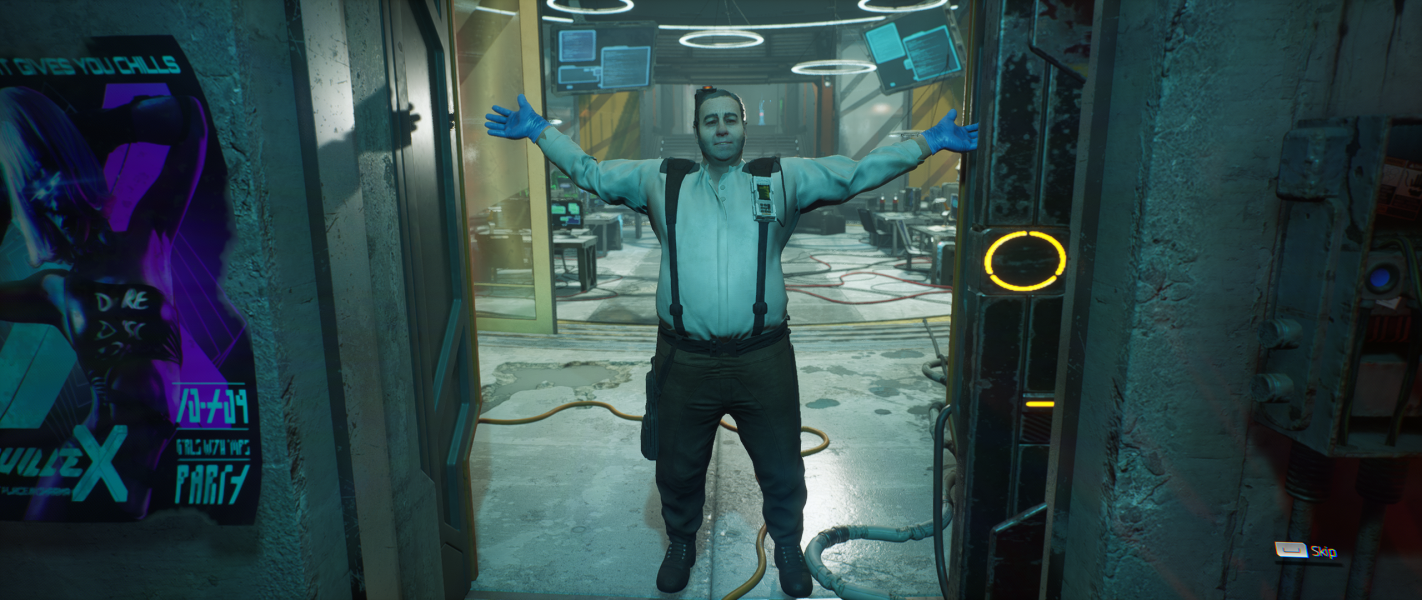
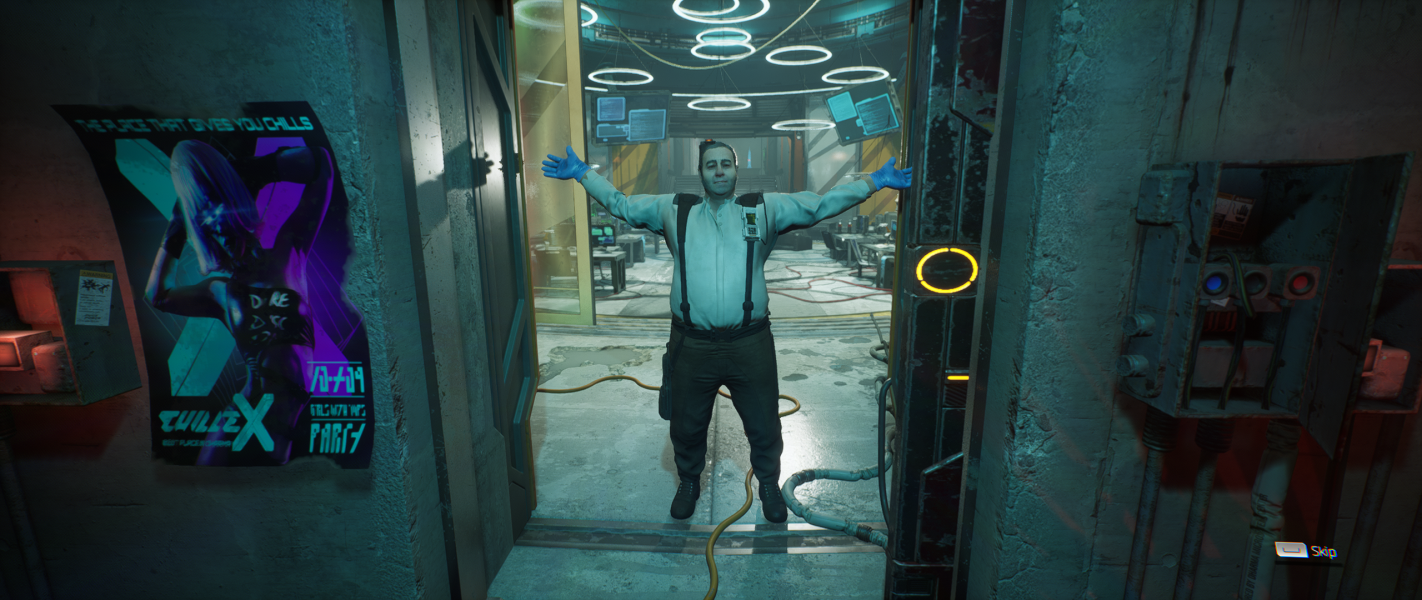
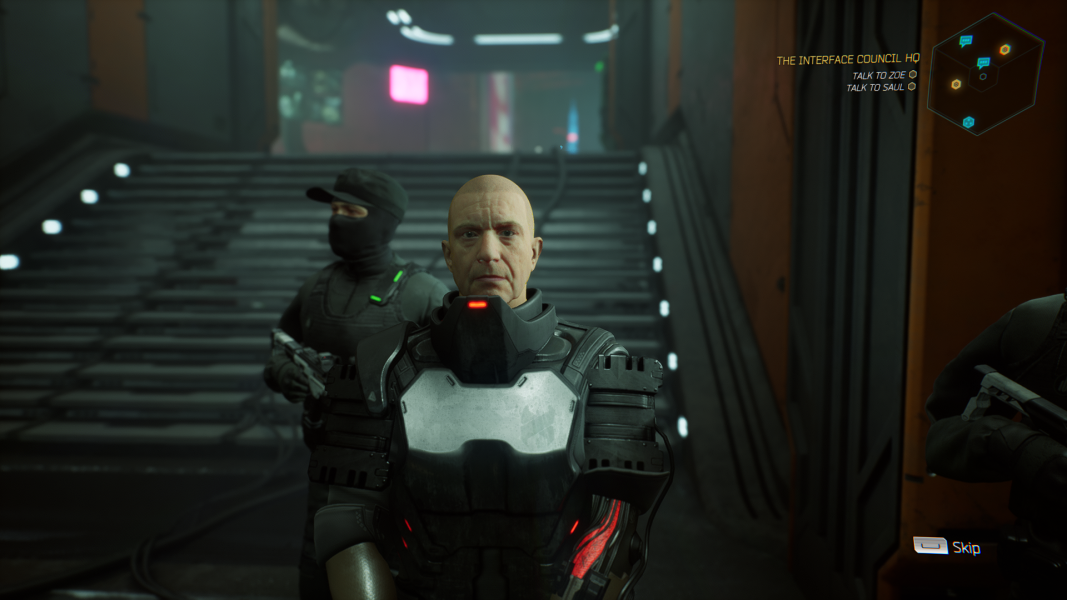
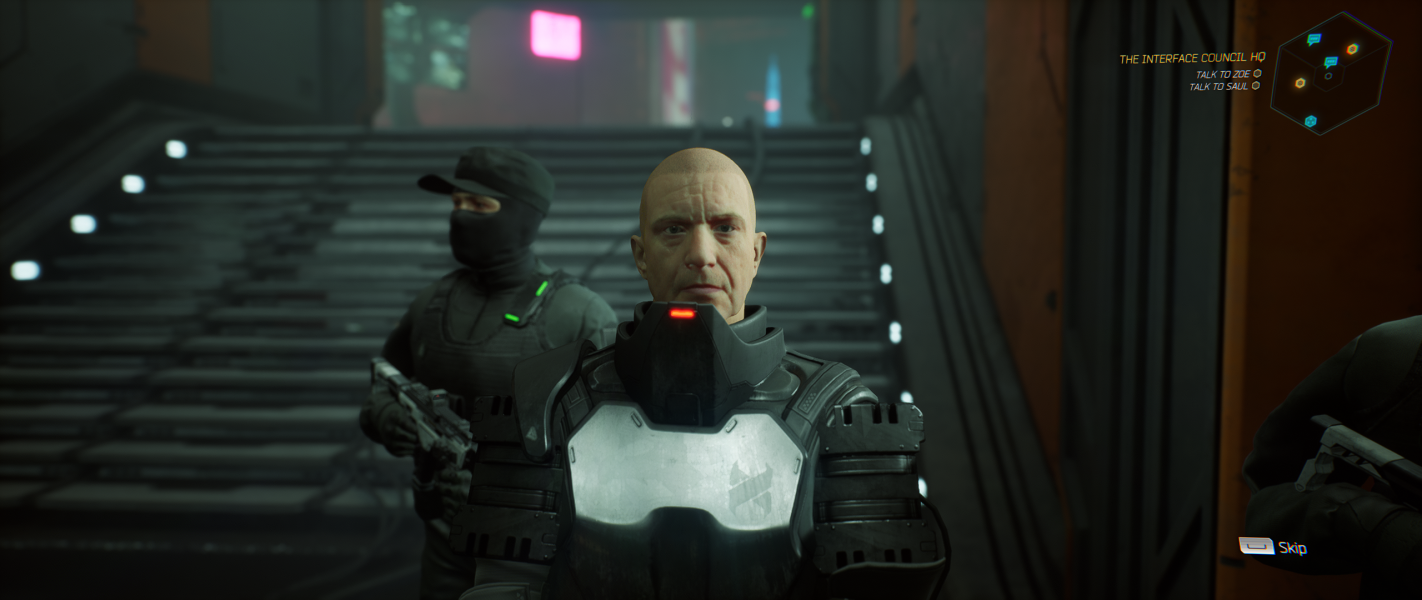
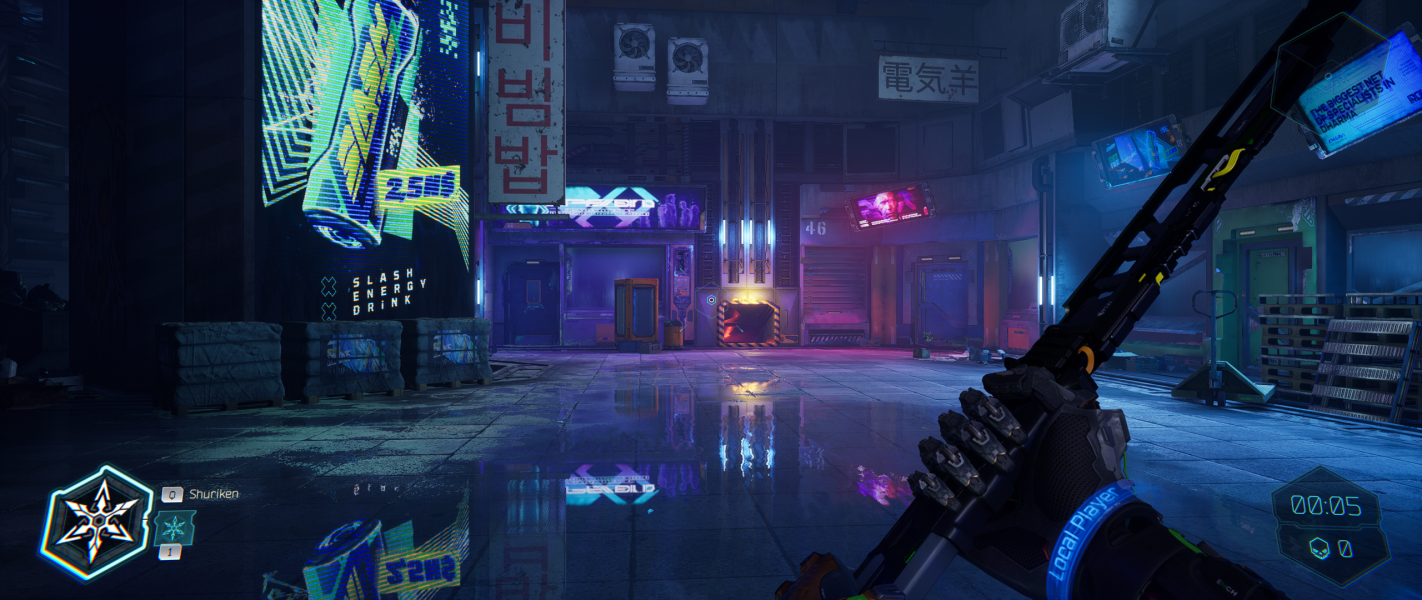
At 16:10, the same hor- scaling applies to the real-time intro cutscene and first two game levels. The in-game field of view slider is more than enough to compensate for the reduction at the main view.
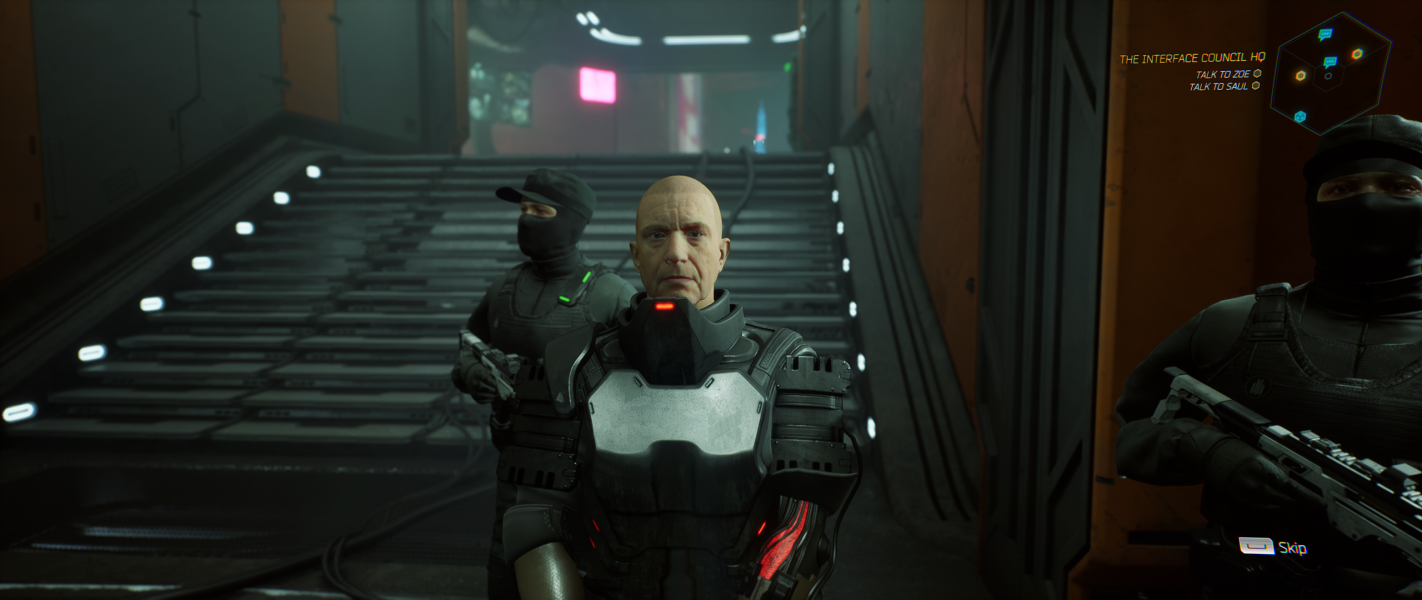
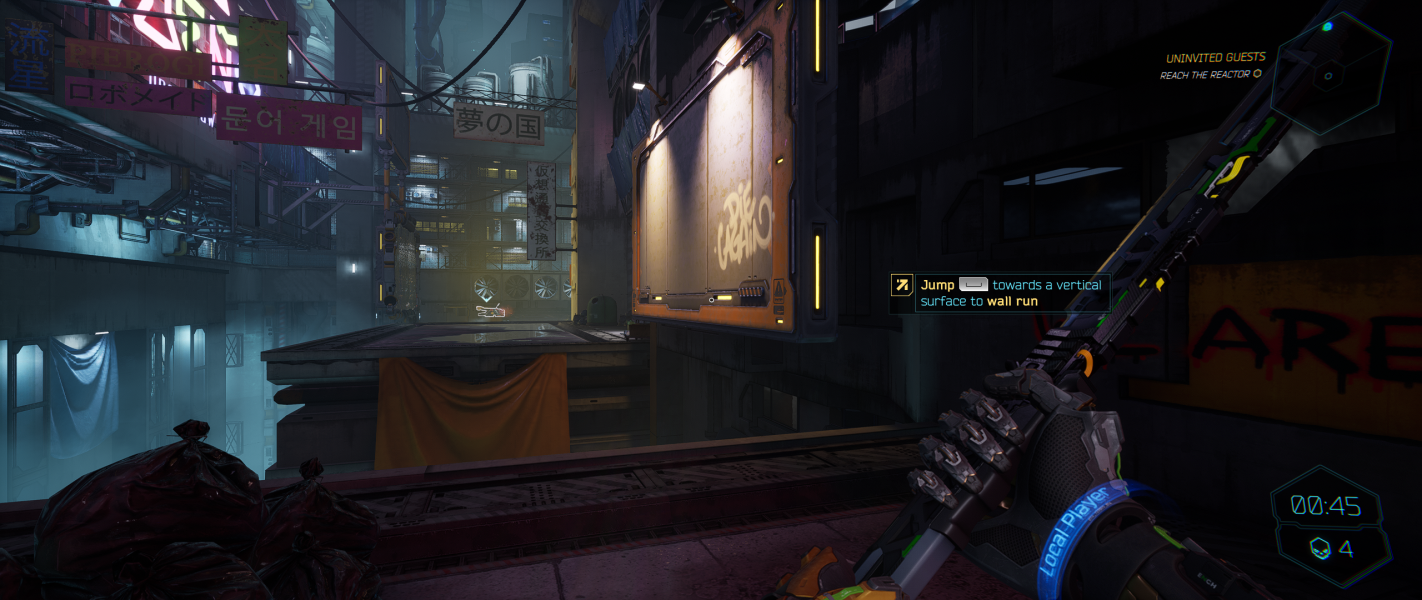
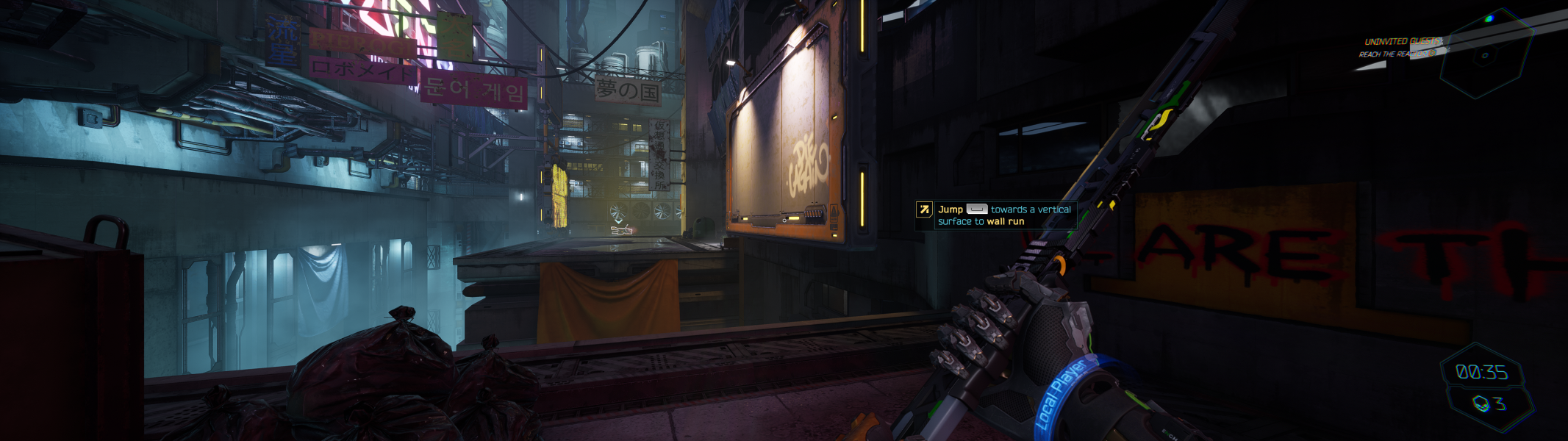
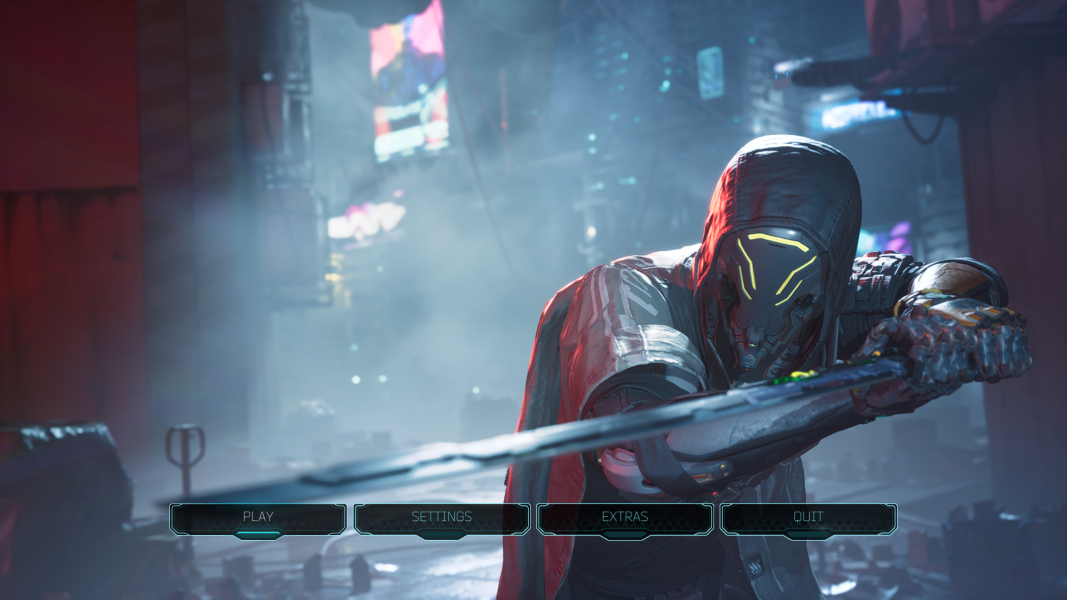
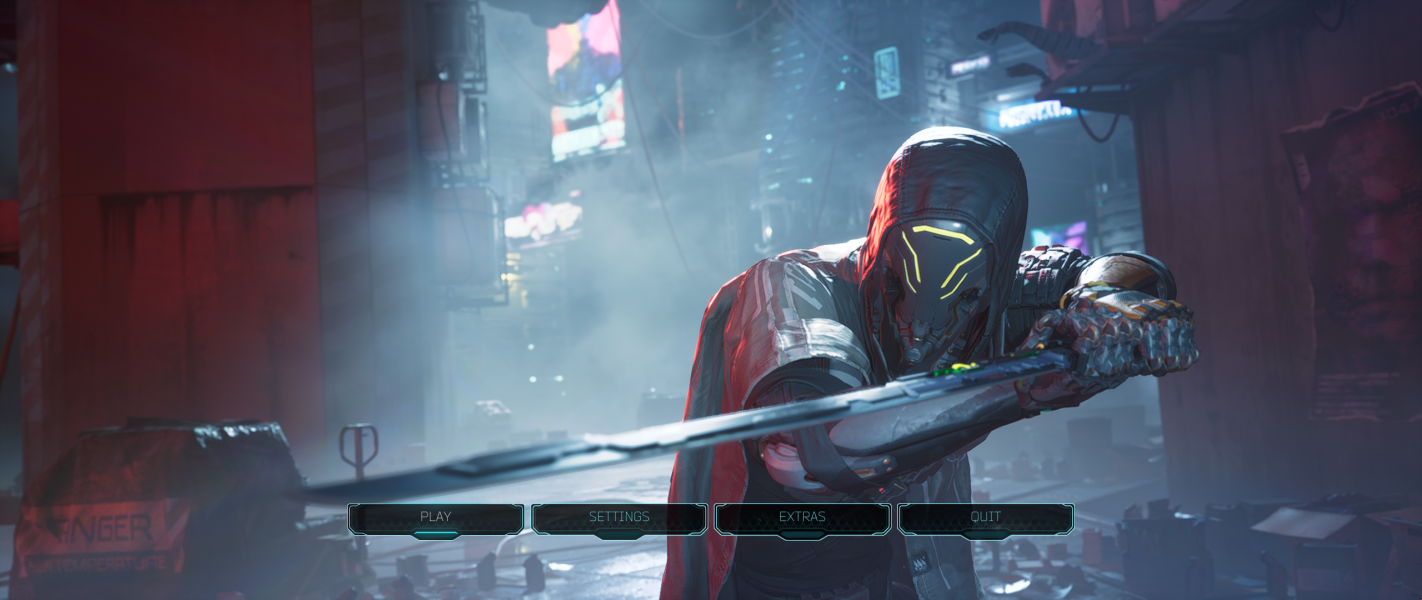
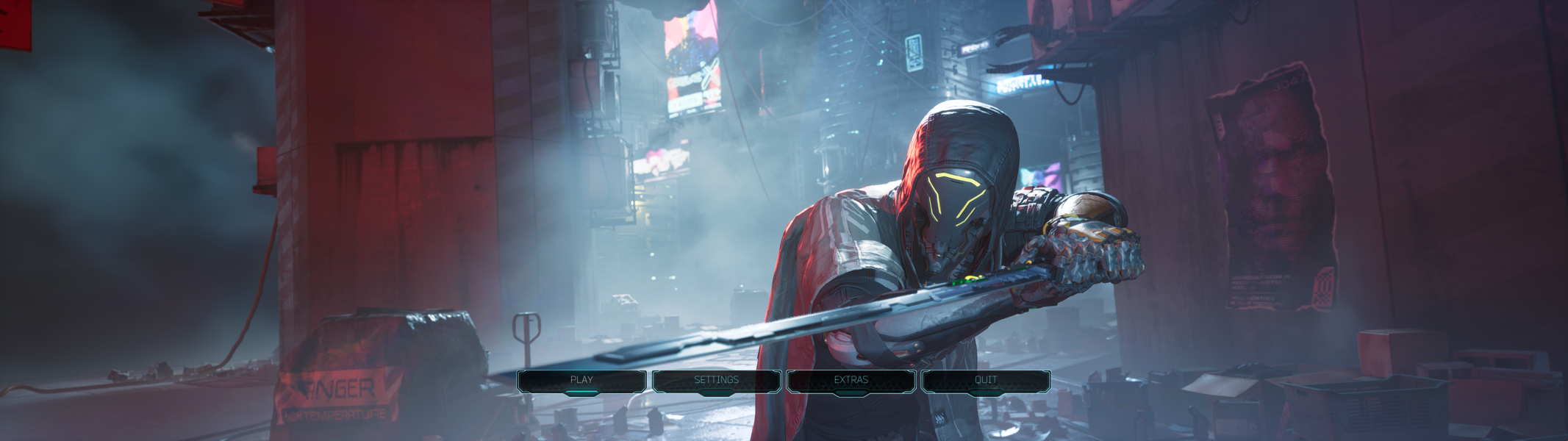
The game scales inconsistently, with the field of view vertically reduced for some areas but not others. There is no reduction at the main menu, the first cutscene and the first two levels, while the subsequent levels and cutscenes are affected.
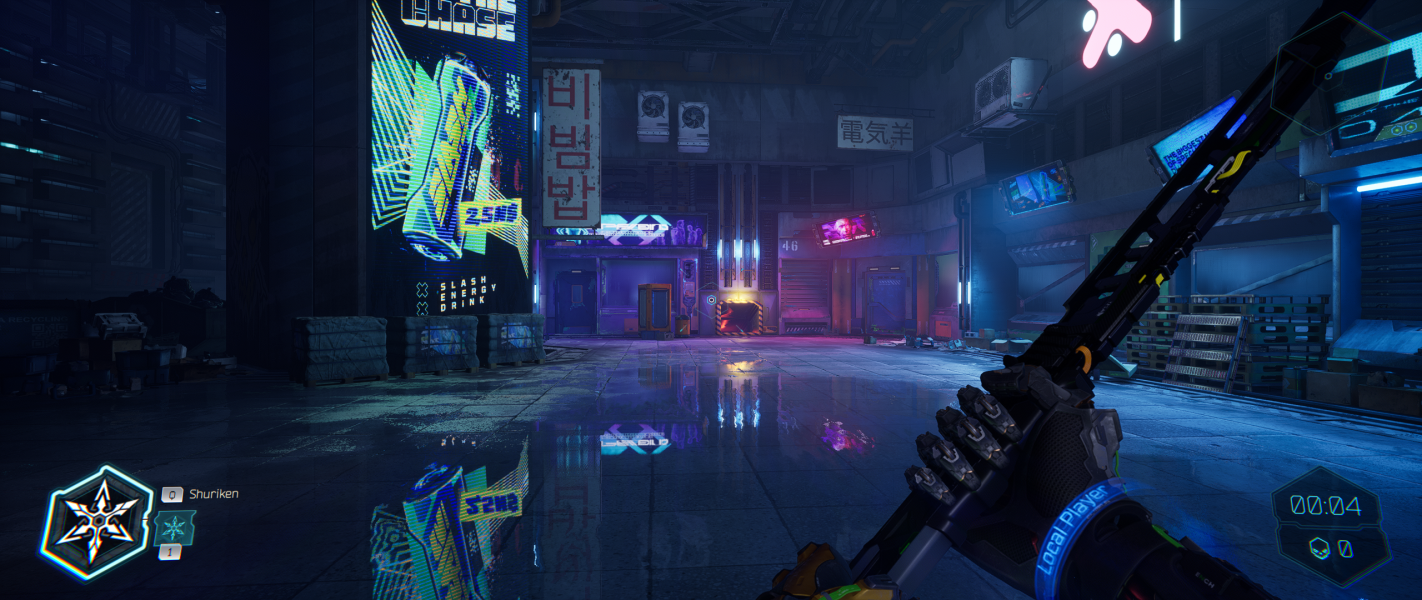
At 21:9, when the view is reduced, the in-game FOV slider maximum of 120 is enough to match and exceed the default 85 of 16:9, although this applies to the main view only.
For the the affected scenes at 21:9 and 32:9, Lyall's System Shock fix allows to match the vertical view of 16:9. Download the attachment above and simply extract the archive adapted to this game to your game folder.
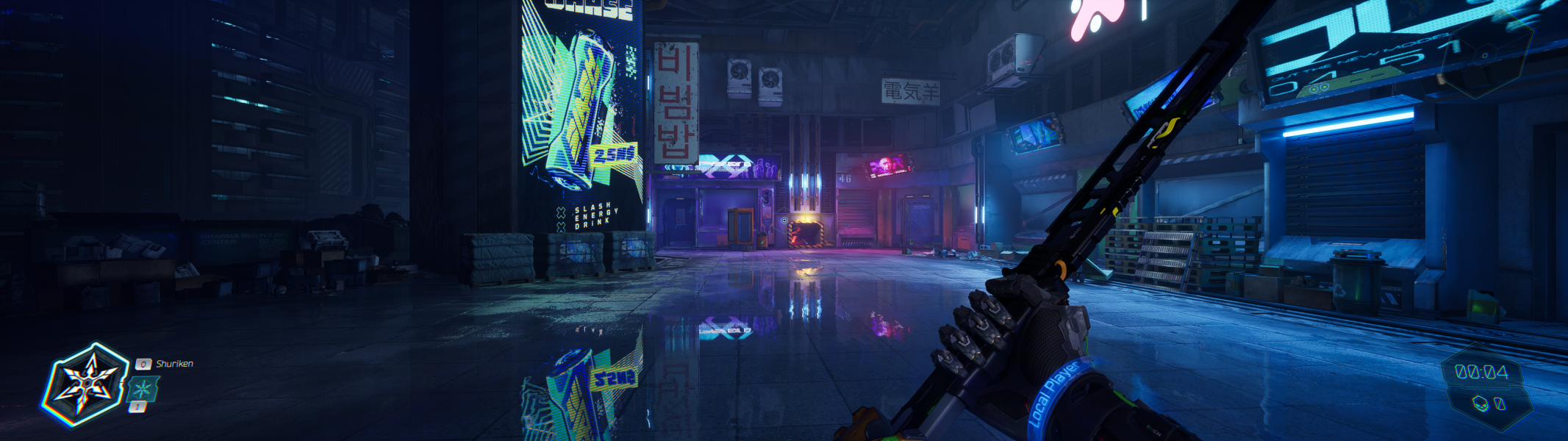
As with 32:9, the in-game field of view slider is insufficient for compensating for the FOV reduction at 48:9 and wider. Using Lyall's fix mentioned above corrects the issue.
Additionally, the game UI is spanned across the visible space, causing the minimap and current objective information to be at the far edges of the side monitors. The game does not offer any safe zone or HUD centering options, however, there is an option to toggle the HUD off completely, suggesting that the game is fully playable without it. The photo mode controls are also placed at the far left edge of the viewable space.
The FMVs mentioned under the Widescreen section are in 1080p but the quality is good enough to not make it apparent at 4K.
The game includes a resolution scale slider with 10% as its minimum. It also supports DLSS, FSR 2.0, and XeSS.
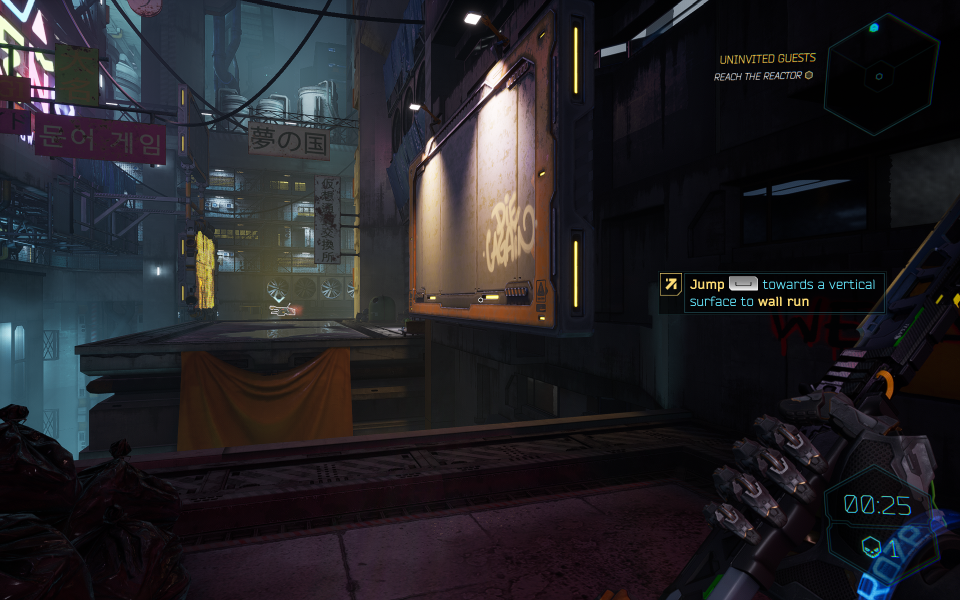
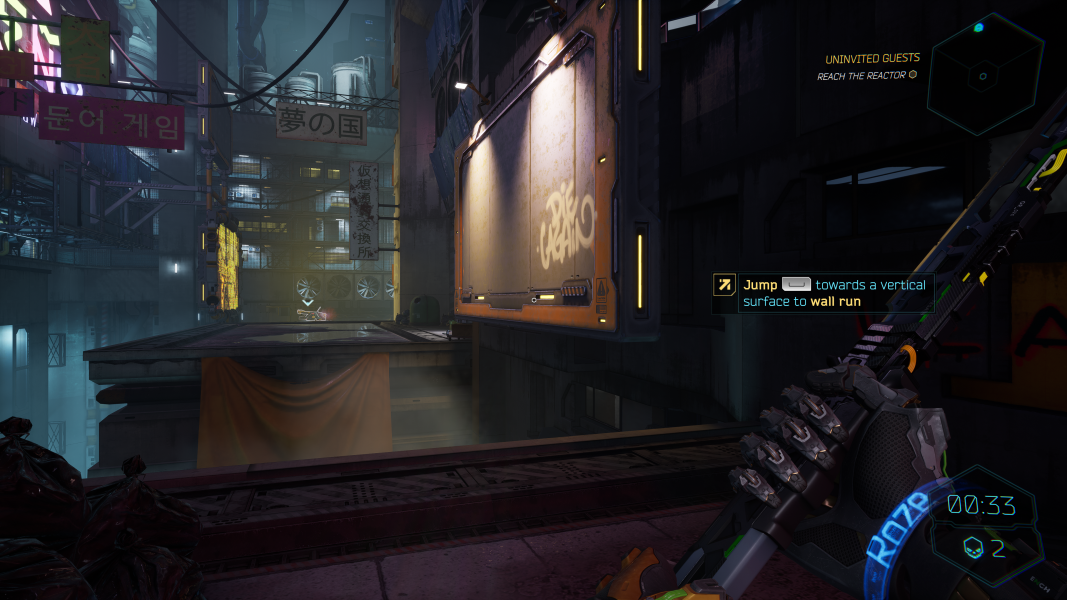
Gameplay Screenshots



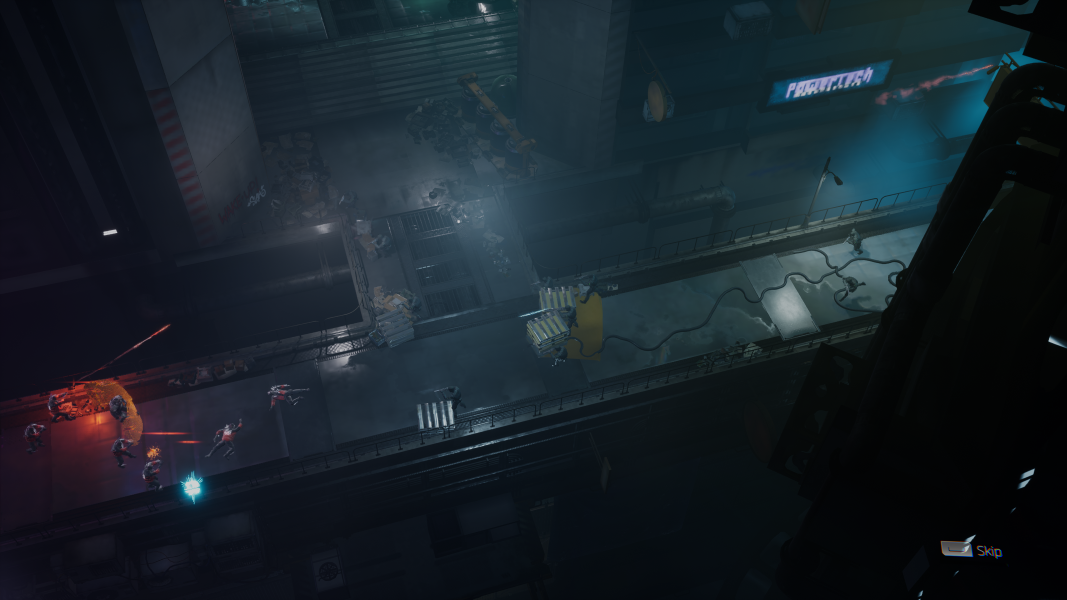
In-Game (Rendered) Cutscenes



FMV Cutscenes


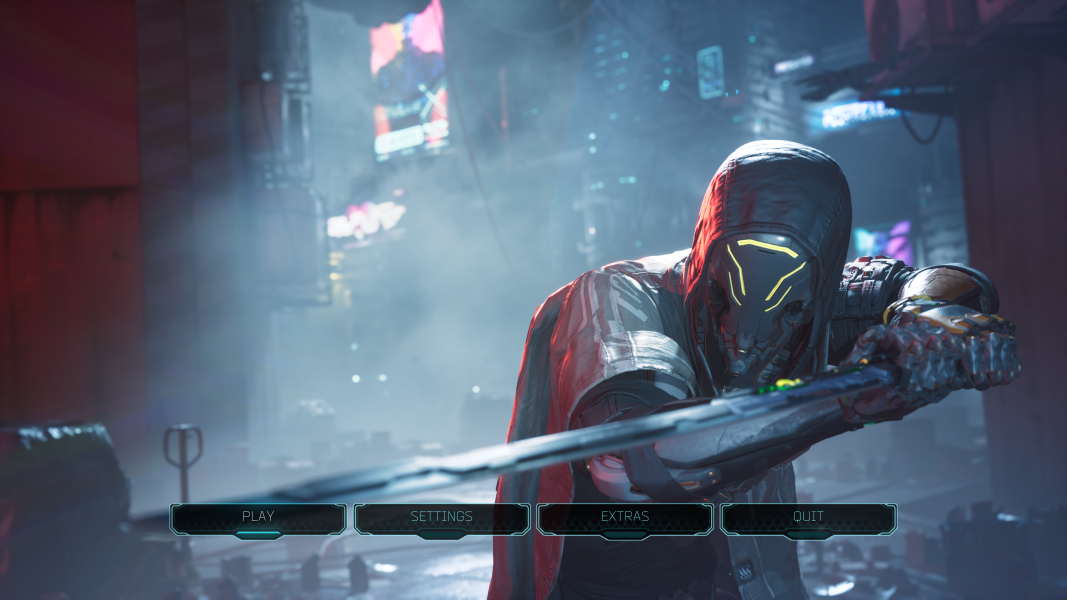
Menu Screenshots



4K UHD Screenshots

Additional Screenshots