


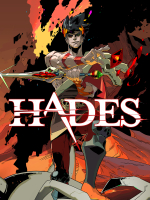


Hades is a roguelike action dungeon crawler video game developed and published by Supergiant Games (previous games: Bastion, Transistor, Pyre). Players control Zagreus, the son of Hades, as he attempts to escape from the Underworld to reach Mount Olympus, at times aided by gifts bestowed on him from the other Olympians. Each run challenges the player through a random series of rooms populated with enemies and rewards. The game has a hack and slash combat system; the player uses a combination of their main weapon attack, dash power, and magic ability to defeat them while avoiding damage to progress as far as possible. While Zagreus will often die, the player can use gained treasure to improve certain attributes or unlock new weapons and abilities to improve chances of escaping on subsequent runs.
A commercial and critical success, Hades received universal acclaim for its gameplay, art direction, music, narrative and characters and sold over one million copies. It was named 2020's game of the year from several award ceremonies and media publications.
Note: this description is copied from Wikipedia, all credits go to the original authors.
Support Summary
Widescreen | Ultra/Super‑Wide | Multi-Monitor | 4K Ultra HD | |
Support | ||||
Method | ||||
HUD | ||||
Cutscenes | ||||
FMVs |
Game Information
Screenshots Comparison
Solutions & Issues
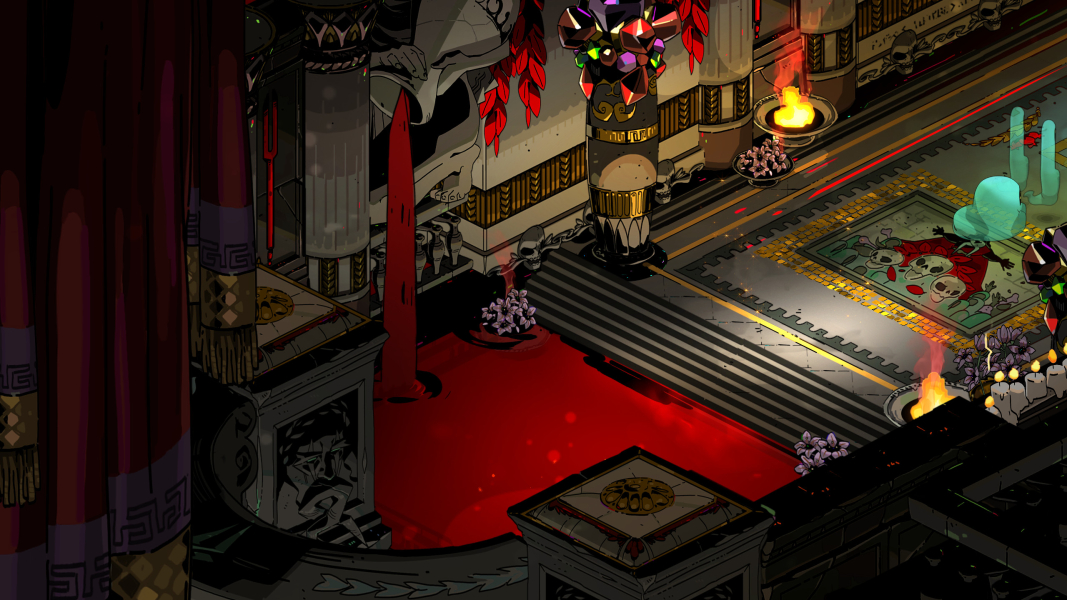
Hades has native widescreen as it has a static 16:9 aspect ratio with static scaling (i.e. it can only played at 16:9, no matter the display resolution):
- Resolutions wider than 16:9 (e.g. 21:9) are pillarboxed with artwork / black bars on left / right.
- Resolutions taller than 16:9 (e.g. 16:10) are letterboxed with black bars on top / bottom.
Third-party mod Hephaistos can be used to bypass both letterboxing (e.g. Steam Deck's 16:10) and pillarboxing (e.g. ultrawide, see entry below for details).
By default, window size is static: only the resolutions from the main display are offered from the game settings and the game window cannot be freely resized.
A custom window size / resolution can be manually set, by either:
- Adding
/X=<width> /Y=<height>to the game’s command line parameters from Steam/Epic. - Setting
X = <width>andY = <height>in yourProfileX.sjsonconfiguration file. - Using third-party mod Hephaistos to auto-configure a custom resolution.
(Note: replace <width> and <height> with your desired resolution.)
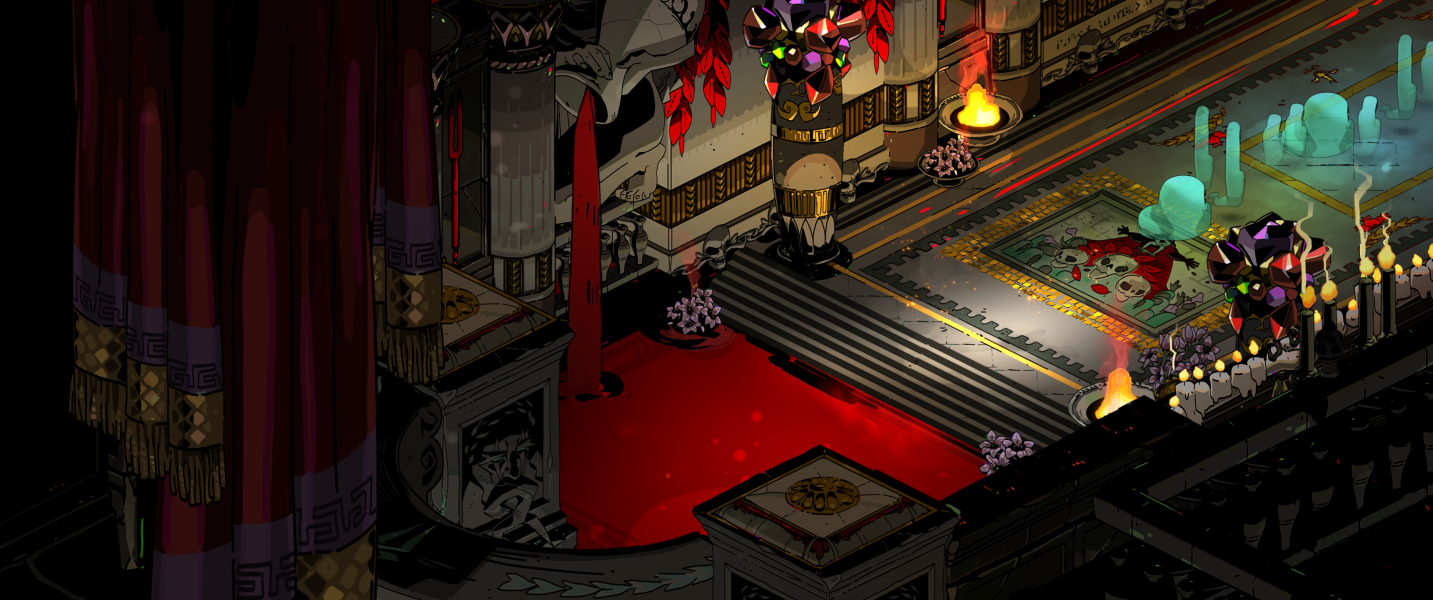
Hades has a static 16:9 aspect ratio (see widescreen entry above for details) and is pillarboxed at resolutions larger than 16:9.
It is pillarboxed with dedicated artwork rather than plain black bars.
At any aspect ratio > 21.6:9, the display logic forcefully offsets the pillars to the top leading to the artwork being zoomed in (see 32:9 example in additional screenshots).
The pillarbox artwork can be disabled and replaced with black bars if desired, by either:
- Adding
/UseSideBarArt=falseto the game’s command line parameters from Steam/Epic. - Adding
UseSideBarArt = falseto yourProfileX.sjsonconfiguration file.
Third-party mod Hephaistos can be used to bypass pillarboxing.
By default, Hephaistos uses Hor+ scaling to expand aspect ratio and field of view horizontally but keep vertical height / field of view, and expands the HUD horizontally, i.e. HUD will scale with screen size. Static HUD elements will be repositioned to their intended location for the new screen size, e.g. health indicator will be in the bottom left, resource indicator will be in the bottom right.
Optionally, the HUD can be kept in the center of the screen with the same size as the original HUD, i.e. screen size will change but HUD will not move, which might be preferable for 32:9 or wider resolutions.
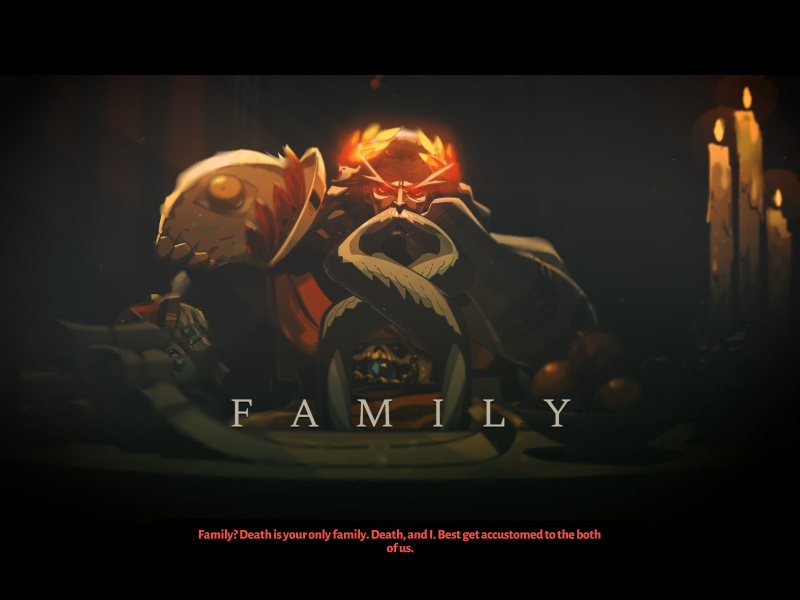
The mod cannot resize static assets such as FMV: they will stay at 16:9 in the center of the screen.
Hades has a static 16:9 aspect ratio (see widescreen entry above for details).
Multi-monitor setups behave identically to ultrawide and are pillarboxed (see ultrawide entry above for details)
Third-party mod Hephaistos can be used to bypass pillarboxing.
Note: for triple-screen setups (3x1-L) it is probably a good idea to use the option for keeping HUD in the center.
By default, Hades only works on multi-monitor setups emulating a single display (such as Eyefinity / Surround) as it is not possible to freely resize the game window (see widescreen entry above for details).
Third-party mod Hephaistos can be used to set a custom window size.
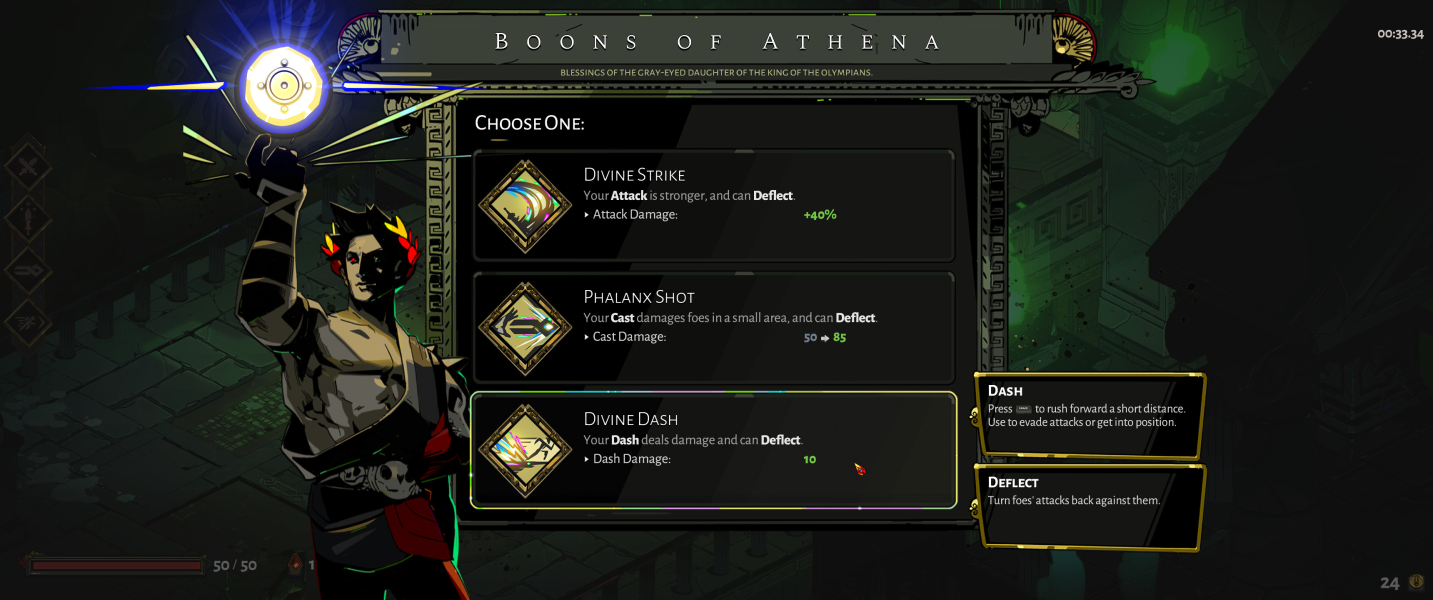
Hades has native 4K support as it has a static 16:9 aspect ratio (see widescreen entry above for details).
It thus looks identical in 3840x2160 as it does in 1920x1080 or 2560x1440.
Gameplay Screenshots


In-Game (Rendered) Cutscenes




FMV Cutscenes
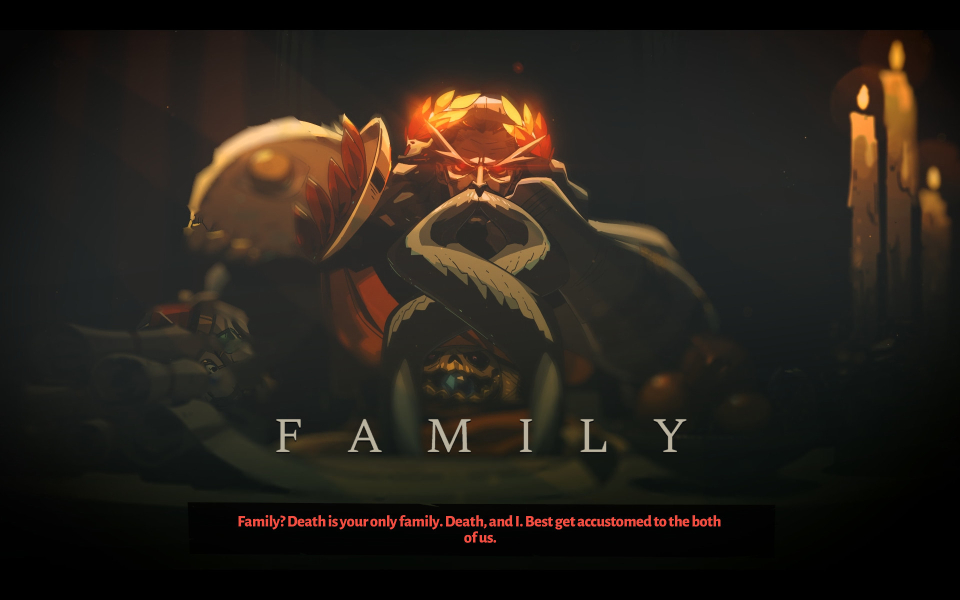


Menu Screenshots
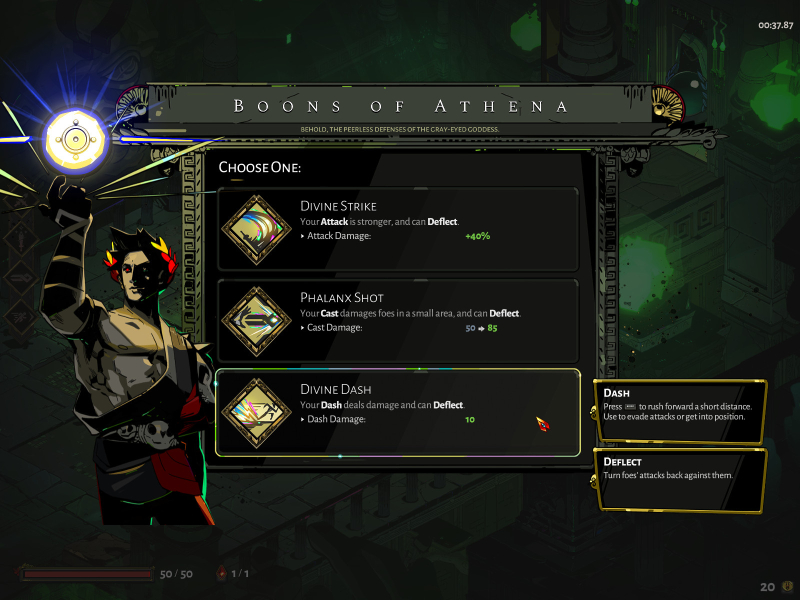
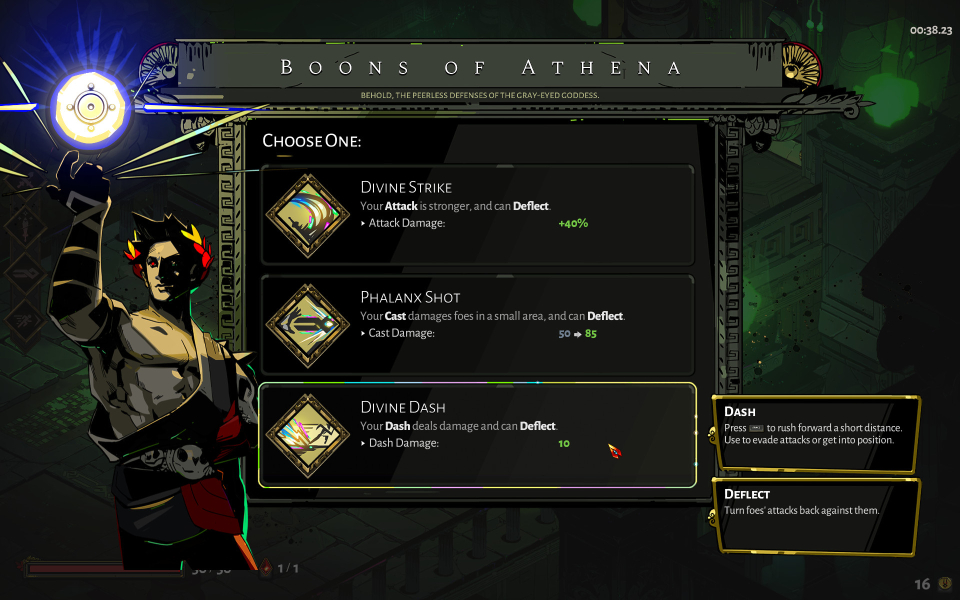
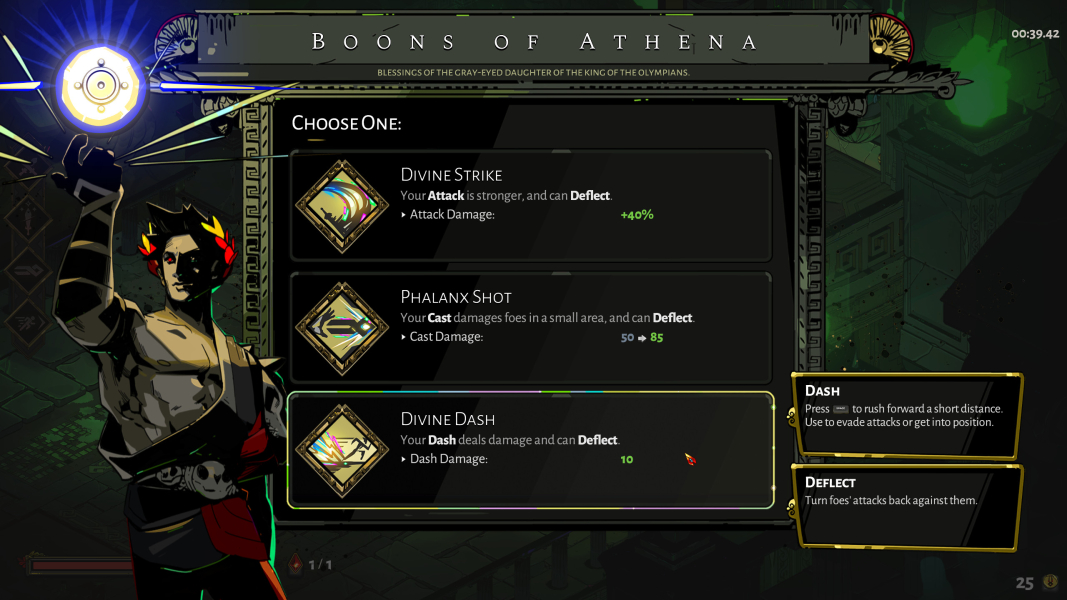


4K UHD Screenshots

Additional Screenshots


