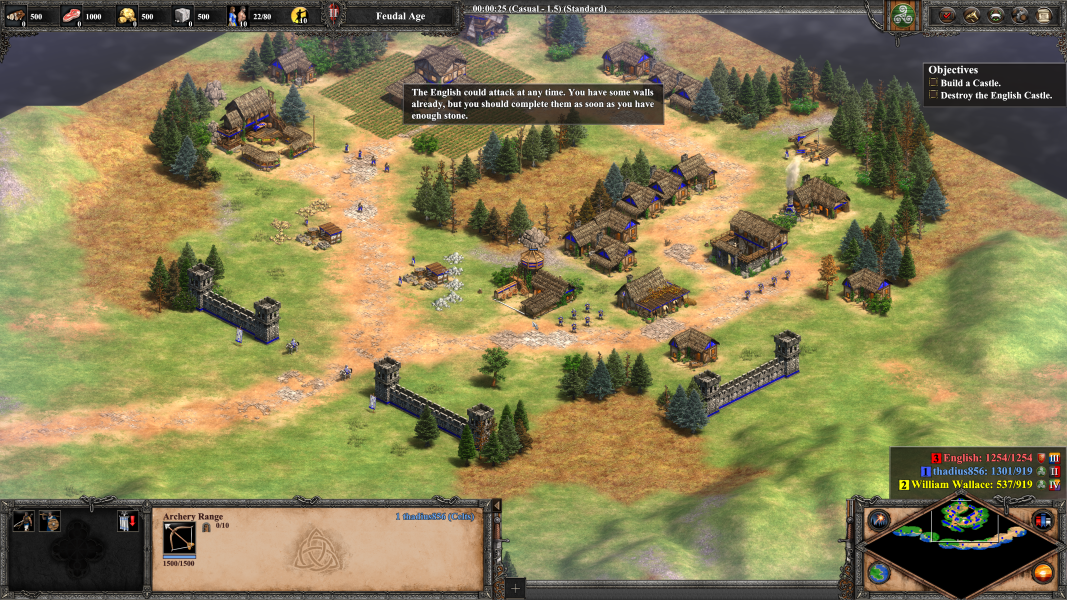



Age of Empires II: Definitive Edition is a real-time strategy video game developed by Forgotten Empires and published by Xbox Game Studios. It is a remaster of the original game Age of Empires II: The Age of Kings, celebrating the 20th anniversary of the original. It features significantly improved visuals, supports 4K resolution, a new single player campaign called The Last Khans and four new civilizations. It also includes all previous expansions from the original and HD edition. It was released on November 14, 2019.
The core gameplay elements are shared heavily with the original but Definitive Edition builds upon it. The remaster includes new 4K graphics, new improved visuals for troops and buildings, the ability to zoom in and further out and a new spectator mode. It also features a new campaign called The Last Khans and four new civilizations: Bulgarians, Cumans, Lithuanians and Tatars. It also includes all previous expansions from the original (The Conquerors) and HD edition (The Forgotten, The African Kingdoms, Rise of the Rajas).
Players can choose between the original AI, the updated HD Edition AI that was added alongside the HD Edition of the game, and a newer AI developed for the DE. The original AI had to cheat to be competitive, while the new AI is advanced enough to not require any cheating. When the old and new AIs were pitted against each other in a test, the new one easily defeated the old one. Unit pathfinding is also supposedly improved upon. Players can shift-queue villager tasks. Farms replenish automatically.
(Source: Wikipedia)
Support Summary
Game Information
Screenshots Comparison
Solutions & Issues
No issues noted.
No issues noted.
HUD positioning in Eyefinity/Surround is at the distant corners and thus may be difficult to use.
Mouse cursor is incredibly large by default when playing at 4k native resolution, but can be reduced to a normal size by selecting Options > Interface > Small Cursors (bottom right). This action is generally not required when playing at a resolution below 4k and with the desktop resolution for the monitor set at 4k.
Gameplay Screenshots
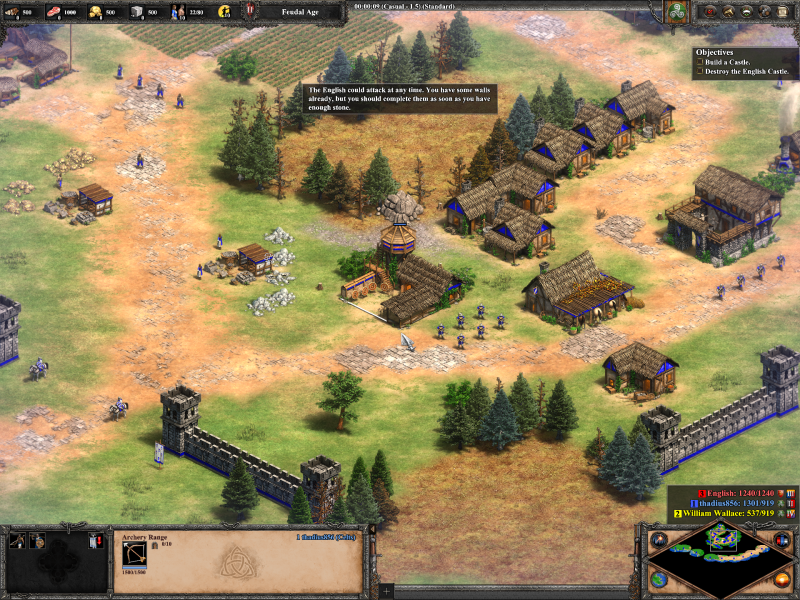


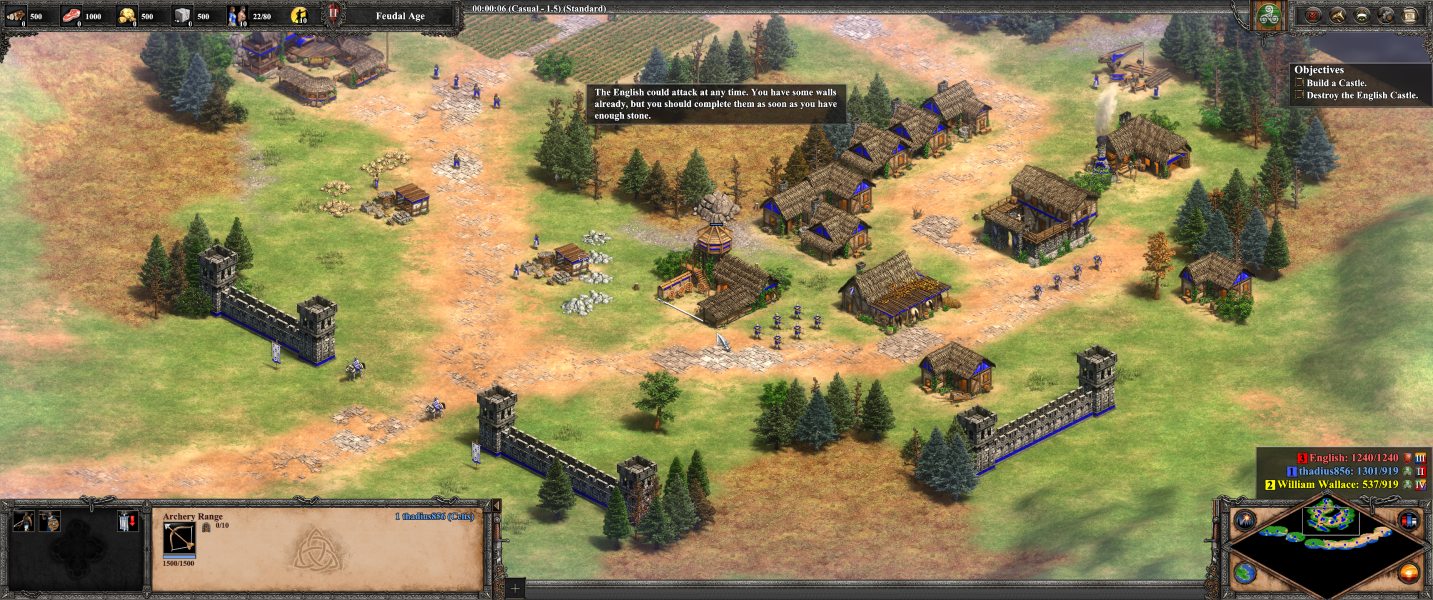
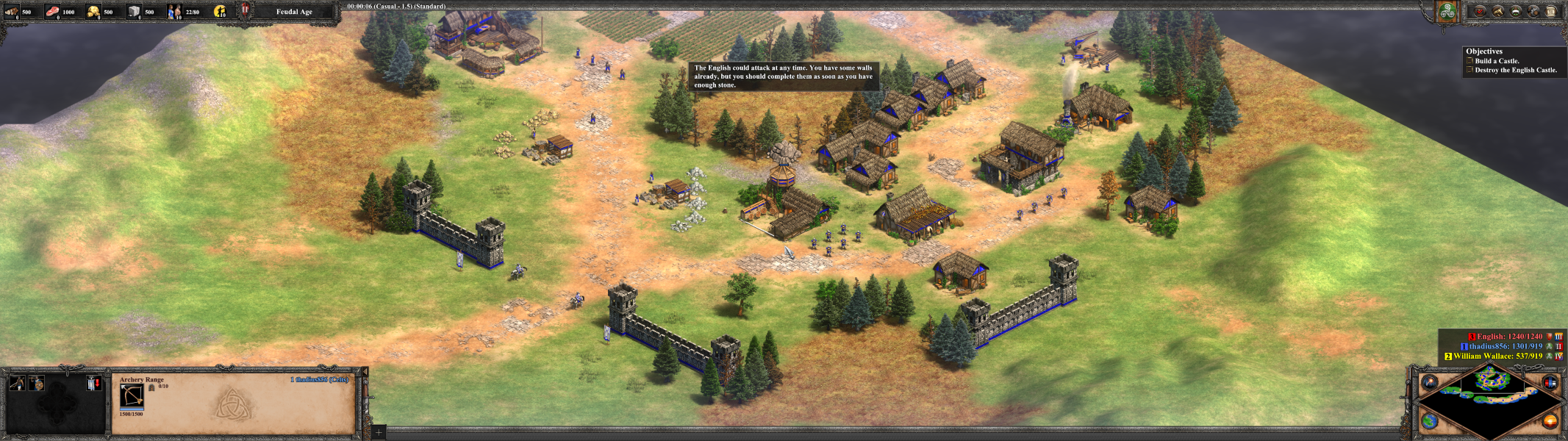

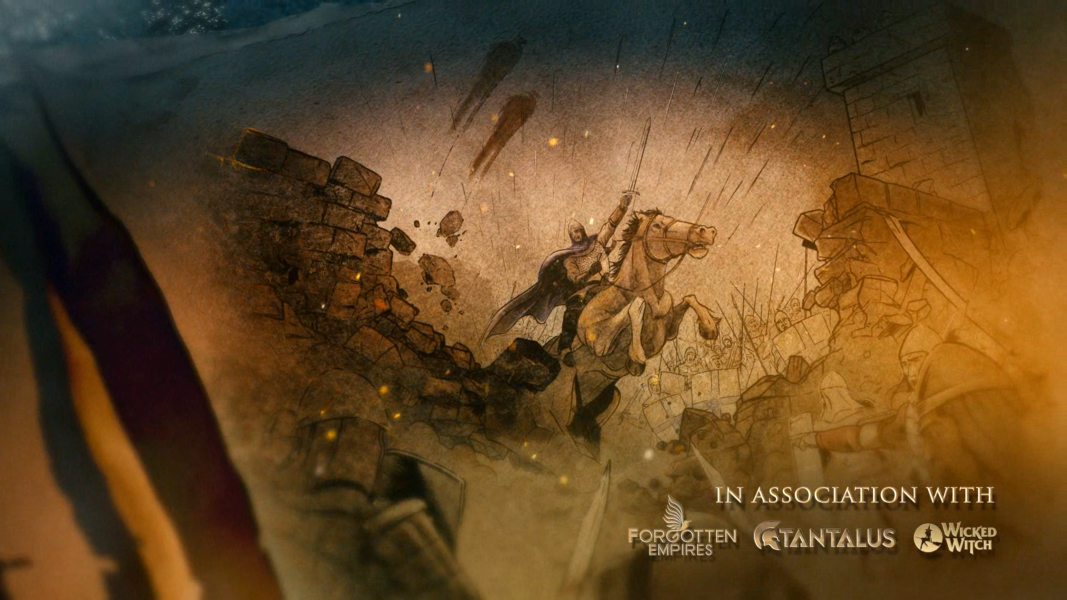
FMV Cutscenes
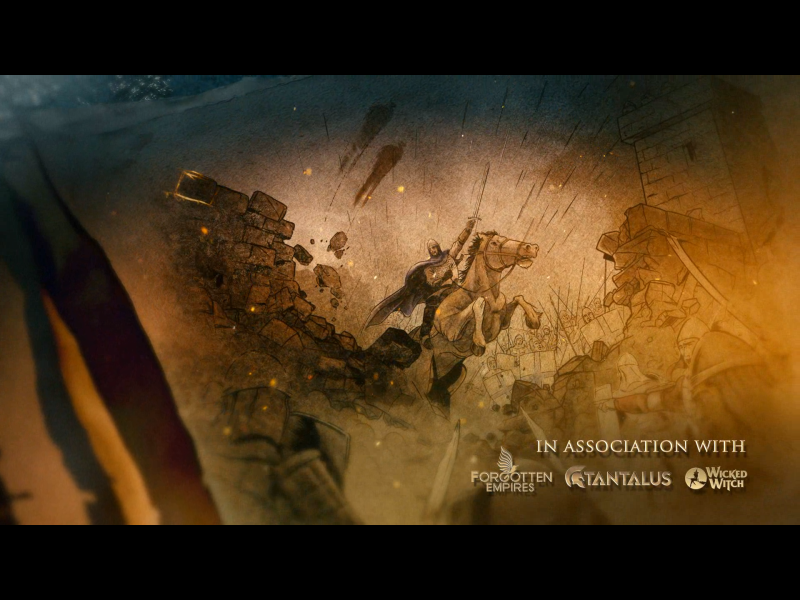


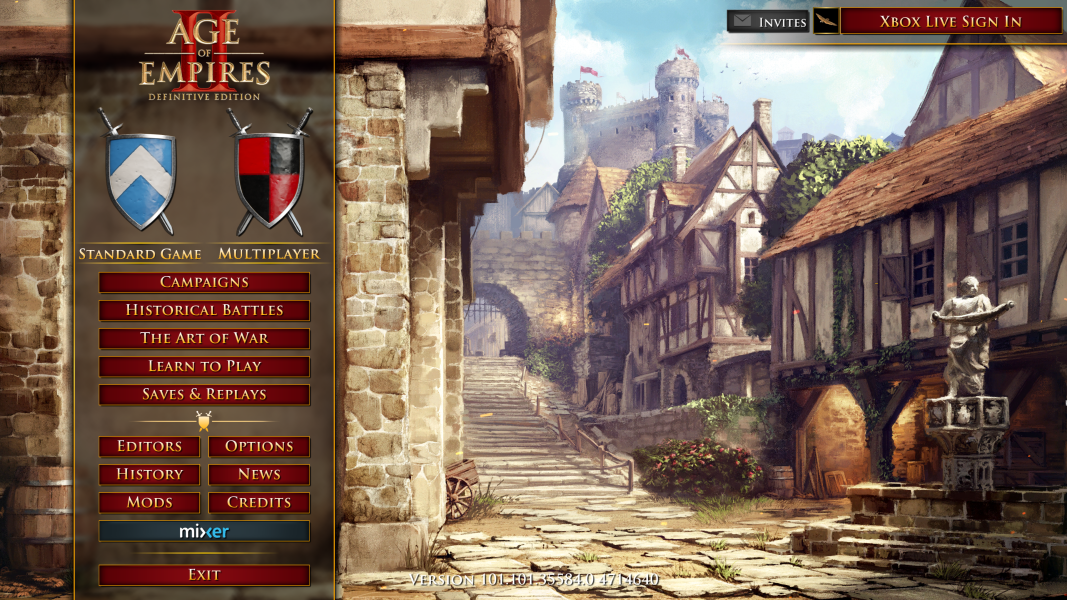
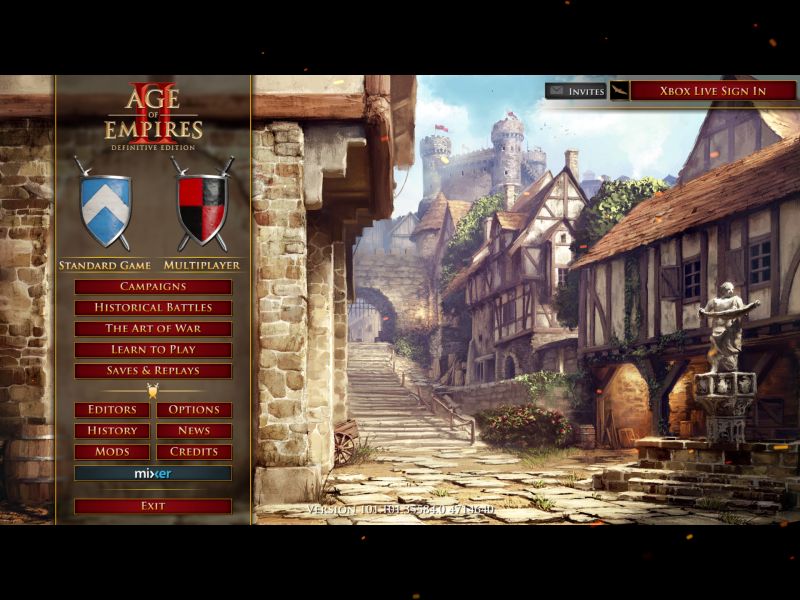
Menu Screenshots
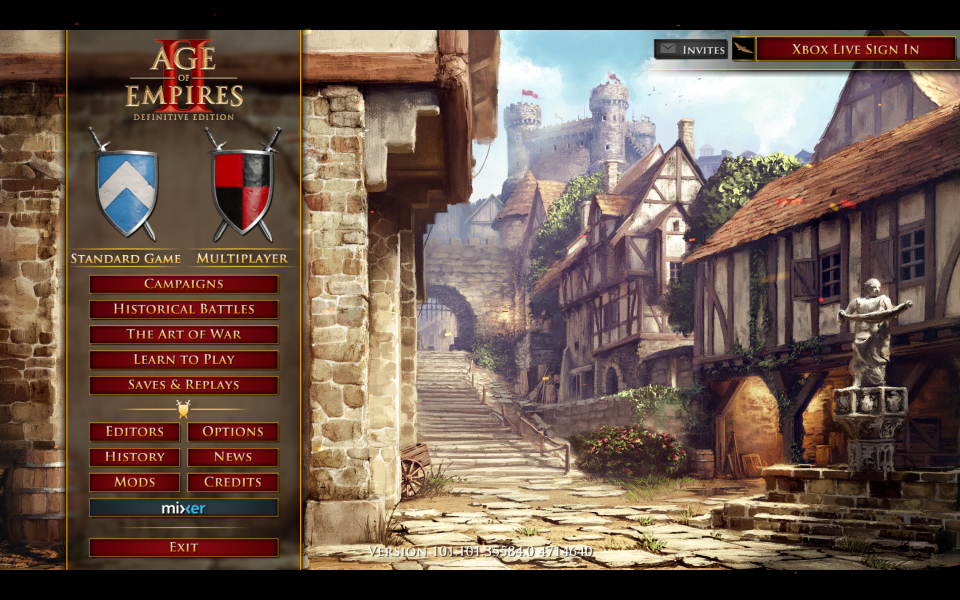
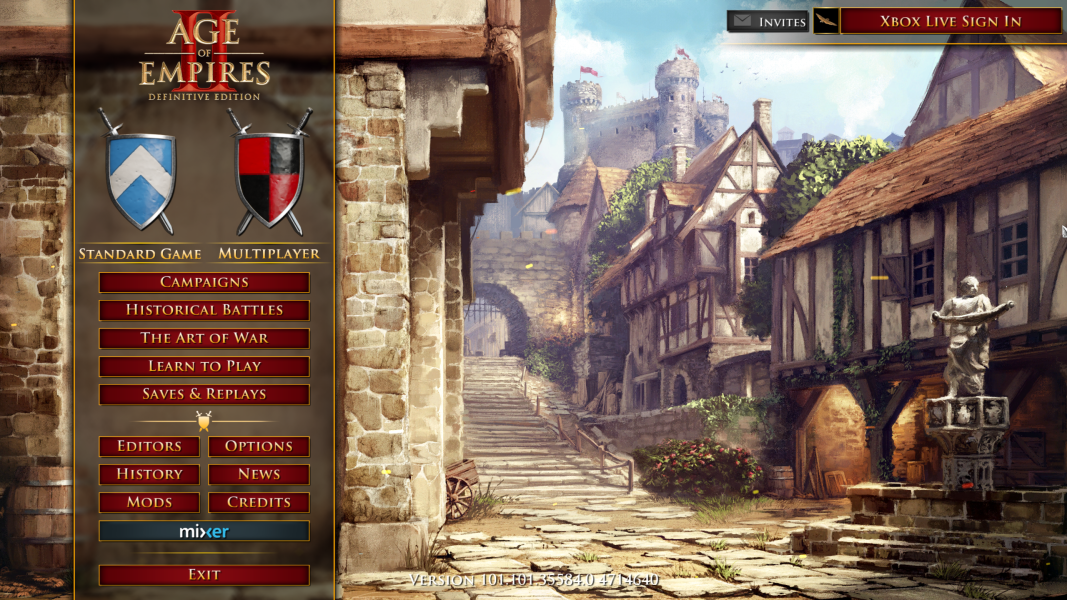

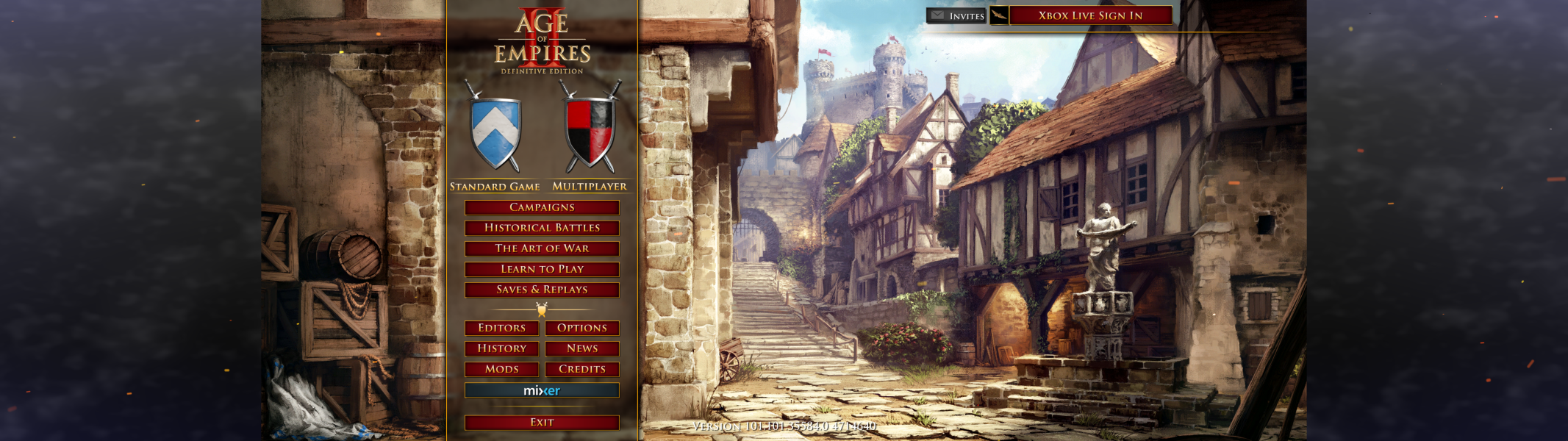

4K UHD Screenshots