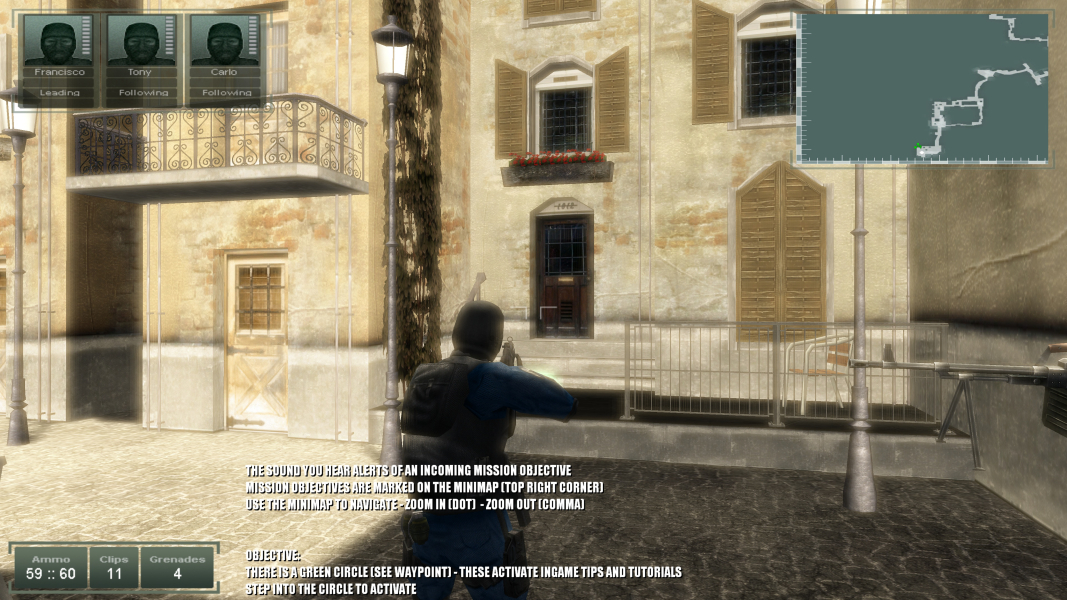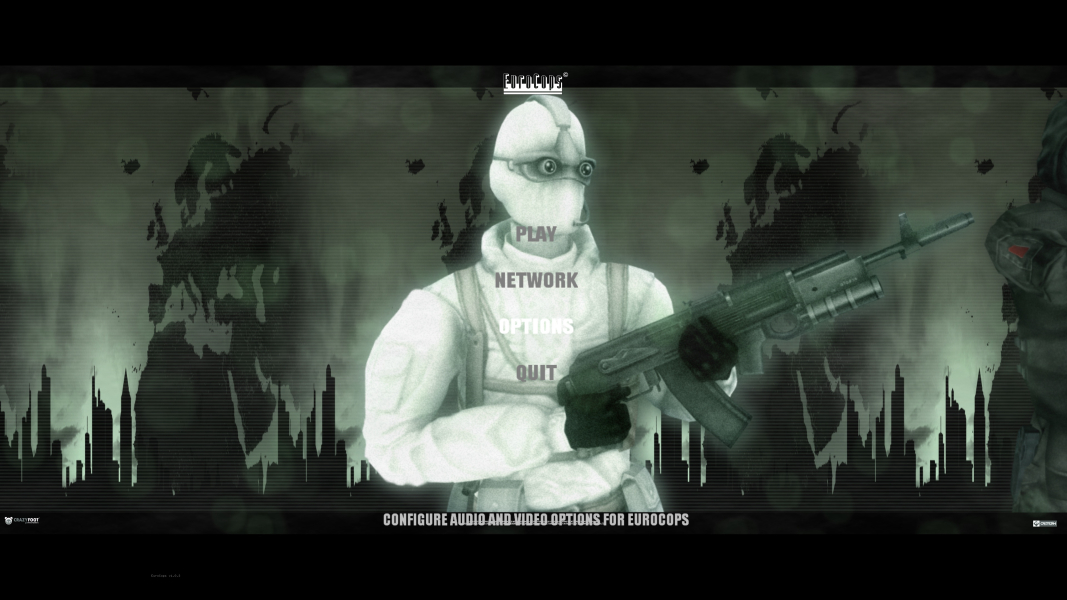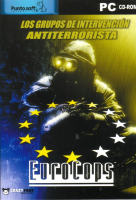


EuroCops is a third-person shooter where the player takes a task force of three people through six European countries including France, Germany, the United Kingdom, Spain, Italy and Russia. The team needs to neutralize threads and can choose between six different agencies, such as GSG-9, NOCS, Team Alfa and the SAS. The player can only control one team member at a time, but issue general commands to the other two members such as "follow" or "hold". At any time, it is possible to directly take control of any of the other team members. This is useful as every agent has access to different weaponry, but the game also encourages the player to place agents in tactical positions to provide cover fire when entering new areas.
Support Summary
Screenshots Comparison
Solutions & Issues
The game uses the Serious Sam Engine. In Video Settings the game menu supports only resolutions 4:3 to 2048x1536. To get widescreen you have to edit two configurable files. The game is vert- but you can set the main hero further from the camera. I didn't find FOV options in configurable files.
Where the game is installed, open the '' Scripts' 'folder, then open it e.g in notepad' ++ 'PersistentSymbols' file and find the following lines and set your resolution, e.g.
persistent extern INDEX sam_iScreenSizeI = (INDEX) 2560
persistent extern INDEX sam_iScreenSizeJ = (INDEX) 1440
Save settings.
To set main hero furher from the camera, open the '' GDAT '' folder in the game folder. Then find the folder '' View '' and open in e.g. notepad ++ file '' ThirdPersonView '' and find the following line and set it like below.
For resolutions 16:9 (1920x1080), (2560x1440), (3840x2160) I recommend:
STAND_VIEW_DISPLACEMENT_Z: 1.0
CROUCH_VIEW_DISPLACEMENT_Z : 1.0
PRONE_VIEW_DISPLACEMENT_Z : 1.0
For resolutions 16:10 (1920x1200), (2560x1600) I recommend:
STAND_VIEW_DISPLACEMENT_Z: 0.9
CROUCH_VIEW_DISPLACEMENT_Z : 0.9
PRONE_VIEW_DISPLACEMENT_Z : 0.9
Save settings.
There is also a problem with the game working. A programs like Fraps and Shadowplay shows that the game works all the time in 60 fps but you can easily see that the game works in 30 fps. I don't know what may be the reason.
To get 4K Ultra HD you have to edit two configurable files.
Where the game is installed, open the '' Scripts' 'folder, then open it e.g in notepad' ++ 'PersistentSymbols' file and find the following lines and set your resolution, e.g.
persistent extern INDEX sam_iScreenSizeI = (INDEX) 3840
persistent extern INDEX sam_iScreenSizeJ = (INDEX) 2160
For the game to be displayed in Hor +, open the '' GDAT '' folder in the game folder. Then find the folder '' View '' and open in e.g. notepad ++ file '' ThirdPersonView '' and find the following line and set it like below.
For resolution 3840x2160 I recommend:
STAND_VIEW_DISPLACEMENT_Z: 1.0
CROUCH_VIEW_DISPLACEMENT_Z : 1.0
PRONE_VIEW_DISPLACEMENT_Z : 1.0
Save settings:
You can also set other number to get another ascpect ratio.
Gameplay Screenshots
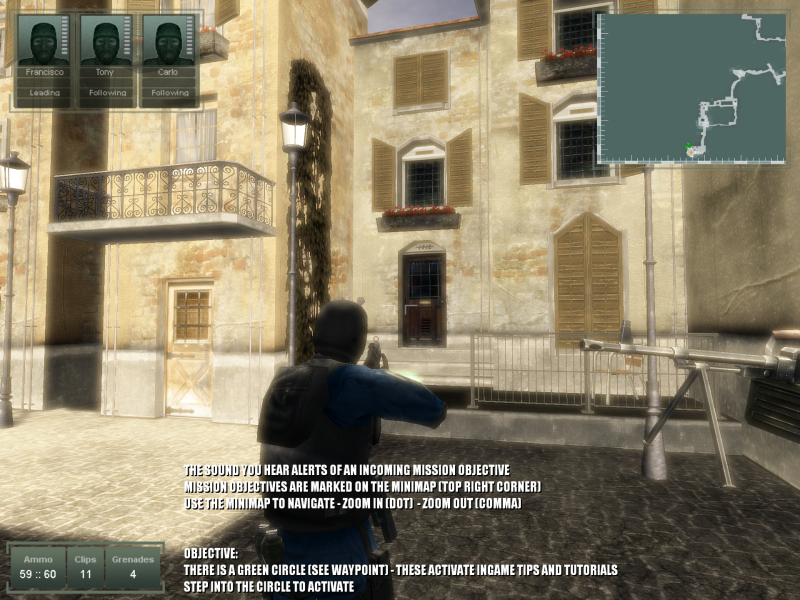


4K UHD Screenshots