


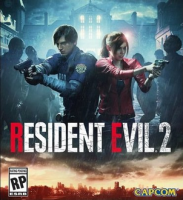


Resident Evil 2 is a survival horror game developed and published by Capcom. A remake of the 1998 game Resident Evil 2, players control rookie police officer Leon S. Kennedy and college student Claire Redfield as they attempt to escape from Raccoon City during a zombie apocalypse.
Support Summary
Game Information
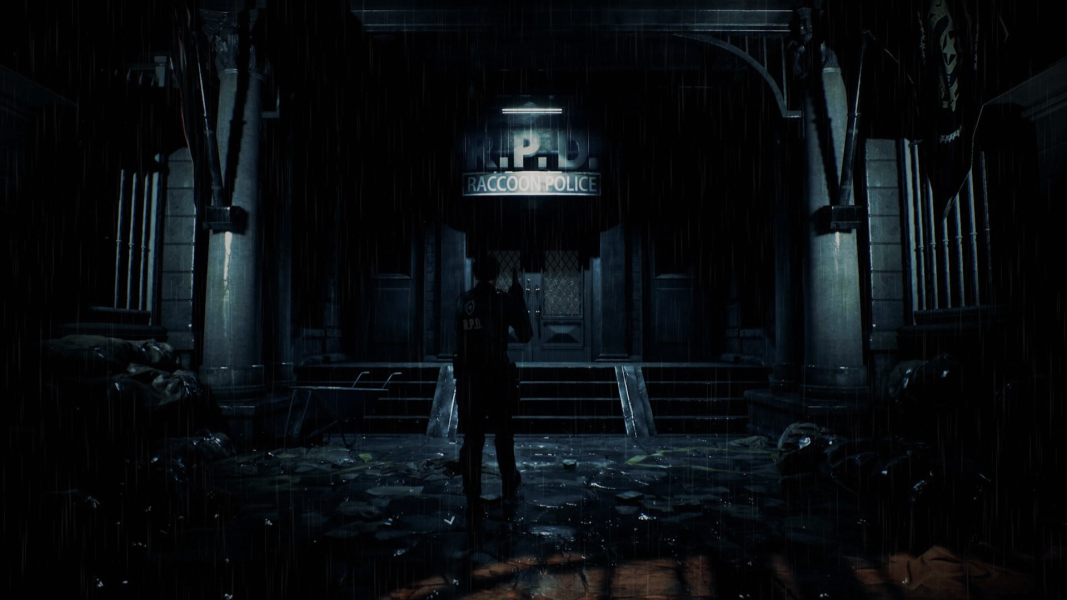
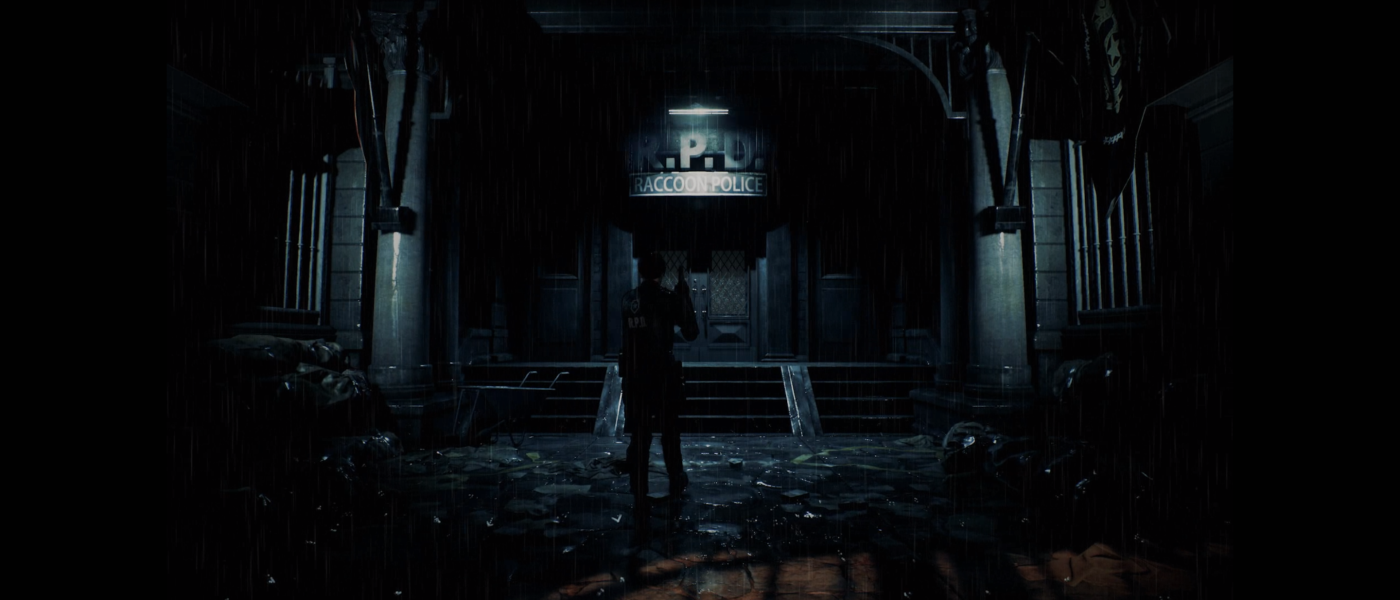
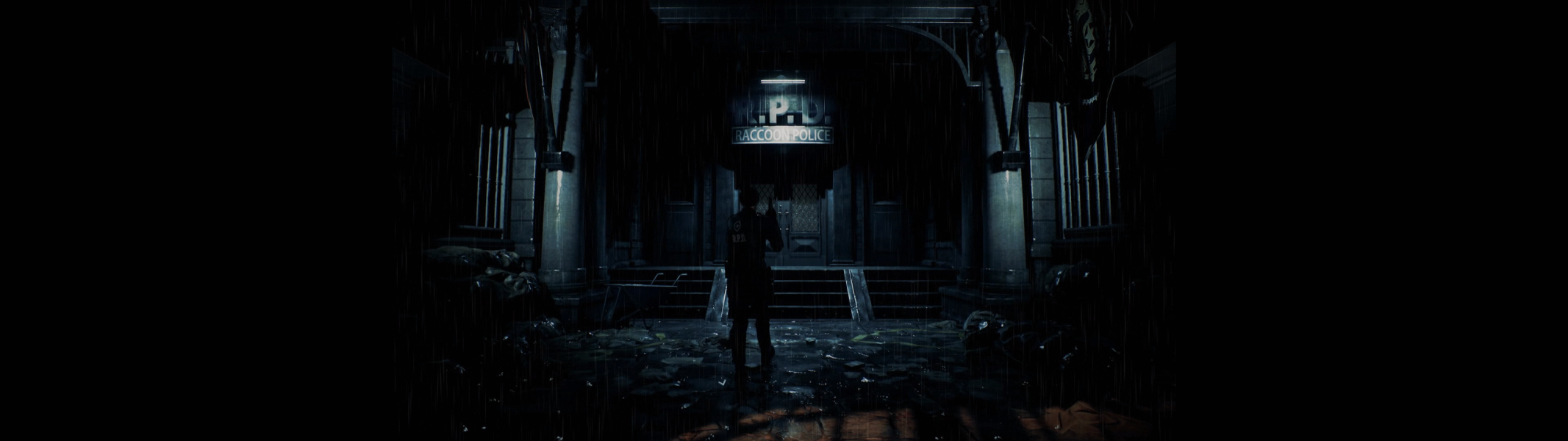
Screenshots Comparison
Solutions & Issues
Game is only 16:9 natively. Aspect ratios narrower than 16:9 gets black bars.
Removing vignette:
Use helifax's fix - files available from the PC Gaming Wiki Community Files (search there)
4:3, 16:10 and other narrow aspect ratio fix:
Download this fix: https://github.com/FransBouma/InjectableGenericCameraSystem/tree/master…
Paste the files on the main installation folder. After starting the game, open "IGCSInjector.exe". After it's injected go to the game and press "right ctrl+insert" to open the GUI and set the viewport from 16:9 to "fit" and then the game won't be letterboxed anymore. Tested wih 4:3, 5:4 and 16:10 resolutions.
Game natively supports 21:9, cutscenes are pillarboxed to 16:9.
There are issues with 32:9 support. It is zoomed and cutscenes are pillarboxed to 16:9 but still zooms in which cuts significant portions of the cutscenes.
To fix the zooming and removing black bars, use helifax's fix - files available from the PC Gaming Wiki Community Files (search there)
Then open the exe with hex editor and replace the following bytes in re2.exe:
FD FF A7 3F 00 00 00 00 => FD FF A7 40 00 00 00 00
Use helifax's fix - files available on PC Gaming Wiki
Paste the files in the folder where the exe of the game is located.
Then open the exe with hex editor and replace the following bytes in re2.exe:
FD FF A7 3F 00 00 00 00 => FD FF A7 40 00 00 00 00
Screen Space Reflections looks grainy and gets worse if you increase the resolution more.
Gameplay Screenshots



In-Game (Rendered) Cutscenes
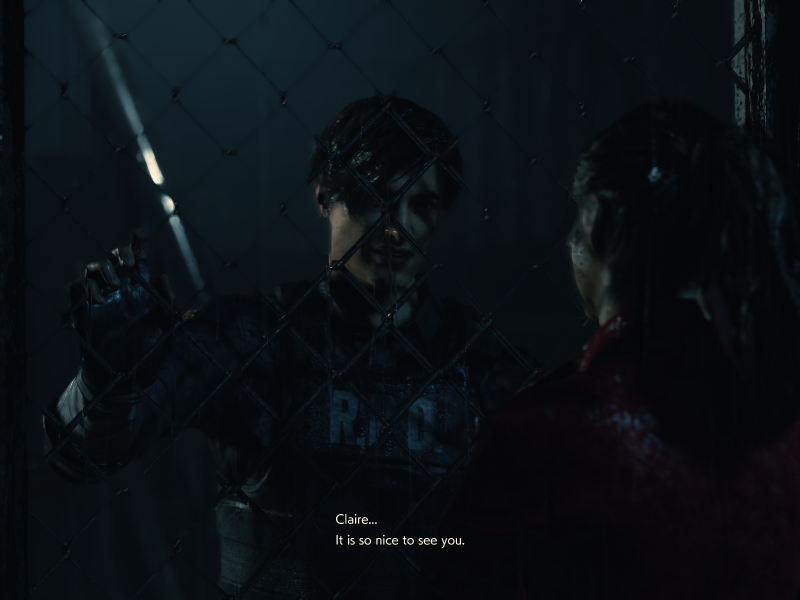


FMV Cutscenes
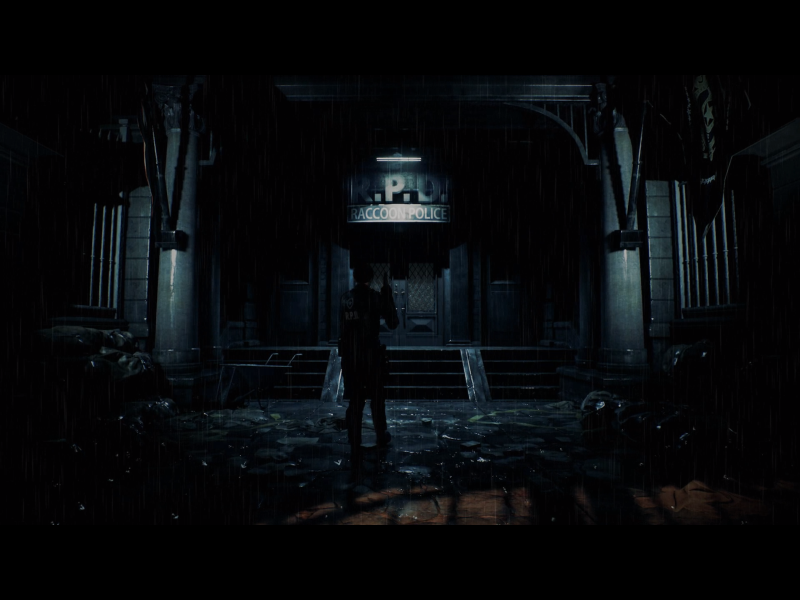
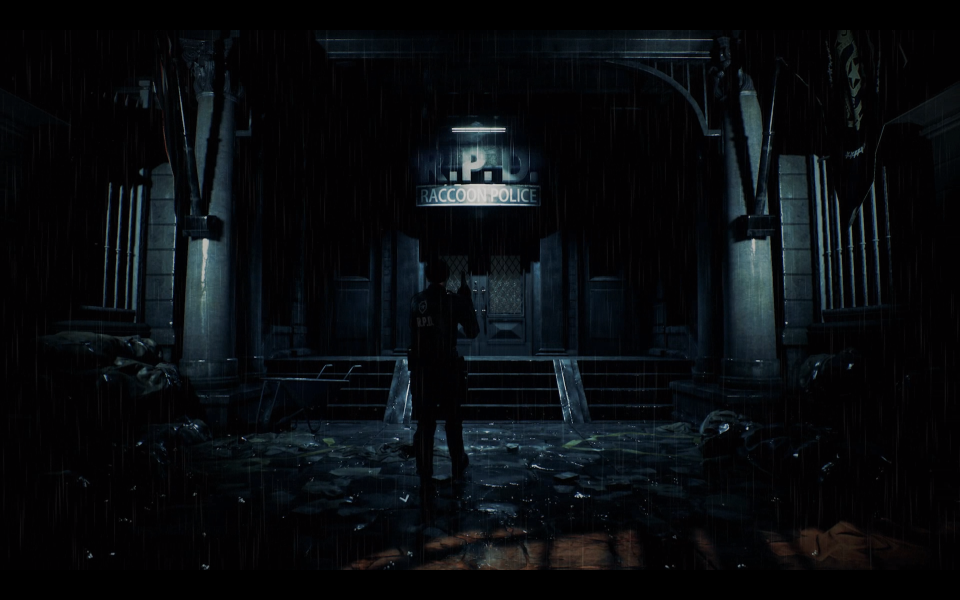

Menu Screenshots


