

The sequel to 2003's updated beat 'em up, Teenage Mutant Ninja Turtles 2: Battle Nexus sets the turtle quartet on another adventure from the series' second season, this time allowing the entire team to work together via a 4-player multiplayer mode.
Each turtle now has their own unique ability and special fighting moves that fit in with their personality: such as operating switches and computers, or moving or destroying stationary objects. In single-player mode, players can switch turtles on the fly in order to accomplish the various tasks. Throughout some levels, the turtles also have racing sections over various terrains.
Support Summary
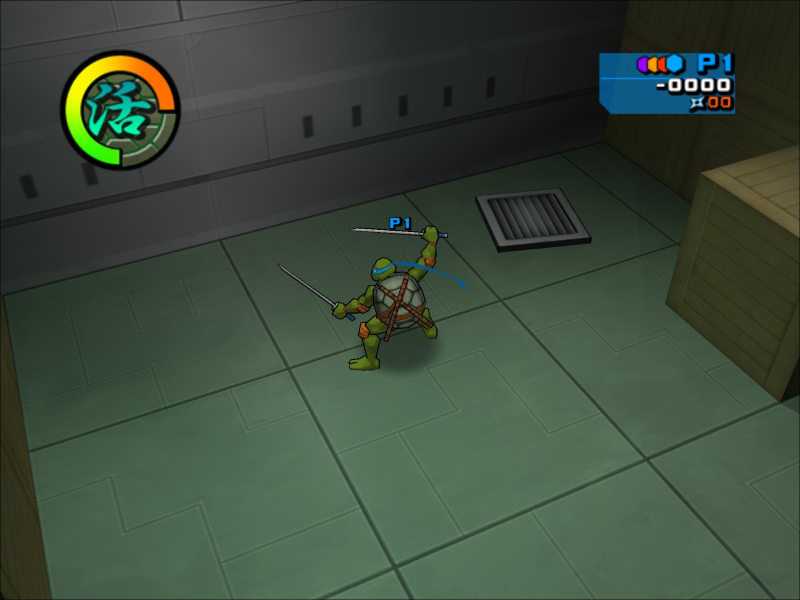
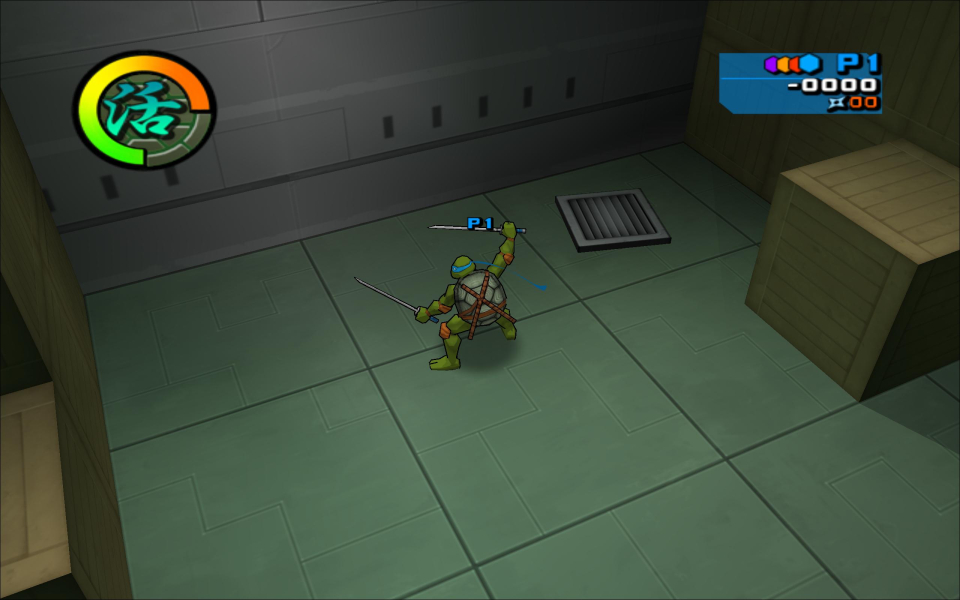
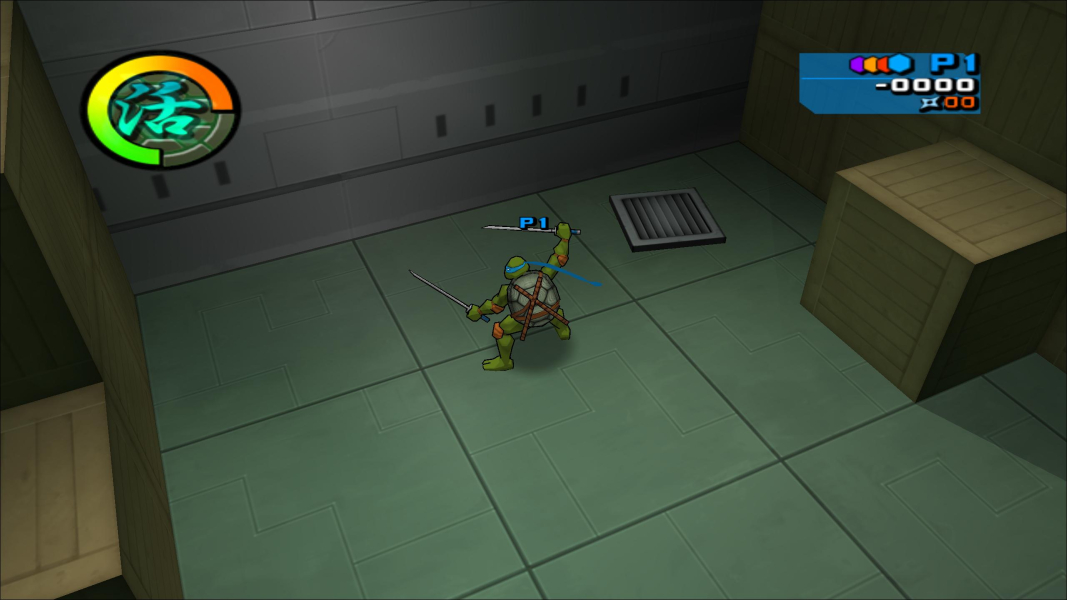
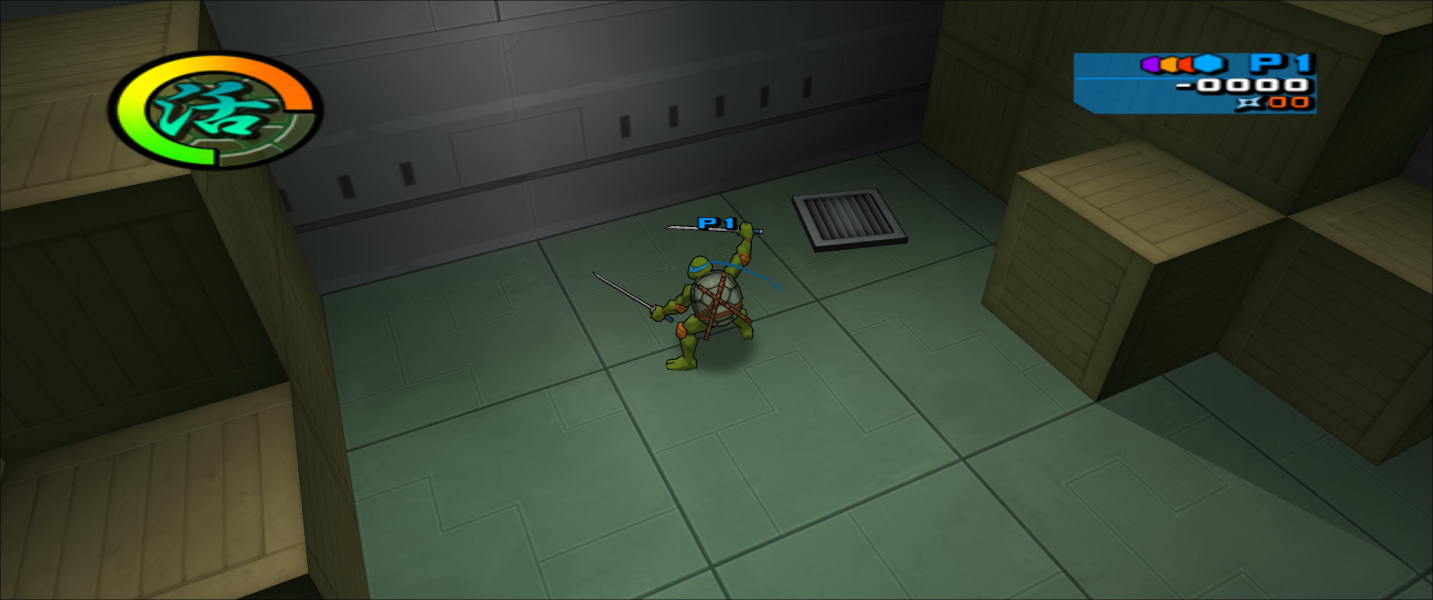
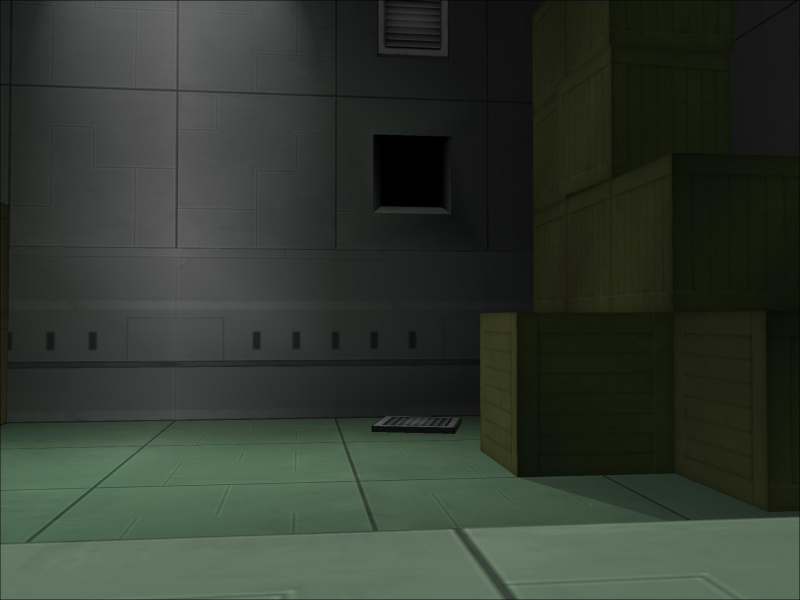
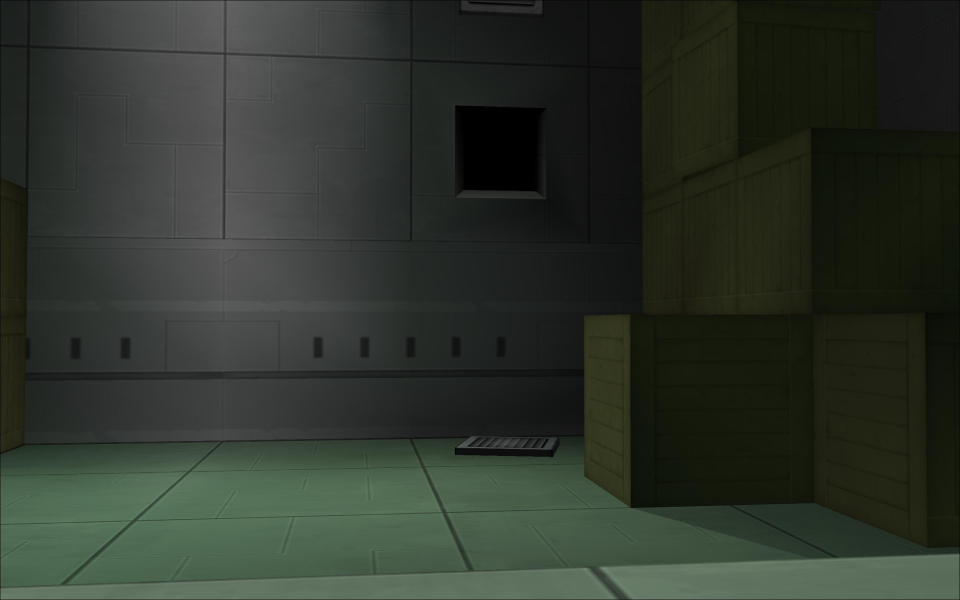
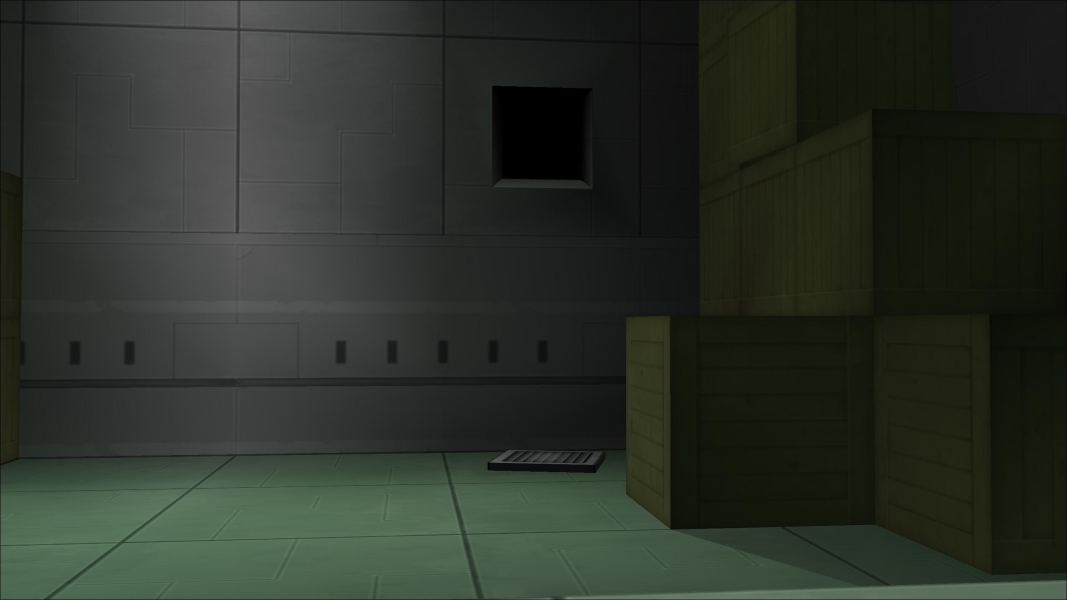
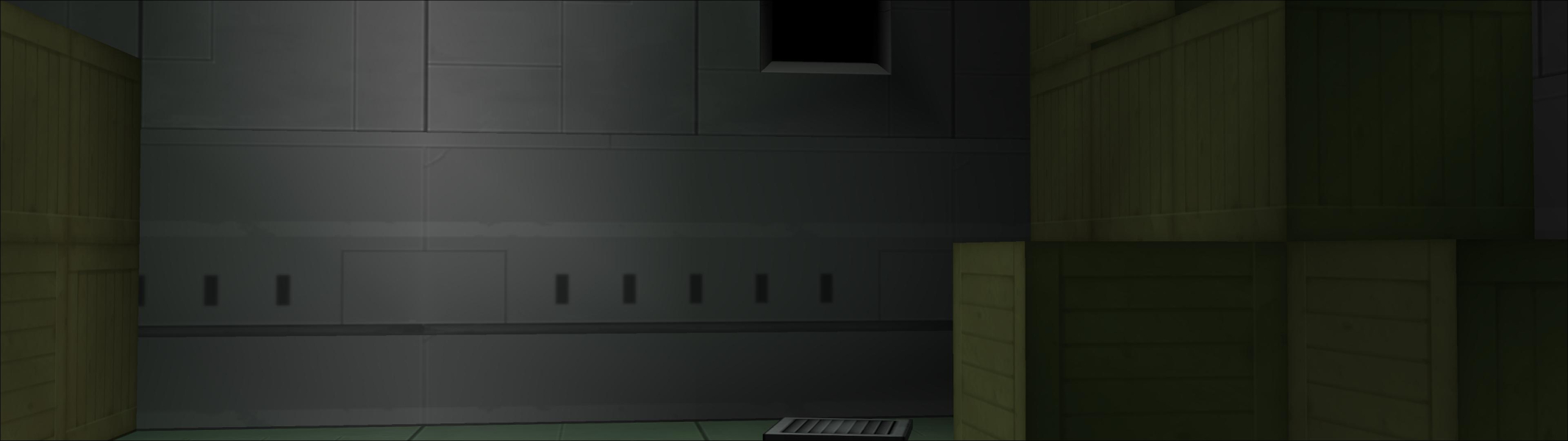
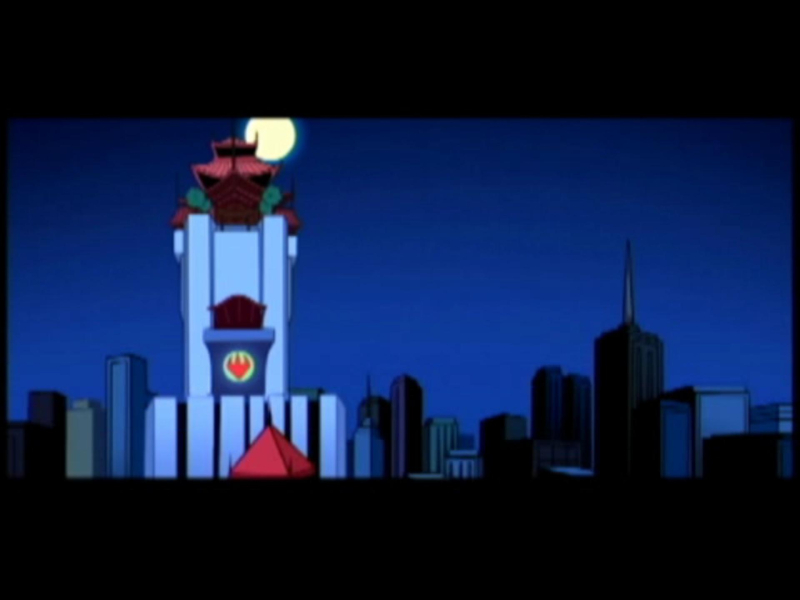
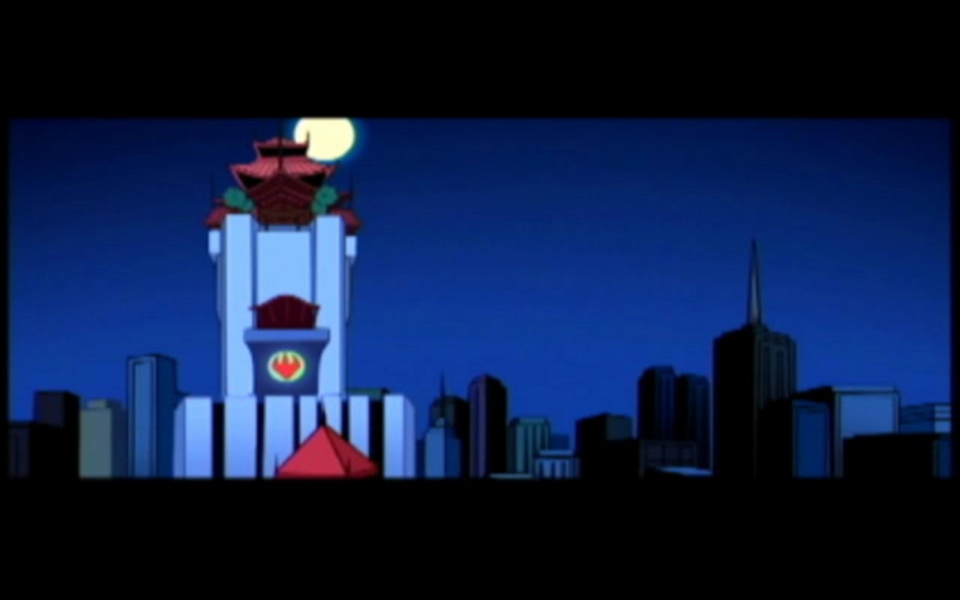
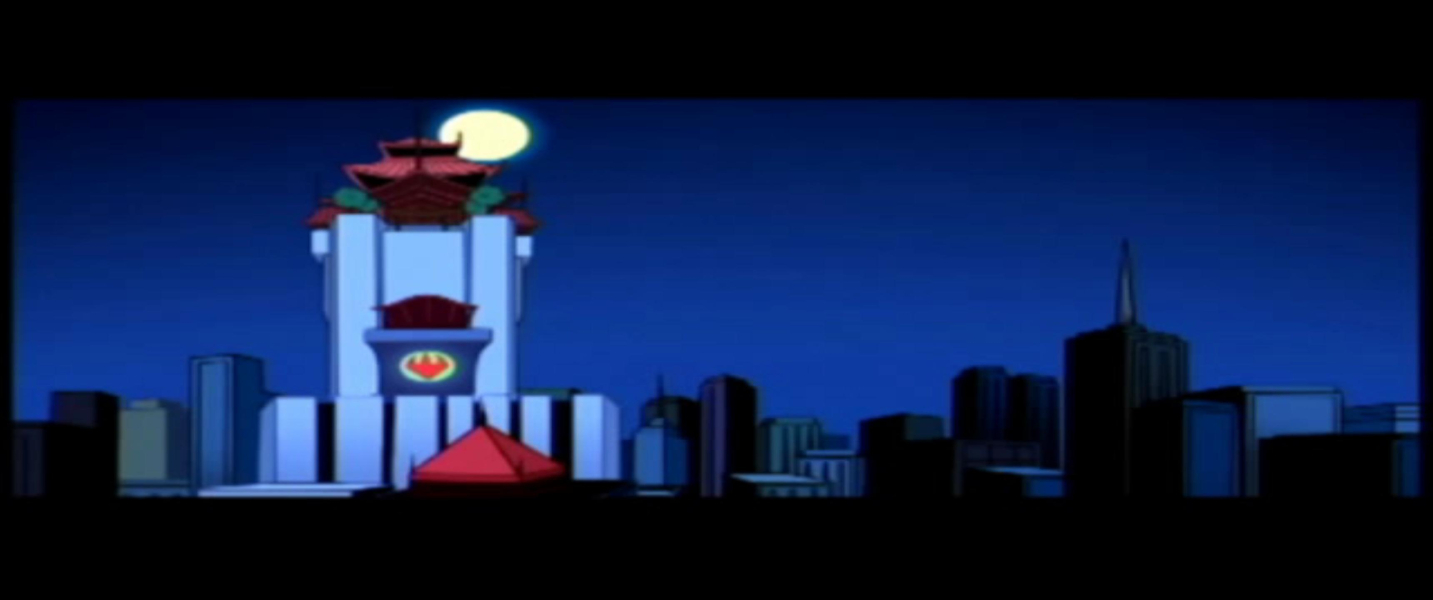
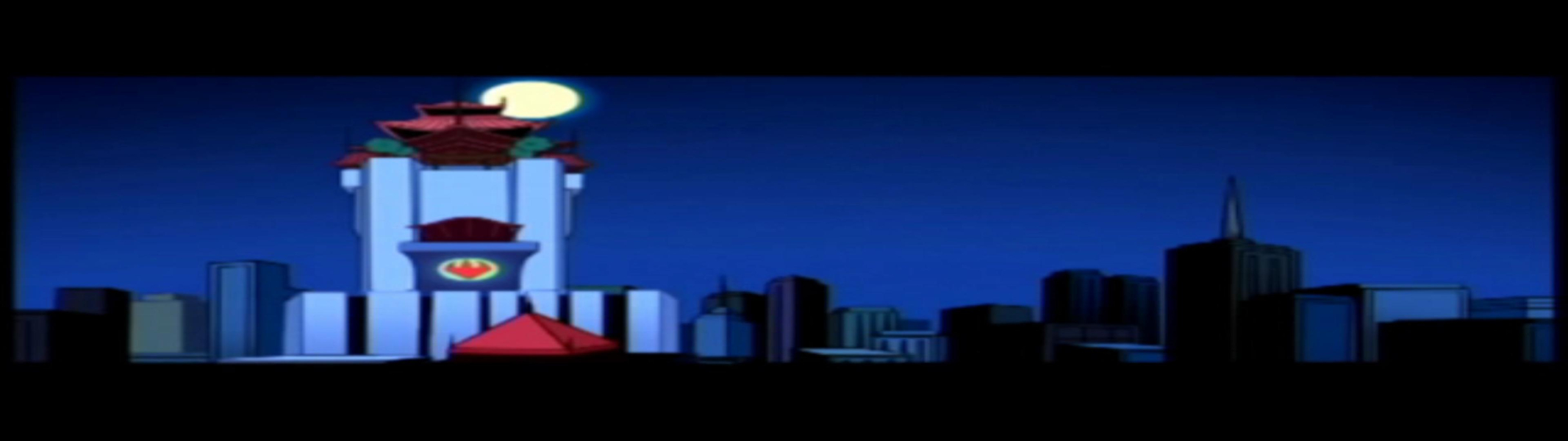
Screenshots Comparison
Solutions & Issues
Native only 4:3 resolutions available, dgVoodoo D3D9 Beta and a Hex edit is necessary for HOR+ gameplay.
Part 1:To fix the resolution you need to download dgVoodoo D3D9 Beta.
Extract dgVoodooCpl.exe, dgVoodoo.conf and from the MS folder the DDraw.dll, D3DImm.dll, D3D8.dll, and D3D9.dll to , where TMNT2.exe resides.
Now edit your resolution in the DirectX tab.
Part 2: Go to your Game root folder and open TMNT2.exe in a hexeditor.
For 16:10
Go to OFFSET 246450 --> Look for 00 00 40 3F and change it to 00 00 20 3F (Aspect ratio)
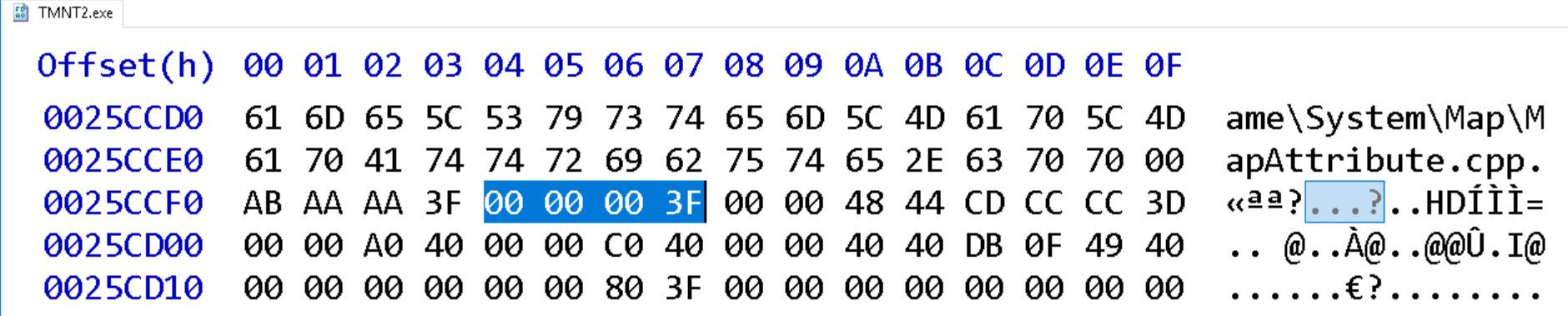
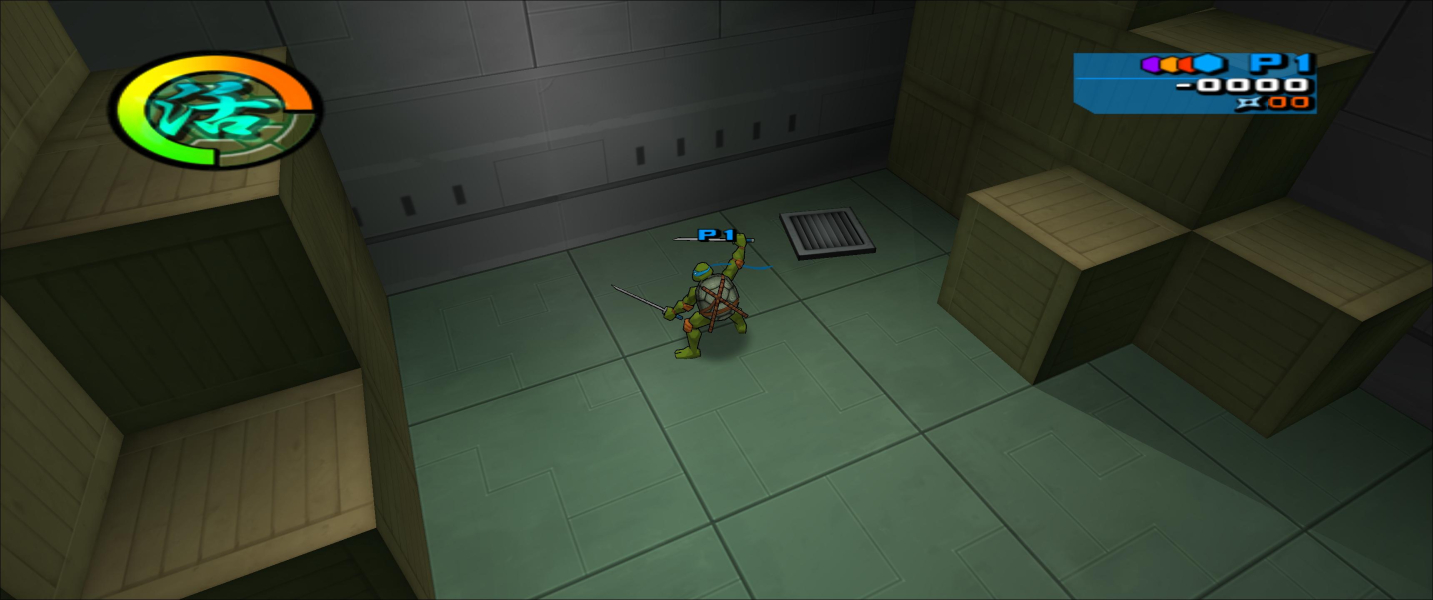
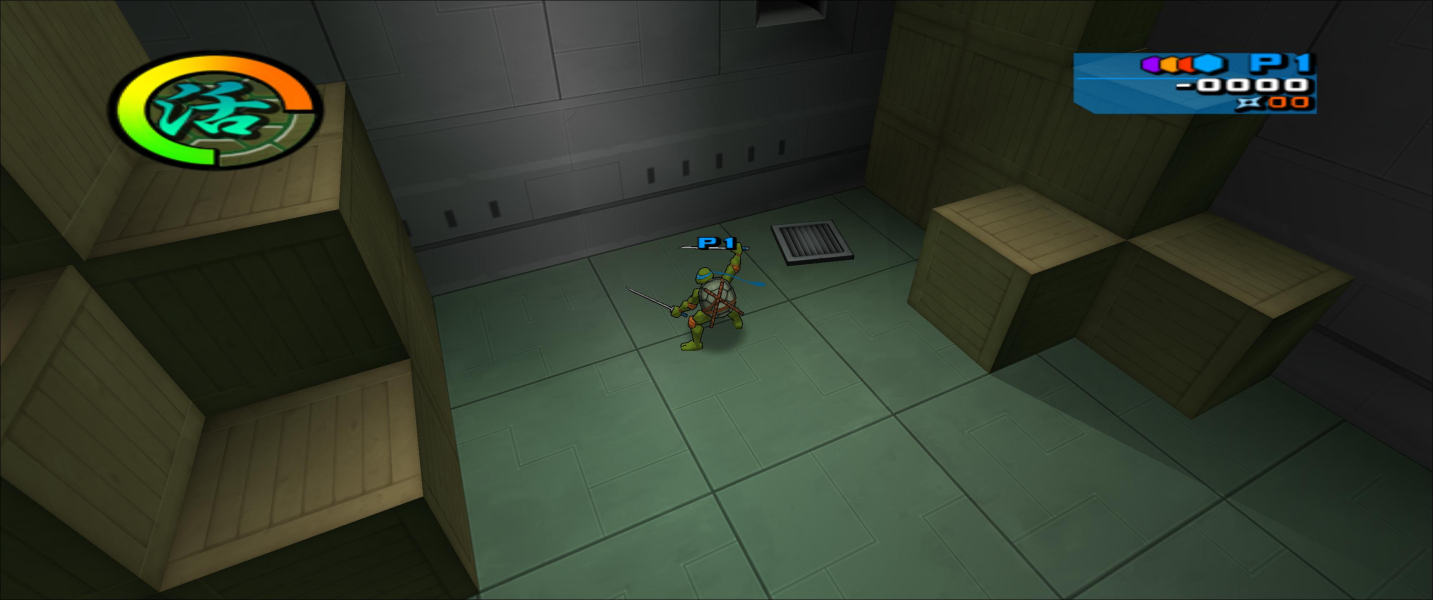
Go to OFFSET 25CCF0 --> Look for 00 00 00 3F and change it to 00 00 1A 3F (FOV - you can make it higher - see additional Screenshots)
For 16:9
Go to OFFSET 246450 --> Look for 00 00 40 3F and change it to 00 00 10 3F (Aspect Ratio)
Go to OFFSET 25CCF0 --> Look for 00 00 00 3F and change it to 00 00 2A 3F (FOV - you can make it higher - see additional Screenshots)
Same Solution as in Widescreen:
Part 1: Download dgVoodoo D3D9 Beta.
Part 2: Go to your Game root folder and open TMNT2.exe in a hexeditor.
For 21:9
Go to OFFSET 246450 --> Look for 00 00 40 3F and change it to 00 00 D6 3E (Aspect ratio)
Go to OFFSET 25CCF0 --> Look for 00 00 00 3F and change it to 00 00 66 3F (FOV - you can make it higher - see additional Screenshots)
For 32:9
Go to OFFSET 246450 --> Look for 00 00 40 3F and change it to 00 00 90 3E (Aspect Ratio)
Go to OFFSET 25CCF0 --> Look for 00 00 00 3F and change it to 00 00 A8 3F (FOV - you can make it higher - see additional Screenshots)
Same Solution as in Widescreen:
Part 1: Download dgVoodoo D3D9 Beta.
Part 2: For 48:9
Go to OFFSET 246450 --> Look for 00 00 40 3F and change it to 00 00 40 3E (Aspect Ratio)
Go to OFFSET 25CCF0 --> Look for 00 00 00 3F and change it to 00 00 00 40 (FOV - you can make it higher - see additional Screenshots)
Same solution as in Widescreen 16:9
Gameplay Screenshots


In-Game (Rendered) Cutscenes


FMV Cutscenes


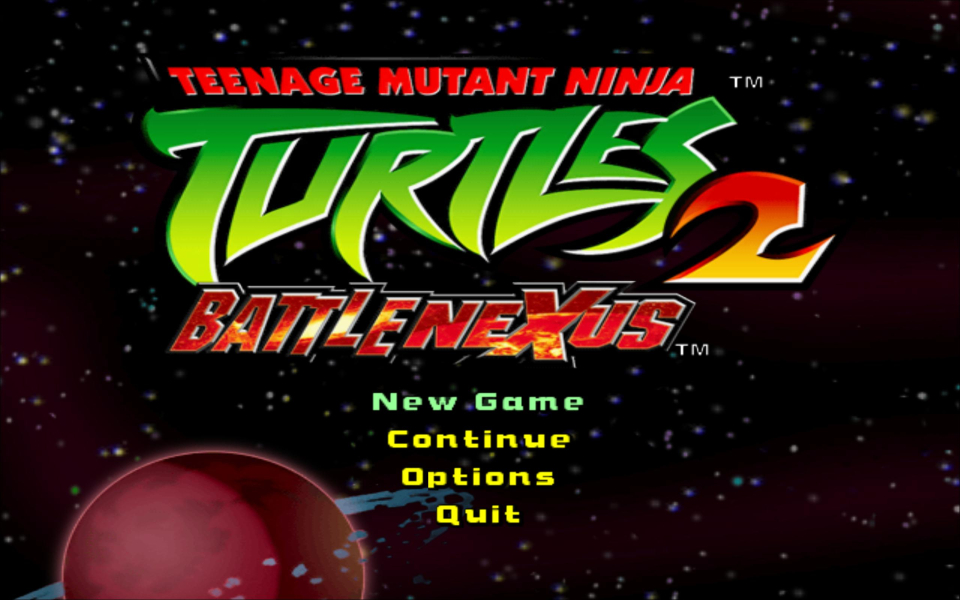
Menu Screenshots

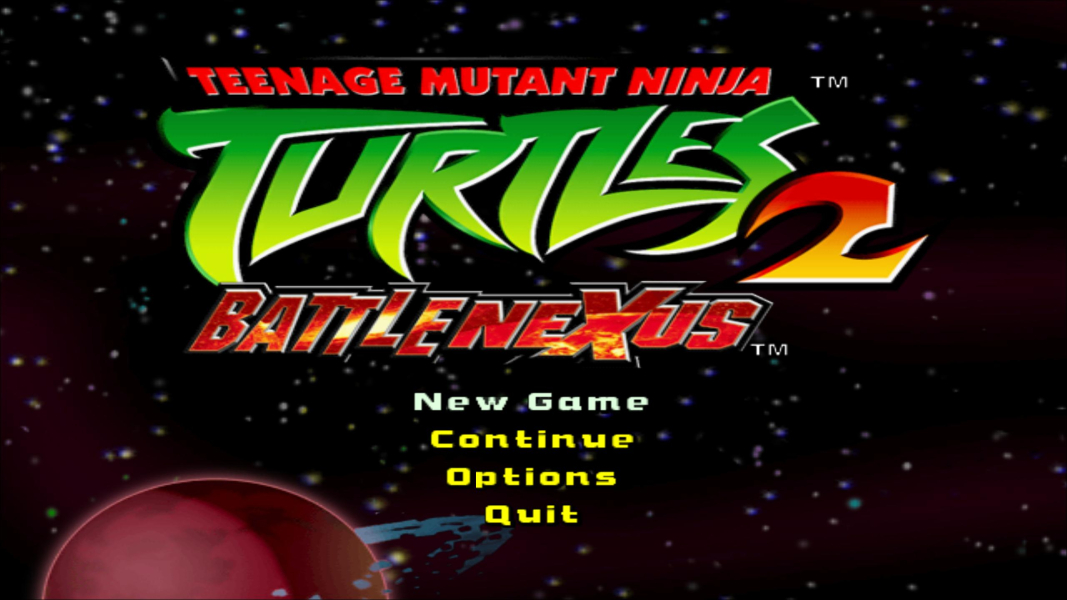
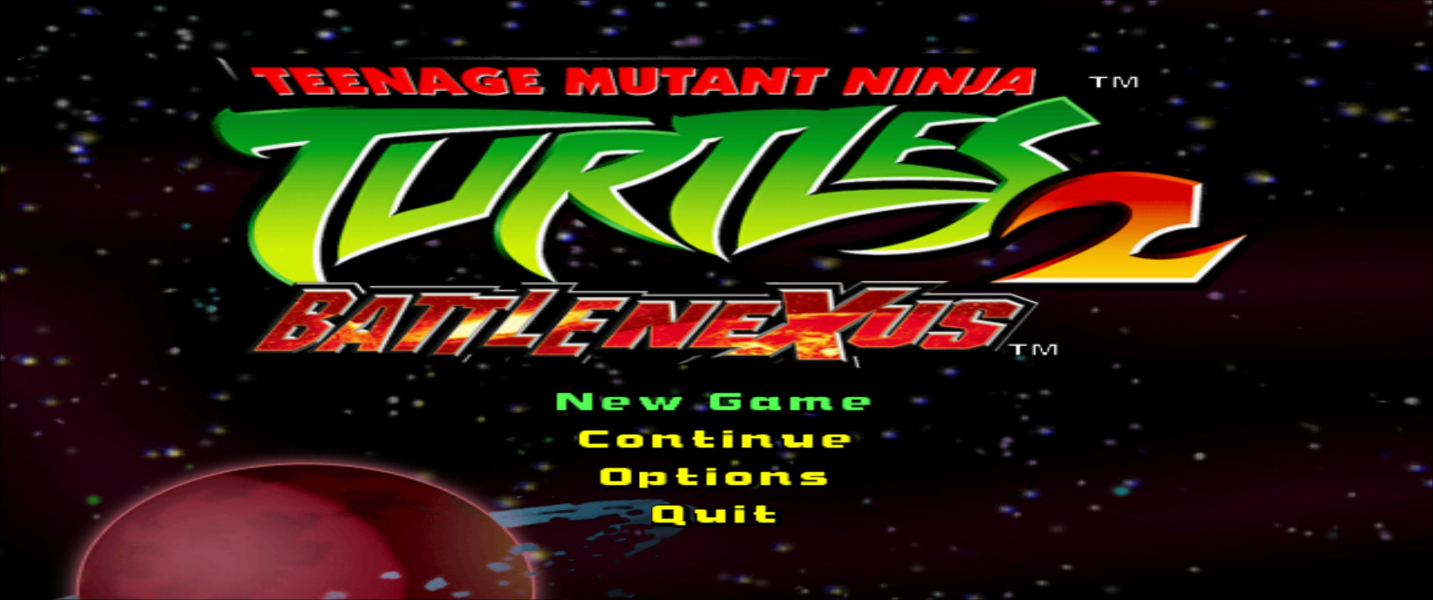


4K UHD Screenshots
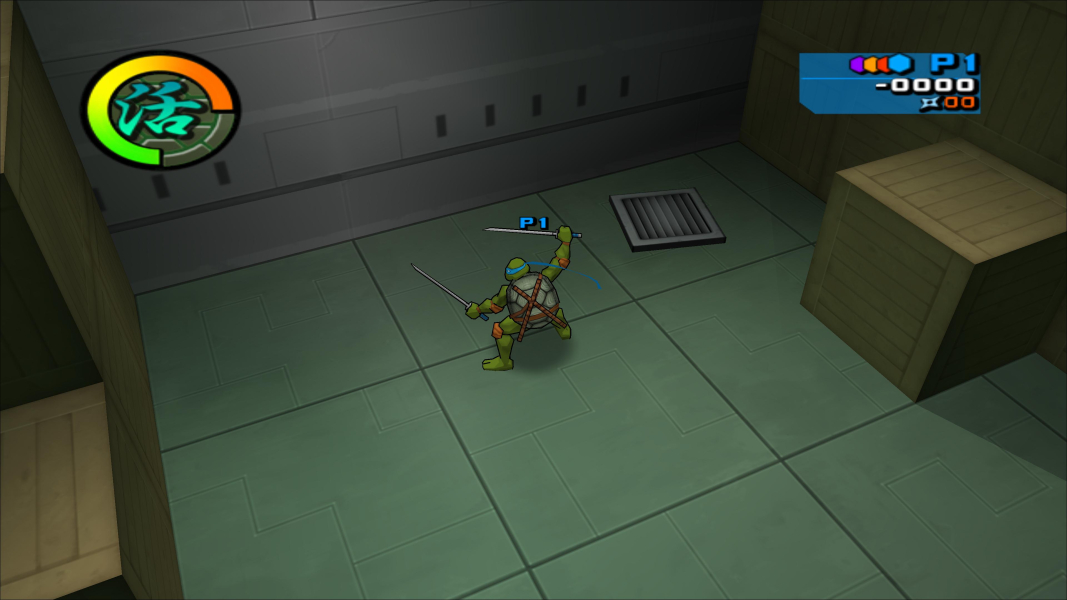
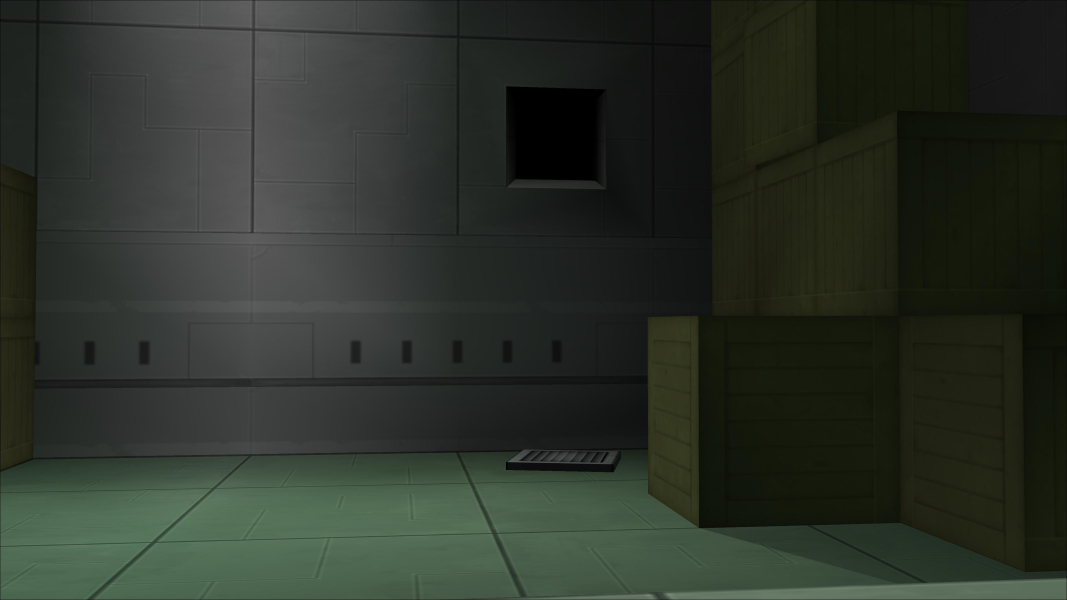

Additional Screenshots