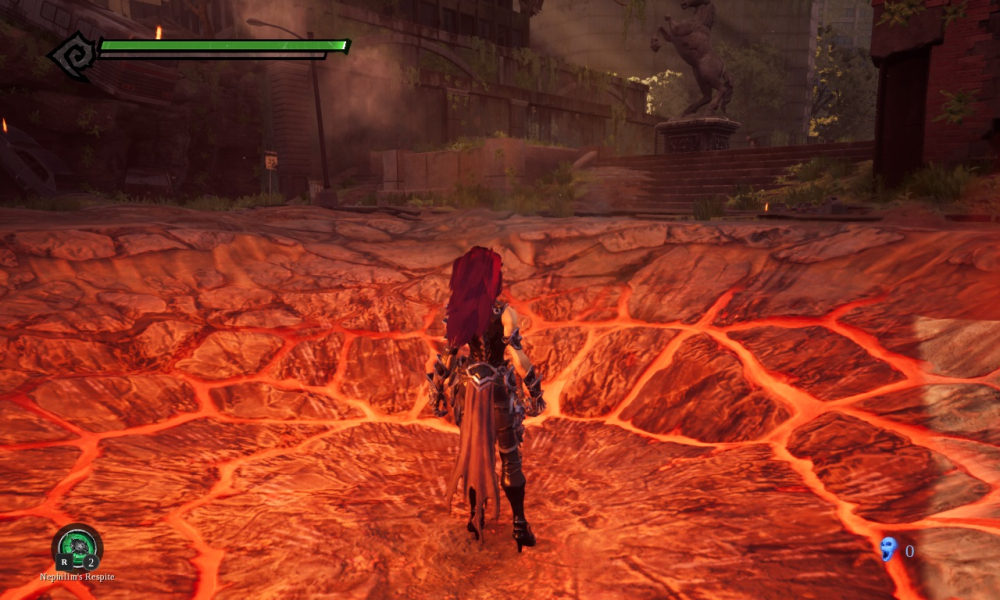


Darksiders III is an action-adventure game. Players take control of Fury, sister of War and Death, two of the Four Horsemen of the Apocalypse, from a third-person perspective. Fury, a mage who is described as the most unpredictable and enigmatic of the Four Horsemen, relies on whips, swords, flails, daggers and magic in combat.Fury can take on multiple different elemental forms in order to enhance her combat capabilities by granting her new weapons, attacks and traversal abilities. One of these many forms is a Flame form.
Support Summary
Game Information
Screenshots Comparison
Solutions & Issues
16:10, 4:3, 15:9 has issues misplaced user interface in character menu,option ,and subtitles. another issue it seem exclusive fullscreen broken, this workaround to make exclusive fullscreen in widescreen resolution : go to video setting ingame > first change video mode to window mode then back to fullscreen for proper exclusive fullscreen.
Download FOV Changer from PC Gaming Wiki - https://community.pcgamingwiki.com/files/
FOV Changer Instructions (WSGF Forum)
21:9 Notes
Developer fixed Vert- in latest patch . the exlusive fullscreen broken, this workaround to make exlusive fullscreen in Ultrawide resolution : go to video setting ingame > first change video mode to window mode then back to fullscreen for proper exlusive fullscreen.
Subtitle misplaced should be fixed in future patch
Cutscenes black bars removal download in here Darksiders III UW Cutscenes Fix (WSGF Forum)
32:9 Notes
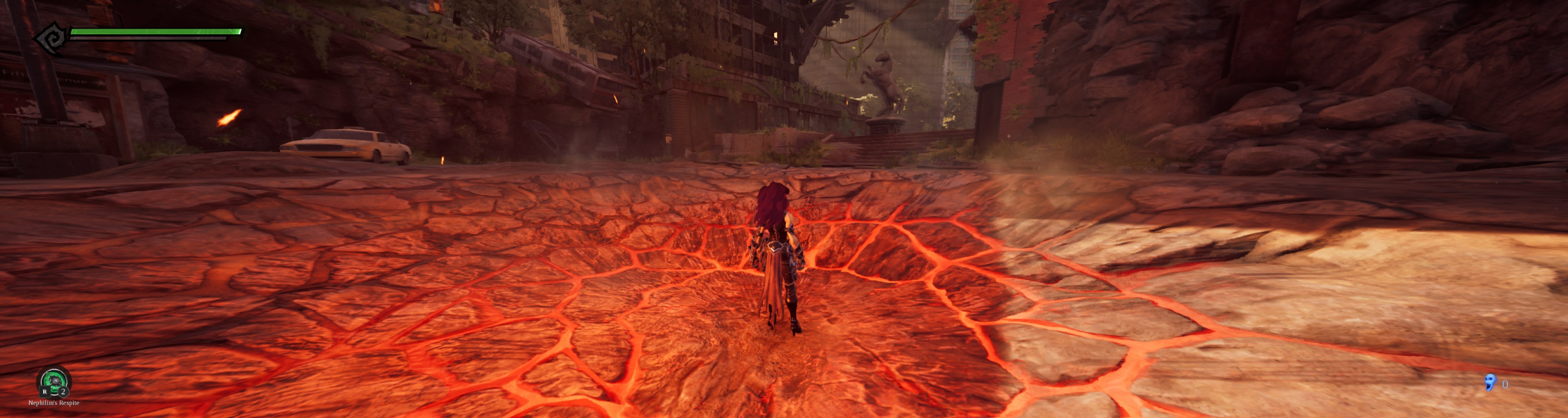
Developer fixed Vert- in latest patch but make Vert+. Only Fullscreen Windowed to make work , Exclusive Fullscreen broken can't forcing through video setting.
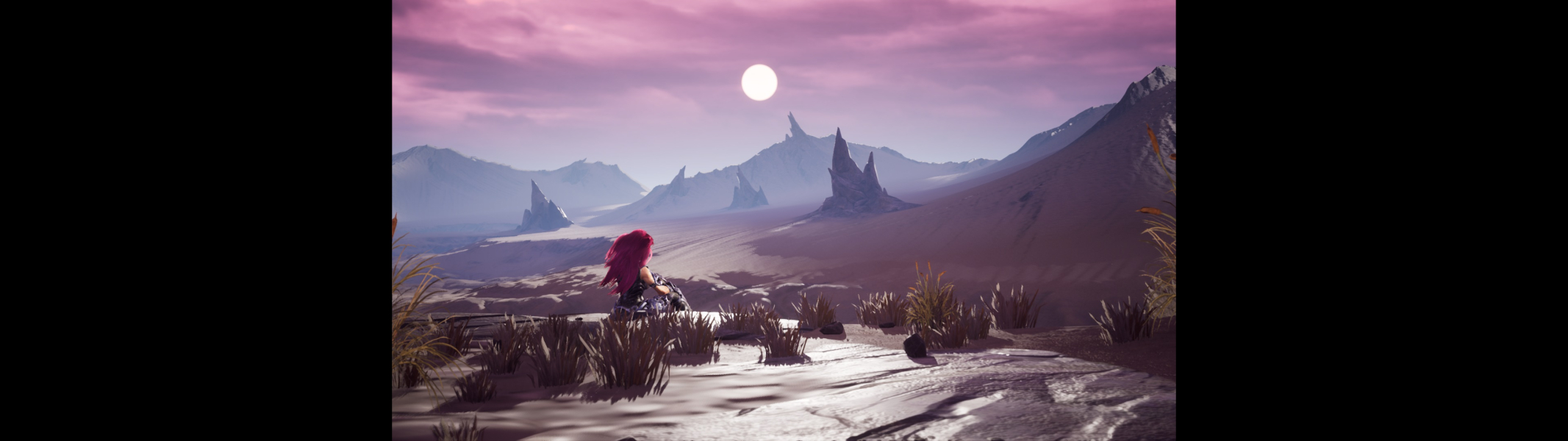
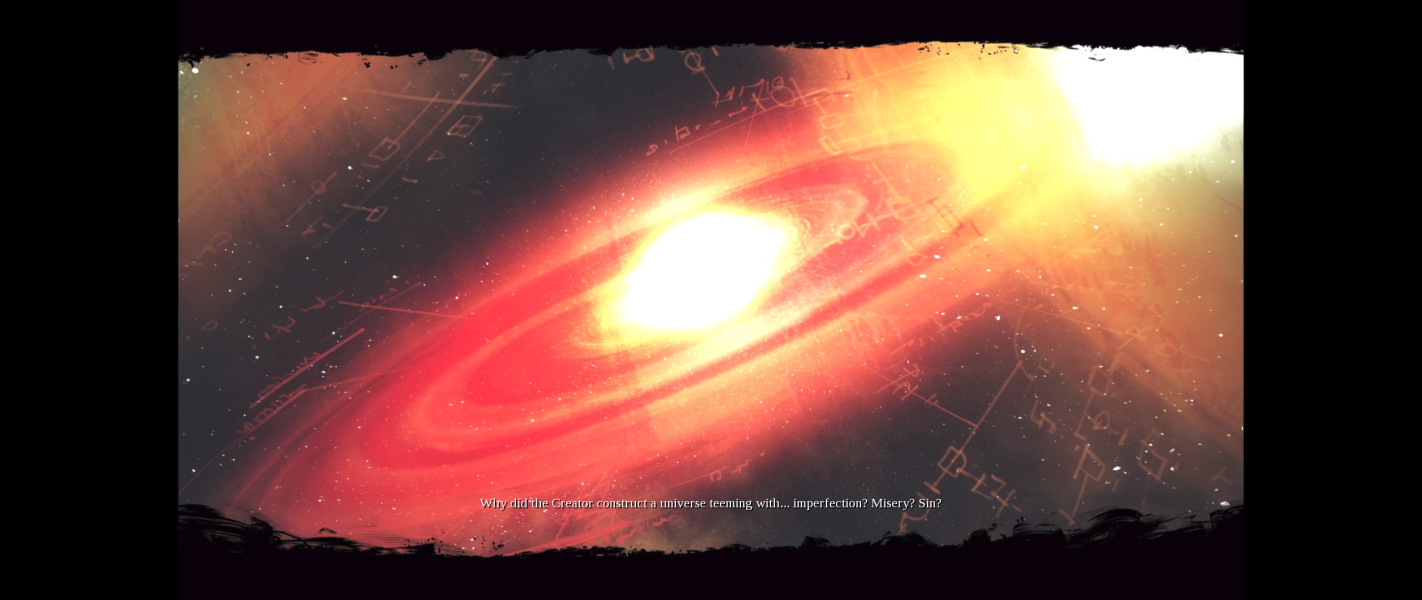
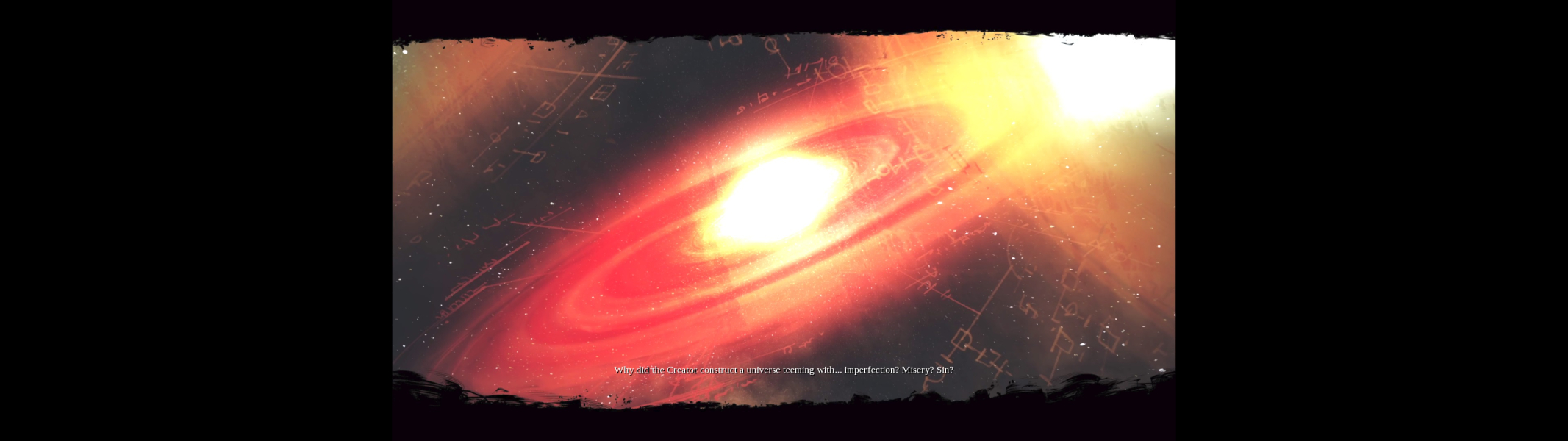
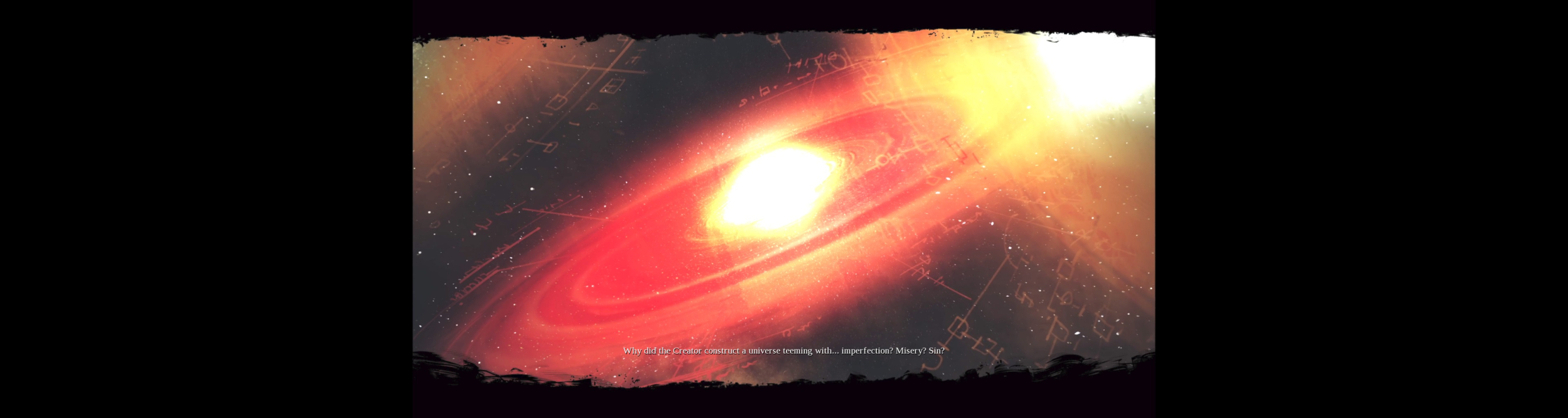
Cutscenes are pillarboxed in 32:9
Download FOV Changer from PC Gaming Wiki - https://community.pcgamingwiki.com/files/
FOV Changer Instructions (WSGF Forum)
Developer fixed Vert- in latest patch but make Vert+. Only Fullscreen Windowed to make work , Exclusive Fullscreen broken can't forcing through video setting.
Download FOV Changer from PC Gaming Wiki - https://community.pcgamingwiki.com/files/
FOV Changer Instructions (WSGF Forum)
Gameplay Screenshots

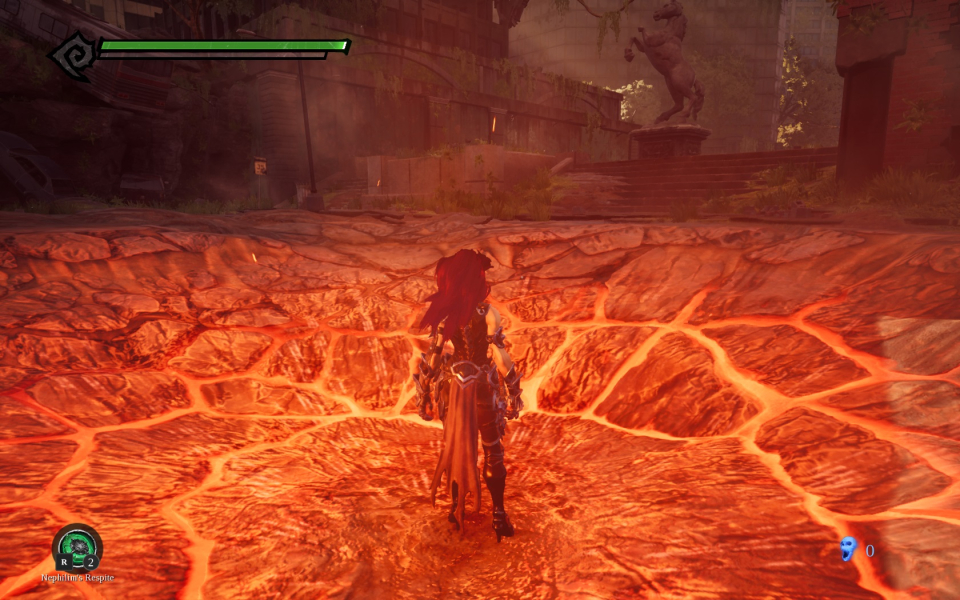
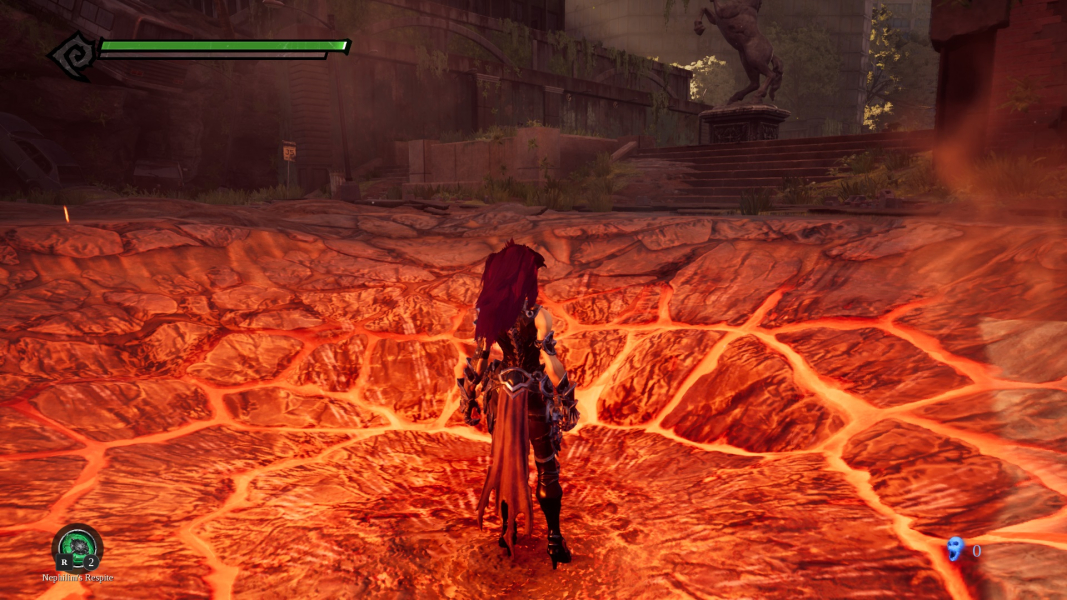
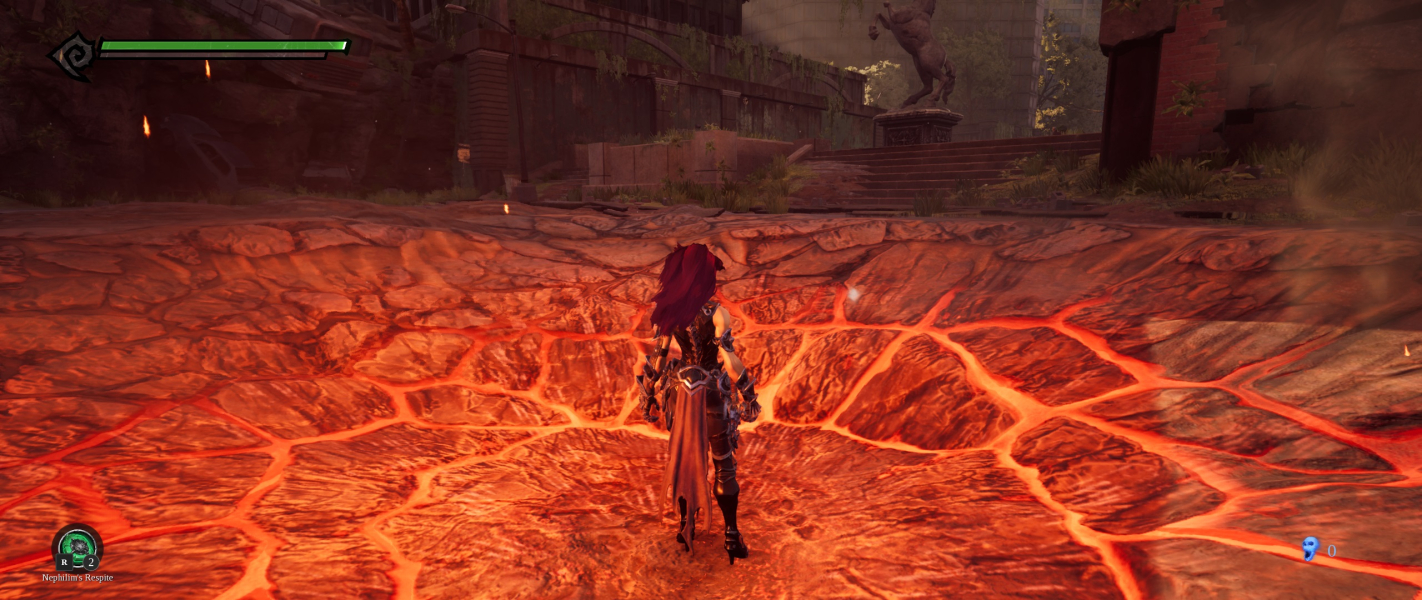

In-Game (Rendered) Cutscenes
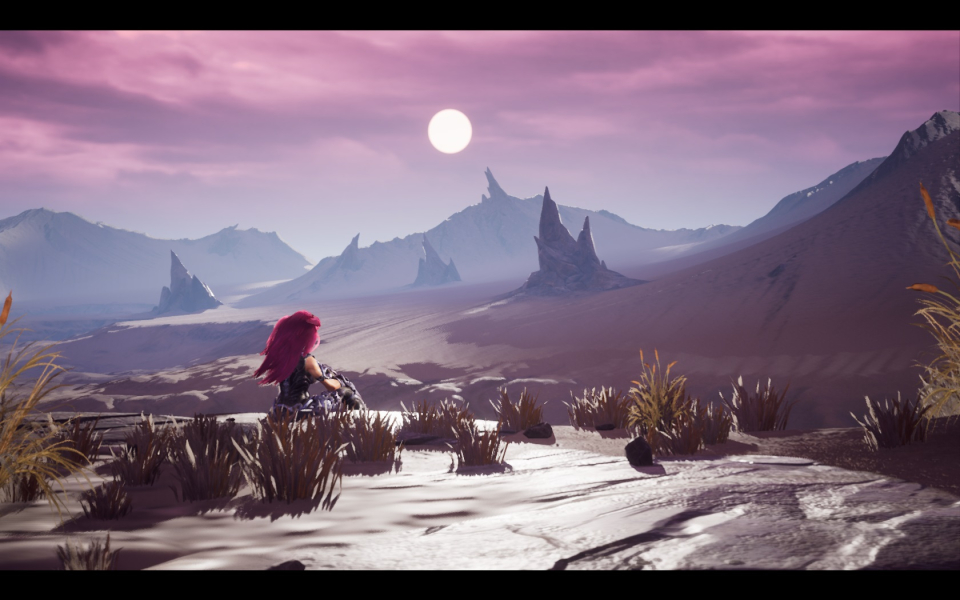
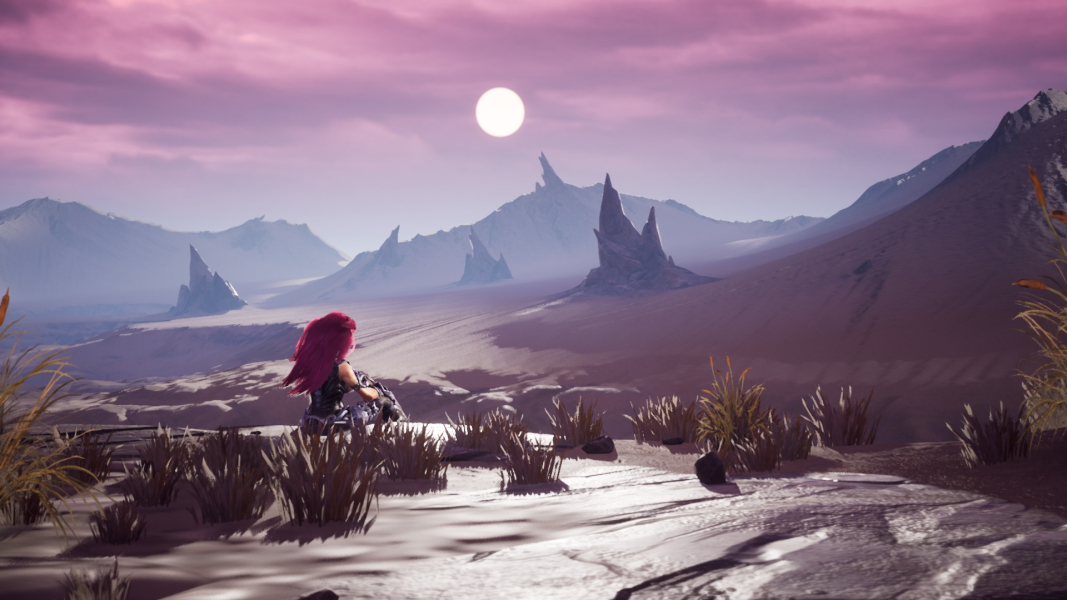


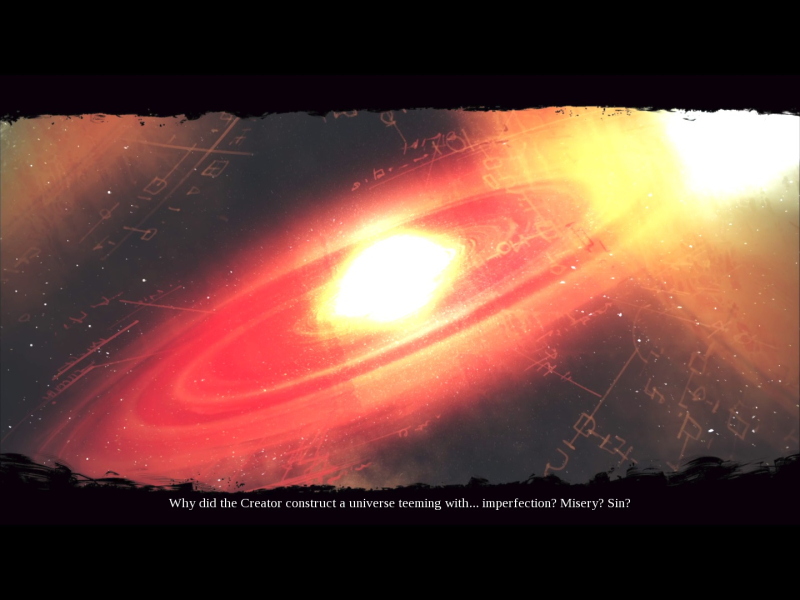
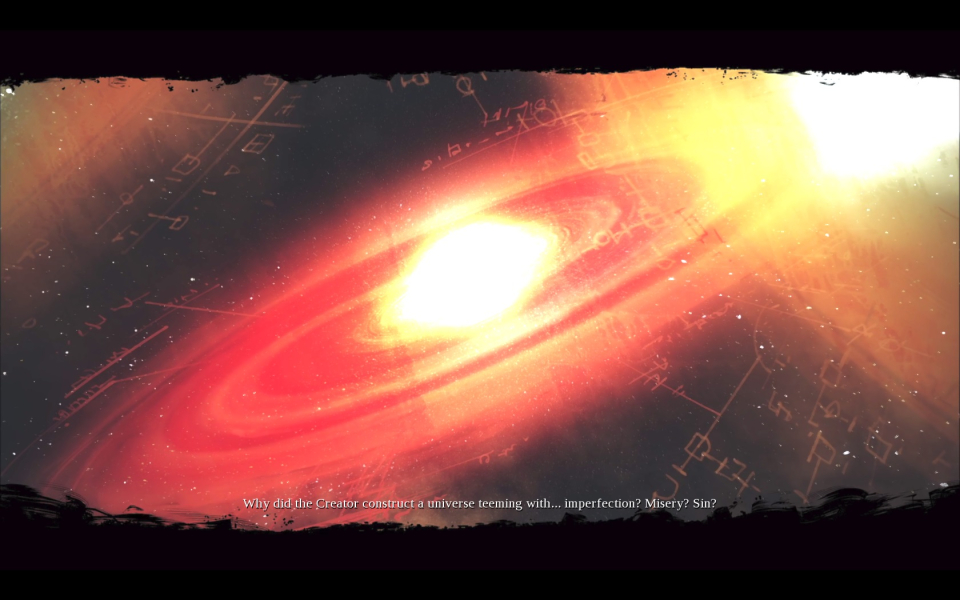
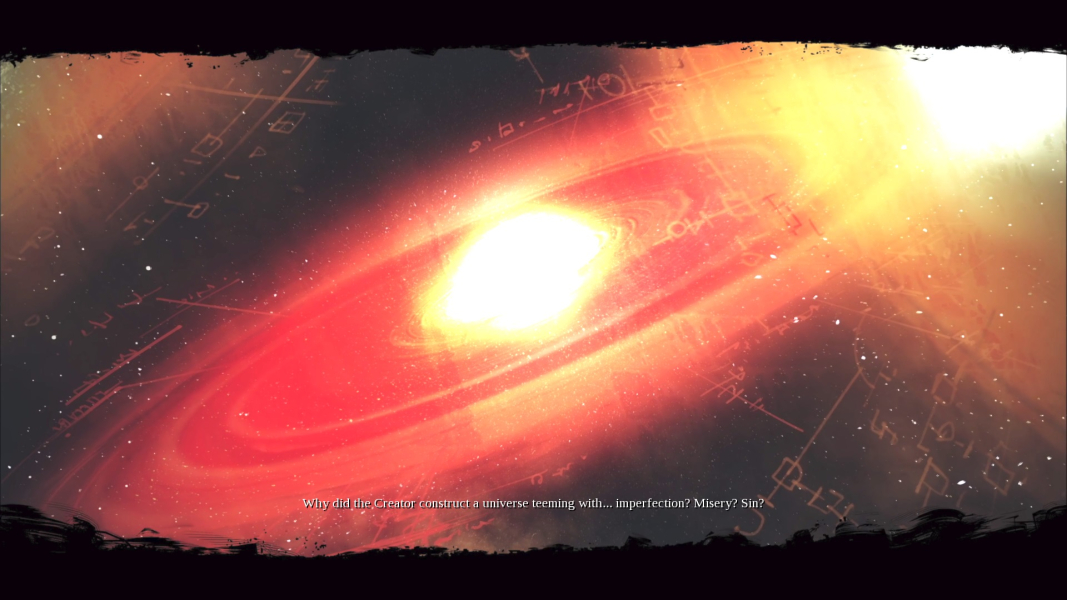
FMV Cutscenes
Menu Screenshots
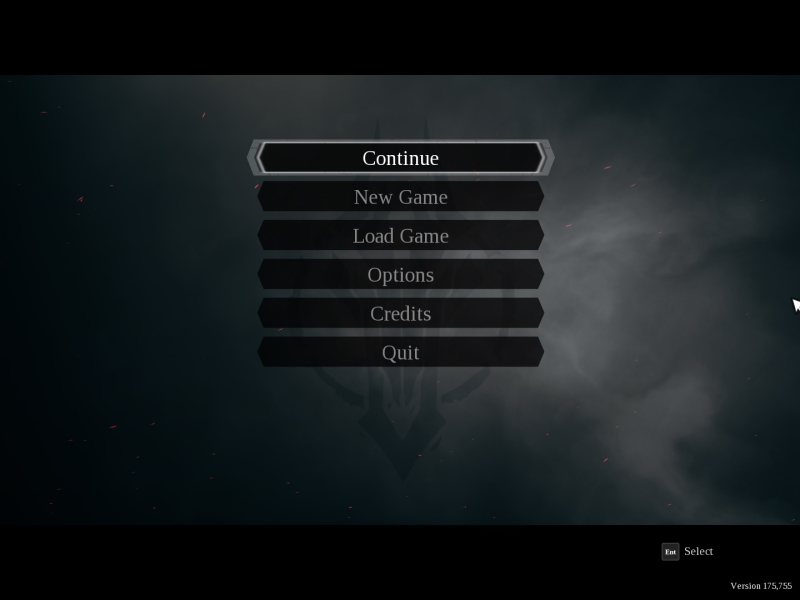


Additional Screenshots