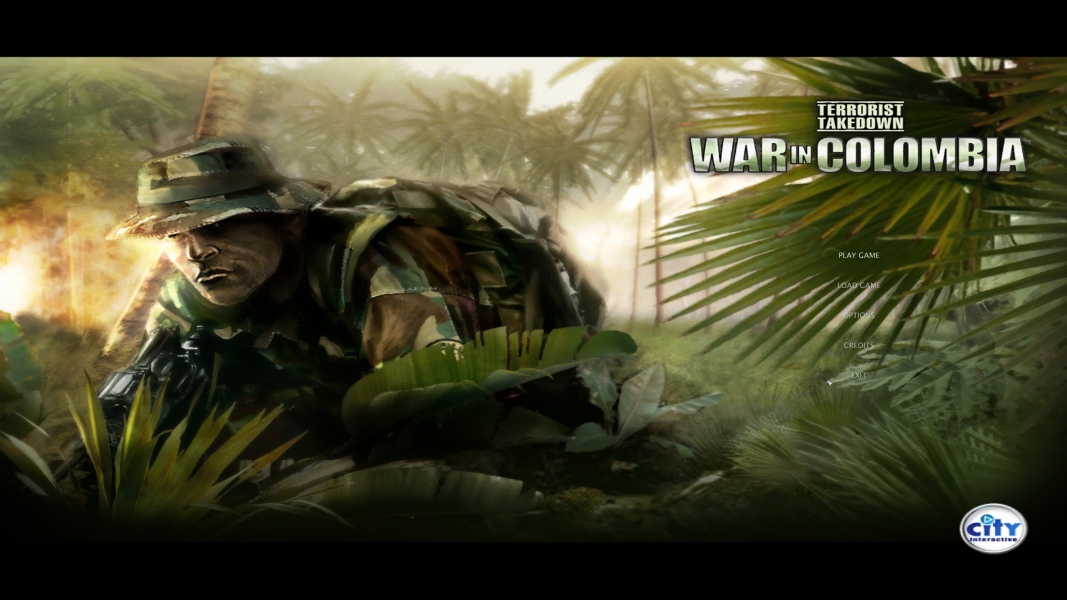



Colombian and American Special Forces units destroy a cocaine plantation. It all seems easy...well, as easy as can be, but soon everything changes because of a bullet. The commanding officer is killed. In a short amount of time, everything escalates into a full-scale war.
Your name is Jack Jeffers, and your mission is to fight alongside allied Colombian and American forces, while still receiving orders from time to time and obeying special orders of your own. Penetrate the drug lords' massive defenses and turn the tide of the jungle war in this first-person jungle shooter. War in Colombia is the fourth game in the series.
Support Summary
Game Information
Screenshots Comparison
Solutions & Issues
From the menu the game supports only 4:3 resolution up to 1600x1200. To get widescreen you have to open game folder, then open folder data and search file VideoSettings.scr. Open it for example with notepad++, search line resolution and change your resolution for example 2560x1440. Save and close file.
Jackfuste made a FIX for Chrome Specforce and luckily since its the same Engine it works with Terrorist Takedown: War in Colombia. Fix available from the PC Gaming Wiki Community Files (search there)
To get 4K UHD you have to open game folder, then open folder data and search file VideoSettings.scr. Open it for expample with notepad++, search line resolution and change resolution 3840x2160. Save and close file.
Gameplay Screenshots


4K UHD Screenshots