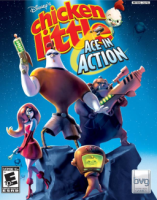


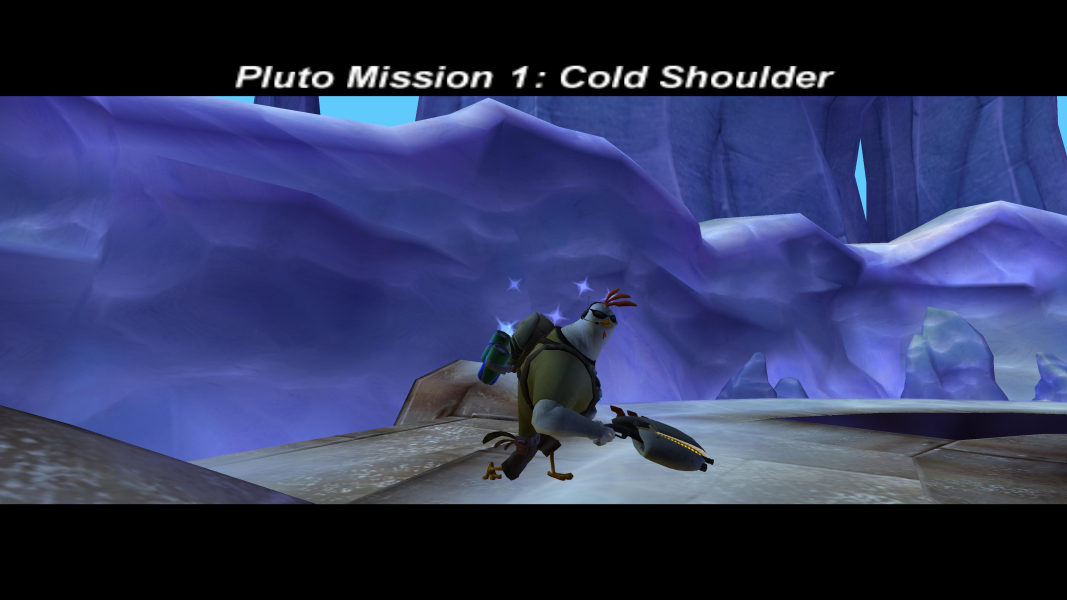
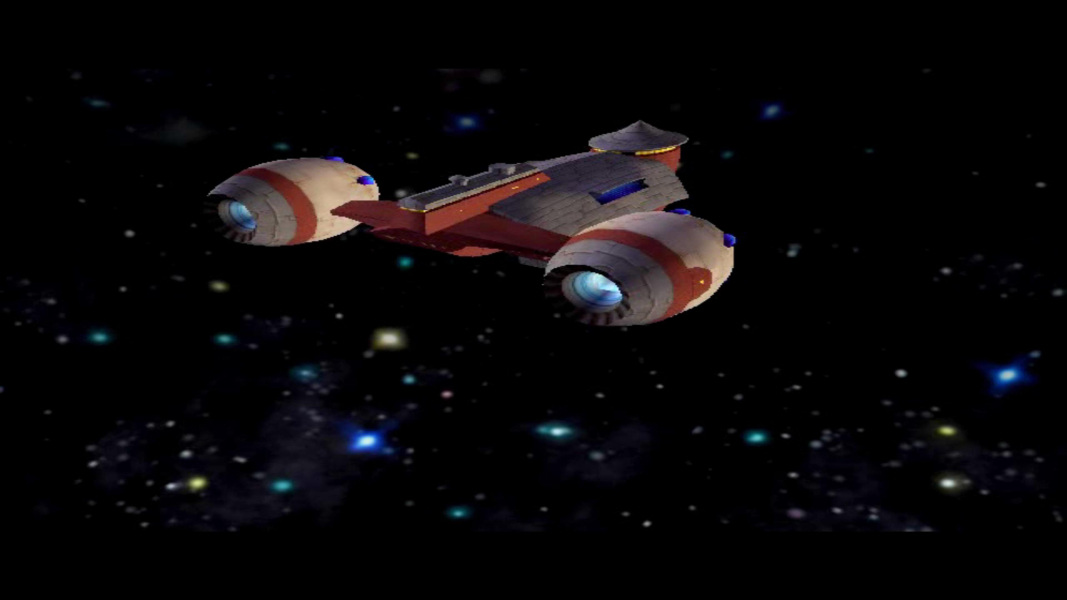
Disney's Chicken Little: Ace in Action is a multiplatform video game based on the finale of the 2005 computer animated film, Chicken Little.Ace in Action is a third-person shooter. Battle your way across four worlds, (Pluto, Saturn, Mars, and the Moon) with multiple missions on each planet. Each mission is performed by one of the three main characters: Ace's missions have him running around, Runt's missions have him in a tank, and Abby's missions have her in a hovership.
Support Summary
Game Information
Screenshots Comparison
Solutions & Issues
Retail Version: Only 4:3 resolutions are available - a Hex edit is necessary for HOR+
Go to your Game root folder and open Ace in Action.exe in a hex editor.
Look for AB AA AA 3F and change it to CD CC CC 3F (for 16:10) or 39 8E E3 3F (for 16:9).
Now open Launcher.exe and look for 1280x1024 (as text) and change it to your resolution for example 2560x1440.
Start the Game and select 1280x1024 in the Game Launcher.
-------------------------------------------------------------------------------------------------
Steam Version: First you need to unpack the EXE Files with the Tool: Steamless
Second ist the same hex edit method like in Retail Version described.
Same solution as in Widescreen.
Go to your Game root folder and open Ace in Action.exe in a hex editor.
Look for AB AA AA 3F and change it to 60 E5 18 40 (for 21:9).
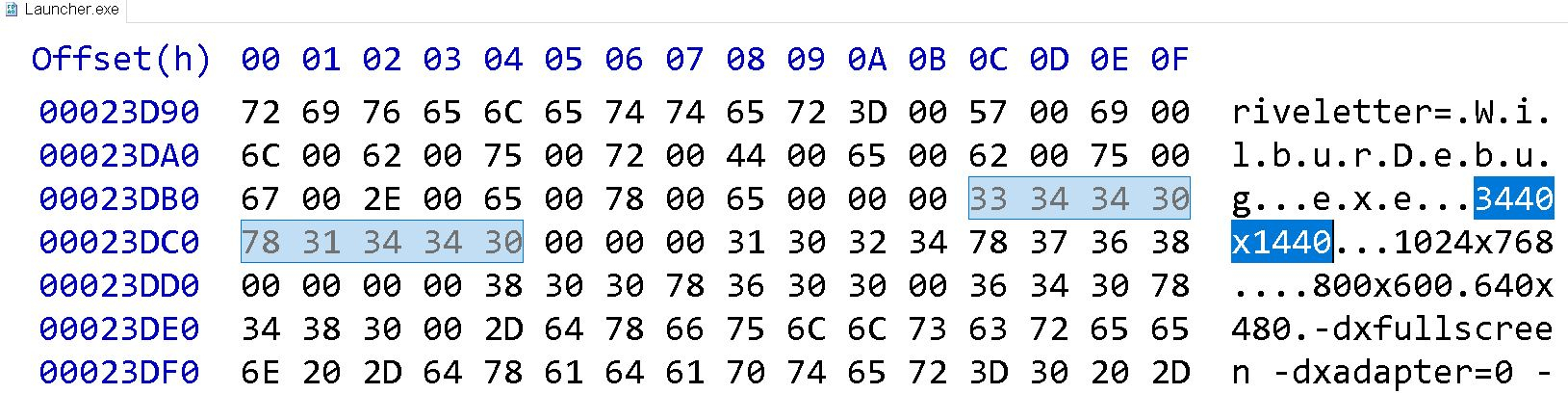
Now open Launcher.exe and look for 1280x1024 (as text) and change it to your resolution for example 3440x1440.
Same solution as in Widescreen.
Go to your Game root folder and open Ace in Action.exe in a hex editor.
Look for AB AA AA 3F and change it to AB AA AA 40 (for 48:9).
Now open Launcher.exe and look for 1280x1024 (as text) and change it to your resolution for example 5760x1080.
Same solution as in Widescreen.
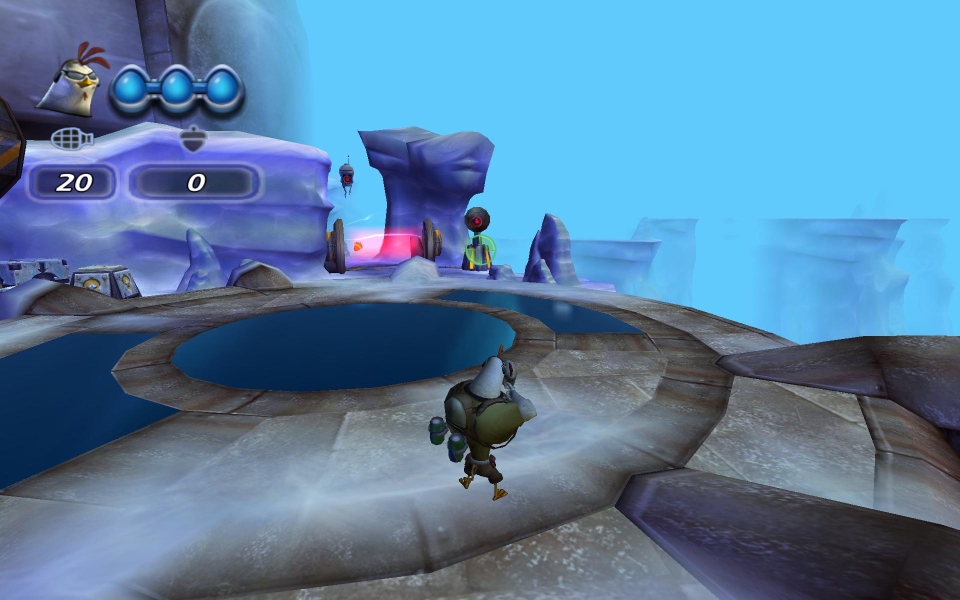
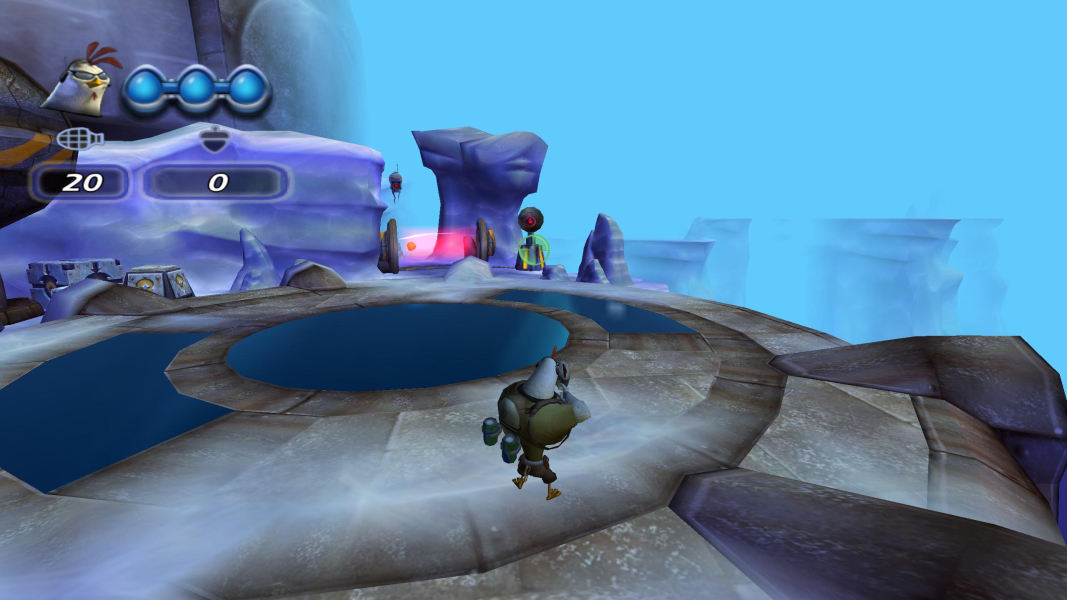
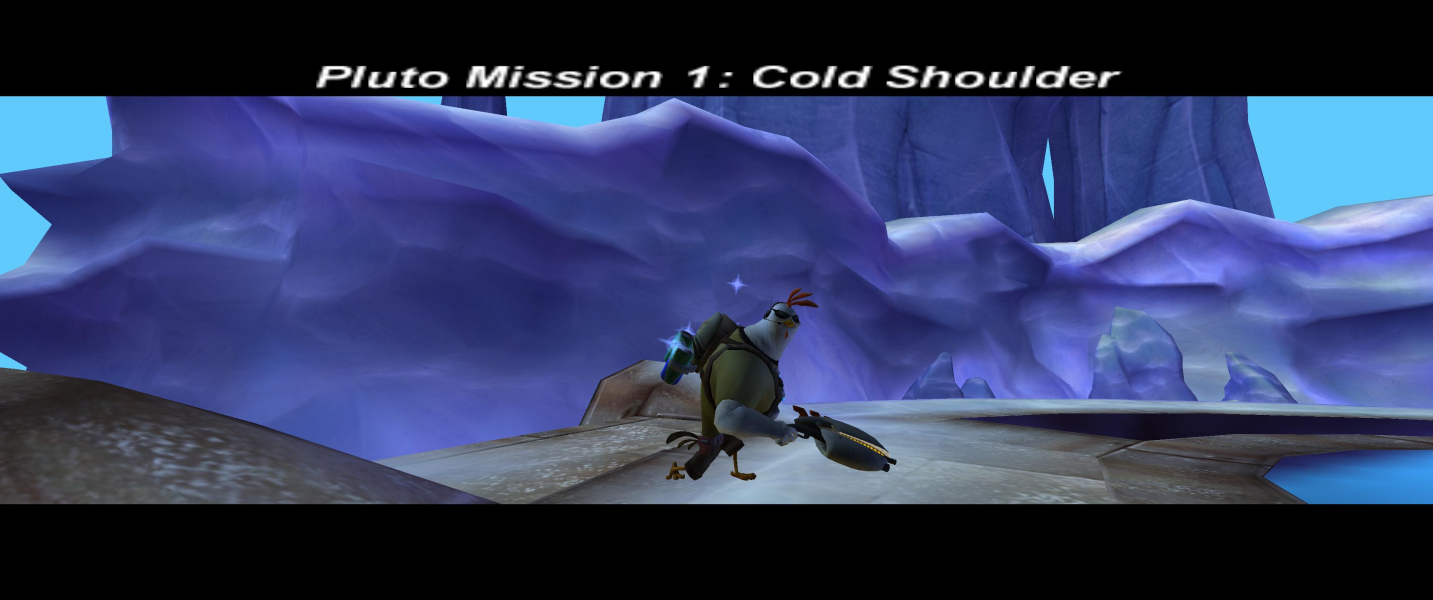
Gameplay Screenshots

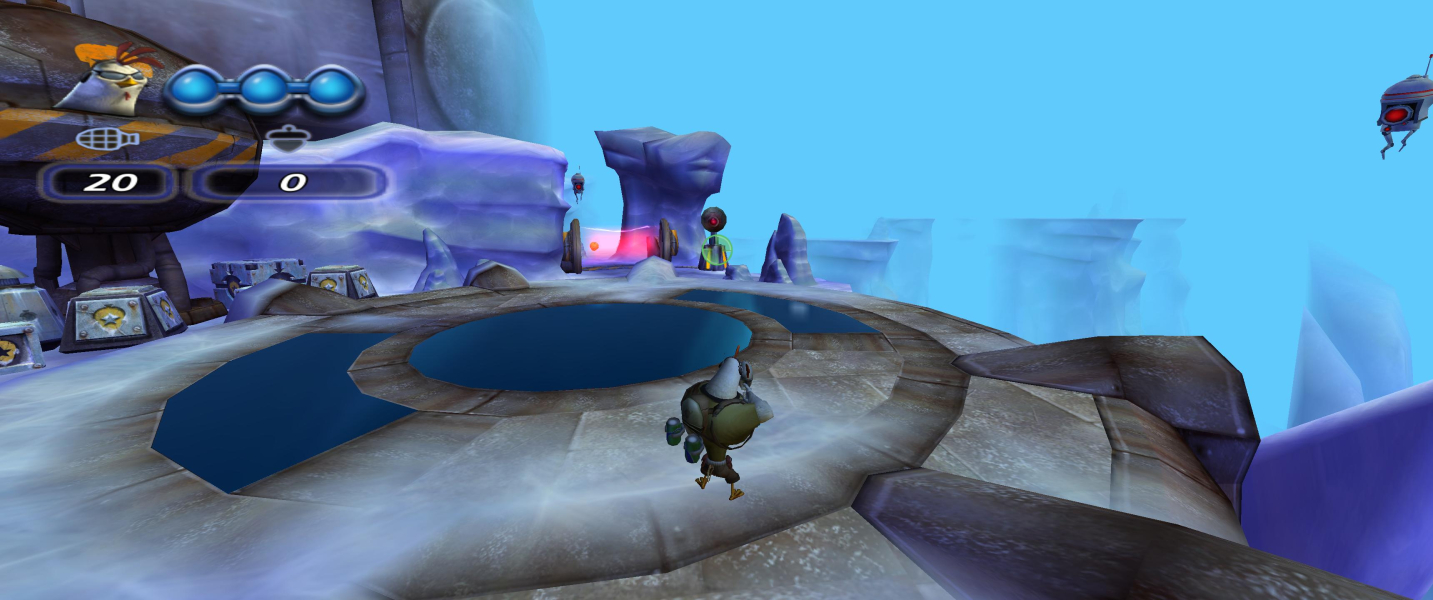


In-Game (Rendered) Cutscenes
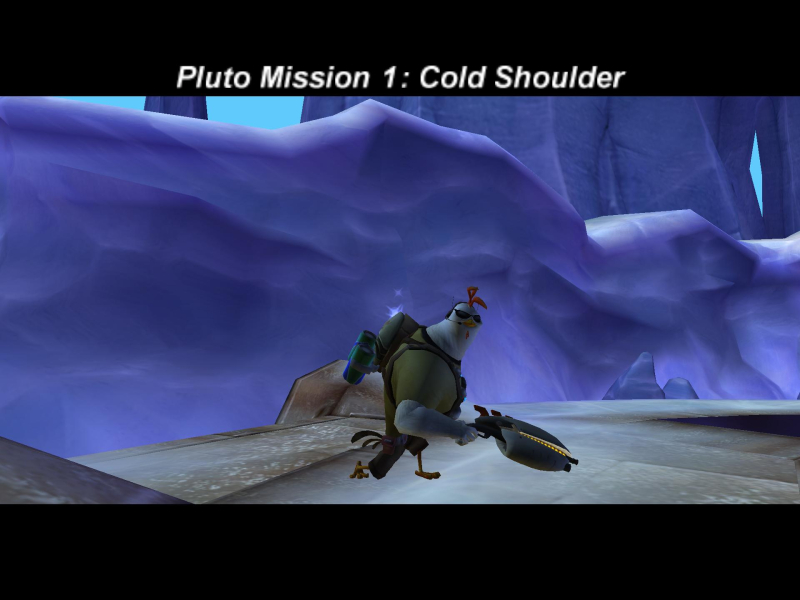
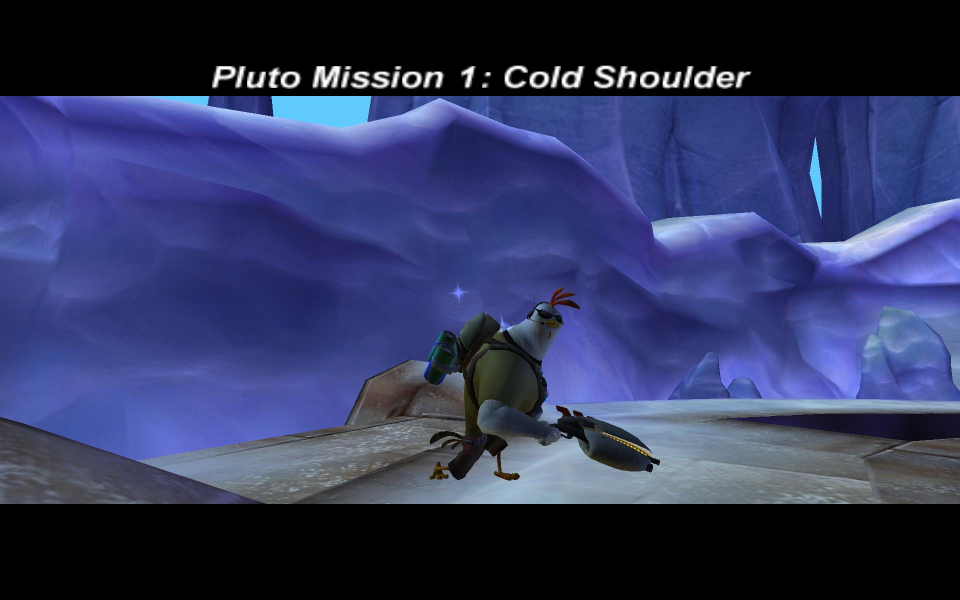
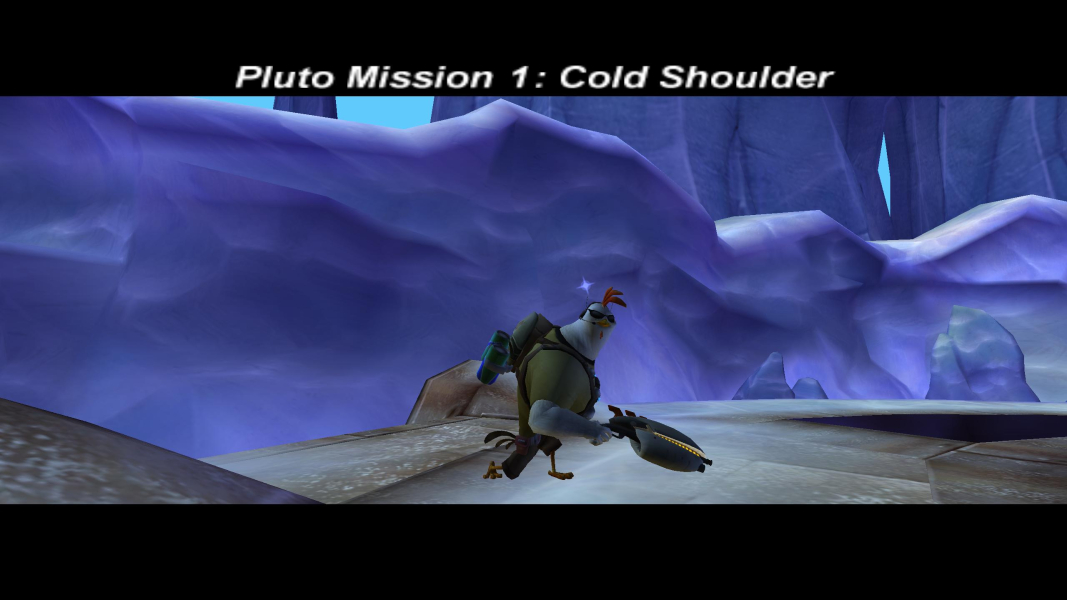

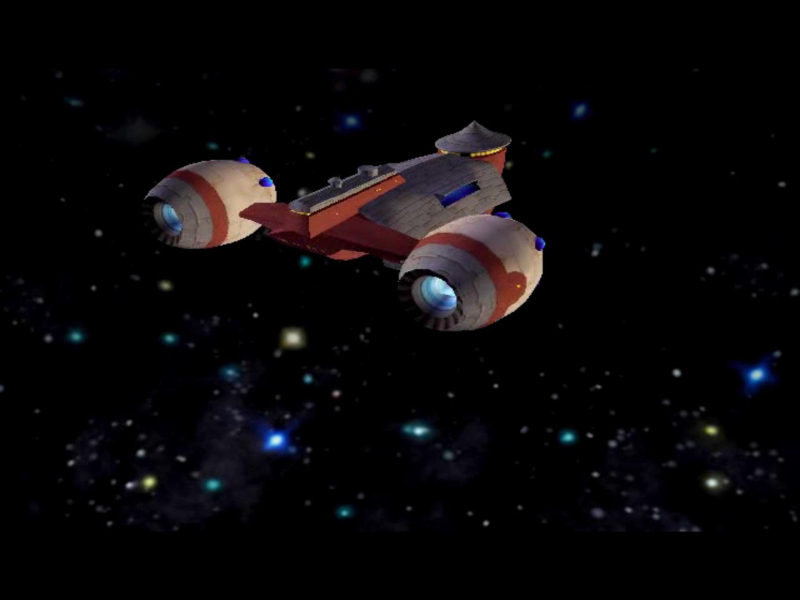
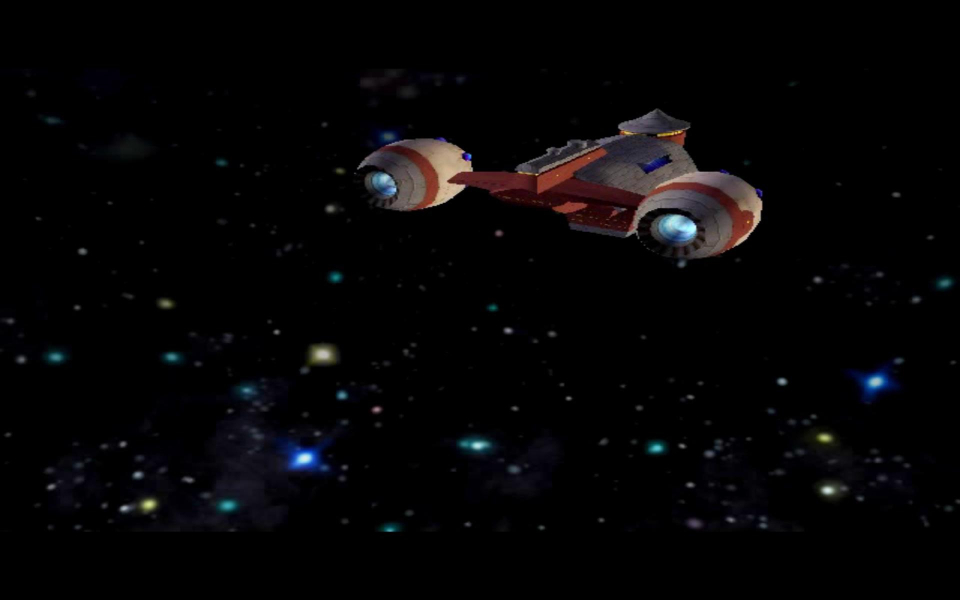
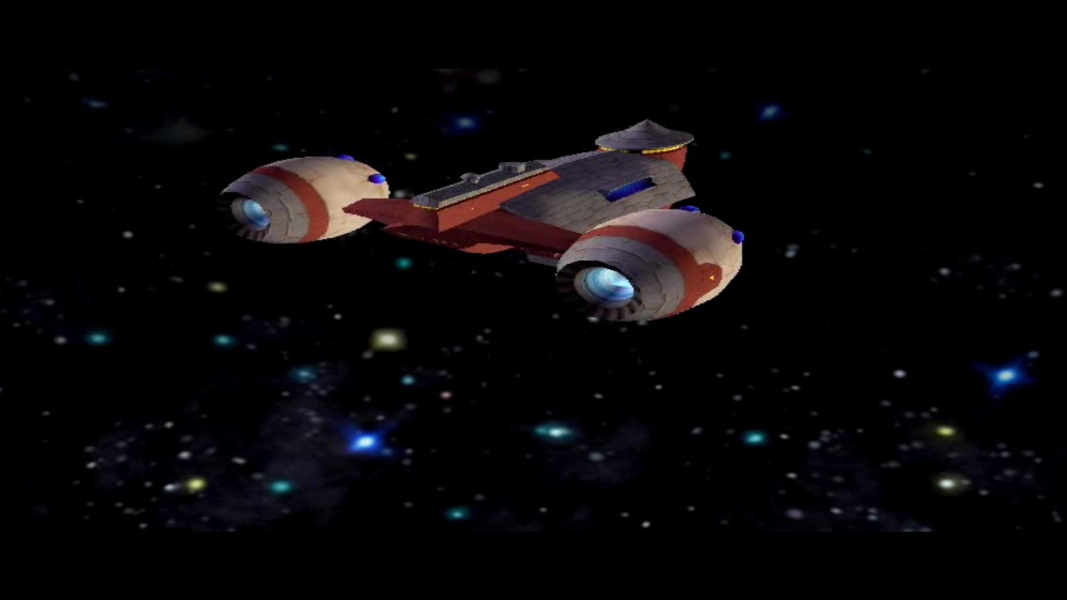
FMV Cutscenes
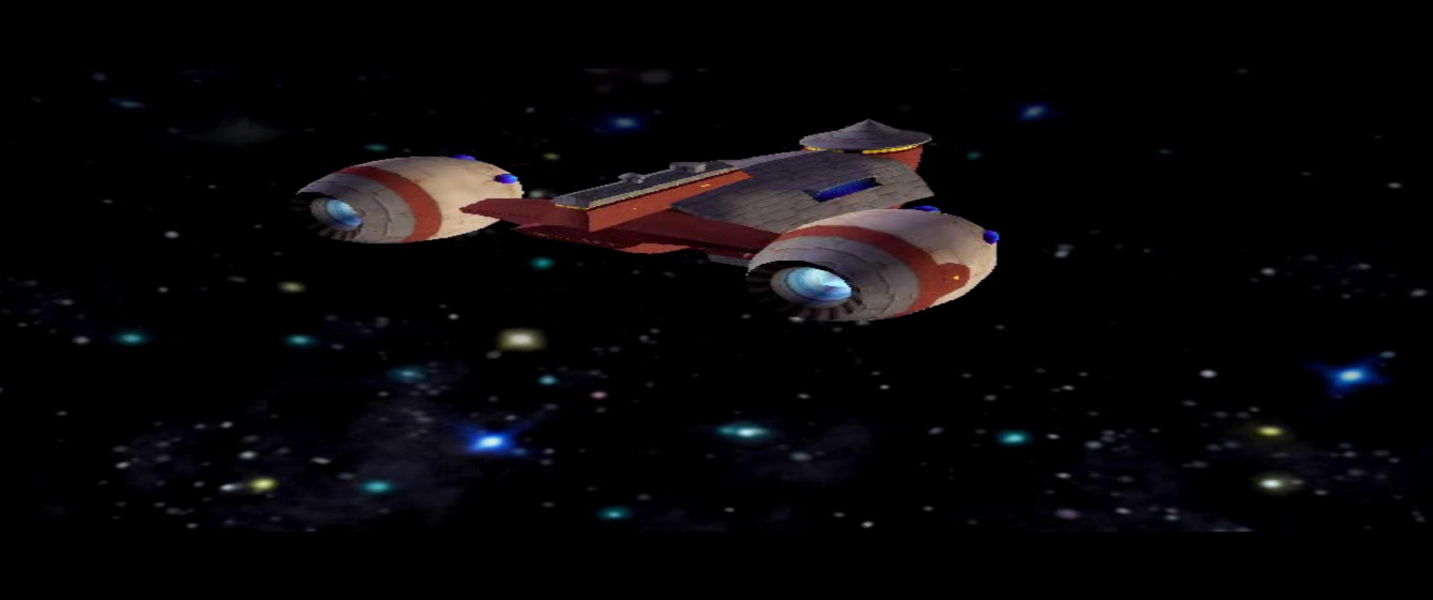

Menu Screenshots
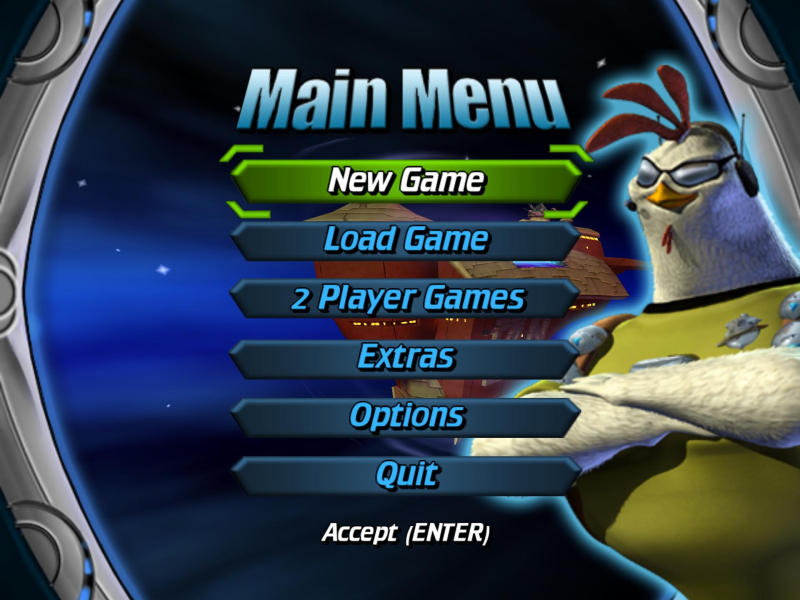

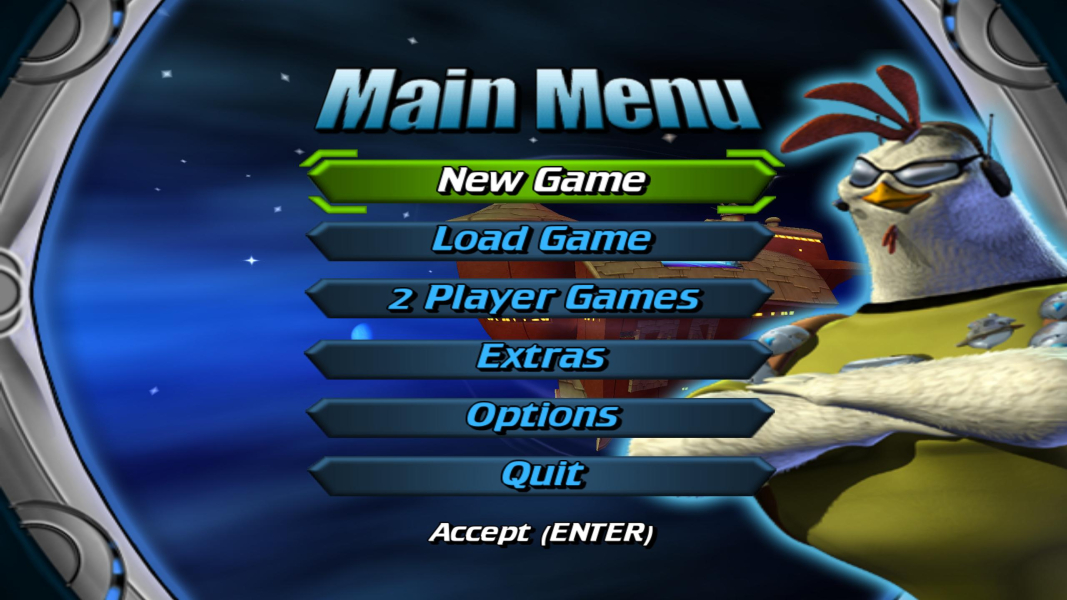
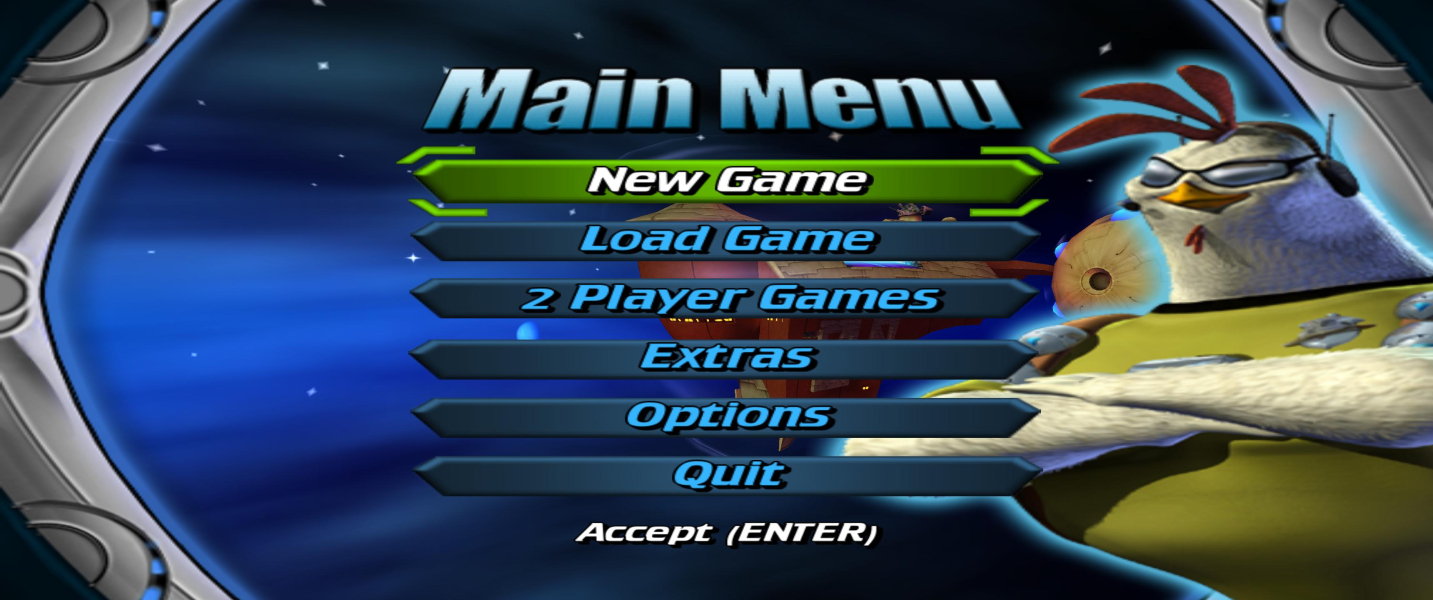

4K UHD Screenshots


Additional Screenshots