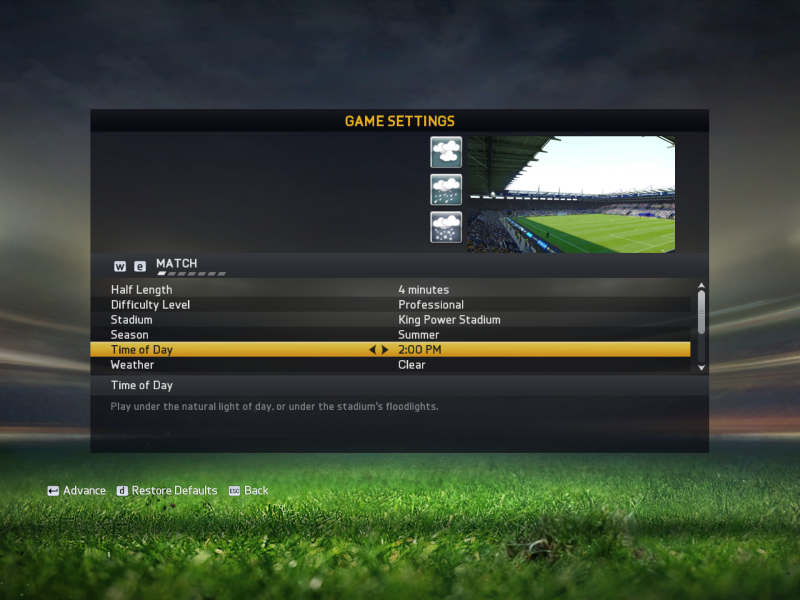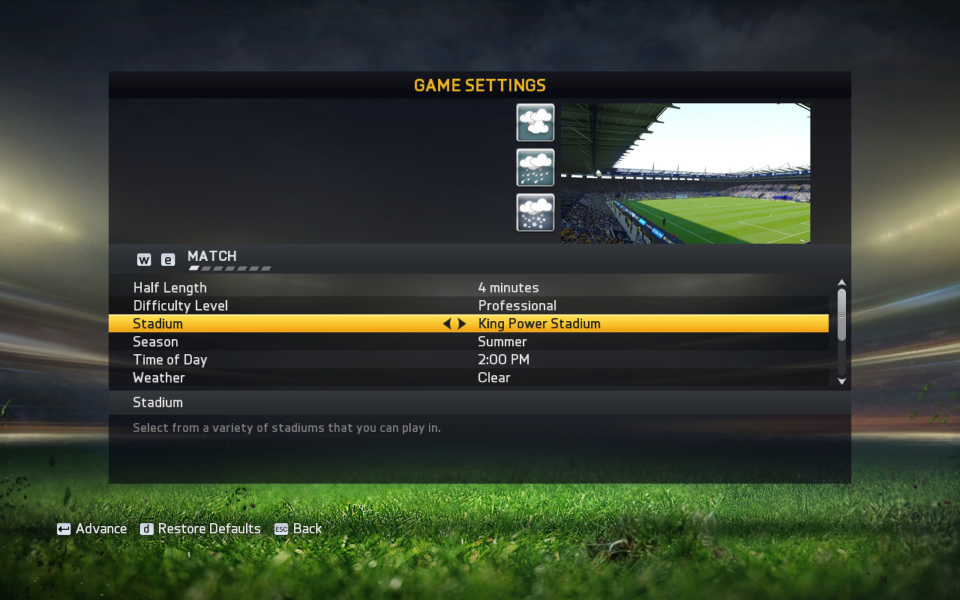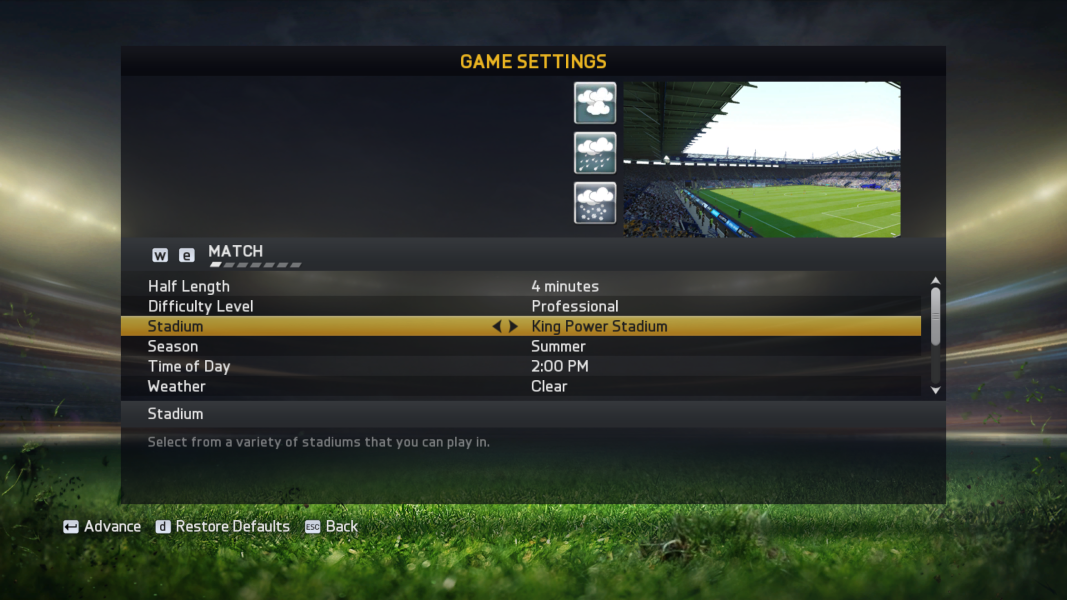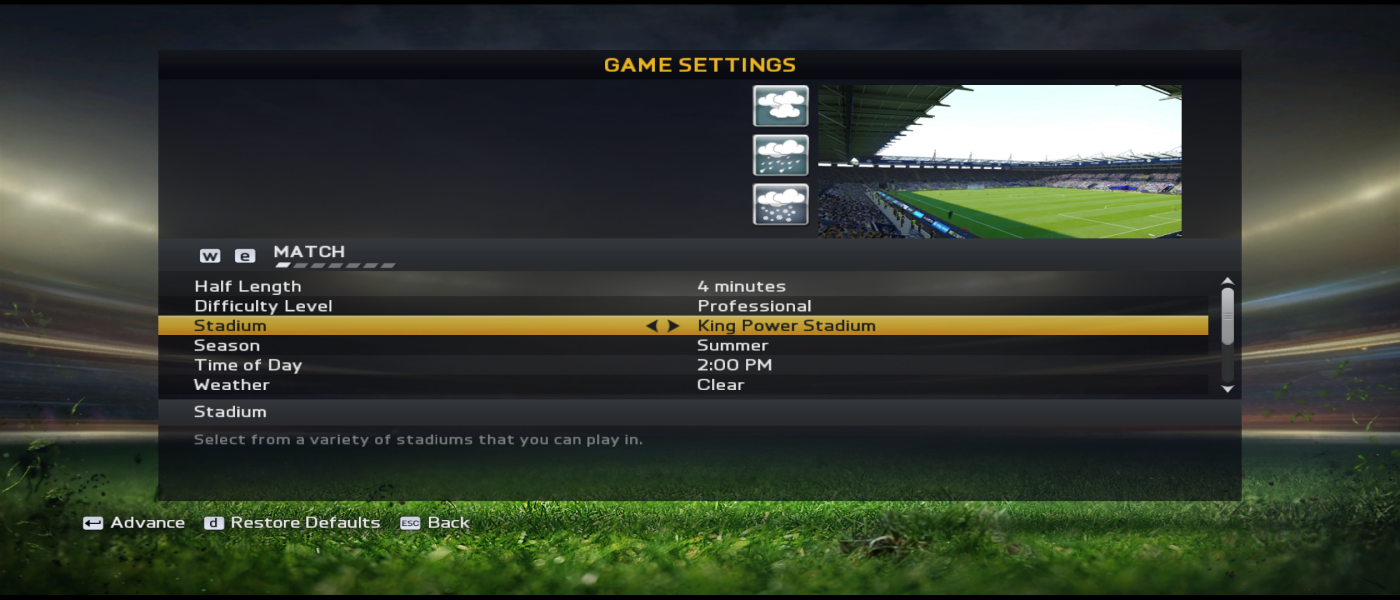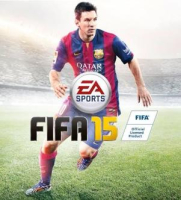


FIFA 15 is an association football simulation video game developed by EA Canada and published by Electronic Arts. It was released on 23 September 2014 in North America, 25 September in Europe and 26 September in the United Kingdom and Ireland[1] for the PlayStation 3, PlayStation 4, PlayStation Vita, Nintendo 3DS, Wii, Xbox One, Xbox 360, Microsoft Windows, iOS, Android and Windows Phone.[2] On PC for the first time, FIFA 15 runs on EA’s Ignite engine with the same features as the PlayStation 4 and Xbox One editions.[3][4] This was the last FIFA title to see a release on any Nintendo system until three years later in 2017, when EA announced that FIFA 18 would be released for the Nintendo Switch later that year. It is also the last Electronic Arts game to be available on the Wii, the 3DS and the Vita.
Support Summary
Game Information
Screenshots Comparison
Solutions & Issues
Both 16:9 and 16:10 resolutions work without any issues. 1280x720 and any resolution greater than it works in the game.
However, for some reason 4:3 is letter-boxed with black bars on top and bottom. To play in 4:3 without black bars, open fifa15.exe with XVI32 hex editor. Then search for "39 8E E3 3F" and there will be several of them. Replace all of them with "AB AA AA 3F" to remove black bars.
Menus, gameplay and cutscenes get Hor- but it works just like it should on a 4:3 monitor and doesn't hamper gameplay, cutscenes or menus.
See Eyefinity / Surround Specific Solution & Issues and replace the hex codes with 21:9 Aspect Ratio values found here: http://www.wsgf.org/article/common-hex-values
No issues other than stretched HUDs and menus.
Open fifa15.exe with XVI32 hex editor. Then search for "39 8E E3 3F" and there will be several of them. Replace all of them with the hex values for multi-monitors listed here: http://www.wsgf.org/article/common-hex-values
The HUD and menus will be stretched. But cutscenes and gameplay work pretty well.
Works natively. HUDs scale properly.
But the level of depth of field gets lower at 4k. So there's less DOF blur. The more you increase the resolution, the lower it gets.
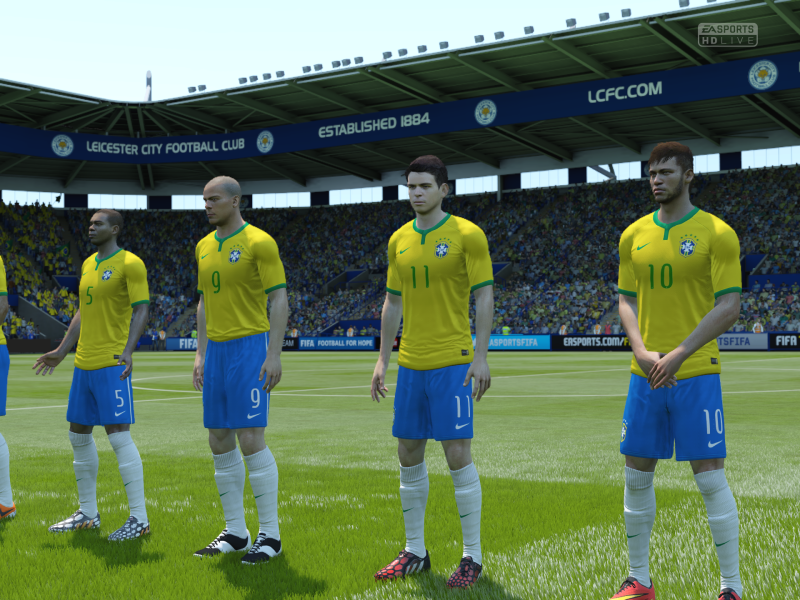
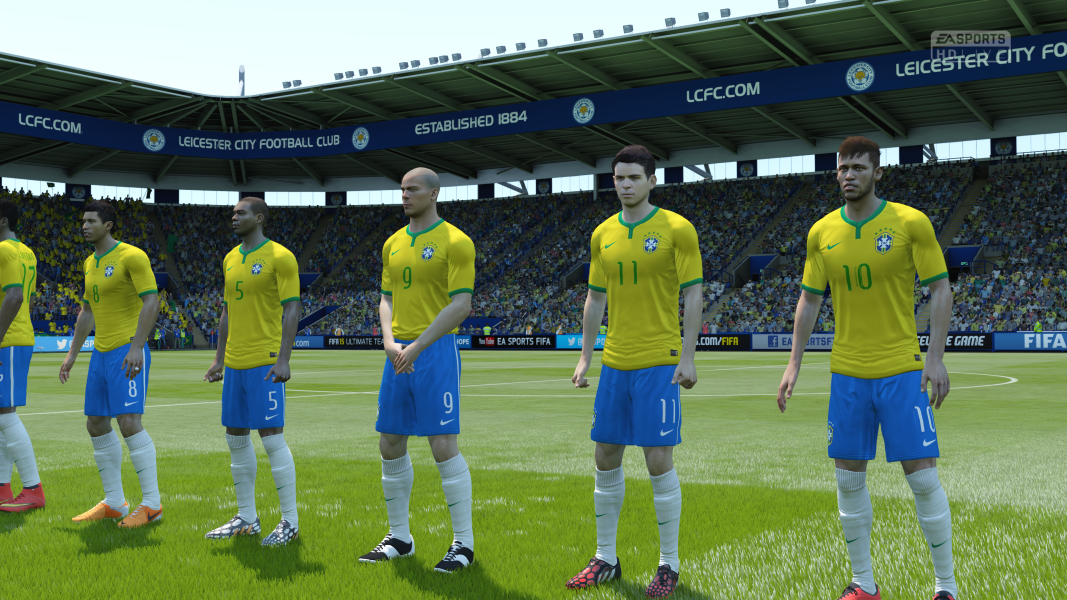
Gameplay Screenshots
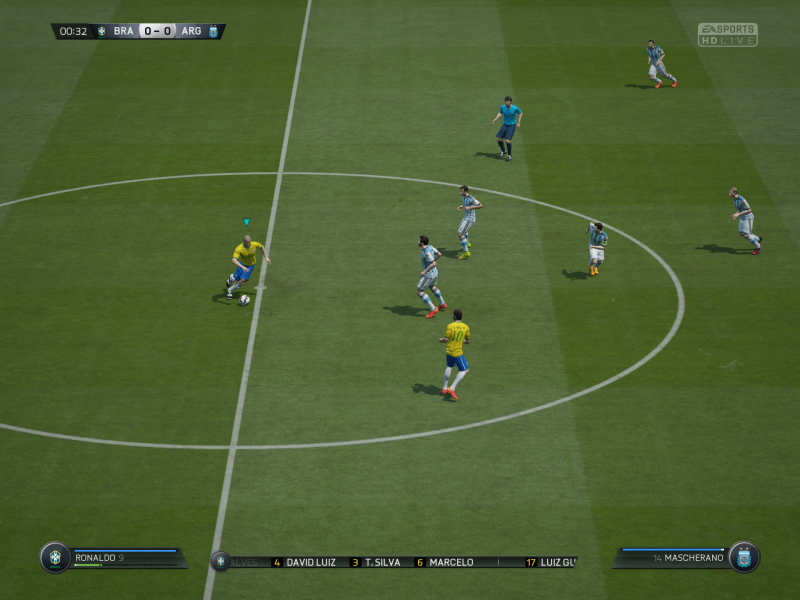
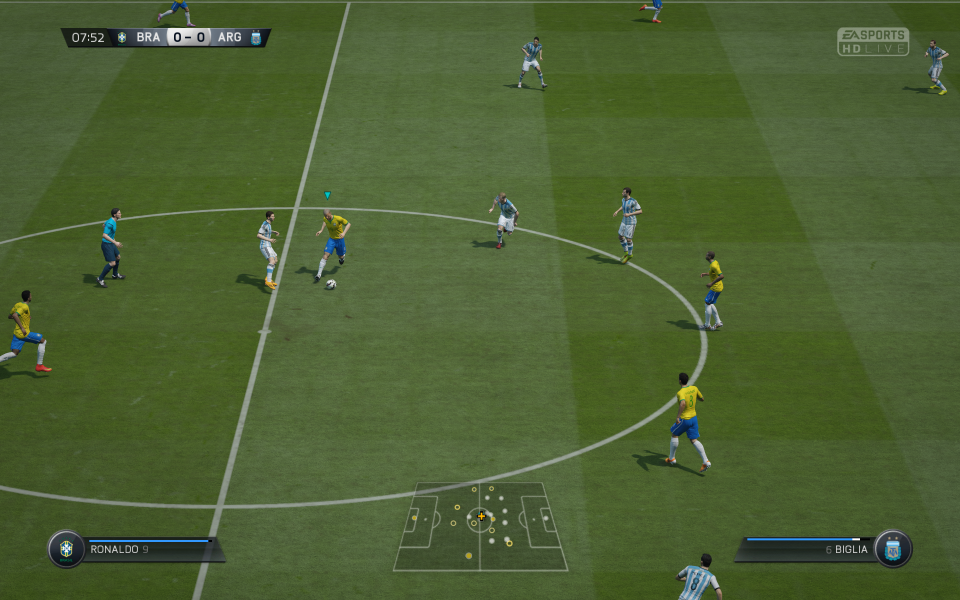

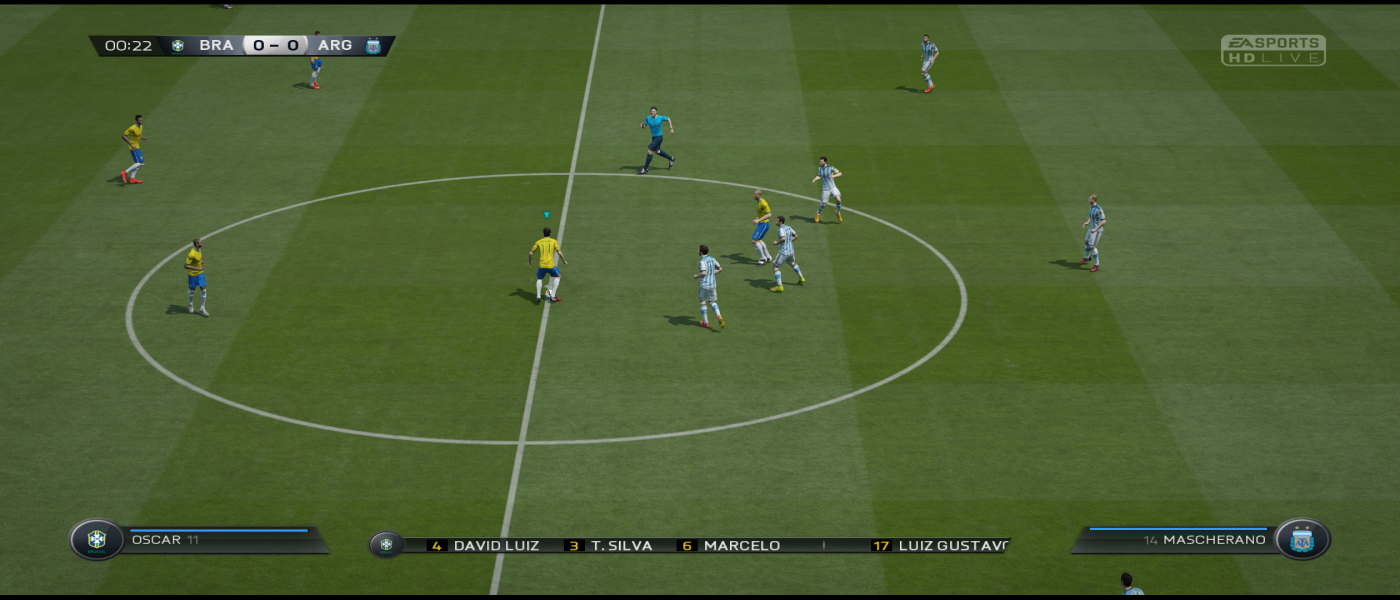


In-Game (Rendered) Cutscenes



FMV Cutscenes


Menu Screenshots