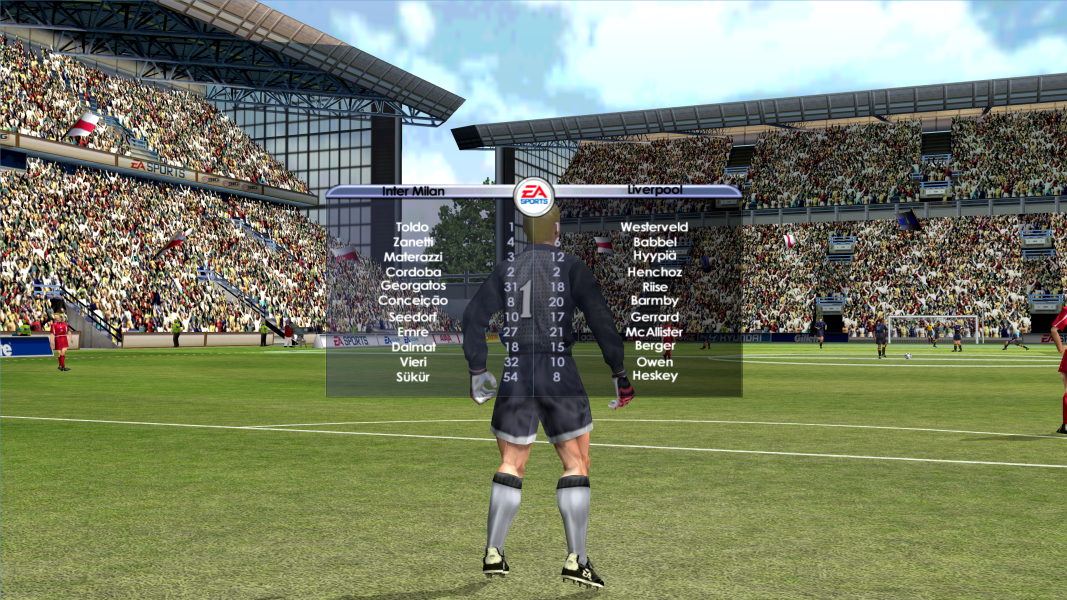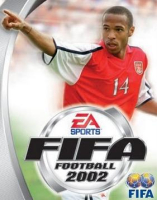


FIFA Football 2002 (known as FIFA Soccer 2002: Major League Soccer in North America, and FIFA 2002: Road to FIFA World Cup in Japan), commonly known as FIFA 2002, is a football video game released in 2001, produced by Electronic Arts and released by EA Sports. FIFA 2002 is the ninth game in the FIFA series.
Support Summary
Game Information
Screenshots Comparison
Solutions & Issues
STEP 1
Open "x:\FiFA 2002\3DSetup\3DSetup.ini" and add any resolution you want in the "# Defaults -- lots of screen resolutions at 16-bit" section.
For example:
# Defaults -- lots of screen resolutions at 16-bit
CARD_ALL /C:16 /TB:0 /R:640x480 /R:800x600 /R:1024x768 /R:1280x1024 /R:1280x720 /R:1280x800
Resolutions must be below 1280x1024 else the game crashes before kickoff. The aspect ratio of HUD will depend on whatever resolution you select here.
Open "3DSetup.exe" and select Direct 3D APi [Should appear as your GPU name] and then the resolutions you typed earlier will appear in options. Select your desired resolution.
If you use Glide APi with nGlide installed, you won't be able to select above 640x480. So it's better to just se the APi to Direct 3D.
STEP 2
Download: https://github.com/UCyborg/LegacyD3DResolutionHack/releases
And paste the dlls on root dir of FiFA 2002 [Where the exe file exists] to remove resolution limit.
The resolution limit removal will not work and cause the game to still crash if you select anything above 1280x1024. But this is still needed. Without this, the game tends to crash even on 1280x1024 [Or any other resolution below 1024p]. To force higher resolution, you will need DgVoodoo2 as show in next step.
STEP 3
Download Dgvoodoo2: http://dege.freeweb.hu/dgVoodoo2/dgVoodoo2.html
And paste "D3DImm.dll" to root dir of FiFA 2002.
Open Dgvoodoo and set D3D resolution to your desired resolution and save settings.
STEP 4
This is very important. Use "XVI32" hexeditor and open the exe file of FiFA 2002.
Search for AB AA AA 3F. You will find two of them. Replace both of them with the FOV value of your desired Aspect ratio.
Common aspect ratio values can be found on: http://www.wsgf.org/article/common-hex-values
Then save it. Without doing this, your game will have stretched 4:3 during gameplay.
Setting 16:9 and 16:10 cuts the screen vertically but the effect is negligible.
Same solution as Baseline widescreen. Just set FOV hex values to that of 21:9 aspect ratio.
Vert- gameplay and cutscenes become very noticeable but its still playable.
You have to create a custom resolution of 1280x548p which you can set in 3dsetup.exe to have a non stretched HUD of proper aspect ratio.
Solution is same as Baseline Widescren solution.
Just set set hex values of FOV as the one for multimonitors.
Game is barely playable on multi monitor because everything is chopped off. Cutscenes are Vert- and you can barely see a thing, gameplay is barely playable because of this and zooming out with tower cam might help a bit. But you are dealing with heavily compromised gameplay and useless cutscenes.
Also, unlike FiFA 2001, the resolution limit remover doesn't work. So you are limited to 1024p on 3dsetup.exe. And since the resolutions on 3dsetup determines the aspect ratio of the HUDs, it's not possible to have non stretched HUDs.
Technically you can by creating a custom resolution of 1280x240p. But the game will crash if you select anything below 640x480p. So you're stuck with a 21:9/ 16:9 HUD stretched to multimonitor.
Works just fine.
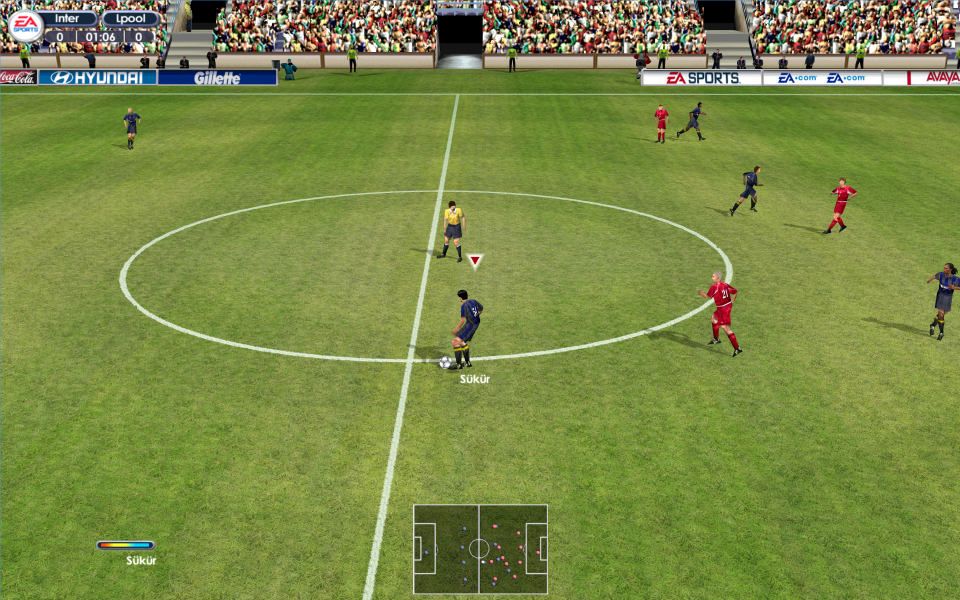
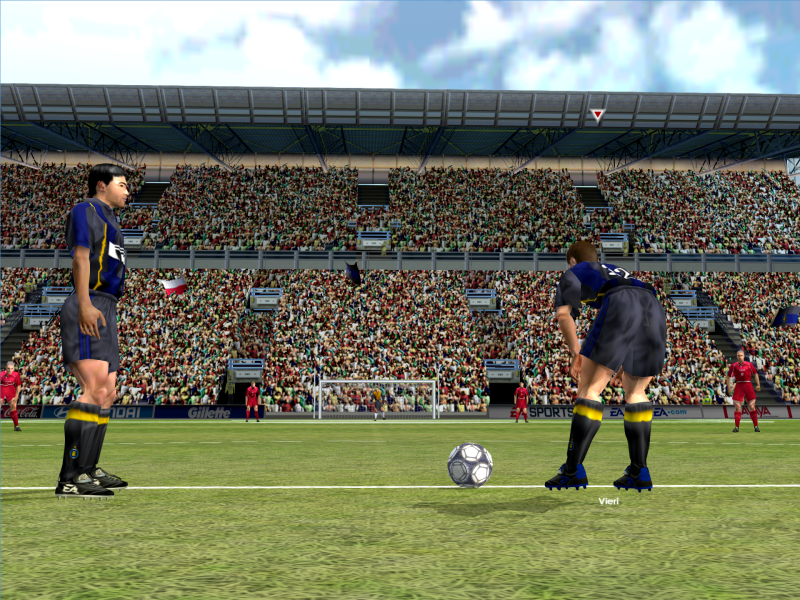
Gameplay Screenshots


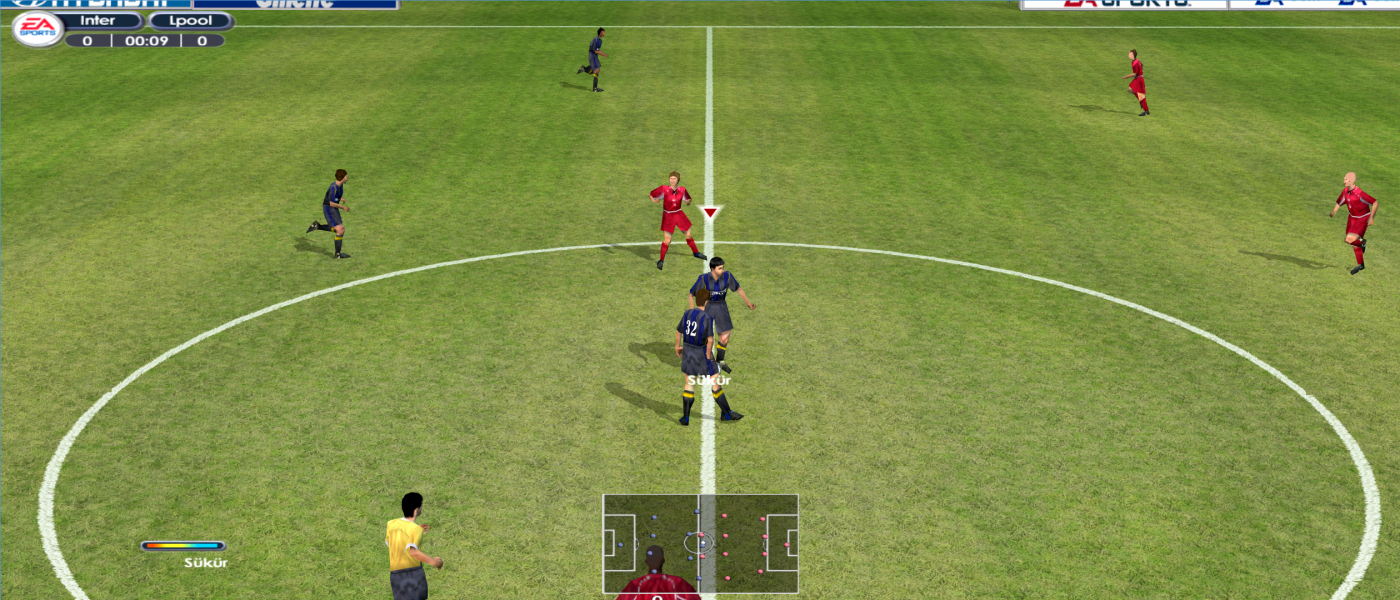


In-Game (Rendered) Cutscenes
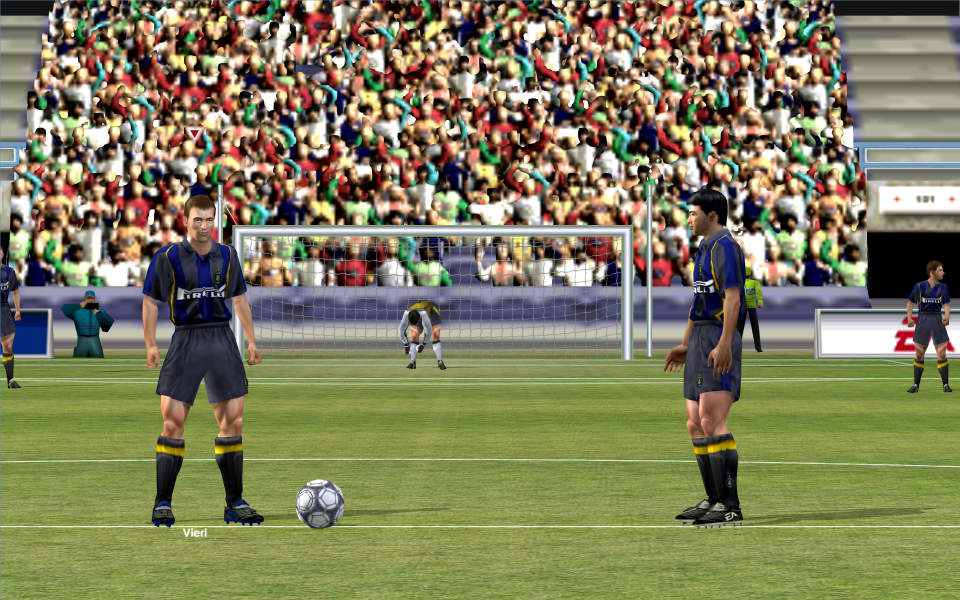
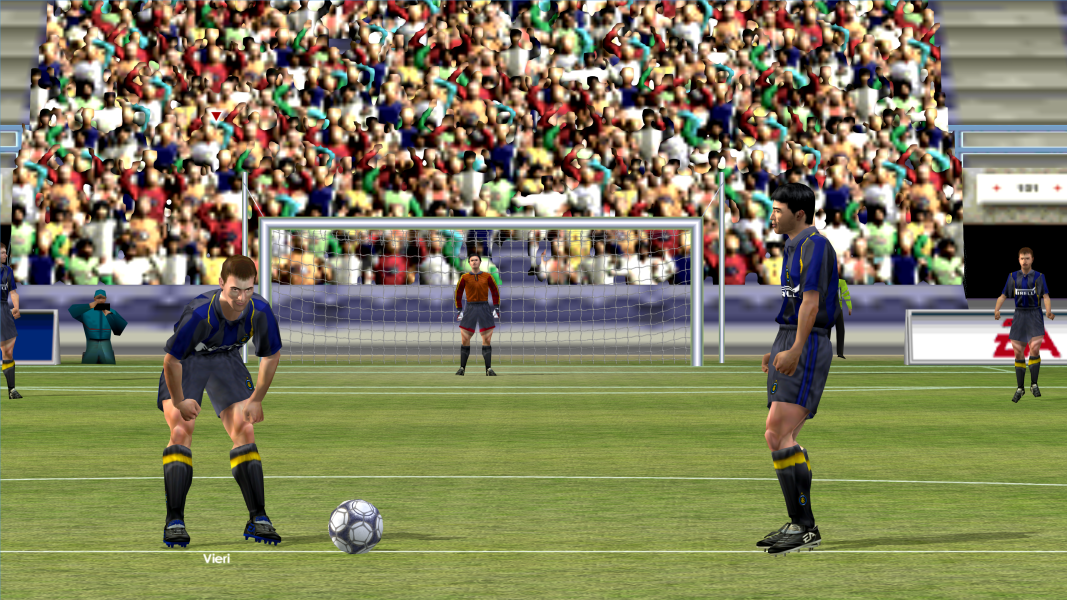


FMV Cutscenes



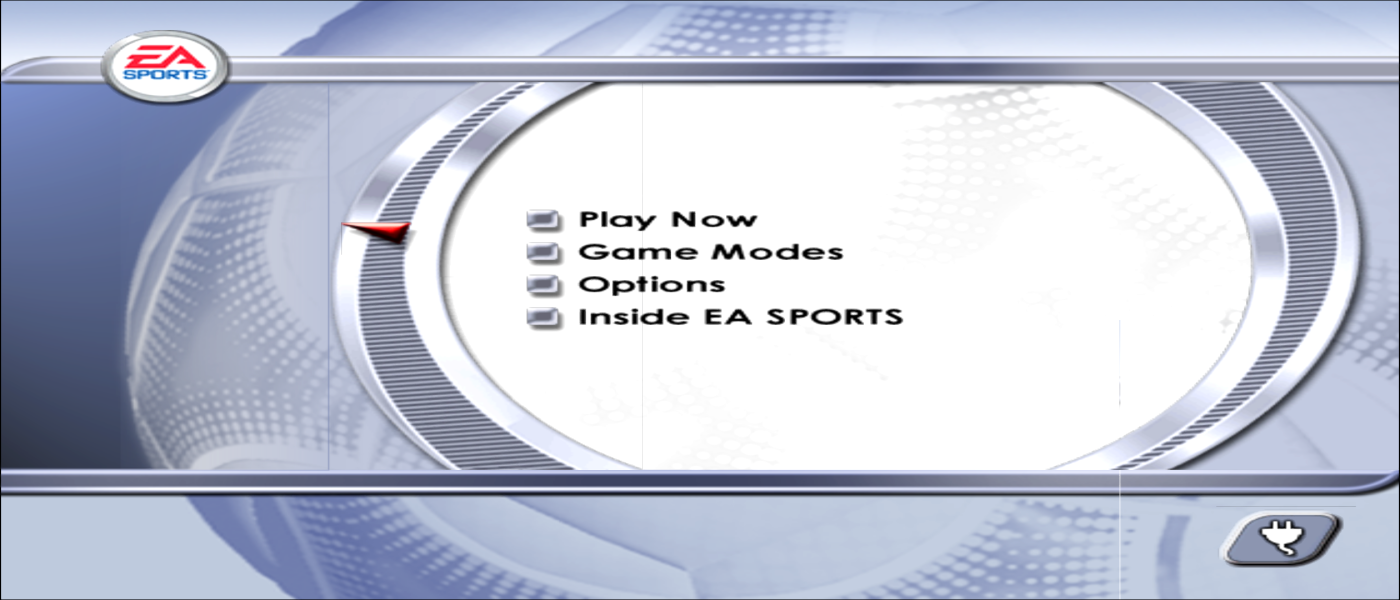
Menu Screenshots

4K UHD Screenshots