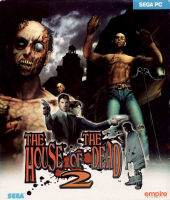


The House of the Dead 2 is a first-person light gun shooter arcade game with a horror theme and the second game in The House of the Dead series of video games, developed by Sega for arcades in 1998 and later ported to the Dreamcast and Microsoft Windows, and also found on the Xbox as an unlockable bonus in The House of the Dead III. The game appears in the compilation The House of the Dead 2 & 3 Return for Wii. The Dreamcast version became a Sega All Stars title.
Support Summary
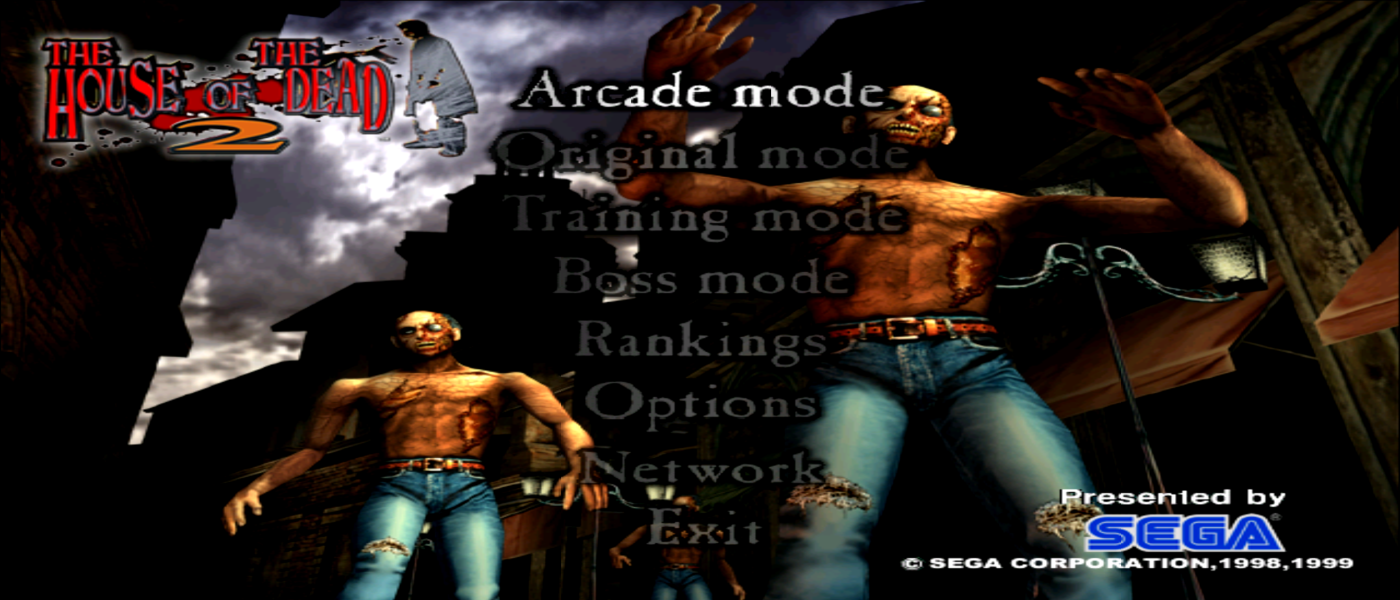
Screenshots Comparison
Solutions & Issues
Changing Aspect Ratio:
Using hex editors [XVI32], open the game executable and search for AB AA AA 3F.
You will find two of those.
Replace it with 39 8E E3 3F for 16:9 Aspect ration or CD CC CC 3F for 16:10 Aspect ratio.
For all other aspect ratio's, see this page: http://www.wsgf.org/article/common-hex-values
Changing Resolution:
Download DgVoodoo2: http://dege.freeweb.hu/dgVoodoo2/dgVoodoo2.html
From "DgVoodoo2 installation folder\MS", copy the following dlls: D3D8.dll, D3DImm.dll & DDraw.dll and paste it on the root dir of House of Dead 2 [Where the game executable exist].
Now open dgVoodooCpl.exe and under DirectX tab, set the desired resolution.
Mouse cursor aiming is off and severity depends on the aspect ratio. Makes it confusing to play.
Removing mouse cursor: The misaligned cursor causes distraction and confusion. It's easier to just play without the crosshair/cursor.
files available from the [url=https://community.pcgamingwiki.com/files]PC Gaming Wiki Community Files[/url] (search there) [Source of the file]
Paste the file in tex sub folder and replace the original one. Now mouse cursor/crosshair will be invisible in game.
Same as widescreen solution. Replace the hex code with the ones mentioned here: http://www.wsgf.org/article/common-hex-values
And remove crosshair.
Follow the same methods from Baseline widescreen solution and replace the hex values with desired multi-monitor aspect ratio mentioned here: http://www.wsgf.org/article/common-hex-values
And remove the crosshair.
See widescreen solution and use DgVoodoo for setting 4k resolution.
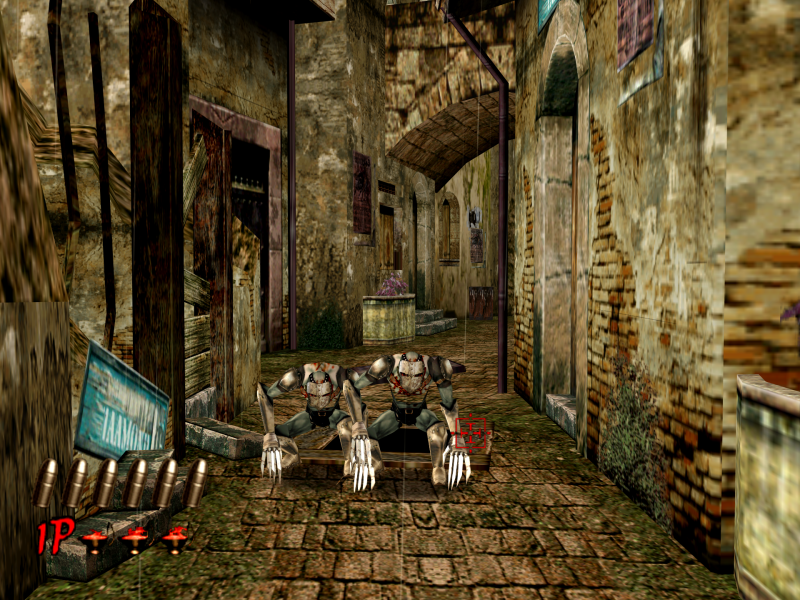
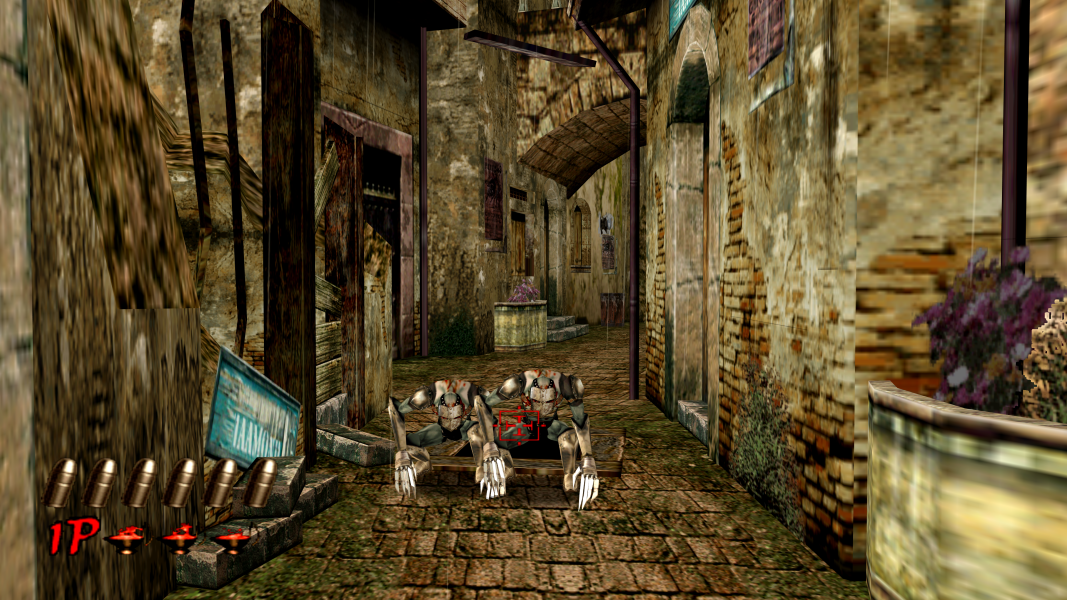
Gameplay Screenshots




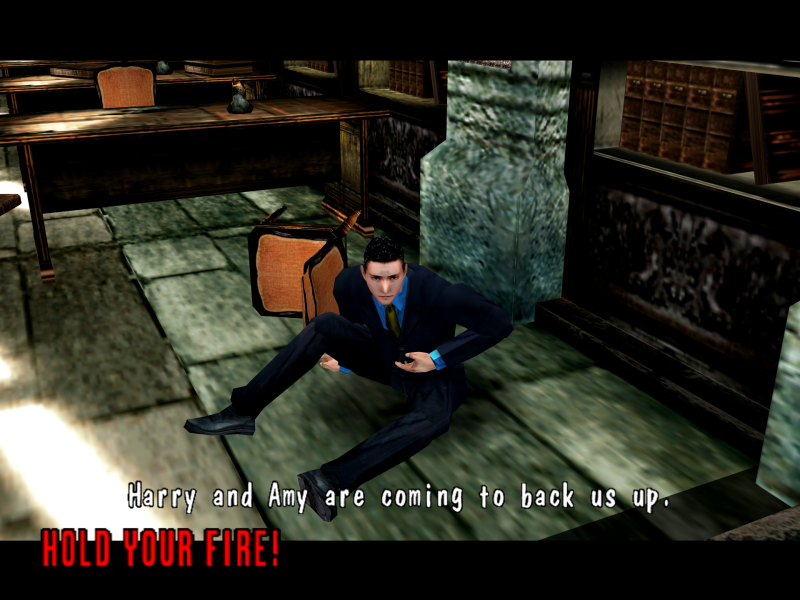
In-Game (Rendered) Cutscenes
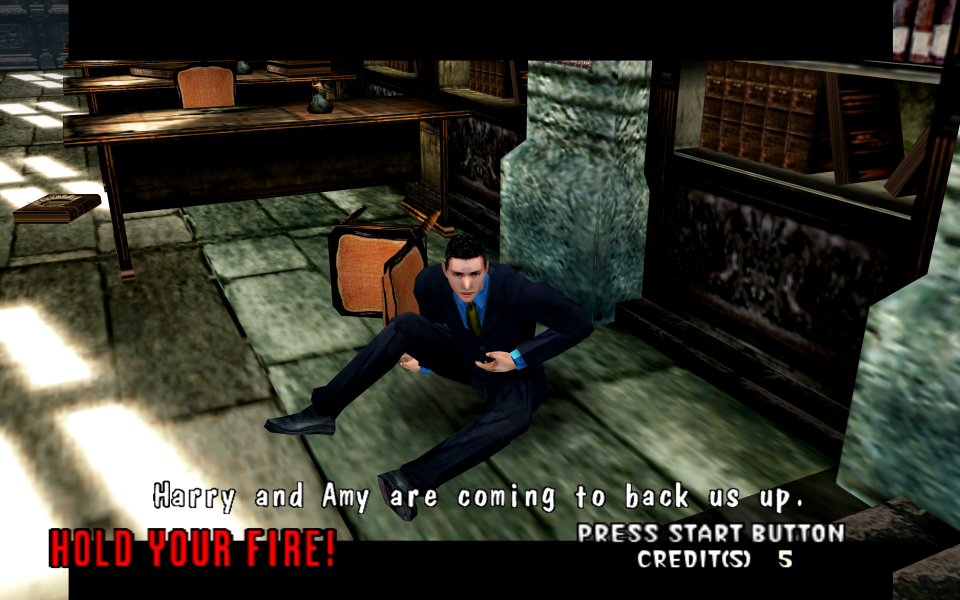
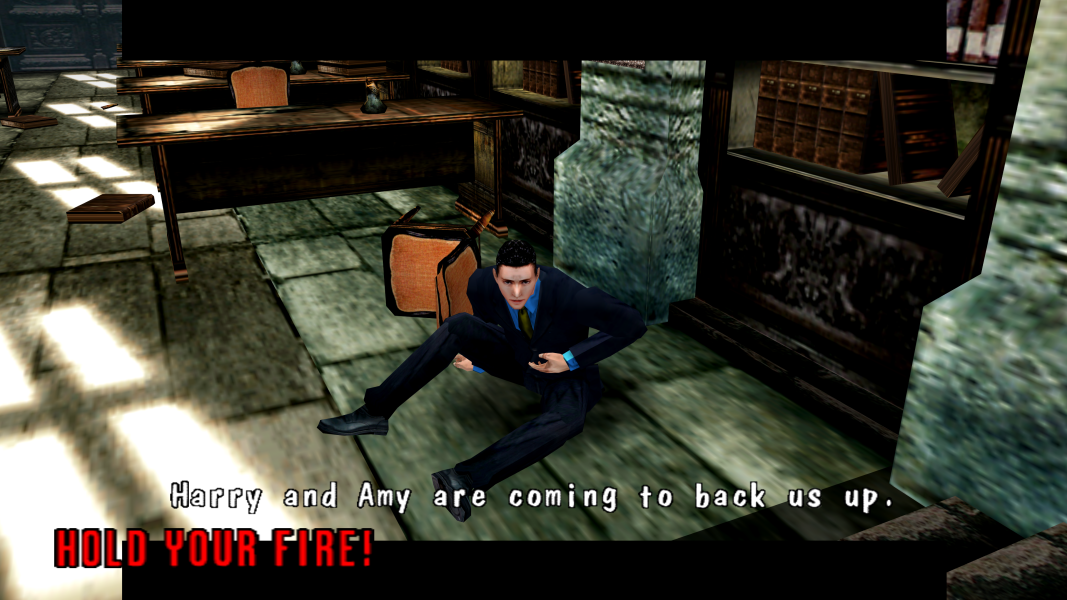


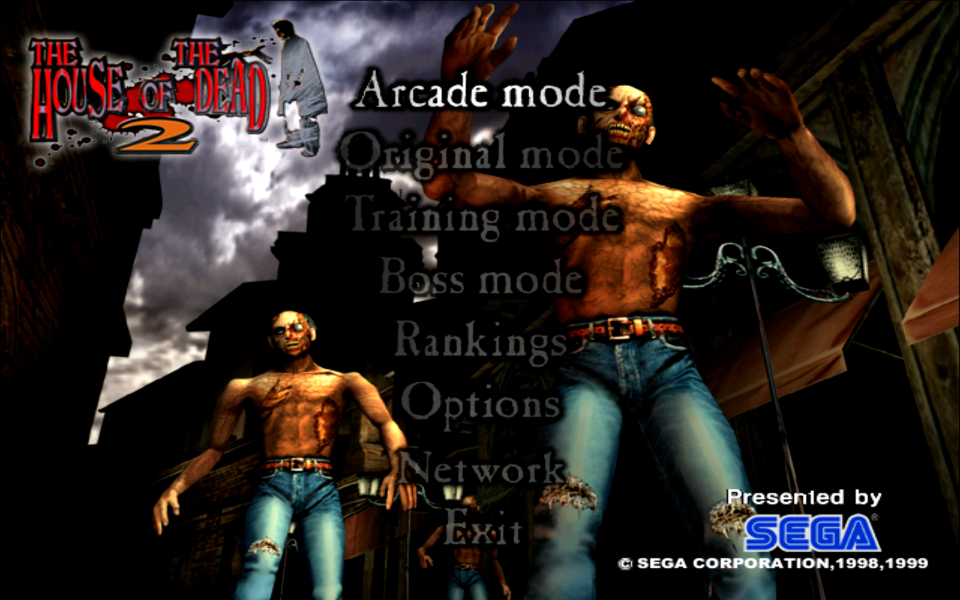
Menu Screenshots