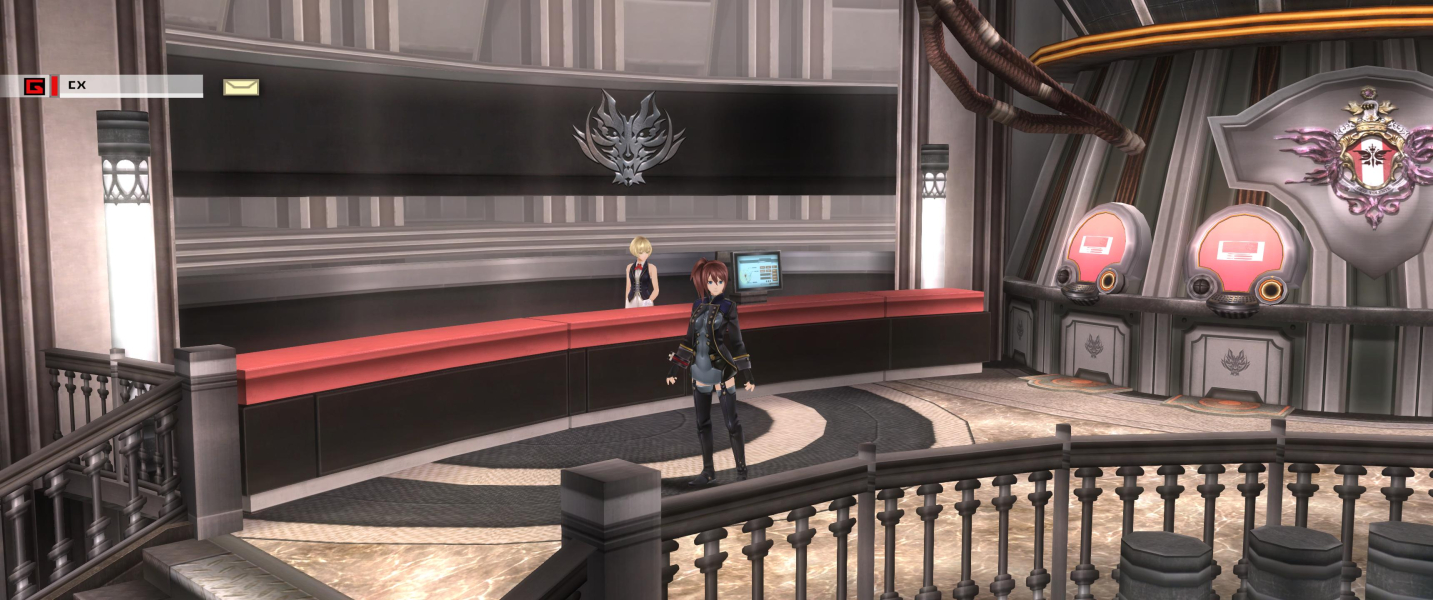


In comparison to Gods Eater Resurrection there are new features and additions such as the four new weapons, the Boost Hammer, Charge Spear, the Variant Scythe and the Shotgun, each has its own function and abilities for the player to use.
Support Summary
Widescreen | Ultra/Super‑Wide | Multi-Monitor | 4K Ultra HD | |
Support | ||||
Method | ||||
HUD | ||||
Cutscenes | ||||
FMVs |
Game Information
Screenshots Comparison
Solutions & Issues
Native Anamorphic
The Game only supports Aspect Ratio till 16:9 - you need to use a HEX editor to get it HOR+
Go to --> ...\Steam\steamapps\common\GOD EATER 2 Rage Burst\GE2RB.exe
Then Hex edit these Adresses:
for 3440x1440:
Go to Offset CB2040 look for 00 00 80 41 and change it to 00 00 AC 41
Go to Offset 11CEF90 look for 80 07 00 00 38 04 and change it to 70 0D 00 00 A0 05.
for 2560x1080:
Go to Offset CB2040 look for 00 00 80 41 and change it to 00 AA AA 41
Go to Offset 11CEF90 look for 80 07 00 00 38 04 and change it to 00 0A 00 00 38 04.
-------------------------------------------------------------------------------------------------------
Optional remove Bloom: Go to Offset F0A160 look for 42 6C and change it to 00 6C - see Additional Screenshots
The Game only supports Aspect Ratio till 16:9 - you need to use a HEX editor to get it HOR+
Go to --> ...\Steam\steamapps\common\GOD EATER 2 Rage Burst\GE2RB.exe
Then Hex edit these Adresses:
Go to Offset CB2040 look for 00 00 80 41 and change it to 00 00 40 42.
Go to Offset 11CEF90 look for 80 07 00 00 38 04 and change it to 80 16 00 00 38 04(5760x1080).
-------------------------------------------------------------------------------------------------------
Optional remove Bloom: Go to Offset F0A160 look for 42 6C and change it to 00 6C - see Additional Screenshots
Native
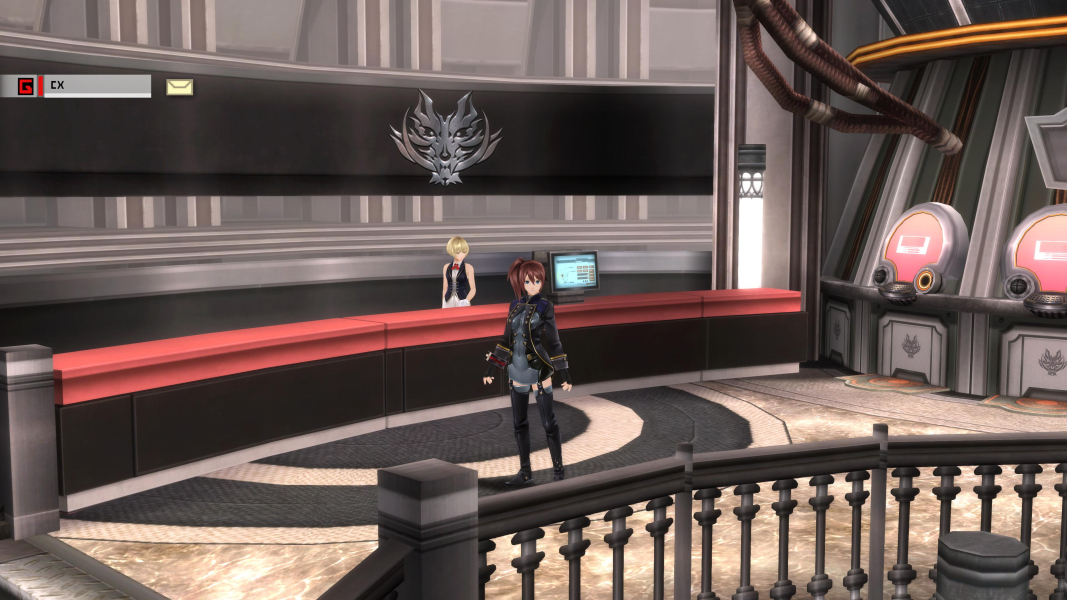
Gameplay Screenshots

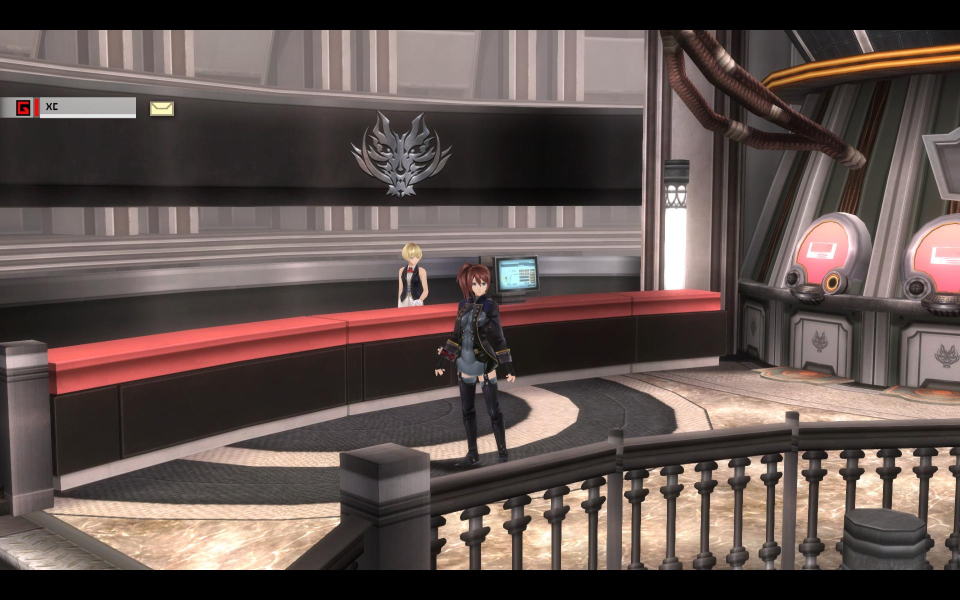

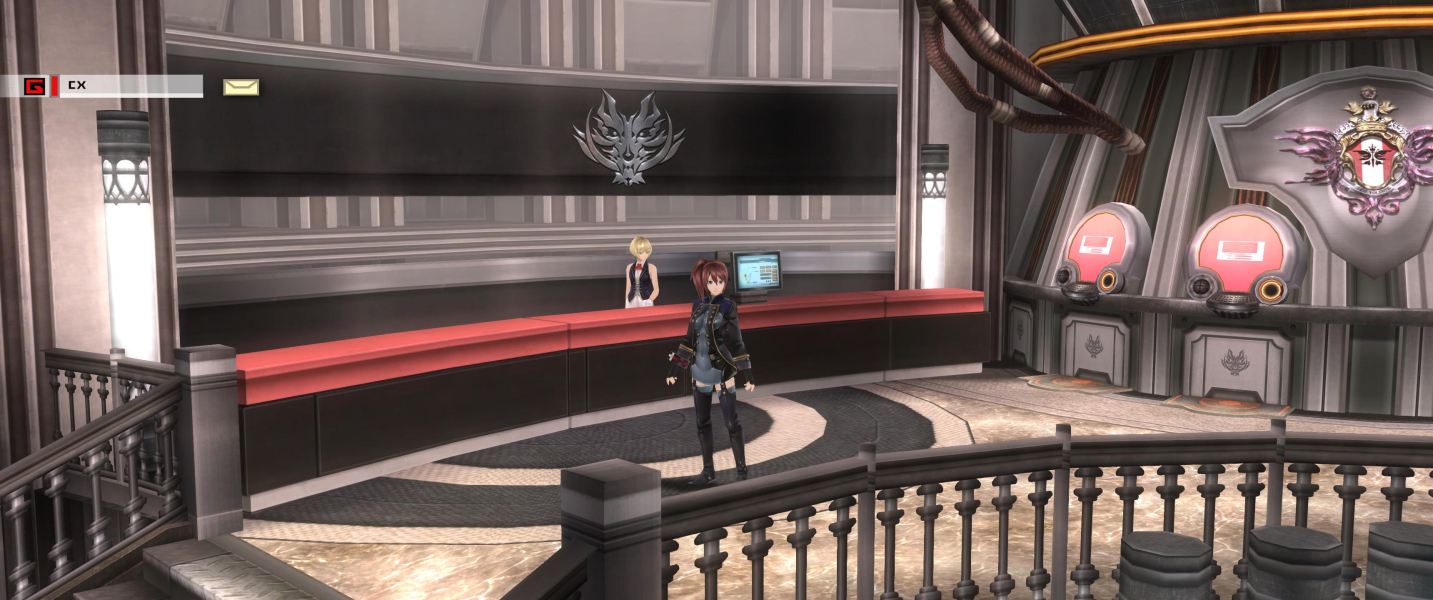


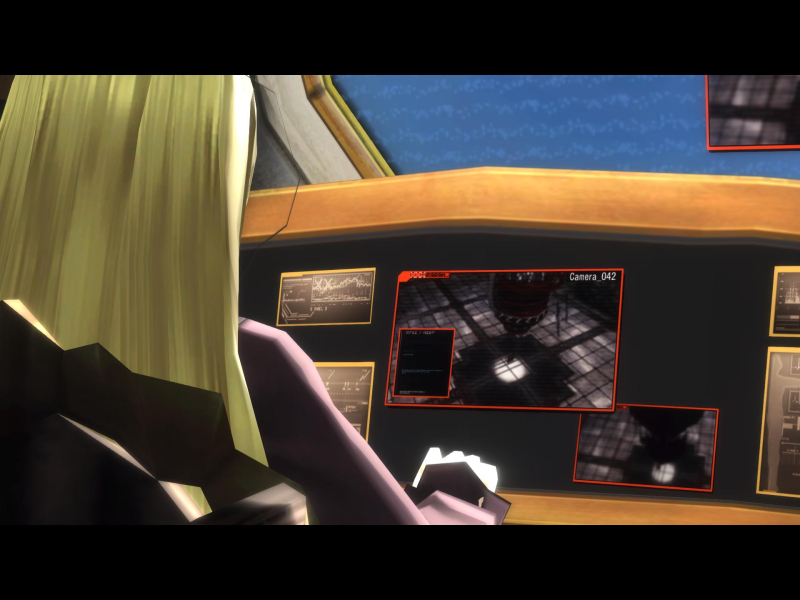
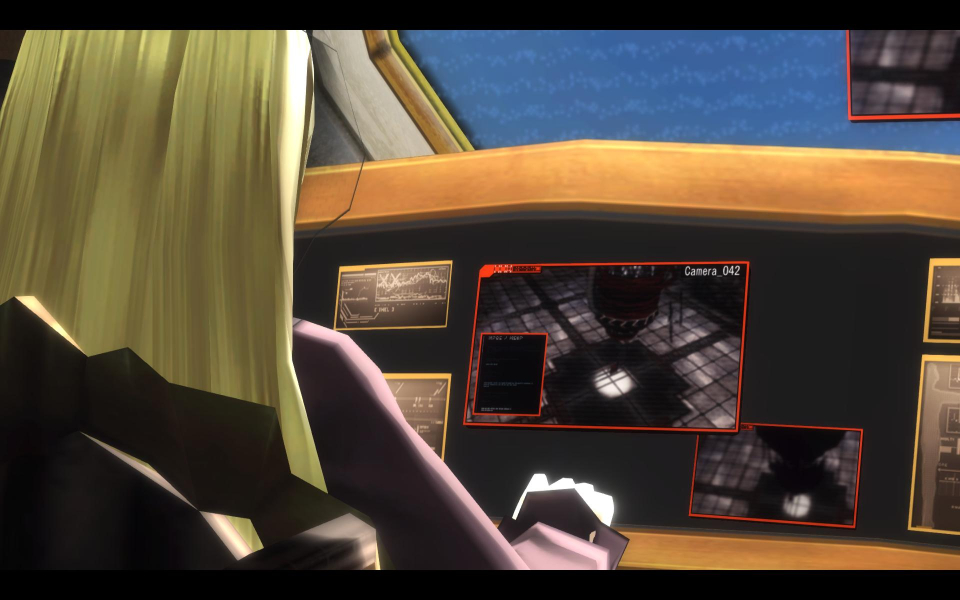
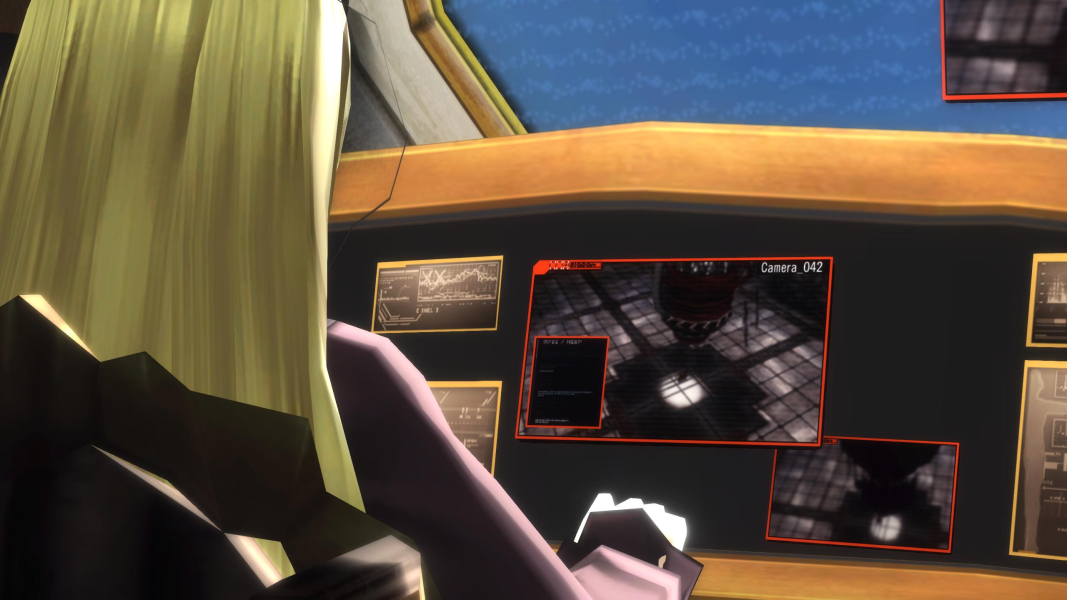
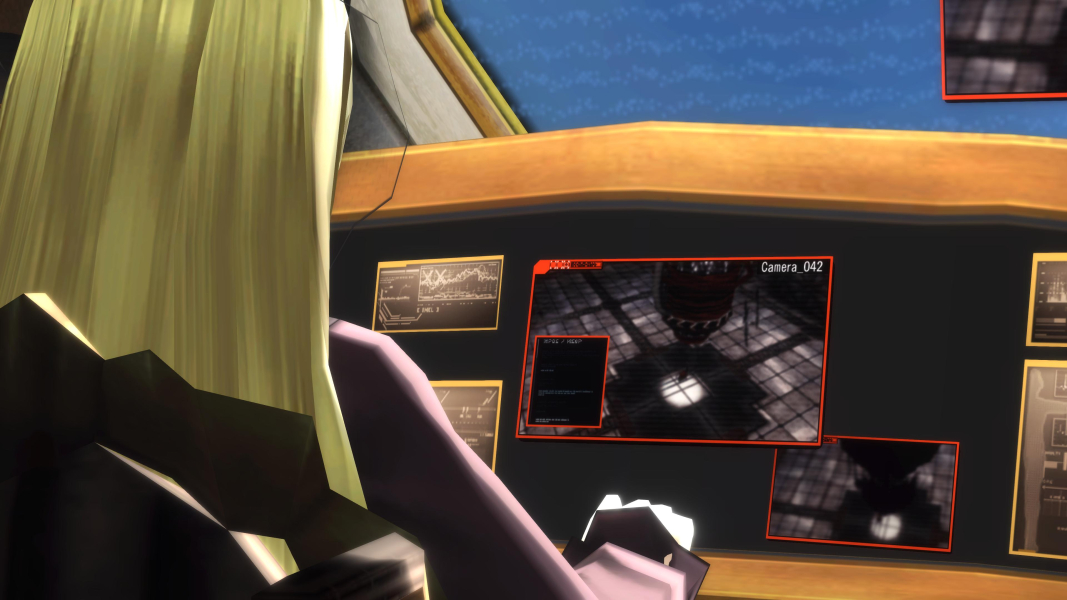
In-Game (Rendered) Cutscenes


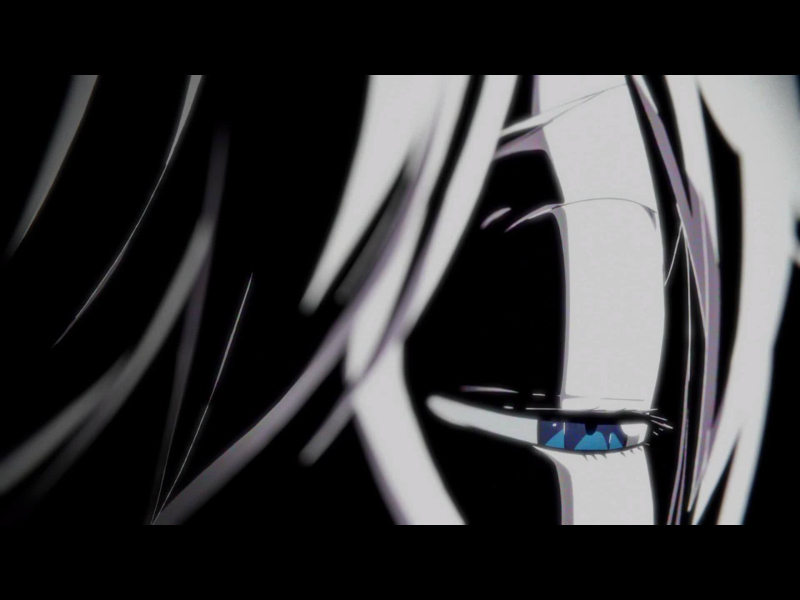
FMV Cutscenes


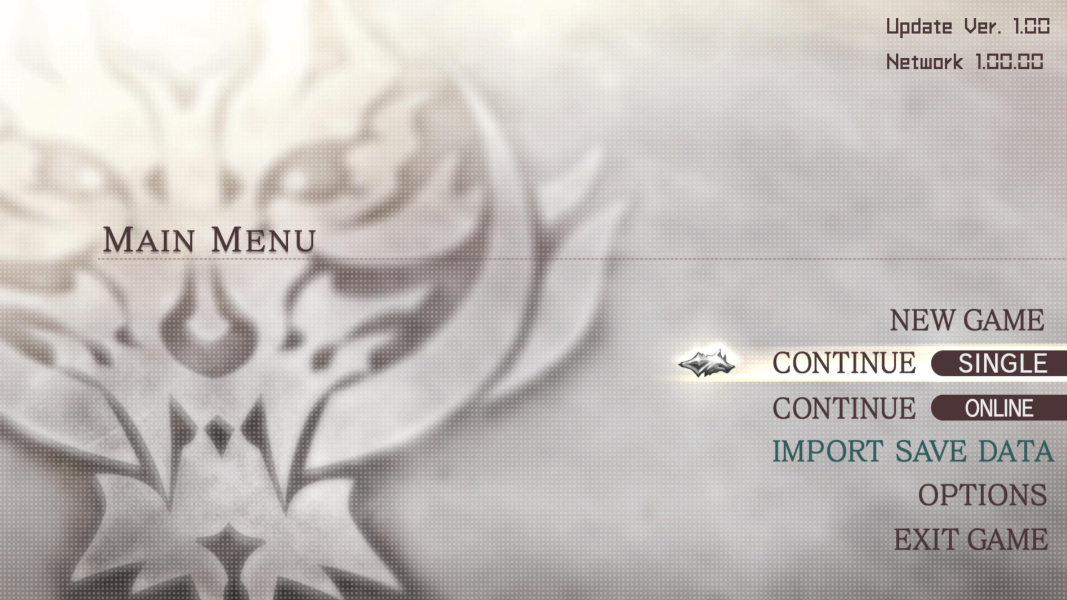
Menu Screenshots
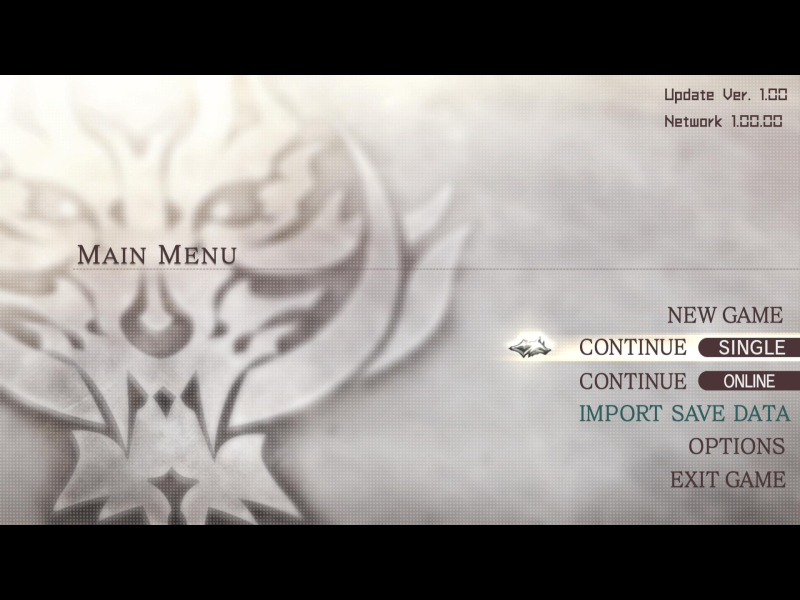
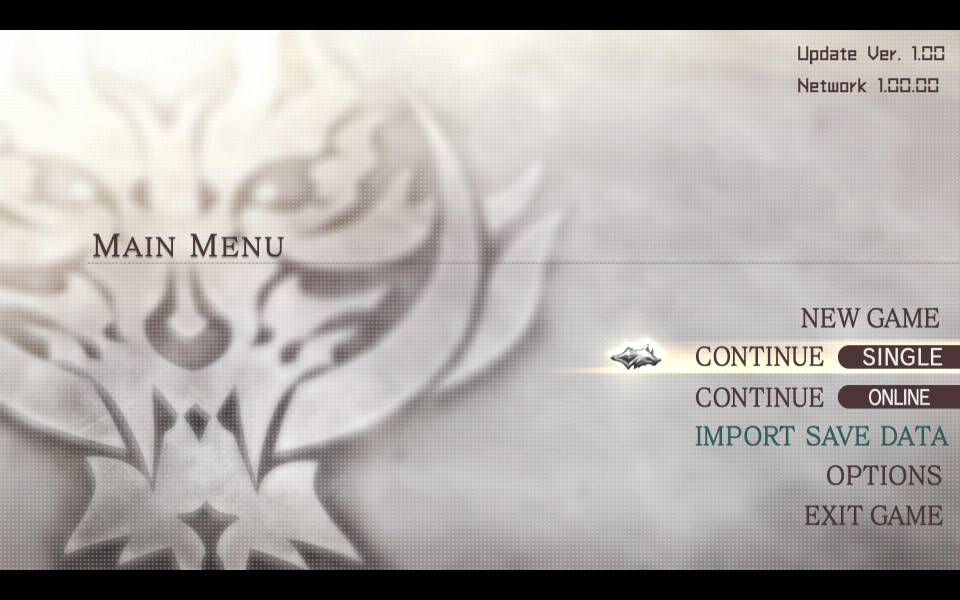


4K UHD Screenshots
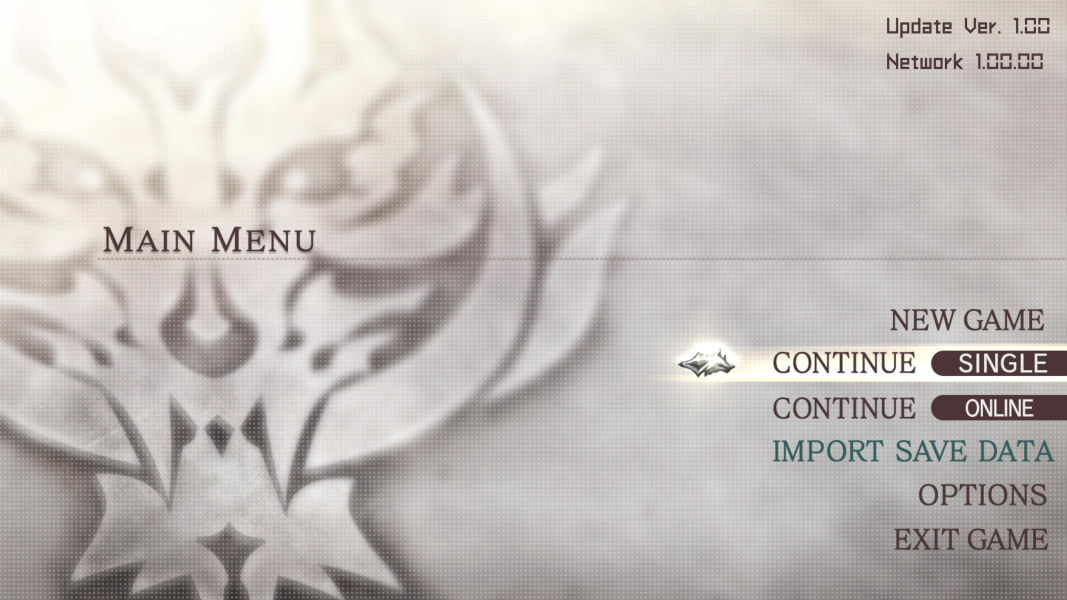
Additional Screenshots