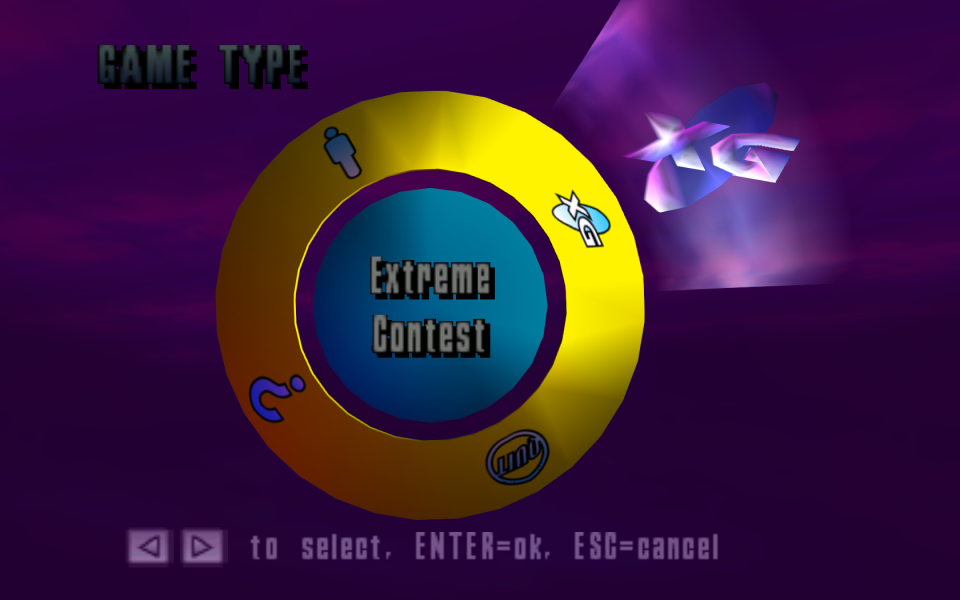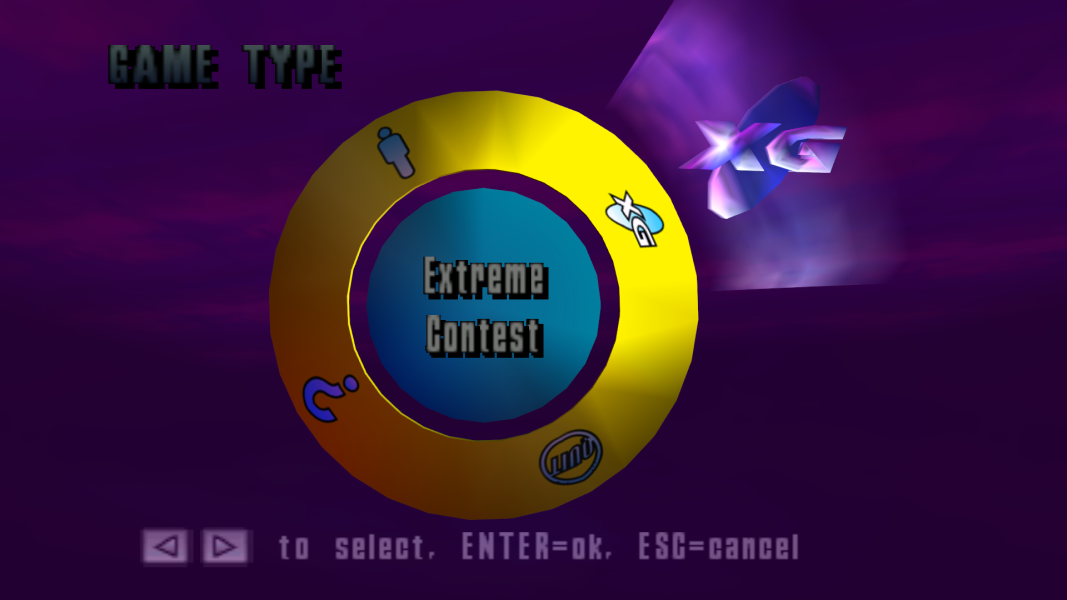


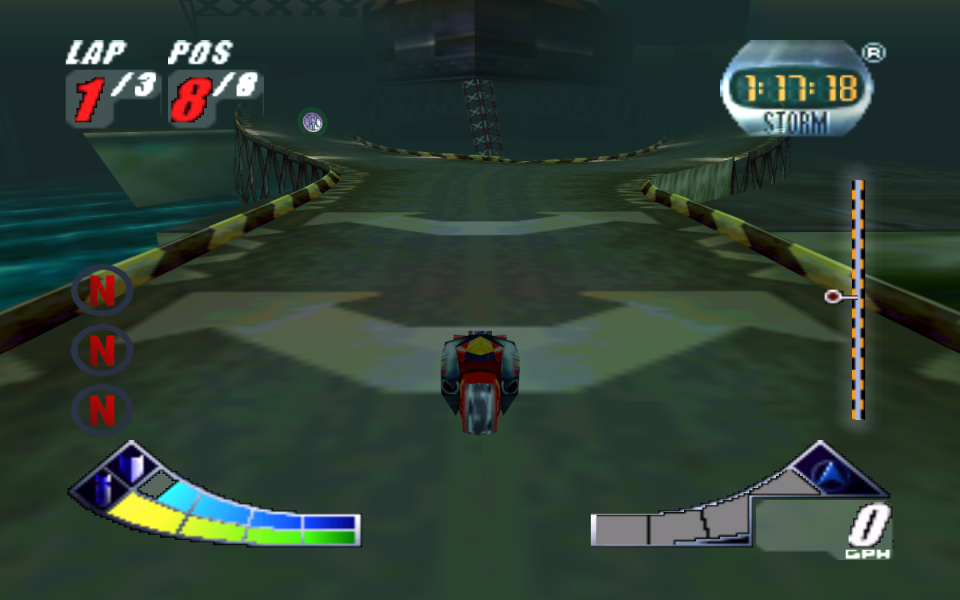
Extreme-G 2 is a 1998 futuristic racing video game developed by Probe Entertainment and published by Acclaim Entertainment, and the sequel to Extreme-G. The game is expanded on its predecessor by many ways; however, while being converted from the original N64 version for the PC, it loses some of its features like the multiplayer support.
Support Summary
Game Information
Screenshots Comparison
Solutions & Issues
INSTRUCTIONS:
- Download the archive from the files available from the PC Gaming Wiki Community Files (search there)
- Open the folder with the aspect ratio you wish to use, then copy xg2pc.exe to the game installation folder and replace the existing file.
- Right click the game shortcut (or create a new one) and set the resolution with -w and -h parameters (example "-d0 -w1920 -1080").
+ Use dgVoodoo 2 to enable higher resolutions and fix rendering errors (in DirectX tab set video card to ATI Radeon 8500).
NOTE: The executables in the attachment are based on the retail US version which was hex edited to prevent crashing on Windows XP and later (removed OutputDebugString calls).
--- MORE INFO ---
Offsets for Hex-editing:
000CA480 - FOV
000CA487 - Draw distance
000C3D3D - Fog distance
For example:
Increase FOV value from 60 to 120
00 00 70 42 => 00 00 F0 42
Increase draw distance value from 1 to 3
00 00 80 3F => 00 00 40 40
Decrease fog distance from 0.2 to 0.1
CD CC 4C 3E => CD CC CC 3D
- See Widescreen
- See Widescreen
- See Widescreen
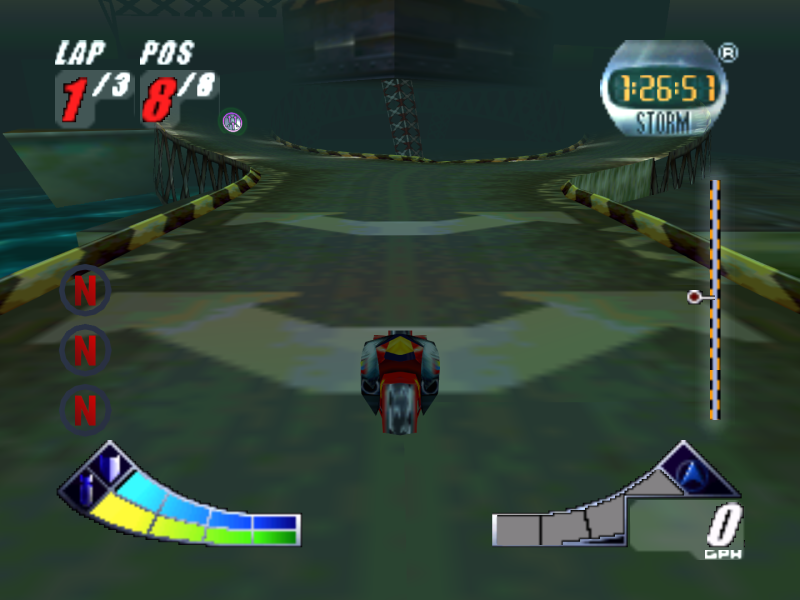
Gameplay Screenshots


Menu Screenshots