




From the developers of the award-winning Vermintide comes Vermintide 2, a visually stunning and action-intense first person co-op game pushing the boundaries of the genre. You and your allies are the only force standing against the onslaught of the mighty warriors of Chaos and the hordes of Skaven. If you fall, so shall the Empire.
Support Summary
Game Information
Screenshots Comparison
Solutions & Issues
Native support: Hor+
- FOV slider in Video options: VFOV 45-120 (default 65), "world FOV" only - does not affect weapon models.
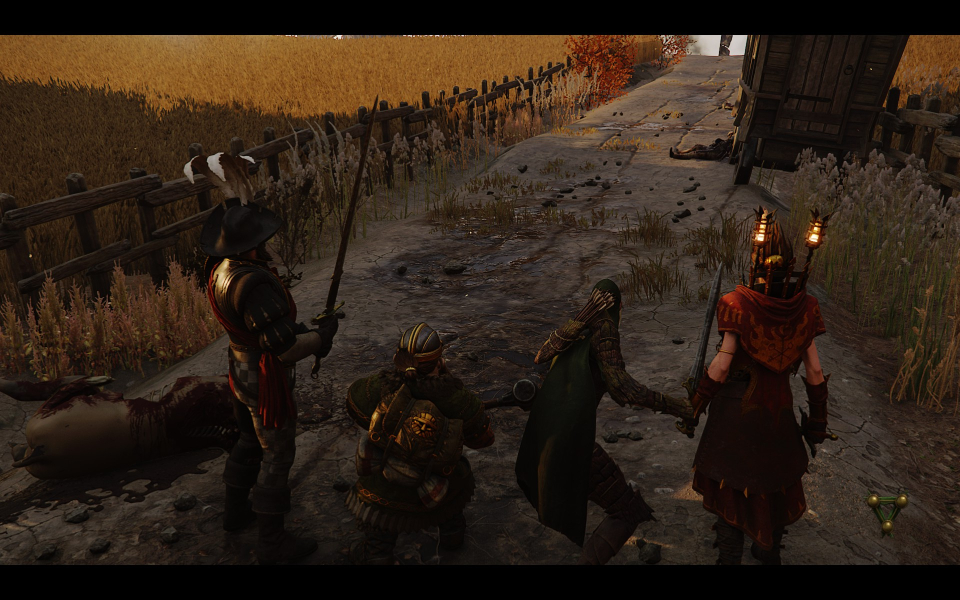
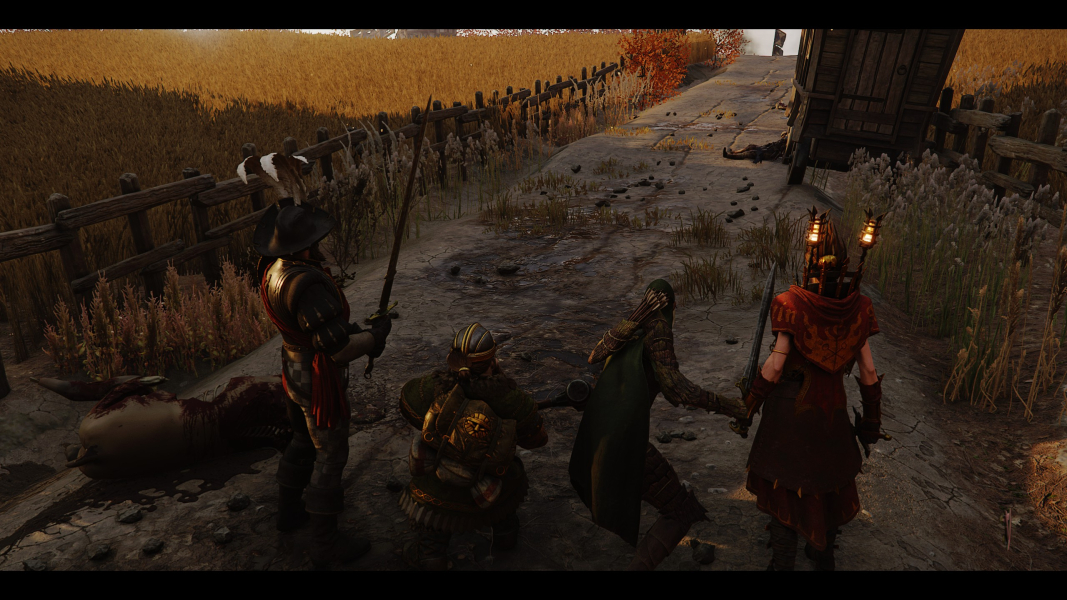
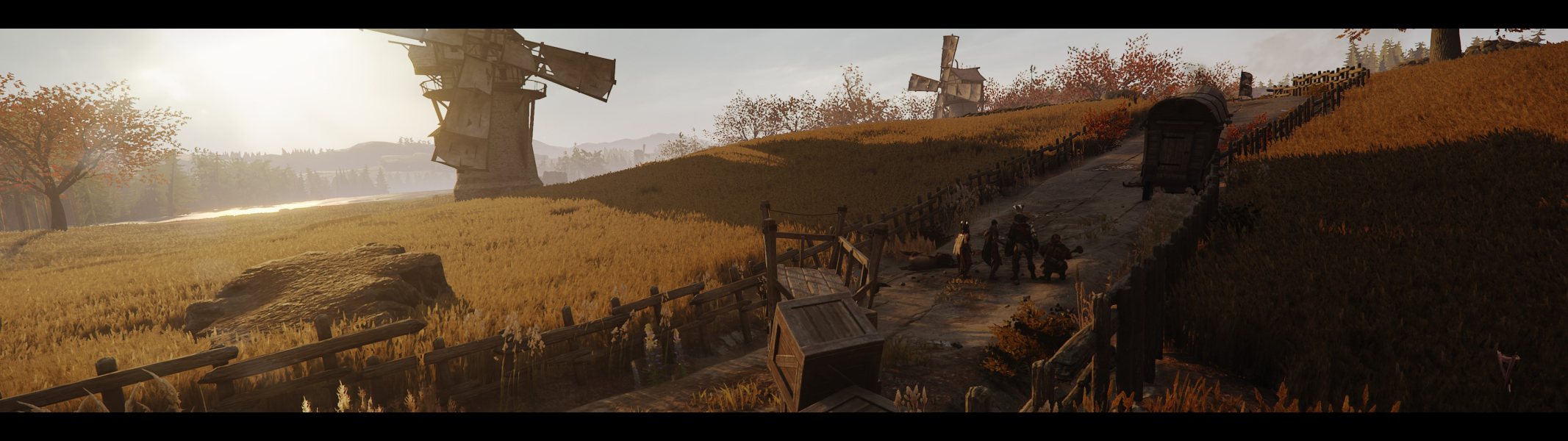
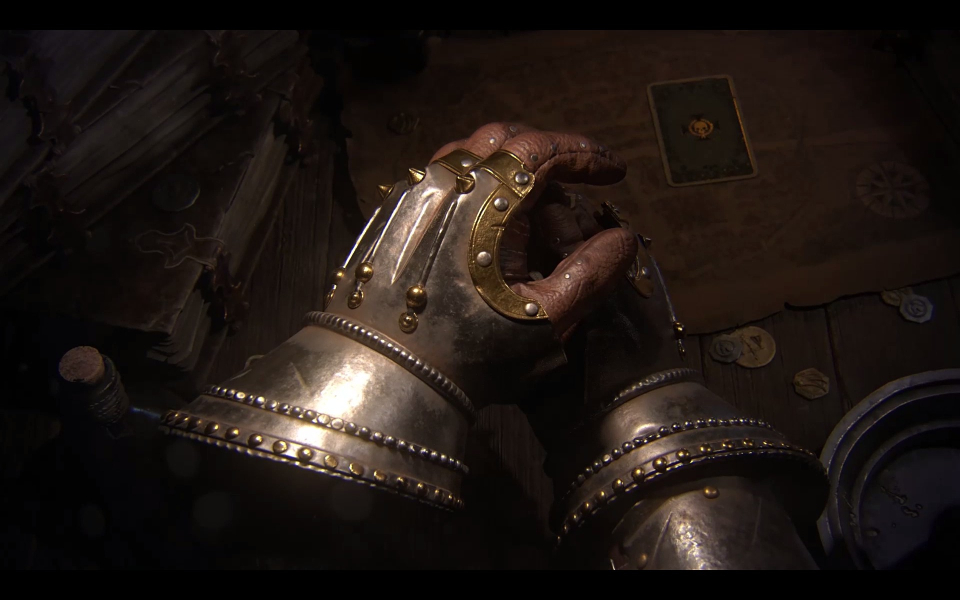
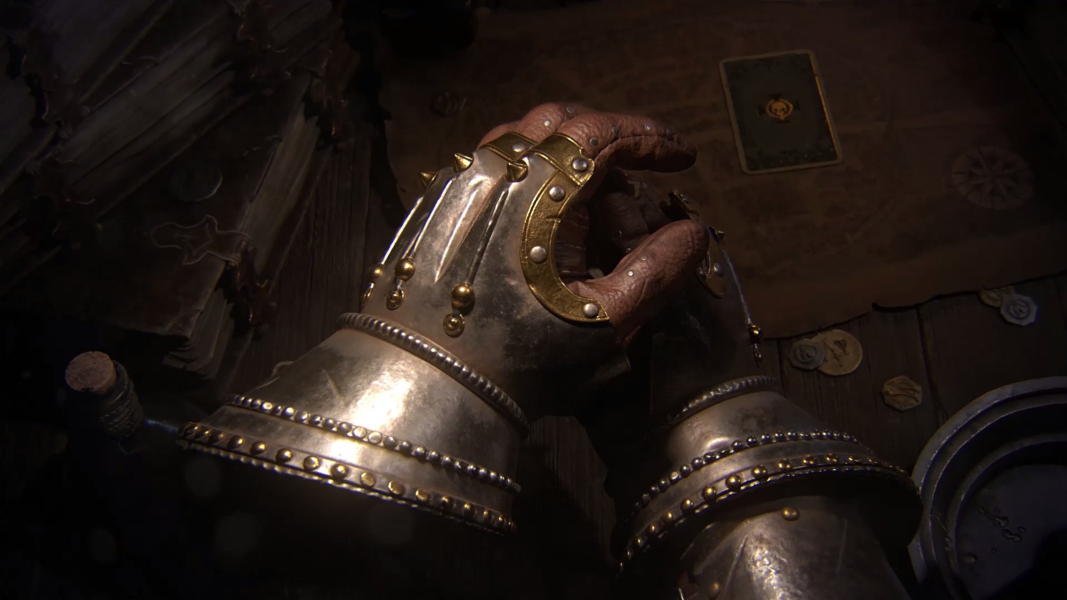
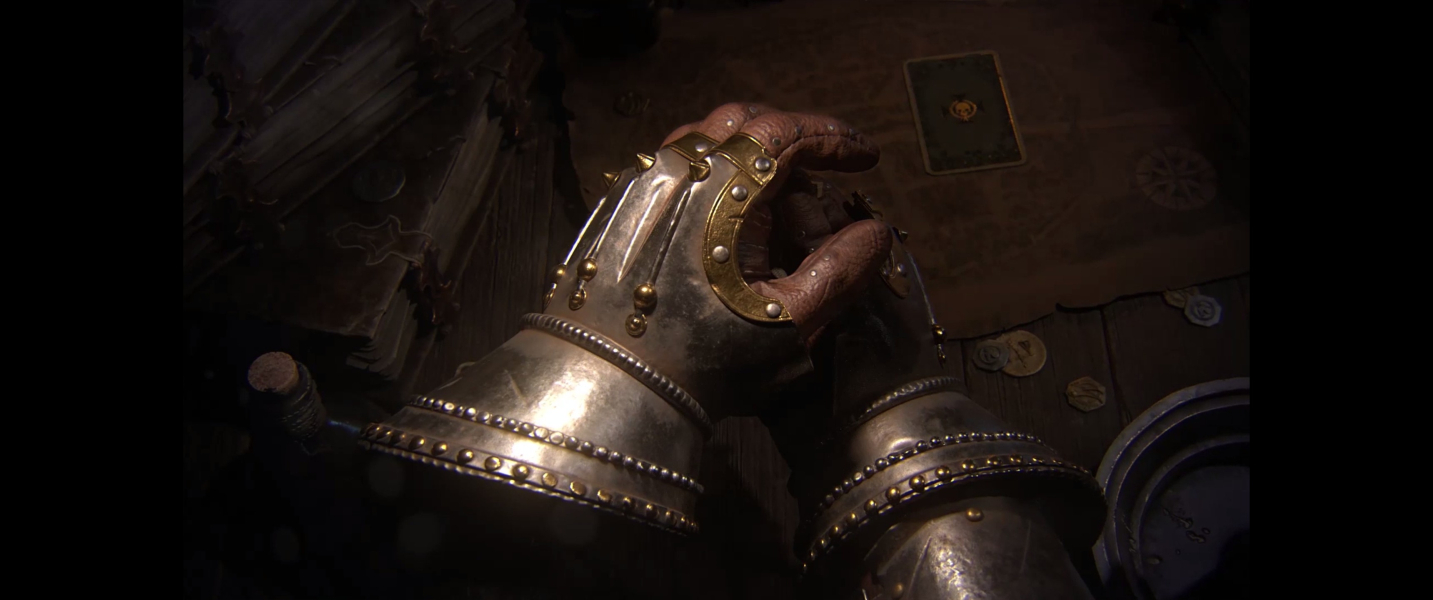
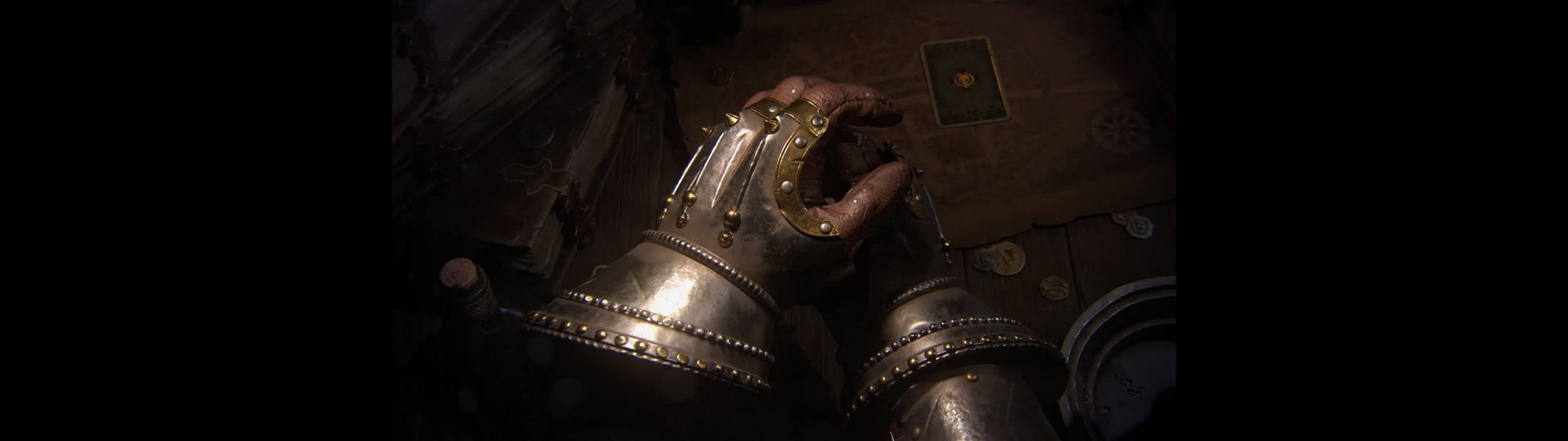
- Real-time rendered cut-scenes are always letterboxed. Thickness of the black bars depends on resolution and UI scale, not aspect ratio. Screen change is vastly Hor+ anyway.
Native support: Hor+
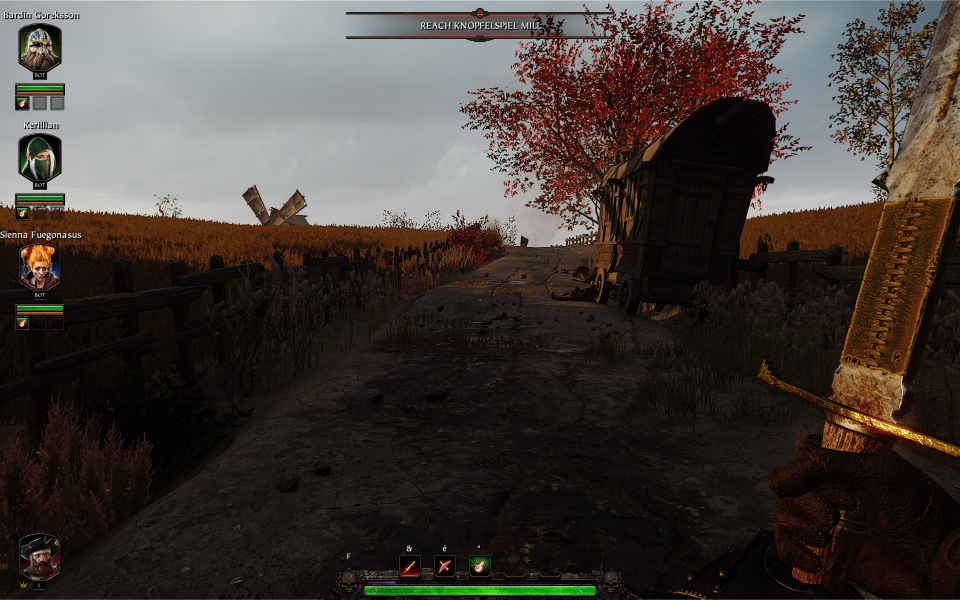
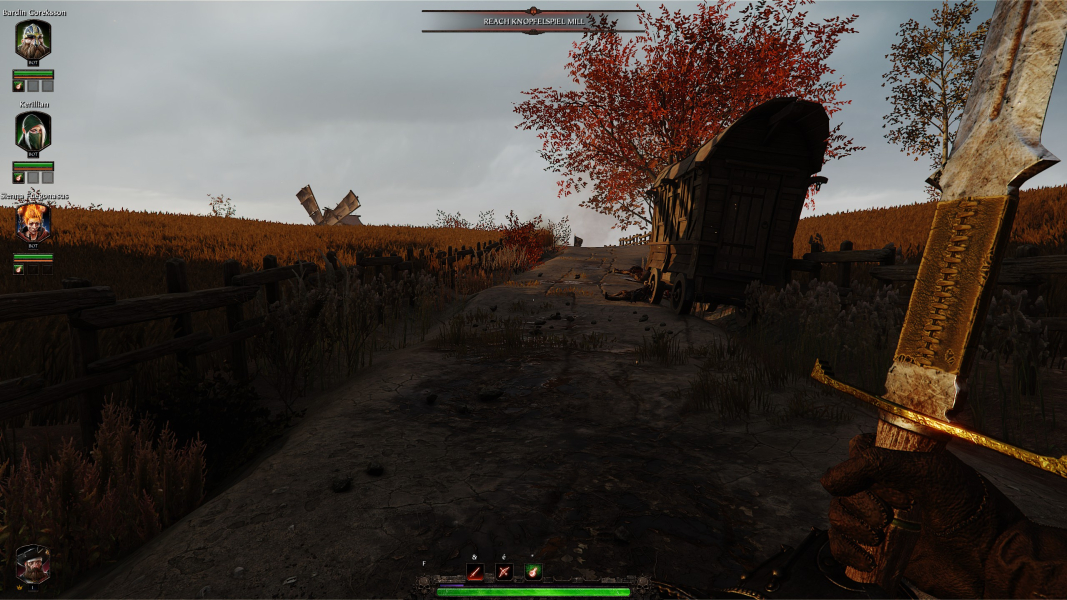
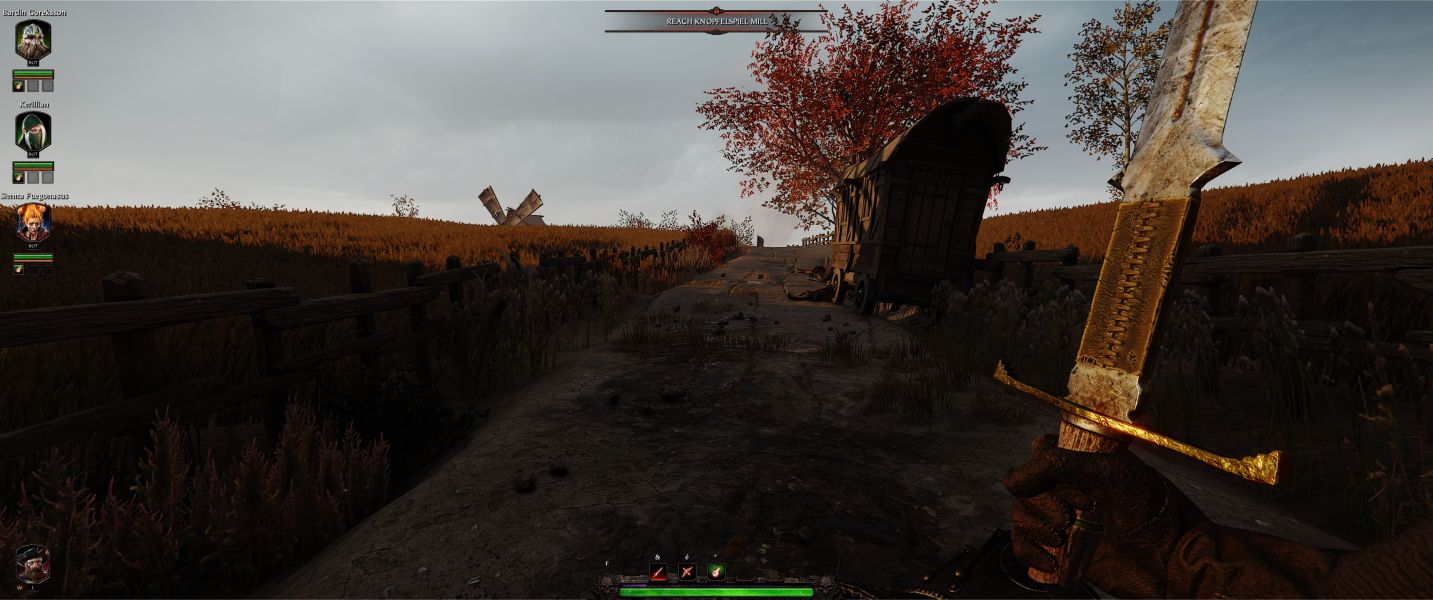
Super (32:9) and Ultra-Wide (21:9) both put the HUD elements on the far edges of the monitor. This can make it difficult for many people to see things like other players health bars, status effects and etc. The markers for objects, objectives, inventory, in game menus and loading screens are all perfectly centered.
Native support: Hor+ w/ spanned HUD
- Hud Screen Fit OFF should center the HUD but... it doesn't. It works in W:ET - Vermintide so hopefully a patch will fix this.
Native support.
- UI Scale can only be reduced in-game but can be freely set in user_settings.config e.g for 150% scaling:
ui_scale = 150
Gameplay Screenshots



In-Game (Rendered) Cutscenes



FMV Cutscenes

Menu Screenshots
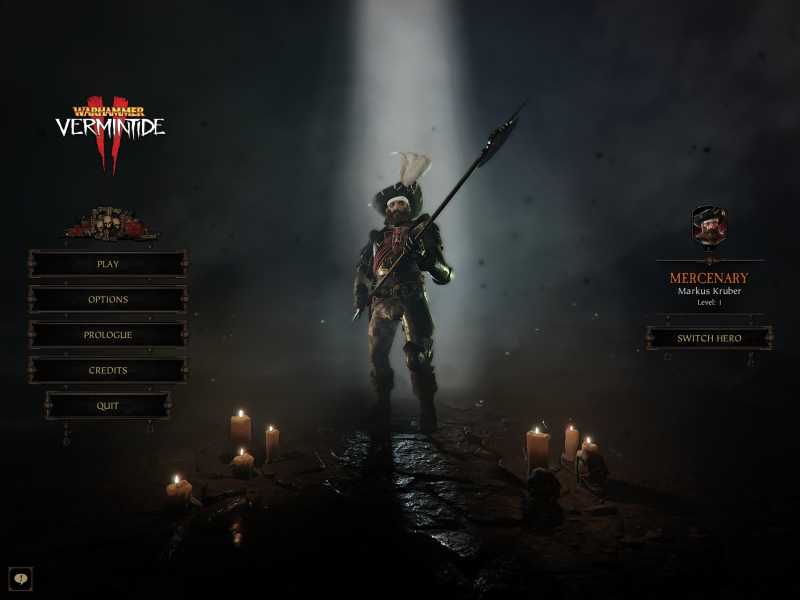


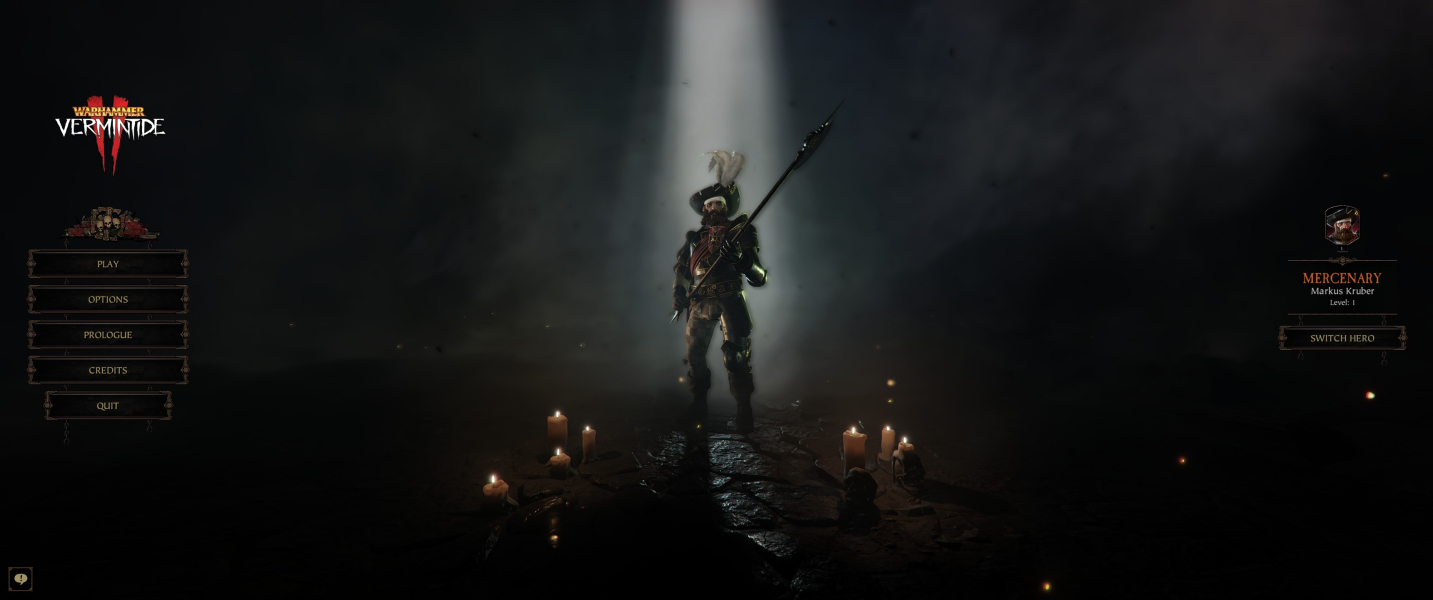
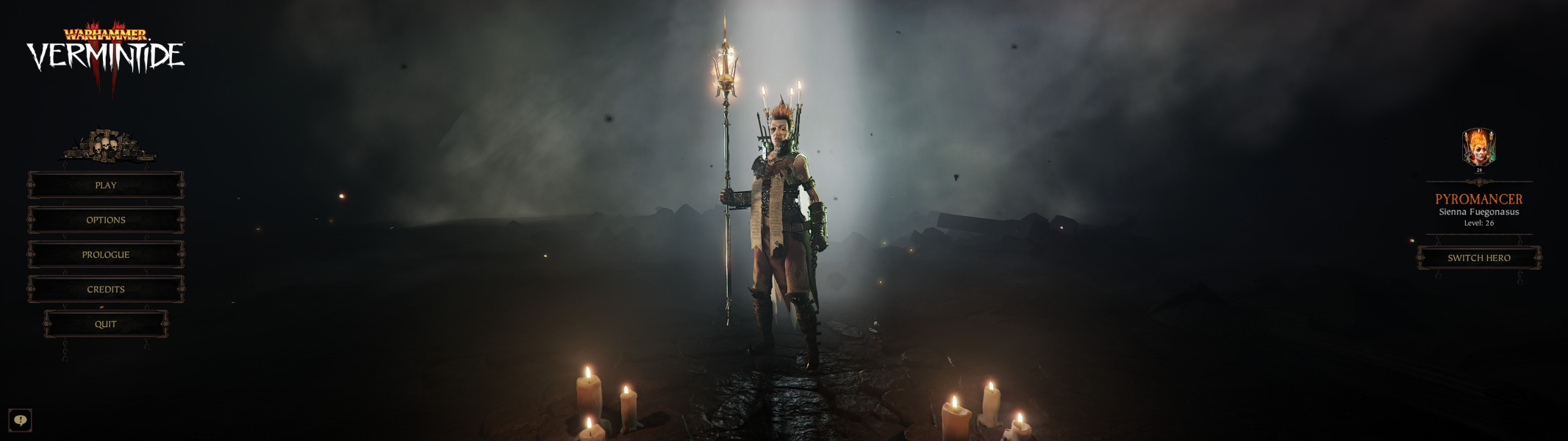

4K UHD Screenshots

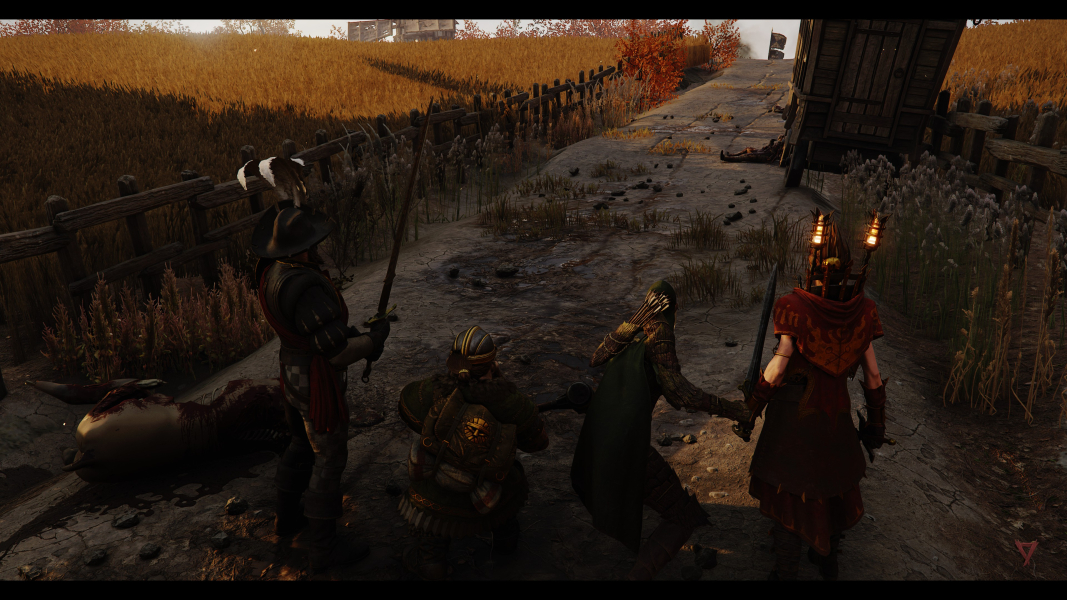

Additional Screenshots


