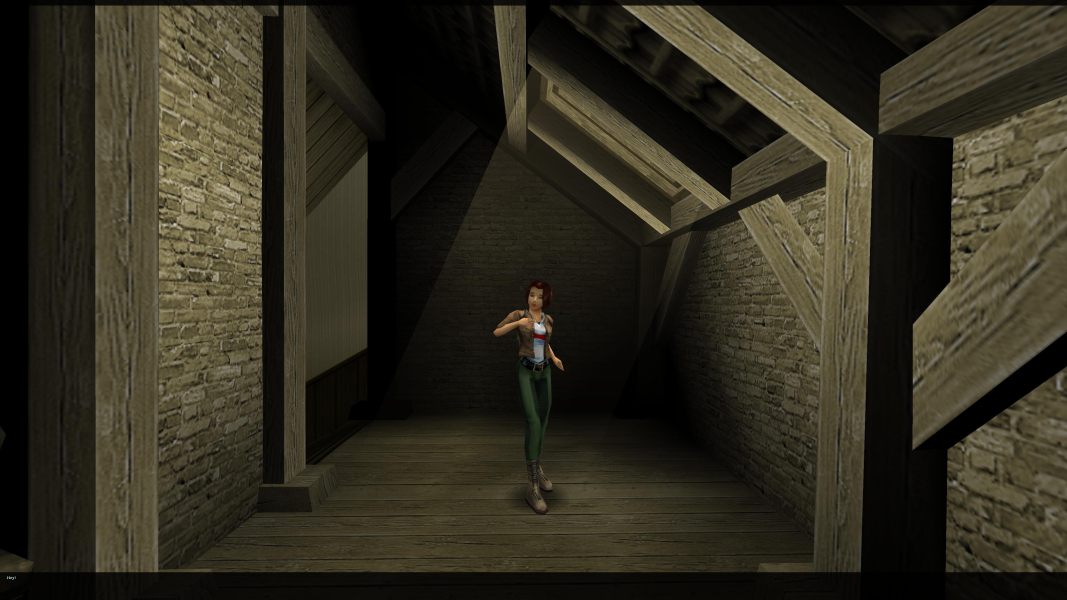


Zanzarah is a fantastic story of three worlds colliding: the real world, the world of fairies and the fantasy world of Zanzarah, inhabited by magical people. After humans suppressed magic and persecuted all magical beings, the portals to these worlds were sealed. Zanzarah has become an imprisoned land for its inhabitants and chaos has ensued. It is up to a young prophesized human girl to reunite these worlds and restore order to the paradise land of Zanzarah
Support Summary
Game Information
Screenshots Comparison
Solutions & Issues
The Game offers only 4:3 resolutions - you need dgvoodoo (for higher resolutions) and a hex editor to get it HOR+
Download the newest version of dgvoodoo and copy the 3 DLL Files from MS Folder to the game root DIR.
Hex edit resolution: Go to -> ...\Steam\steamapps\common\ZanZarah\System\zanthp.exe
Look for 20 03 00 00 58 02 (800x600) and change all values to 00 0A 00 00 A0 05 (2560x1440) - see here for other resolutions.
Now go to --> ...\Steam\steamapps\common\ZanZarah\ZanZarah.bat
and add -console after start zanzarah.exe --> start zanzarah.exe -console
Now start the Game and choose your resolution from the startup menu / Video Options.
In game press F11 and write for 16:10: fov 1200,750 and for 16:9: fov 1350,750
------------------------------------------
Optional higher refresh rate:
Go to --> ...\Steam\steamapps\common\ZanZarah\ZanZarah.bat
and add -windwed after start zanzarah.exe --> start zanzarah.exe -console -windowed. Use Borderless Gaming for fullscreen.
Combined with reshade (DX11) it runs and looks quite good.
Same solution as in Widescreen: Hex edit resolution: Go to -> ...\Steam\steamapps\common\ZanZarah\System\zanthp.exe
Look for 20 03 00 00 58 02 (800x600) and change all values to 70 0D 00 00 A0 05 (3440x1440) - see here for other resolutions.
Now go to --> ...\Steam\steamapps\common\ZanZarah\ZanZarah.bat
and add -console after start zanzarah.exe --> start zanzarah.exe -console
Now start the Game and choose your resolution from the startup menu / Video Options.
Run the Game and press F11 for Console, now write: fov 1800,750
Same solution as in Widescreen: Hex edit resolution: Go to -> ...\Steam\steamapps\common\ZanZarah\System\zanthp.exe
Look for 20 03 00 00 58 02 (800x600) and change all values to 80 16 00 00 38 04 (5760x1080) - see here for other resolutions.
Now go to --> ...\Steam\steamapps\common\ZanZarah\ZanZarah.bat
and add -console after start zanzarah.exe --> start zanzarah.exe -console
Now start the Game and choose your resolution from the startup menu / Video Options.
Run the Game and press F11 for Console, now write: fov 4100,750
Same solution as in Widescreen.
Gameplay Screenshots
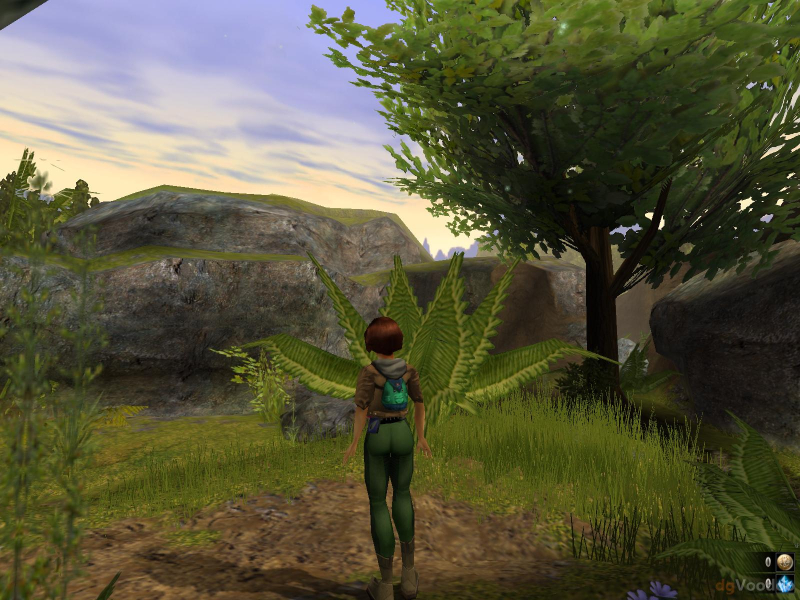
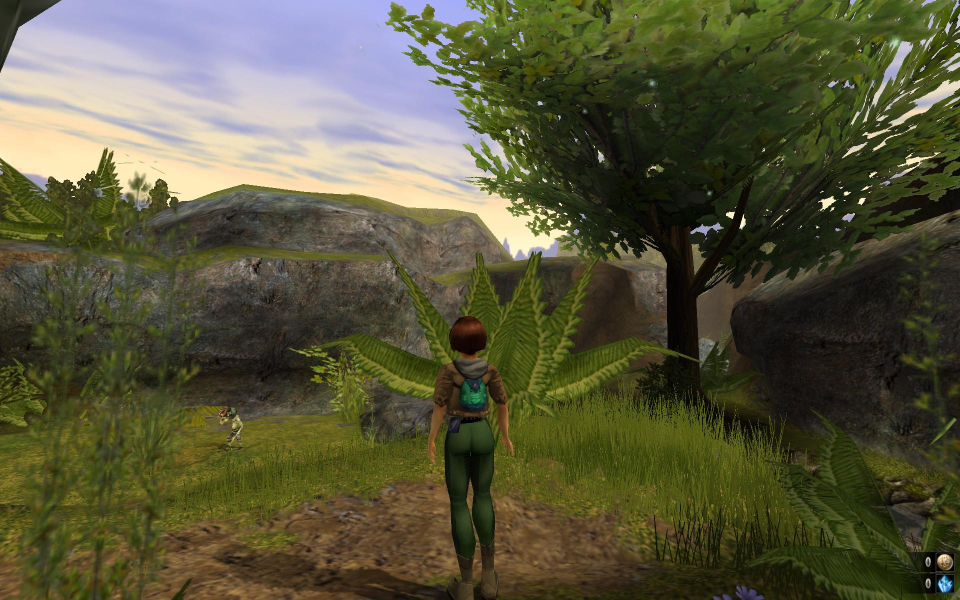
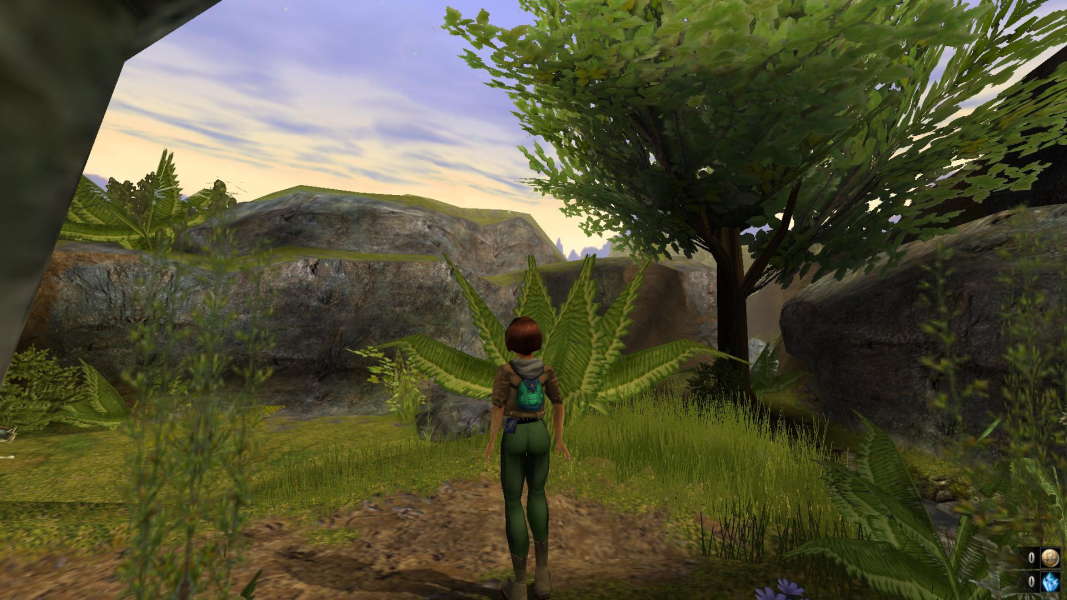



In-Game (Rendered) Cutscenes
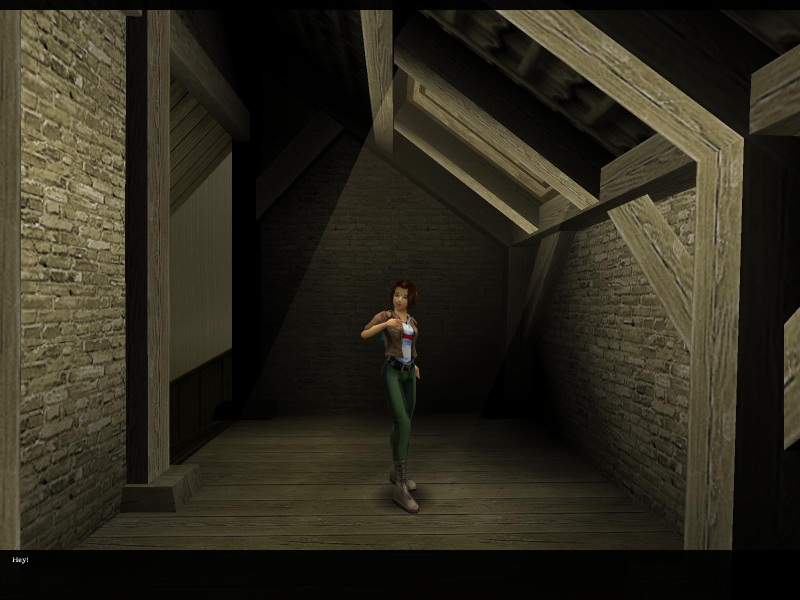
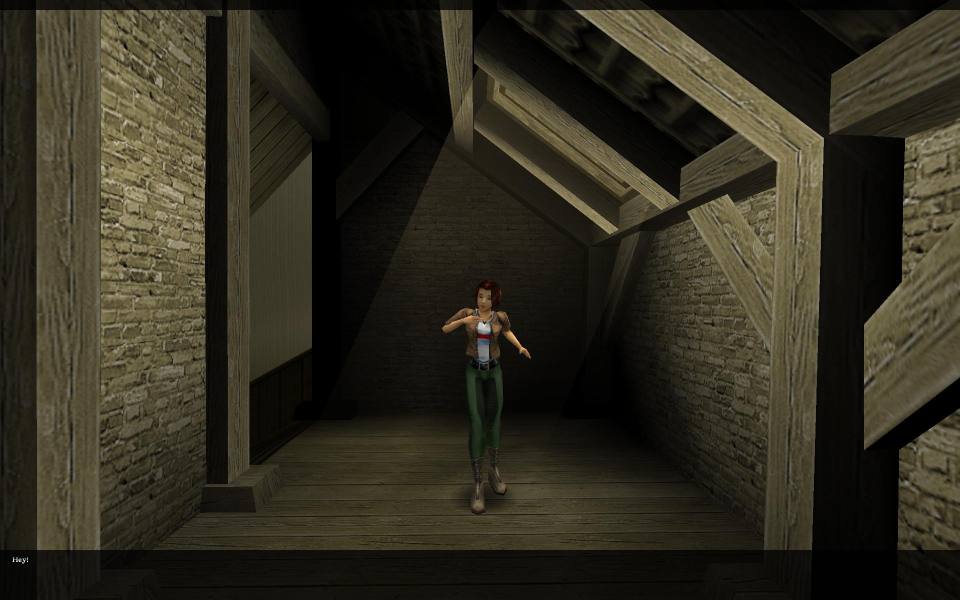

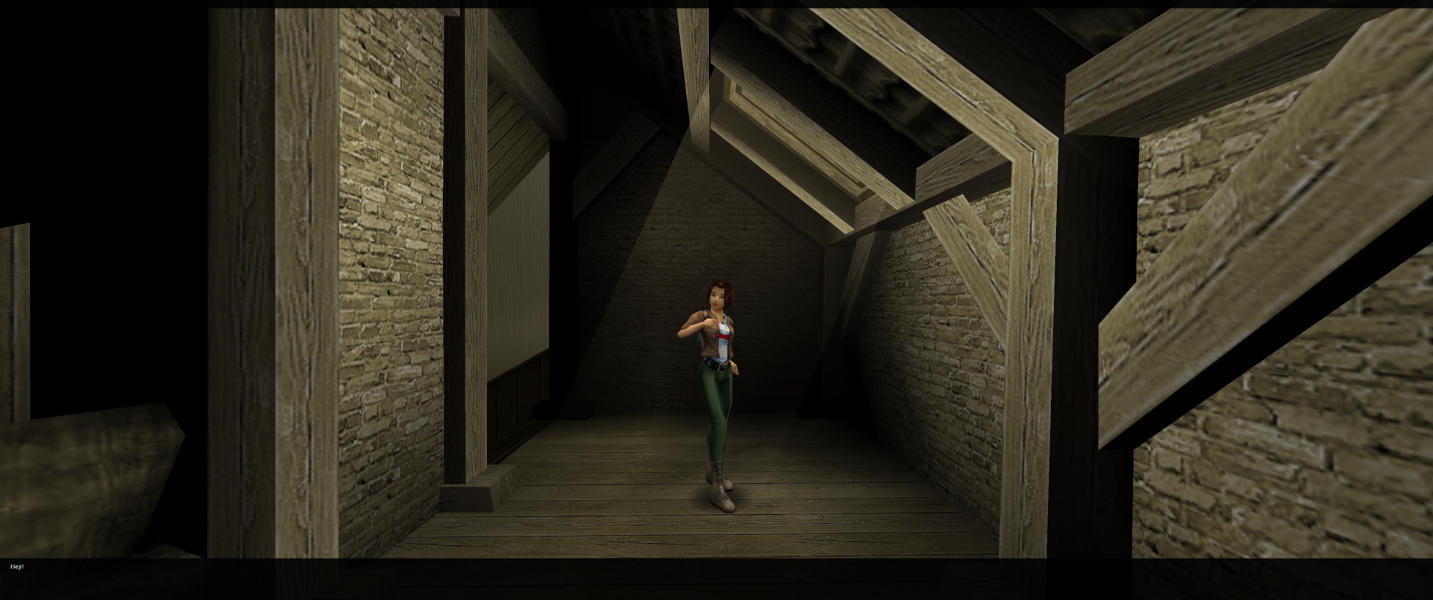

FMV Cutscenes

Menu Screenshots
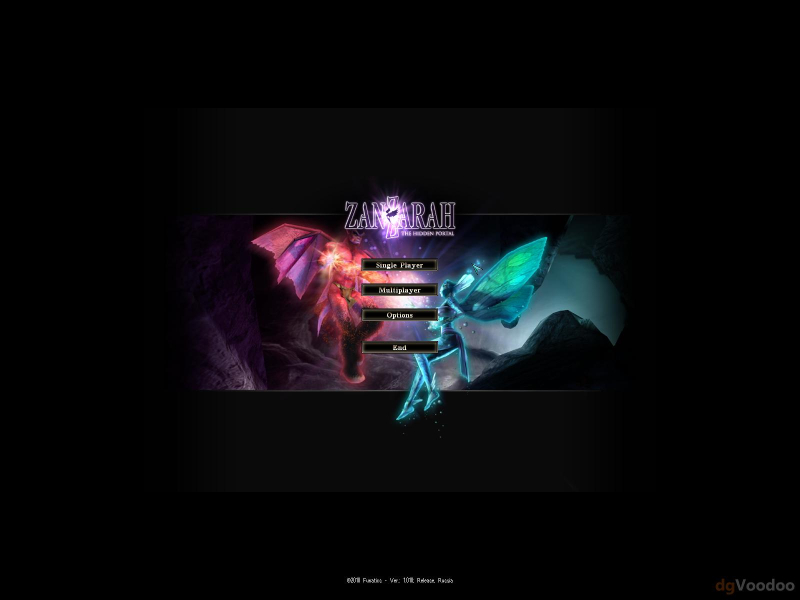
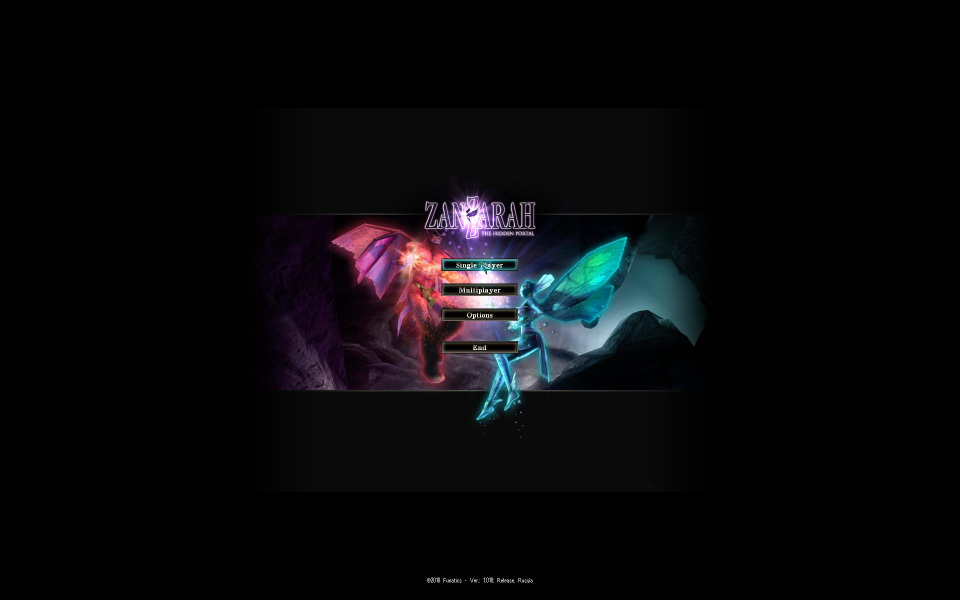
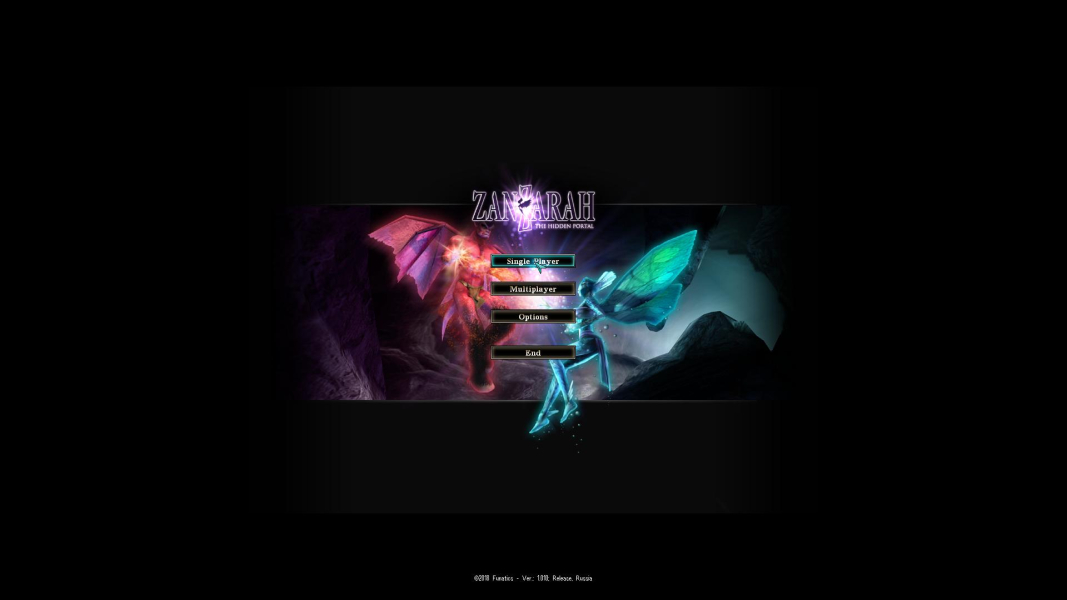
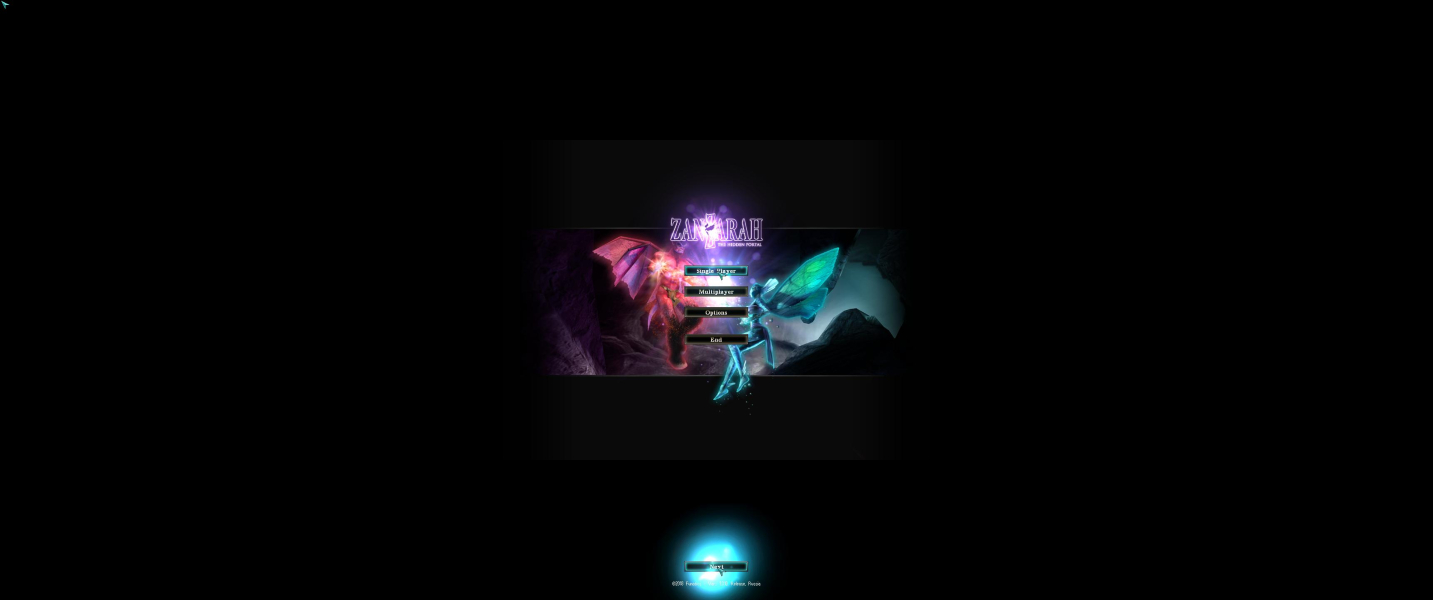

4K UHD Screenshots