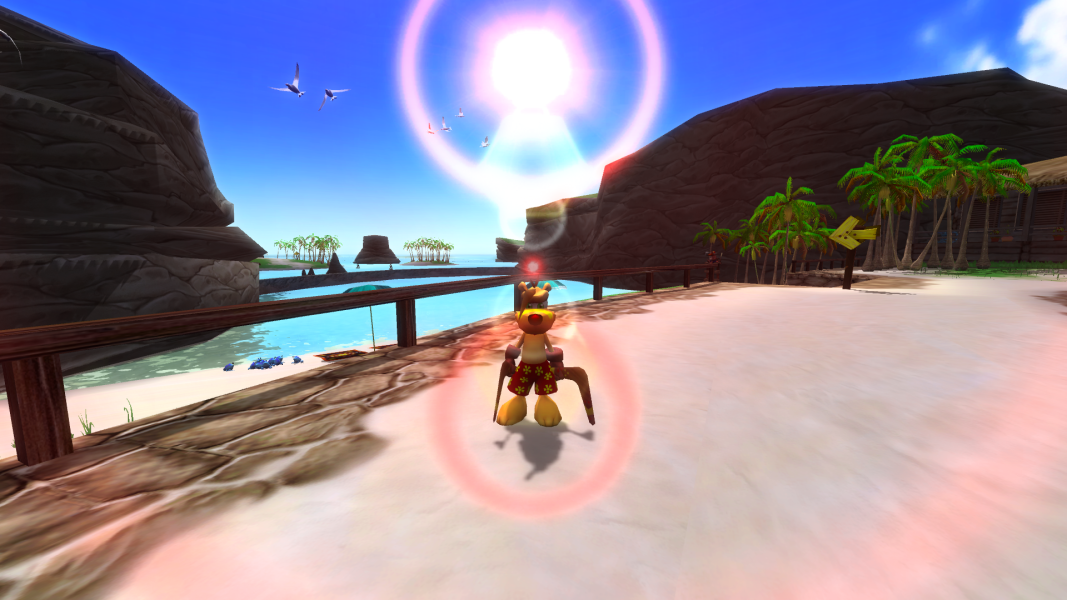


TY the Tasmanian Tiger is a platform game released for the first three consoles in the early 2000s and the remastered PC version was released as a digital download for Steam.
Support Summary
Game Information
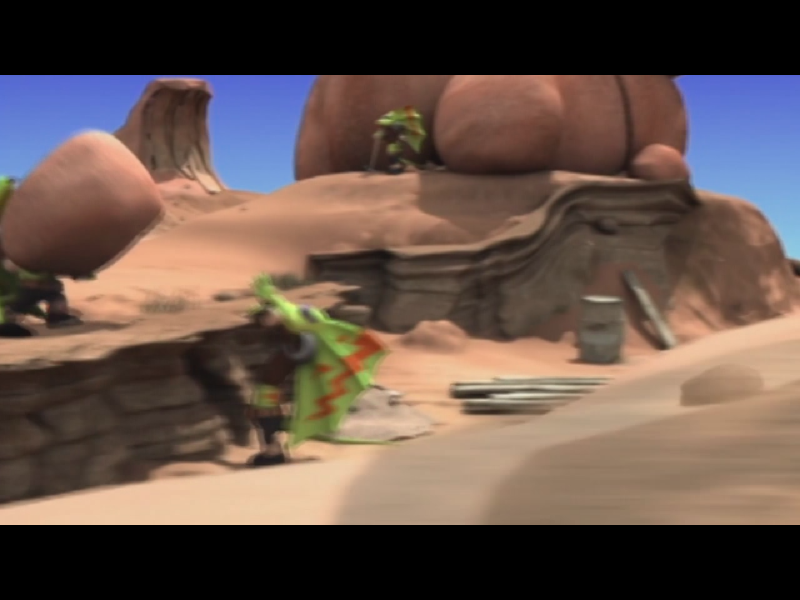
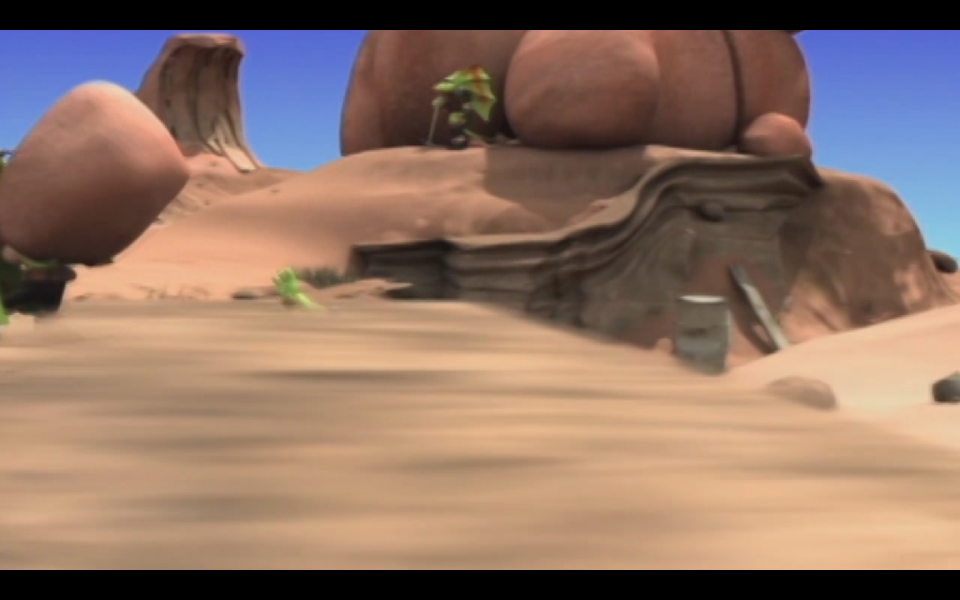
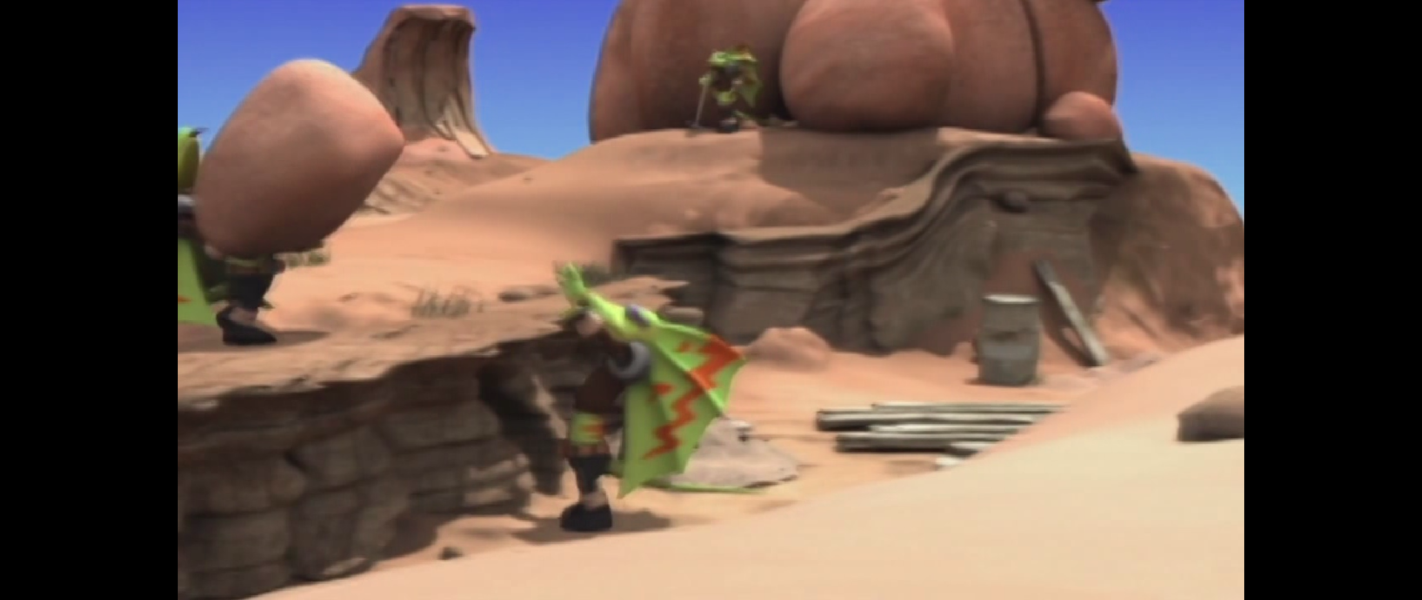
Screenshots Comparison
Solutions & Issues
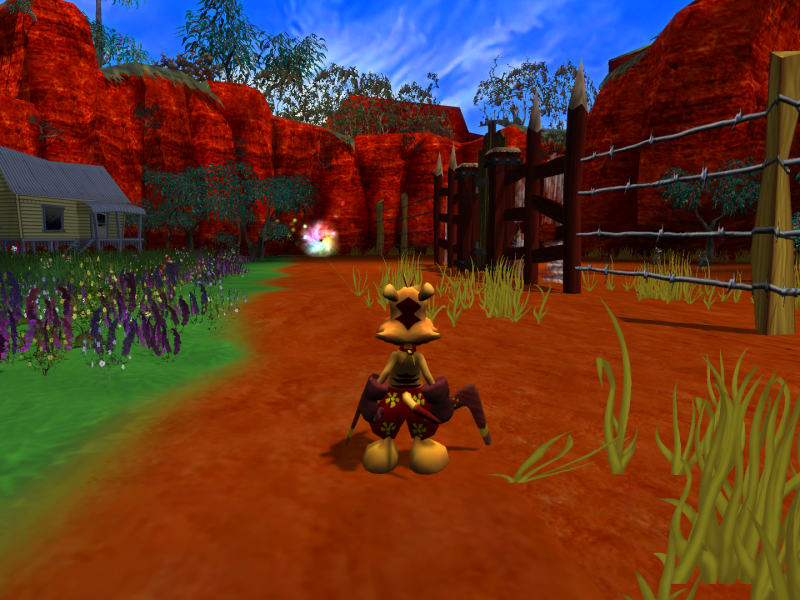
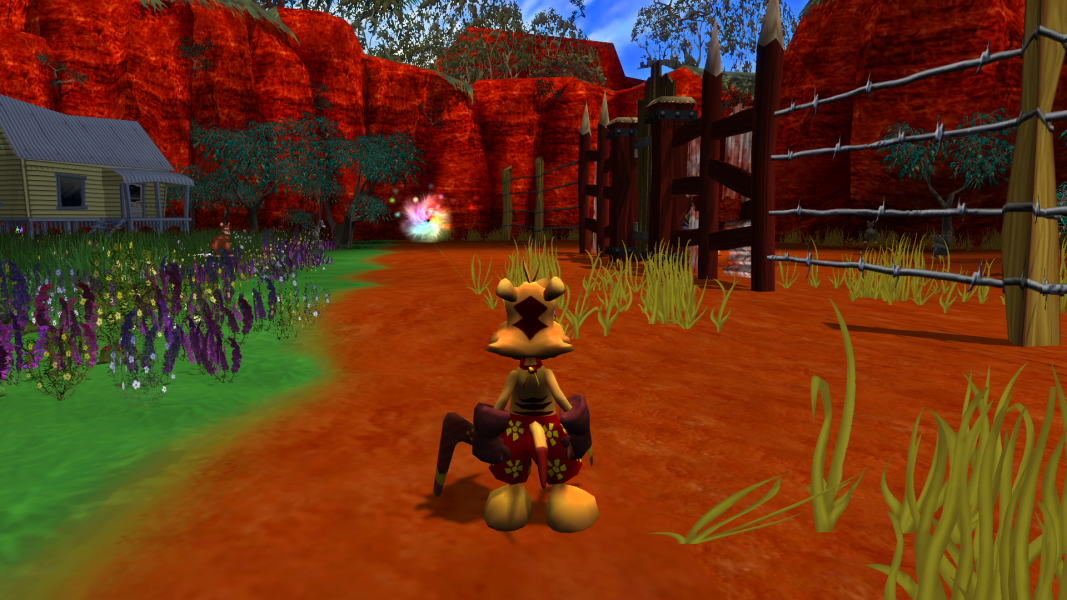
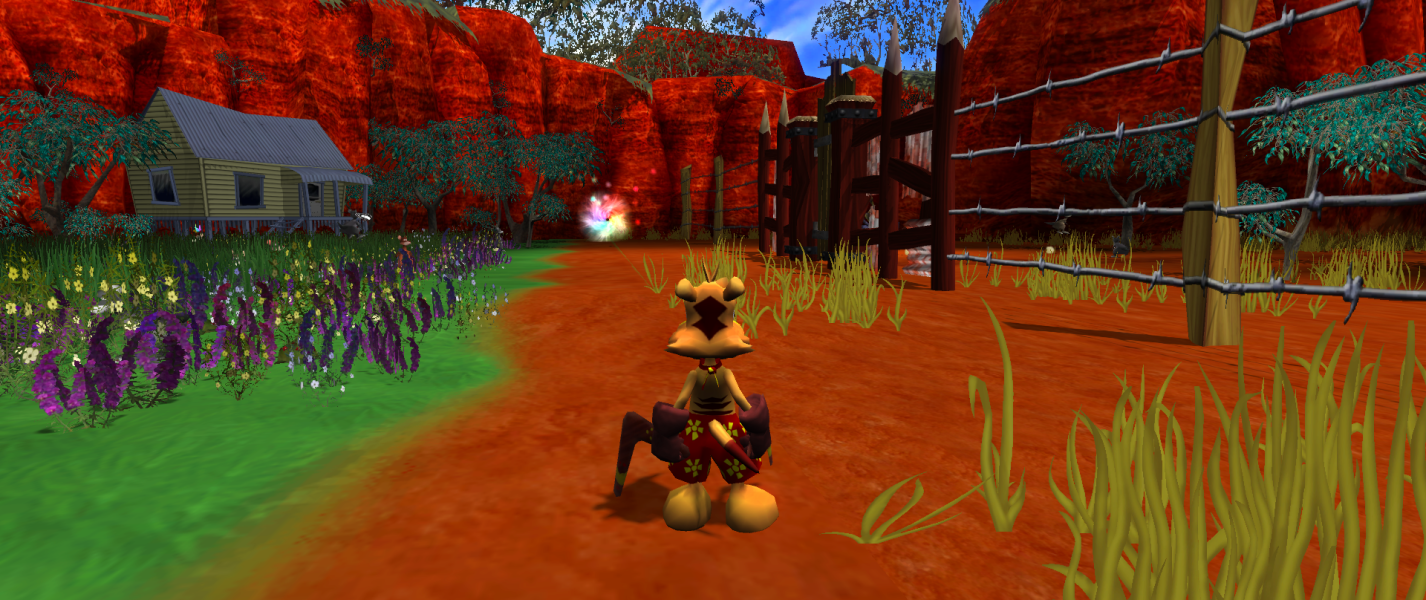
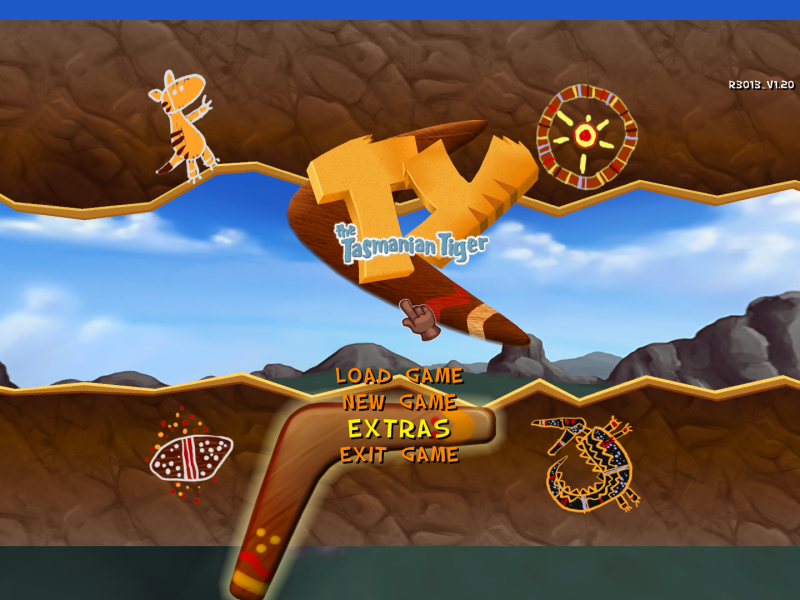
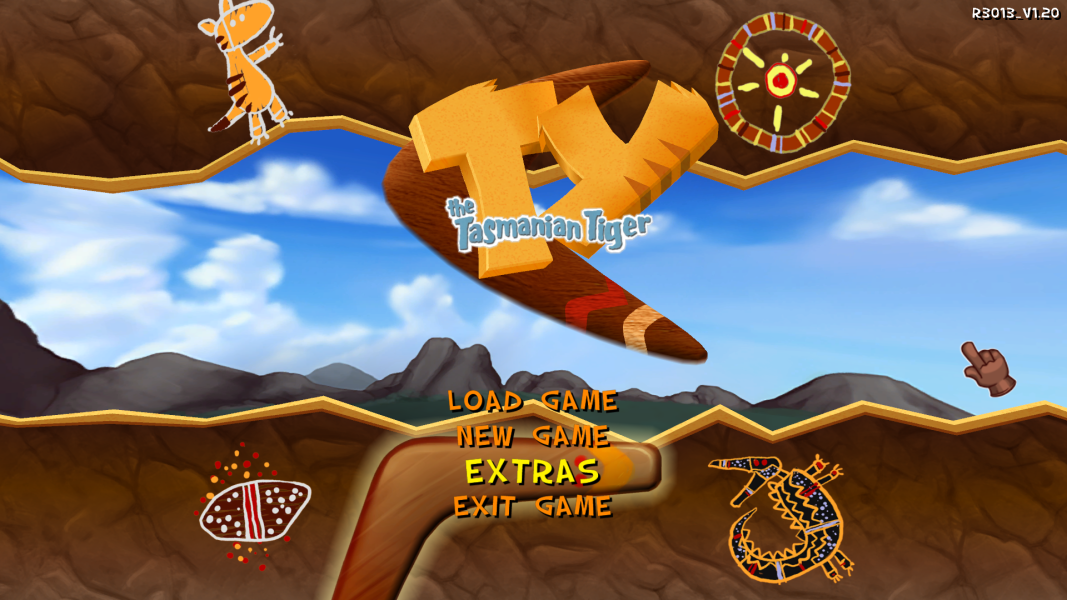
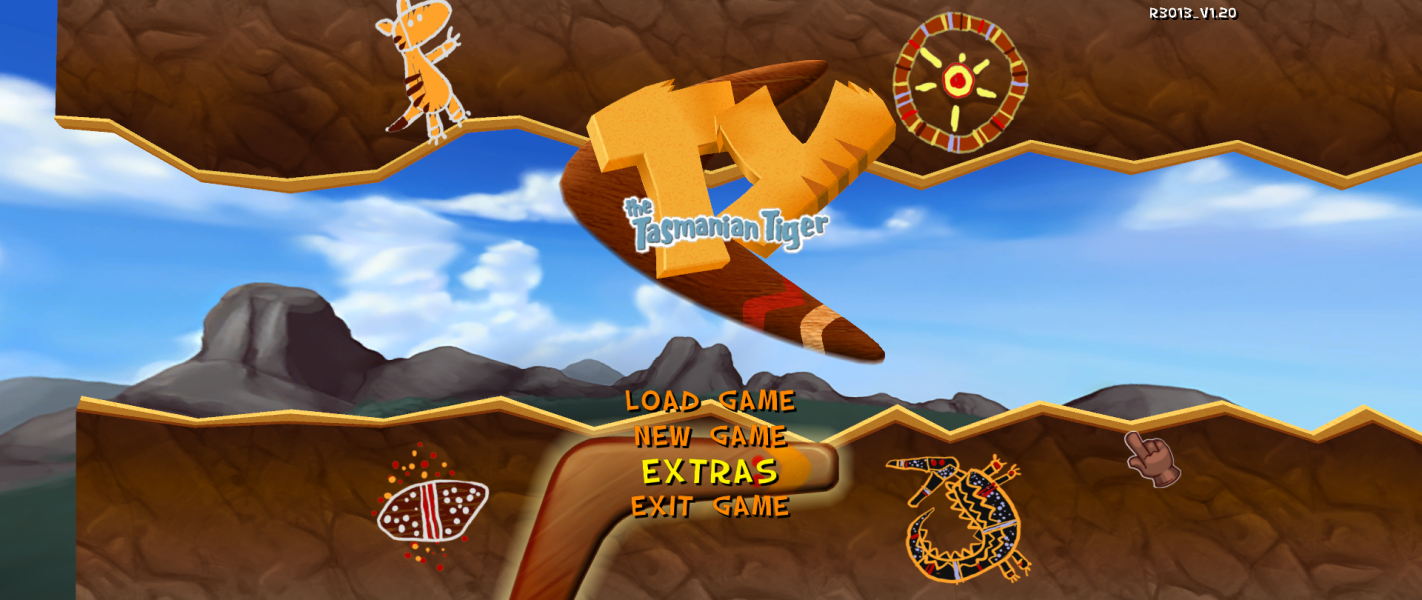
The actual aspect ratio change is vert+, but the sides outside of the 16:9 ratio are covered with fake windowbox borders.
To blank the bars out, open "TY.exe" in a hex editor, then search for the bytes:
"C7 45 D8 00 00 00 FF C7 45 DC 00 00 00 FF C7 45 F4 00 00 00 FF C7 45 F8 00 00 00 FF C7 45 D4 00 00 00 00 C7 45 F0 00 00 00 00" and replace it with
"C7 45 D8 00 00 00 00 C7 45 DC 00 00 00 00 C7 45 F4 00 00 00 00 C7 45 F8 00 00 00 00 C7 45 D4 00 00 00 00 C7 45 F0 00 00 00 00".
Optional FOV: When the exe is open in the hex editor, search for the bytes
"F3 0F 5E 0D CC F1 66 00 F3 0F 10 05 D8 4D 63 00" and replace it with
"F3 0F 5E 0D CC F1 66 00 F3 0F 10 05 DC 4D 63 00" ("D8" with "DC"), then search for the string
"61 32 55 30 2A A9 33 3F F3 04 35 3F 5E 83 6C 3F 7B 14 AE 47 E1 7A 74 3F 00 00 80 3F" and enter a little endian floating value after the final bytes "00 00 80 3F" for example:
"61 32 55 30 2A A9 33 3F F3 04 35 3F 5E 83 6C 3F 7B 14 AE 47 E1 7A 74 3F 00 00 80 3F 00 00 40 3F.
Same solution as above.
Same solution as above.
Supports 4k resolutions, but requires a hack for other aspect ratios as stated in the baseline widescreen solution.
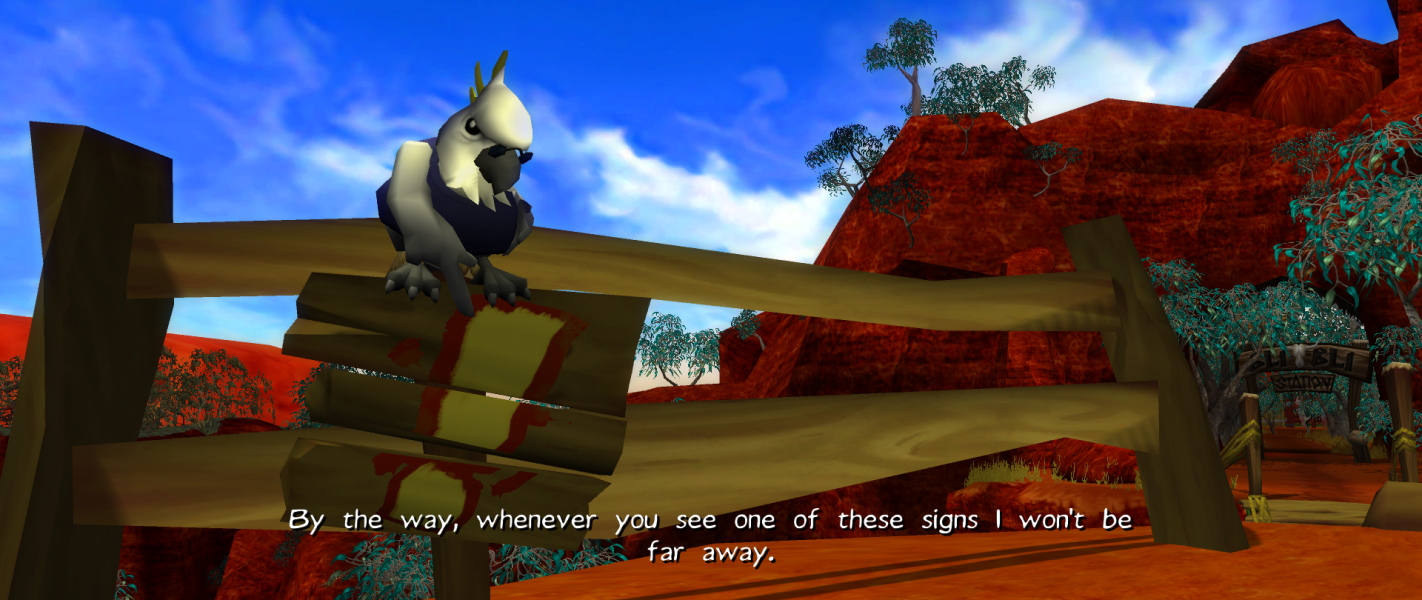
Gameplay Screenshots



In-Game (Rendered) Cutscenes
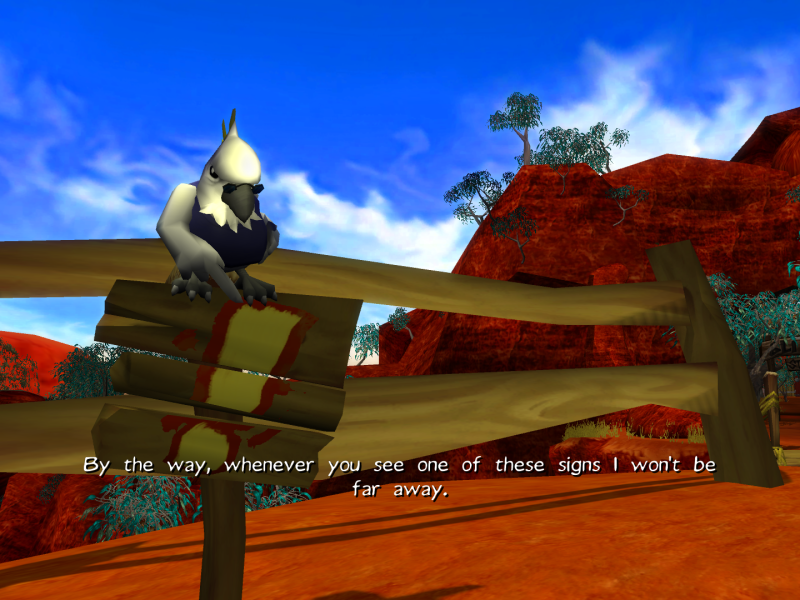
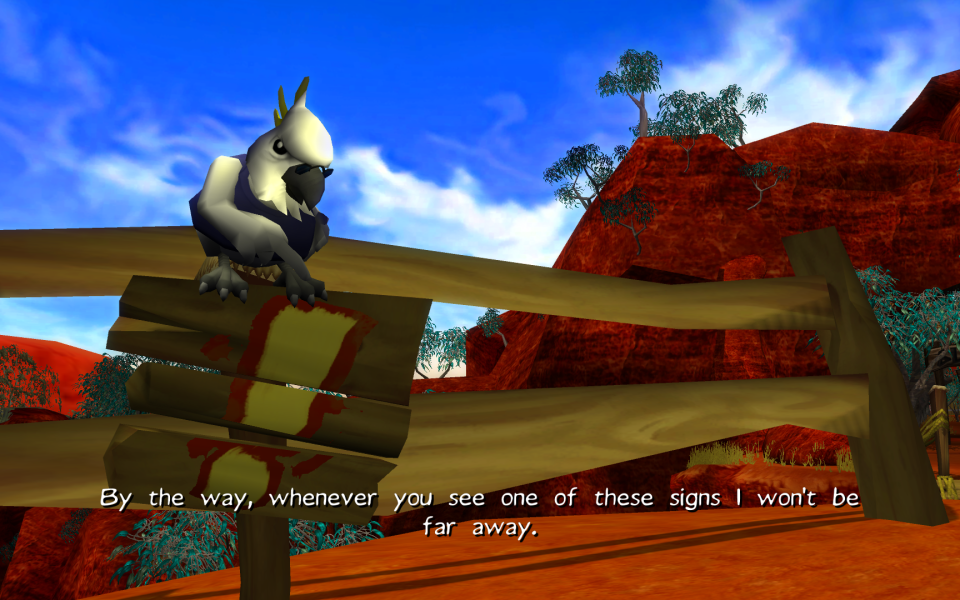
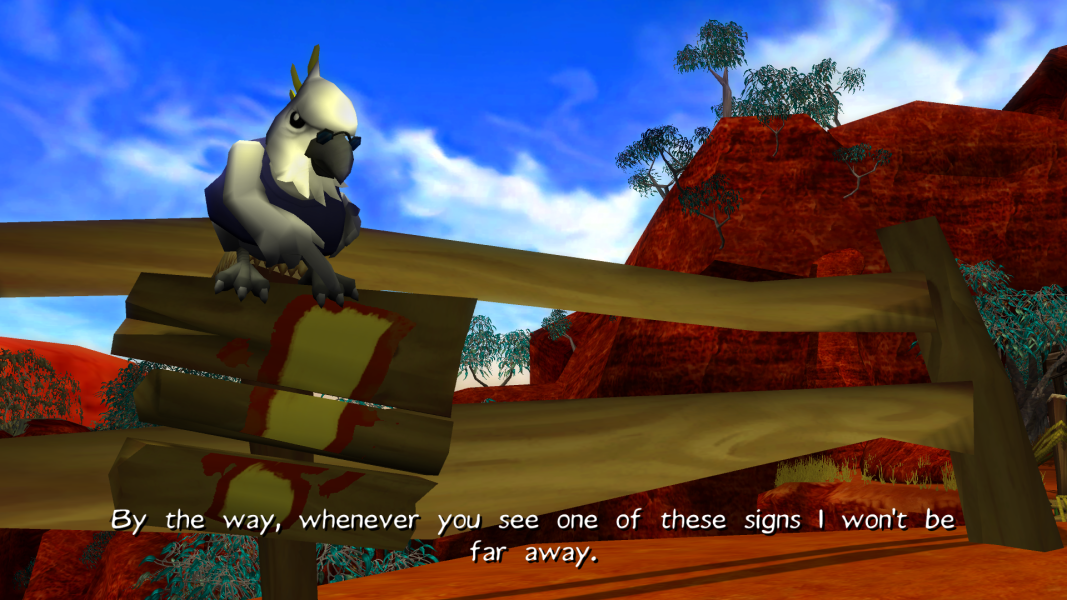

FMV Cutscenes


Menu Screenshots


Additional Screenshots