

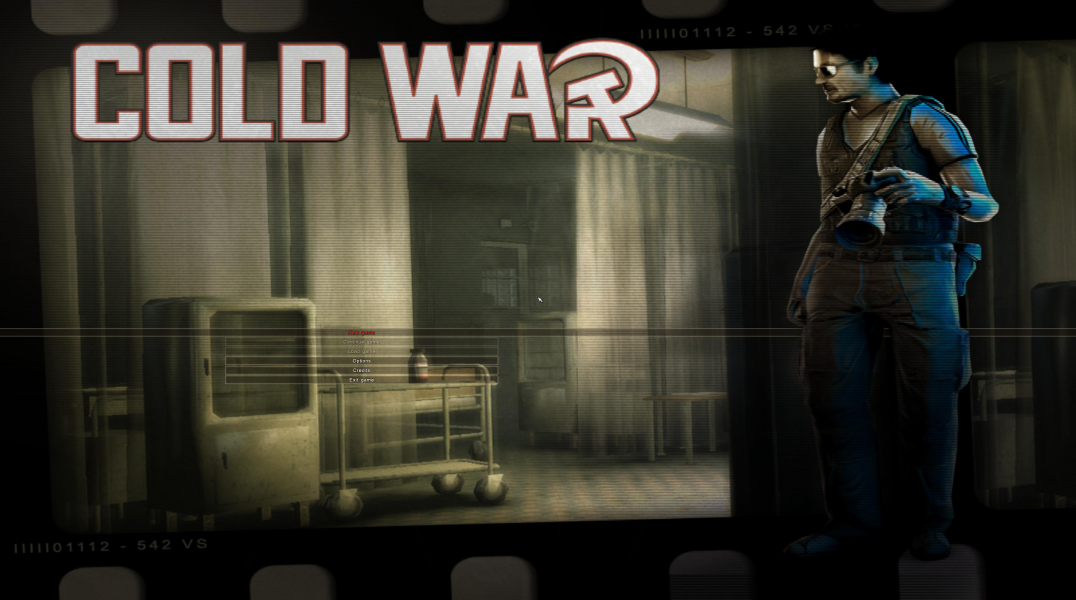
Cold War's gameplay is based on stealth, similar to games like Splinter Cell or Dark Project. Being a journalist you are no weapons expert, so you should try to be stealthy and attack only when necessary. To help even the odds, you can create useful gadgets out of items you find, improvising things like gas grenades, anesthesia ammunition or distraction items.
Support Summary
Game Information
Screenshots Comparison
Solutions & Issues
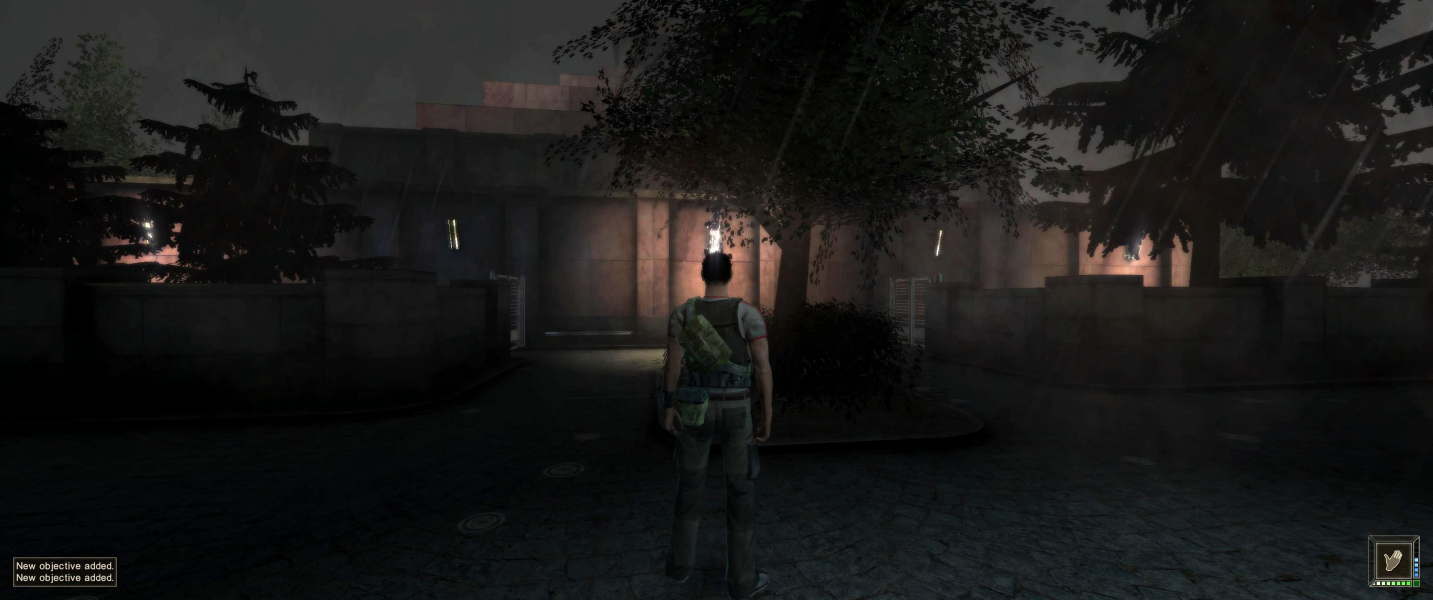
The Game only supports Aspect Ratio till 4:3 - you need to use a HEX editor to get it HOR+
1. Run the Game once to create the necessary config file.
2. Go to C:\Users\...\Documents\Cold War and copy Config.txt to ...\Steam\steamapps\common\Cold War (your Game root folder)
3. Edit your des. resolution in Config.txt
4. Rename coldwar.exe --> coldwar_setup.exe and coldwar.ex --> coldwar.exe
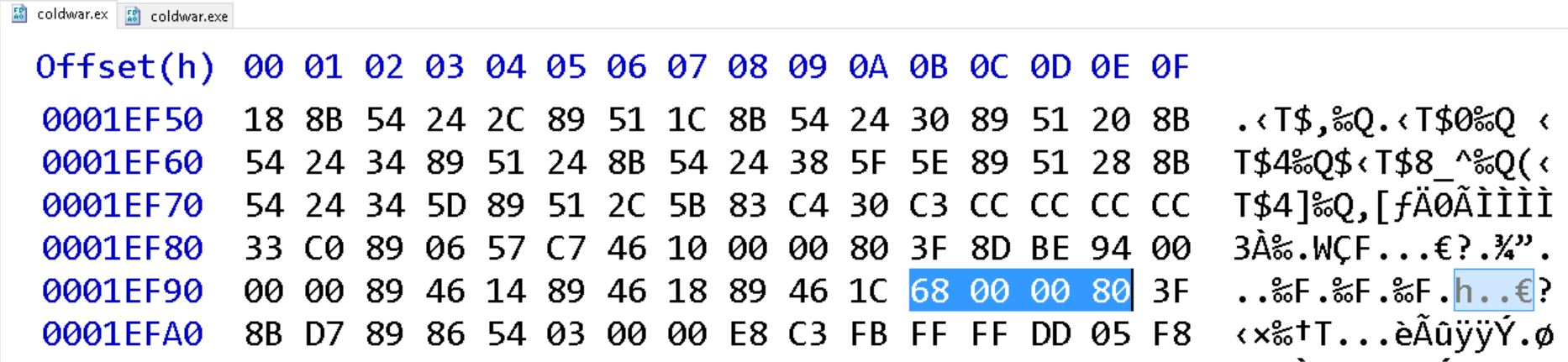
5. Now comes the hexedit part. Open coldwar.exe in a hexeditor and change the following Offsets:
Aspect Ratio: Go to Offset 1EF90 look for 00 00 80 3F and change it to 00 00 58 3F (16:10) or to 00 00 40 3F (16:9)
Render Limit: Go to Offset 92BC0 look for AE 47 81 3F and change it to 00 00 A0 40
Optional FOV: Go to Offset 1F0D0 look for 00 00 80 BF and change it to 00 00 C0 BF - see Additional Screenshots
Or use files available from the PC Gaming Wiki Community Files (search there): Cold.War_Widescreen.zip
Same solution as in Widescreen:
Aspect Ratio: Go to Offset 1EF90 look for 00 00 80 3F and change it to 00 00 10 3F (21:9)
Render Limit: Go to Offset 92BC0 look for AE 47 81 3F and change it to 00 00 A0 40
Optional FOV: Go to Offset 1F0D0 look for 00 00 80 BF and change it to 00 00 C0 BF
Same solution as in Widescreen:
Aspect Ratio: Go to Offset 1EF90 look for 00 00 80 3F and change it to 00 00 80 3E (3x16:9)
Render Limit: Go to Offset 92BC0 look for AE 47 81 3F and change it to 00 00 A0 40
Optional FOV: Go to Offset 1F0D0 look for 00 00 80 BF and change it to 00 00 C0 BF
Same solution as in Widescreen:
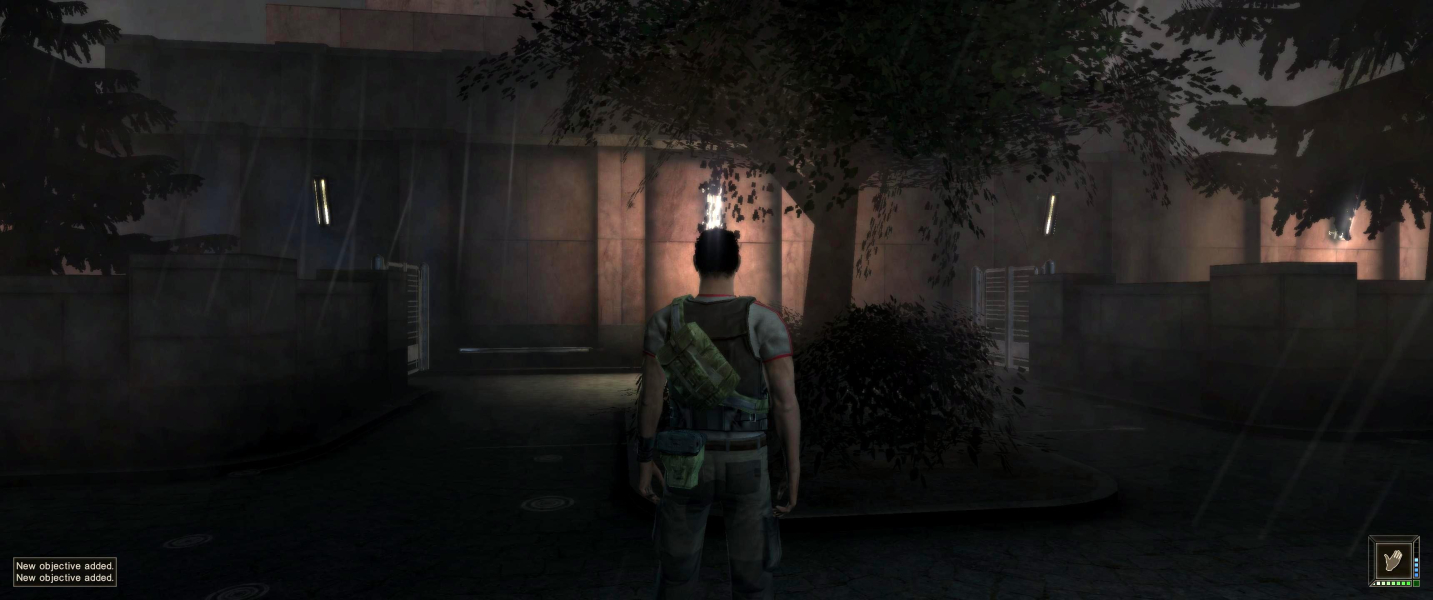
Gameplay Screenshots
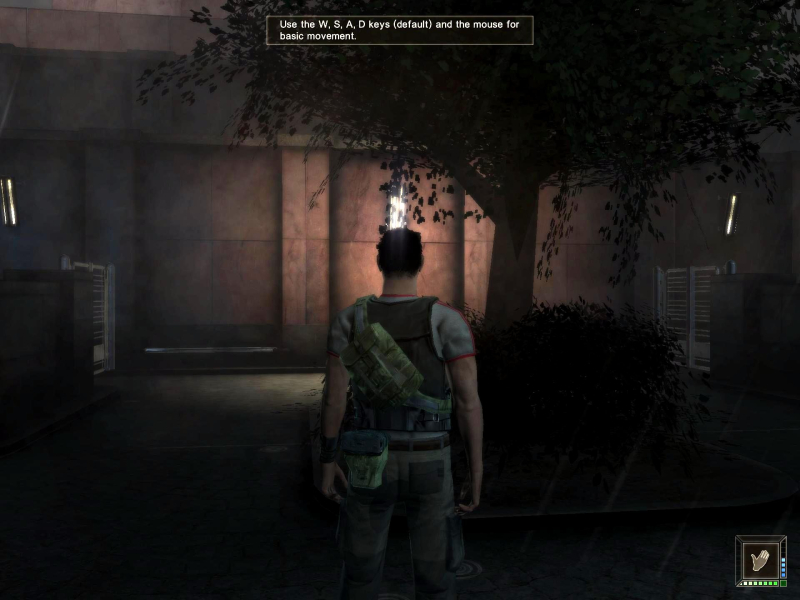




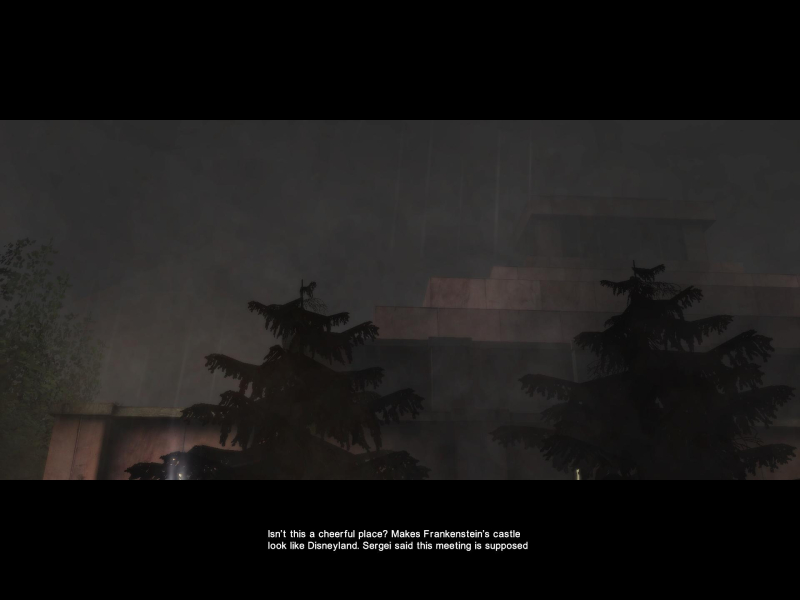
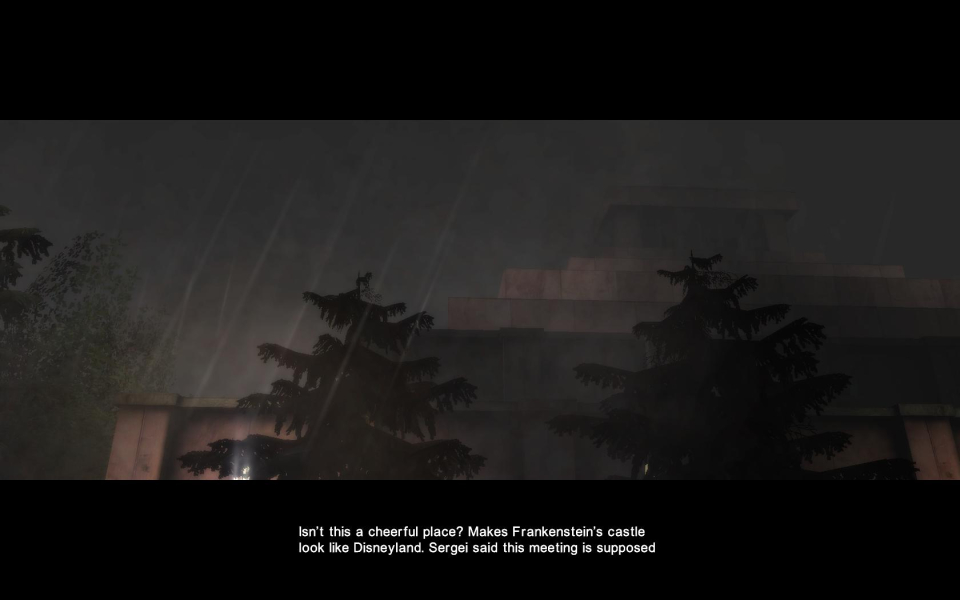
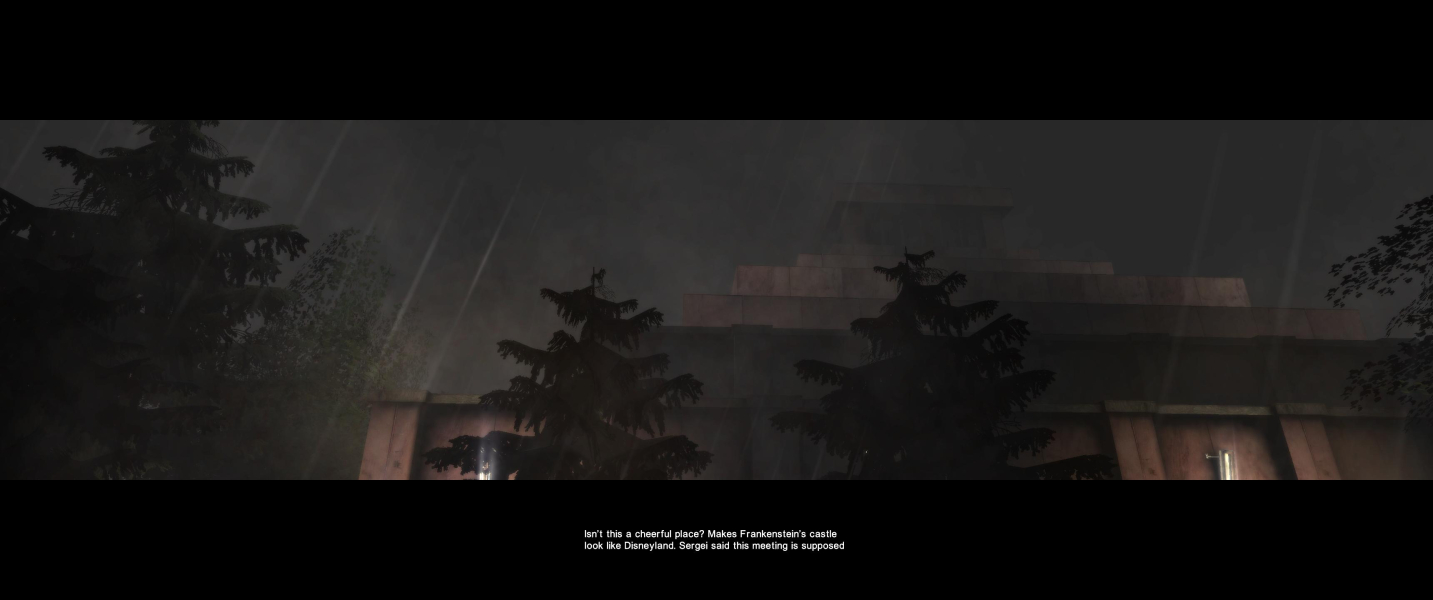
In-Game (Rendered) Cutscenes


FMV Cutscenes
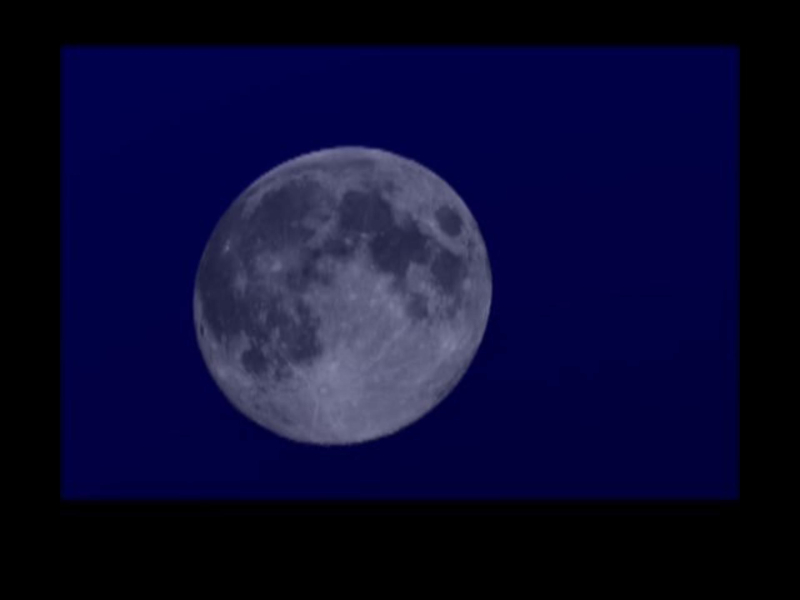
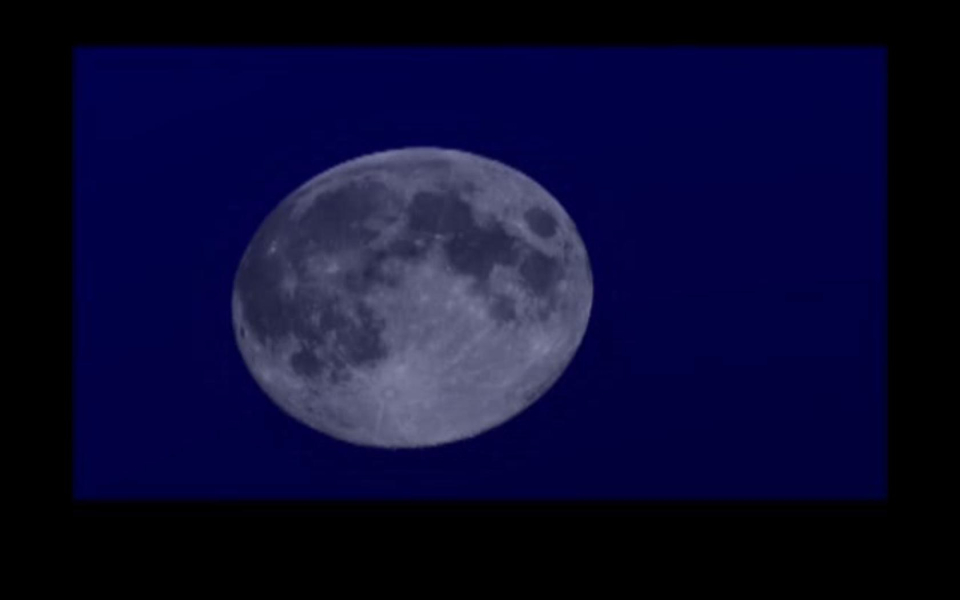
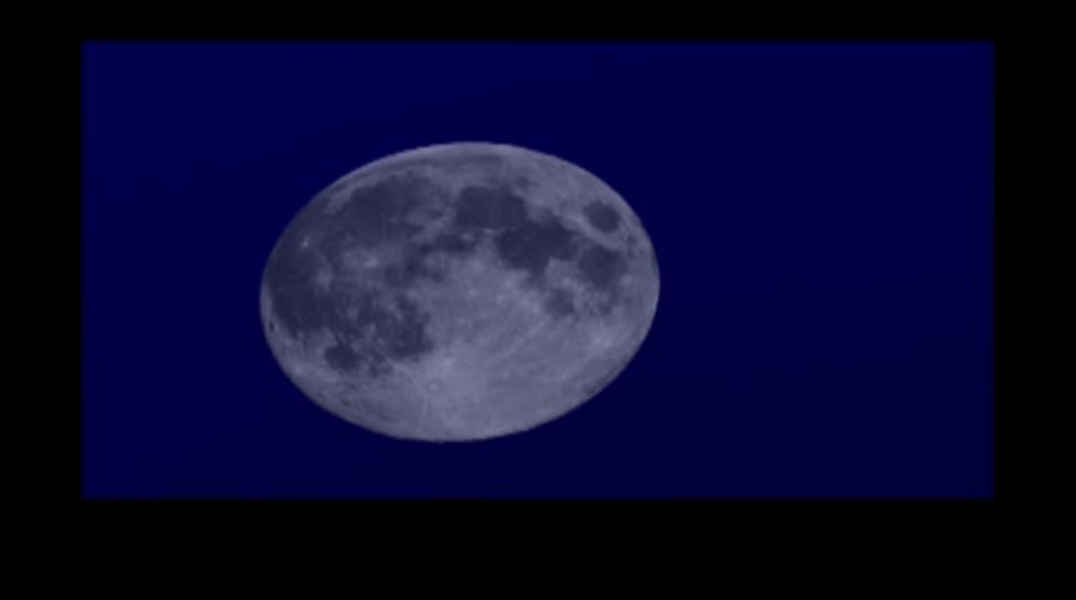
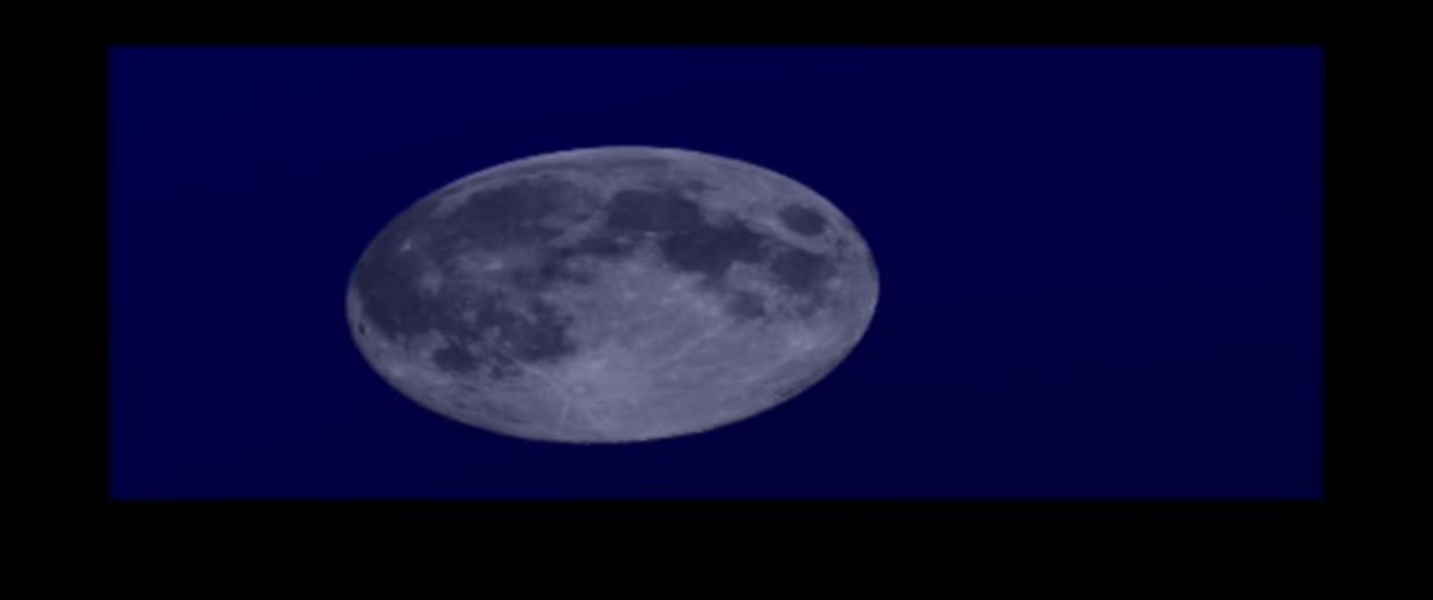

Menu Screenshots

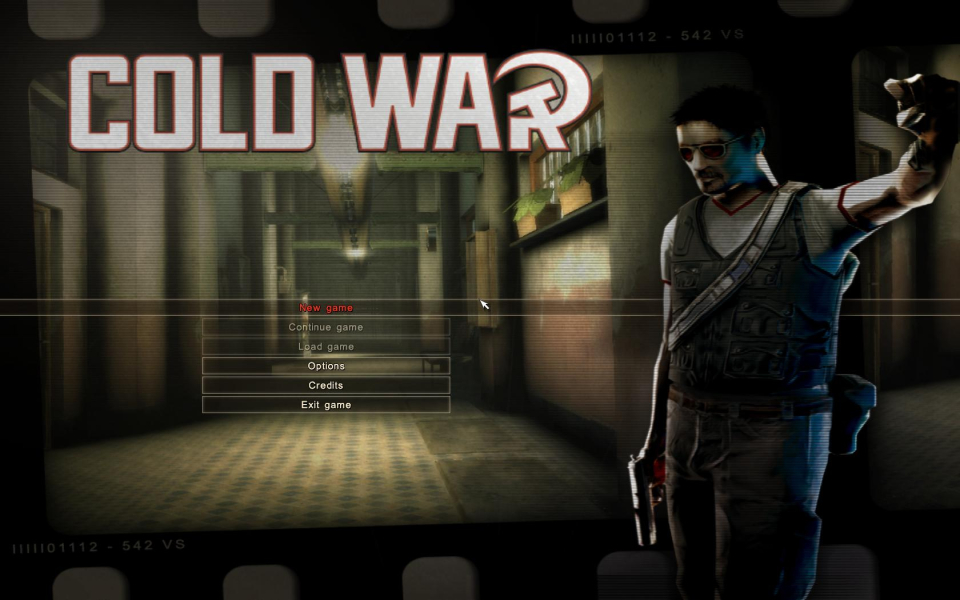
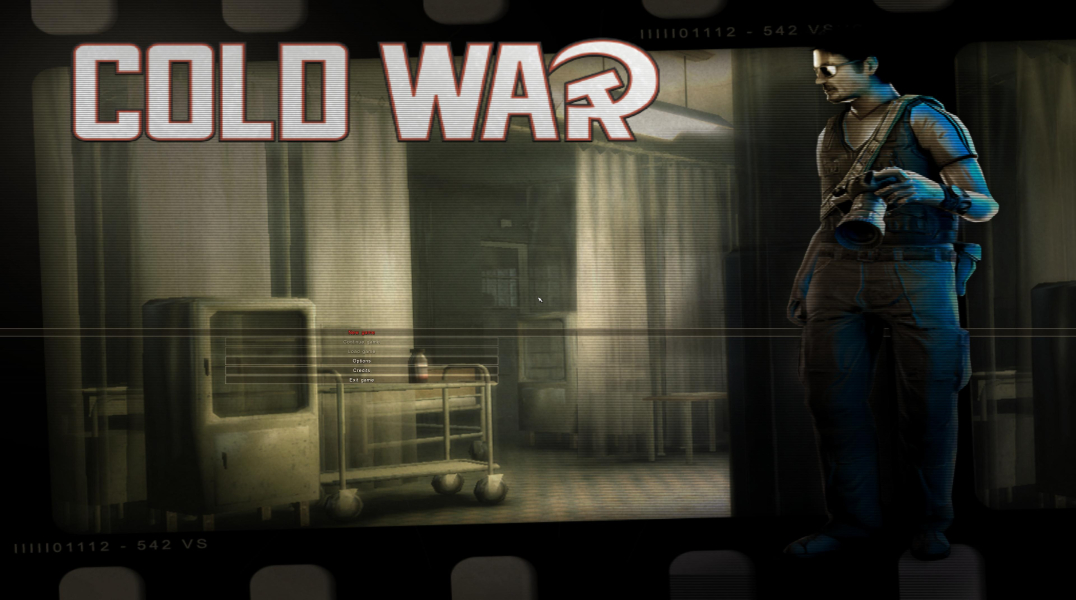
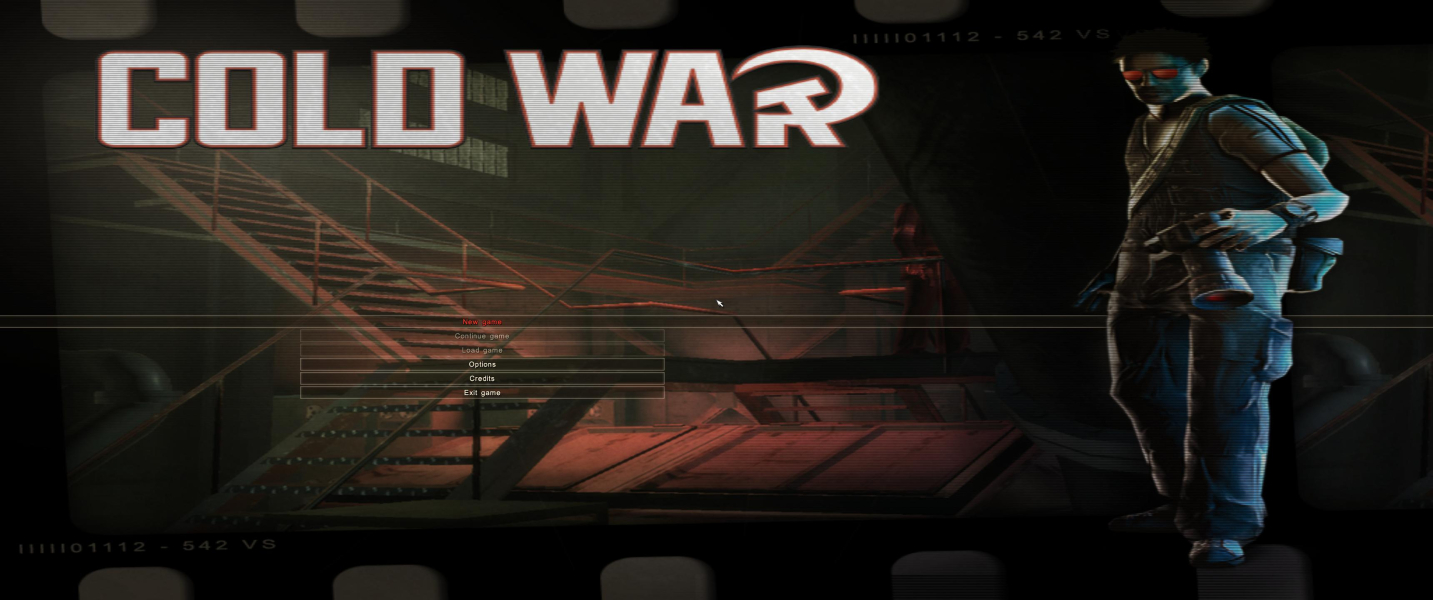

4K UHD Screenshots

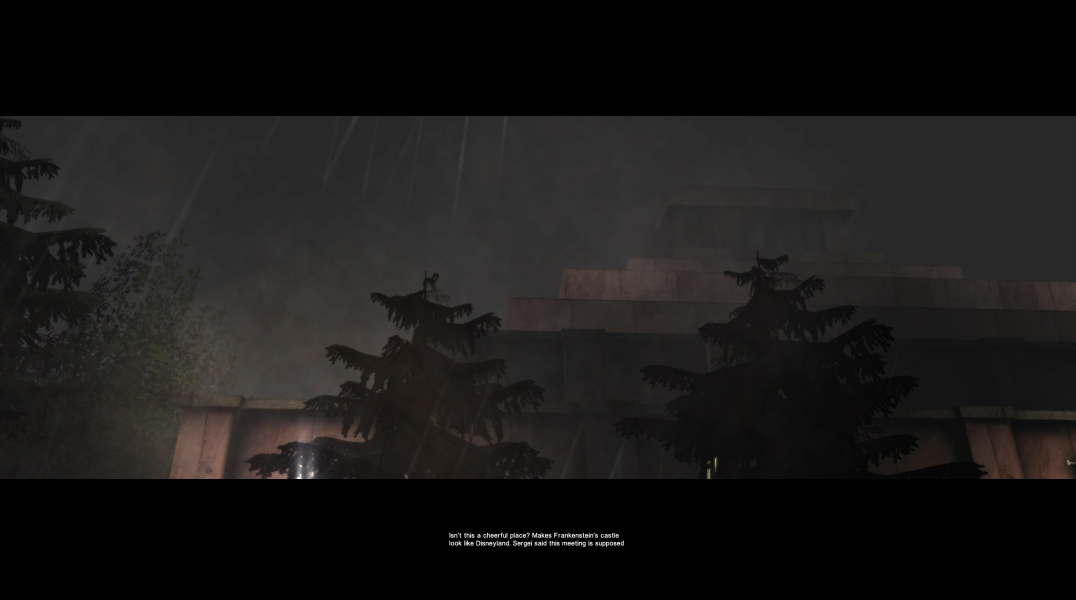

Additional Screenshots