


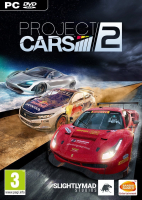


Project CARS 2 is the next evolution in the award-winning racing series, featuring the most iconic cars racing under the most thrilling conditions to deliver the Ultimate Driver Journey.
Support Summary
Game Information
Screenshots Comparison
Solutions & Issues
Native support: Hor+
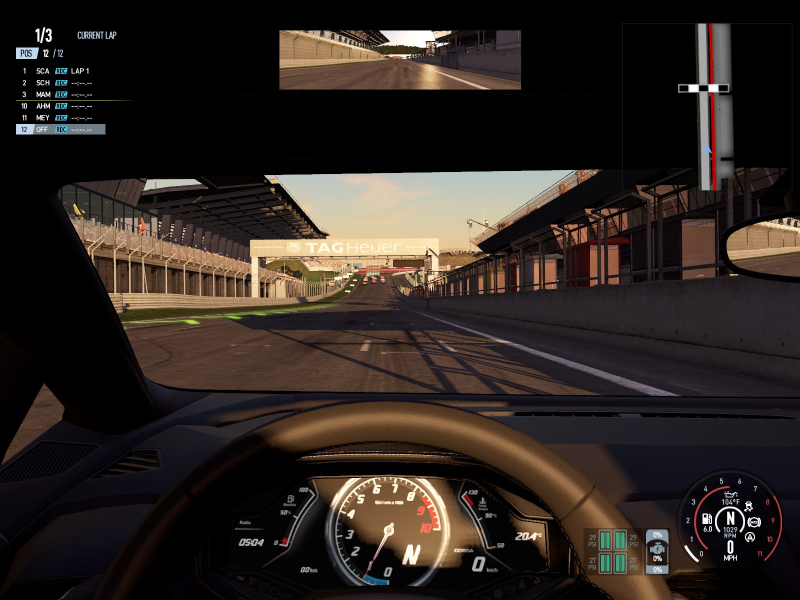
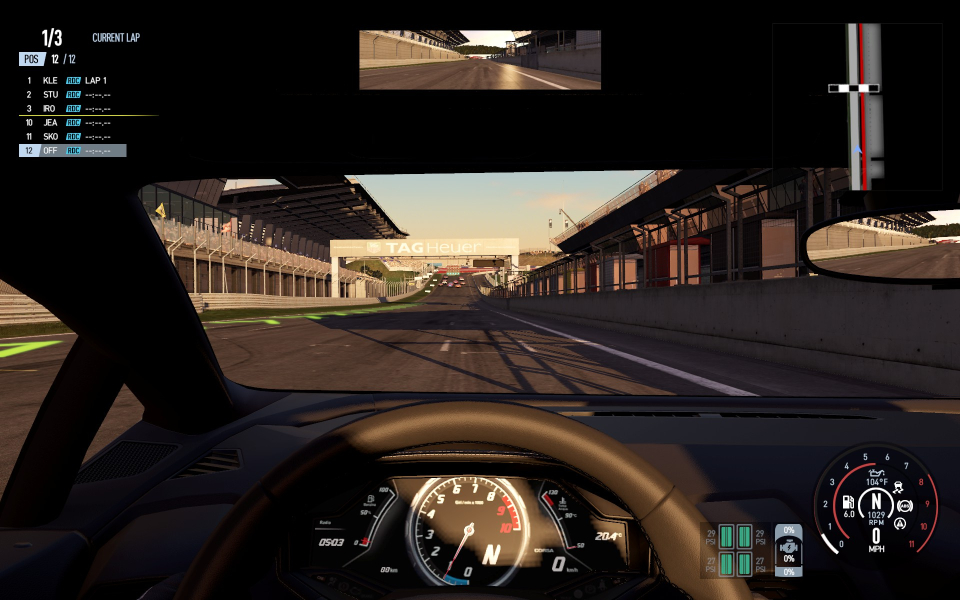
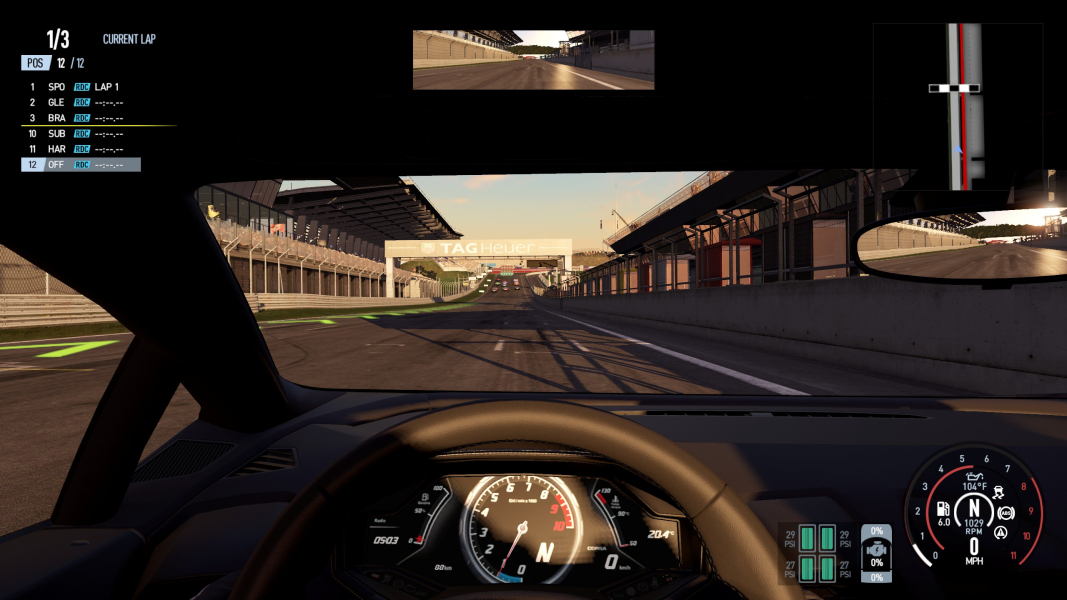
FOV sliders control the HFOV of the 6 gameplay cameras. Default FOV values (and range) are automatically calculated to match the aspect ratio:
16:9 - 70 (35-120)
16:10 - 64 (32, 114)
15:9 (1280x768) - 66 (33, 117)
4:3 - 55 (27-105)
Since FOV range = aspect ratio, you can access higher FOV values by starting the game in some kind of ultrawide window e.g 2560x720 on a 2560x1440 monitor:
%USERPROFILE%\Documents\Project CARS 2 Demo\graphicsconfigdx11.xml
width="2560" height="720"
"Windowed" windowed="1"
Max FOV is now 147. Tweak camera angles to your liking then switch back to your native res. Values over 120 will stick.
Tech: Madness Engine
Display settings are stored across two files:
%USERPROFILE%\Documents\Project CARS 2\graphicsconfigdx11.xml
%USERPROFILE%\Documents\Project CARS 2\triplescreensettings.xml
Custom FOV settings appear to be encoded as part of the main .sav file.
Native support: Hor+
Default FOV 86, range ~46-133. See WideScreen section for a way to access higher values if needed.
By default Eyefinity/Surround must be disabled and the desktop set to Extended mode for the Triple Screen options menu to become accessible. You can easily bypass this:
%USERPROFILE%\Documents\Project CARS 2 Demo\triplescreensettings.xml
Change false" /> to true" />
PCars2 can then adapt to virtually any triple-screen arrangement, including mismatched orientations and resolutions, through a host of per-screen settings. FOV & HUD are tailored to the center screen; see WideScreen section for a way to access higher FOV values if needed.
If you prefer to leave Eyefinity/Surround on without forcing Triple Screen mode, FOV will be Hor+ but the UI will span... and you might never see the inside of a helmet.
Native support.
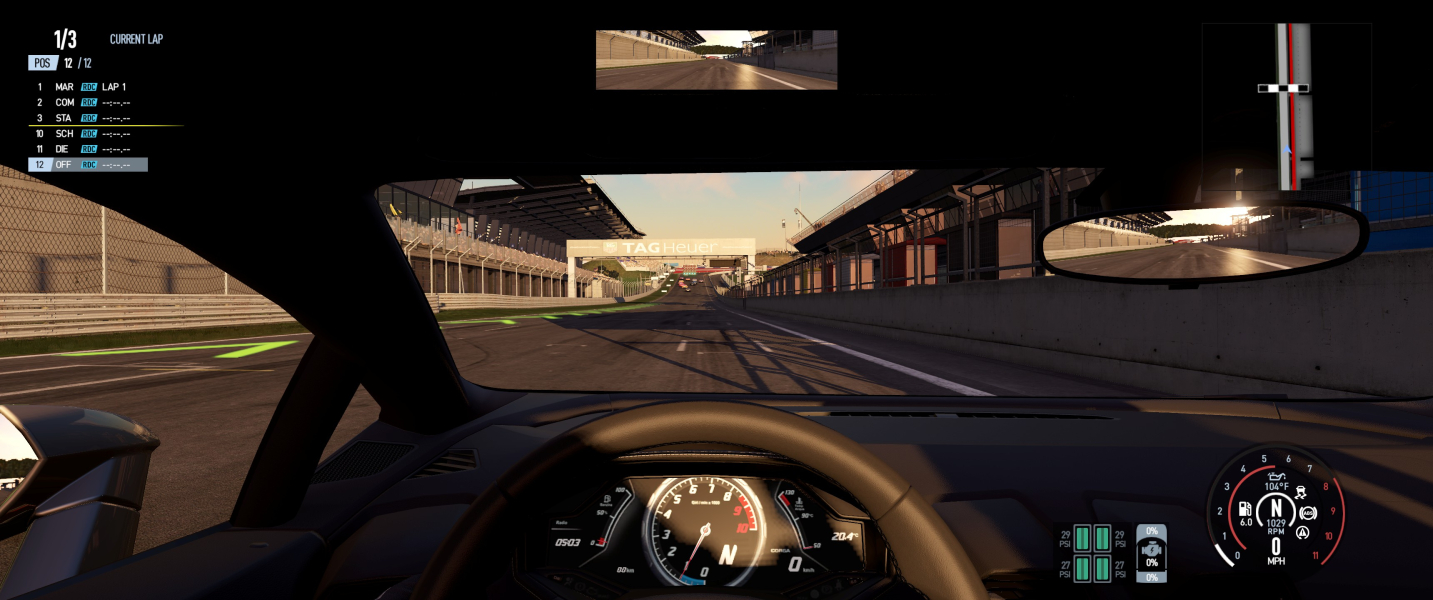
Gameplay Screenshots


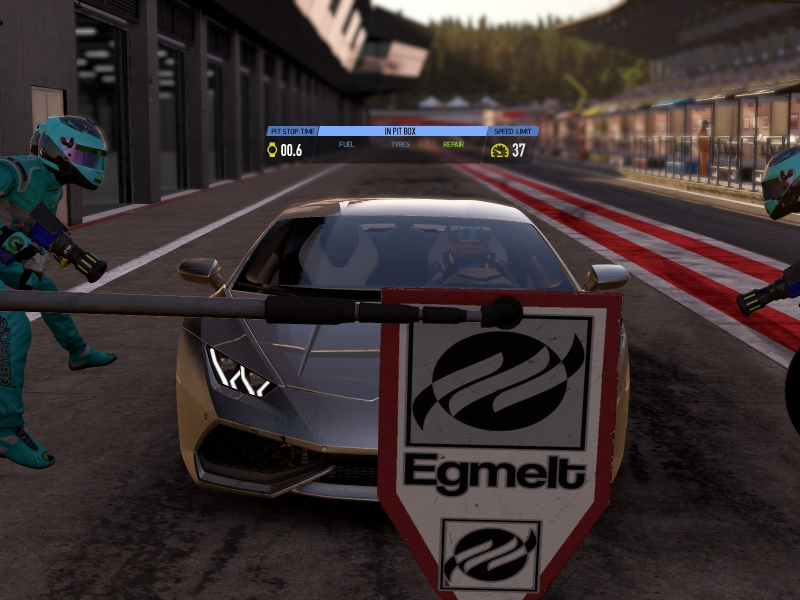
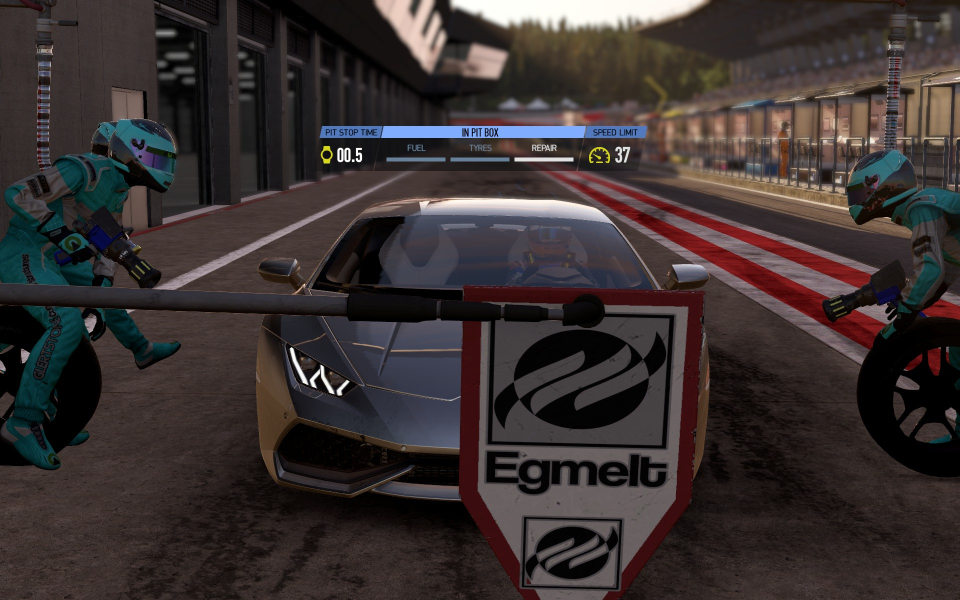
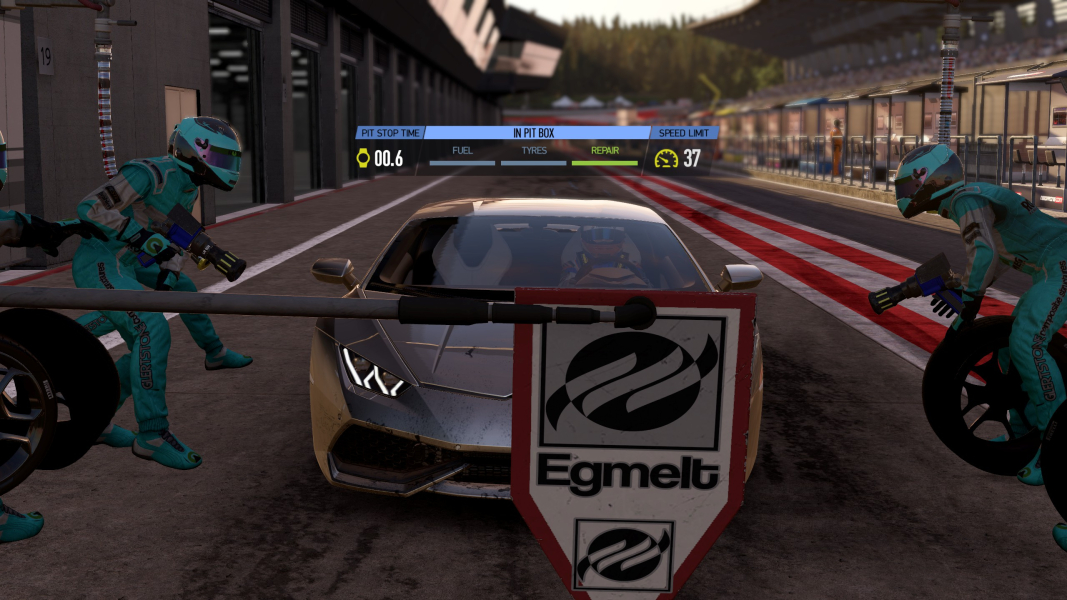
In-Game (Rendered) Cutscenes

FMV Cutscenes


Menu Screenshots


4K UHD Screenshots


Additional Screenshots


