




Fear, combat, exploration, and item management: these are the four pillars of survival horror, a genre that has never been more masterfully executed than in the gameplay of Resident Evil. The horror continues in the ground-breaking Resident Evil 7. Step into the new Isolated View and experience true survival horror in a world created by the all-new RE Engine.
Support Summary
Widescreen | Ultra/Super‑Wide | Multi-Monitor | 4K Ultra HD | |
Support | ||||
Method | ||||
HUD | ||||
Cutscenes | ||||
FMVs |
Game Information
Game Status:Released
Release Date:
Tested Version:Steam Patch #4
Play Styles:Single-Player
Setting:Horror
Developer:Capcom
Screenshots Comparison
Solutions & Issues
Widescreen Solution & Issues:
Native support: anamorphic 16:9
- FOV slider: default 80, range 70-90. Use the trainer for more flexibility. files available from the PC Gaming Wiki Community Files (search there)
- CivilWolf's fixes can be used to remove the black bars in 16:10. Note that this will cause the UI and FMVs to appear squished.
- Run the patcher and input your desired resolution
- Select Borderless Windowed from in-game options
- Use the trainer to force Aspect 1.6
Ultra/Super-Wide Specific Solution & Issues:
Hack required:
- Run RE7_Widescreen_Patcher.exe and input your desired resolution
- Use CivilWolf_RE7_Trainer121217.EXE to fix the Vert- FOV. Try FOV 137 for TripleWide. available from the PC Gaming Wiki Community Files (search there)
Outstanding issues:
- FMVs stretch.
- HUD & UI stretch.
- Main menu is Vert-.
Eyefinity / Surround Specific Solution & Issues:
Hack required:
- Run RE7_Widescreen_Patcher.exe and input your desired resolution
- Use CivilWolf_RE7_Trainer121217.EXE to fix the Vert- FOV. Try FOV 137 for TripleWide. available from the PC Gaming Wiki Community Files (search there)
Outstanding issues:
- FMVs stretch.
- HUD & UI stretch.
- Main menu is Vert-.
- During VHS sequences the side screens are not covered by the lens/vignette effect.
Protip: patch re7.exe using Ultrawide-like settings. This way the picture will be lightly pillarboxed making the whole UI look much better.
4K UHD Specific Solution & Issues:
Native support.
Gameplay Screenshots
4:3 Screenshot

16:10 Screenshot
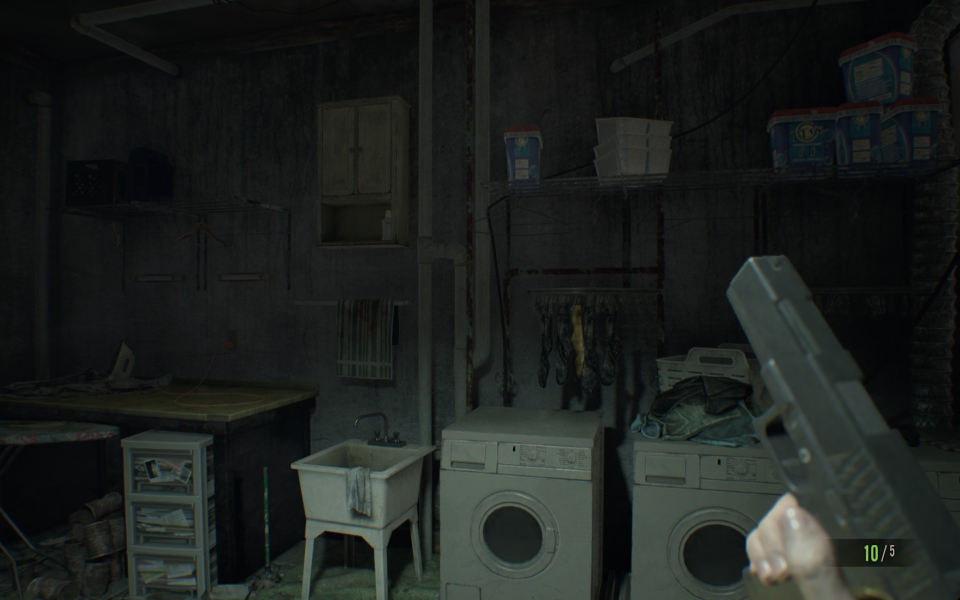
16:9 Screenshot
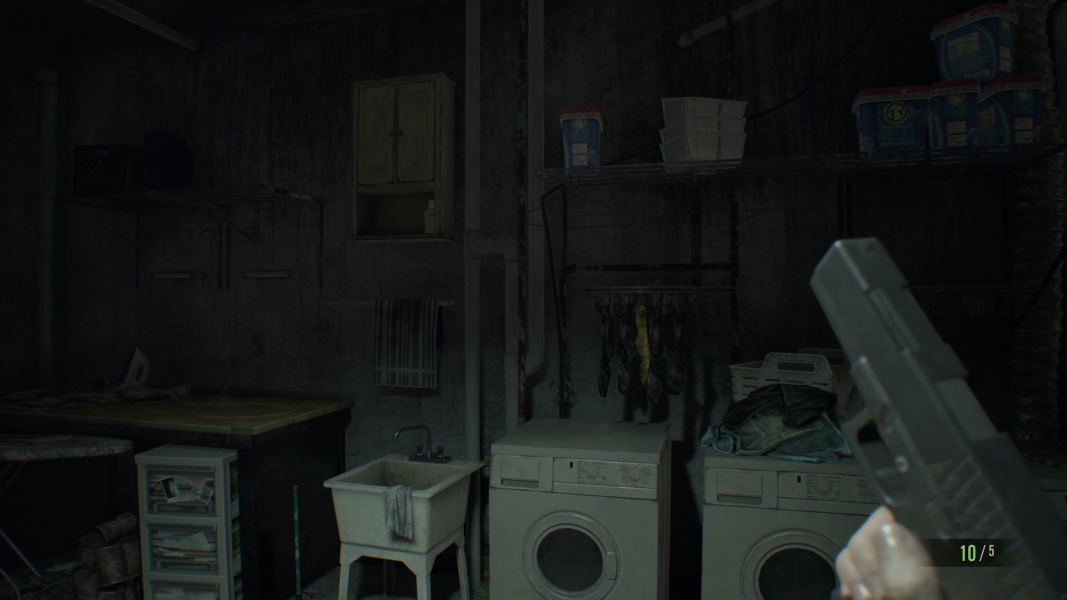
21:9 Screenshot
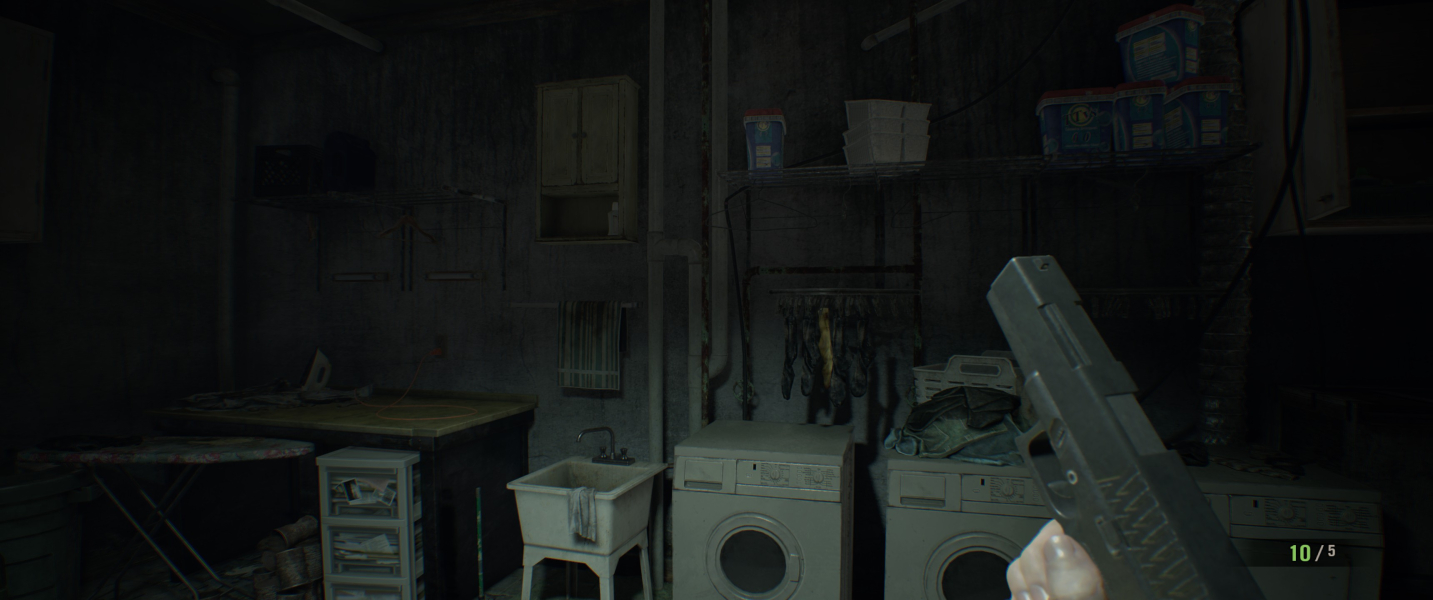
32:9 Screenshot

Eyefinity / Surround Screenshot

In-Game (Rendered) Cutscenes
4:3 Cutscene
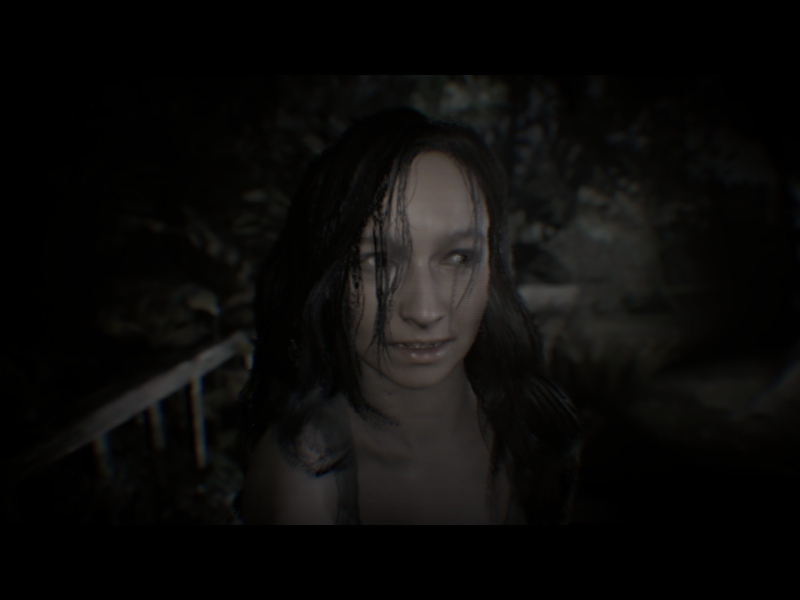
16:10 Cutscene

16:9 Cutscene

21:9 Cutscene
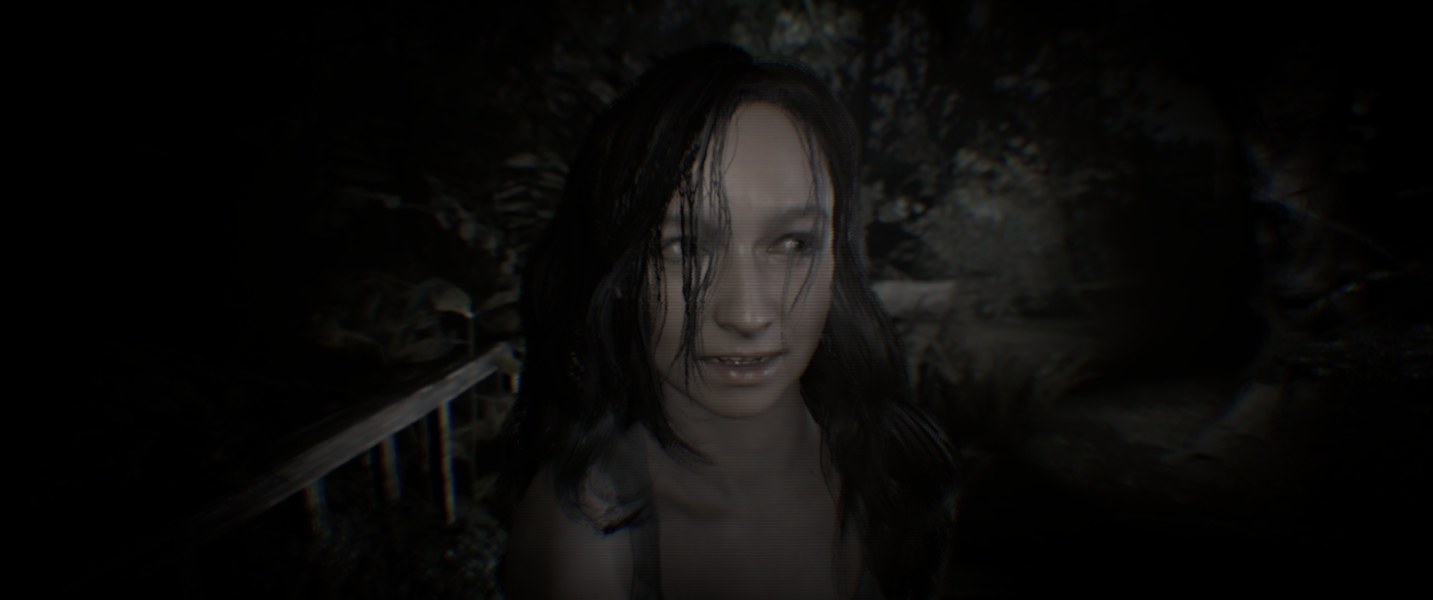
Eyefinity / Surround Cutscene

FMV Cutscenes
4:3 FMV Cutscene

16:10 FMV Cutscene
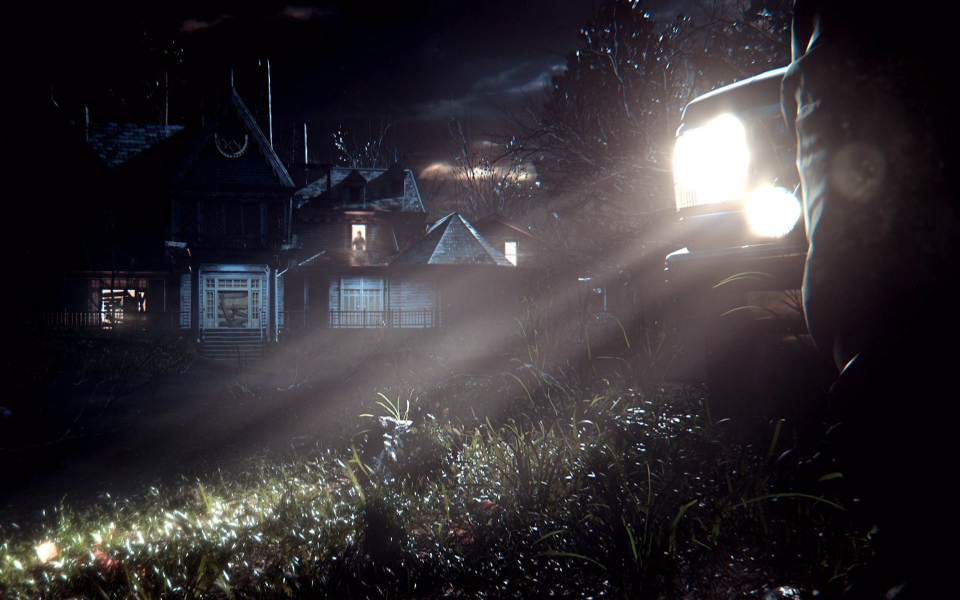
16:9 FMV Cutscene
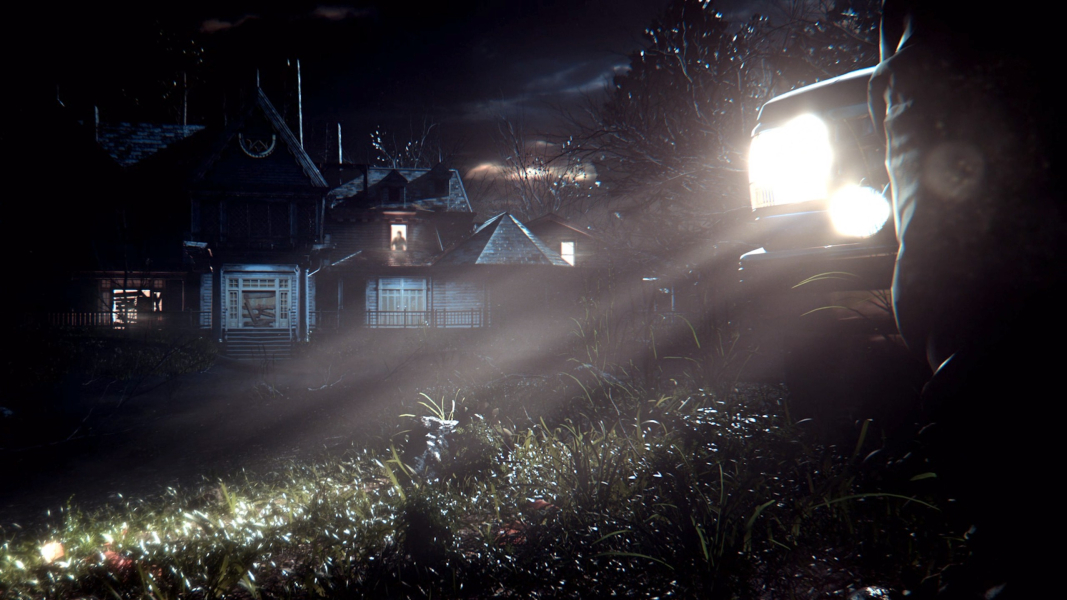
21:9 FMV Cutscene
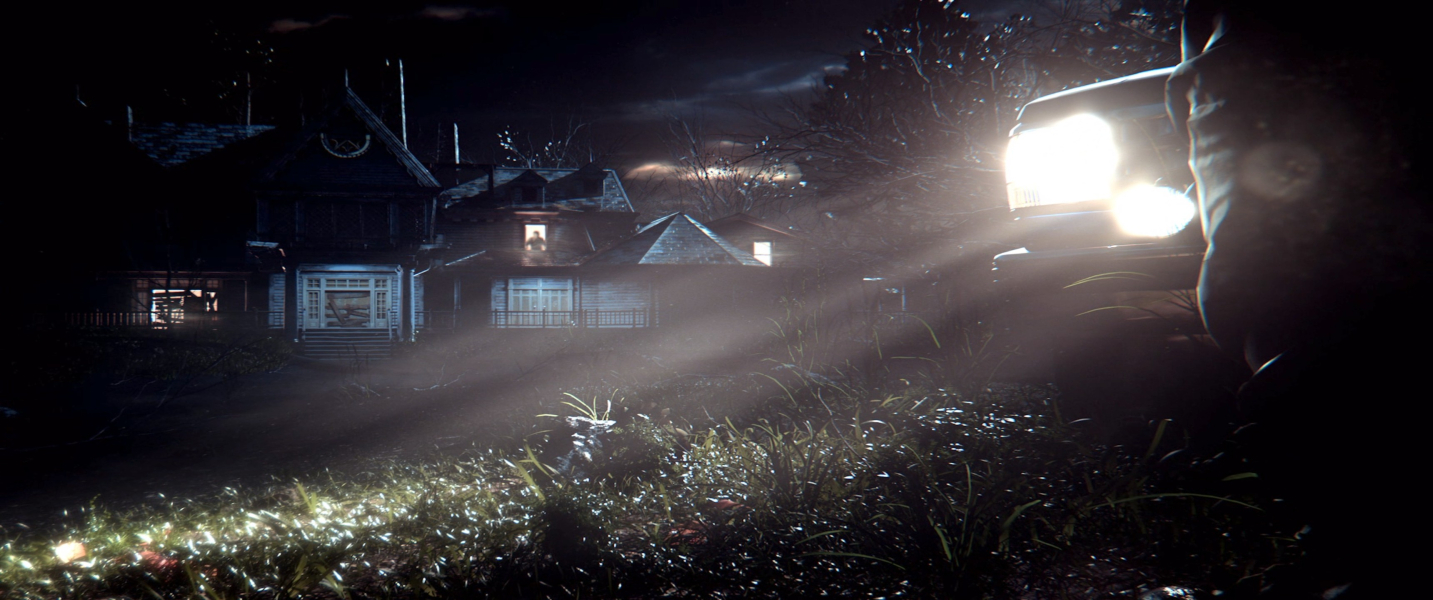
Eyefinity / Surround FMV Cutscene

Menu Screenshots
4:3 Menu
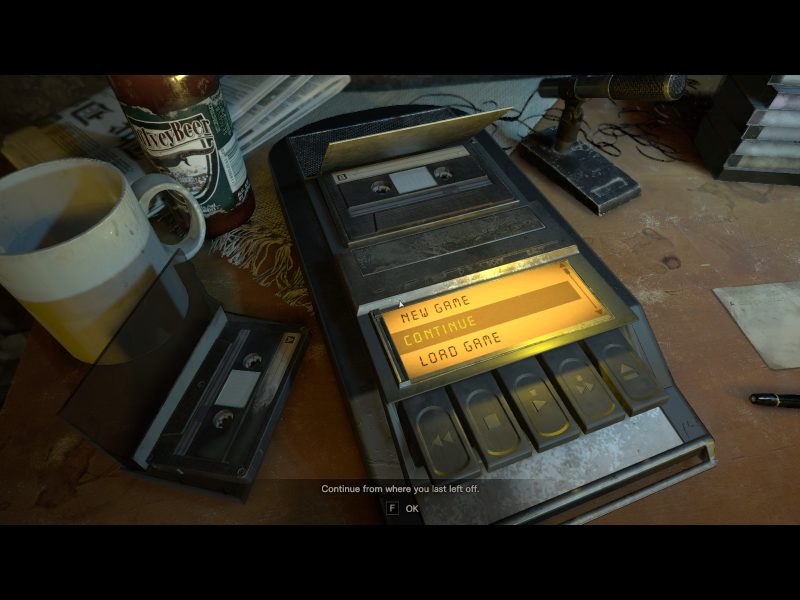
16:10 Menu
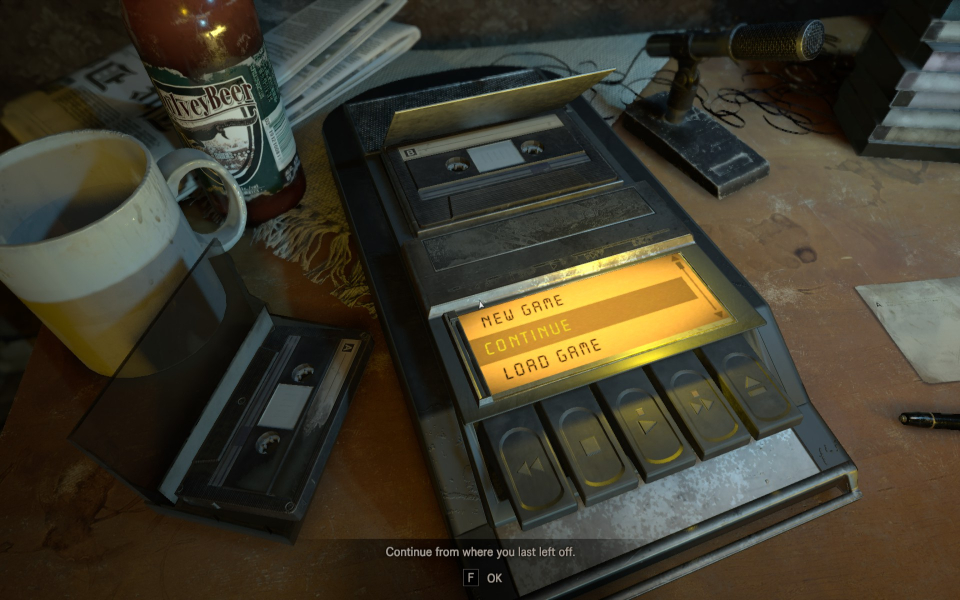
16:9 Menu
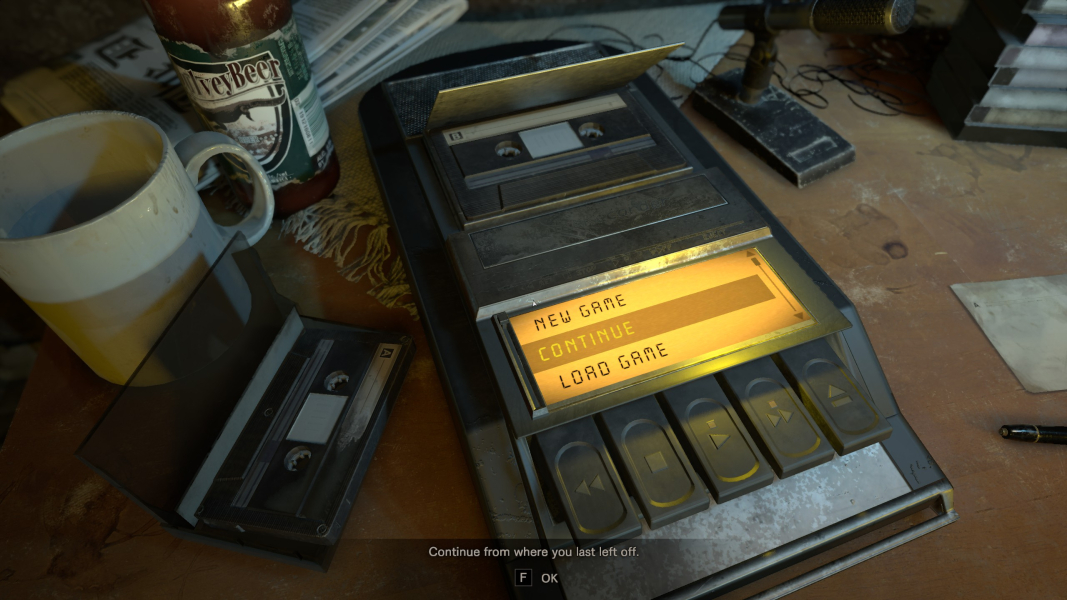
21:9 Menu

Eyefinity / Surround Menu

4K UHD Screenshots
4K Gameplay Screenshot
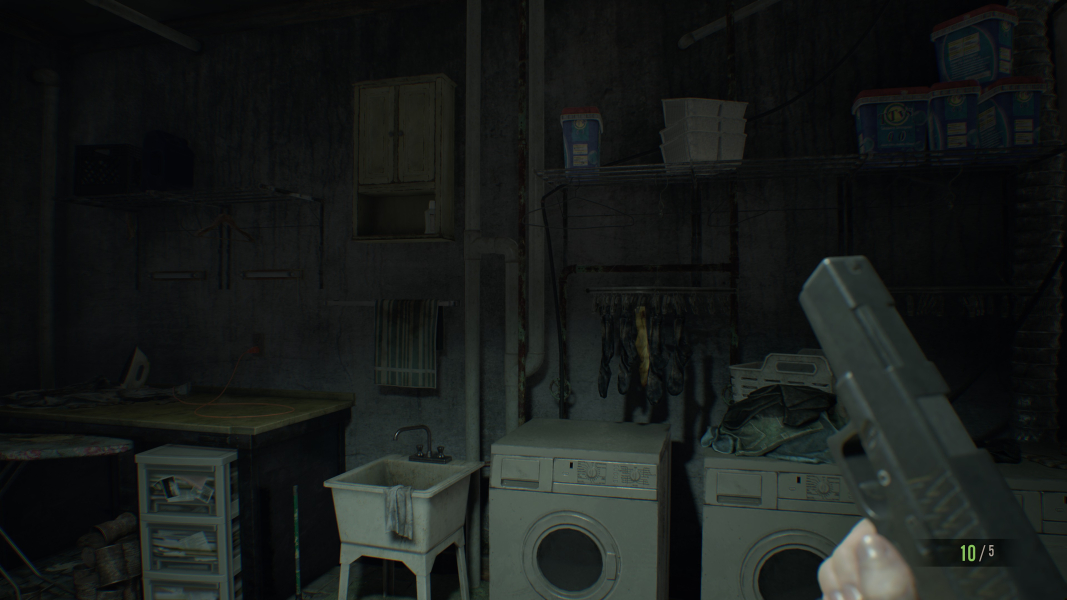
4K In-Game Cutscene
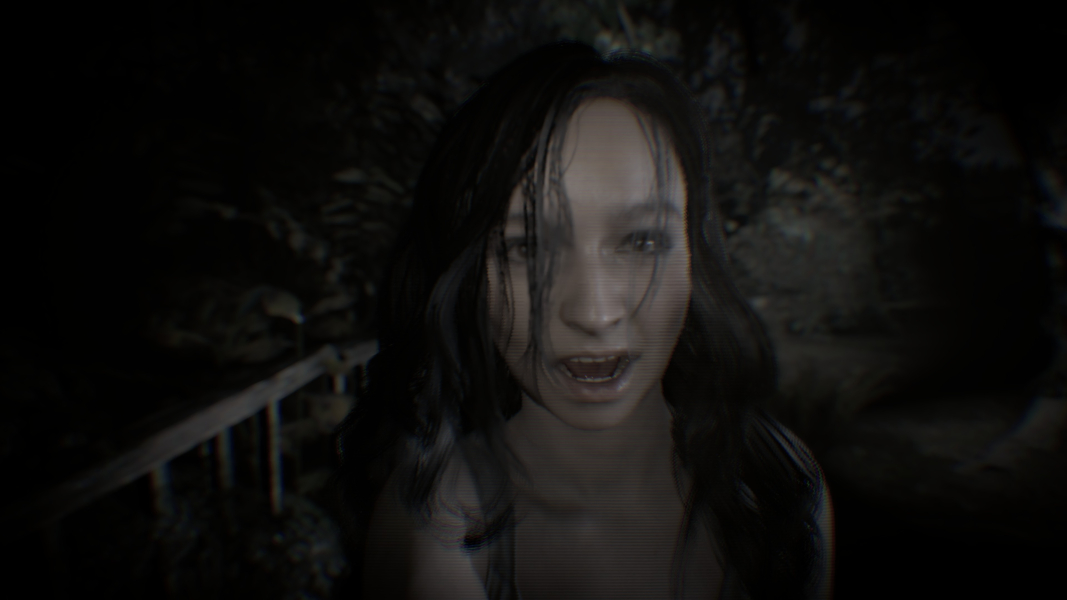
4K FMV Cutscene

4K Menu Screenshot

Additional Screenshots

Inventory, 4:3

Inventory, 16:10 (fixed)

Inventory, 16:9

Inventory, 21:9

Inventory, 48:9

Inventory - 4000x1440 fix over 7860x1440 display

Gameplay - 4000x1440 fix over 7860x1440 display

Menu - 4000x1440 fix over 7860x1440 display


