


Lethe is a first person adventure with survival horror elements. Explore an atmospheric and frightening world and uncover the dark secrets of your origins.
Support Summary
Game Information
Screenshots Comparison
Solutions & Issues
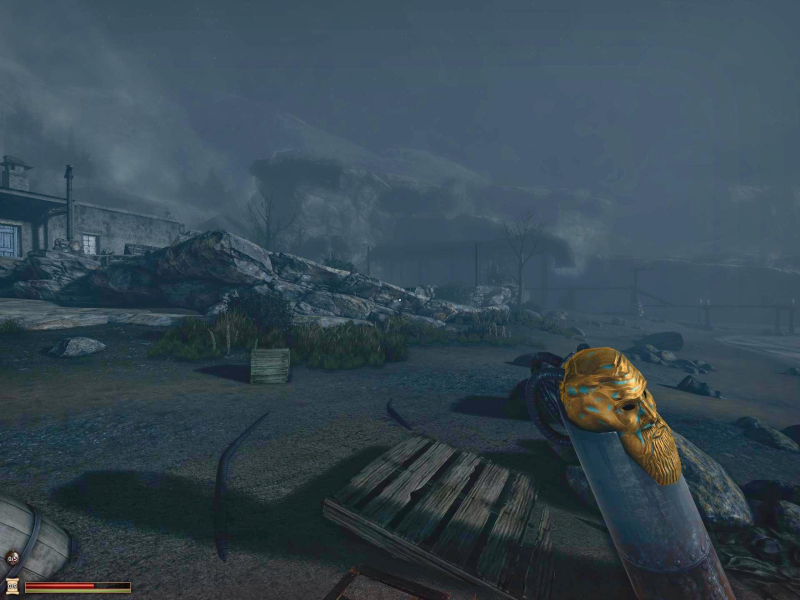
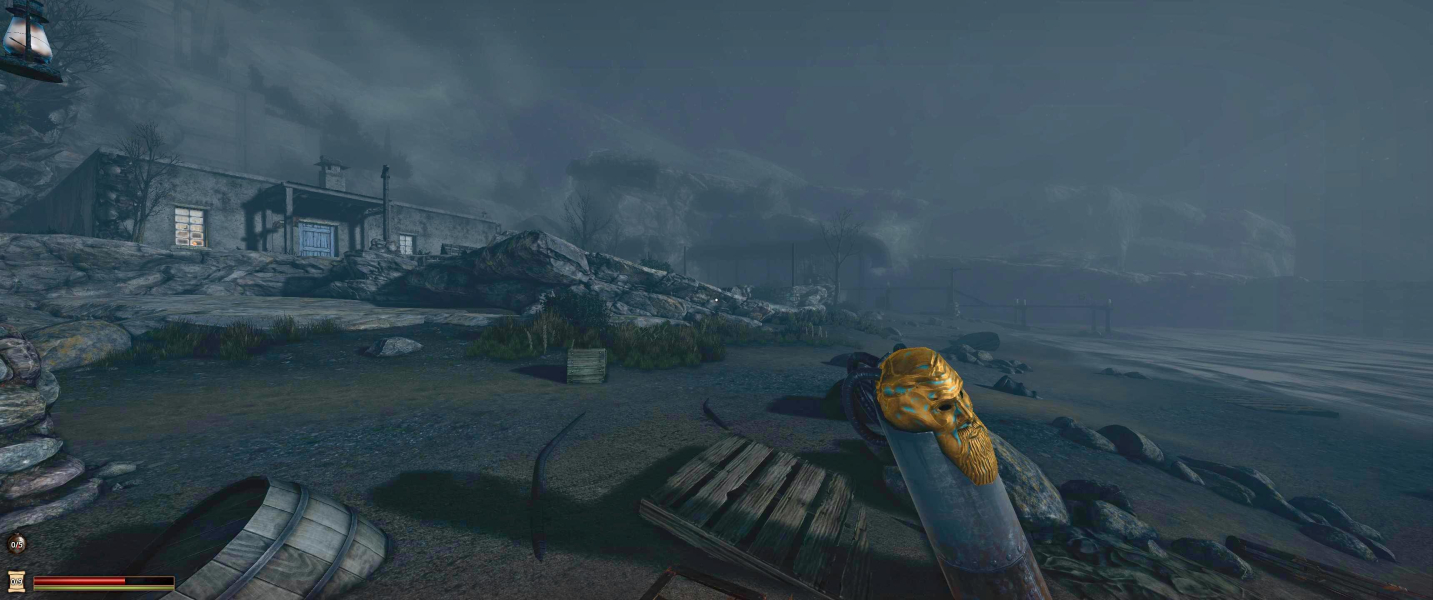
The Game is VERT- out of the Box. There is a FOV Slider in the Options but 100 is the limit and its too small for 16:9.
There are 3 Ways to correct the FOV:
1.INI edit the FOV: Go to --> ...\Steam\steamapps\common\Lethe - Episode One\UDKGame\Config\UDKEngine.ini
Look for AspectRatioAxisConstraint=AspectRatio_MaintainXFOV and change it to AspectRatioAxisConstraint=AspectRatio_MaintainYFOV
Now push the FOV Slider in the Options to 75.
2.Use FOV Fix via CheatEngine - see files available from the PC Gaming Wiki Community Files (search there) Lethe - Episode One - FOV.zip - Press Numpad + or - in Game.
or
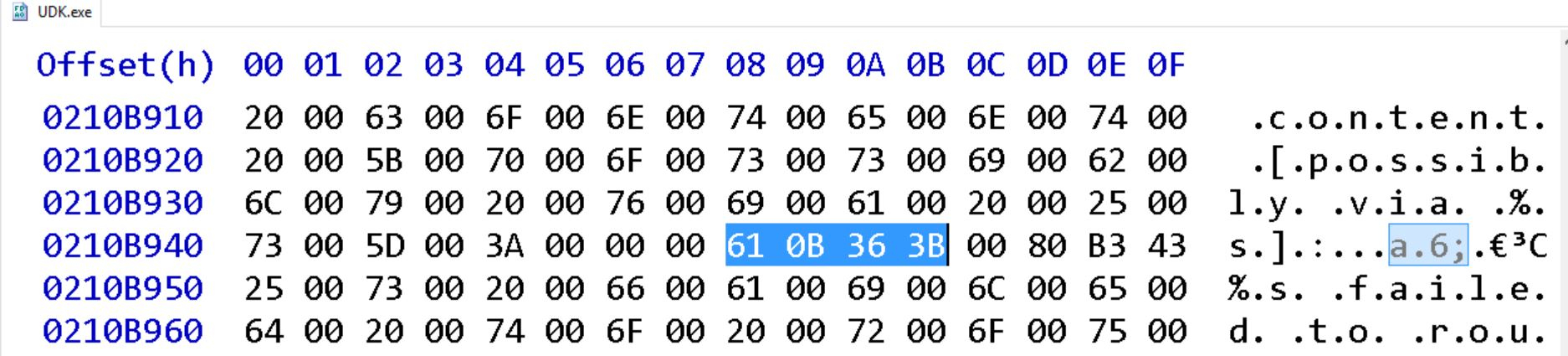
3.Hex edit FOV:Look for 61 0B 36 3B and change it too 61 0B 66 3B or even higher 61 0B 86 3B.
Then you still use the FOV Slider for fine Adjustment.
Same solution as in Widescreen
Same solution as in Widescreen.
Same solution as in Widescreen
Gameplay Screenshots




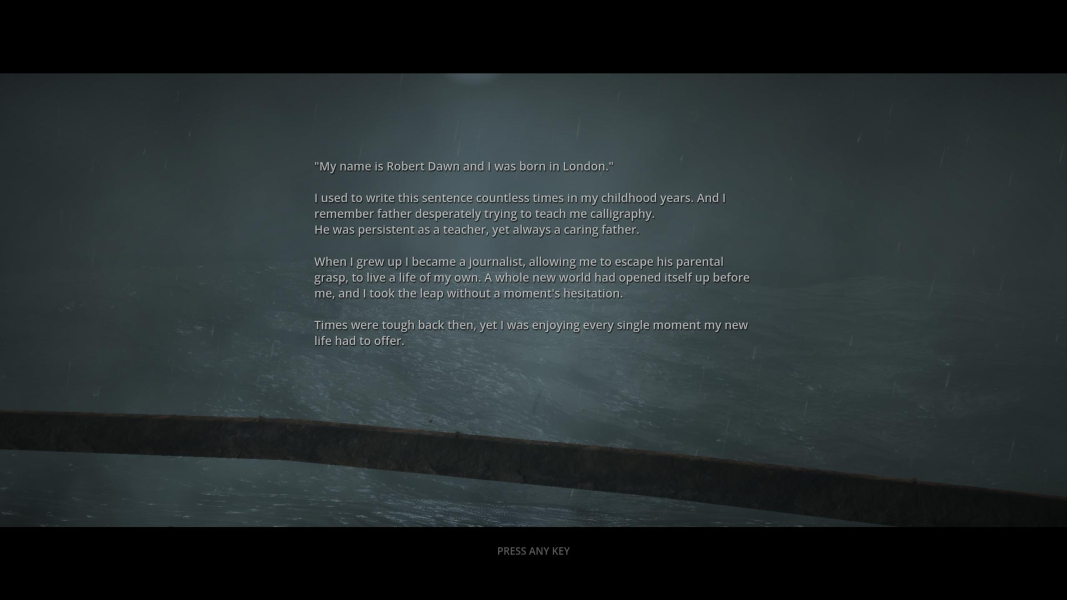
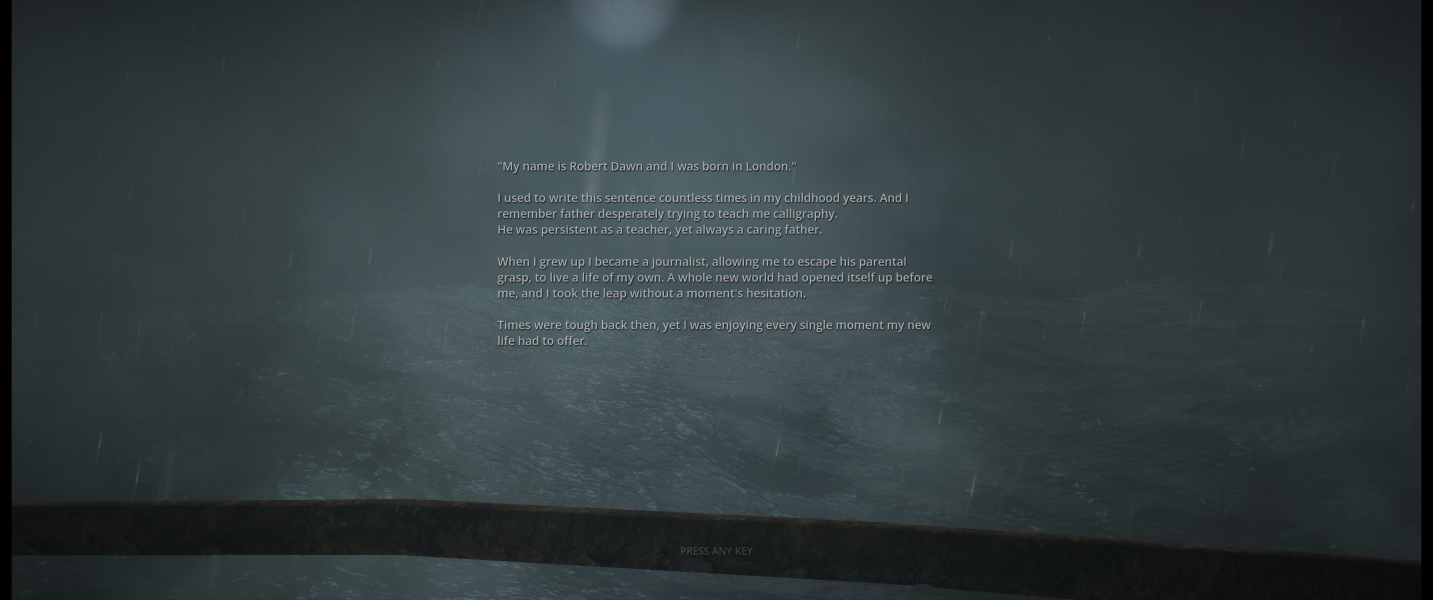
In-Game (Rendered) Cutscenes


FMV Cutscenes





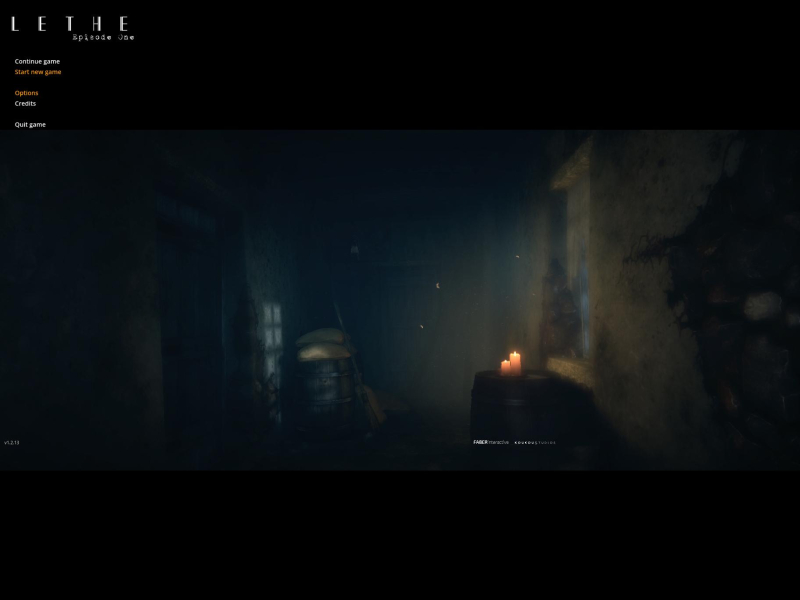
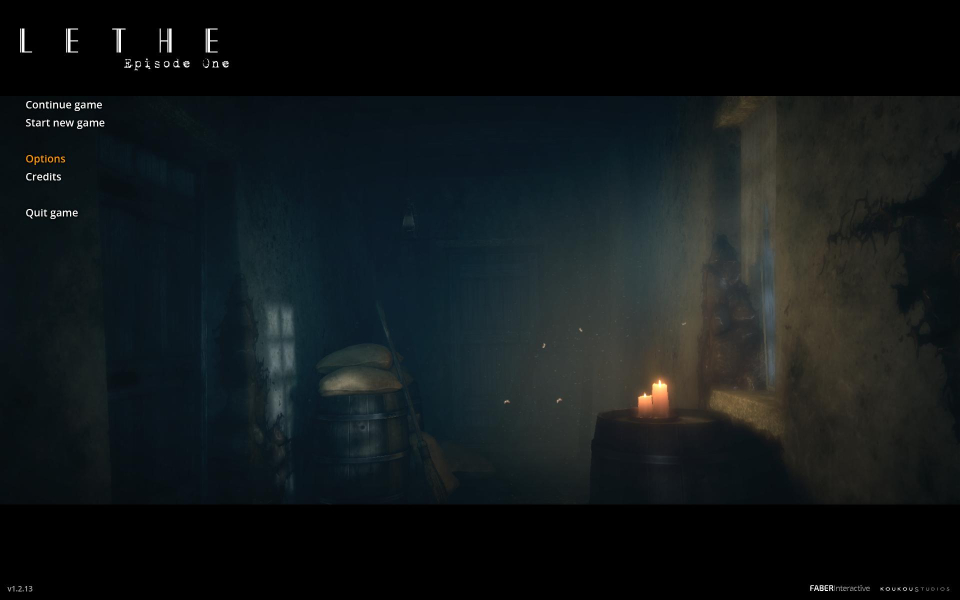
Menu Screenshots

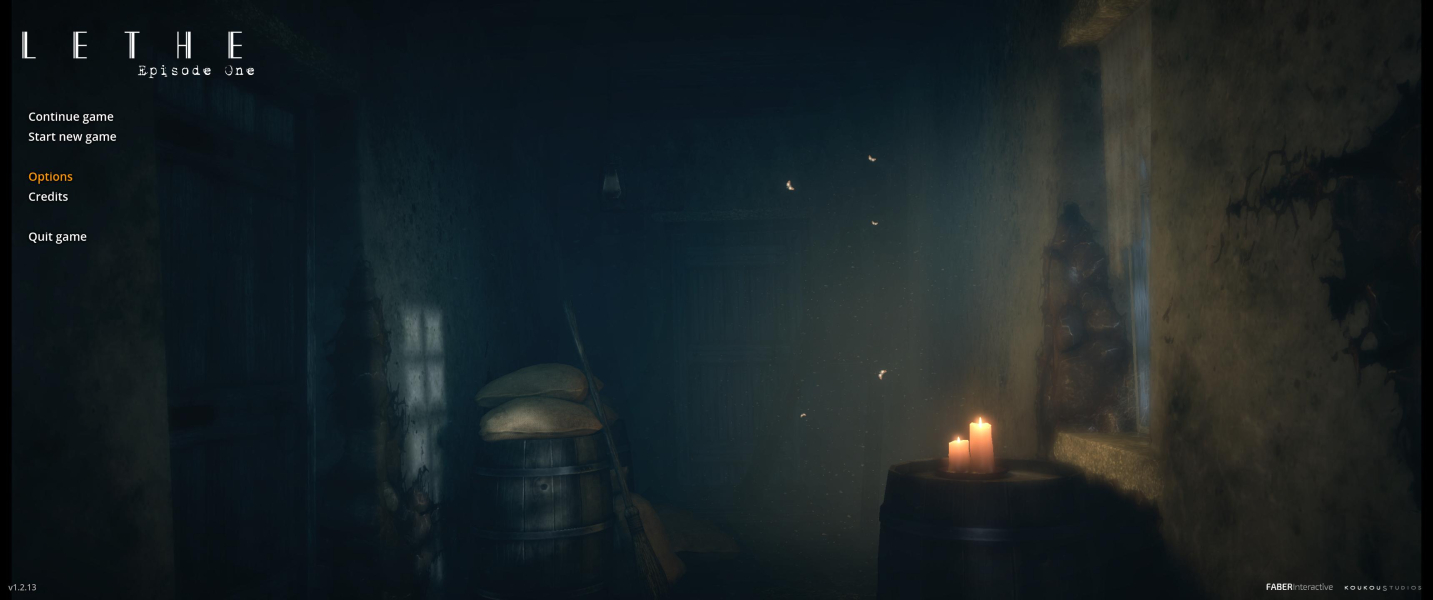

4K UHD Screenshots


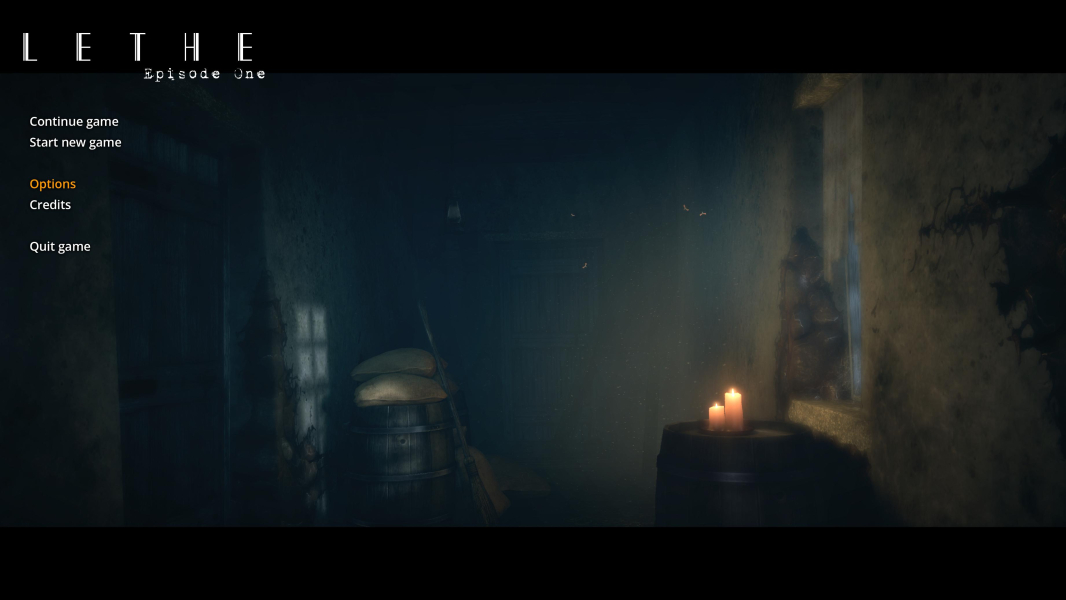
Additional Screenshots