Crimson Skies is an arcade flight simulator, set in an alternate reality in the year 1937. Based on a FASA pen-and-paper game, the player is cast as a daring rogue who flies missions for fame and fortune. The planes look like a mixture of futuristic planes and planes from WW2.
The single player missions let the player complete jobs such as finding a treasure, hijacking an experimental plane from the enemy or defending their base, a huge zeppelin.
Support Summary
Game Information
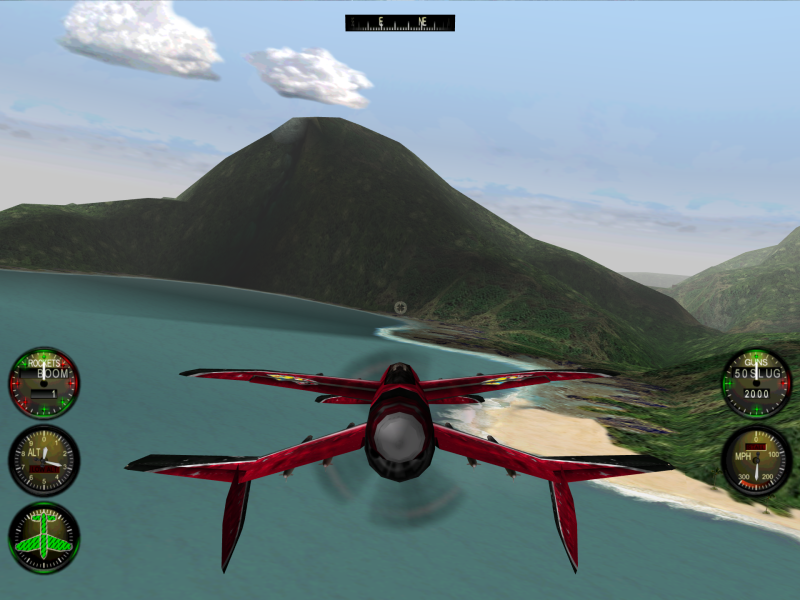
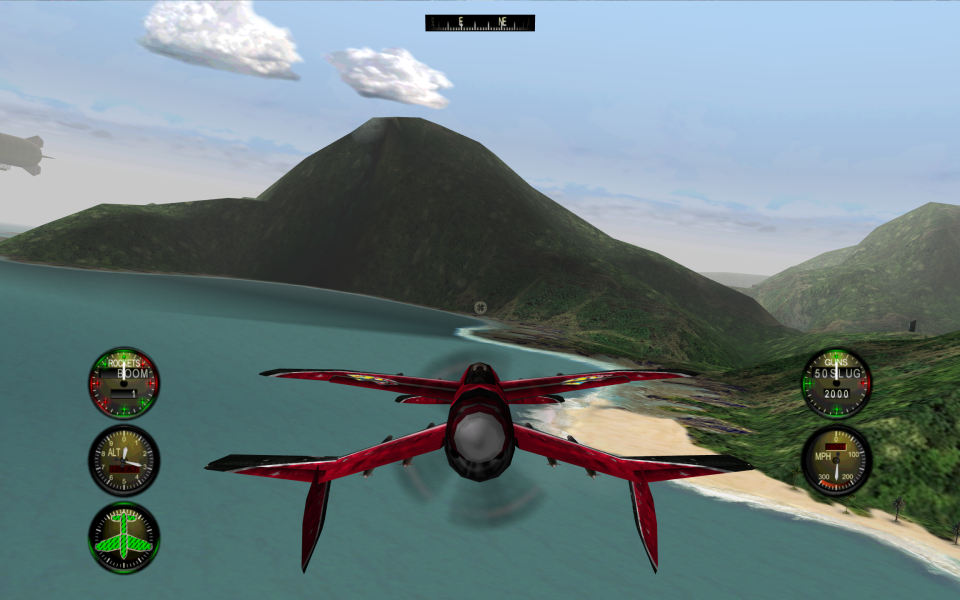
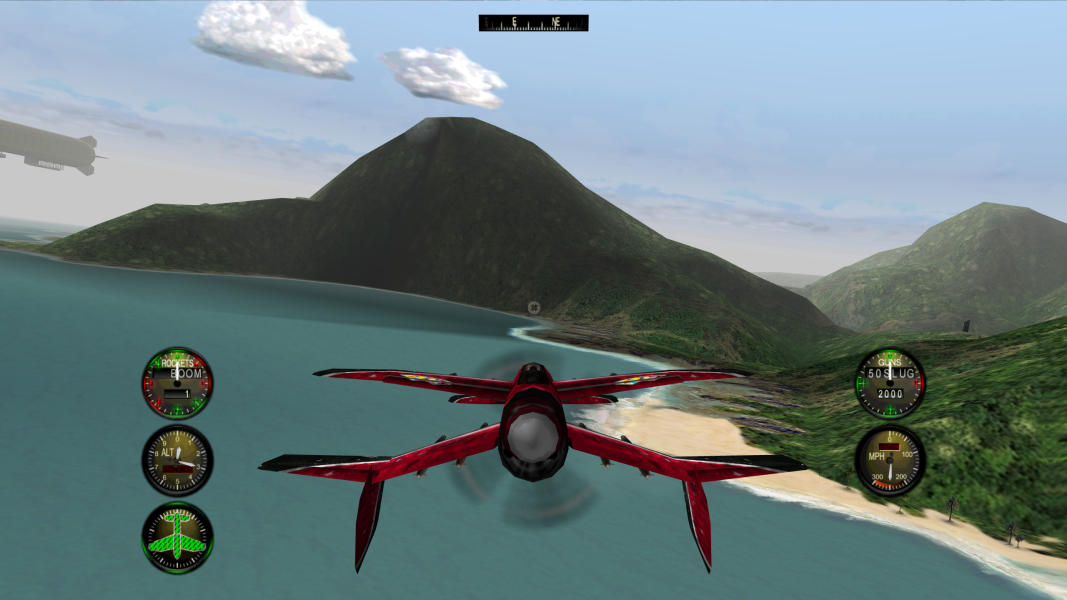
Screenshots Comparison
Solutions & Issues
Solution №1:
This version is for using with dgVoodoo2 wrapper
- Replace CRIMSON.EXE in the game folder, depending on the desired resolution
- Download dgVoodoo2 wrapper (tested on v2.54)
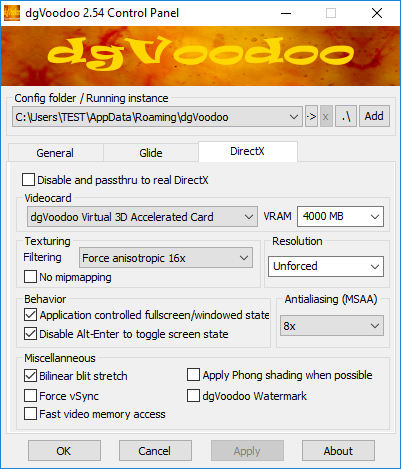
- Run dgVoodooCpl.exe, go to DirectX tab
- uncheck "dgVoodoo Watermark"
- check "Bilinear blit stretch"
- set "VRAM" value the same as your videocard haves
- set "Texture Filtering" - "Force anisotropic 16x" and "Antiasliasing (MSAA)" - "8x" (not really necessary, you may skip this step)
- Copy DDraw.dll and D3DImm.dll files from [u]dgVoodoo2_54\MS\[/u] to the game folder
dgVoodoo2 settings:
Main menu uses 800x600. In addition you can force resolution through dgVoodoo, then main menu will use your custom resolution, but it will be stretched then.
=====
Solution №2:
Copy all content from files available from the PC Gaming Wiki Community Files (search there) to the game folder.
Resolution can be setup in csfix.ini
For example, for 1920x1080:
ScreenWidth=1920
ScreenHeight=1080
Note: csfix may cause low game performance and graphical glitches
Same as widescreen
Same as widescreen
Same as widescreen
Gameplay Screenshots



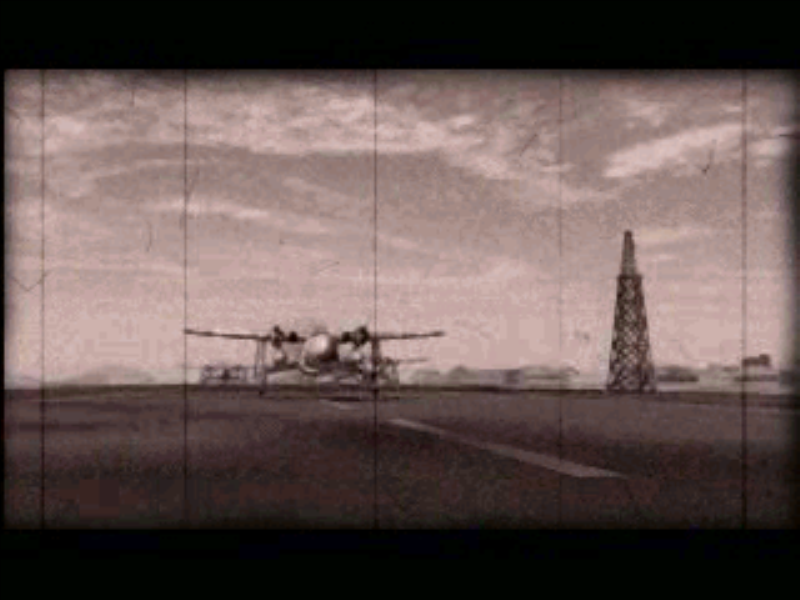
In-Game (Rendered) Cutscenes
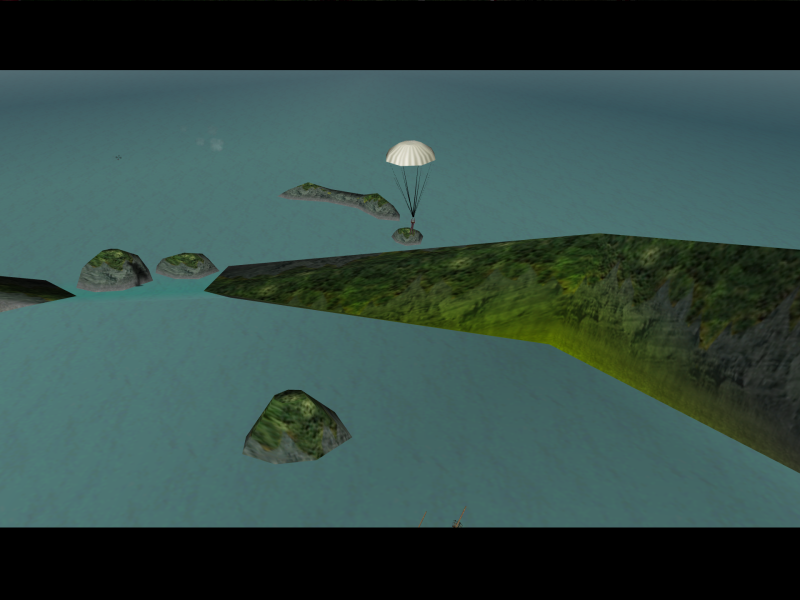
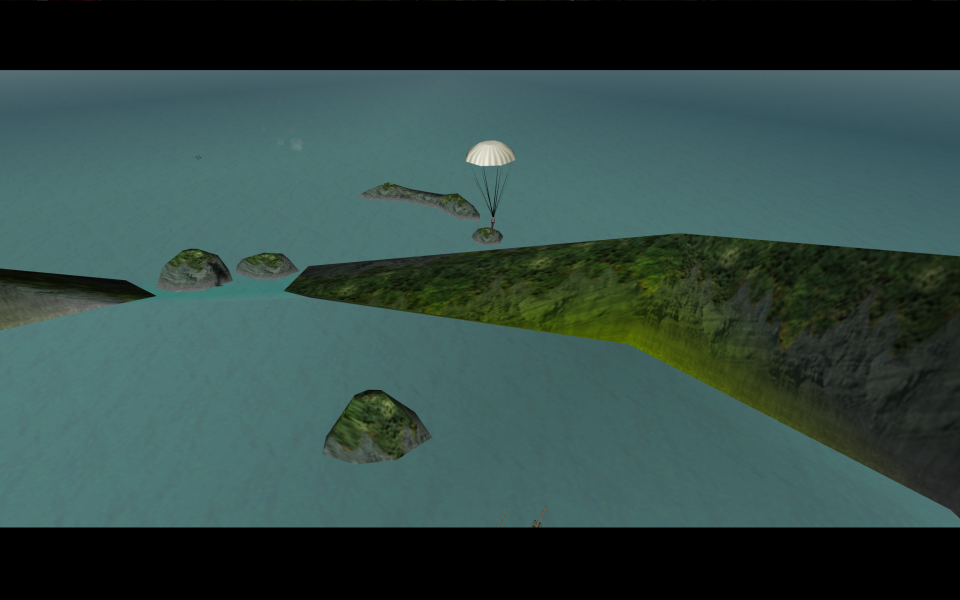
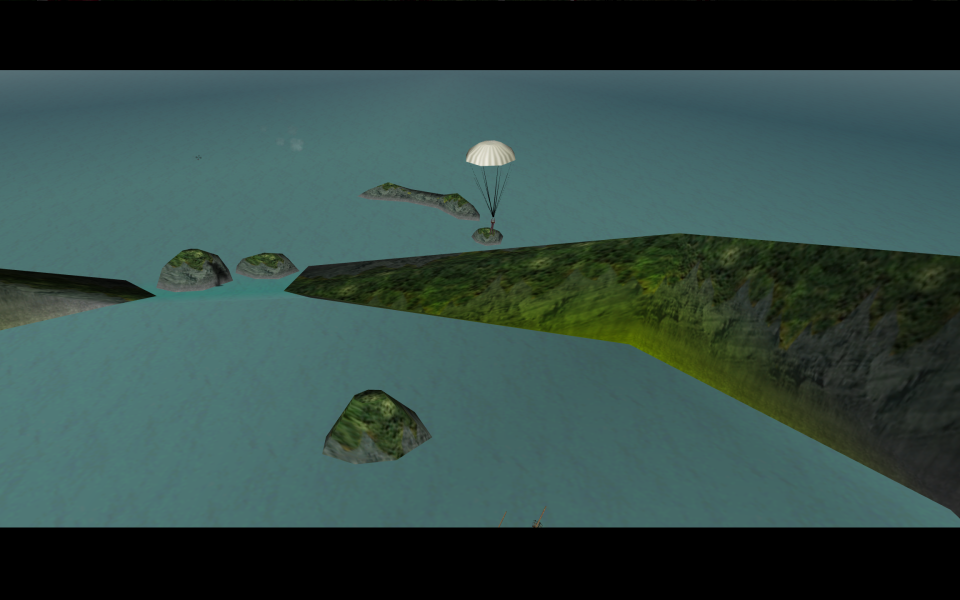
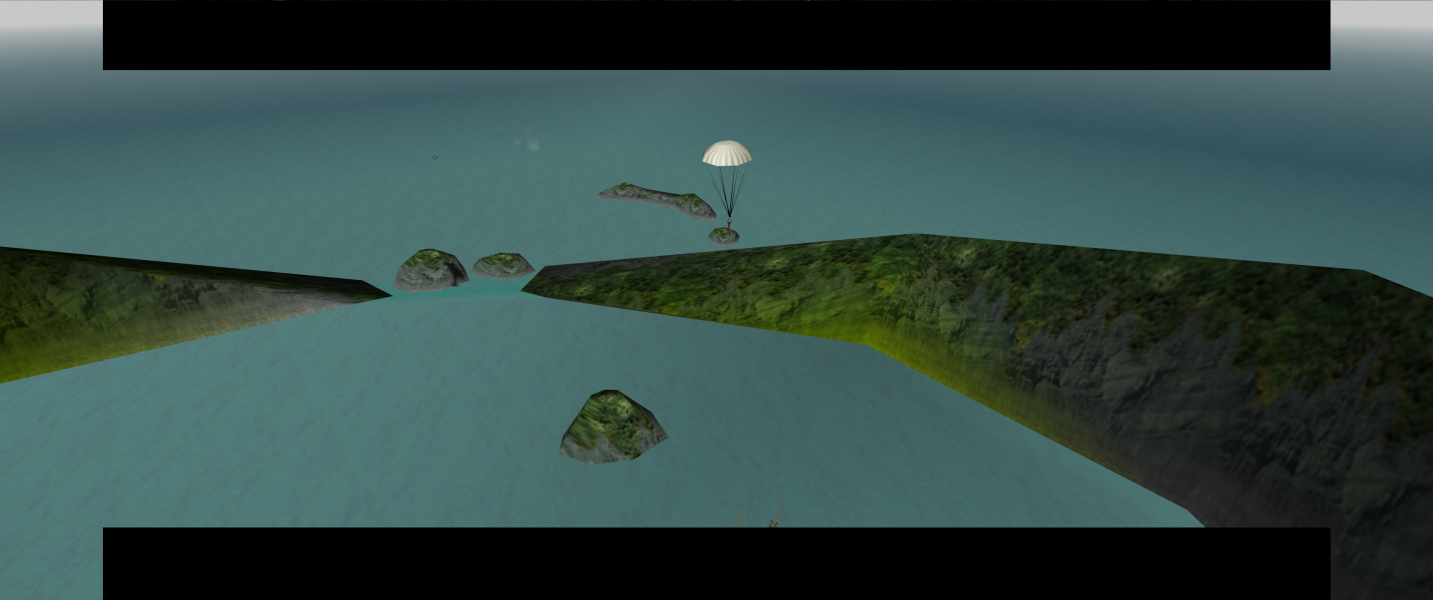

FMV Cutscenes


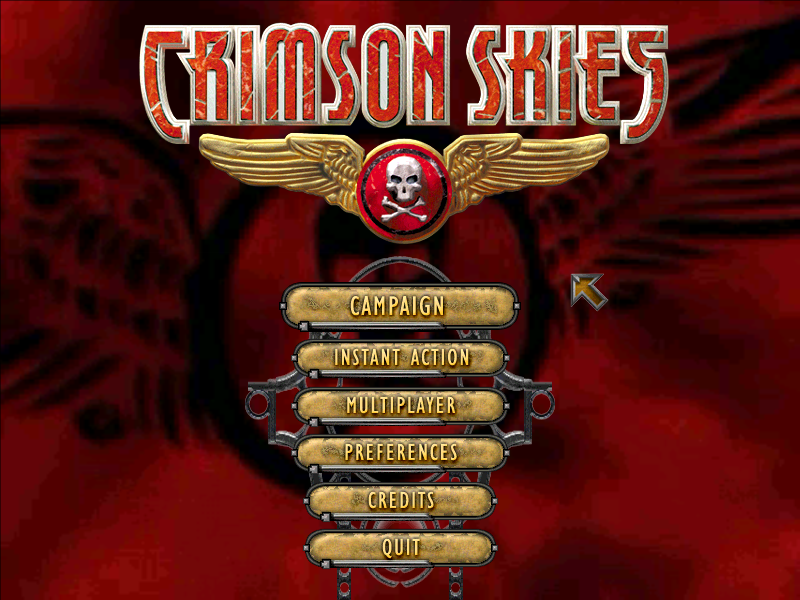
Menu Screenshots

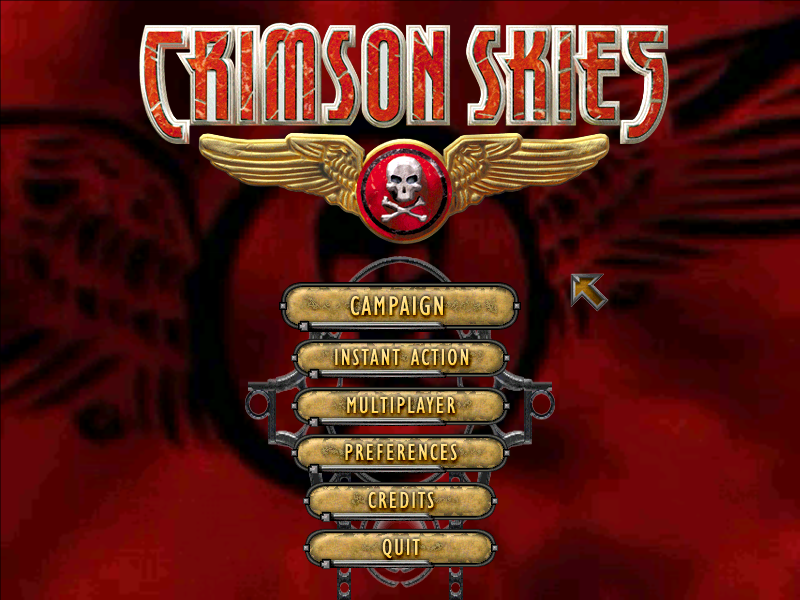
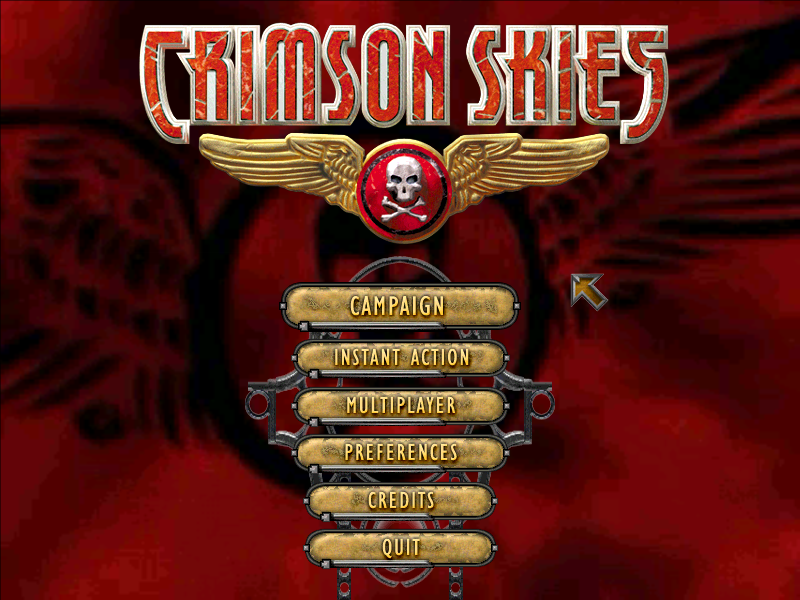

4K UHD Screenshots
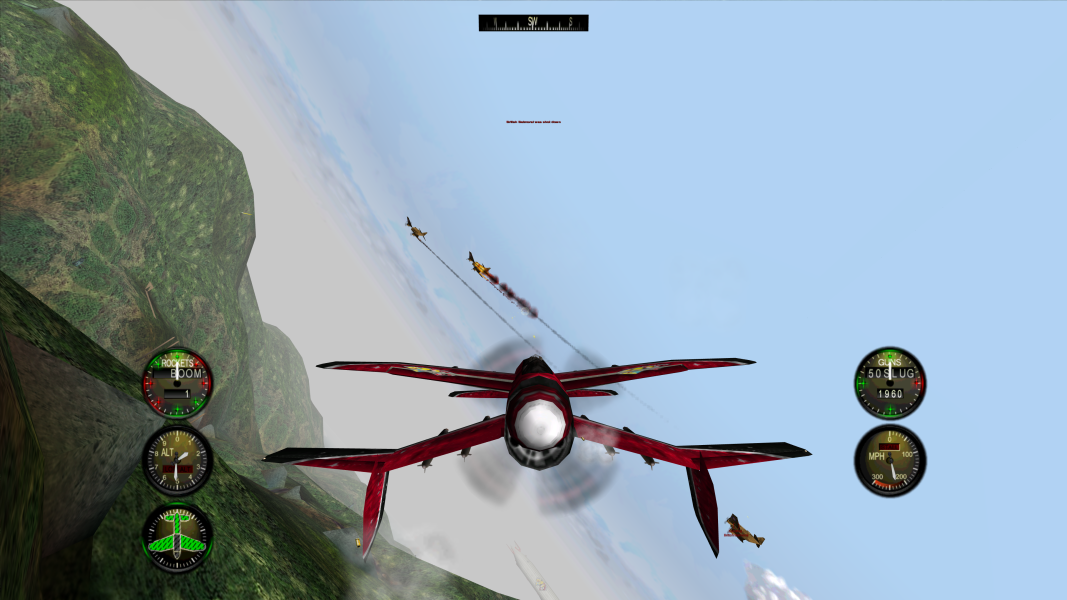
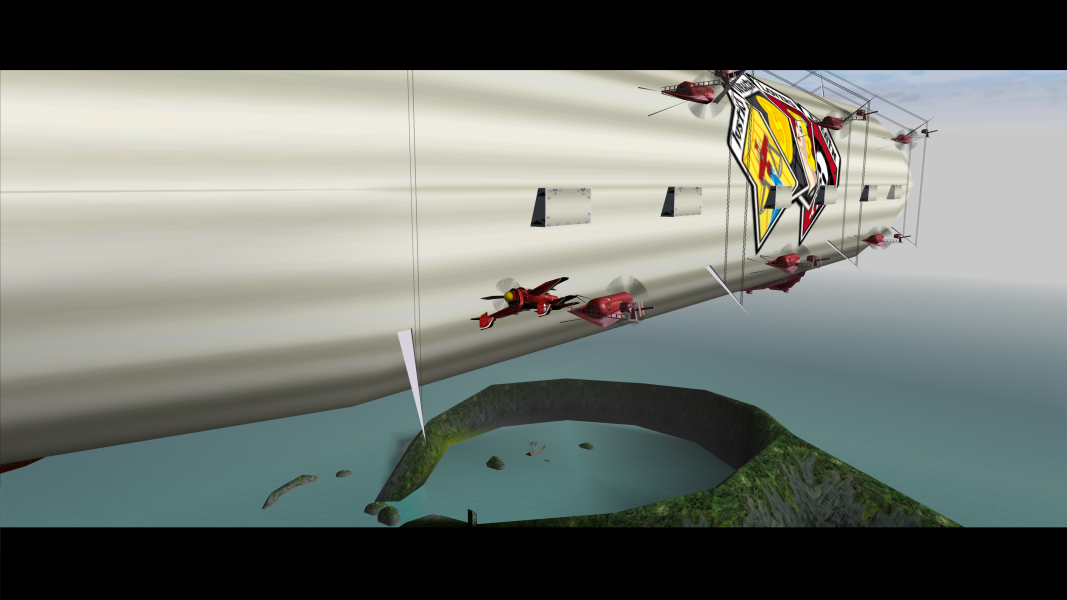
Additional Screenshots