

Arena FPS based on the Nerf toyline. Take on your rivals in multiple modes and become the new champion.
Support Summary
Game Information
Screenshots Comparison
Solutions & Issues
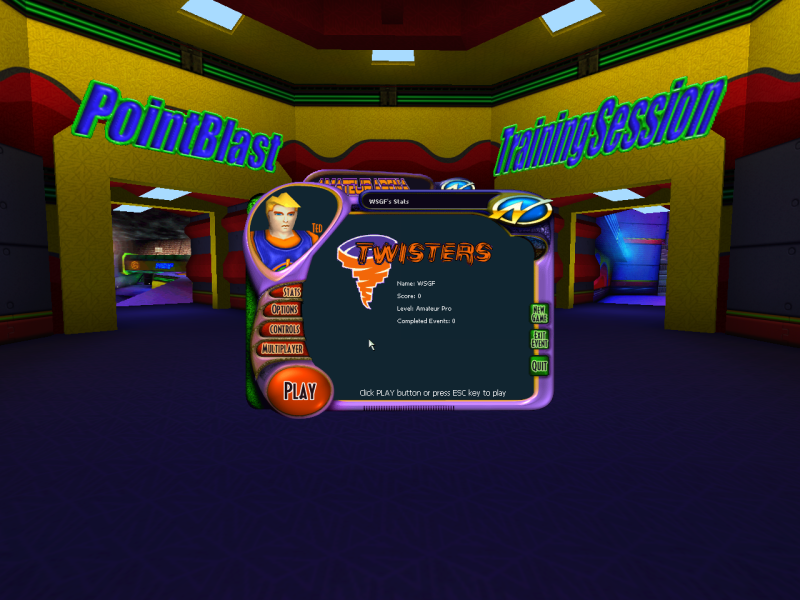
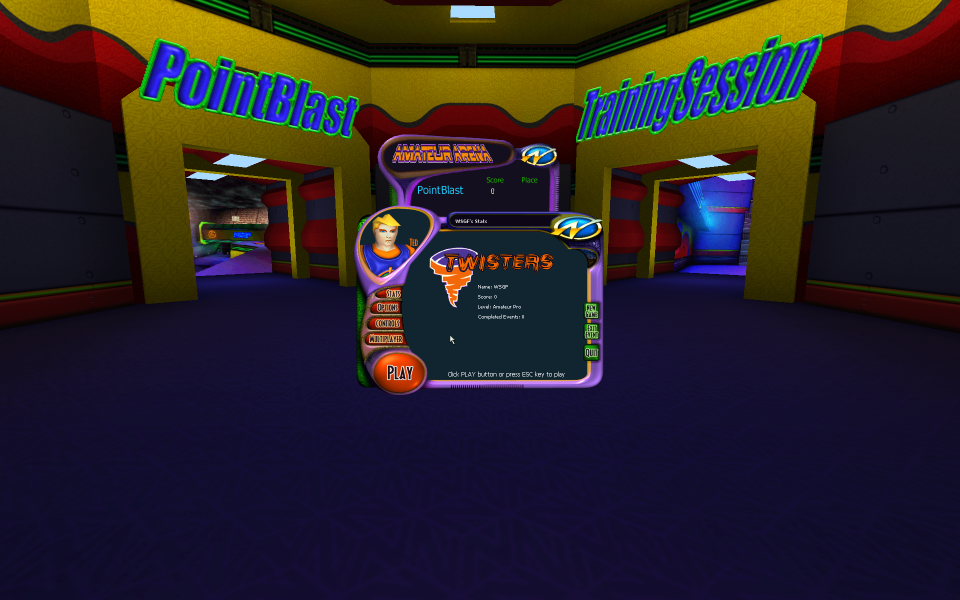
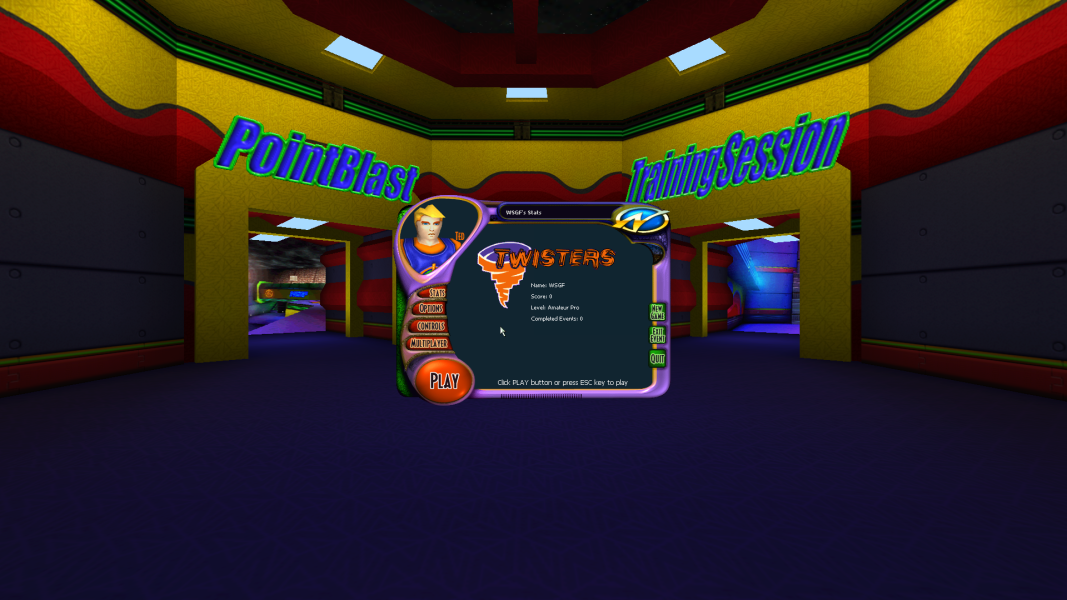
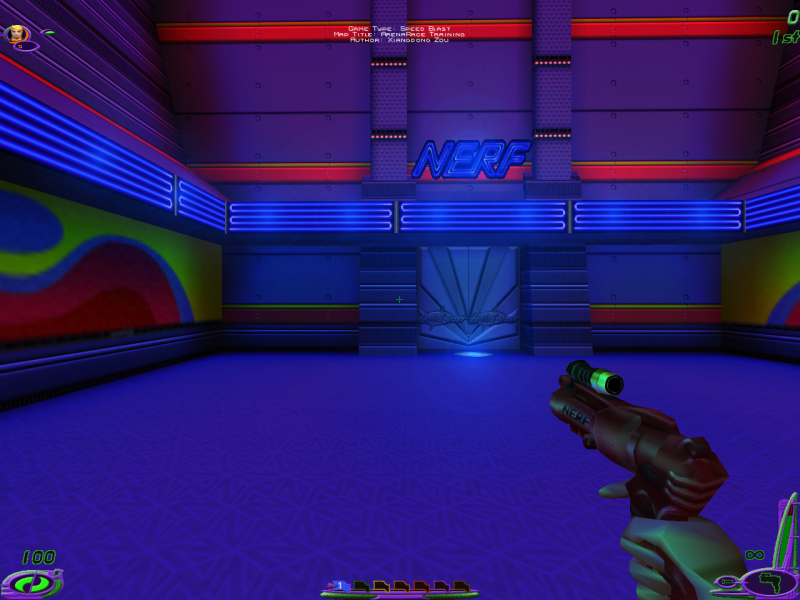
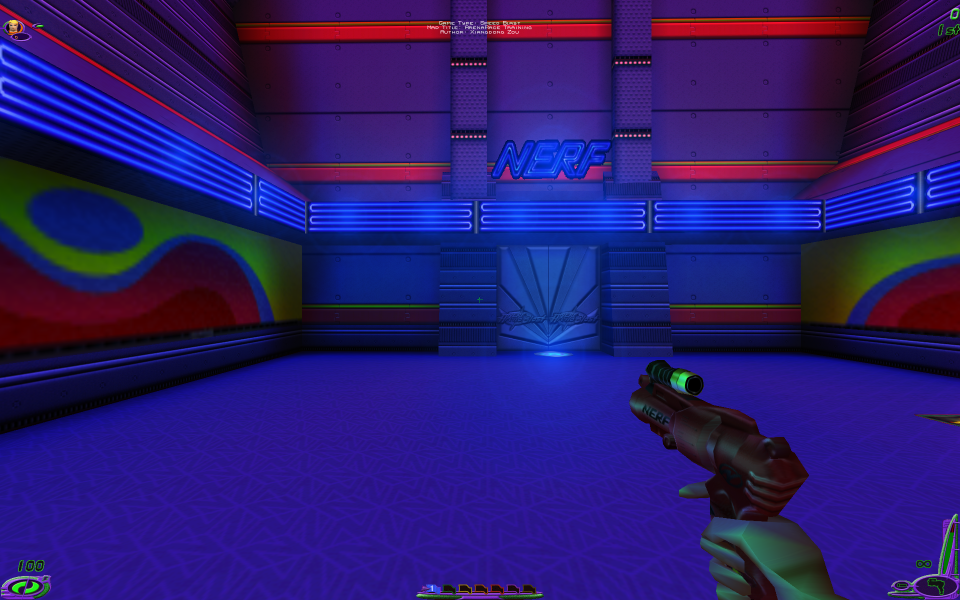
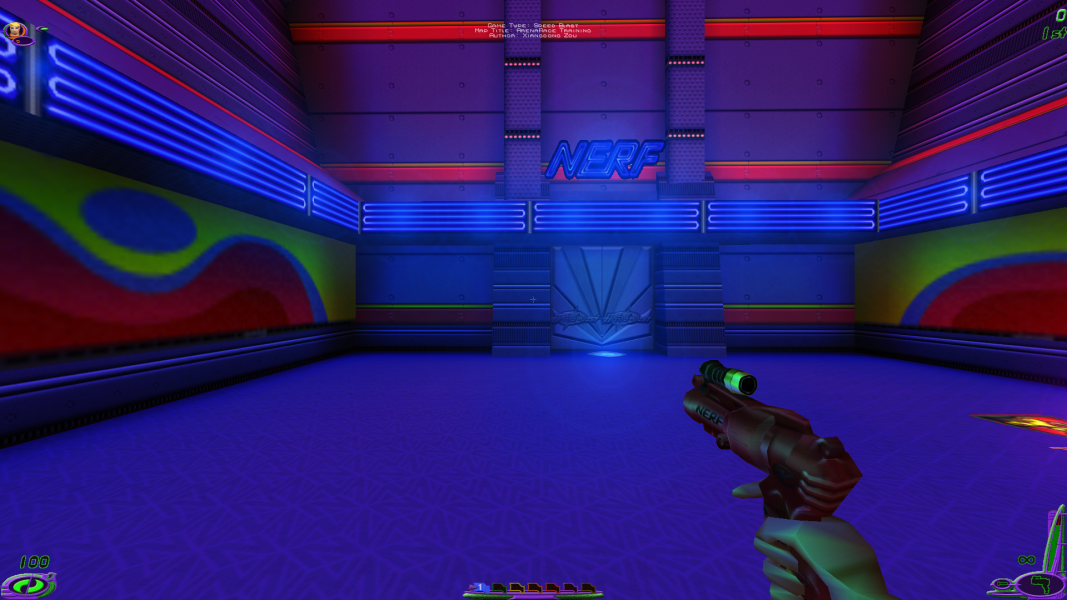
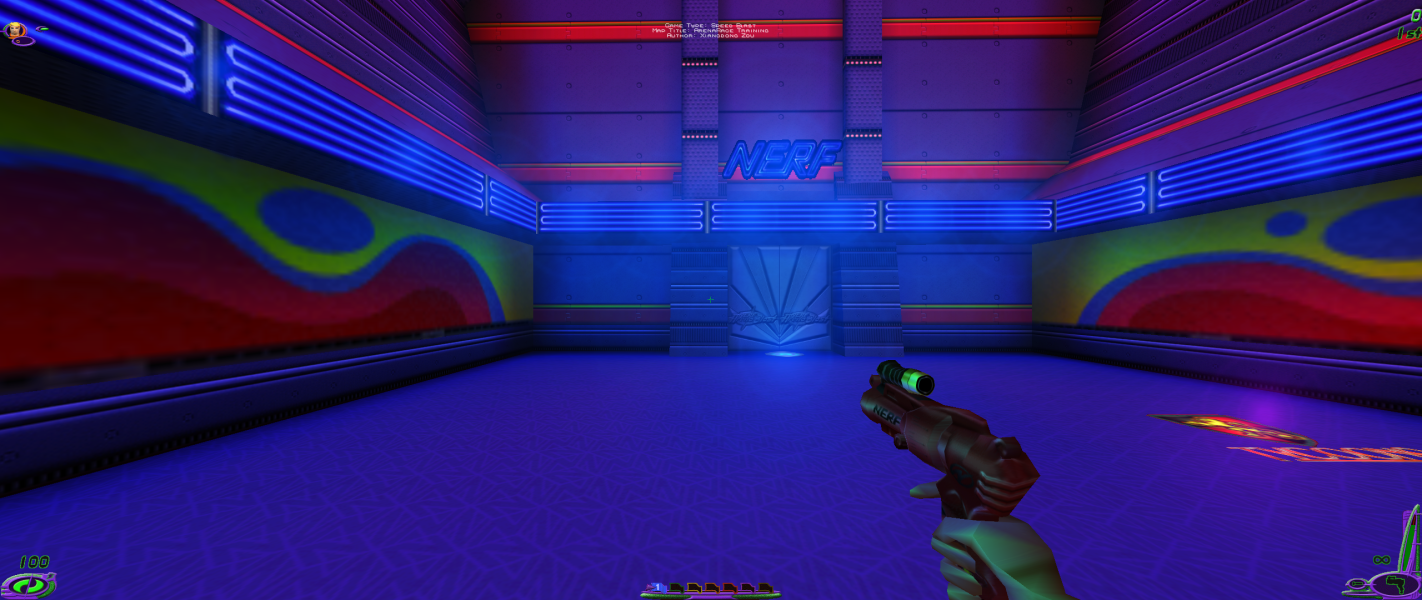
Resolutions are detected and listed in-game. FOV is Vert-; FOV can be increased by opening the console (tilde) and entering fov 120 (replace with the desired FOV value, then press Enter to apply the FOV change). Resolution and FOV can also be set by editing Nerf.ini and User.ini in the System folder.
HUD/UI/text does not increase in size at higher resolutions. FMV videos are always run at 640x480.
Resolutions higher than 2048x2048 require additional steps:
- Download dgVoodoo 2
- Extract the contents of the MS folder into the game's System folder.
Same as widescreen solution.
Same as widescreen solution.
If the game switches to windowed mode when trying to play fullscreen open the dgVoodoo 2 settings (dgVoodooCpl.exe), go to the DirectX tab, and increase the VRAM setting to a higher value (e.g. 256 MB).
Gameplay Screenshots


Menu Screenshots