





After decades of toil, an old machinist plots his escape from the oppressive grasp of the Communist regime. Through hidden passages, shadow and grief, he struggles. Ingenuity, reflexes and deception are his tools. Along the road, he befriends the most unlikely creature, an abandoned little robot. Could they escape this bleak and deadly world, together?
Features
• Unravel the puzzles buried within the oppressive atmosphere of a dystopian dictatorship
• Harness the power of a stolen designator tool to manipulate both man and machine
• Befriend a lonely lost robot and earn its loyal companionship
• Take your shot at overthrowing a Communist State inspired by real world events
Support Summary
Game Information
Screenshots Comparison
Solutions & Issues
Native Anamorphic
The Game only supports Aspect Ratio till 16:9 - you need to use a HEX editor to get rid of the bbars.
Go to --> ...\Steam\steamapps\common\BlackTheFall\BlackTheFall_Data\Managed\Assembly-CSharp.dll
Then Hex edit these Adresses:
Go to Offset 73AC0 look for 00 00 80 41 and change it to 00 5C AB 41
or use the files available from the PC Gaming Wiki Community Files (search there) -> Black.the.Fall - Aspect Ratio fix.zip
The Game only supports Aspect Ratio till 16:9 - you need to use a HEX editor to get rid of the bbars.
Go to --> ...\Steam\steamapps\common\BlackTheFall\BlackTheFall_Data\Managed\Assembly-CSharp.dll
Then Hex edit these Adresses:
Go to Offset 73AC0 look for 00 00 80 41 and change it to 00 8C 3E 42
or use the files available from the PC Gaming Wiki Community Files (search there) -> Black.the.Fall - Aspect Ratio fix.zip
Native
Gameplay Screenshots
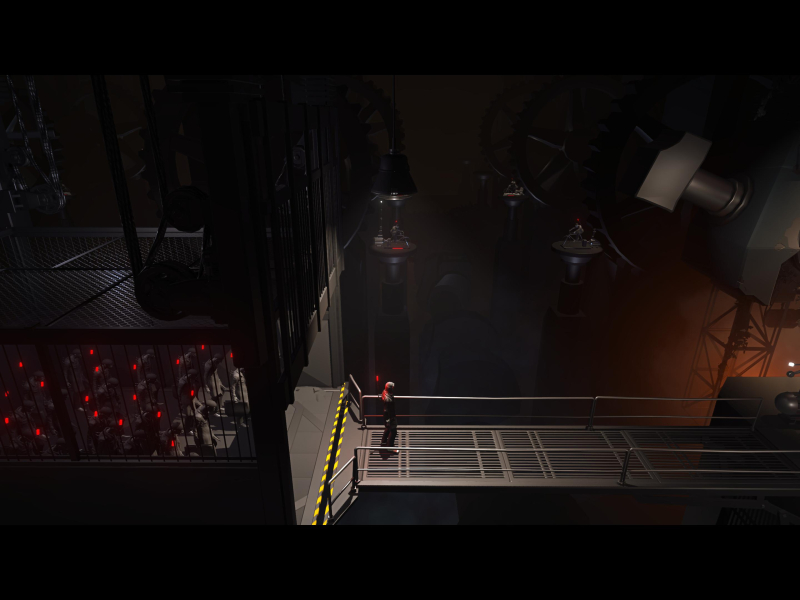



In-Game (Rendered) Cutscenes





FMV Cutscenes





Menu Screenshots
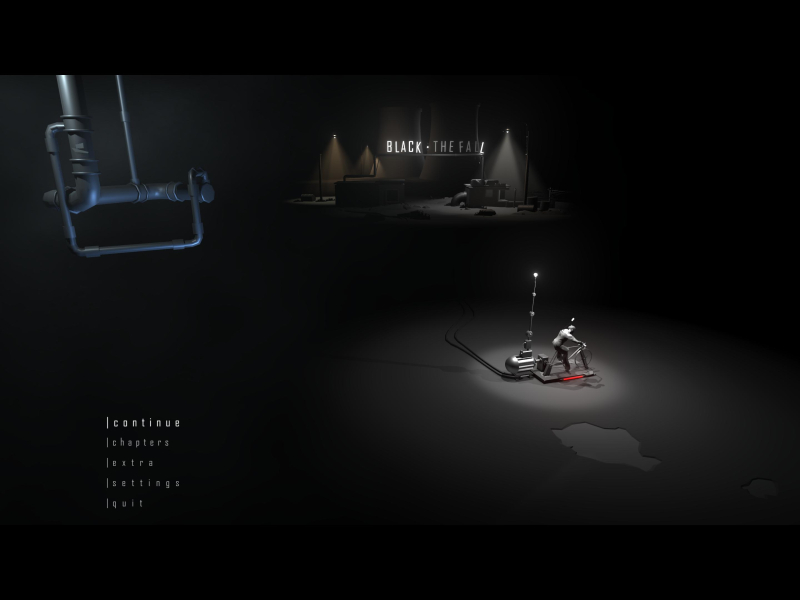
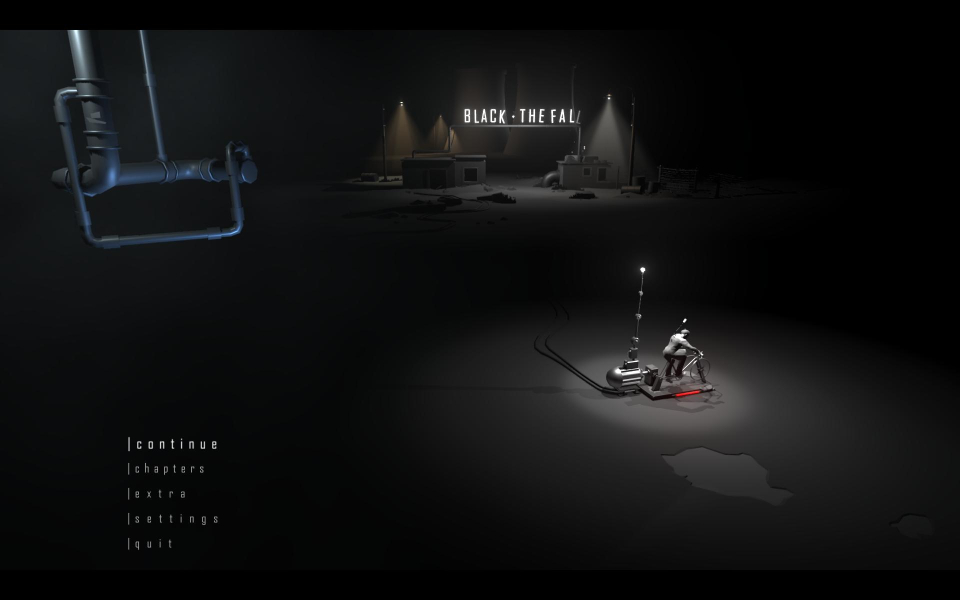
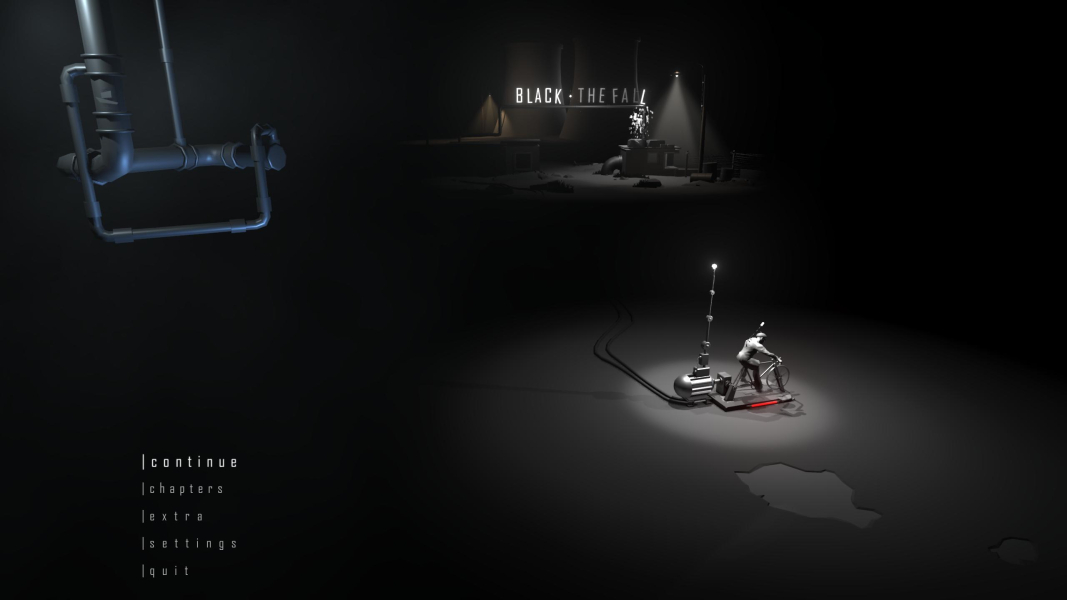
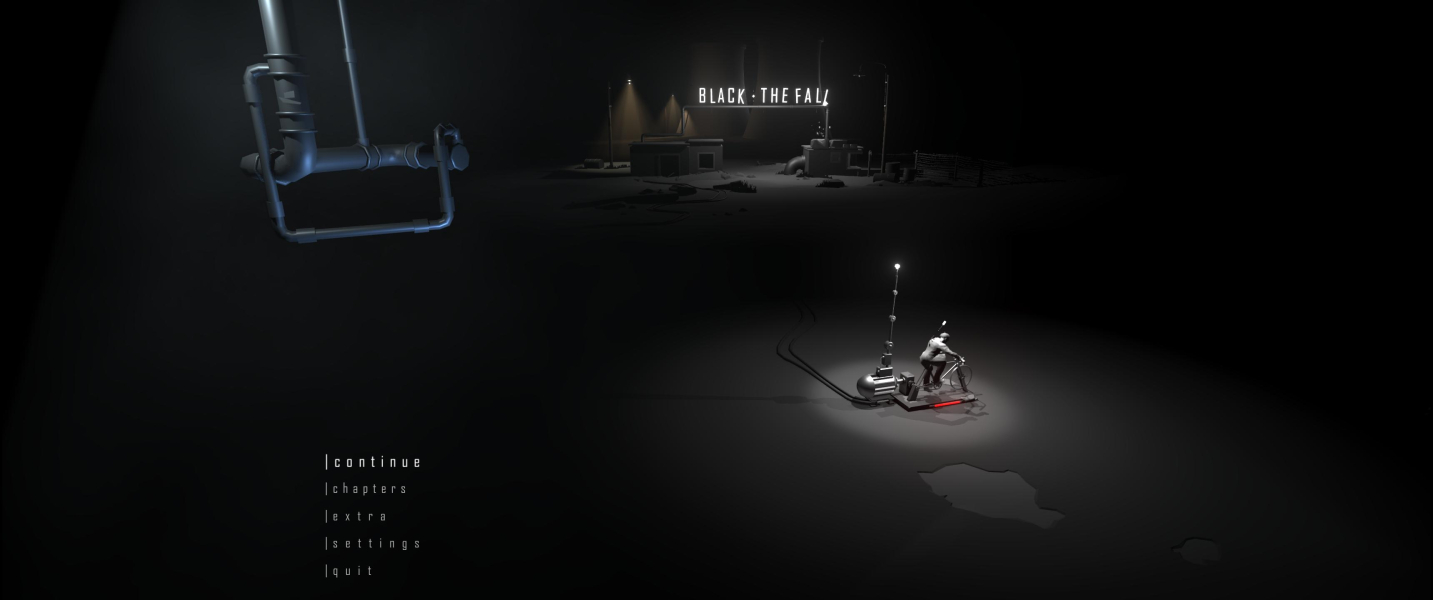

4K UHD Screenshots
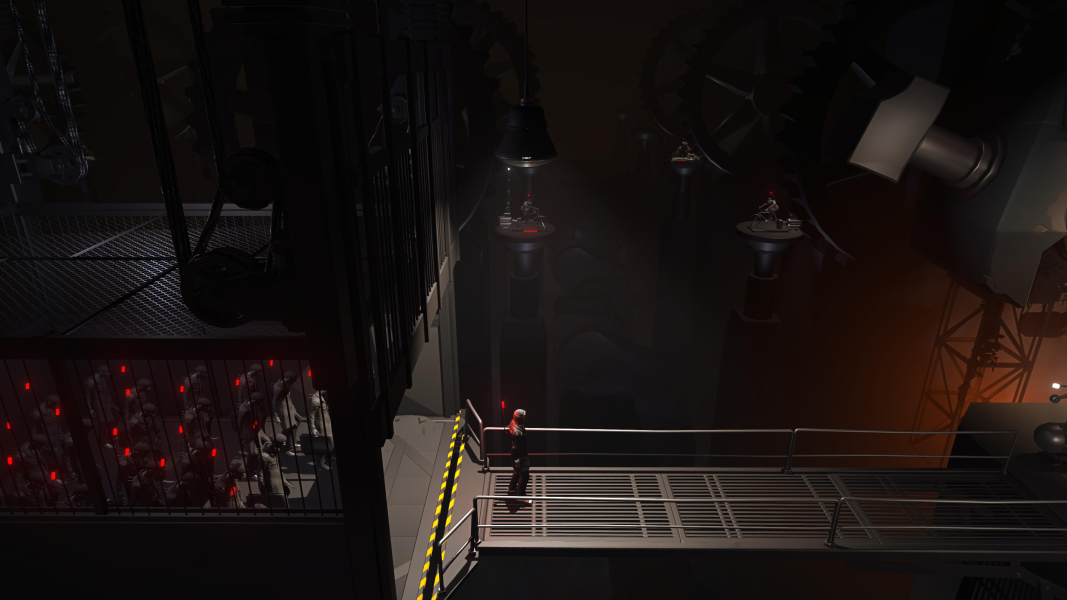


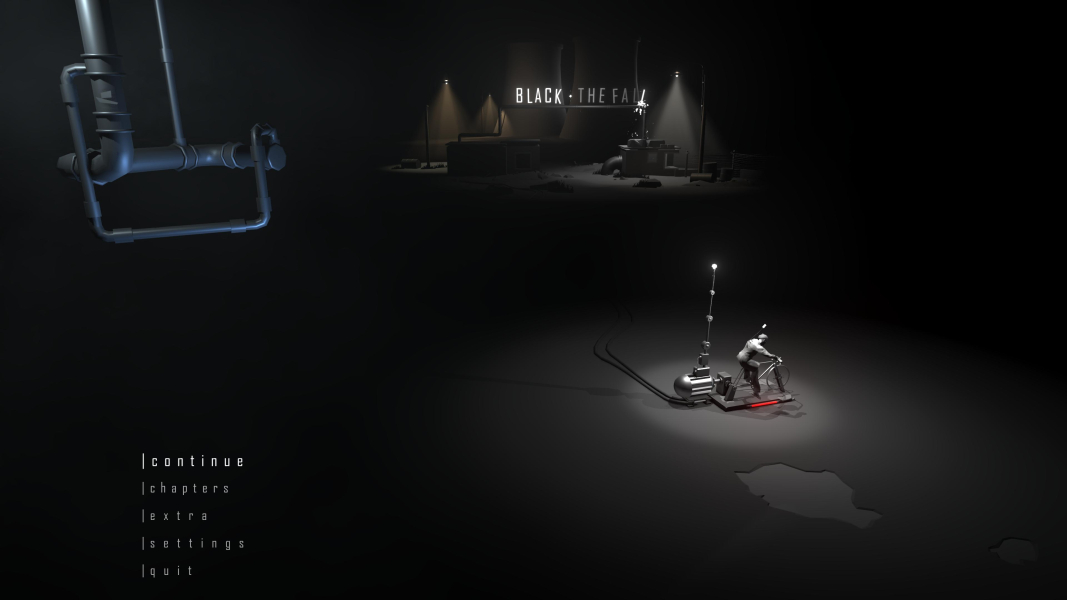
Additional Screenshots


