


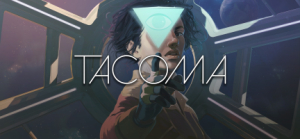


Tacoma is a narrative adventure set aboard a high-tech space station in the year 2088. As you go about your mission, you’ll explore every detail of how the station’s crew lived and worked, finding the clues that add up to a gripping story of trust, fear, and resolve in the face of disaster.
Support Summary
Game Information
Screenshots Comparison
Solutions & Issues
Native Hor+ support. Tech: Unity.
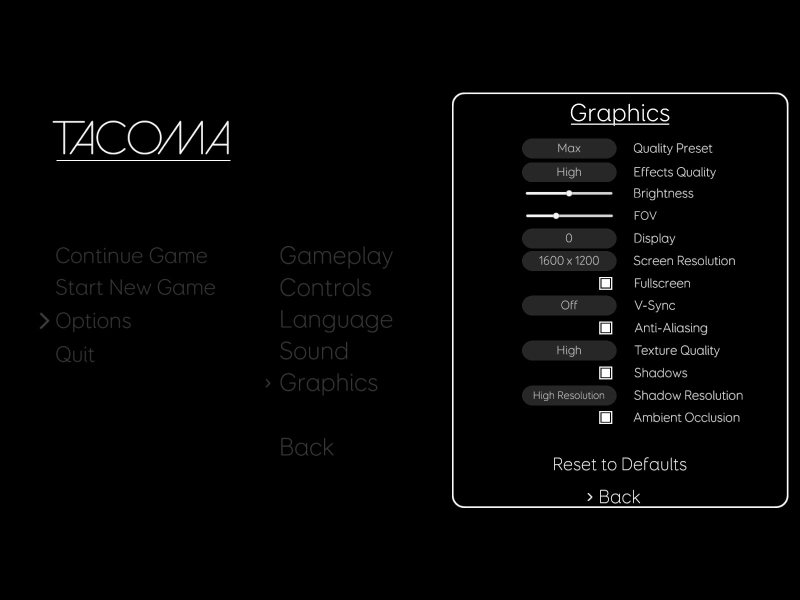
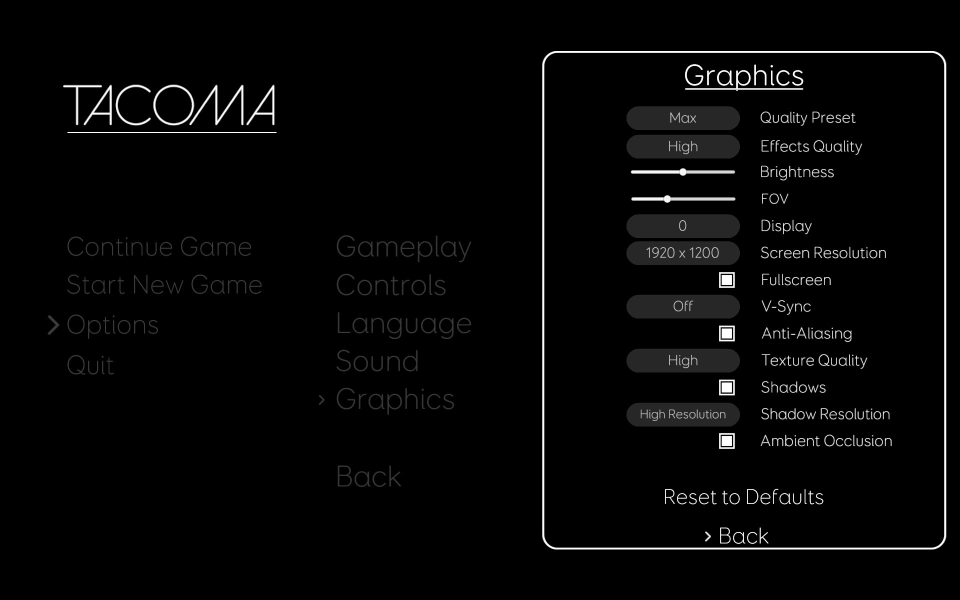
FOV slider has 4 notches: 65, 70 (default), 75, 80.
You can see this value stored as "FOVMod" in %USERPROFILE%\AppData\LocalLow\Fullbright\Tacoma\TacomaOptions.json but unfortunately, manual edits (and making the file Read-only) have no effect. The cheat table in the files available from the PC Gaming Wiki Community Files (search there) however can be used as a workaround to increase and decrease the fov outside of those 4 options plus gives extra vertical fov below 16:9 like the HUD.
The controls after enabling it are "Ctrl +" to increase fov and "Ctrl -" decreases it.
Native Hor+ support.
(Negligible?) Credits are slightly cut-off.
Native Hor+ support.
(Negligible?) Credits are cut-off. Loading screen on the other hand looks arguably better for the zoom-in.
Native support.
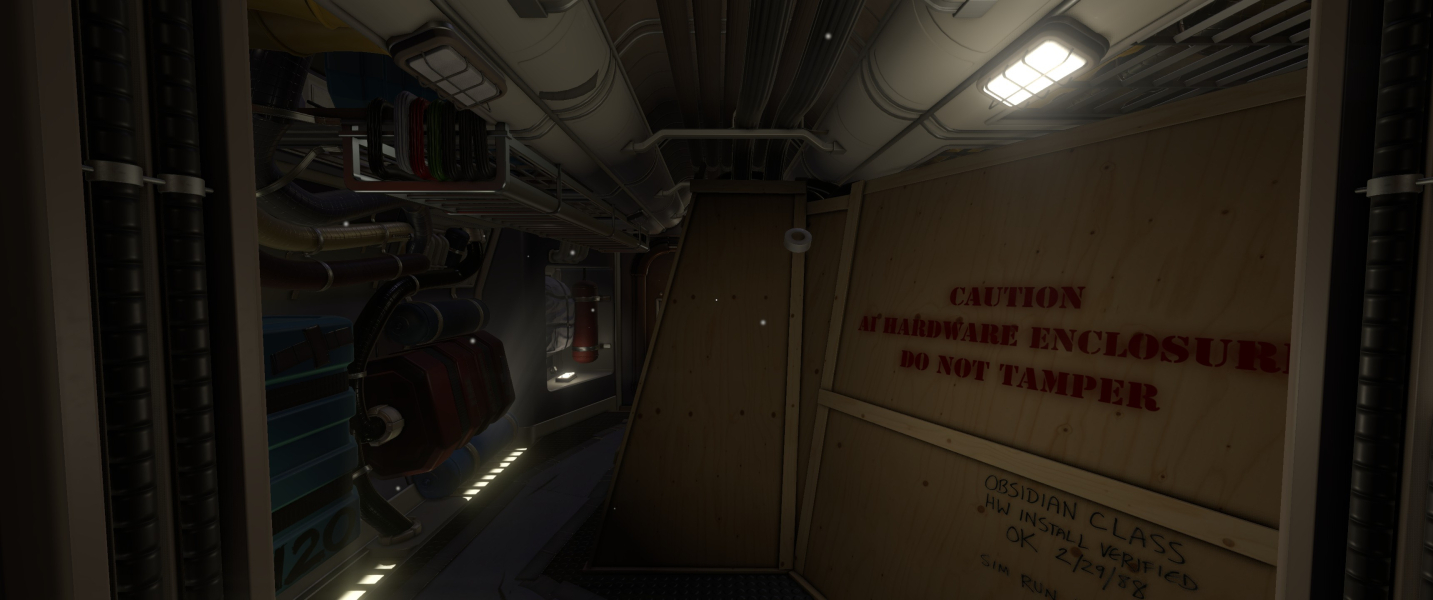
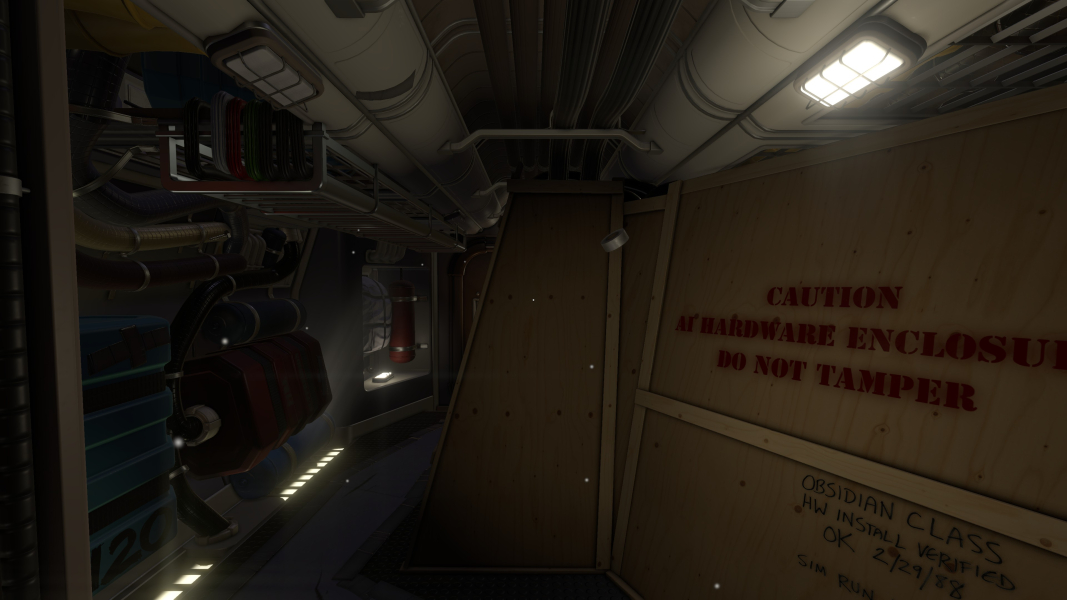
Gameplay Screenshots
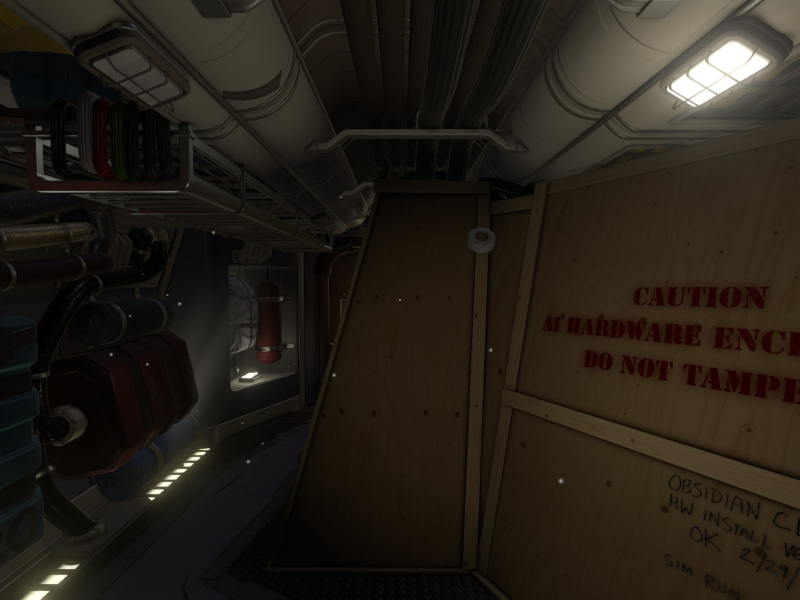
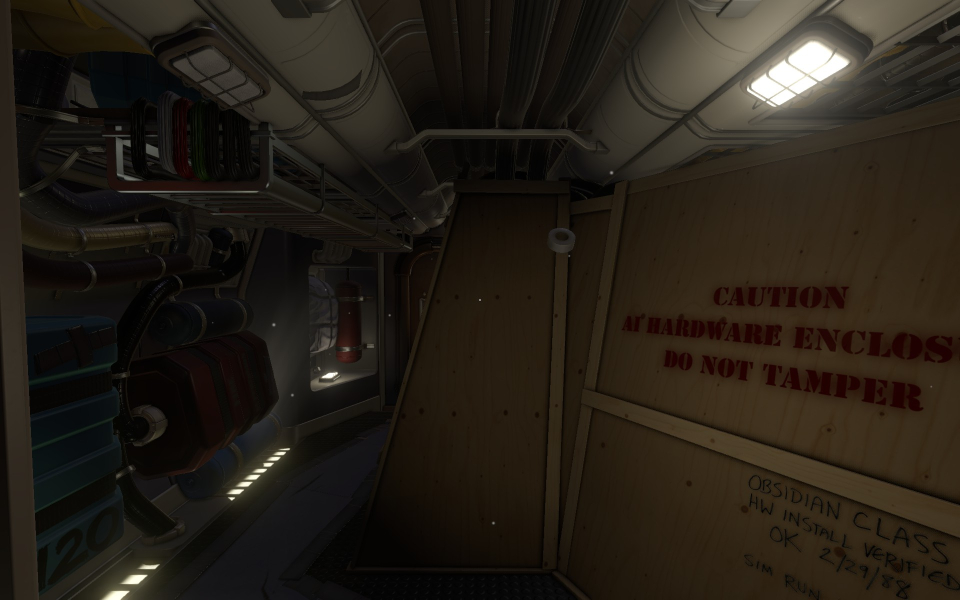
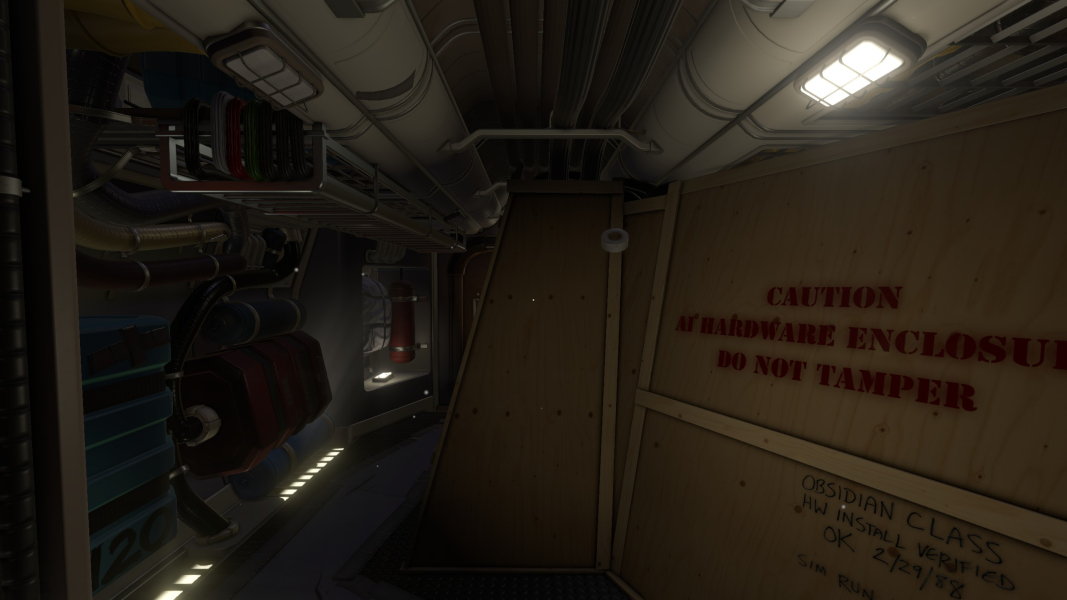


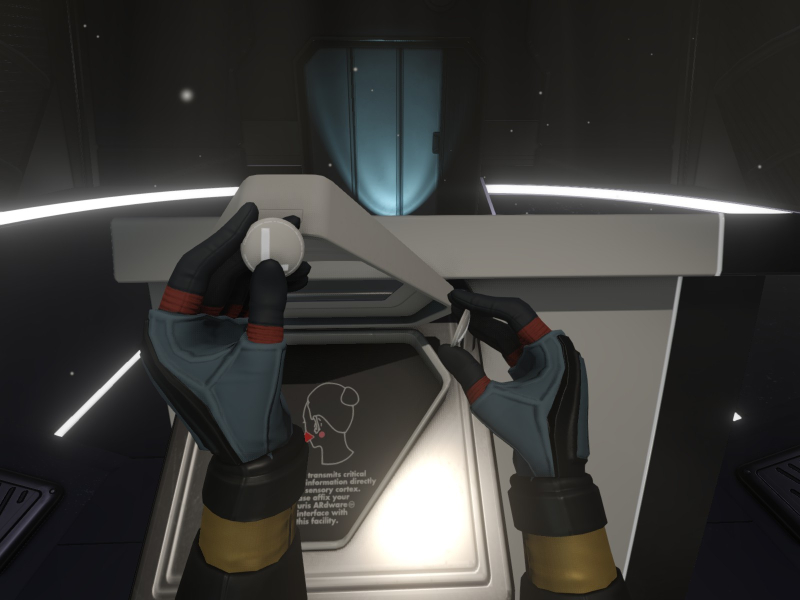
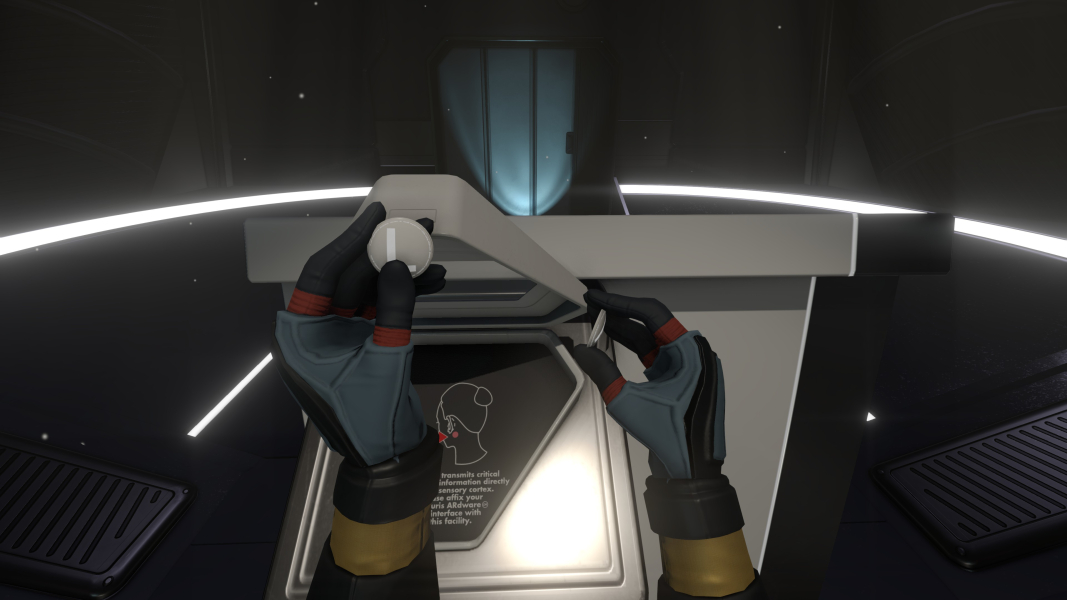
In-Game (Rendered) Cutscenes



Menu Screenshots

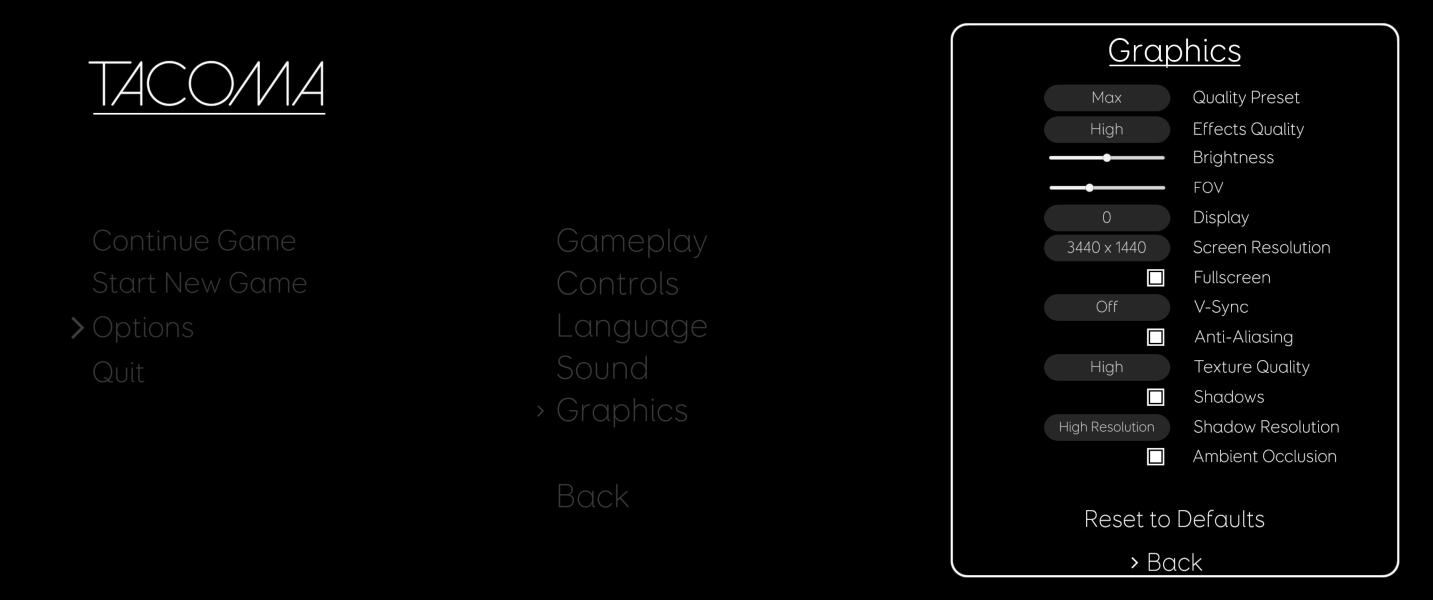

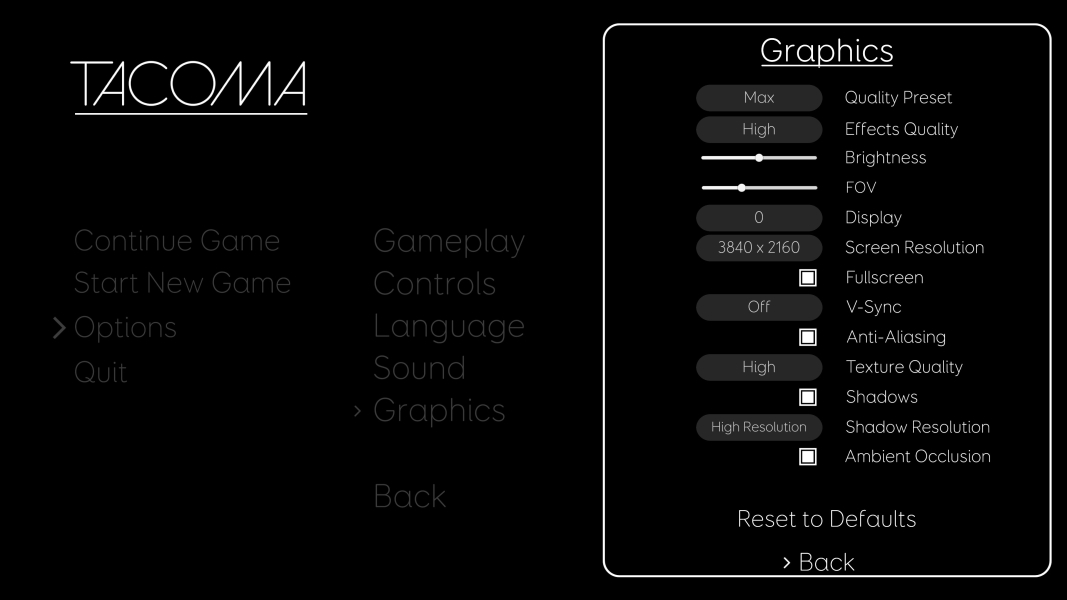
4K UHD Screenshots
Additional Screenshots


