





Based on Dead Rising 2 with similar overall content but slightly improved gameplay features.
Support Summary
Game Information
Game Status:Released
Release Date:
Tested Version:Steam
Play Styles:
Setting:Zombie
Genre:Third-Person Action
Developer:Capcom
Store Links:
Screenshots Comparison
Solutions & Issues
Widescreen Solution & Issues:
Steam Version is HOR+ till 4K
Ultra/Super-Wide Specific Solution & Issues:
The Game is streched for everything above 16:9 - use Flawless Widescreen to fix it.
See Additional Screenshots how to configure Flawless Widescreen for 21:9.
=====
Optional higher FOV -> use the files available from the PC Gaming Wiki Community Files (search there) and extract it in the data Folder - see Additional Screenshots
Eyefinity / Surround Specific Solution & Issues:
The Game is streched for everything above 16:9 - use Flawless Widescreen to fix it.
4K UHD Specific Solution & Issues:
Native
Gameplay Screenshots
4:3 Screenshot

16:10 Screenshot
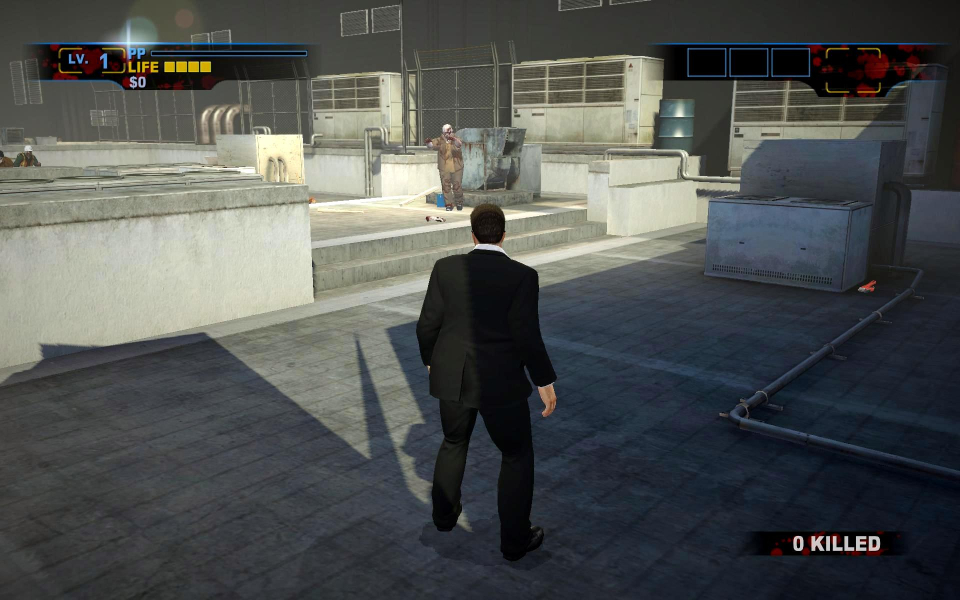
16:9 Screenshot

21:9 Screenshot
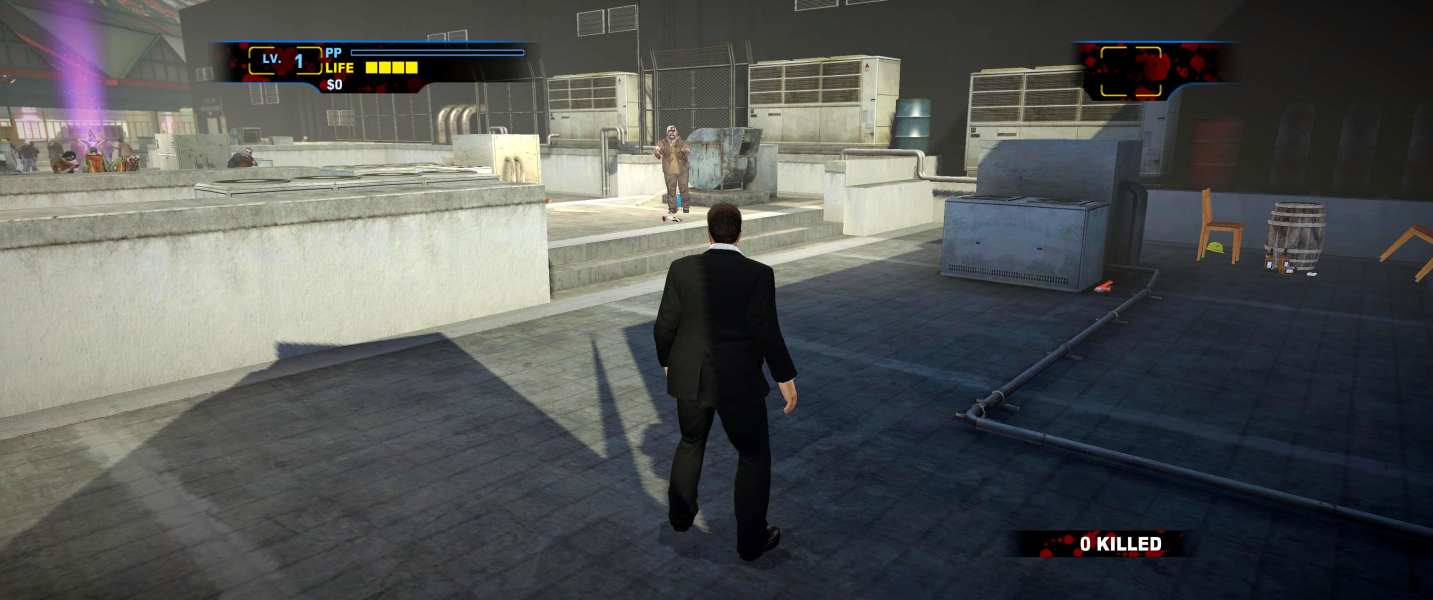
32:9 Screenshot

Eyefinity / Surround Screenshot

In-Game (Rendered) Cutscenes
4:3 Cutscene
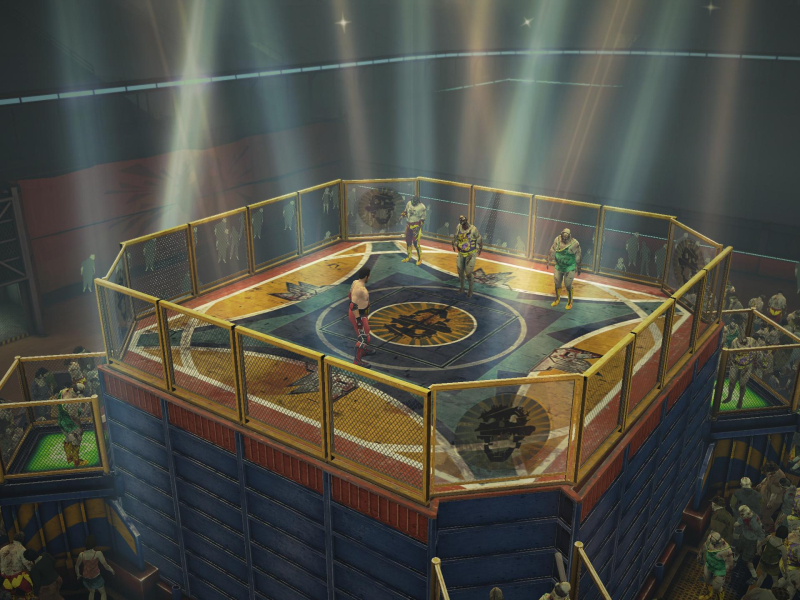
16:10 Cutscene

16:9 Cutscene
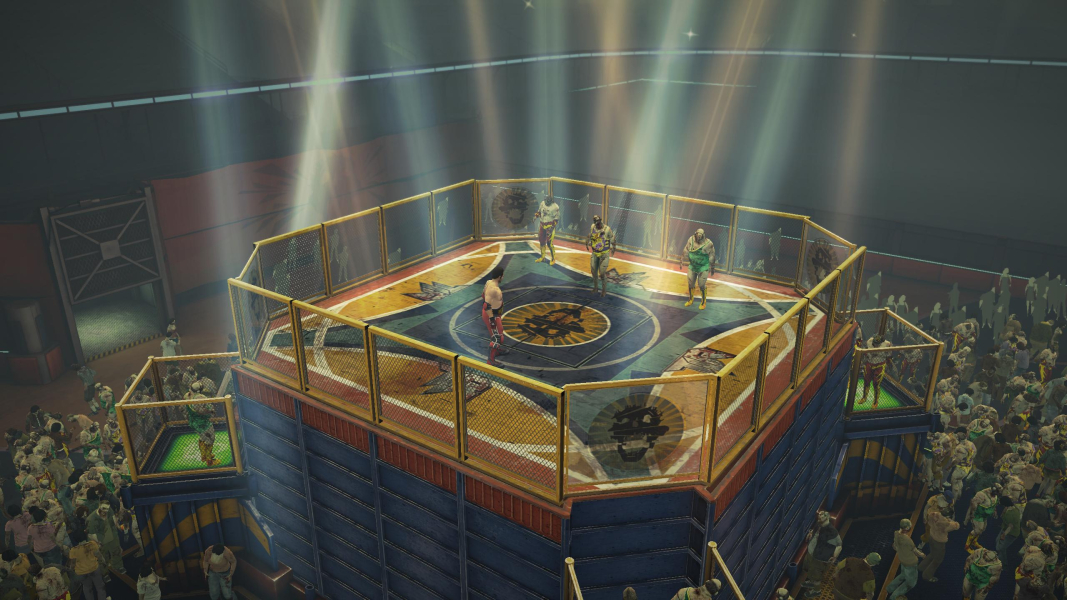
21:9 Cutscene
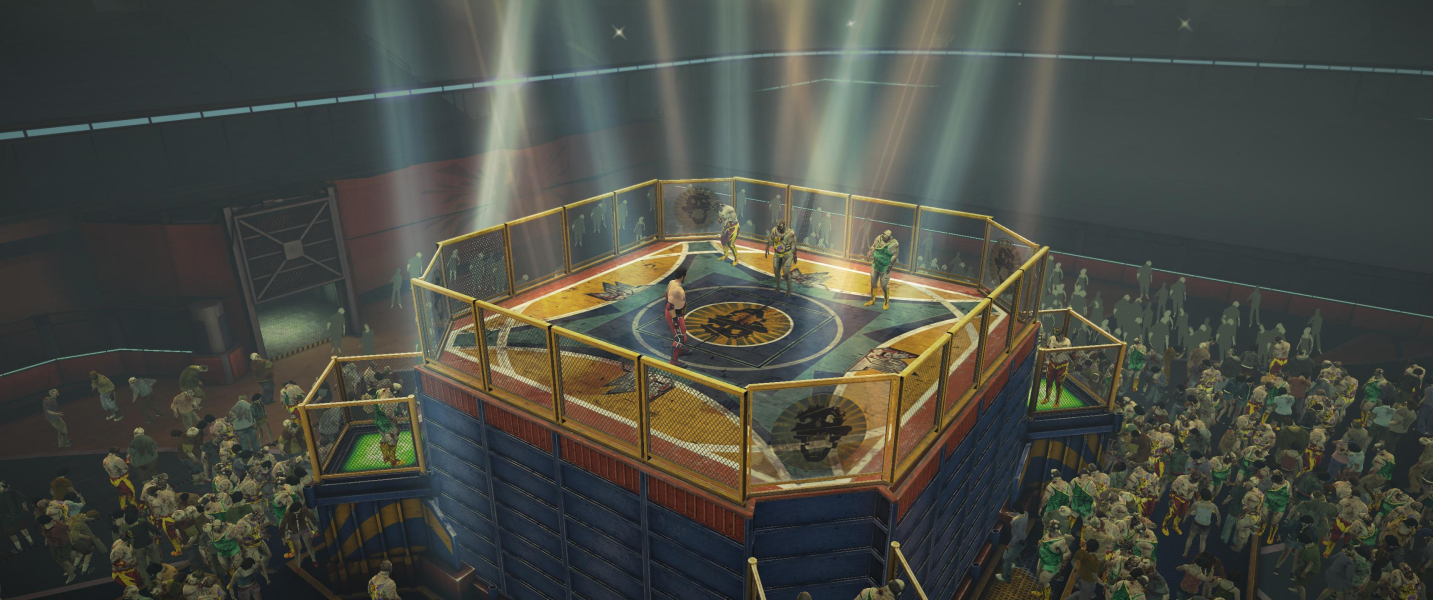
Eyefinity / Surround Cutscene

FMV Cutscenes
4:3 FMV Cutscene

16:10 FMV Cutscene
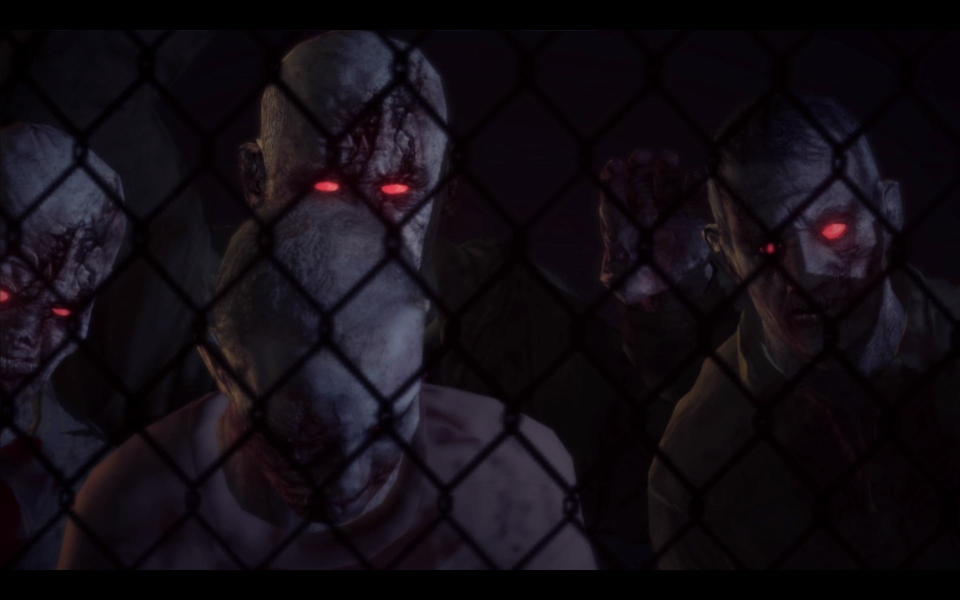
16:9 FMV Cutscene
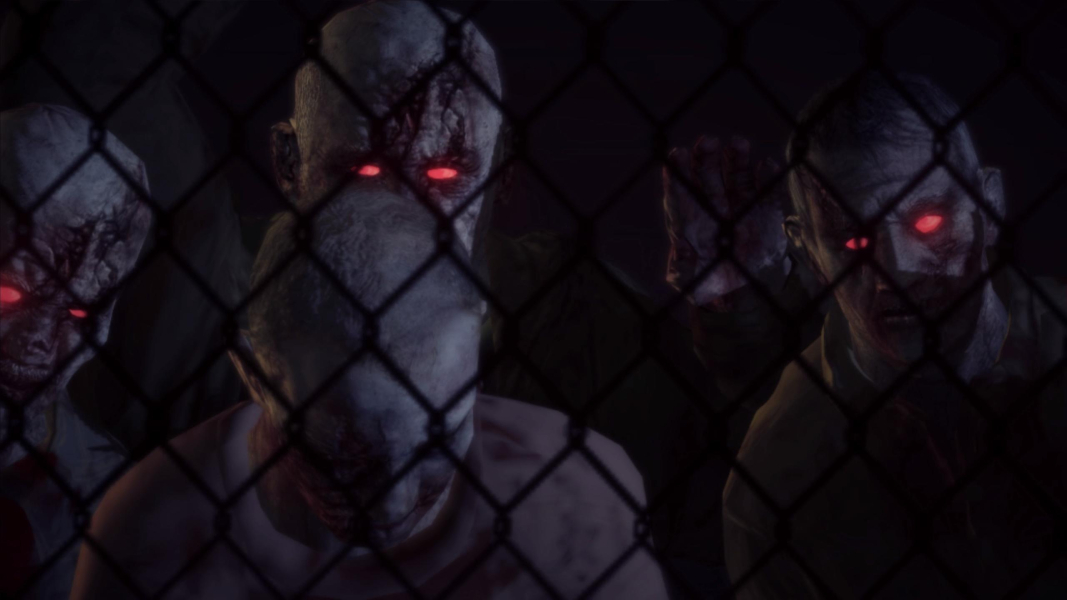
21:9 FMV Cutscene

Eyefinity / Surround FMV Cutscene

Menu Screenshots
4:3 Menu
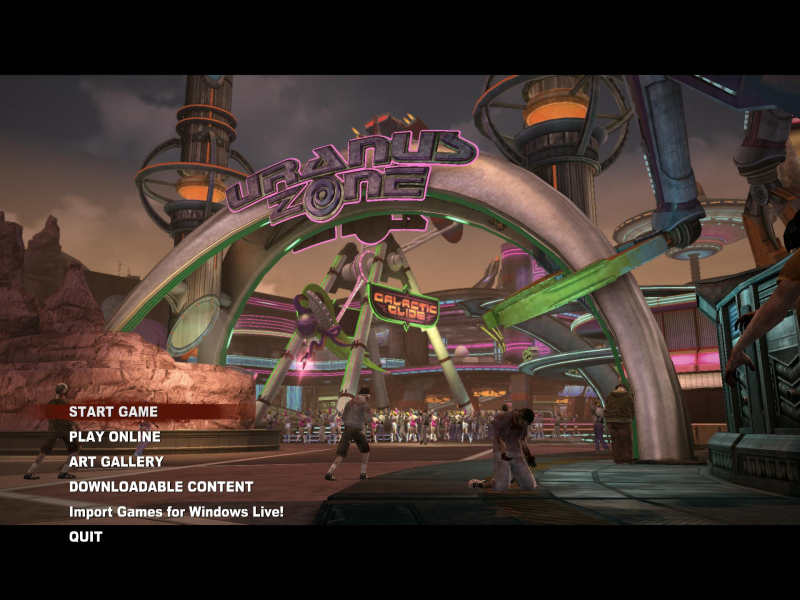
16:10 Menu
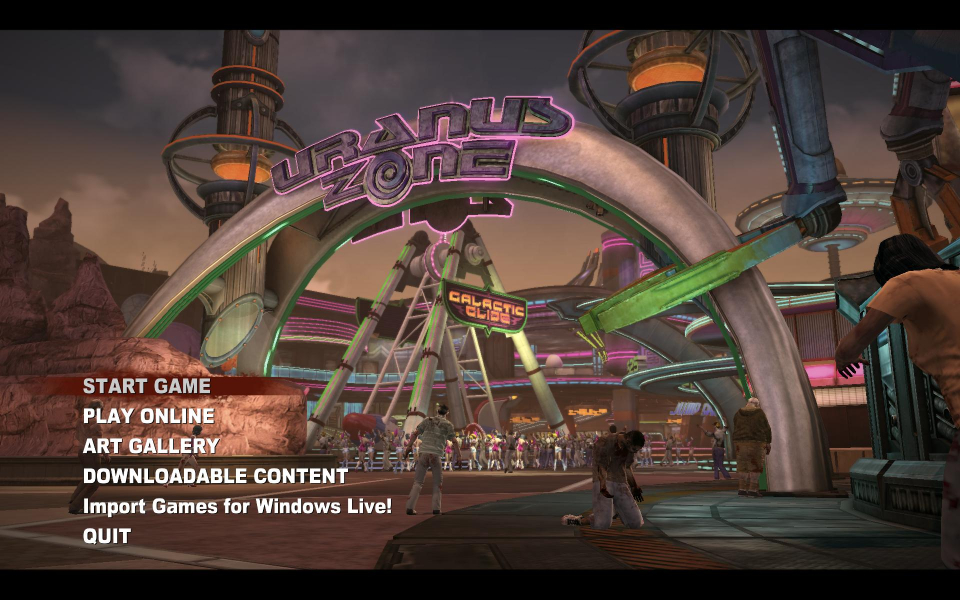
16:9 Menu
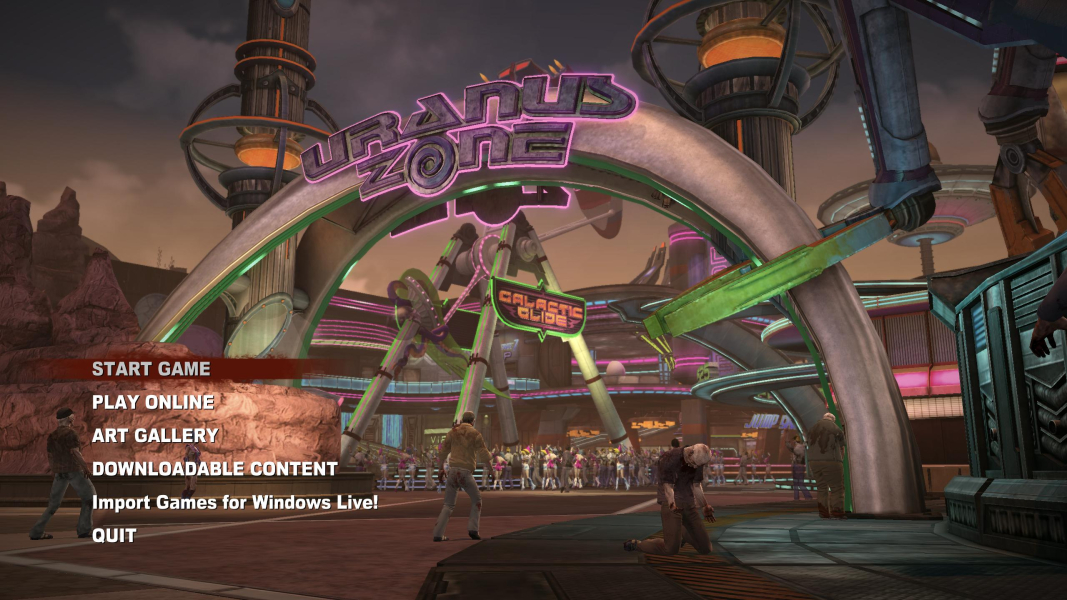
21:9 Menu
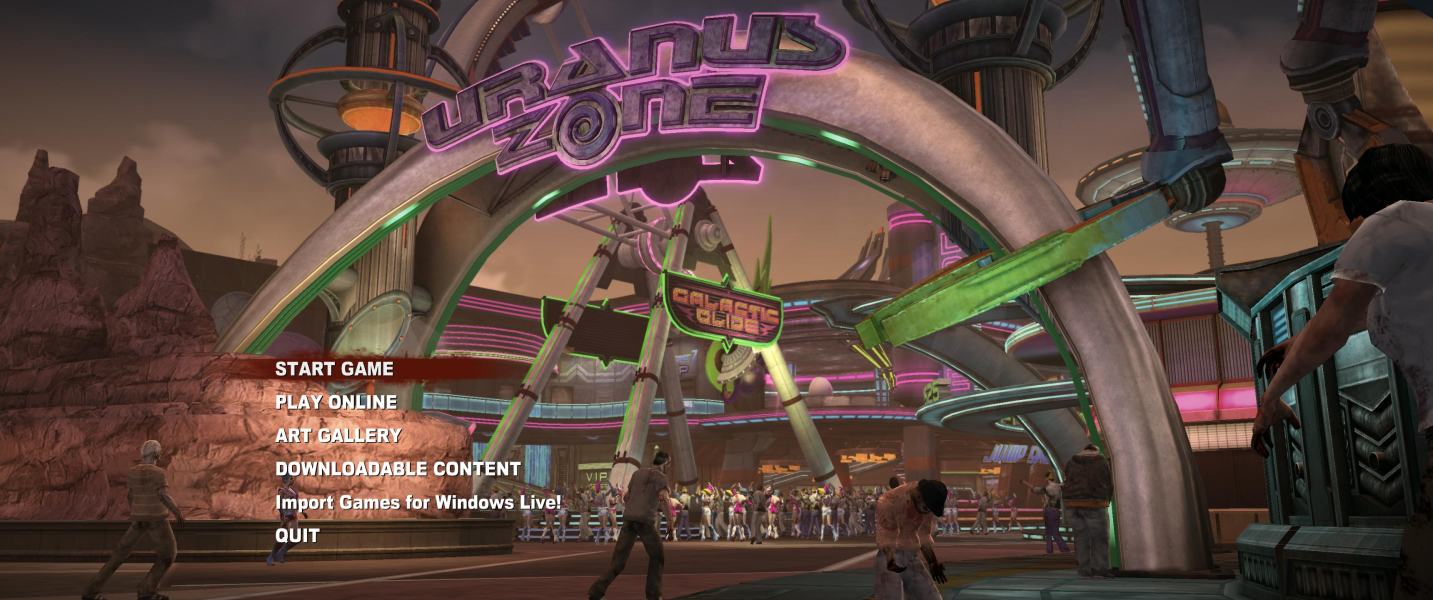
Eyefinity / Surround Menu

4K UHD Screenshots
4K Gameplay Screenshot
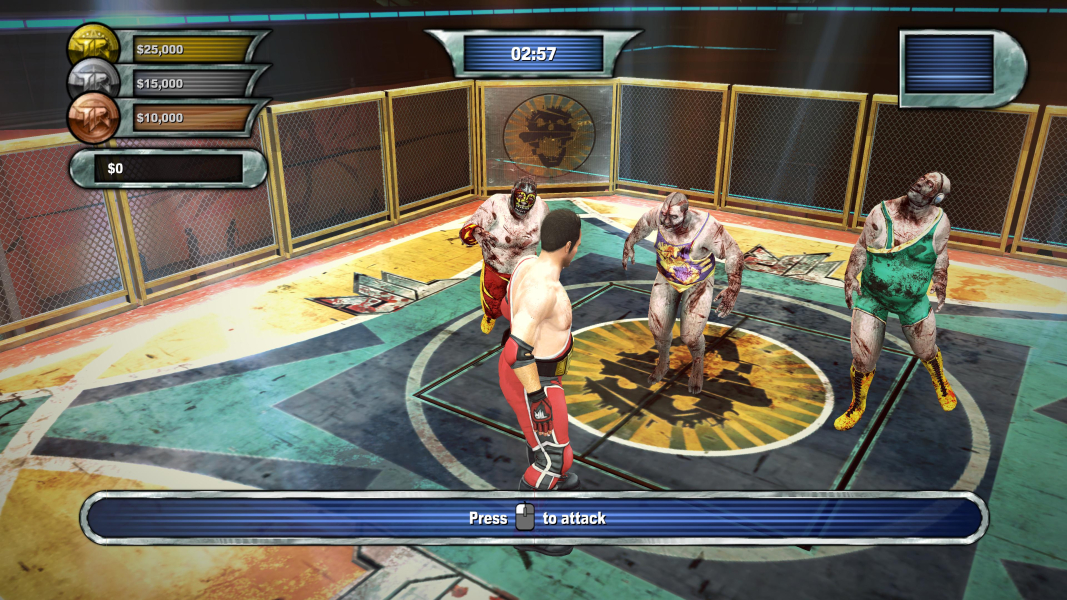
4K In-Game Cutscene
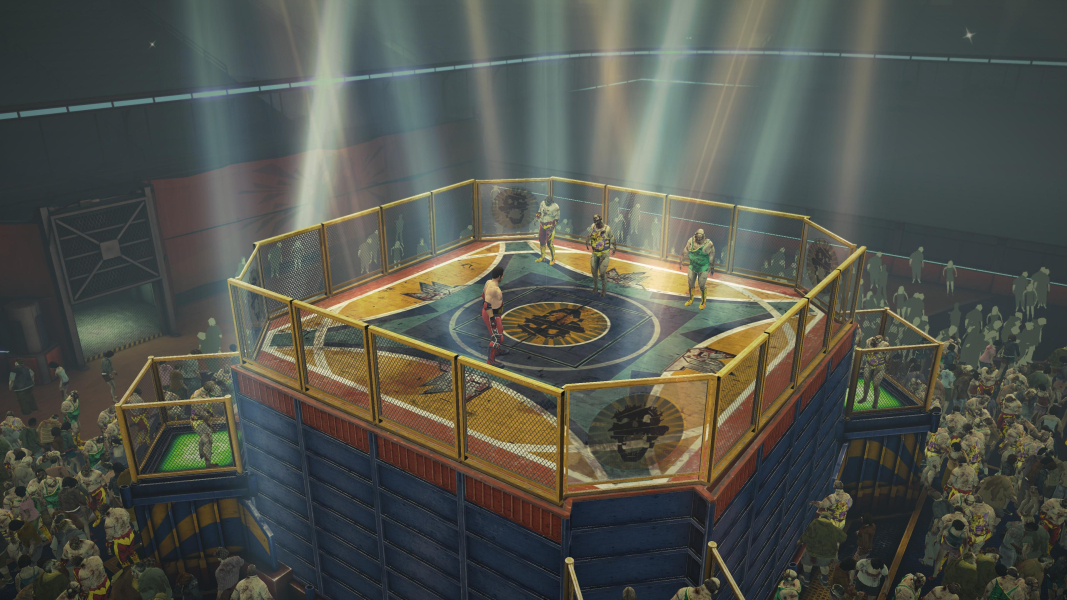
4K FMV Cutscene
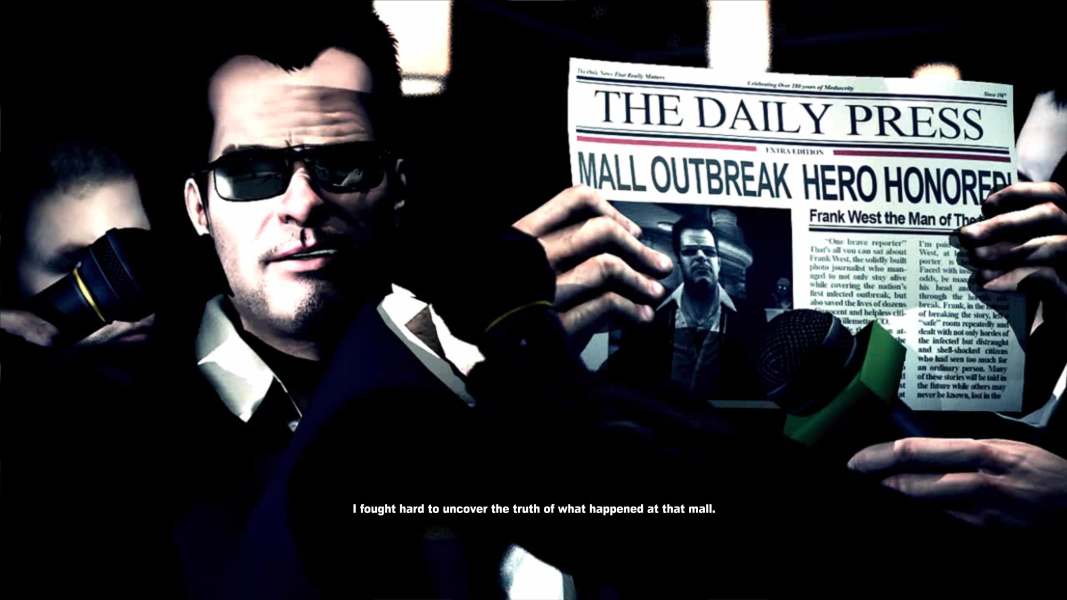
4K Menu Screenshot
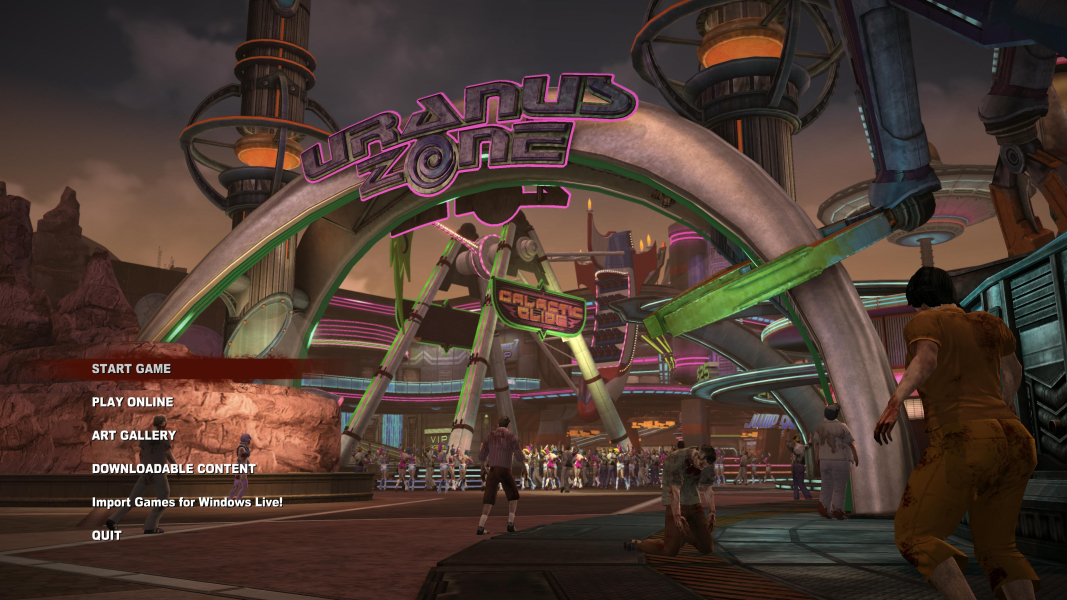
Additional Screenshots

FW config for 21:9

Normal FOV
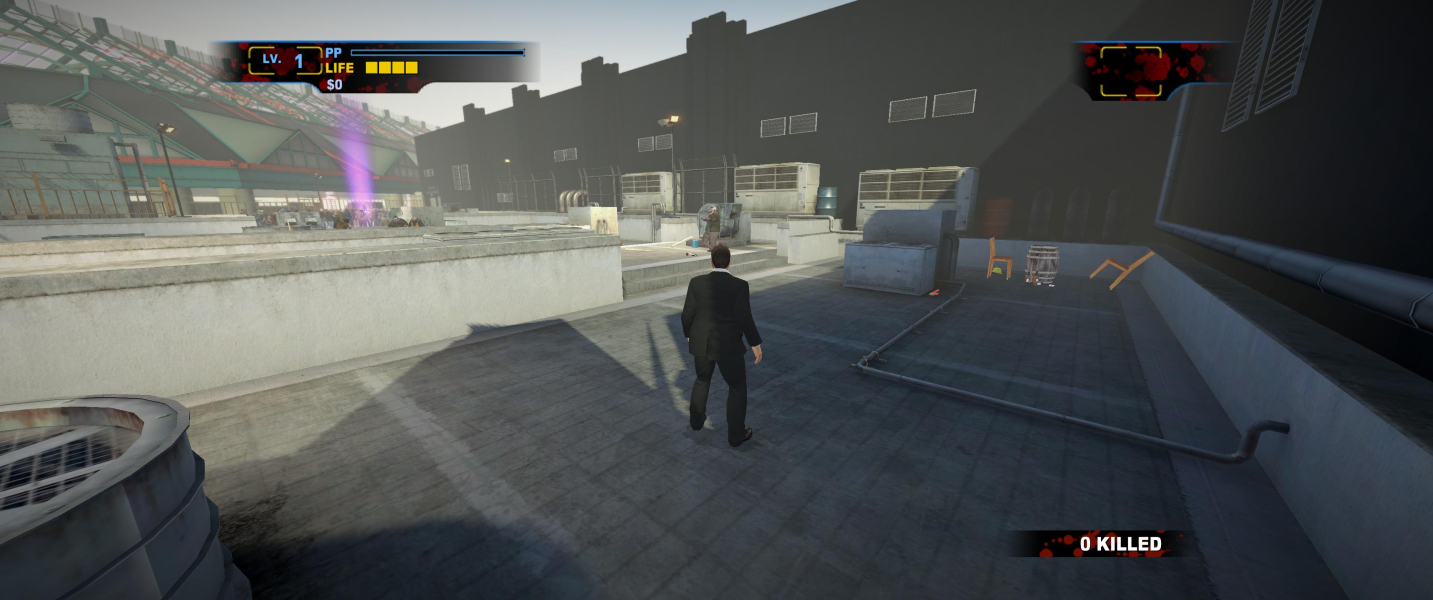
Higher FOV


