


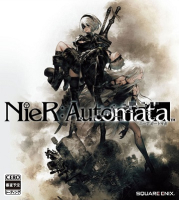


Nier: Automata (Japanese: ニーア オートマタ Hepburn: Nīa Ōtomata, stylized as NieR:Automata) is an action role-playing video game developed by PlatinumGames and published by Square Enix for PlayStation 4 and Microsoft Windows. The game was released in Japan in February 2017, and worldwide the following month. Nier: Automata is a sequel to the 2010 video game Nier, a spin-off of the Drakengard series. Set in the midst of a proxy war between machines created by otherworldly invaders and the remnants of humanity, the story follows the battles of a combat android, her companion, and a fugitive prototype. Gameplay combines role-playing elements with action-based combat and mixed genre gameplay similar to that of Nier.
Nier: Automata is an action role-playing game in which players take the role of combat androids from the YoRHa units across an open world environment. In addition to standard navigation on foot, using a special item allows the player to summon a wild animal to ride, and in some scenarios pilot a flying mech to fight enemies. As with the previous game, during navigation in some environments, the camera shifts from its standard third-person view to an overhead or side-scrolling perspective. Some areas also include platforming elements, requiring the player to navigate via jumping between platforms or over obstacles. The player can complete side quests for non-playable characters found throughout the world. Shops available in hub locations allow the player to purchase items, including consumables which recover health.
Support Summary
Game Information
Screenshots Comparison
Solutions & Issues
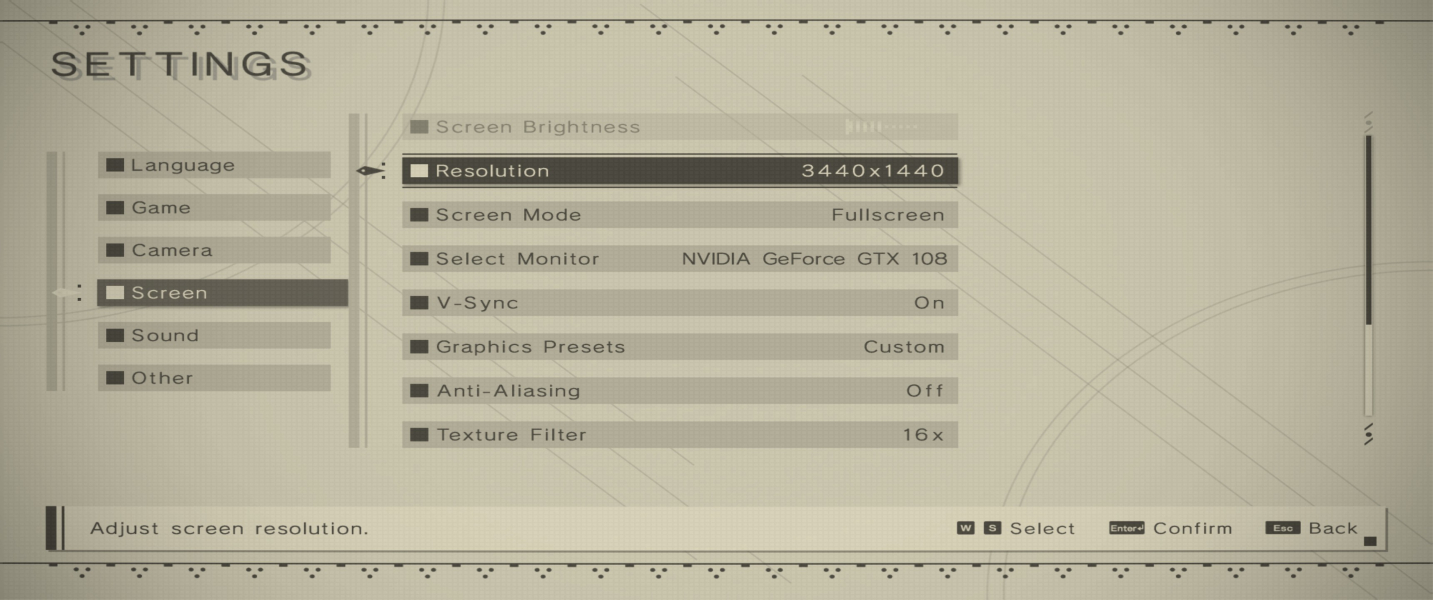
There is a well-known bug affecting all users that will not allow you to run the game at the native resolution of your monitor in fullscreen mode, regardless of the aspect ratio. The game requires stretched scaling and therefore lowers the resolution it outputs to below the native resolution so that it can then stretch the image to fill the screen. There are community fixes available such as FAR (Fix Automata Resolution) and NierFullscreenFix.
Note that this game works best with a 16:9 aspect ratio. The menus and HUD elements (including those overlaid during pre-rendered cutscenes) are squished horizontally at 4:3 resolutions and stretched horizontally at 21:9 resolutions. One exception is the Start menu, where the 4:3 menu is Hor- (sides are cut off) and the 21:9 menu is Hor+ (has additional scene content at sides that wasn't meant to be seen and doesn't quite look right).
HUD fix available from the PC Gaming Wiki Community Files (search there).
In addition to the fullscreen scaling issue (see section "Baseline Widescreen Support"), ultra-widescreen has its own issues (stretched HUD and stretched pre-rendered cut-scenes). A community fix (Vidsquish) for the cut-scenes is available that allows users to convert the cut-scenes to either a pillarboxed or vert- format.
HUD fix available from the PC Gaming Wiki Community Files (search there).
HUD, menu and cutscenes are 16:9 stretched.
Game allows window resizing so Eyefinity/Surround is not required to make it work.
HUD fix available from the PC Gaming Wiki Community Files (search there).
Gameplay Screenshots


In-Game (Rendered) Cutscenes


FMV Cutscenes

Menu Screenshots



Additional Screenshots


