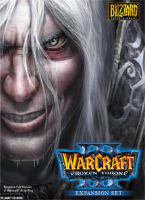
Warcraft III: The Frozen Throne

Warcraft III: The Frozen Throne is the official expansion pack to Warcraft III: Reign of Chaos, a real-time strategy computer game by Blizzard Entertainment.[1] Released worldwide on July 1, 2003,[2] it includes new units for each race, two new auxiliary races, four campaigns, five neutral heroes (an additional neutral hero was added April 2004 and two more were added in August 2004),[3] the ability to build a shop and other improvements such as the ability to queue upgrades. Sea units were reintroduced; they had been present in Warcraft II but were absent in Reign of Chaos. Blizzard Entertainment has released patches for the game to fix bugs, extend the scripting system, and balance multiplayer.

With the 1.29 Patch in February 2018 Blizzard added nativ Widescreen support for this game and black bars in the main menu.

Support Summary

Widescreen
Ultra/Super‑Wide
Multi-Monitor
4K Ultra HD
Support
Method
HUD
Cutscenes
FMVs

Game Information

Game Status:Released
Release Date:
Tested Version:1.29 Retail
Setting:Fantasy
Genre:RTS
File Attachments:RenderEdge_basic_126.rar

Screenshots Comparison

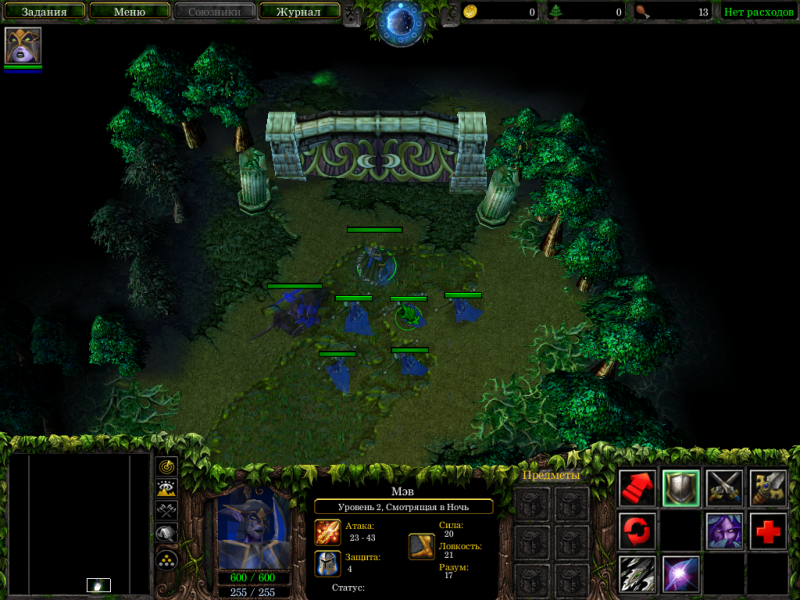
4:3 Screenshot
16:10 Screenshot
A monitor with a question mark on it. The text above it reads "There is currently no image uploaded for this field." There is a semi-transparent WSGF logo in the background, while the main background is white. The image aspect ratio is 16:10.
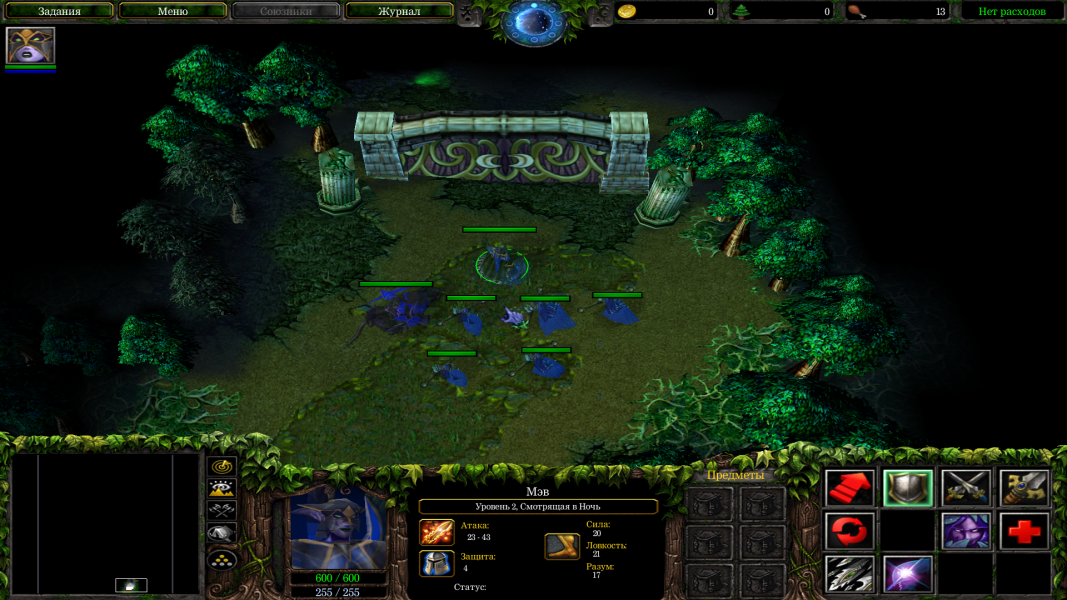
16:9 Screenshot
21:9 Screenshot
A monitor with a question mark on it. The text above it reads "There is currently no image uploaded for this field." There is a semi-transparent WSGF logo in the background, while the main background is white. The image aspect ratio is 21:9.
32:9 Screenshot
Eyefinity / Surround Screenshot
Solutions & Issues
Widescreen Solution & Issues:

Basic resolution change is done via game or registry.
Find:
HKEY_CURRENT_USER\Software\Blizzard Entertainment\Warcraft III\Video

Edit:
reswidth = xxxx
resheight = yyyy

Field of View fix for singleplayer is done by RenderEdge for 1.26 version.

There is also Field of View fix for multiplayer it's embedded into w3arena client

Screenshots with fixed FoV are in Addtitional section.

4K UHD Specific Solution & Issues:

UI text is a little bit tiny. For better gameplay I recommend increase ingame camera distance from 1650 to 1950.

4:3 Screenshot
16:10 Screenshot
A monitor with a question mark on it. The text above it reads "There is currently no image uploaded for this field." There is a semi-transparent WSGF logo in the background, while the main background is white. The image aspect ratio is 16:10.
16:9 Screenshot
21:9 Screenshot
A monitor with a question mark on it. The text above it reads "There is currently no image uploaded for this field." There is a semi-transparent WSGF logo in the background, while the main background is white. The image aspect ratio is 21:9.
32:9 Screenshot
Eyefinity / Surround Screenshot
4:3 Menu
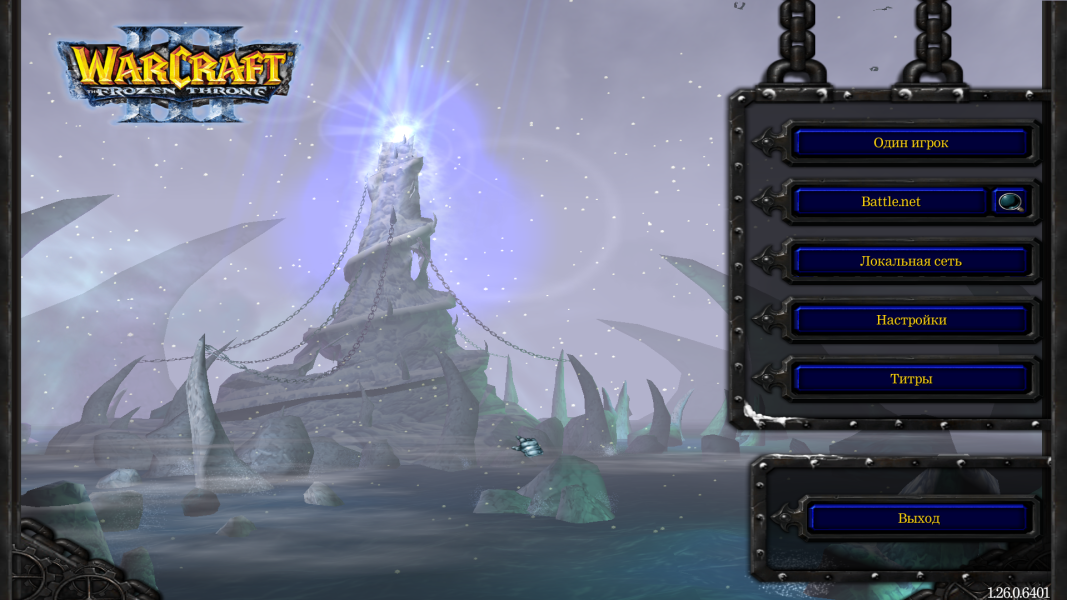
16:9 Menu
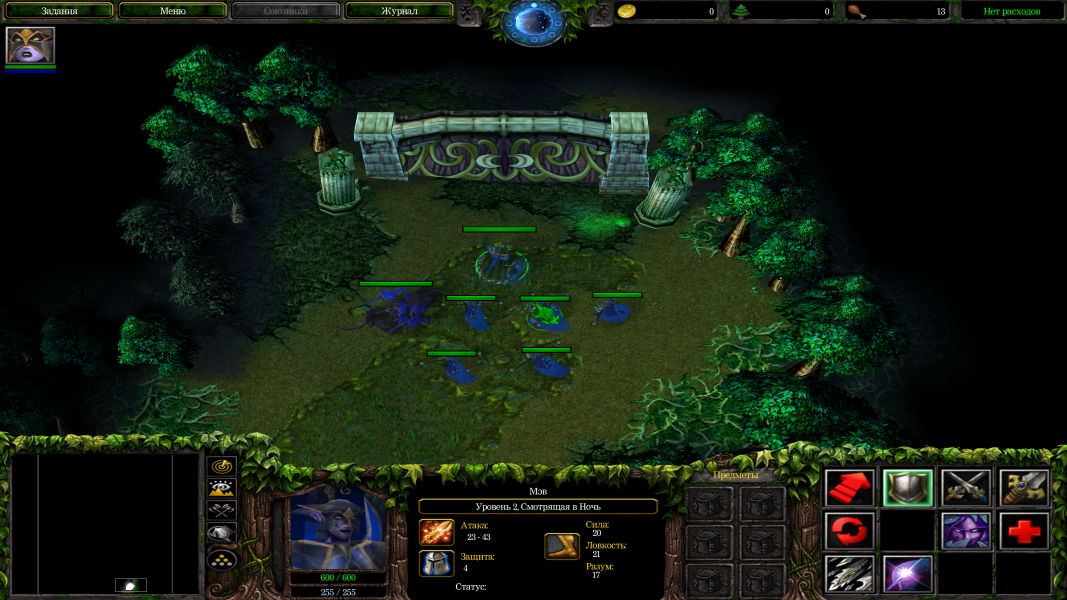
4K Gameplay Screenshot
4K Menu Screenshot
Uploaded by: Rose
16:9 Gameplay fixed FoV (RenderEdge)
Uploaded by: Rose
16:9 Menu fixed FoV (RenderEdge)
Uploaded by: Rose
4k UHD Gameplay fixed FoV (RenderEdge)
Uploaded by: Rose
4k UHD Menu fixed FoV (RenderEdge)
Uploaded by: Rose
Patch 1.29 Menu
Uploaded by: Rose
Patch 1.29 Ingame