





Stories: The Path of Destinies is an action role-playing game developed by Spearhead Games.
Support Summary
Game Information
Screenshots Comparison
Solutions & Issues
Native VERT+
The Game is VERT- for 21:9 - you need to ini edit
FOV ini edit: Go to --> ...\AppData\Local\Stories\Saved\Config\WindowsNoEditor\Engine.ini
and add this:
[/script/Engine.LocalPlayer]
AspectRatioAxisConstraint=AspectRatio_MaintainYFOV
The FOV is now a little bit to high for my taste - use my CheatEngine fix available from the PC Gaming Wiki Community Files (search there).
The Game does start in your Desktop resolution - if you need to change it manually you need to hex edit the file StoriesSaveSlot.sav in %LOCALAPPDATA%\Stories\Saved\SaveGames\
Issues: Just figure it out that the Menu where you create a Sword is also to big so you cannot play further.
Same Solution as in Ultra-Widescreen but the Menus/Cutscenes became gigantic / unusable.
Native
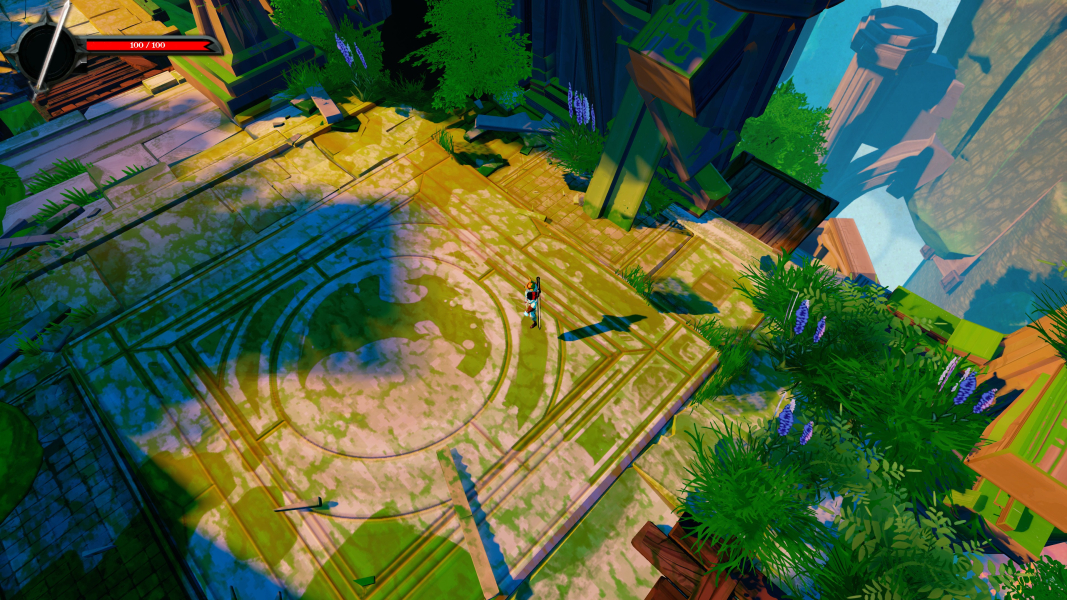
Gameplay Screenshots
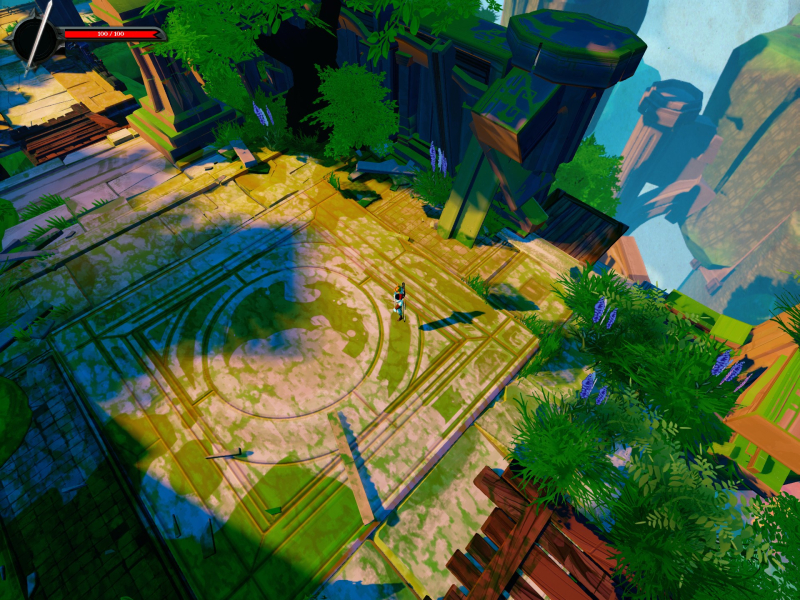
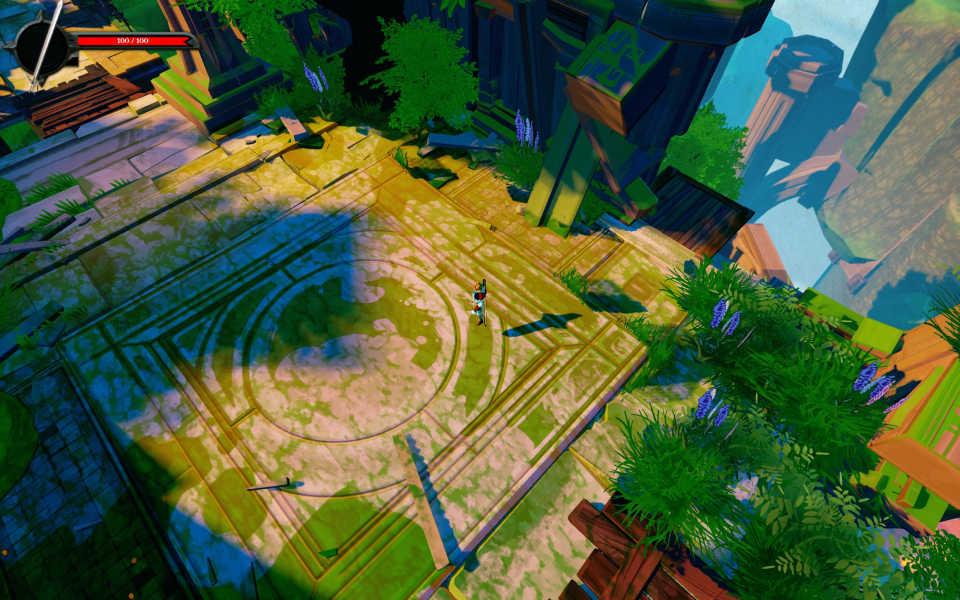
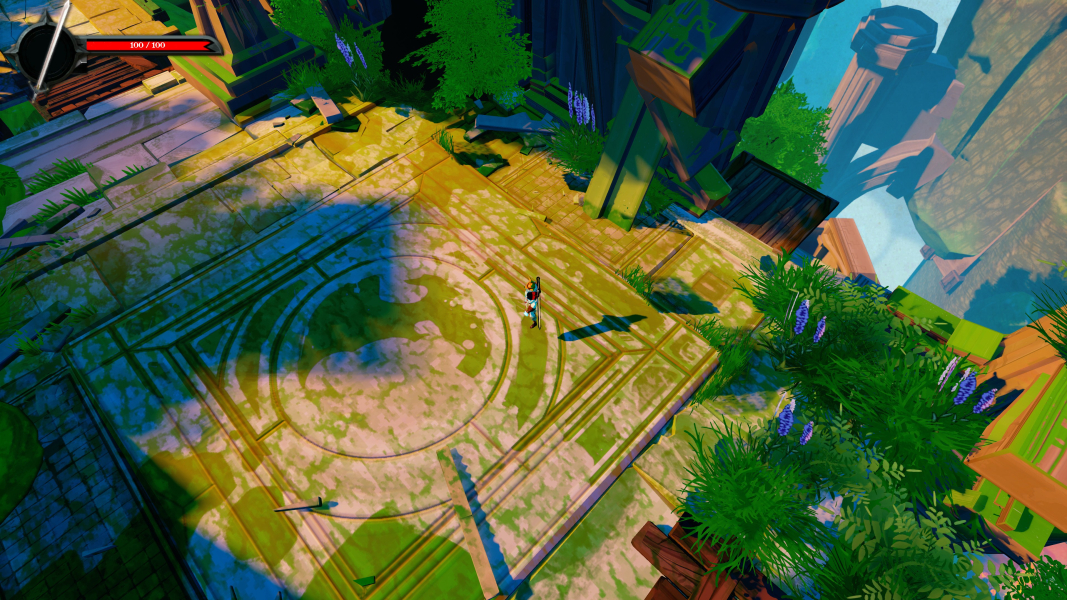
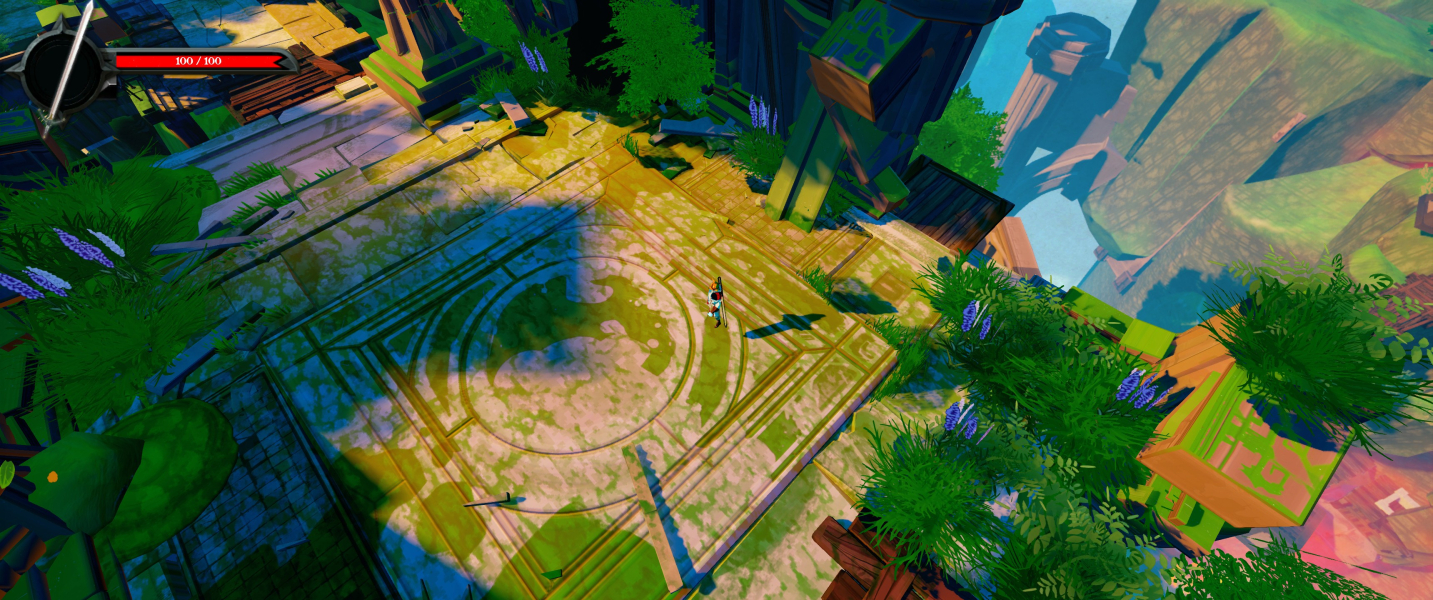


In-Game (Rendered) Cutscenes

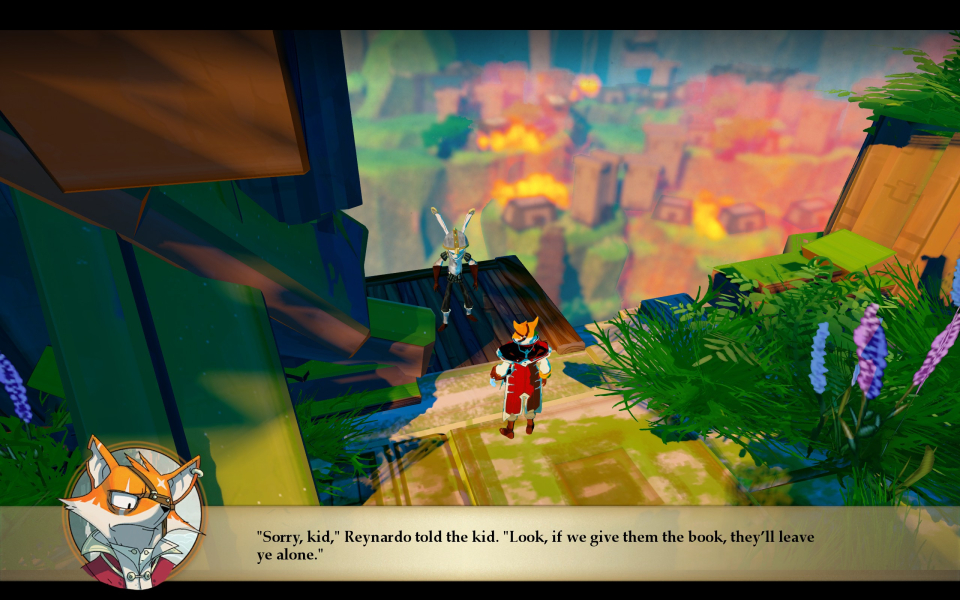
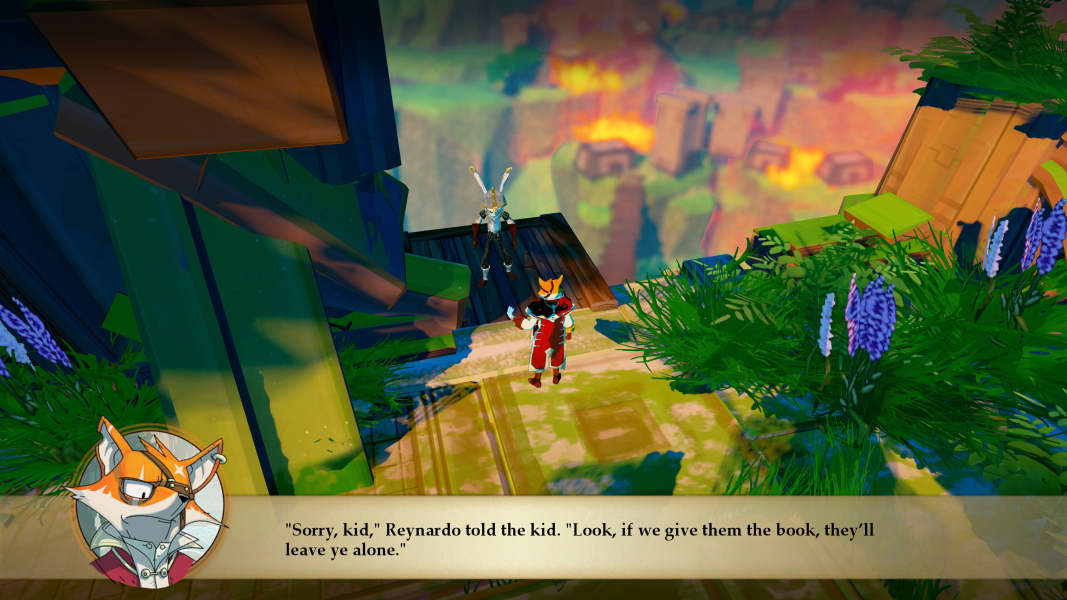
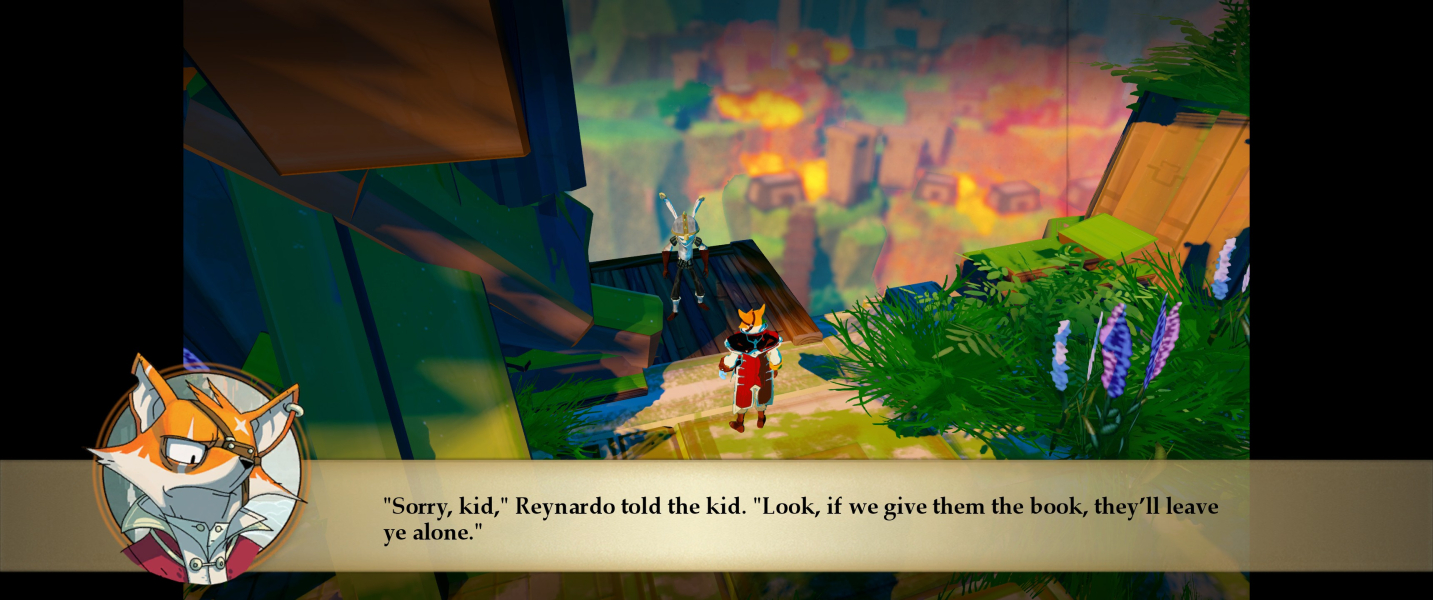

FMV Cutscenes





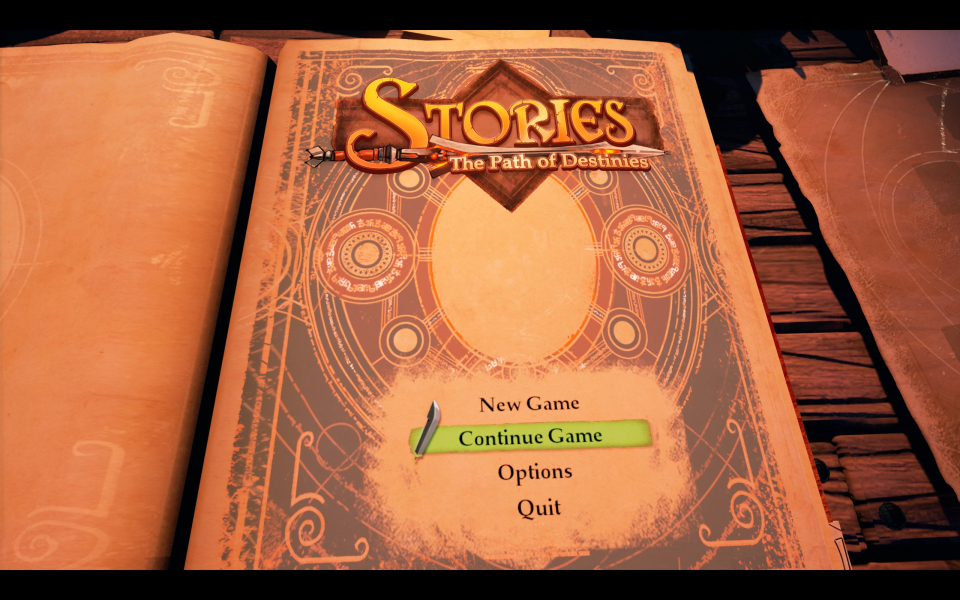
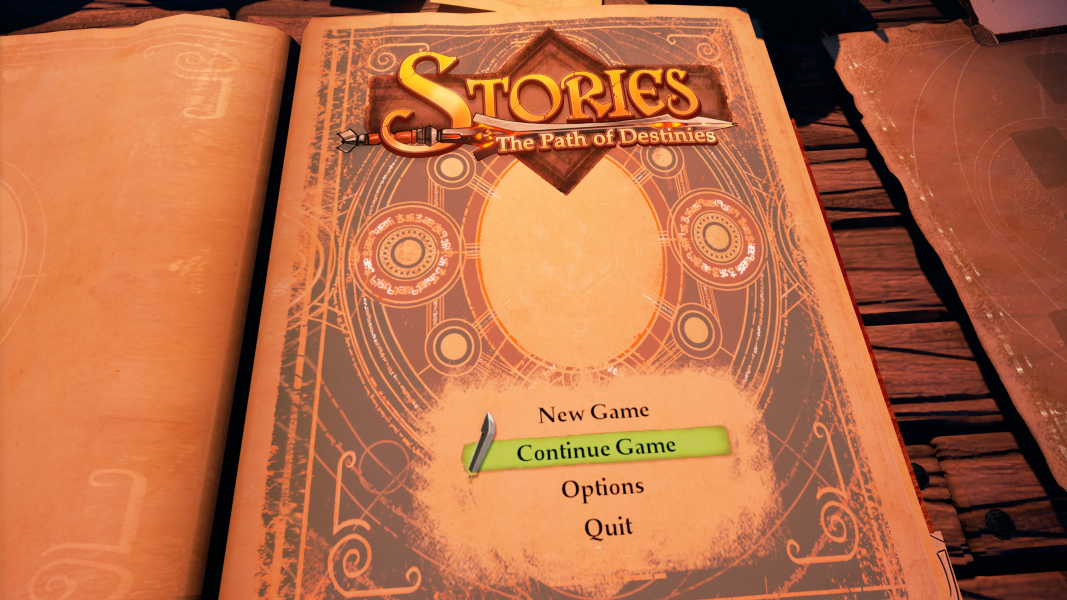
Menu Screenshots
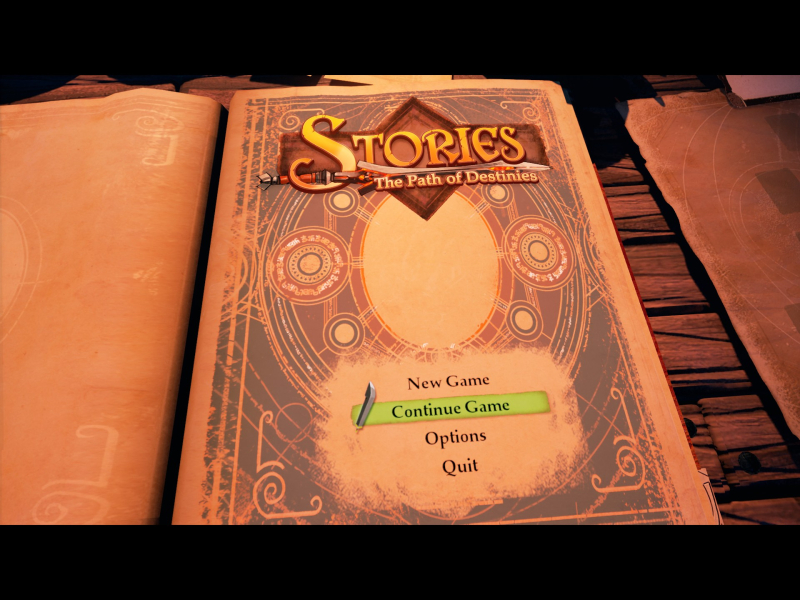


4K UHD Screenshots


Additional Screenshots


