




Lara Croft GO is a turn based puzzle-adventure set in a long-forgotten world. Explore the ruins of an ancient civilization, discover well-kept secrets and face deadly challenges as you uncover the myth of the Queen of Venom.
Support Summary
Game Information
Game Status:Released
Release Date:
Tested Version:Steam
Play Styles:Single-Player
Genre:Puzzle Adventure
Developer:Square Enix
Store Links:
Screenshots Comparison
Solutions & Issues
Widescreen Solution & Issues:
Native "Vert+" support.
Ultra/Super-Wide Specific Solution & Issues:
- Navigate to Steam\steamapps\common\Lara Croft GO\Lara Croft GO_Data\Managed\
- Rename or delete Assembly-CSharp.dll
- Download LaraCroftGO_Hor+_fixes.7z
- Extract Assembly-CSharp.dll from the archive's UltraWide folder to \Managed\
- Outstanding issues
- 2D elements remain magnified and/or Vert-.
Fix available from the PC Gaming Wiki Community Files (search there).
Eyefinity / Surround Specific Solution & Issues:
- Navigate to Steam\steamapps\common\Lara Croft GO\Lara Croft GO_Data\Managed\
- Rename or delete Assembly-CSharp.dll
- Download LaraCroftGO_Hor+_fixes.7z
- Extract Assembly-CSharp.dll from the archive's Eyefinity-Surround folder to \Managed\
- Outstanding issues
- 2D elements remain magnified and/or Vert-. OK/Cancel buttons may be offscreen, use Enter/Esc or controller inputs to validate choices.
Fix available from the PC Gaming Wiki Community Files (search there).
4K UHD Specific Solution & Issues:
Native support.
Gameplay Screenshots
4:3 Screenshot
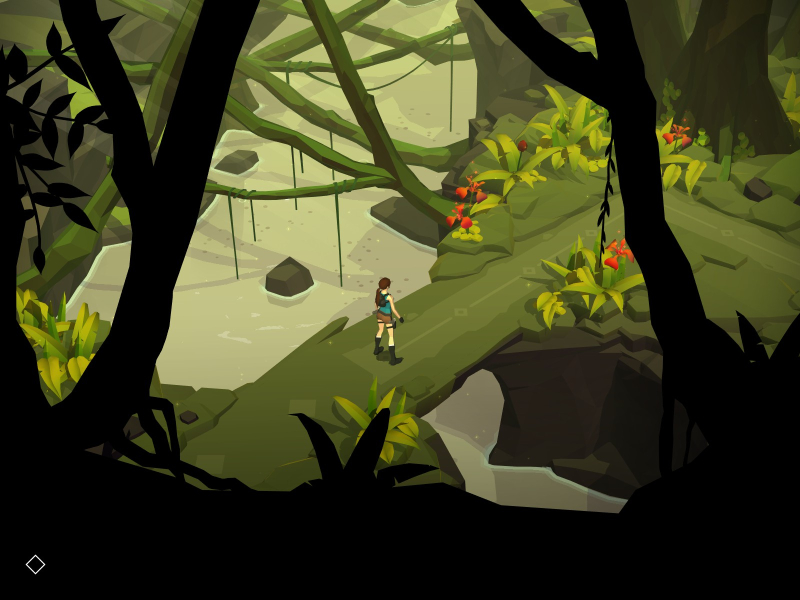
16:10 Screenshot
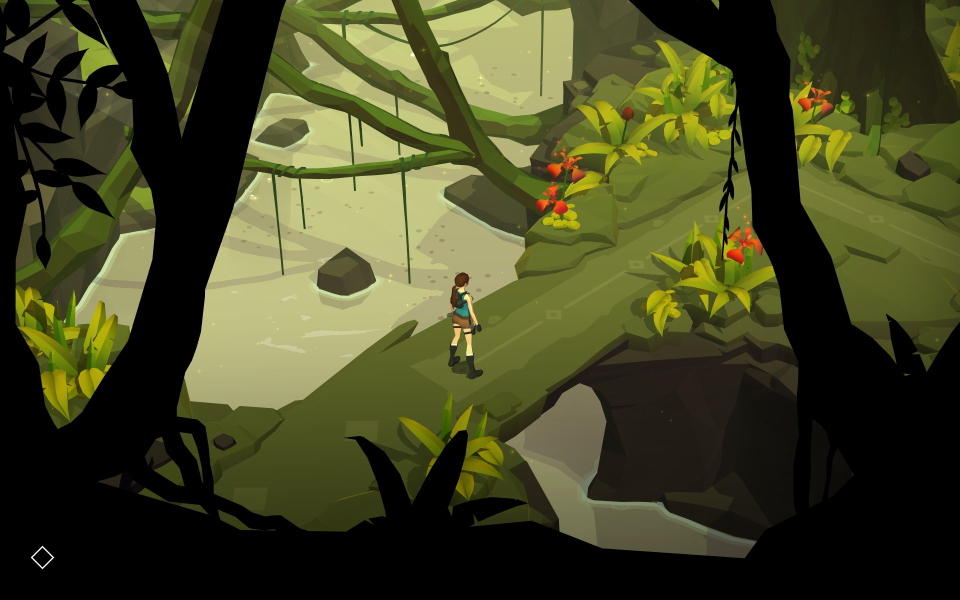
16:9 Screenshot
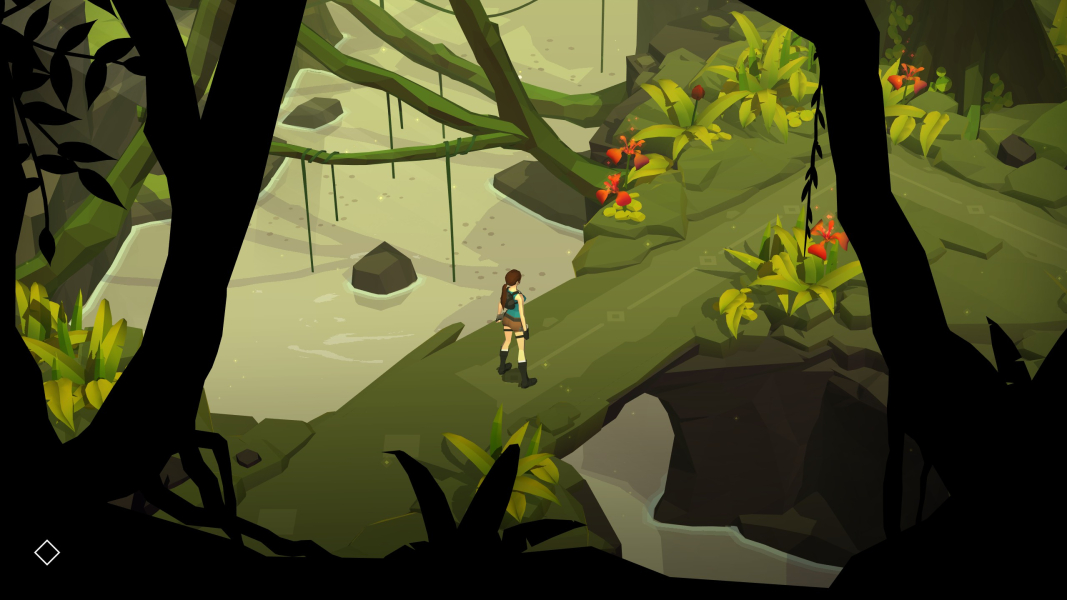
21:9 Screenshot
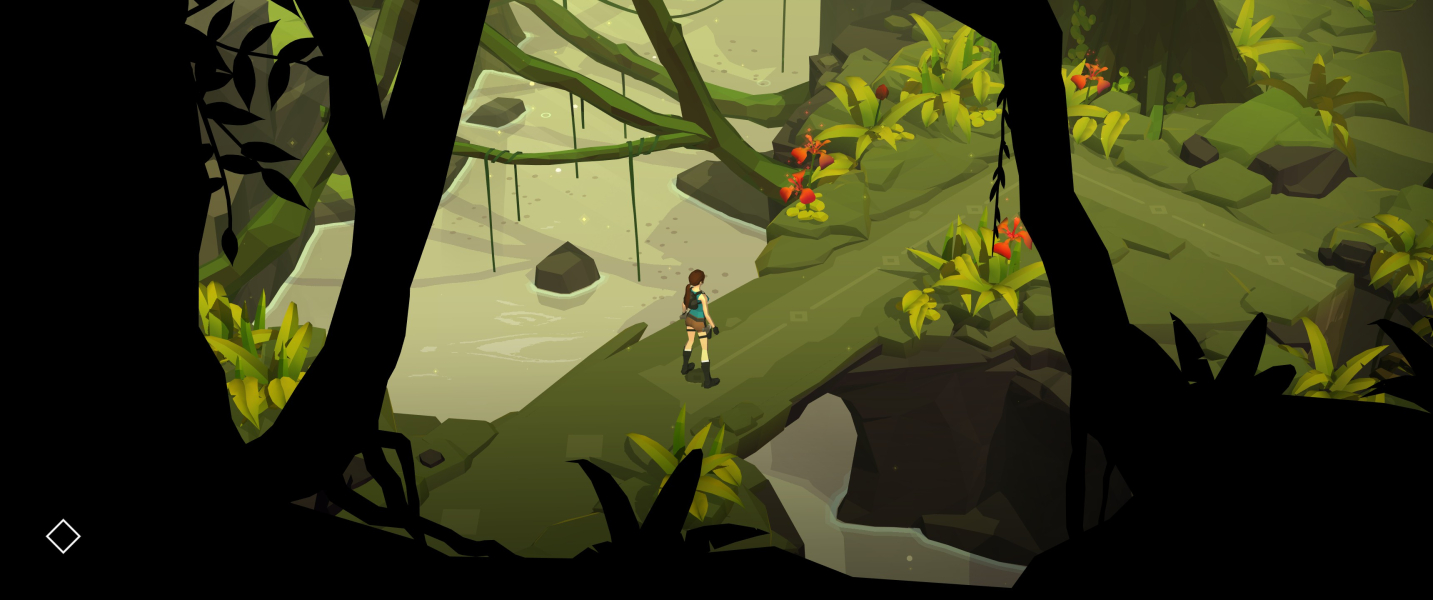
32:9 Screenshot

Eyefinity / Surround Screenshot

In-Game (Rendered) Cutscenes
4:3 Cutscene
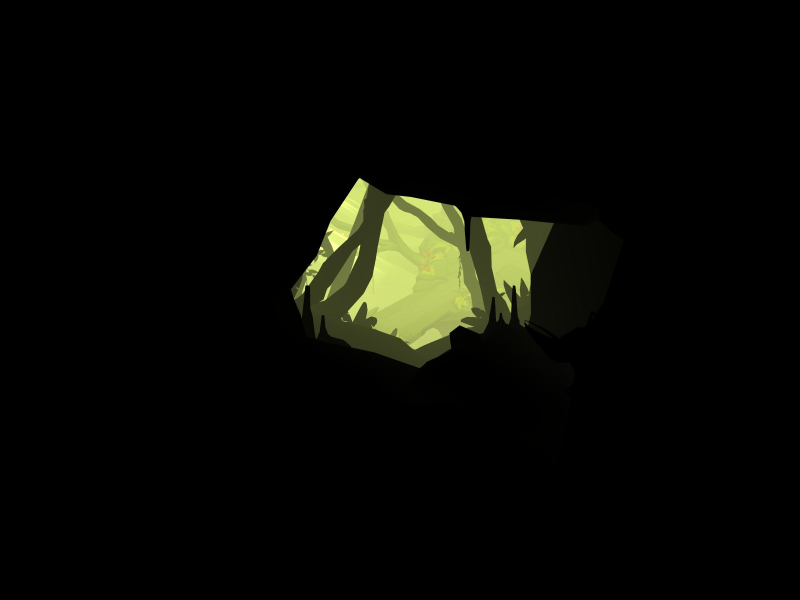
16:10 Cutscene
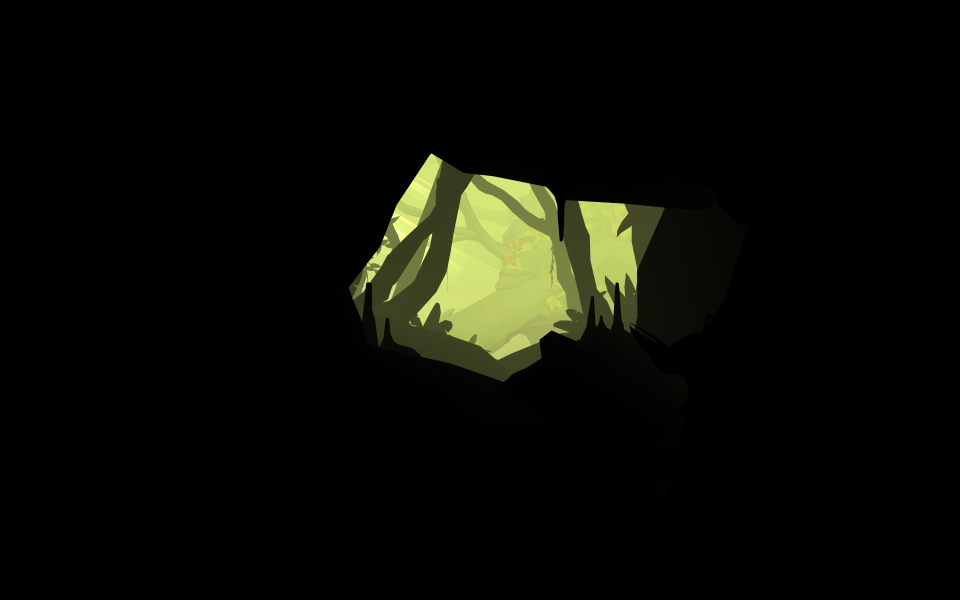
16:9 Cutscene
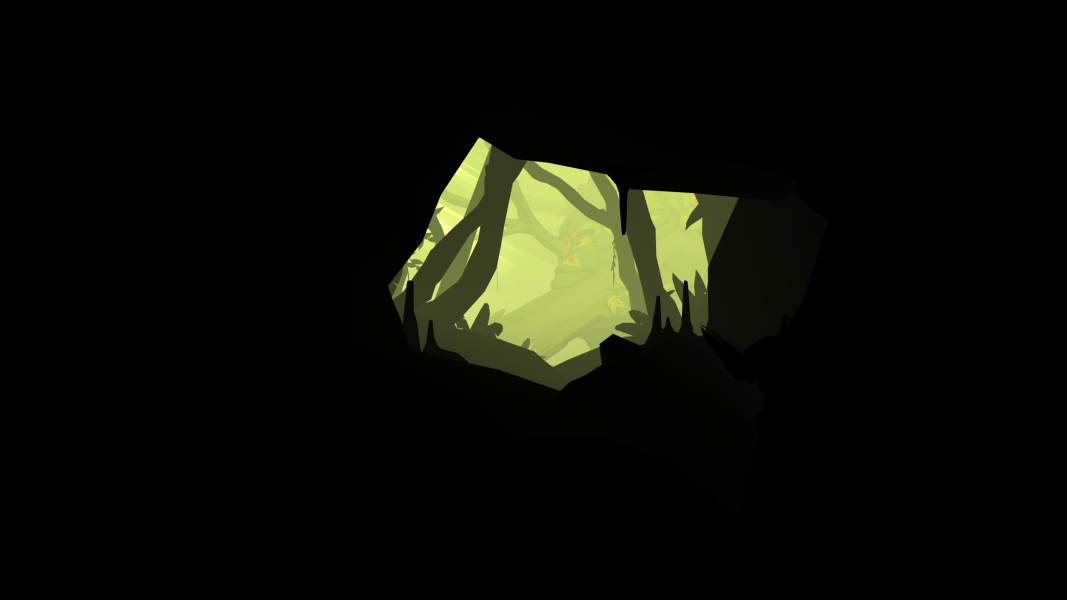
21:9 Cutscene
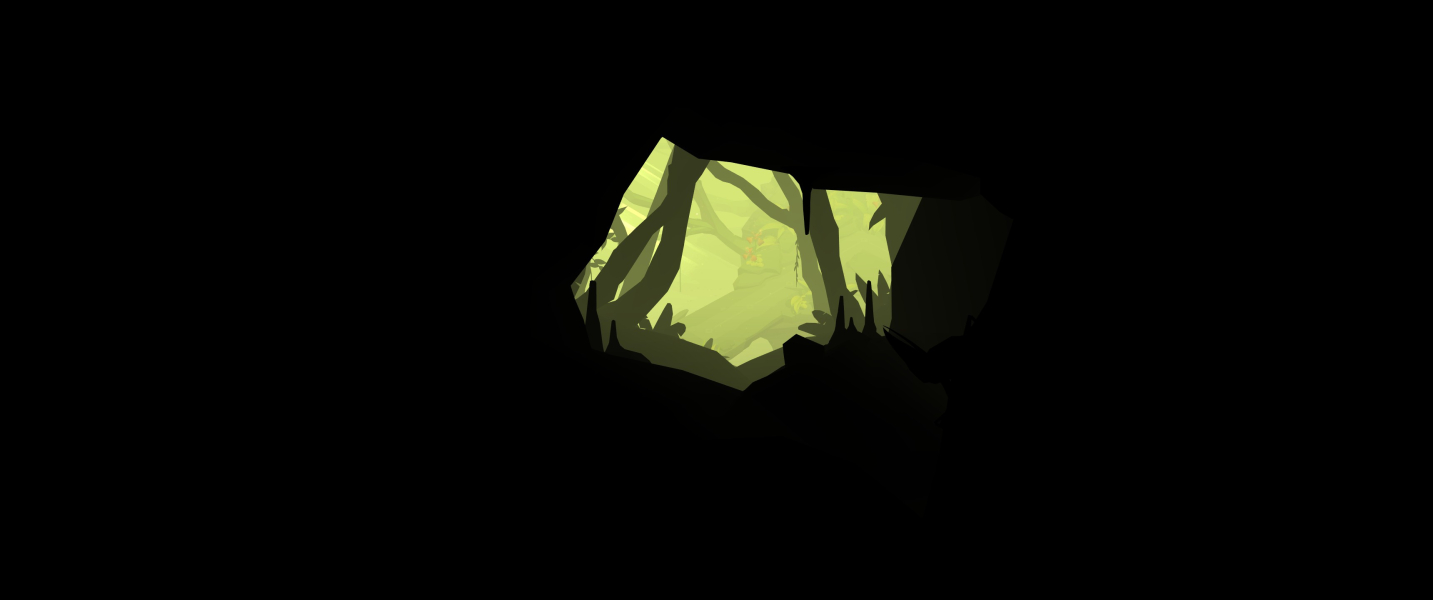
Eyefinity / Surround Cutscene

FMV Cutscenes
4:3 FMV Cutscene
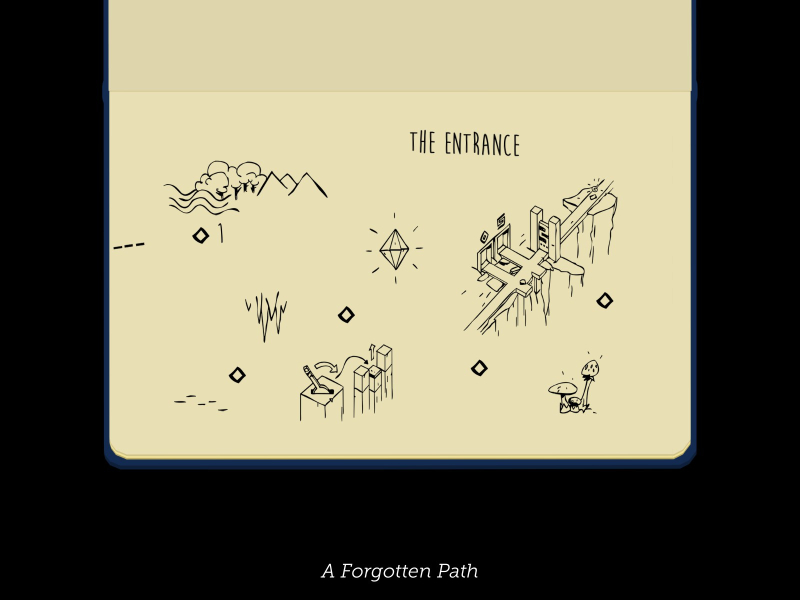
16:10 FMV Cutscene
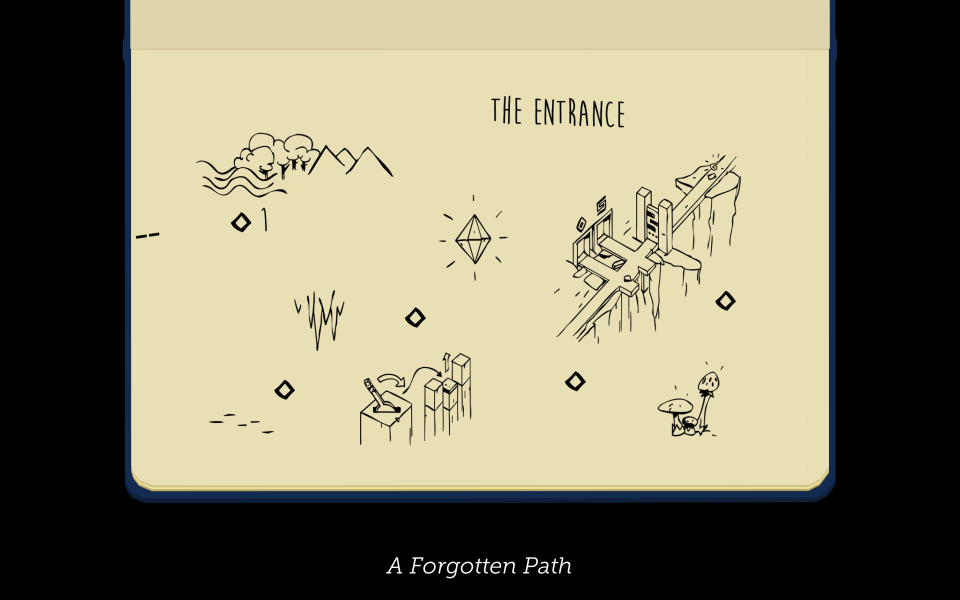
16:9 FMV Cutscene

21:9 FMV Cutscene
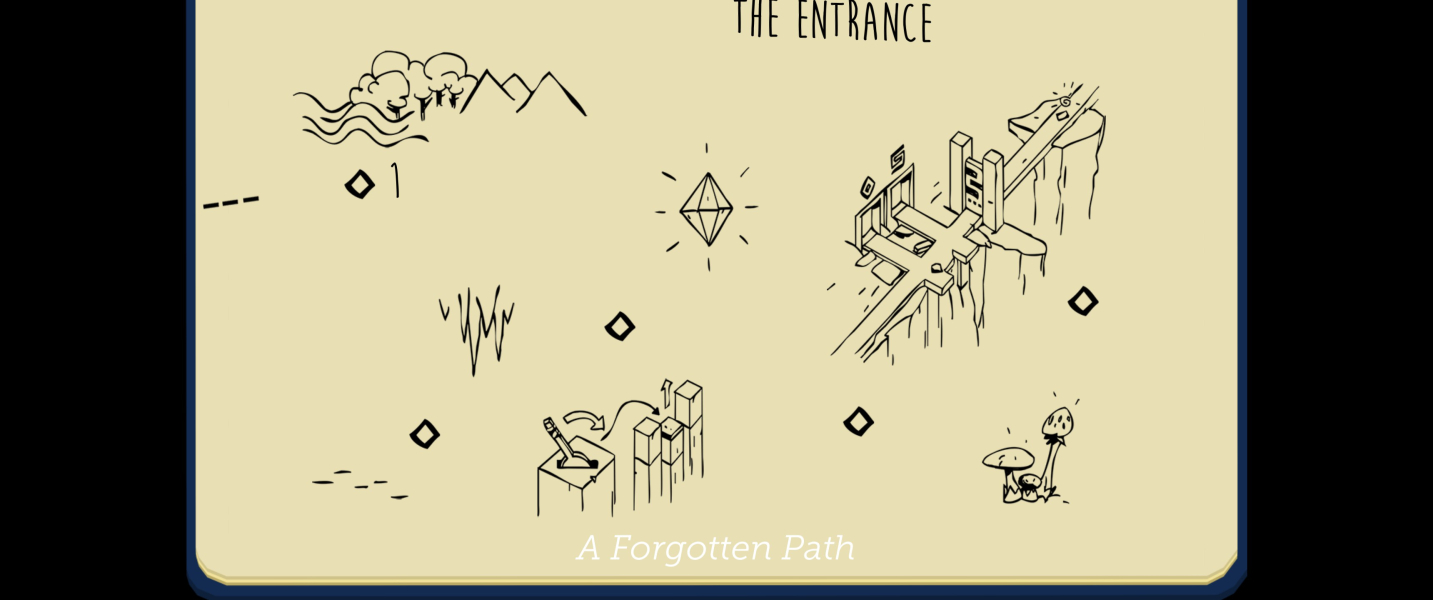
Eyefinity / Surround FMV Cutscene

Menu Screenshots
4:3 Menu

16:10 Menu
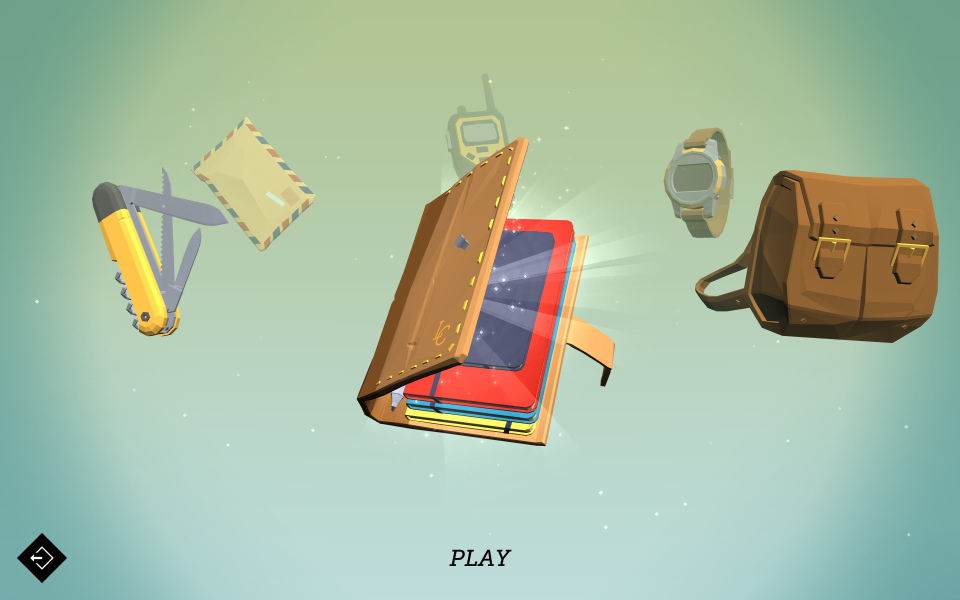
16:9 Menu
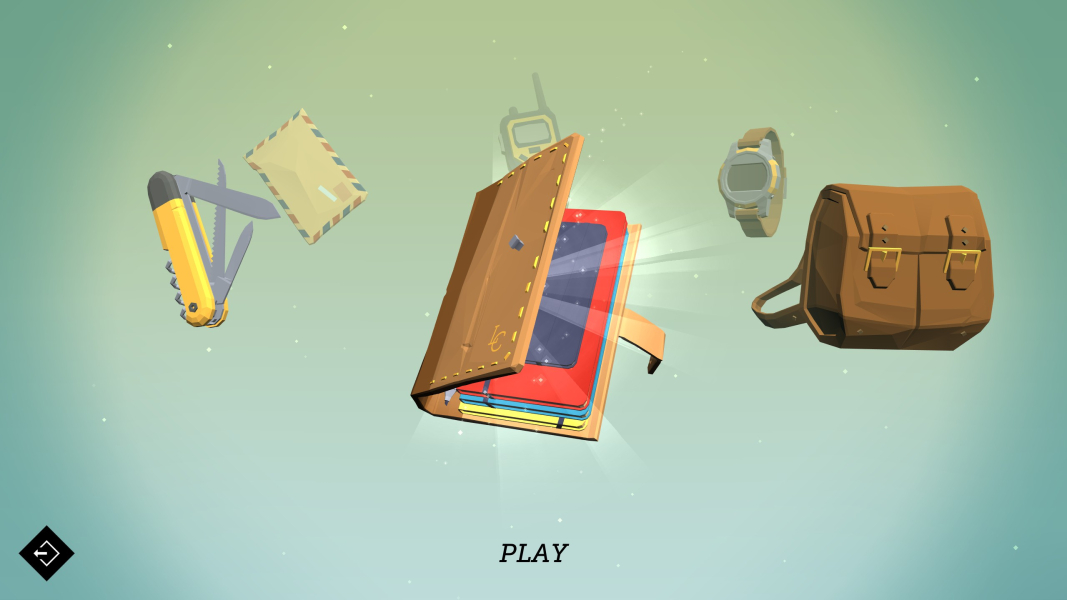
21:9 Menu
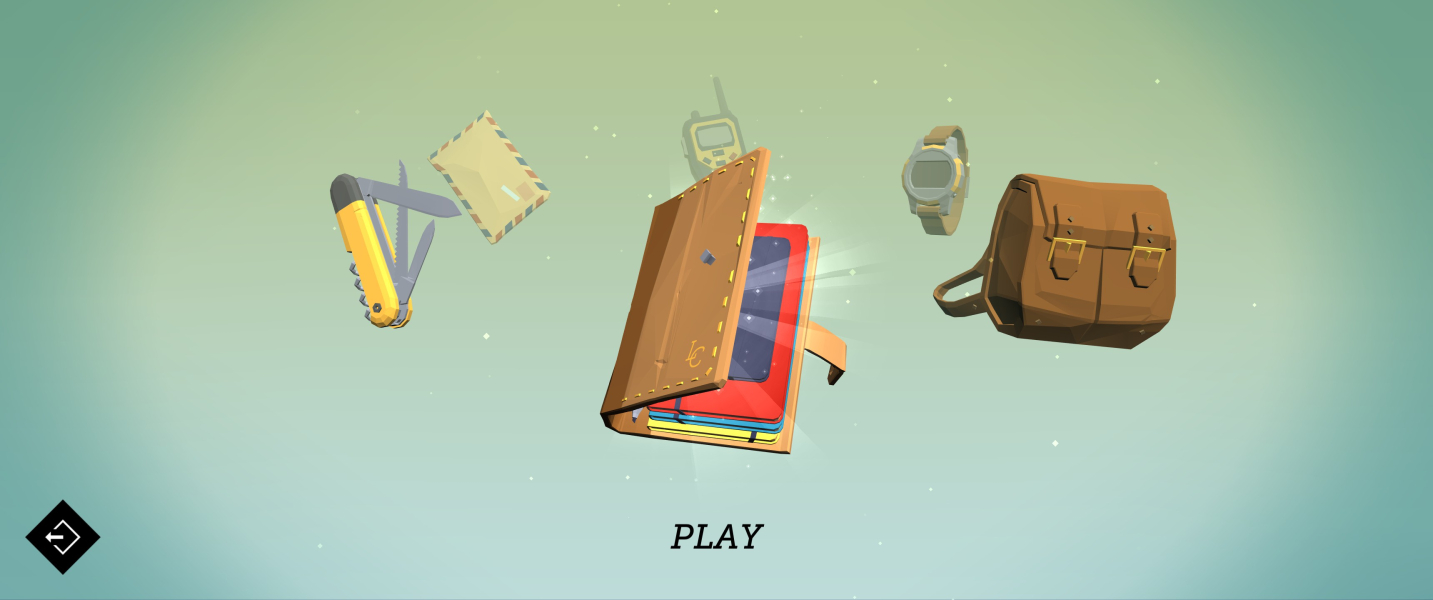
Eyefinity / Surround Menu

4K UHD Screenshots
4K Gameplay Screenshot
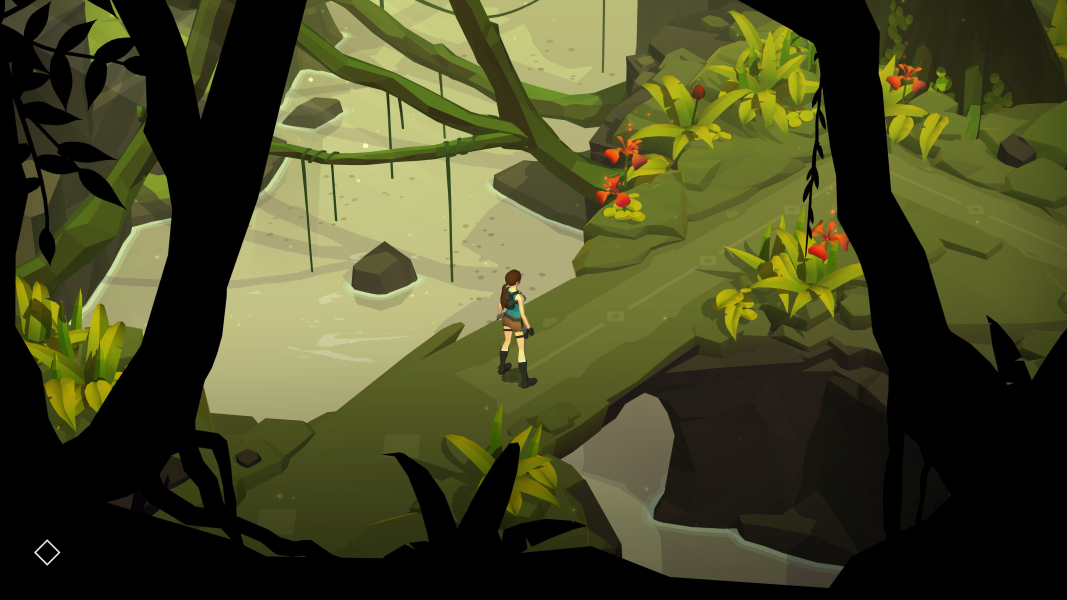
4K In-Game Cutscene
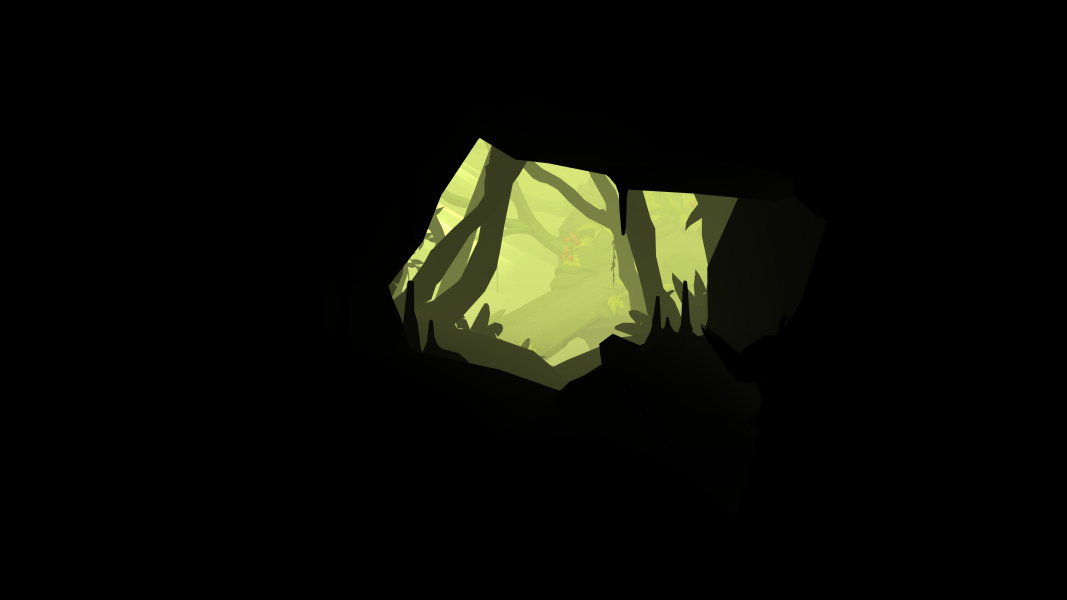
4K FMV Cutscene

4K Menu Screenshot
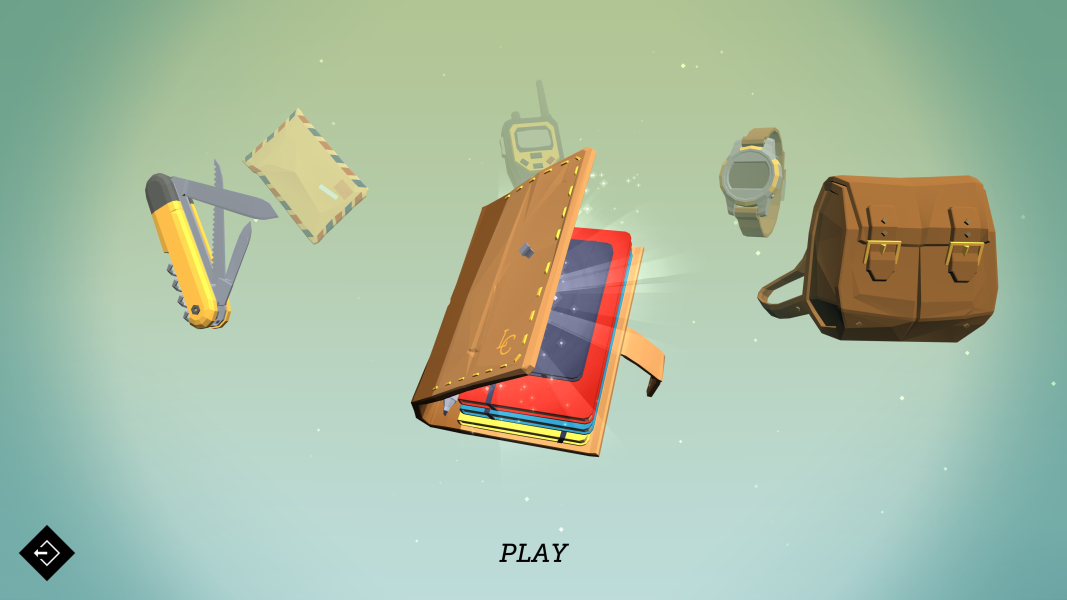
Additional Screenshots

Widescreen Gameplay w/ UltraWide fix = higher FOV


