


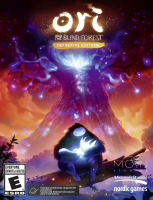


Ori and the Blind Forest: Definitive Edition delivers a multitude of new areas, difficulty options, and gameplay upgrades that should appeal to both new and seasoned Ori players.
Support Summary
Game Information
Game Status:Released
Release Date:
Tested Version:Steam
Play Styles:Single-Player
Setting:Fantasy
Genre:Platformer (Adventure)
Developer:Moon Studios
Screenshots Comparison
Solutions & Issues
Ultra/Super-Wide Specific Solution & Issues:
Natively Hor+ at 21:9.
For 32:9 on Steam, see the multi-monitor instructions below.
For Microsoft Store, use Rose's solution.
Eyefinity / Surround Specific Solution & Issues:Look for 60 E5 18 40 and change it to 00 00 10 41. In regedit, go to HKEY_CURRENT_USER\Software\Microsoft Studios\Ori And The Blind Forest: Definitive Edition and modify the Screenmanager Resolution Width and Height values to match your display.
Instructions to remove the black bars:
- Hex edit the aspect ratio
: Go to --> \oriDE_Data\Managed\Assembly-CSharp.dll in the game folder.
Issues: Some background graphics are cut off.
On Microsoft Store, use Rose's solution.
Gameplay Screenshots
4:3 Screenshot
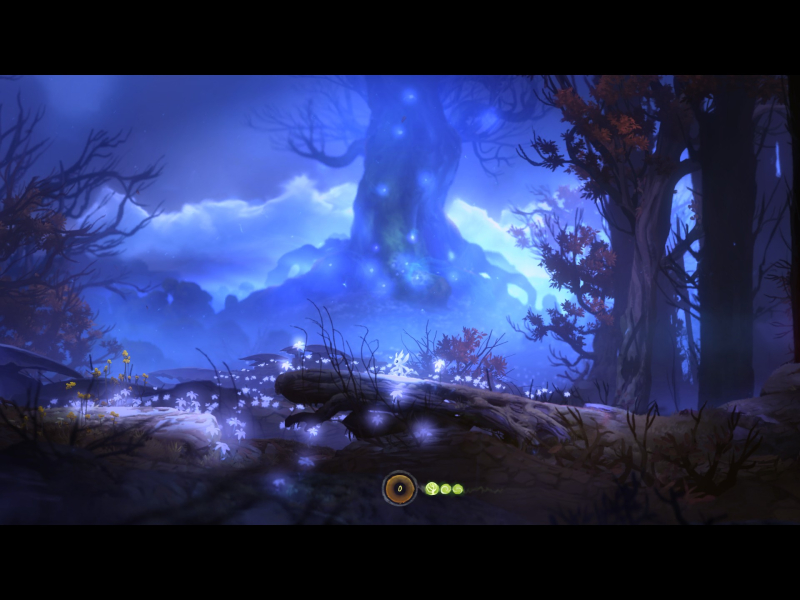
16:10 Screenshot
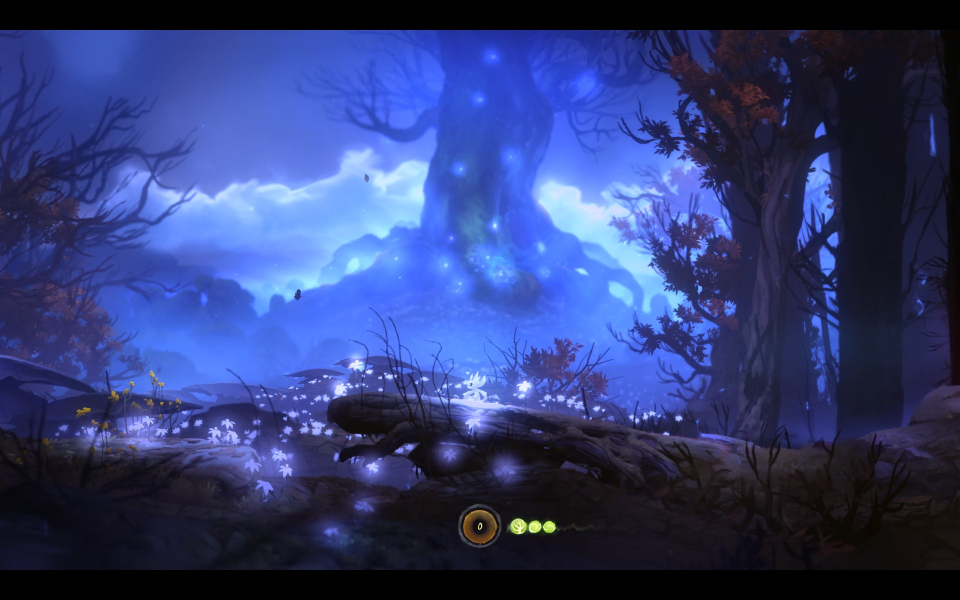
16:9 Screenshot
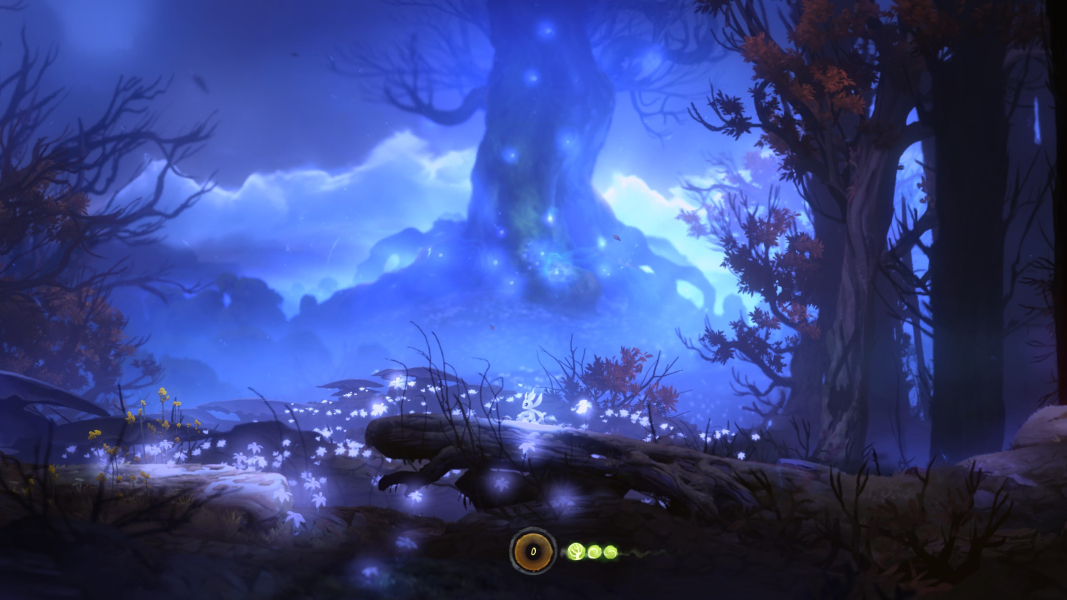
21:9 Screenshot

32:9 Screenshot

Eyefinity / Surround Screenshot

In-Game (Rendered) Cutscenes
4:3 Cutscene
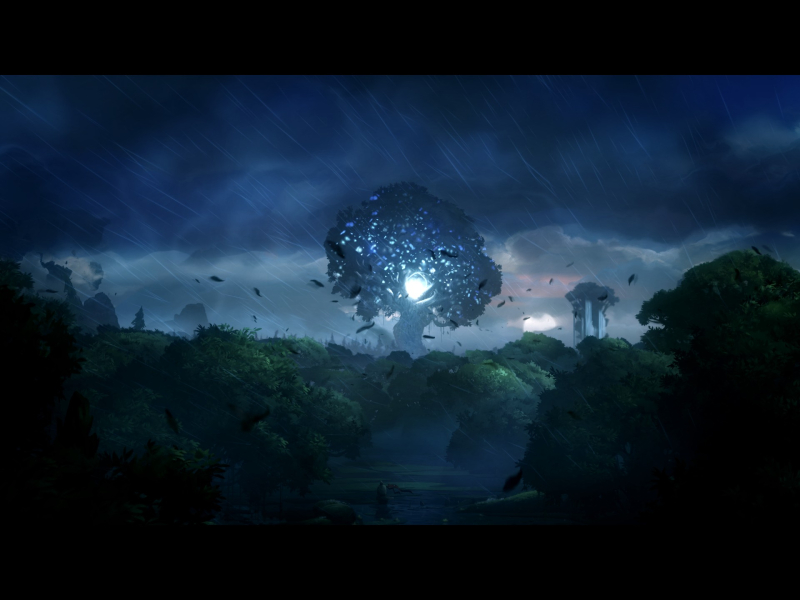
16:10 Cutscene

16:9 Cutscene

21:9 Cutscene
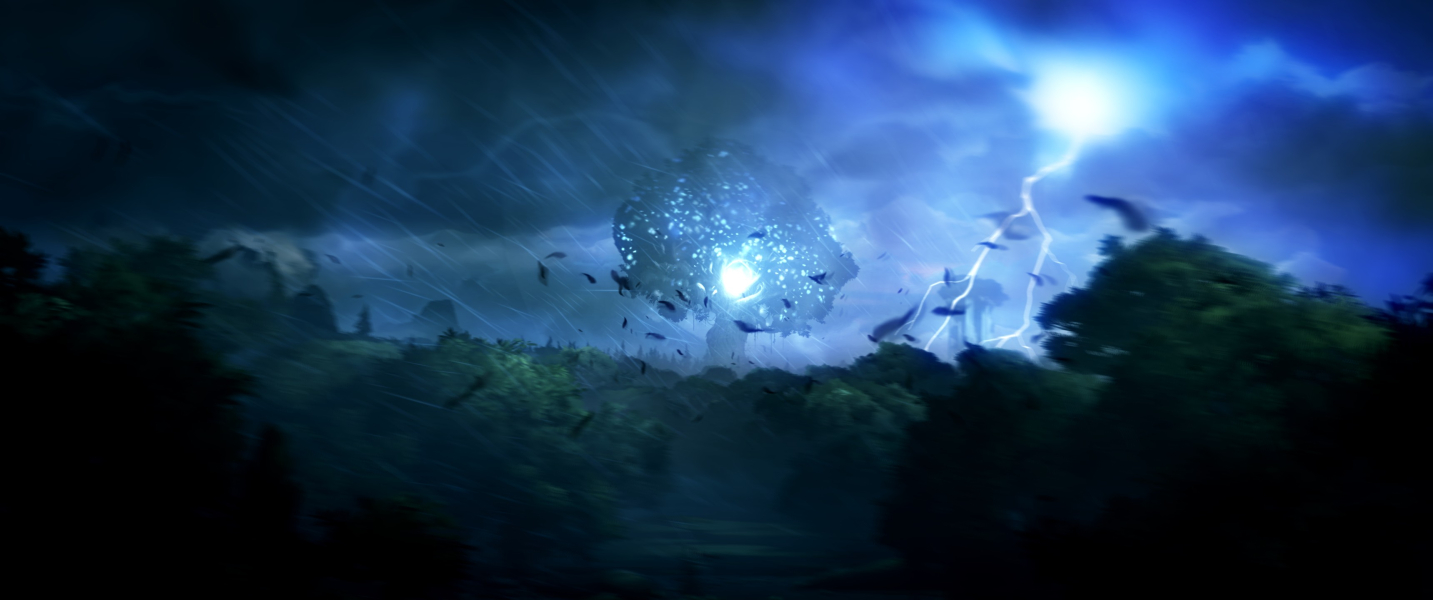
Eyefinity / Surround Cutscene

FMV Cutscenes
4:3 FMV Cutscene

16:10 FMV Cutscene

16:9 FMV Cutscene

21:9 FMV Cutscene

Eyefinity / Surround FMV Cutscene

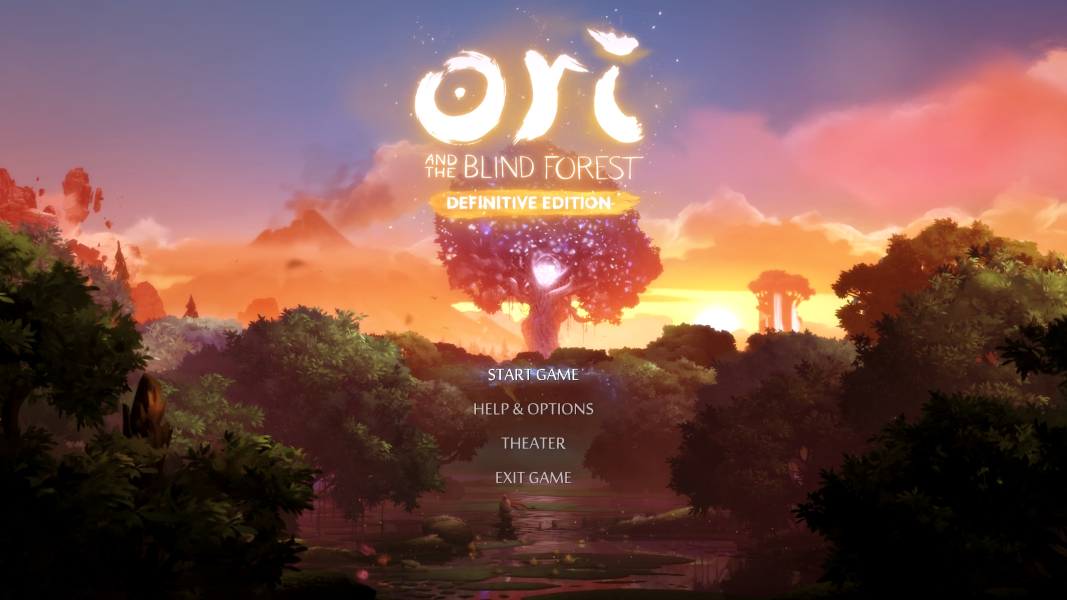
Menu Screenshots
4:3 Menu
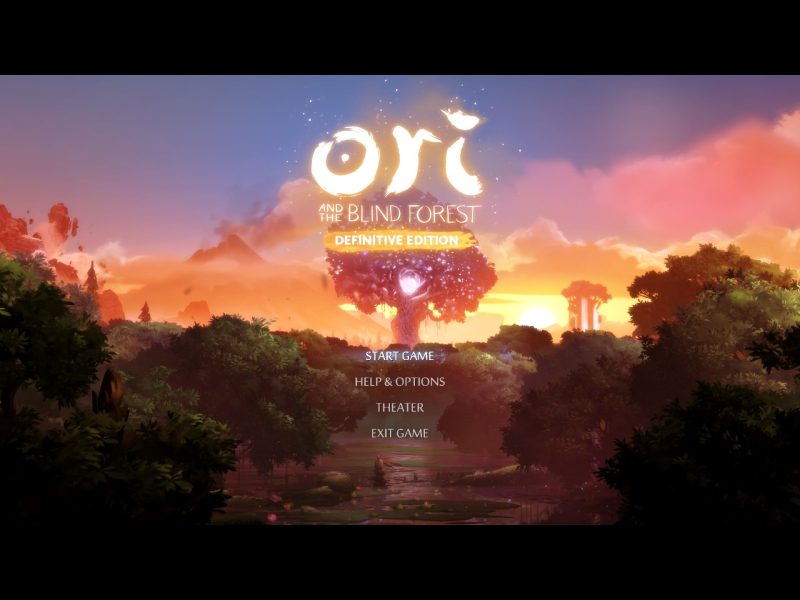
16:10 Menu
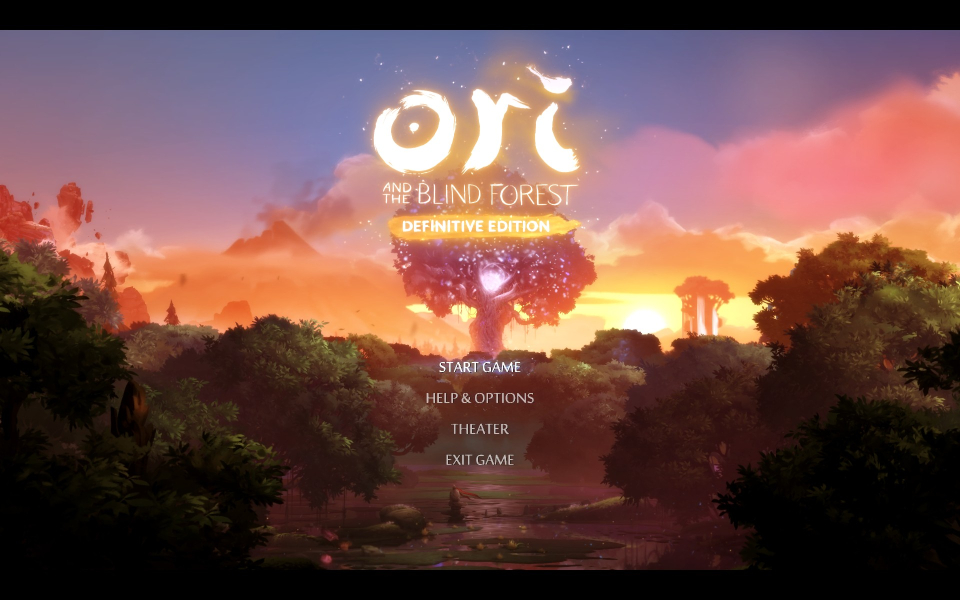
16:9 Menu
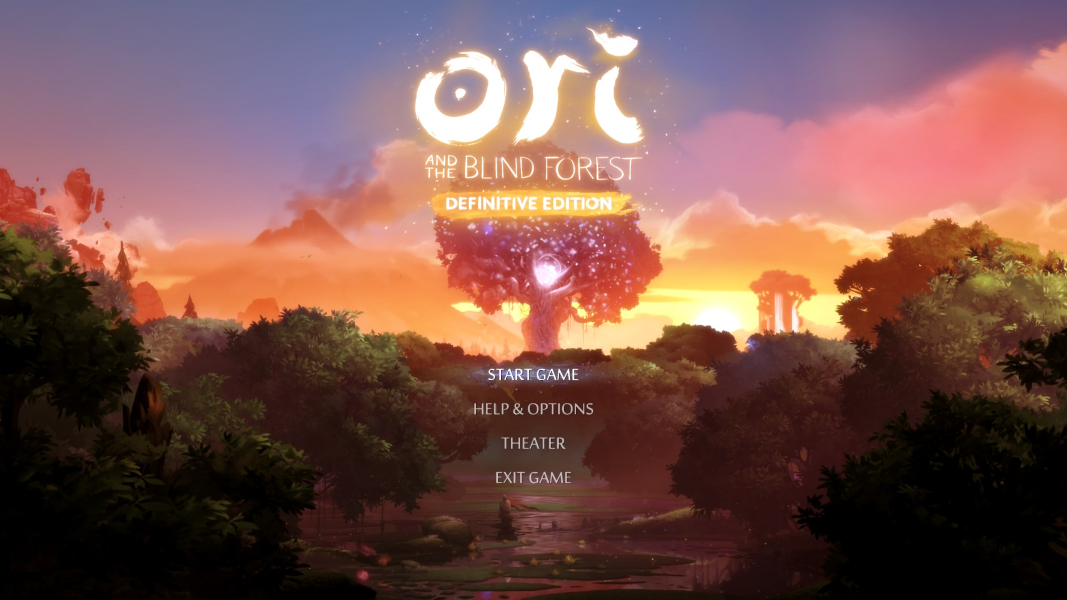
21:9 Menu
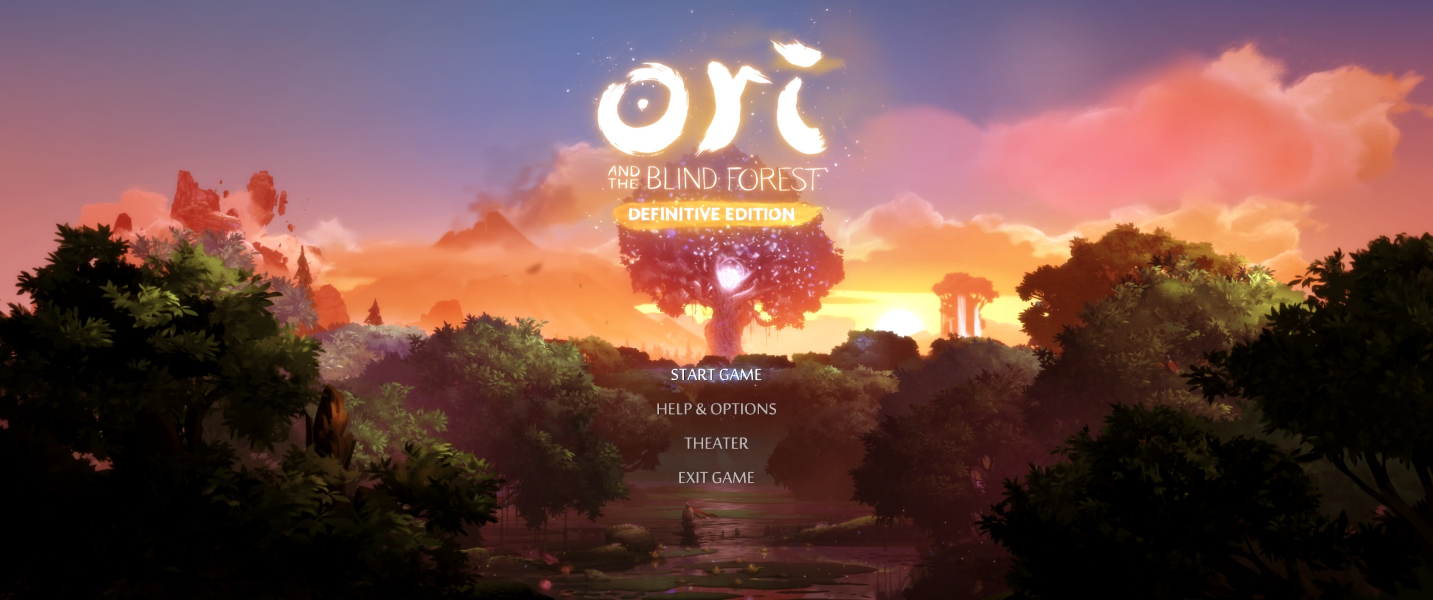
Eyefinity / Surround Menu

4K UHD Screenshots
4K Gameplay Screenshot
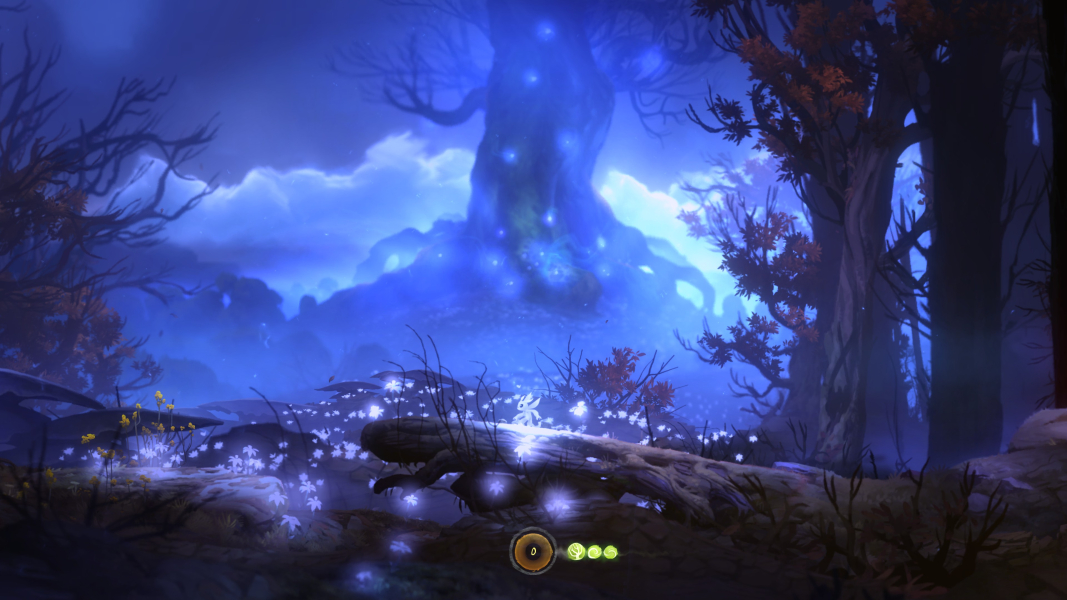
4K In-Game Cutscene
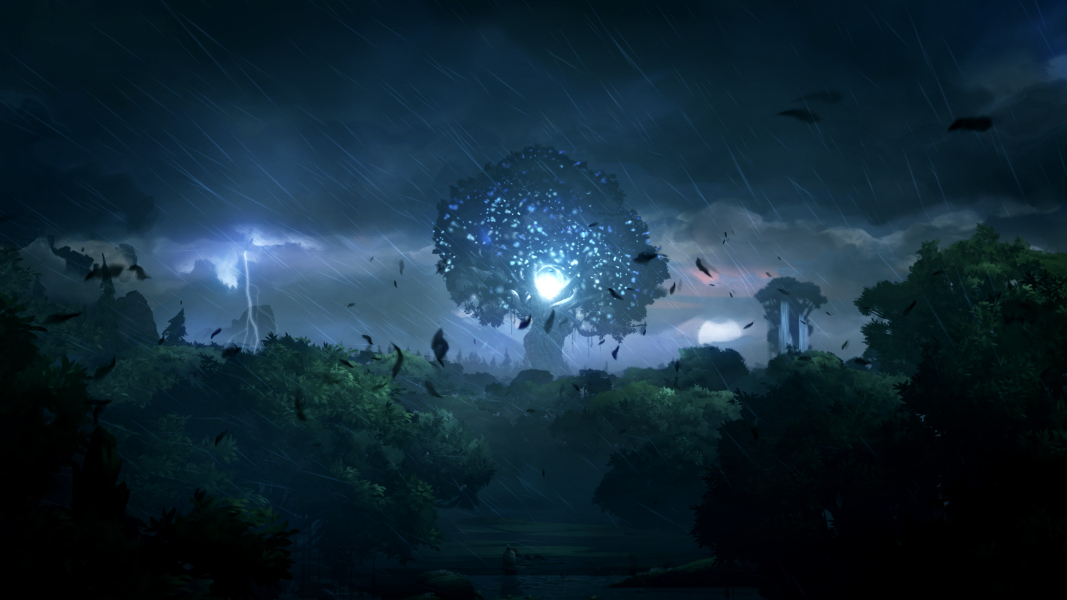
4K FMV Cutscene

4K Menu Screenshot
Resolutions & Configurations
15:9 Resolutions:1280x768
4K UHD Resolutions:3840x2160
Multi-Monitor Types:Nvidia Surround
Multi-Monitor Layouts:3x1-L


