

Control a team of "GenoHunters" with the ability to mutate by absorbing alien DNA.
Support Summary
Game Information
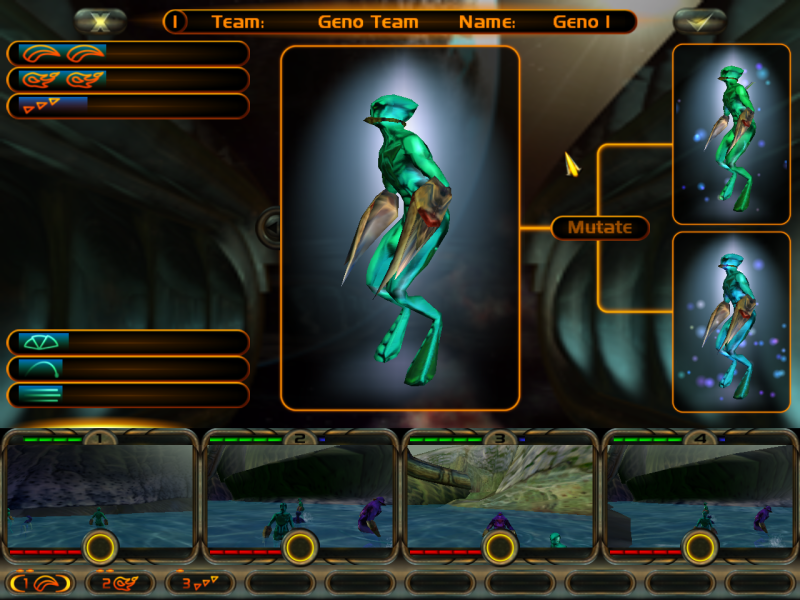
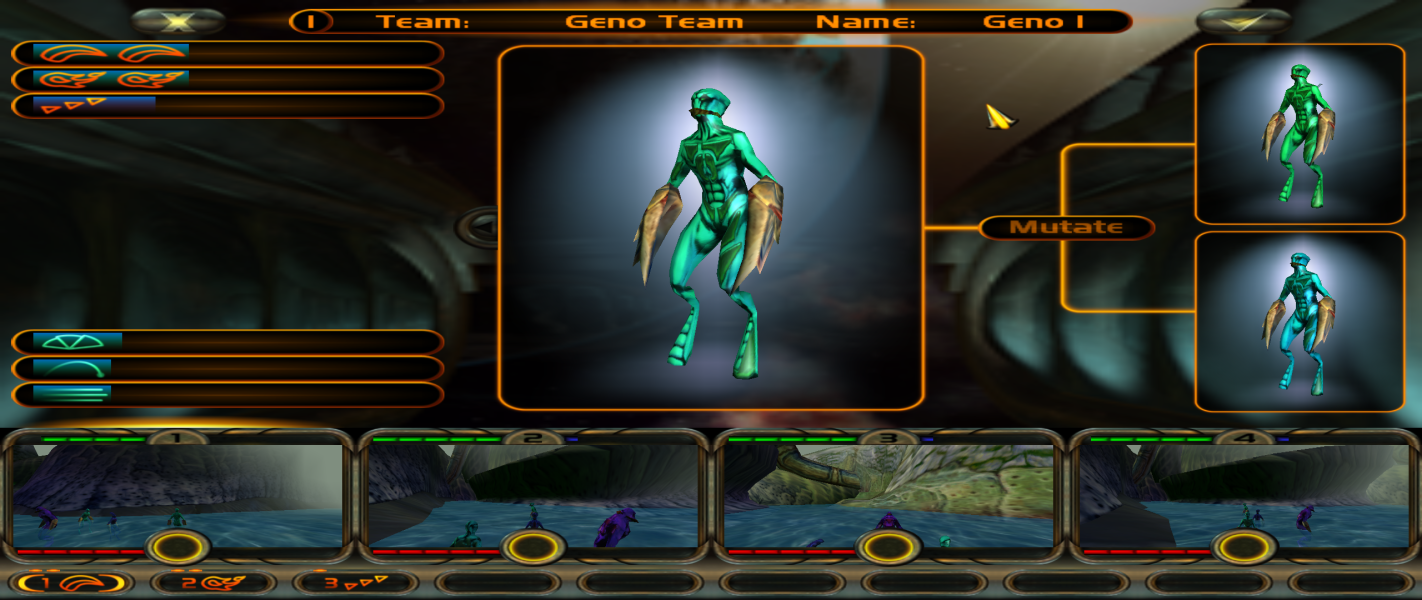
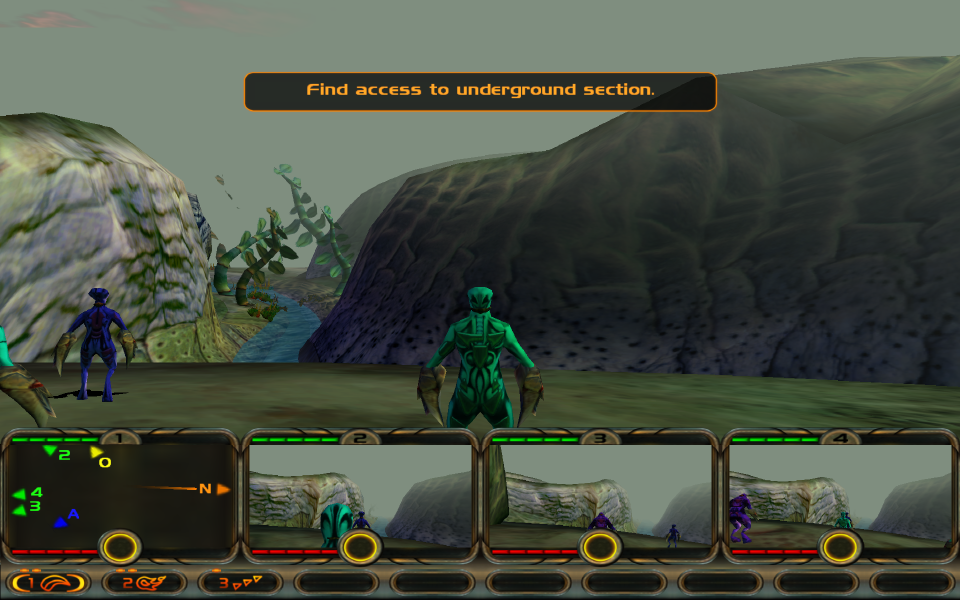
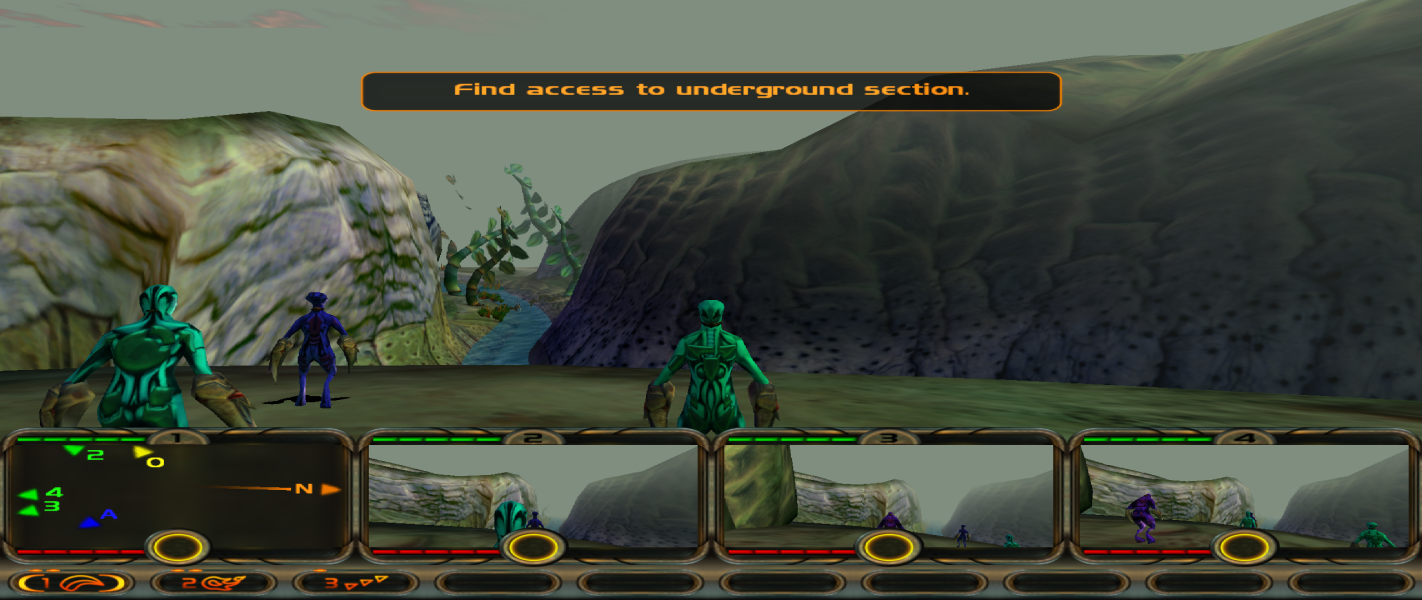
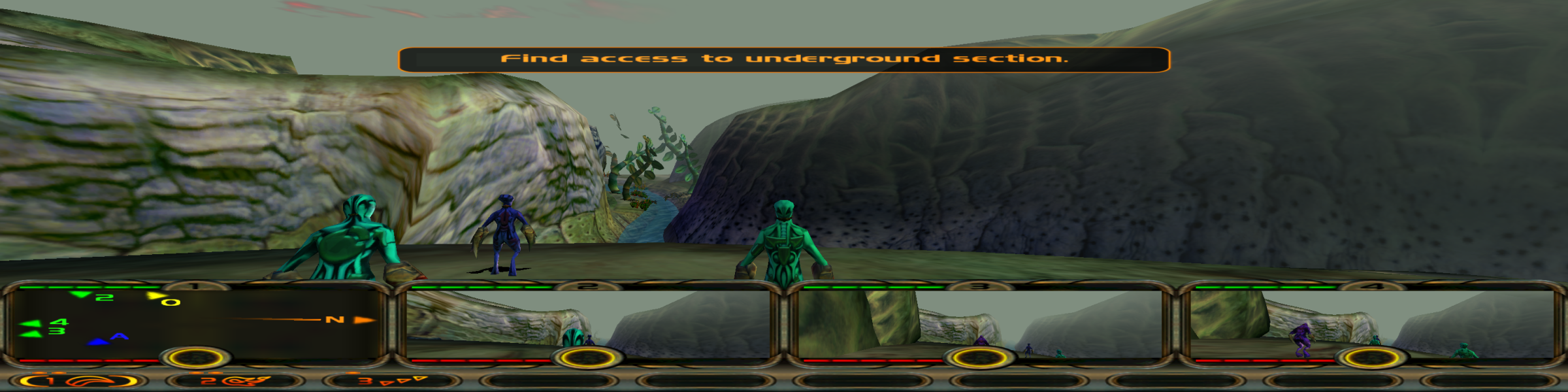
Screenshots Comparison
Solutions & Issues
Only 4:3 and 5:4 resolutions are detected in game. Other resolutions can be set in the registry:
- Apply a different resolution in-game to generate the necessary registry entries.
- Use the Registry Editor to go to HKEY_CURRENT_USER\Software\Computer Artworks\Evolva\1.0
- Set DisplayModeWidth and DisplayModeHeight to the desired resolution.
- If the chosen resolution is greater than 2048x2048, use dgVoodoo2 to remove the resolution limit.
The character camera windows at the bottom of the screen are Hor+. Text and 2D elements stretch from 4:3. All 3D elements are scaled correctly including in menus such as the mutation screen.
See widescreen steps and use dgVoodoo2 to remove the 2048x2048 resolution limit.
Moving very close to scenery objects may cause the camera to temporarily move out of the way. The camera position will be corrected when moving away from the obstruction or by jumping.
See widescreen steps and use dgVoodoo2 to remove the 2048x2048 resolution limit.
Multi-monitor resolutions work with the following limitations:
- 3x16:9: The camera does not follow the selected character. Jumping will reset the camera to sit behind the character but this is only temporary (the camera will soon stop following the character again).
- 3x4:3: The camera follows the selected character correctly. Moving very close to scenery objects causes the camera to temporarily move out of the way. The camera position will be corrected when moving away from the obstruction or by jumping.
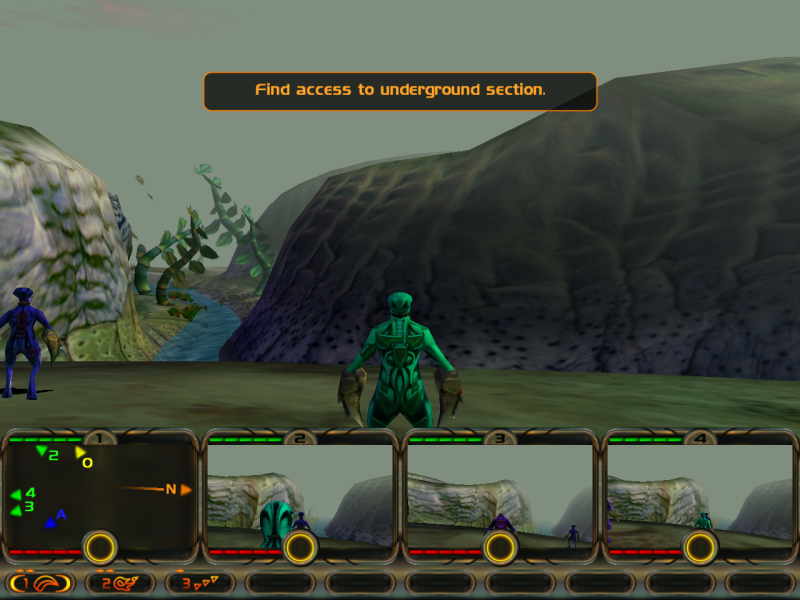
Gameplay Screenshots


Menu Screenshots