


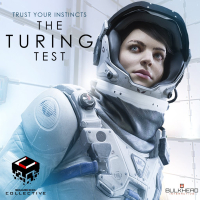


The Turing Test is a first person puzzler from the developers of ‘Pneuma: Breath of Life’ that explores the phenomena of consciousness and challenges the meaning of human intuition. Take control of Ava Turing, an engineer for the International Space Agency (ISA), and progress through a narrated story of introspection and morality whilst uncovering the hidden mysteries of Europa. Delve into The Turing Test’s human interaction puzzles and arm yourself with logical and methodical thinking. Take on tests designed in such a way that only a human could solve them. In an evolving story based on mankind’s inherent need to explore, protect and survive; players search deeper into Europa’s ice crusted core and transcend the line between man and machine. Investigate the truth behind the ISA research base on Jupiter’s moon Europa. Solve puzzles using your Energy Manipulation Tool (EMT) to transfer power out from one object and into another. Power up and take control of artificially intelligent machines, manipulate giant structures and solve complex tasks; all woven into a multi-layered story based on the human struggle for control. The Turing Test can only be experienced through the interactive medium of video games. The Turing Test sparks your synapses into action in this electrifying new first person puzzler, as players learn the true cost of retaining human morality.
Support Summary
Game Information
Screenshots Comparison
Solutions & Issues
Native "Vert+" support.
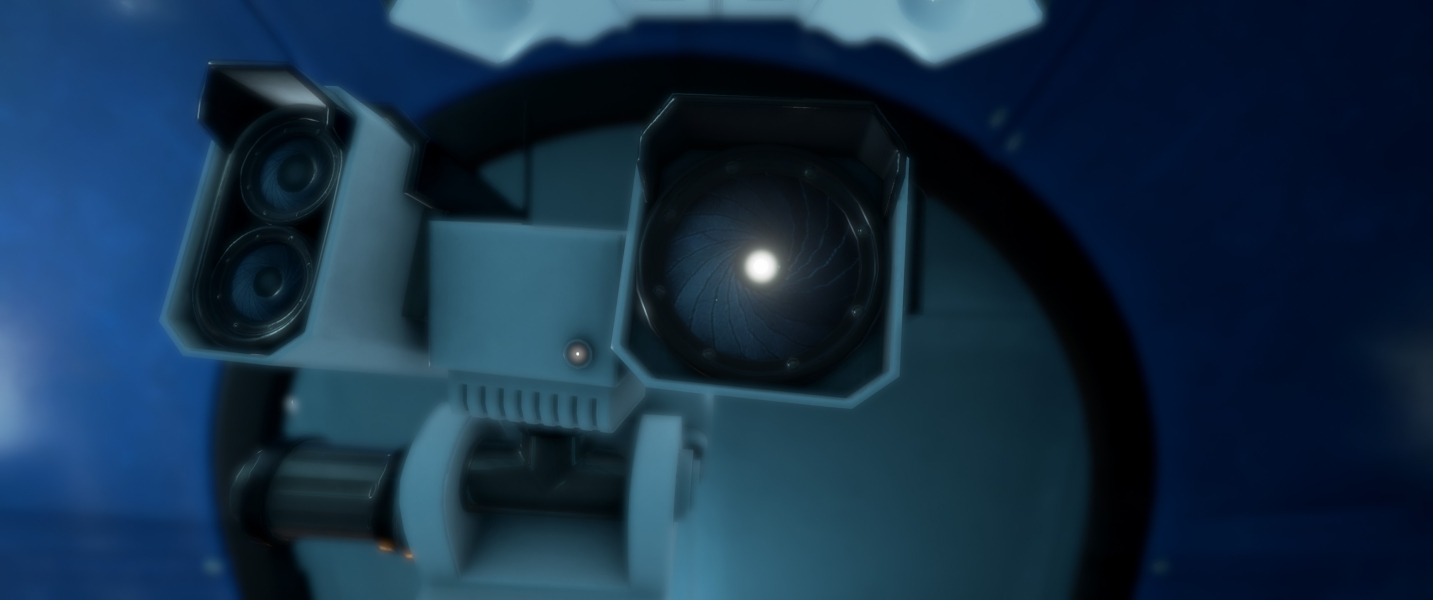
- A slider for FOV is also present (60-120). It affects Ava's view in both gameplay and cut-scenes, however it has no effect on machines: T.O.M.'s cameras have a locked HFOV.
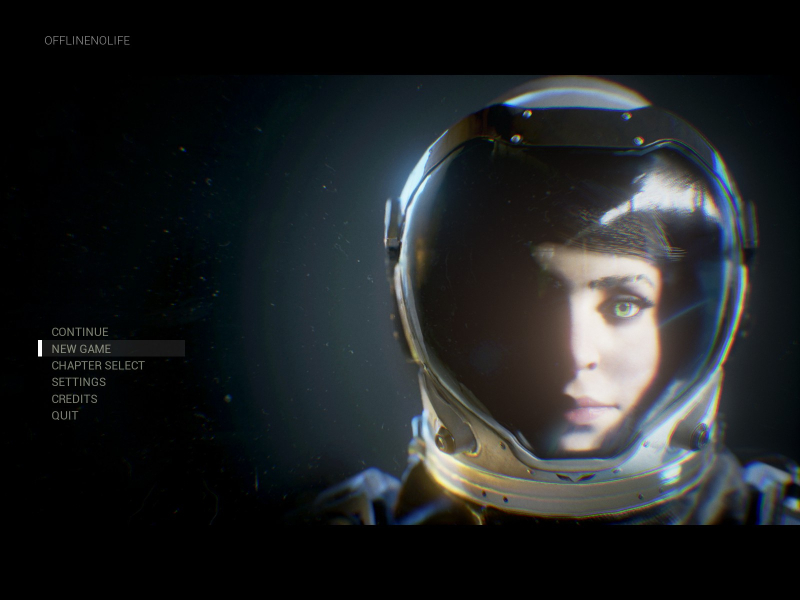
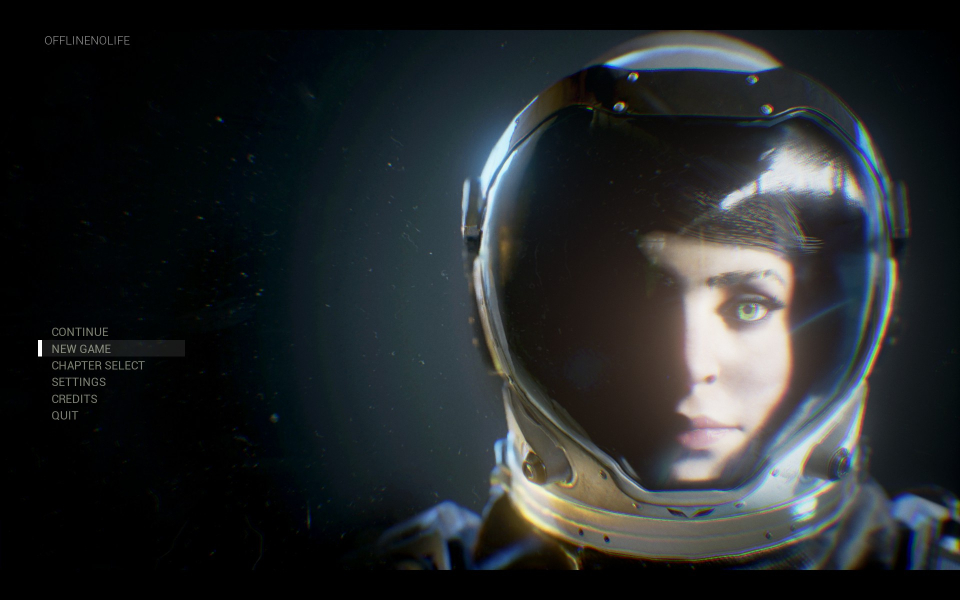
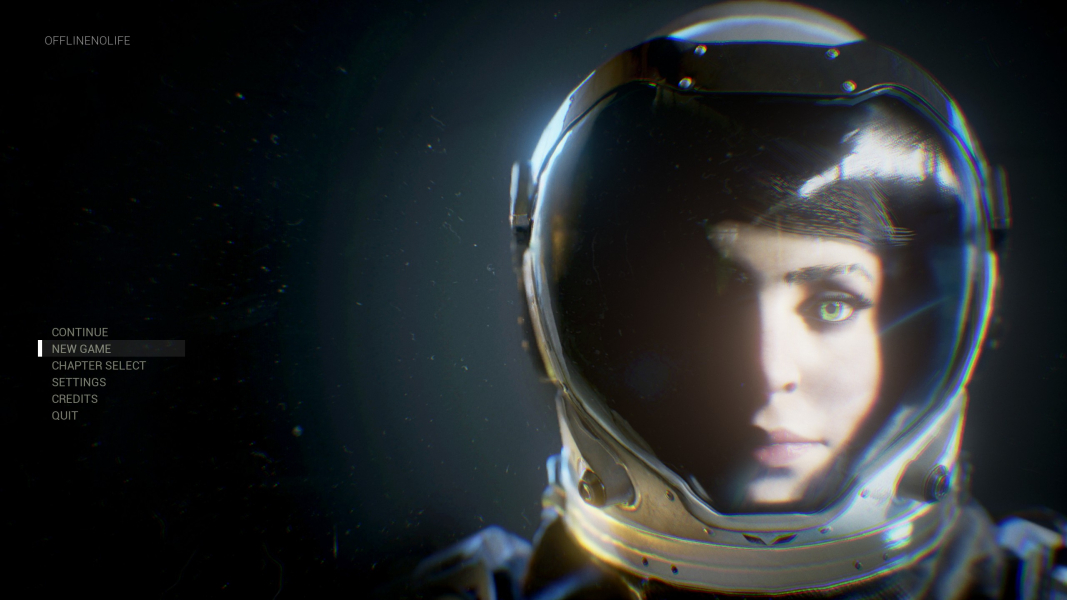
- Main menu is 16:9 anamorphic.
- Loading screens are Hor+ (cropping below 16:9).
Native support: set FOV to 107 for Hor+ screen change (compared to FOV 90 in 16:9).
- T.O.M.'s cameras remain slightly Vert-.
- Main menu and loading screens are pillarboxed.
- Lock the vertical FOV
- Lower the FOV
Steam\steamapps\common\The Turing Test\Engine\Config\BaseEngine.ini
[/Script/Engine.LocalPlayer]
AspectRatioAxisConstraint=AspectRatio_MaintainXFOV
Replace MaintainXFOV with MaintainYFOV
Set in-game FOV to 60. Ideally VFOV should be 58.72 for pixel-perfect screen change (compared to HFOV 90 in 16:9).
- T.O.M.'s cameras remain vastly Hor+/Vert+.
- Main menu scales to the left monitor, although backdrop art is pillarboxed.
- Loading screens are pillarboxed.
Native support.
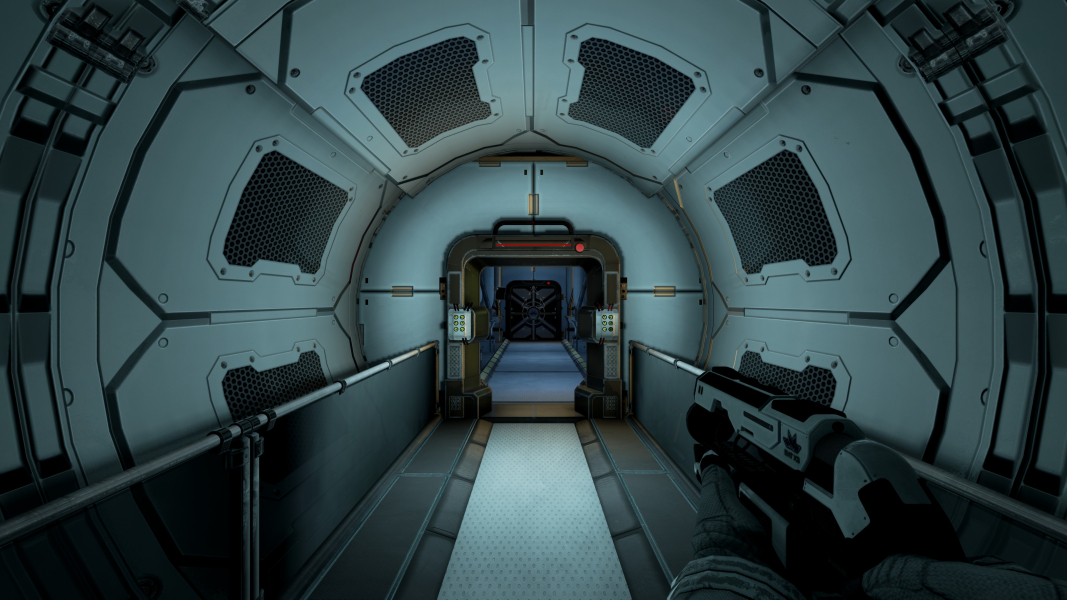
Gameplay Screenshots
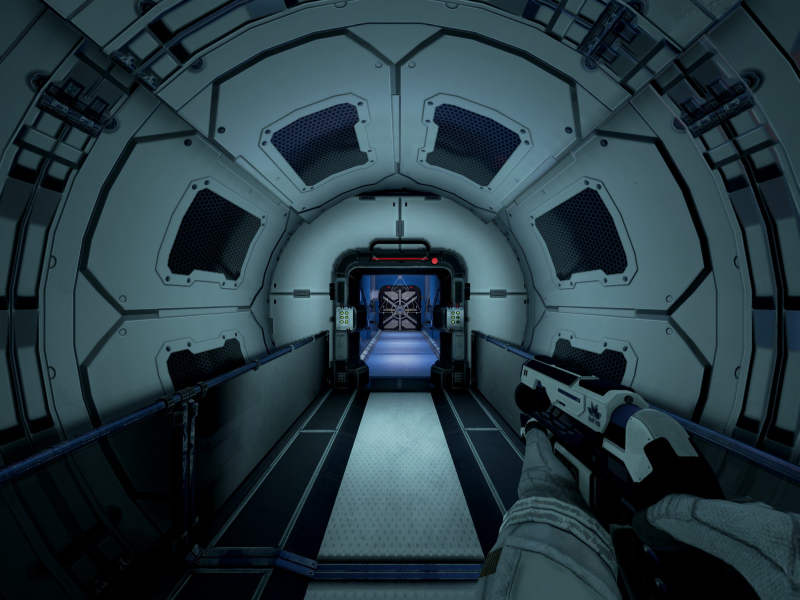
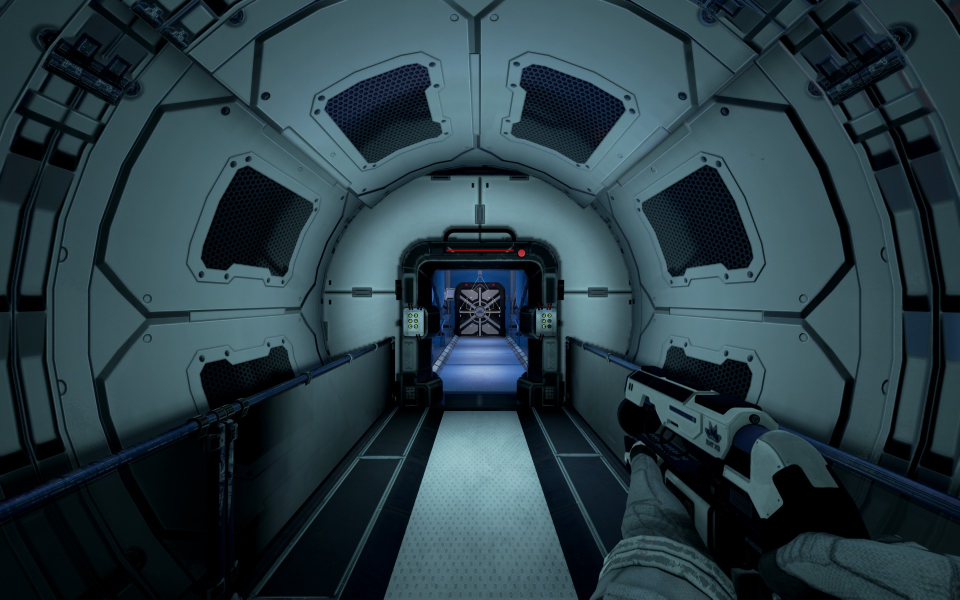
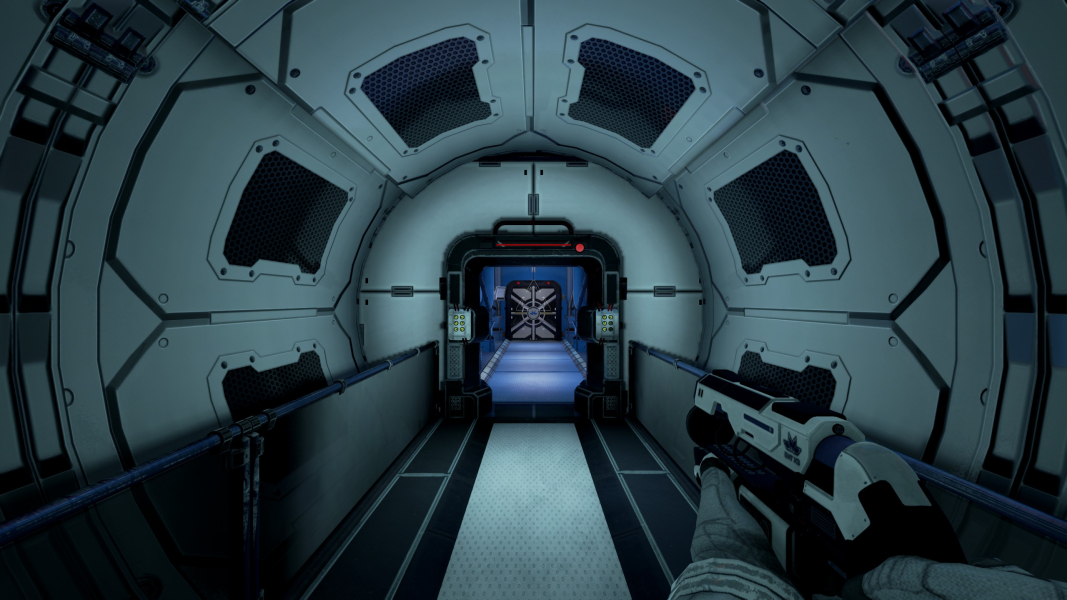
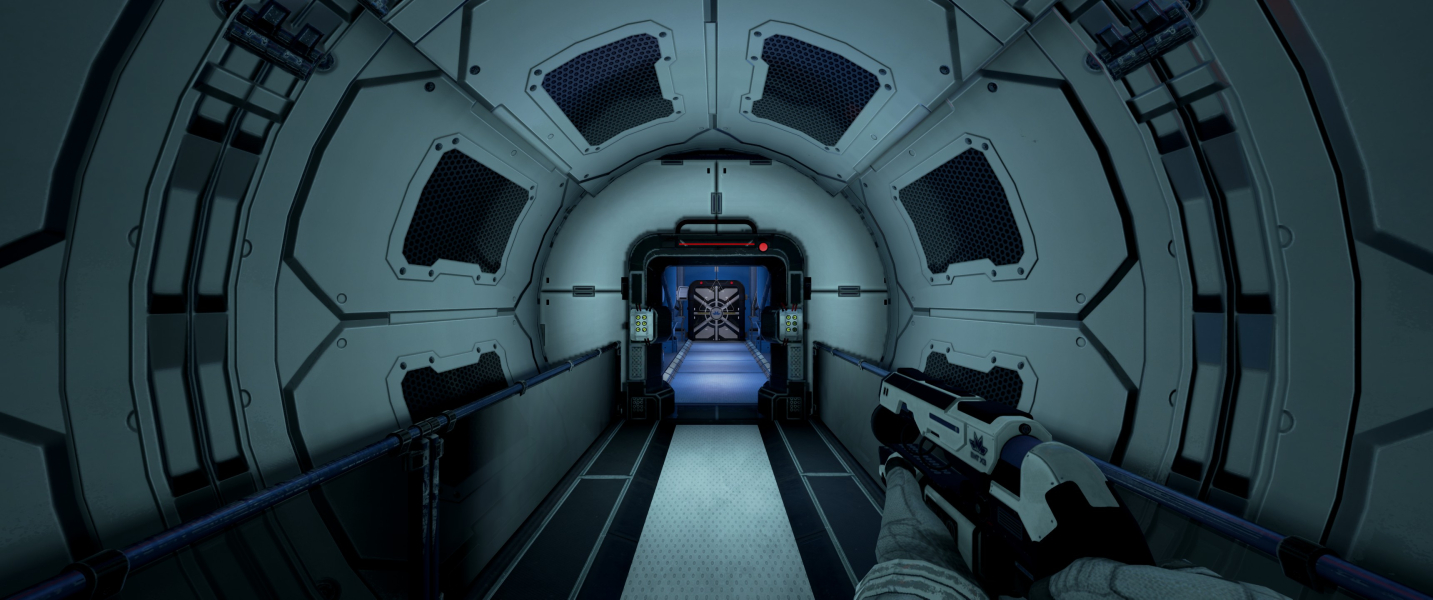


In-Game (Rendered) Cutscenes
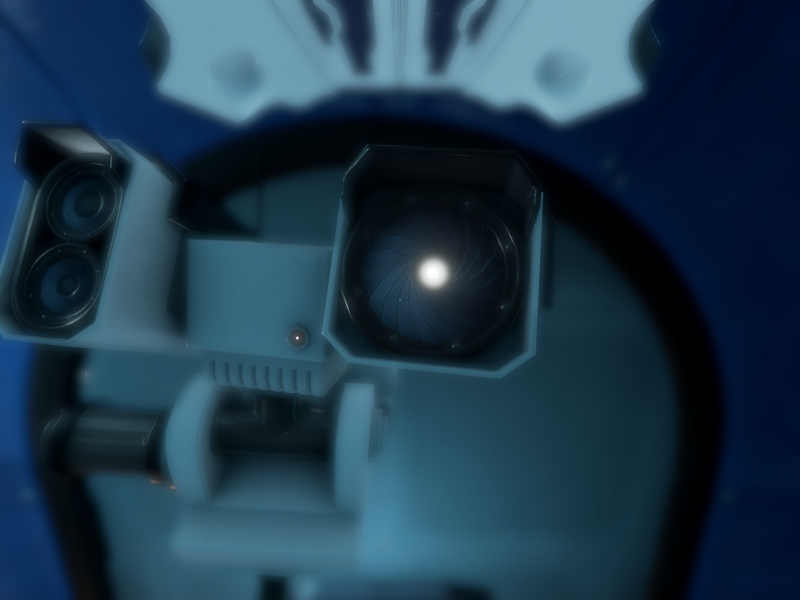
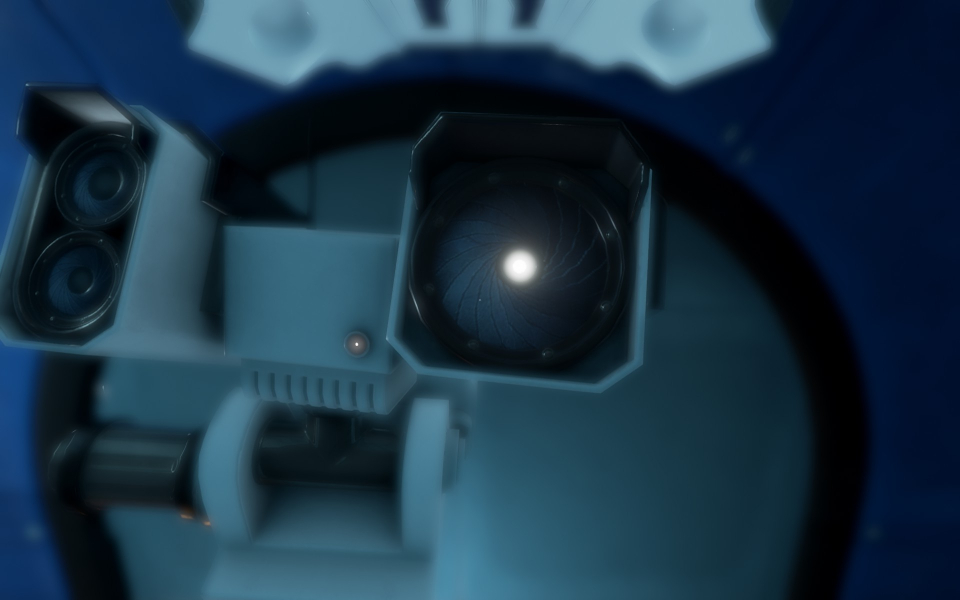
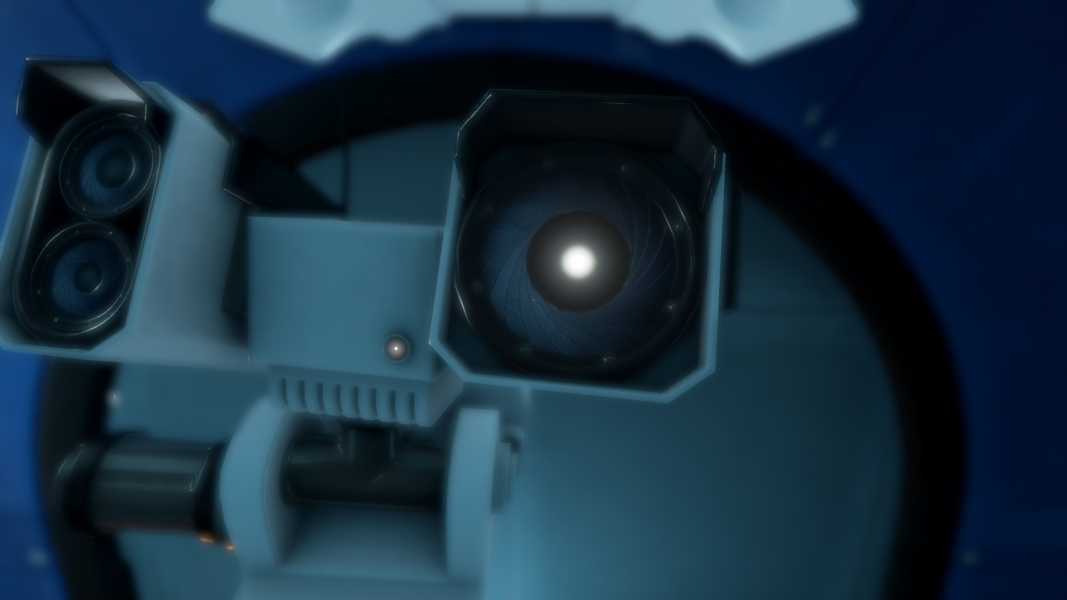

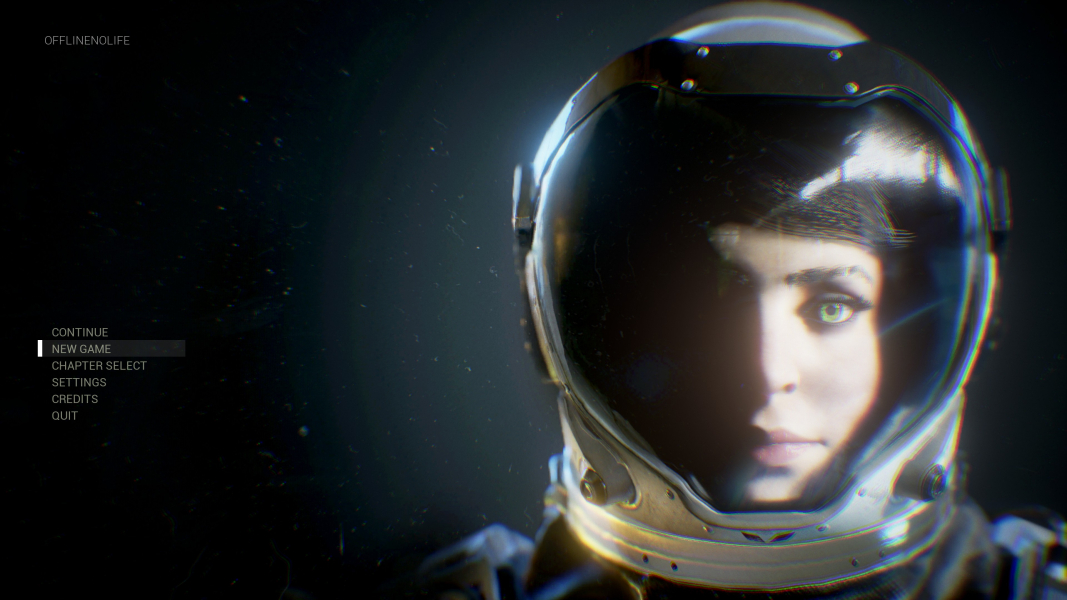
Menu Screenshots


4K UHD Screenshots

Additional Screenshots


