




A through Kickstarter financed exploration/mystery game made by the Myst/Riven developers.
Support Summary
Game Information
Game Status:Released
Release Date:
Tested Version:GOG
Play Styles:Single-Player
Genre:Puzzle Adventure
Developer:Cyan Worlds
Screenshots Comparison
Solutions & Issues
Widescreen Solution & Issues:
Use the FOV Slider in the Options.
Ultra/Super-Wide Specific Solution & Issues:
Use the FOV Slider in the Options.
Eyefinity / Surround Specific Solution & Issues:
Use CheatEngine to get a higher FOV. files available from the PC Gaming Wiki Community Files (search there).
Use the Attachment Obduction-FOV.zip press Numpad + or - ingame.
4K UHD Specific Solution & Issues:
Native support.
Gameplay Screenshots
4:3 Screenshot

16:10 Screenshot

16:9 Screenshot

21:9 Screenshot
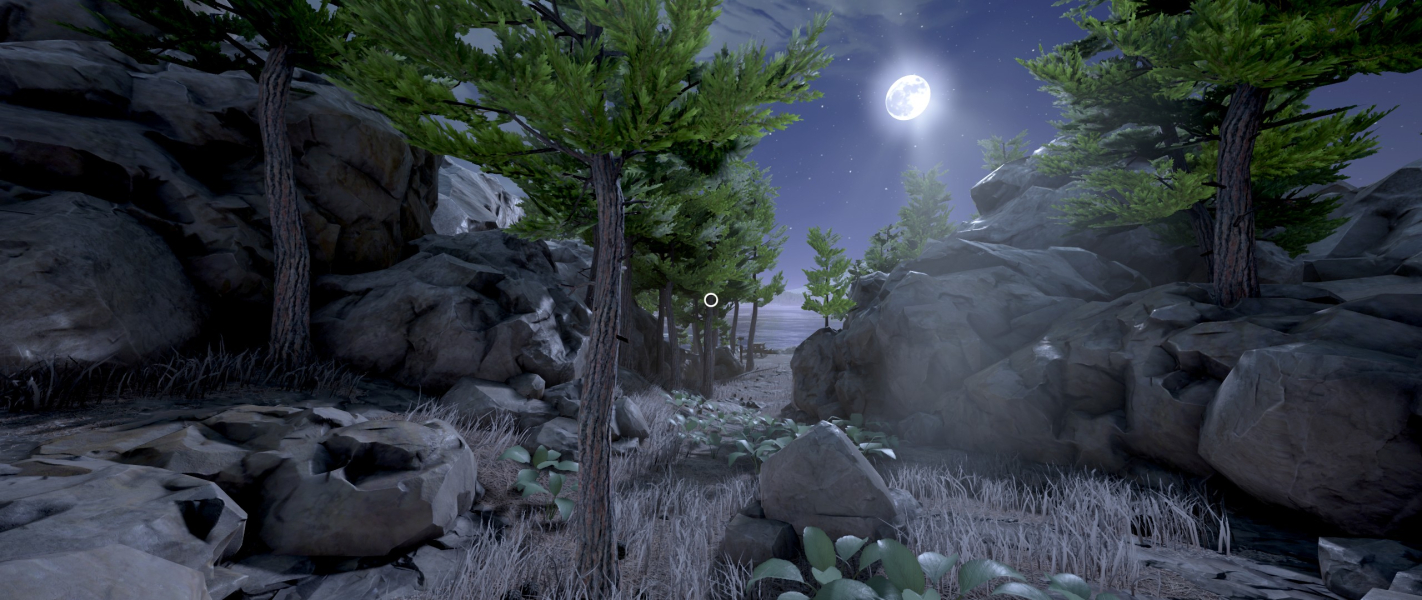
32:9 Screenshot

Eyefinity / Surround Screenshot

In-Game (Rendered) Cutscenes
4:3 Cutscene

16:10 Cutscene

16:9 Cutscene

21:9 Cutscene

Eyefinity / Surround Cutscene

FMV Cutscenes
4:3 FMV Cutscene

16:10 FMV Cutscene

16:9 FMV Cutscene

21:9 FMV Cutscene

Eyefinity / Surround FMV Cutscene

Menu Screenshots
4:3 Menu
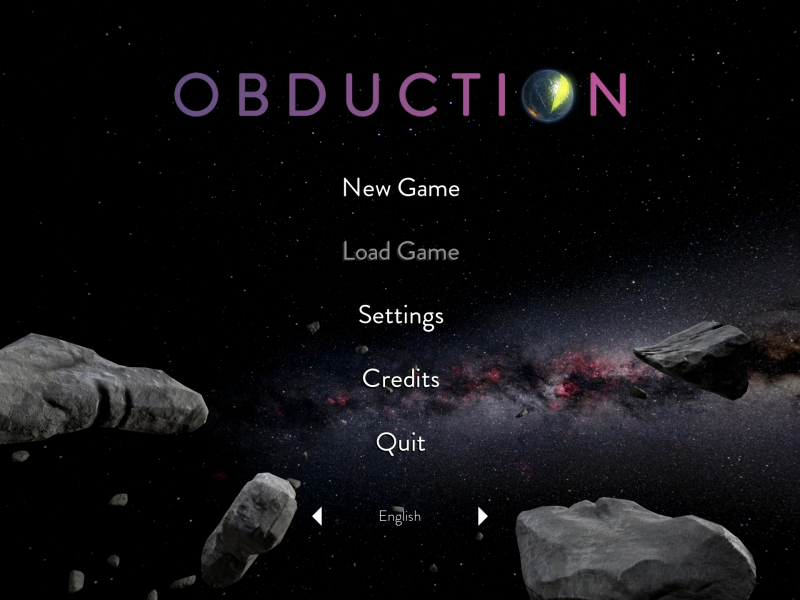
16:10 Menu

16:9 Menu
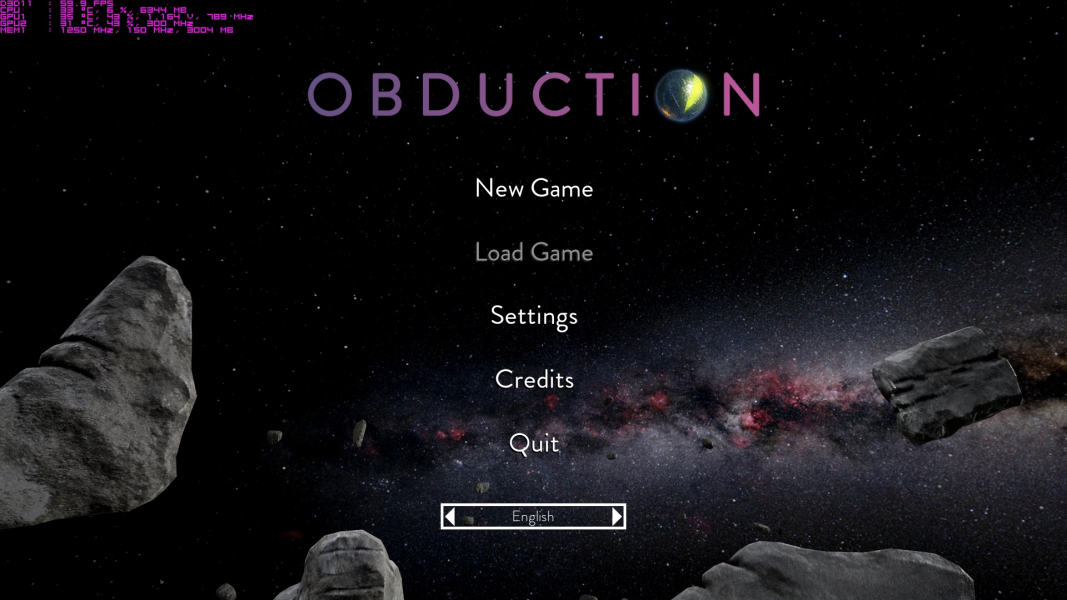
21:9 Menu
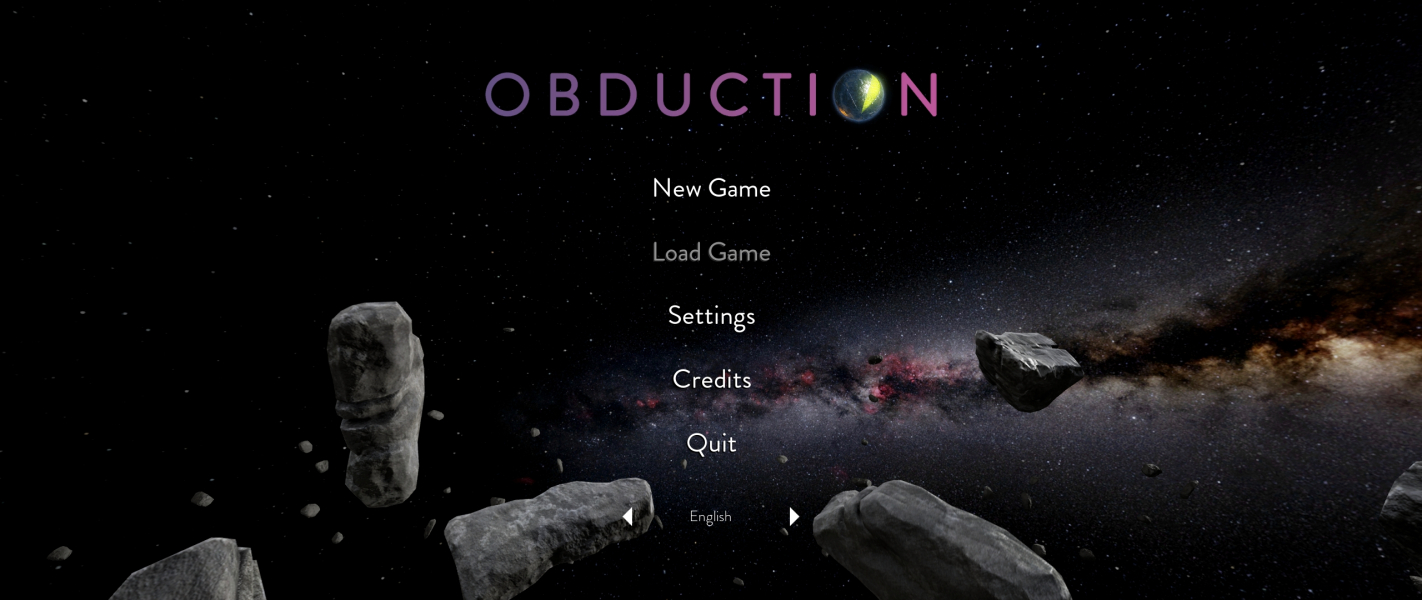
Eyefinity / Surround Menu

4K UHD Screenshots
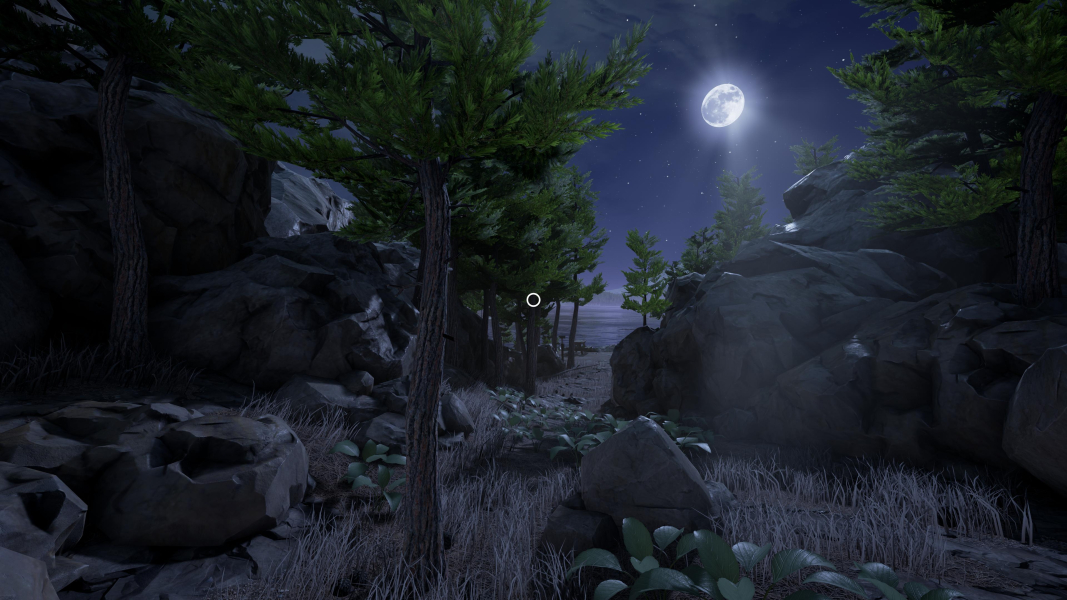
4K Gameplay Screenshot
4K Menu Screenshot

Additional Screenshots


FoV 145

Tallscreen Gameplay

Tallscreen Menu


