





Sequel to Incoming. Fight on the side of the aliens against the human forces.
Support Summary
Game Information
Game Status:Released
Release Date:
Tested Version:Steam
Setting:Sci-Fi
Developer:Rage Software
Screenshots Comparison
Solutions & Issues
Widescreen Solution & Issues:
Open forces.exe with a hex editor and replace AB AA AA 3F with your chosen aspect ratio (see Common HEX Values).
Everything 3D is Vert-. The menus and HUD are stretched from 4:3.
Ultra/Super-Wide Specific Solution & Issues:
FOV is too low. HUD is messed up.
Eyefinity / Surround Specific Solution & Issues:
FOV is far too low. HUD is messed up.
Gameplay Screenshots
4:3 Screenshot
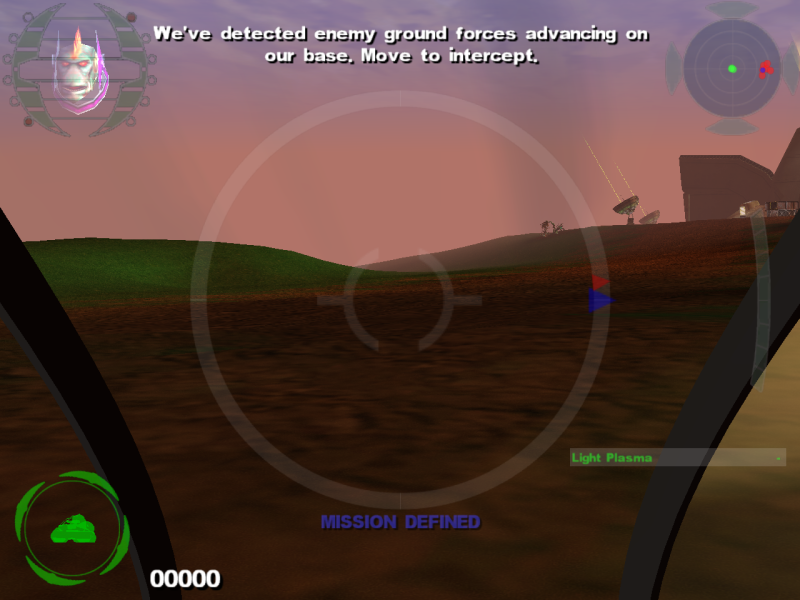
16:10 Screenshot
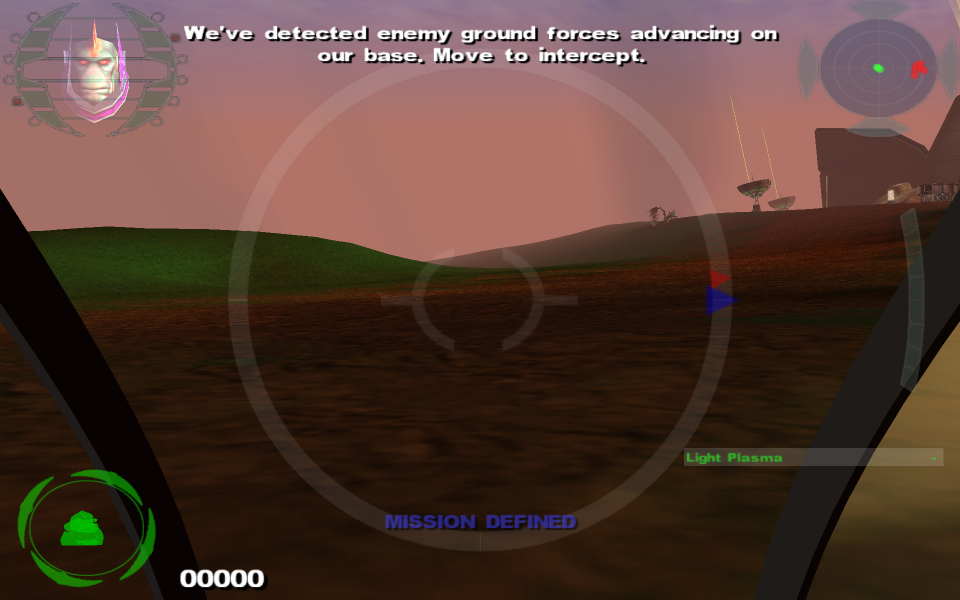
16:9 Screenshot
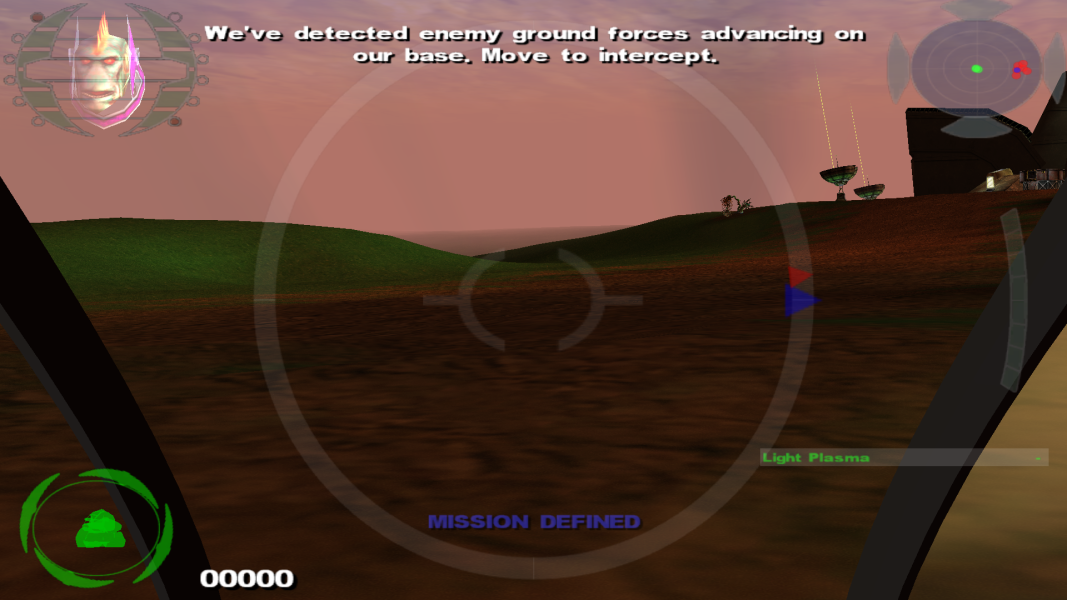
21:9 Screenshot
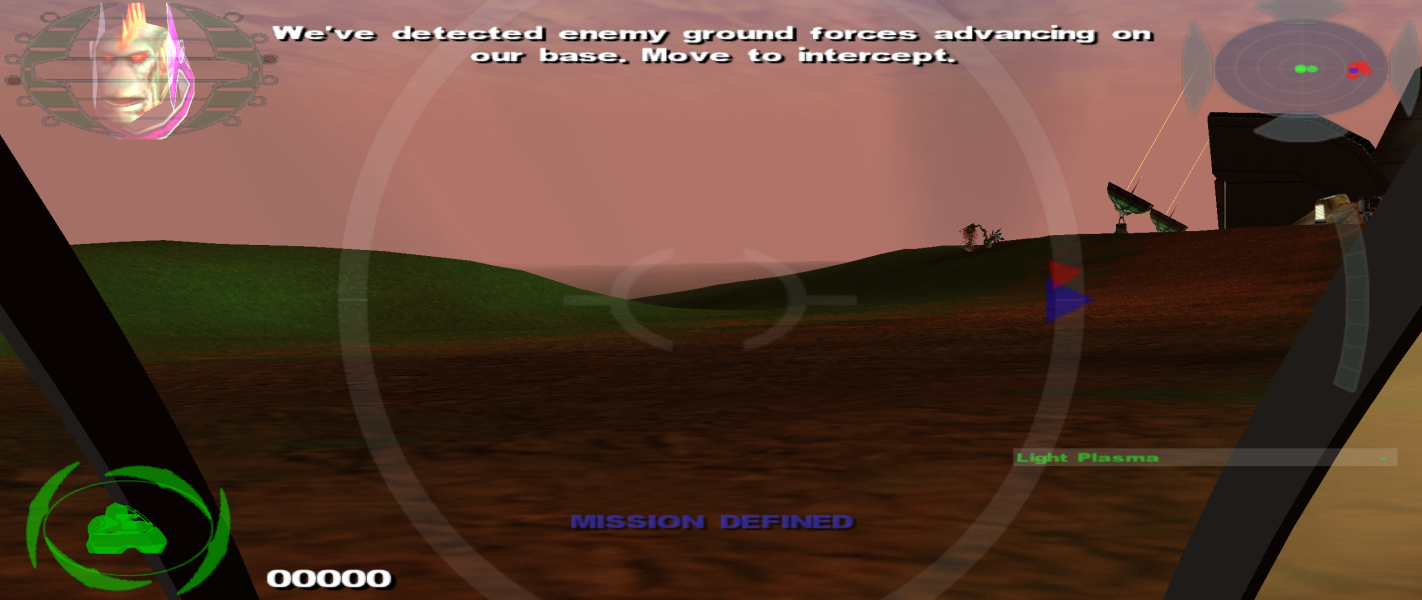
32:9 Screenshot

Eyefinity / Surround Screenshot

In-Game (Rendered) Cutscenes
4:3 Cutscene

Eyefinity / Surround Cutscene

Additional Screenshots

4:3 external camera

16:10 external camera

16:9 external camera

21:9 external camera


