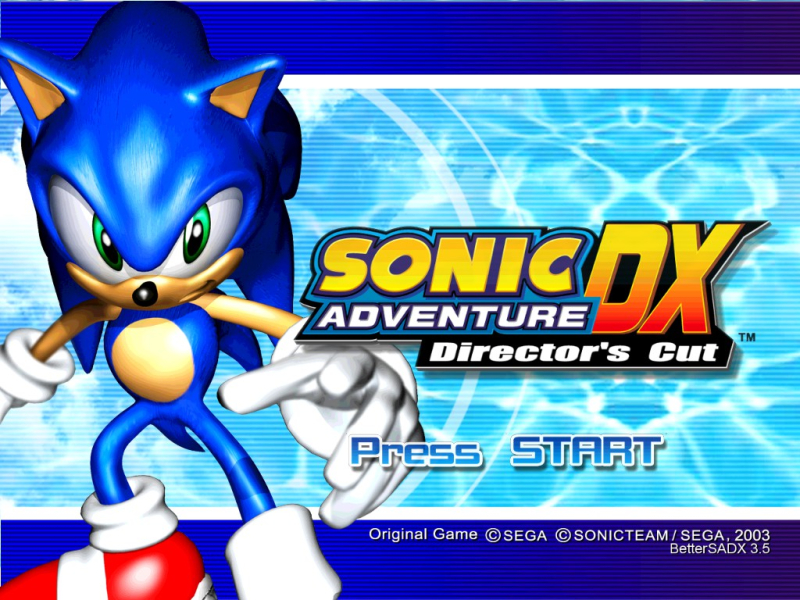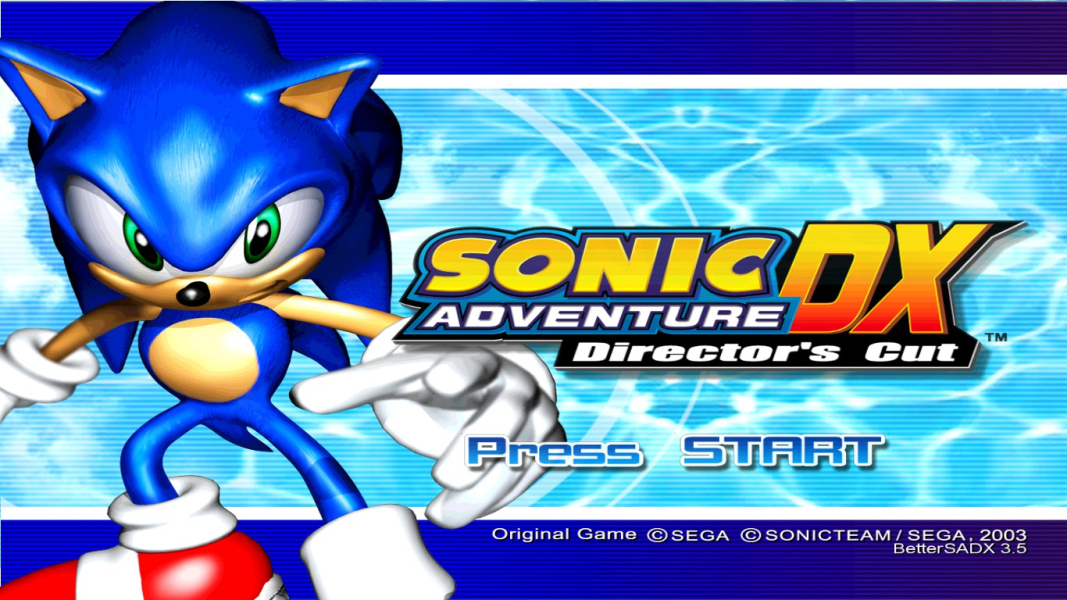


Sonic Adventure (ソニックアドベンチャー Sonikku Adobenchā?) is a platform video game developed by Sonic Team and published by Sega. It was originally released for the Dreamcast as a launch title in Japan in 1998, and worldwide in 1999. It was the first game in the main Sonic the Hedgehog series since Sonic & Knuckles in 1994, and was the best-selling game on the Dreamcast.
After series villain Doctor Eggman releases an ancient monster, protagonist Sonic the Hedgehog vows to stop him collecting the Chaos Emeralds. The other playable characters are flying fox Miles "Tails" Prower, love interest Amy Rose, Knuckles the Echidna, who plans to reassemble the Master Emerald, angler Big the Cat, and E-102 Gamma, one of Eggman's robots.
Sonic Adventure received generally positive reviews for its graphics, gameplay, and soundtrack. It became the best-selling Dreamcast game.
In 2003, an enhanced port was released for the GameCube and Windows titled Sonic Adventure DX: Director's Cut (ソニックアドベンチャー デラックス Sonikku Adobenchā Derakkusu?). Sonic Adventure DX includes a Mission Mode, which included 60 missions to complete throughout the Adventure Fields and Action Stages. It also contains an unlockable compilation that features twelve Game Gear games featuring Sonic and friends. They are Sonic Drift, Sonic Chaos, Sonic Labyrinth, Sonic the Hedgehog: Triple Trouble, Sonic Drift 2, Tails' Skypatrol, Sonic Blast, Tails Adventure, and the 8-bit versions of Sonic the Hedgehog, Sonic the Hedgehog 2, Sonic the Hedgehog Spinball, and Dr. Robotnik's Mean Bean Machine. Also, if all Emblems are collected, then the player can play as Metal Sonic. Reviews were generally less positive than those of its Dreamcast predecessor.
Support Summary
Widescreen | Ultra/Super‑Wide | Multi-Monitor | 4K Ultra HD | |
Support | ||||
Method | ||||
HUD | ||||
Cutscenes | ||||
FMVs |
Game Information
Screenshots Comparison
Solutions & Issues
BetterSADX 3.5
This was not made by me, simply sharing. All credit goes to Danhanado and any fellow contributors.
More information available here.
As far as I can tell, this should work with any resolution.
How to install
Download latest version (v3.5).
Run the file and follow the easy steps to install. You must own and install the Steam version of SADX before running the patch.
Configure
When you launch the game from Steam, you can still choose “Play” or “Configure” to change settings. Other than the resolution, we recommend you leave the settings as their defaults.
Set your resolution
To set your resolution:
Start the game from Steam and choose the Configure option.
Click the “Options” tab.
Next to “Use Custom Resolution” you can specify your own or click the “Native Resolution” button to use what your Desktop is currently set to.
Click “Save” and close the window or click “Save and Play”.
VSync & Anti-Aliasing
To enable these features, you will need to configure them via your graphics driver control panel.
As of 3.4, there is an experimental V-Sync toggle for when the game is ran in True Fullscreen as opposed to Windowed Fullscreen. It is recommended that if you are running Windows 7, 8, or 10, you have the Aero mode enabled, as Windowed Fullscreen actually relies on Aero for vertical syncing.
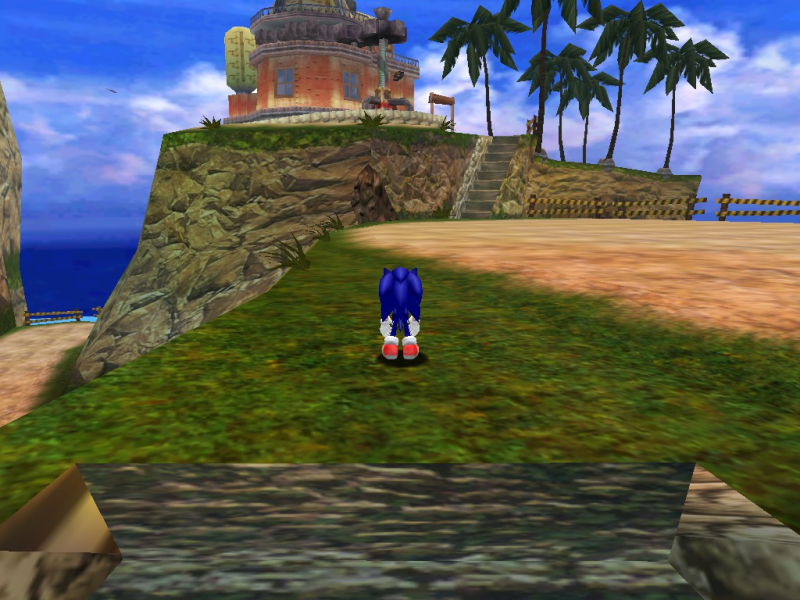
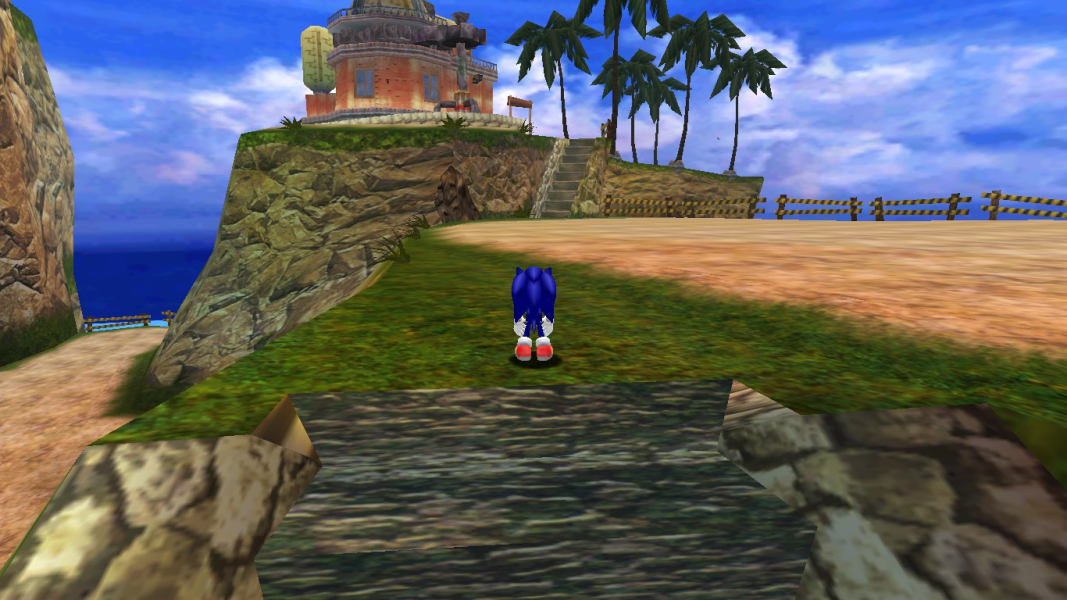
Gameplay Screenshots


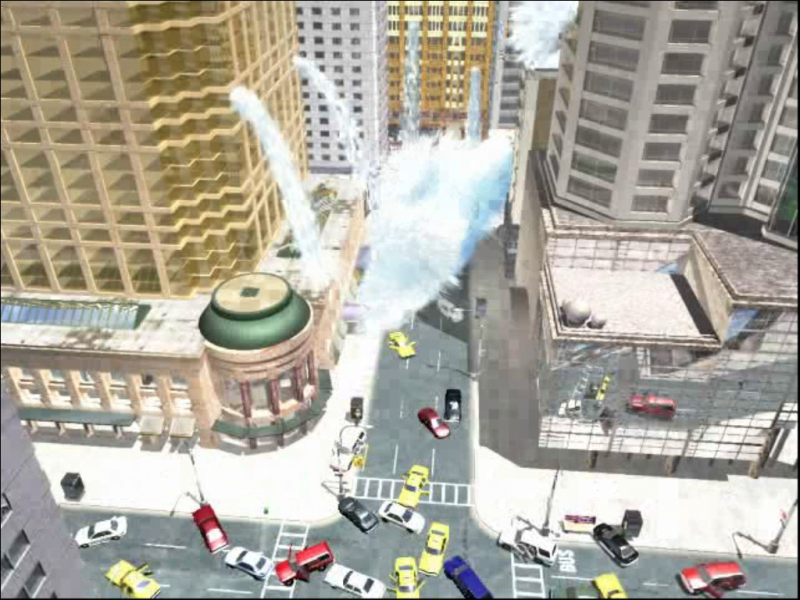
FMV Cutscenes

Menu Screenshots