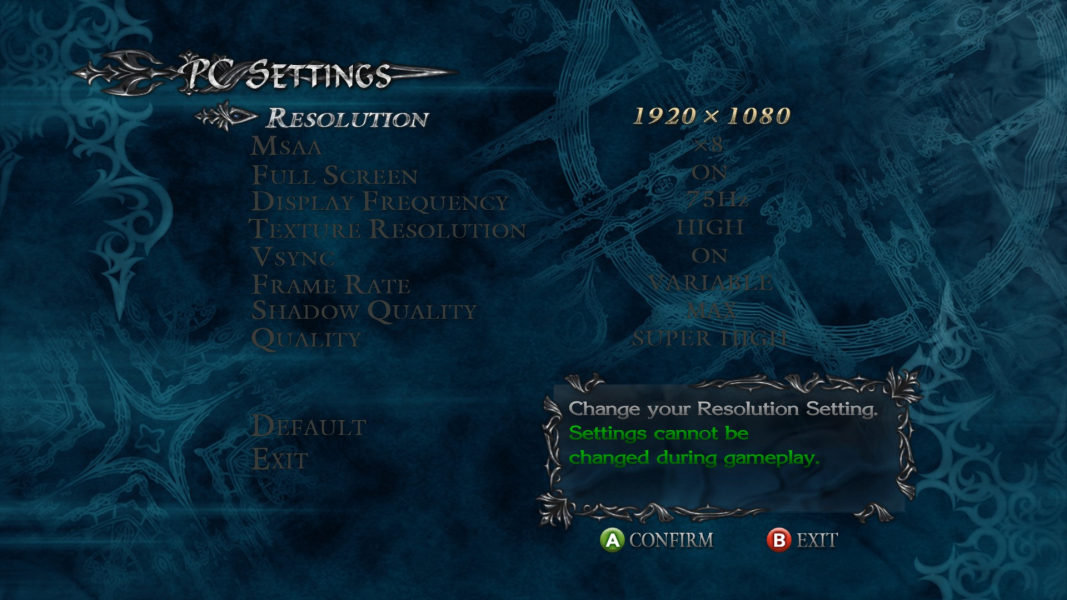


A remastered version of the game was released in June 2015 as Devil May Cry 4: Special Edition, which adds both English and Japanese voice tracks, improved visual effects and textures, in-game re-balancing, additional costumes, and 3 bonus playable characters: Vergil, returning from Devil May Cry 3, Trish, playable for the first time since Devil May Cry 2, and Lady, who makes her playable debut.
Support Summary
Widescreen | Ultra/Super‑Wide | Multi-Monitor | 4K Ultra HD | |
Support | ||||
Method | ||||
HUD | ||||
Cutscenes | ||||
FMVs |
Game Information
Screenshots Comparison
Solutions & Issues
Native Anamorphic
The game needs a HEX edit.
Use any program for Hex editing such as HxD.
Navigate to your game files (Right click the game in steam > Properties > Local Files > Browse Local Files) In the top-level folder look for DevilMayCry4SpecialEdition.exe
Open it in your Hex editor.
Look for "39 8E E3 3F" and change it to "8E E3 18 40"
There should be only one entry to find.
Now click Save and close.
Launch the game
Note how the game may appear to be Windowed at 2560x1440, press alt+enter to fullscreen
Note that the menus are still stretched and look like s*%# (don't worry about this, I haven't found a way to modify the menus, but your in-game will be the right resolution)
No support for Eyefinity / Surround - max Resolution in Game is 2560 x 1440 - max Aspect is 16:9
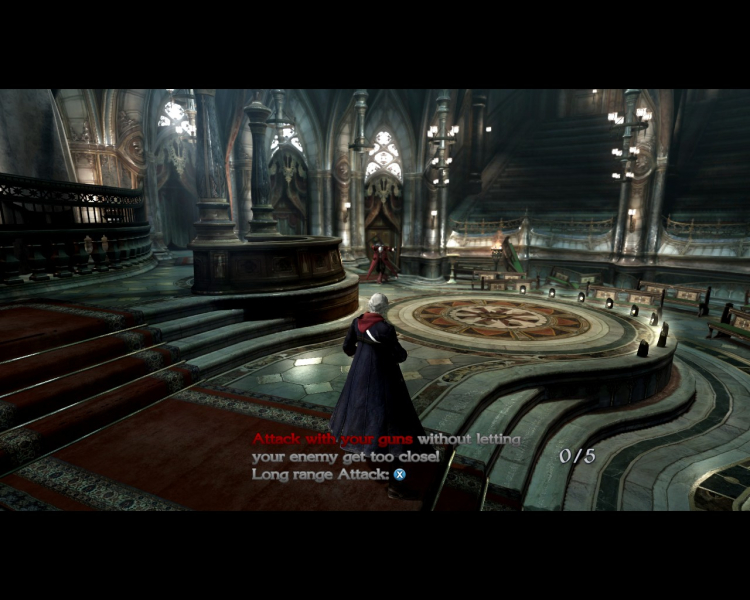
Gameplay Screenshots


In-Game (Rendered) Cutscenes
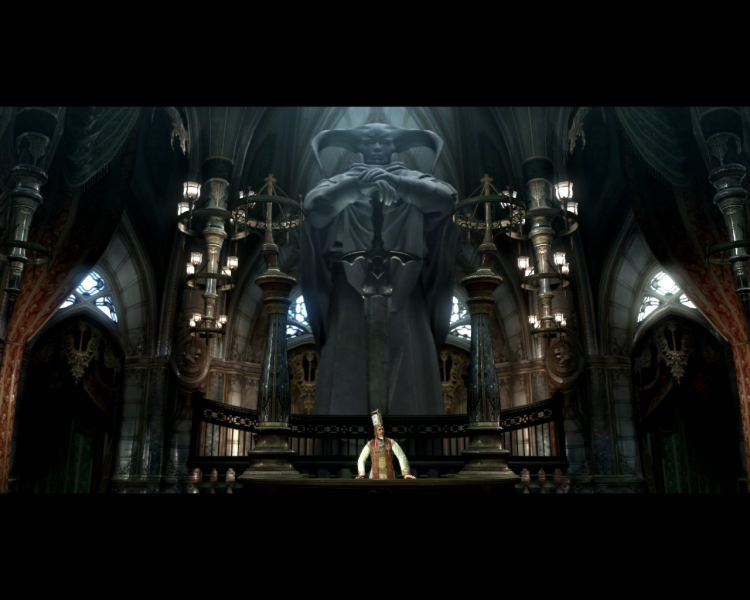

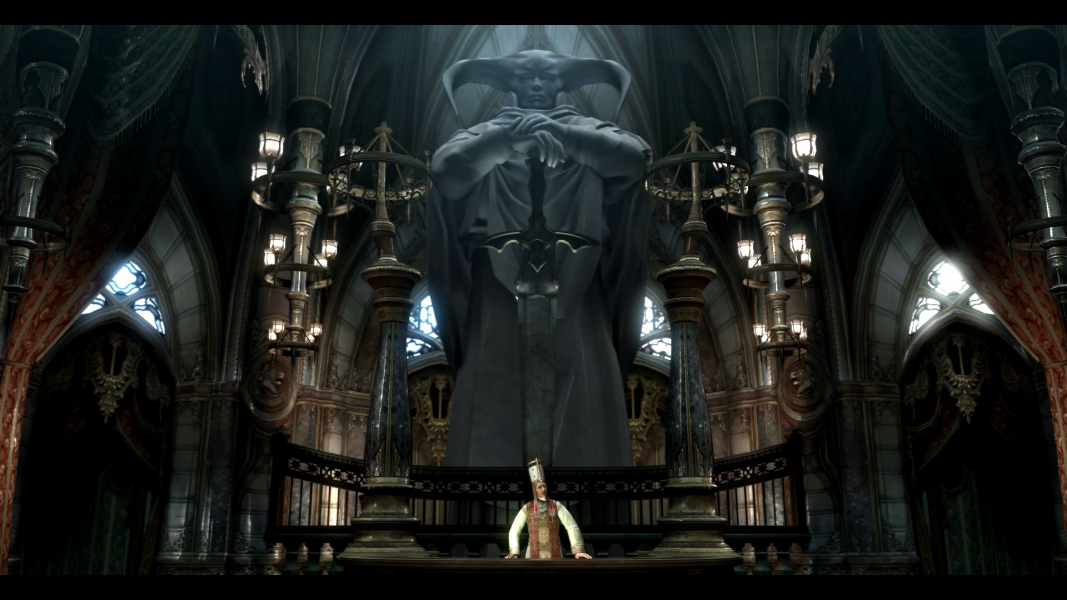
FMV Cutscenes
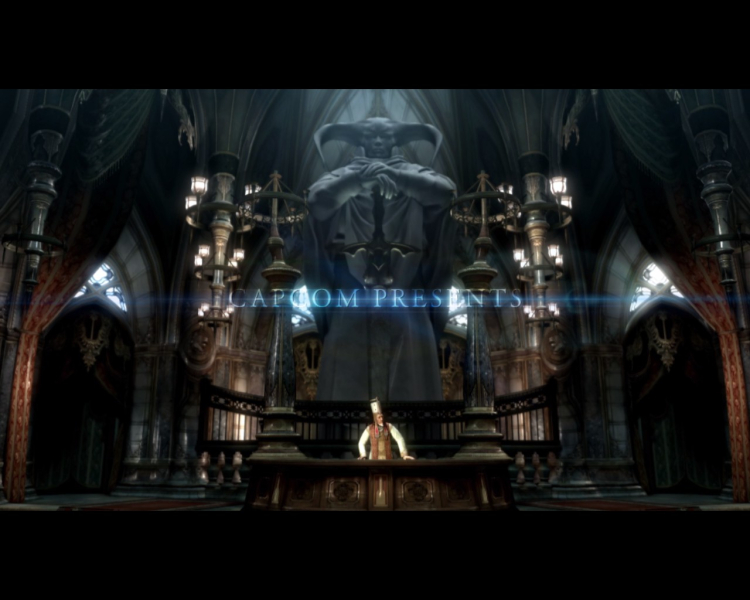
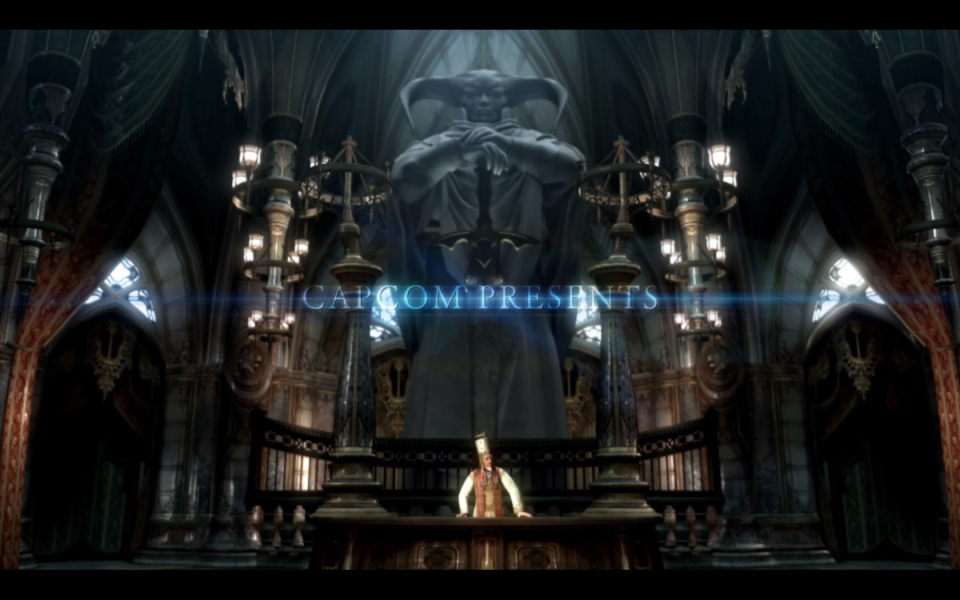
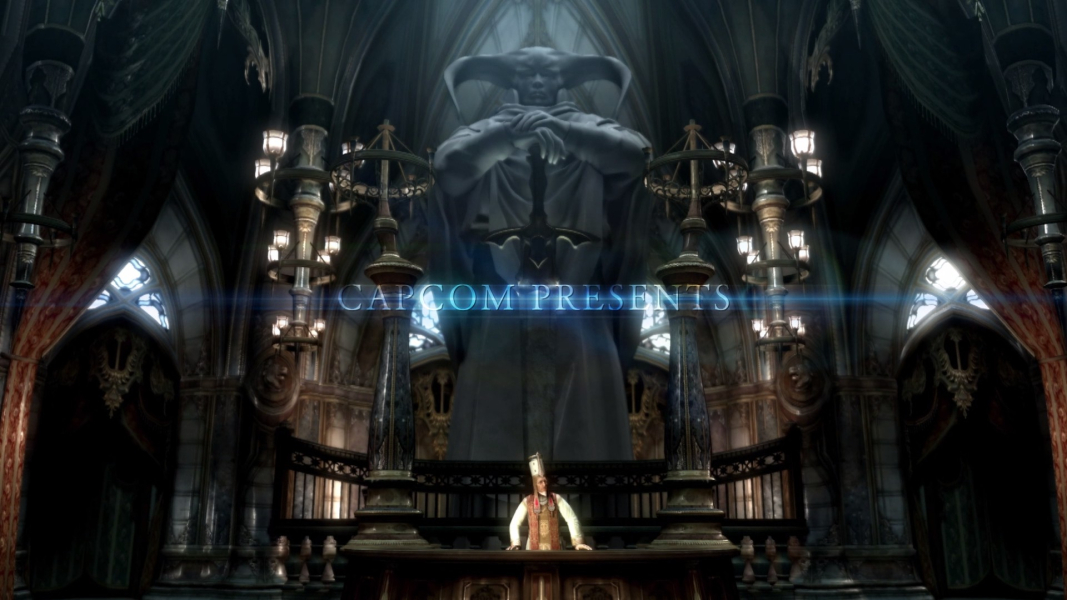
Menu Screenshots